Meshing of a car hood using ANSA
AIM:
To mesh the given car hood model with the required quality criteria
|
S.No |
Quality Criteria |
Value |
|
1 |
Target/Average length |
5 |
|
2 |
Minimum Length |
2 |
|
3 |
Maximum Length |
7 |
|
4 |
Aspect |
3 |
|
5 |
Warpage |
15 |
|
6 |
Skewness |
45 |
|
7 |
Jacobian |
0.7 |
|
8 |
Minimum Quad Angle |
45 |
|
9 |
Maximum Quad Angle |
135 |
|
10 |
Minimum Tria Angle |
30 |
|
11 |
Maximum Tria Angle |
120 |
|
10 |
Tria Percentage |
15 |
THEORY:
PROCEDURE:
Import the given model into ANSA. Here we can see some yellow and grey colors in the model this due to an orientation issue to fix this we use the orient option under Faces option in the Topo module
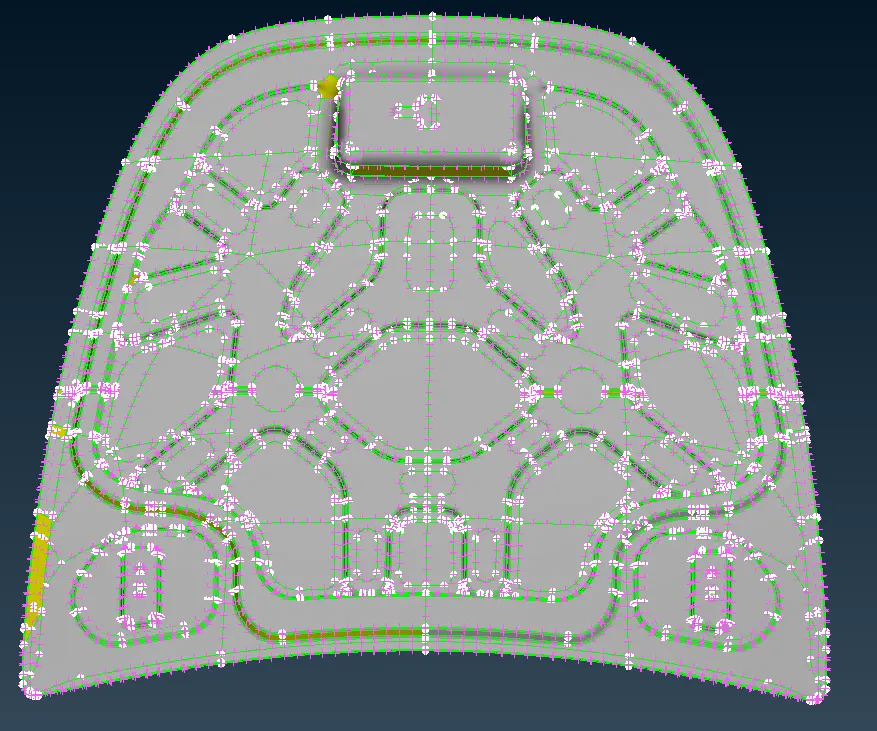
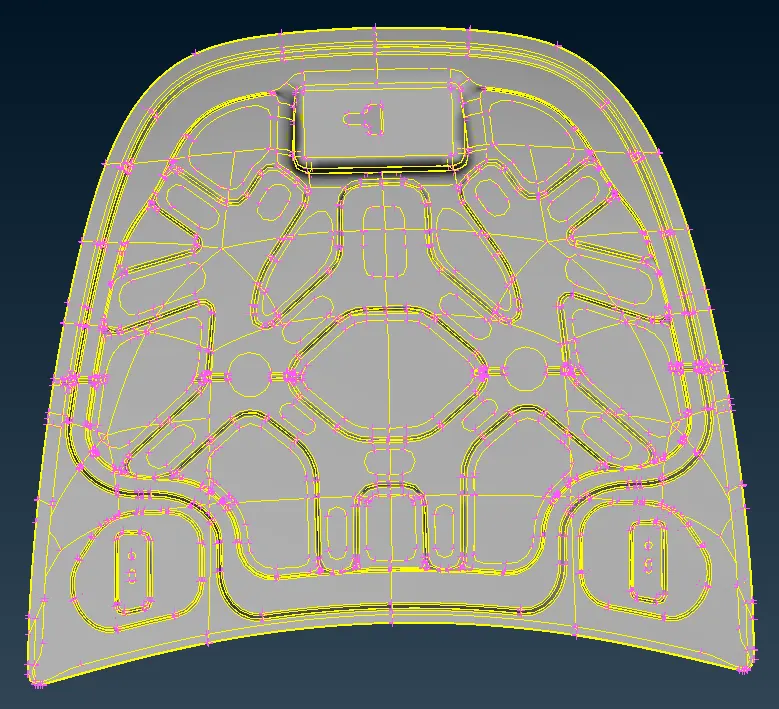
Before using orient option After using orient option
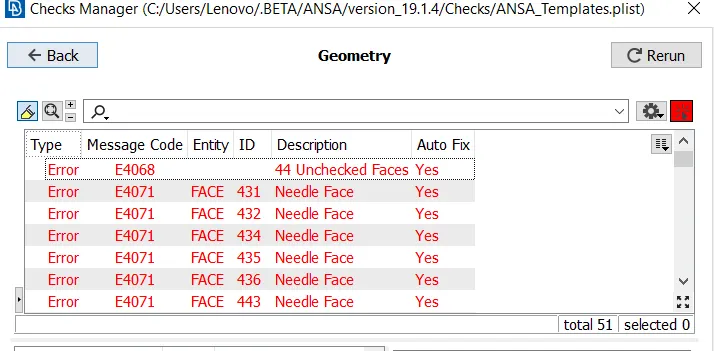
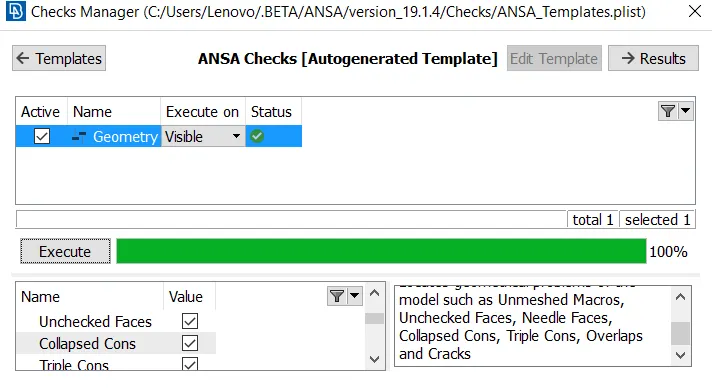
The entire model was checked with the help of the check manager and errors was corrected with the help of topo module and some were corrected using the auto fix provided by ANSA
There are four components in the model, Inner panel,outer panel, latch and hinges. Here we extract the mid-surface of each components using the skin mid surface option as in the components all parts are of uniform thickness hence doing auto mid we can get a better surface in a less amount of time
For the inner and outer extract we only need to extract the mid surface of half part and the rest can be copied using the copy command as they both are symmetrical and it can be verified using the Rm.Dbl option in Faces under Topo module
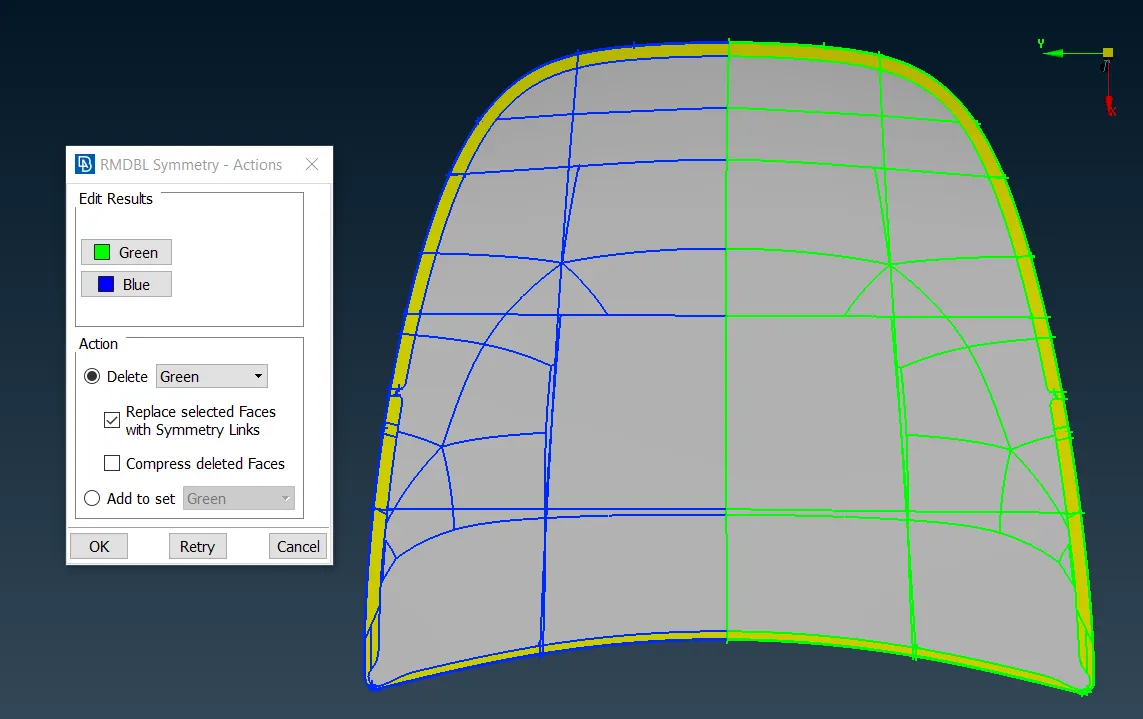
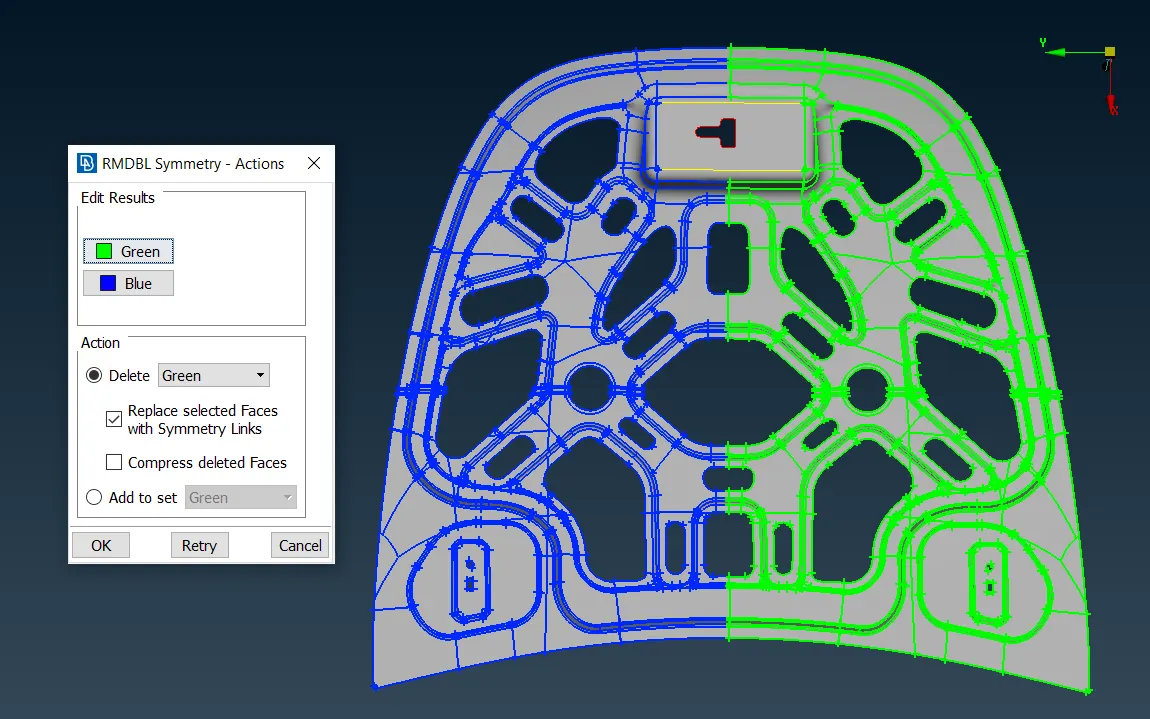
We use skin option to extract mid-surface as the components are sheet metal components of uniform thickness.Then we assign separate PIDs and respective thickness to each component
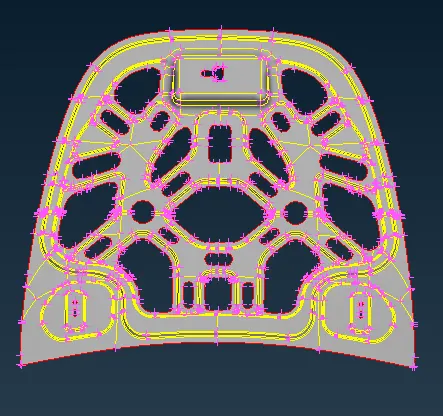
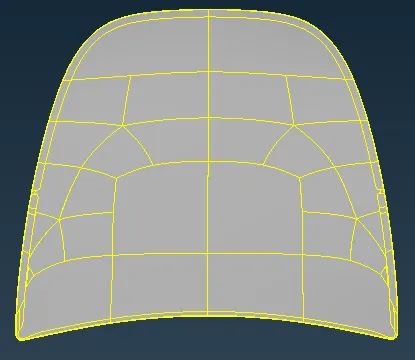
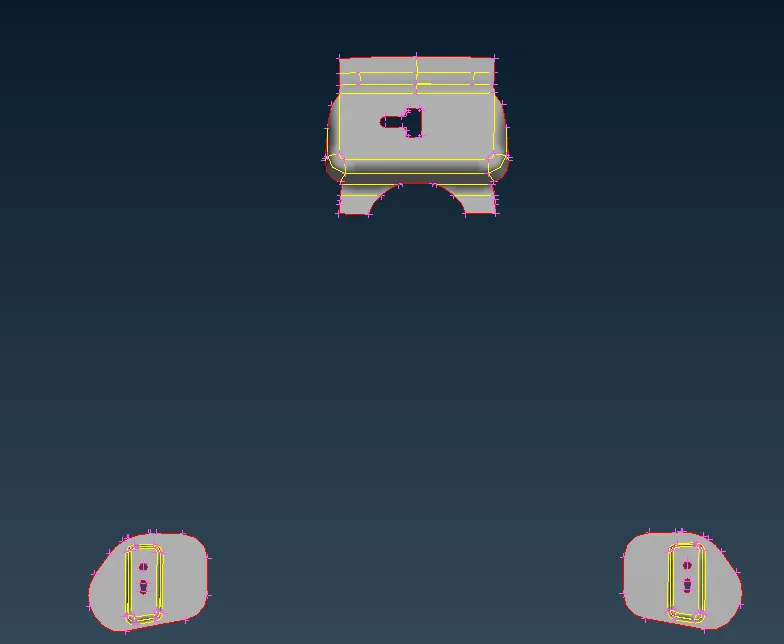
For meshing we only need to mesh half of the inner and extract body and also only one of the two hinges as the rest can be just reflected using the copy command
After extraction of mid surfaces, we start to mesh the components. Meshing can be started from a more complex region and then moved in a continuous order to get a proper mesh flow. Although this completely depends on the perspective of a CAE engineer. We use the best option to generate the mesh
We construct many topological lines in our model for our accordance to get a better mesh flow. After meshing many quality errors occurred which can be corrected using the split, swap, smooth, move, reconstruct options in the mesh module
The meshed model is then assigned thickness using the draw shell as solids option in presentation parameters under the quality tab
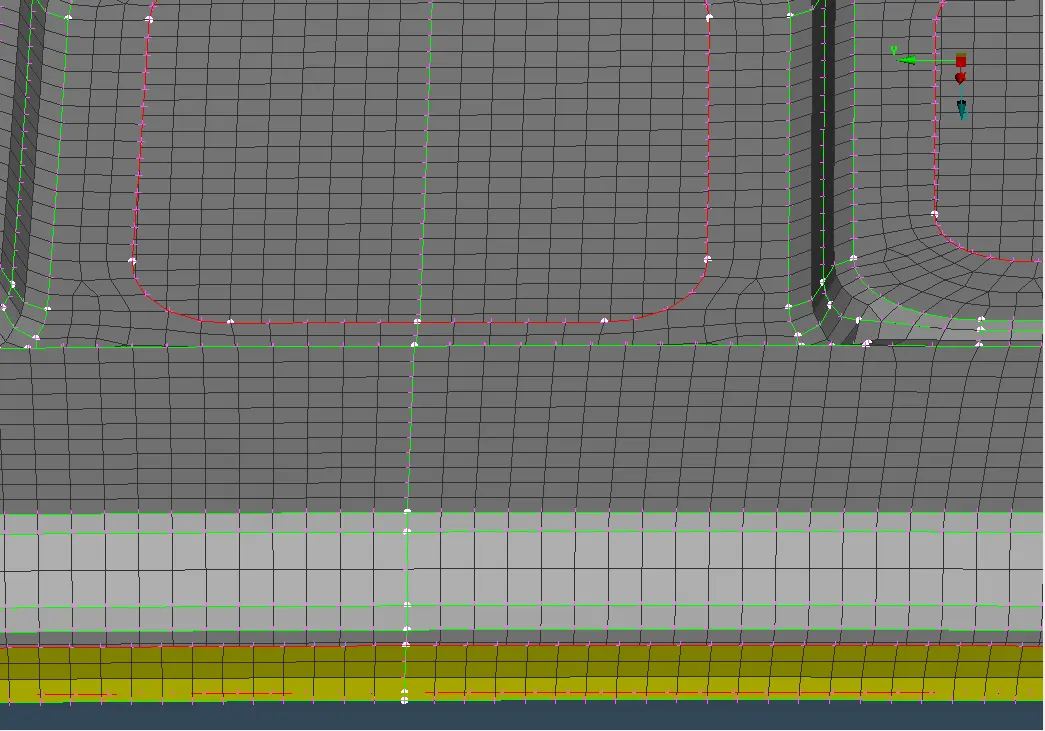
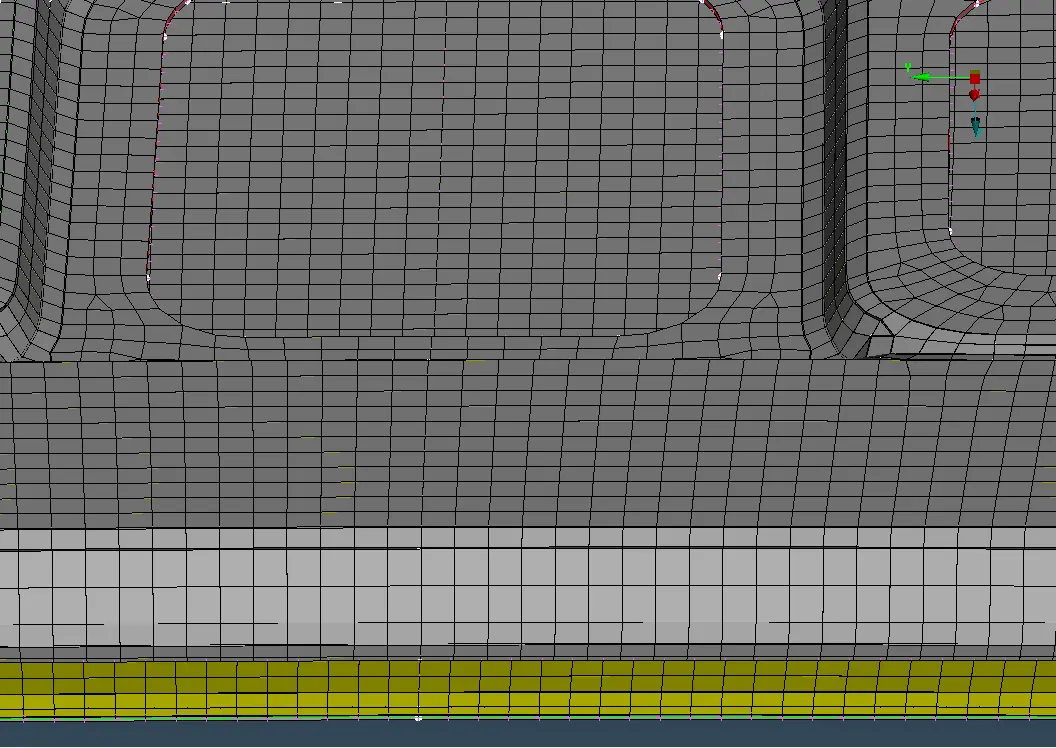
Without thickness With Thickness
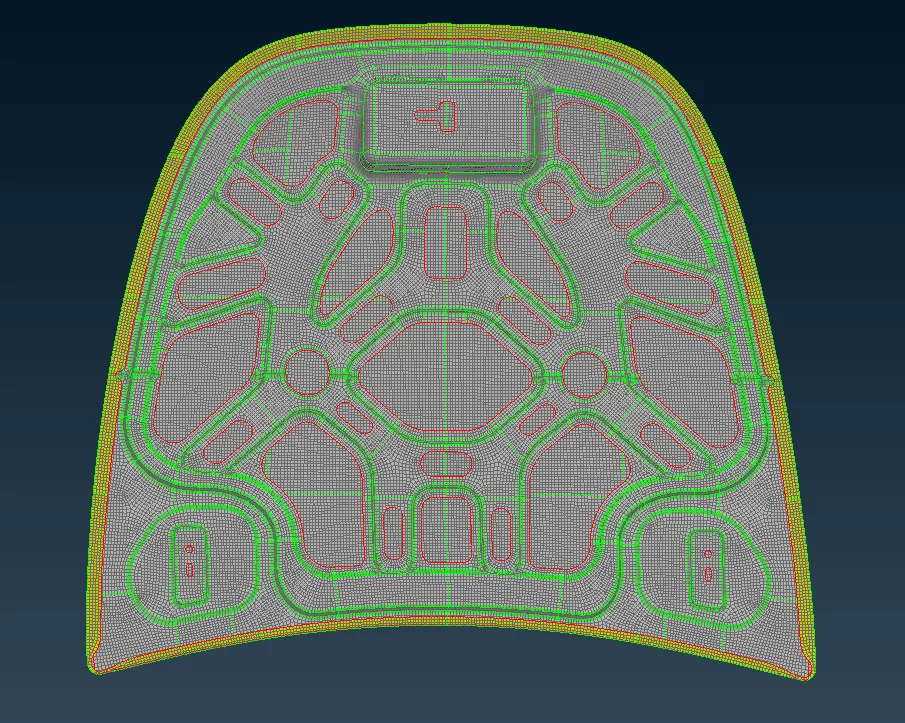
FINAL MESHED MODEL:
RESULT:
Mid surface for the component was extracted using skin option
The component successfully meshed within the quality criteria and features were captured well
LEARNING OUTCOMES:
Since the component was of uniform thickness here automatic mid surface(skin) option could give a good mid-surface
Learned to mesh and keep up the mesh within the quality criteria and also got familiarized with ANSA GUI