Week 3 - 2D meshing for Sheet metal
Report On 2D Meshing of Sheetmetal(Hood)
Aim:
- To extract the mid surface from the given CAD model of Hood and mesh the extracted mid surface.
Software Used: ANSA
Hood:
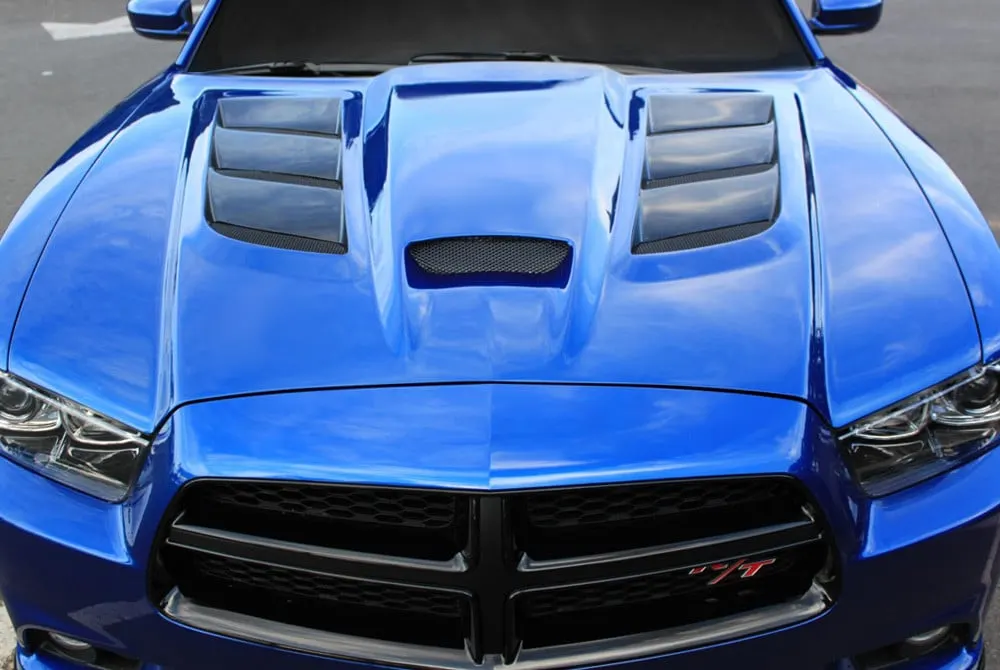
- The hood or bonnet is the hinged cover over the engine of motor vehicles. Hoods can open to allow access to the engine compartment, or trunk on rear-engine and some mid-engine vehicles for maintenance and repair.
- On front-engined cars, the hood may be hinged at either the front or the rear edge, or in earlier models (e.g. the Ford Model T) it may be split into two sections, one each side, each hinged along the centre line. Another variant combines the bonnet and wheel arches into one section which allows the entire front bodywork to tilt forwards around a pivot near the front of the vehicle (e.g. that of the Triumph Herald).
- Pedestrian Safety is also considered as one of the most crucial factors while developing a hood. In Japan and Europe, regulations have come into effect that place a limit on the severity of pedestrian head injury when struck by a motor vehicle.[2] This is leading to more advanced hood designs, as evidenced by multi-cone hood inner panel designs as found on the Mazda RX-8 and other vehicles. Other changes are being made to use the hood as an active structure and push its surface several centi-meters away from the hard motor components during a pedestrian crash. This may be achieved by mechanical (spring force) or pyrotechnic devices.
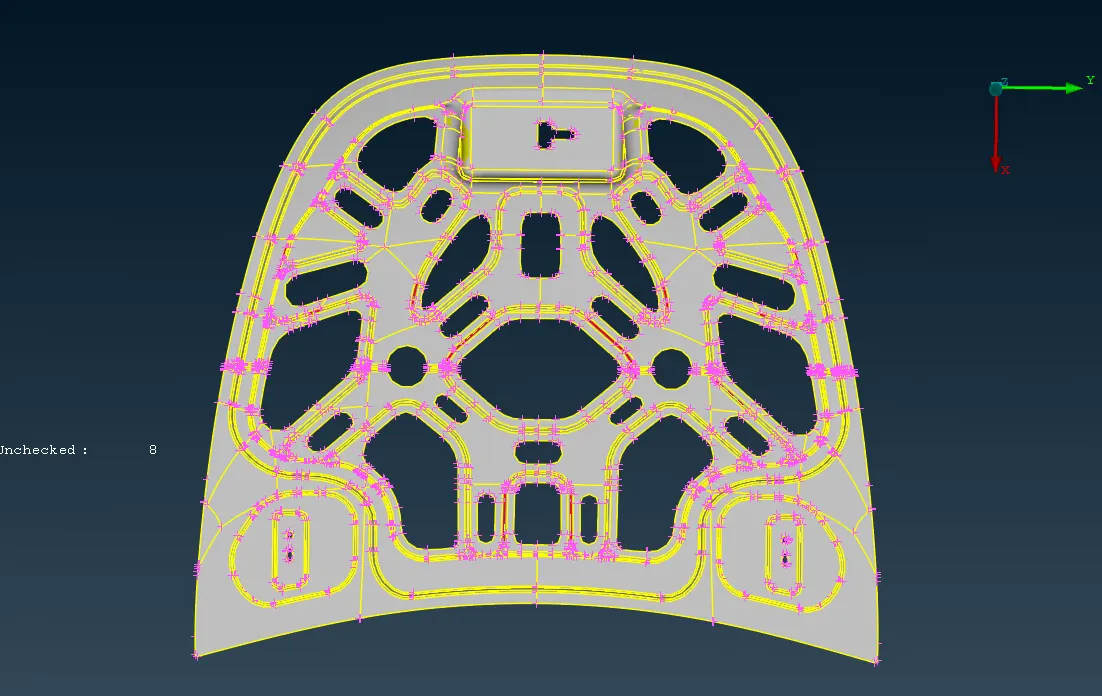
Given CAD model of Hood:
Pre-processing:
Pre-processing involves steps .They are:
- Import the CAD
- Geometry clean up
- Skin/Mid Surface Generation
- Shell/Solid Meshing
- Element Quality Check
- Mesh Improvement
- Boundary Conditions
- Apply load
- Export Input File
Step - 1:
- Cad file is imported in ANSA software
Step - 2:
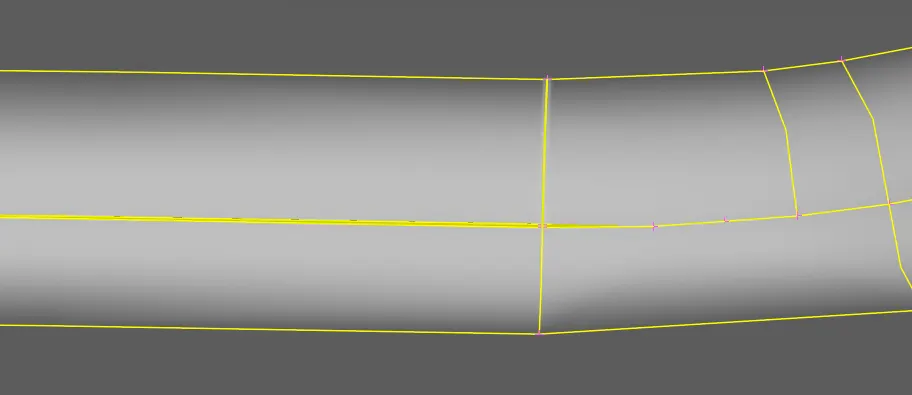
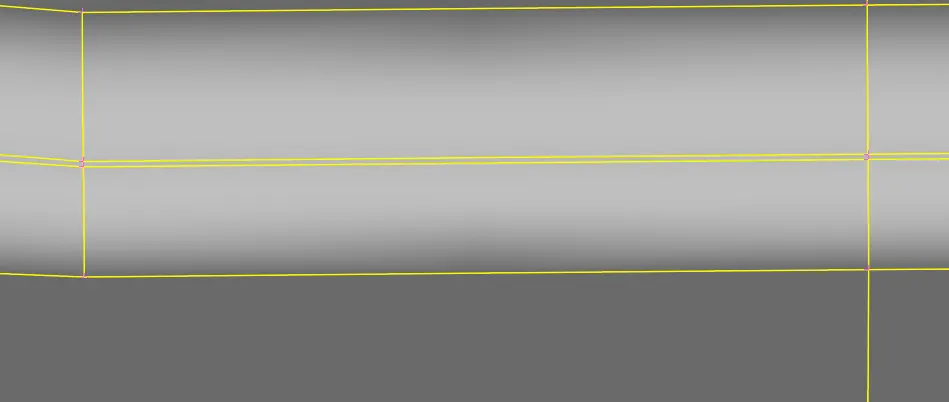
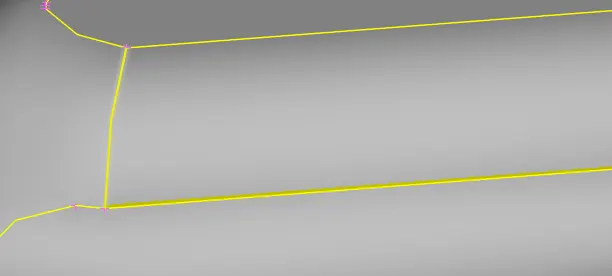
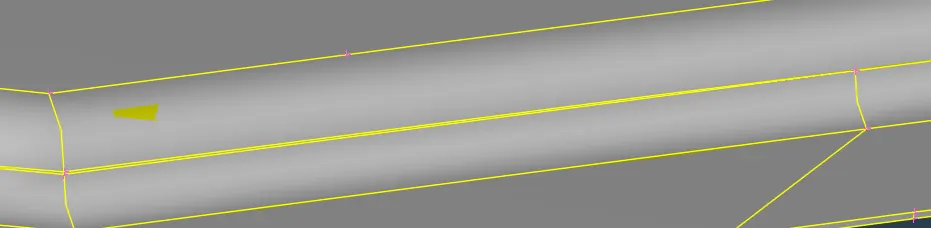
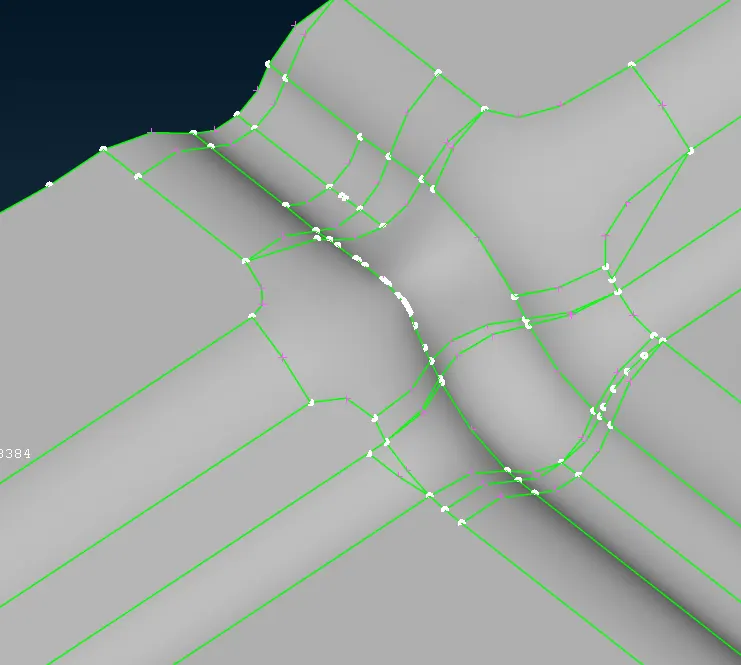
- The imported CAD geometry has few errors due to transfer of the CAD model into ANSA.
- Perform geometry check, so that we can find errors such as unchecked faces,needle faces and cracked faces.
- Switch to Classic Topo module.
- we can fix these issues using Topo commands such as insert,delete,paste,releasetopo,cut,new...
- Following are the errors in the geometry.
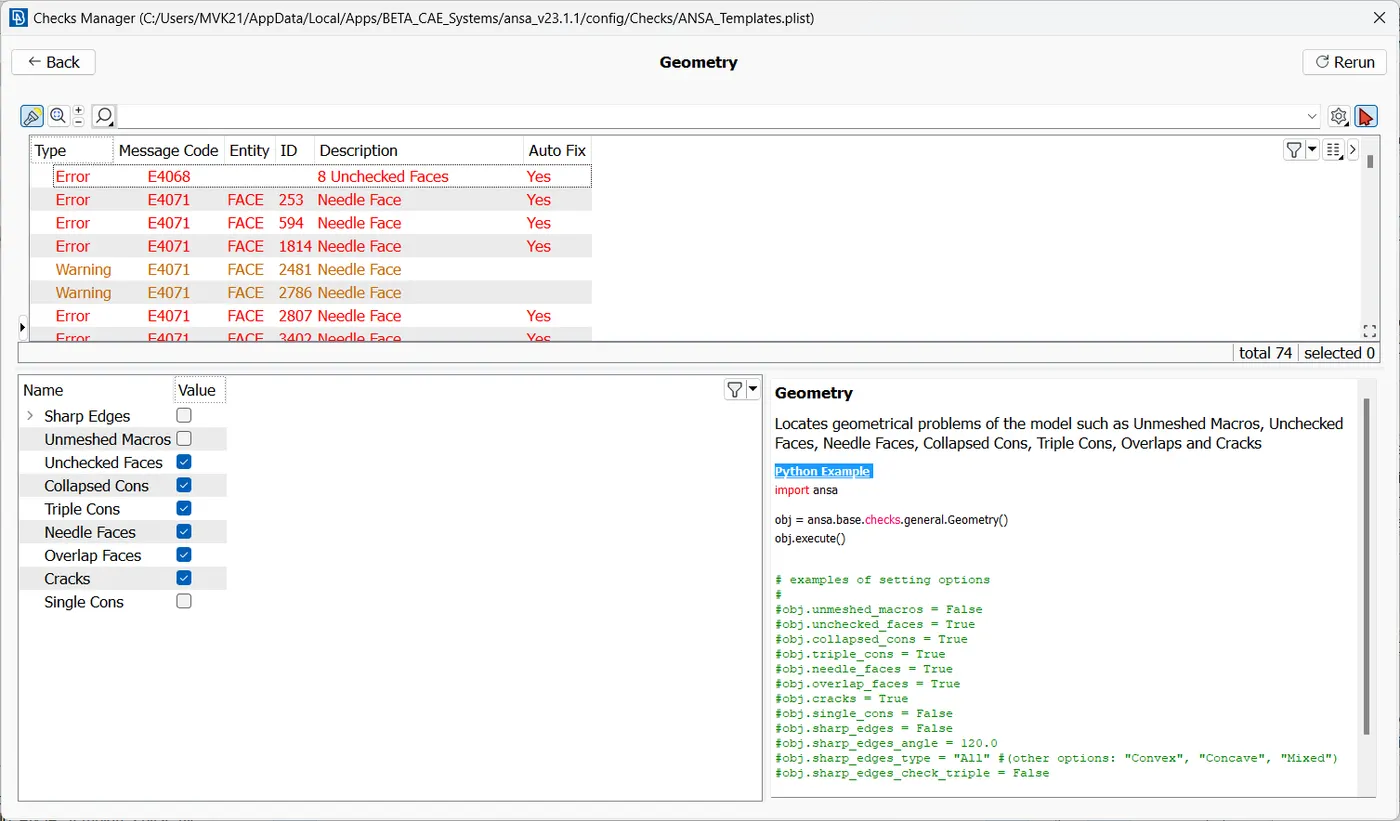
Before Fixing:
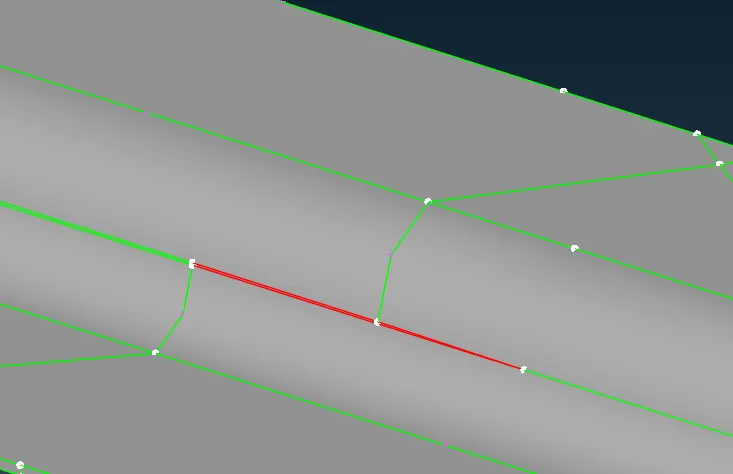
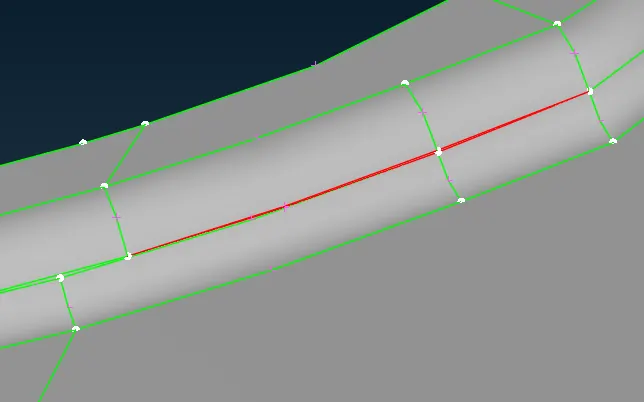
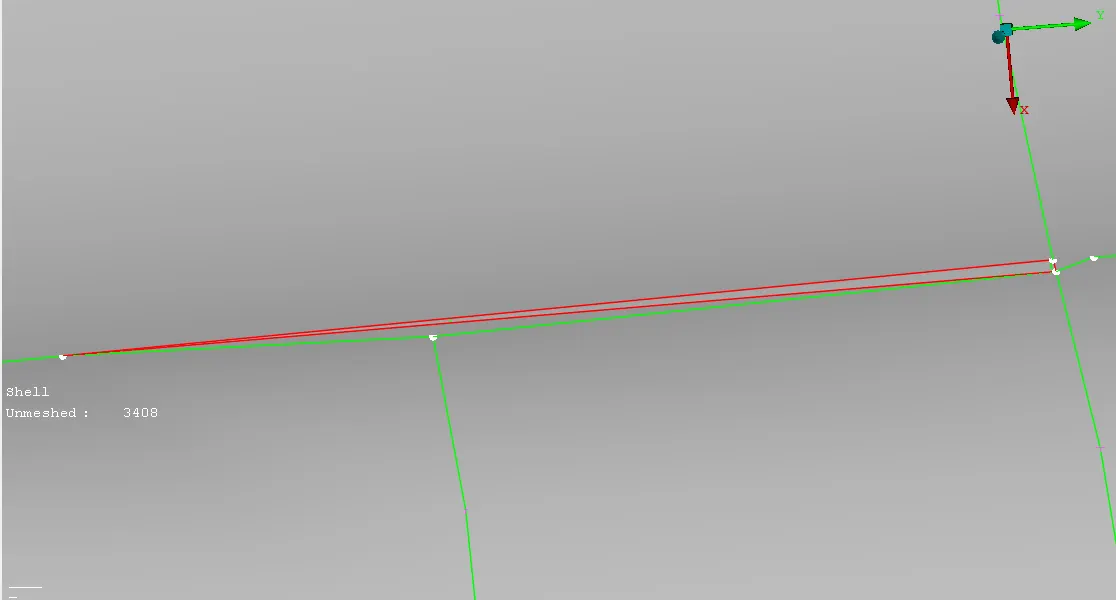
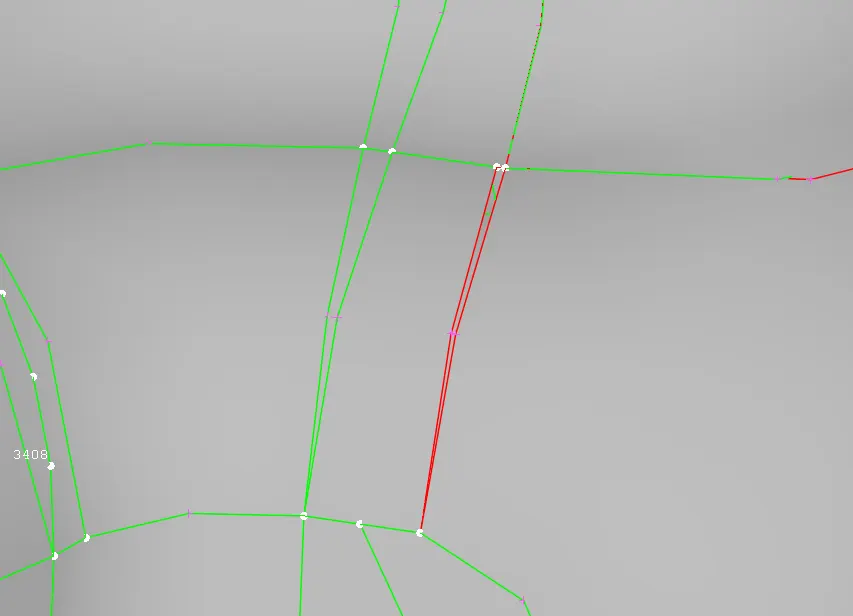
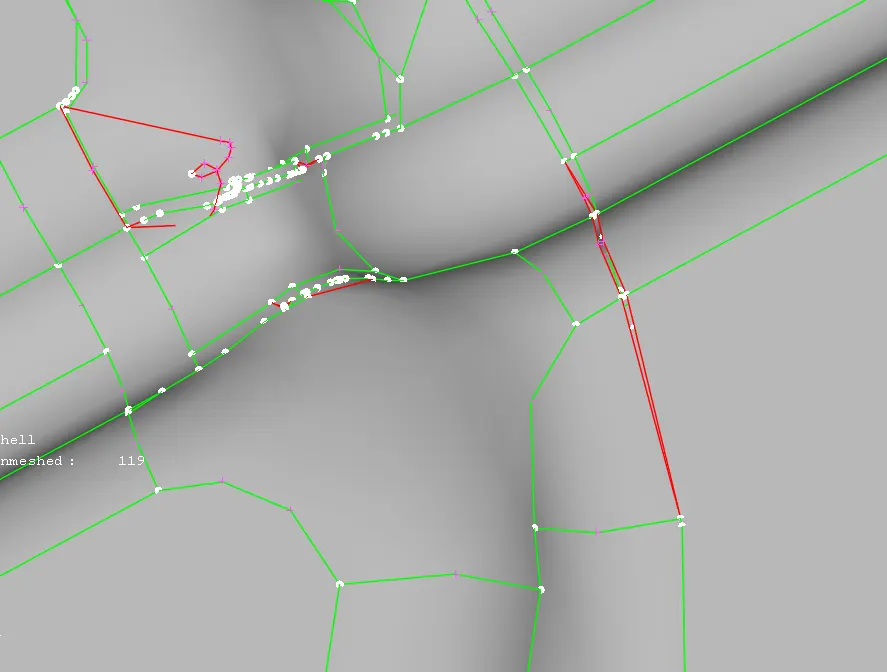
After Fixing
Step - 3: Mid-Surface Extraction
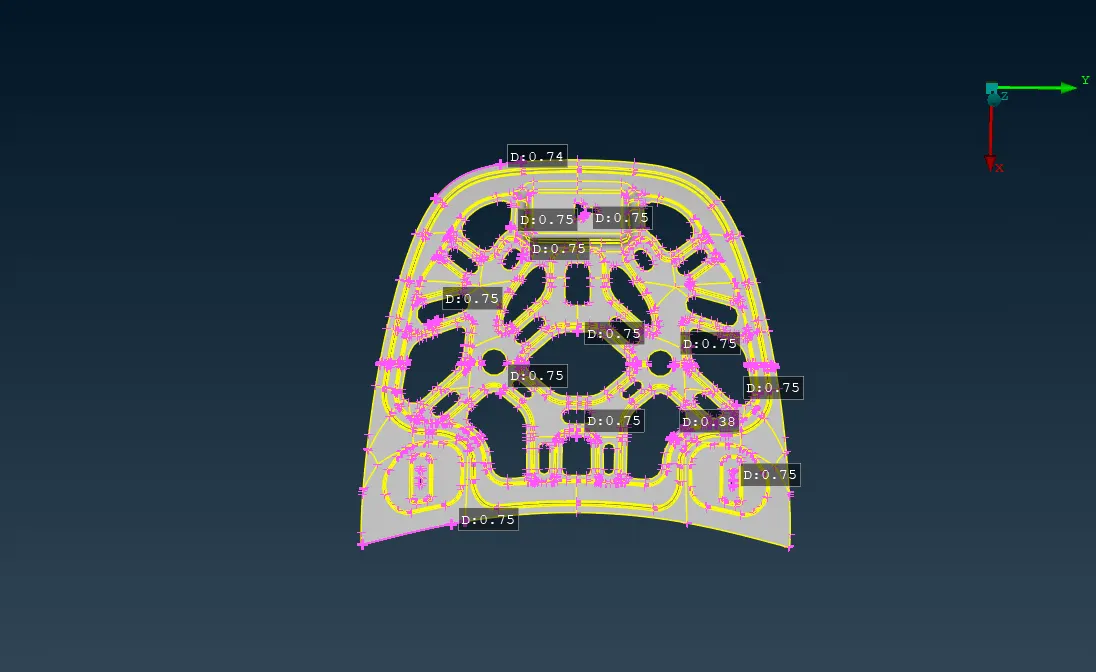
- After cleaning the geometry of hood, a mid surface is extracted.
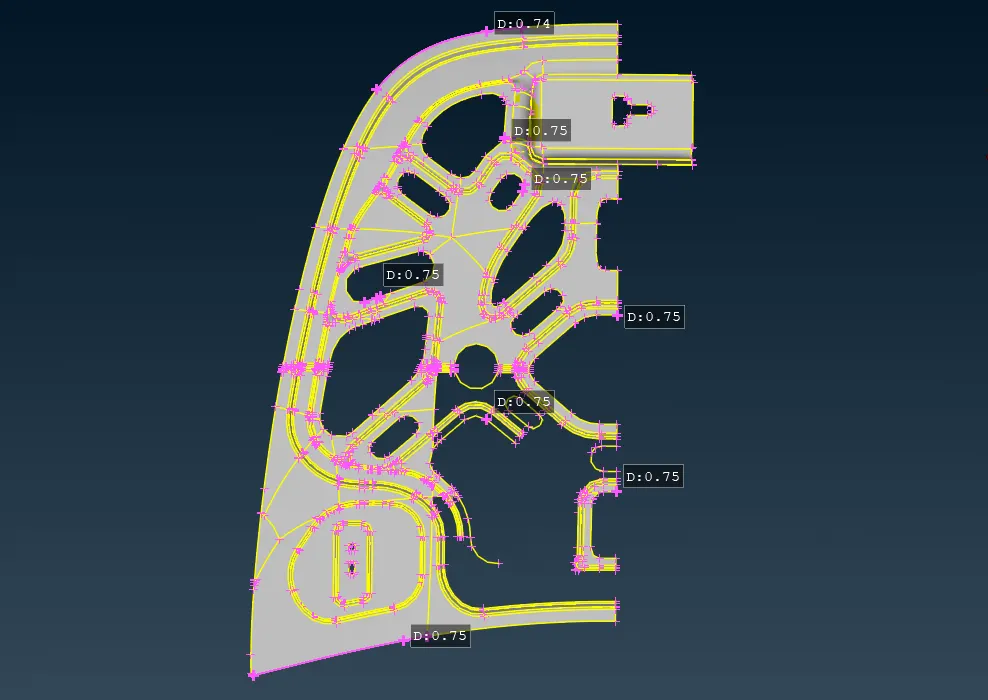
- Hood is symmetry model, hide the half of the model using NOT command.
- Now extract the mid surface from splitted model, so that it is easy to mesh. After meshing we can symmetry it.
- Mid - Surface is extracted for meshing the model.
- Mid - surface is extracted from the hood using offset command.
- Feature-line command is enabled and the angle is set 40 degree.
- Thickness of the hood is 0.75mm.
- Offset value is 0.375mm.
Step - 4: Meshing
- Now switch to classic mesh module.
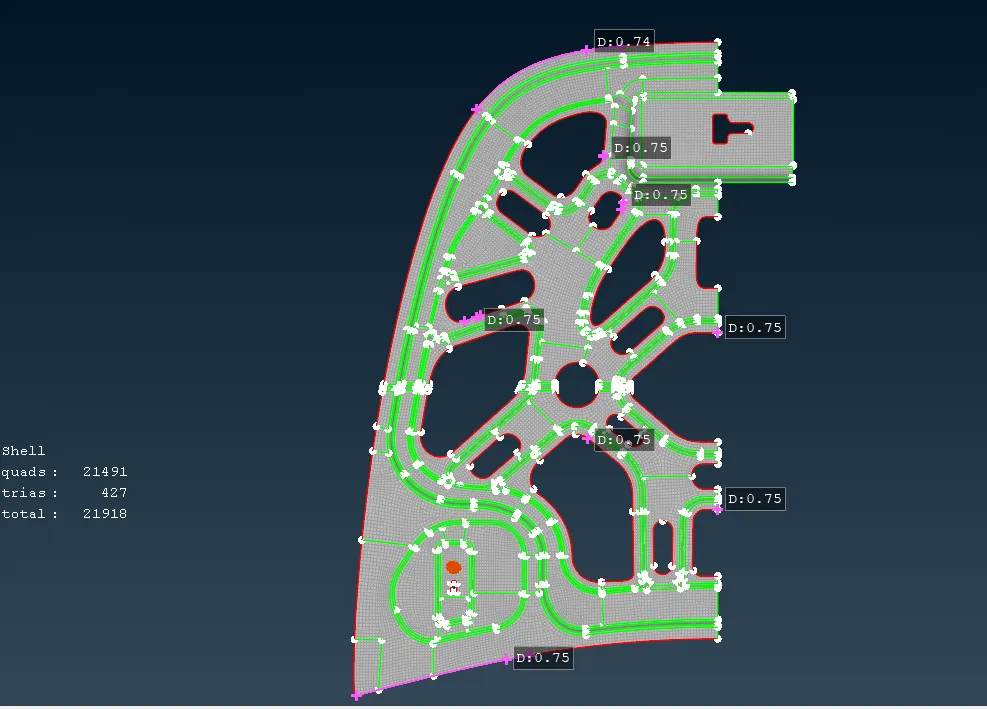
- Meshing of the model is generated using Best command in mesh generation group.
- As hood is the complex model mesh should be generated layer-by-layer.
- At complex areas , do not directly mesh as it makes the mesh clumsy. Instead make some cuts on the mid-surface then mesh.
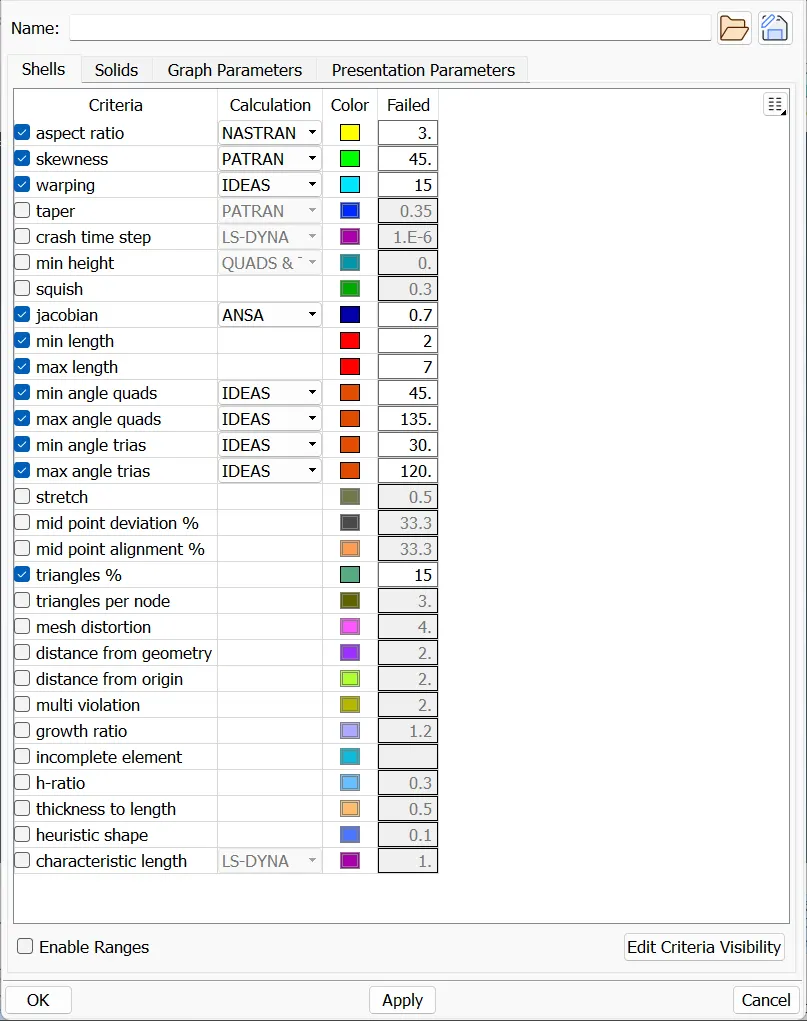
Step - 5: Element Quality Criteria
- After Meshing , Set the element quality criteria values.
- If the element fails the quality criteria parameters, the elements are indicated with different colour codings.
- Where the quality criteria is failed, there is a possibility of deformation
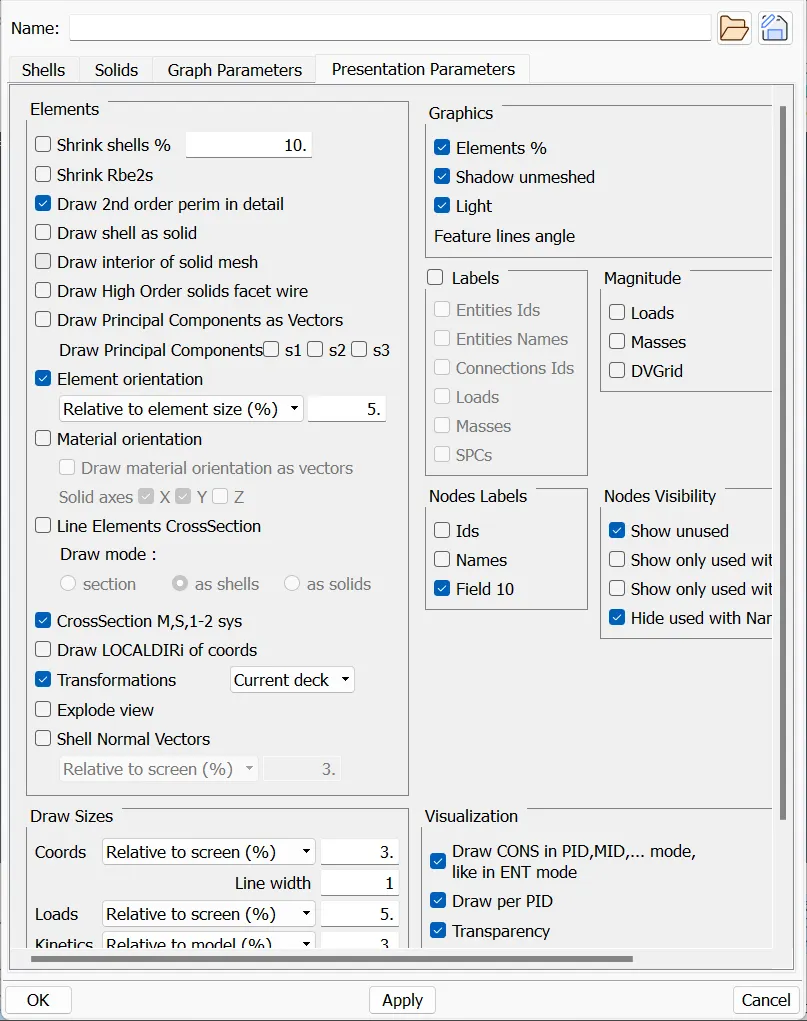
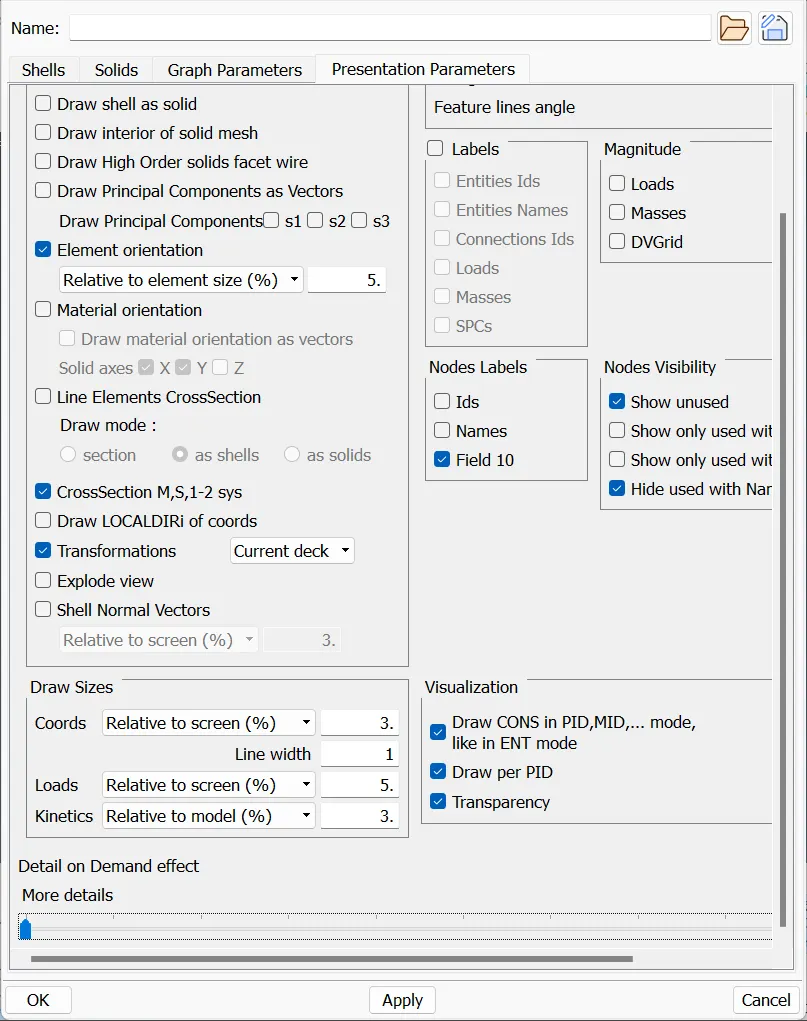
In Software :
Step - 6: Mesh Improvement
- After meshing the surface, the mesh has only two types of elements. They are Quad, Tria.
- The mesh should be a smooth flow.
- Mesh can be improved by smooth, reconstruct, improve, Transform...
- There are few Tria rules to be followed for good mesh. They are:
- Opposite trias should be avoided.
- No trias should be perpendicular to each other.
- No trias should be back to back.
- No trias should be on the edge of the geometry.
- No trias should be near to the holes.
- No trias should be on the features(Fillets)
- Less tria concentration
Before Fixing:
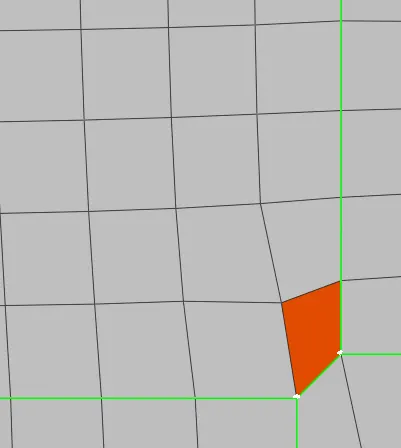
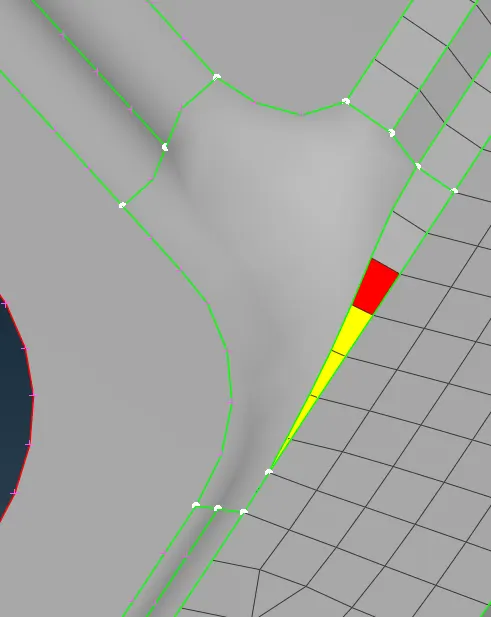
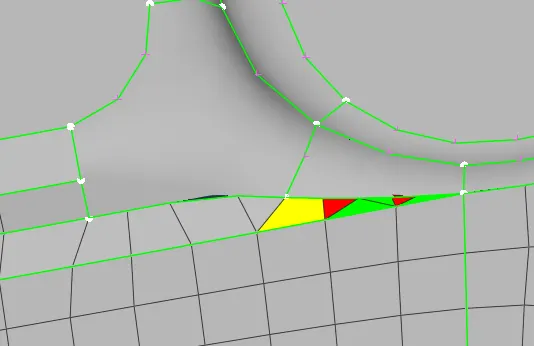
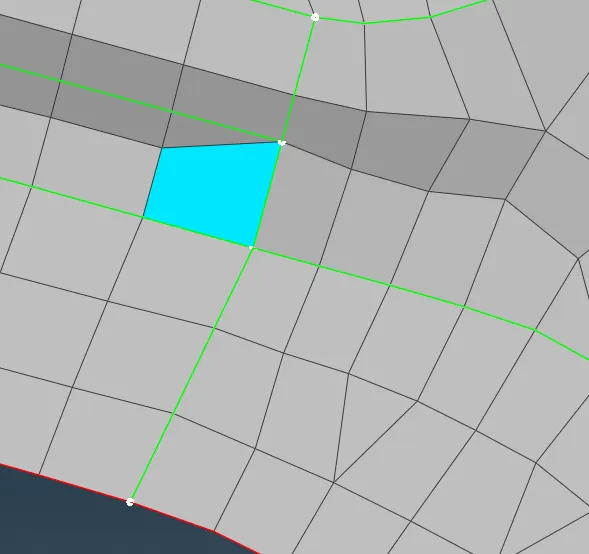
After Fixing:
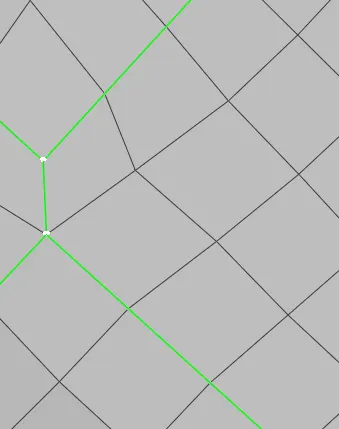
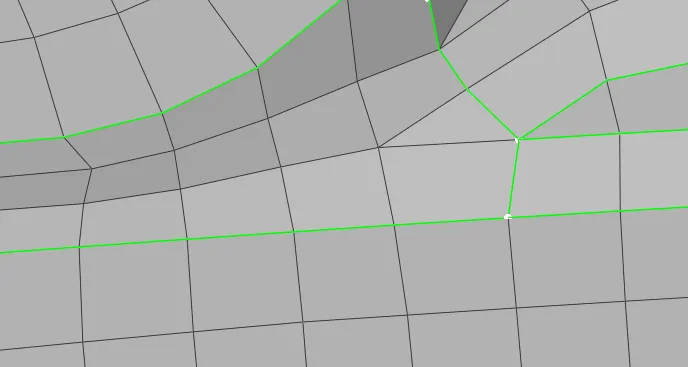
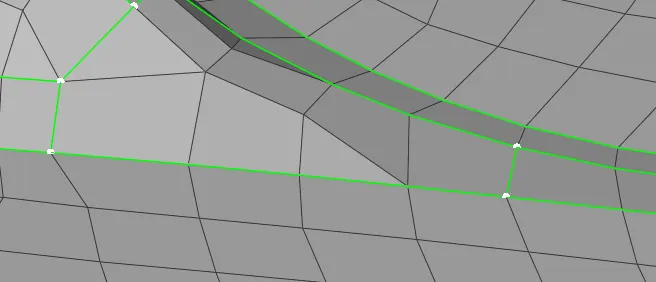
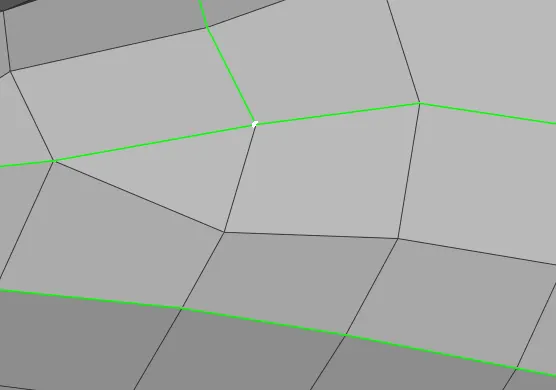
- Now symmetry the model.
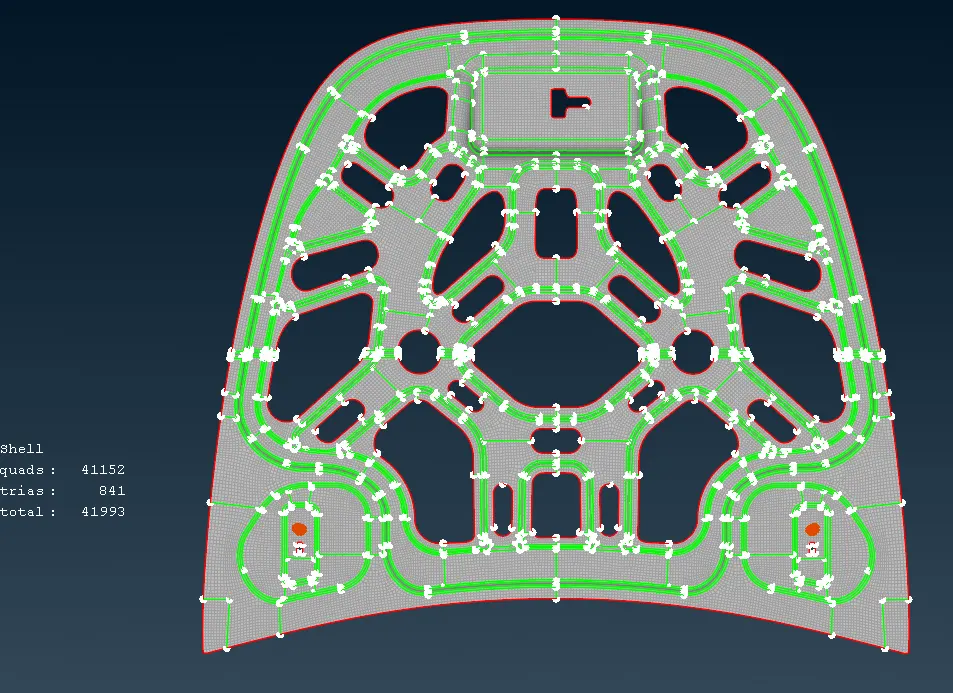
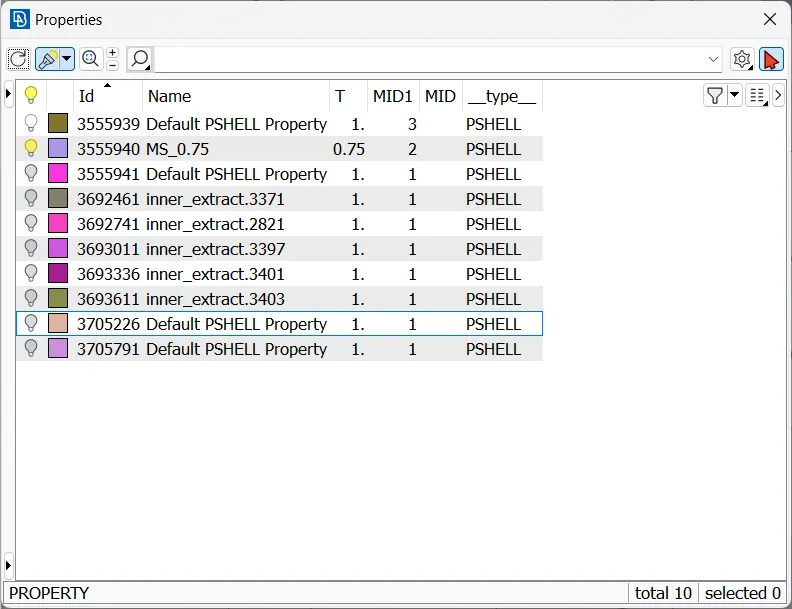
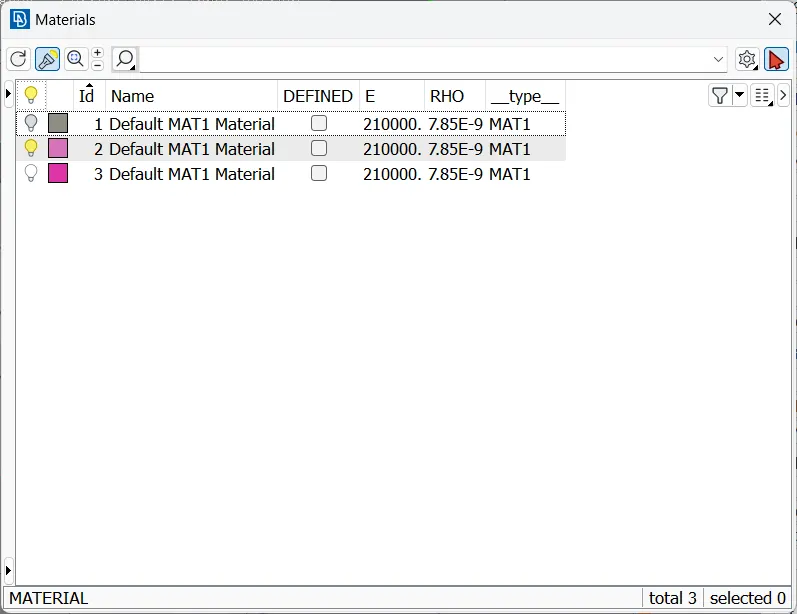
- And assign property and material for it.
Conclusion:
- The geometry is cleaned and mid-surface is extracted from the geometry.
- Thickness and material of the model is assigned to the parent geometry.
- The mid-surface is meshed with the required quality criteria.
NOTE:
- As the size zip file is more than 20MB, The file is unable to upload.
- The google drive link for Zip file of Meshing of Hood is :
https://drive.google.com/file/d/1Ukf5J182fEALyOeLszyYQSdnijQyBzmO/view?usp=sharing