Week 3 - 2D meshing for sheet metal
AIM-Take the mid surface for all the components after checking the geometrical errors and mesh the mid surface with the given element Quality criteria.
|
1 |
TARGET ELEMENT SIZE |
|
|
2 |
Minimum Length |
2 |
|
3 |
Maximum Length |
7 |
|
4 |
Aspect |
3 |
|
5 |
Warpage |
15 |
|
6 |
Skewness |
45 |
|
7 |
Jacobian |
0.7 |
|
8 |
Minimum Quad Angle |
45 |
|
9 |
Maximum Quad Angle |
135 |
|
10 |
Minimum Tria Angle |
30 |
|
11 |
Maximum Tria Angle |
120 |
|
10 |
Tria Percentage |
15 |
STEP 1 . Import the given CAD model
go to file import / open and select the given model and open
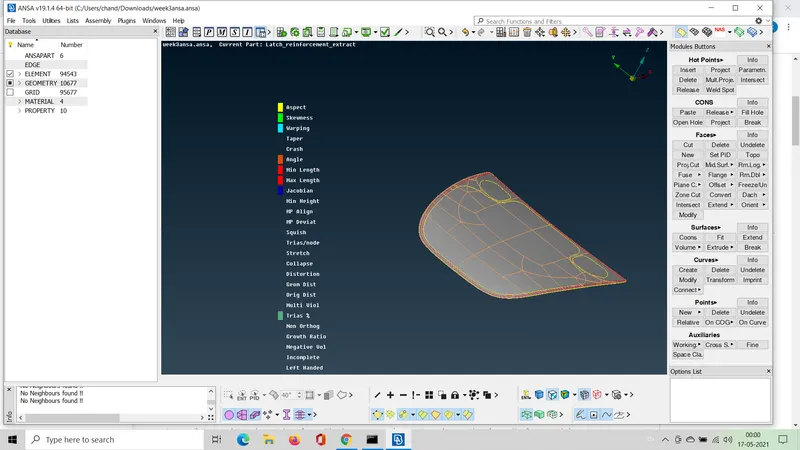
STEP 2. check for quality
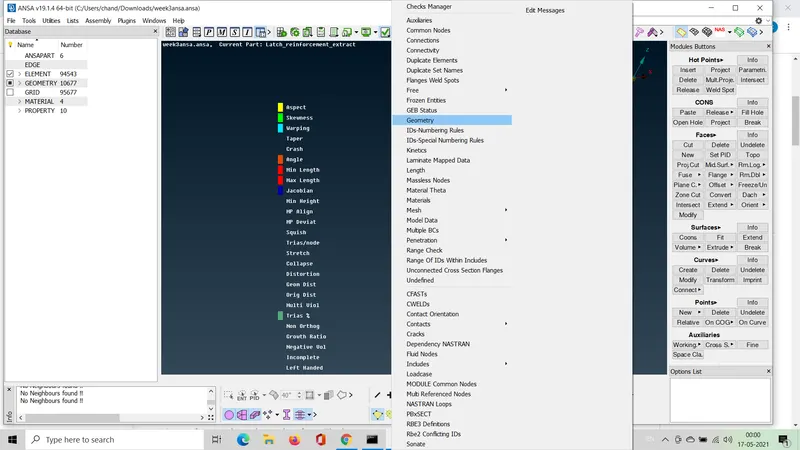
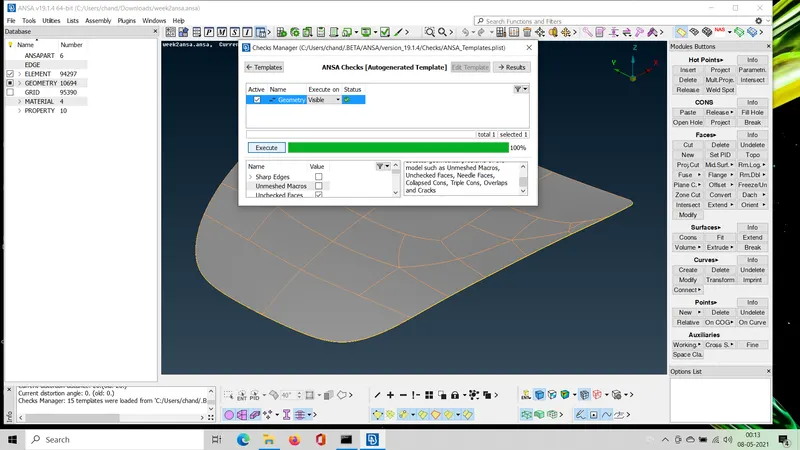
go to the check option in the tool bar and select geometry and if any errors are found fix auto
step 3. Once geometry is done select topo under the topo module and hit middle mouse button after selecting the part
step4. do manual clean up using cut and join under topo or mesh module
step5. remove all lines or join the lines which may void quaality parameters
step6. enter all the quality criteria as given above and mesh each component one by one
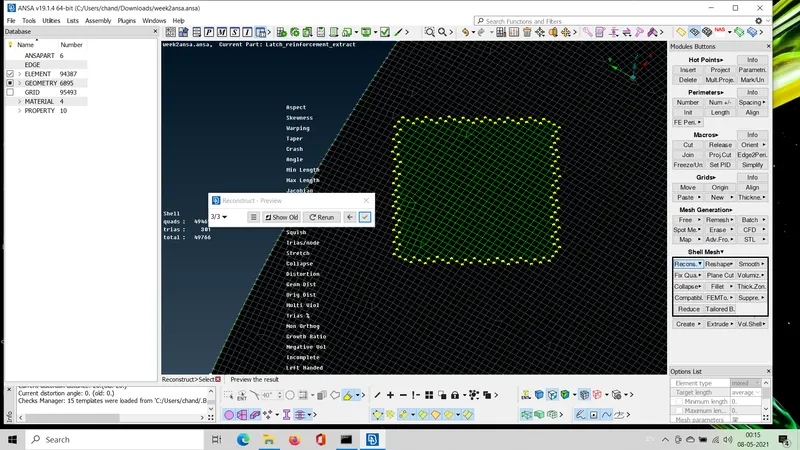
step 7 once meshing is done , check for failing elements and reconstruct them again and again
step8. once meshing of all components or parts is done hit join option and select all component and select keep mesh and hit middle mouse button
step 9. export or save the document
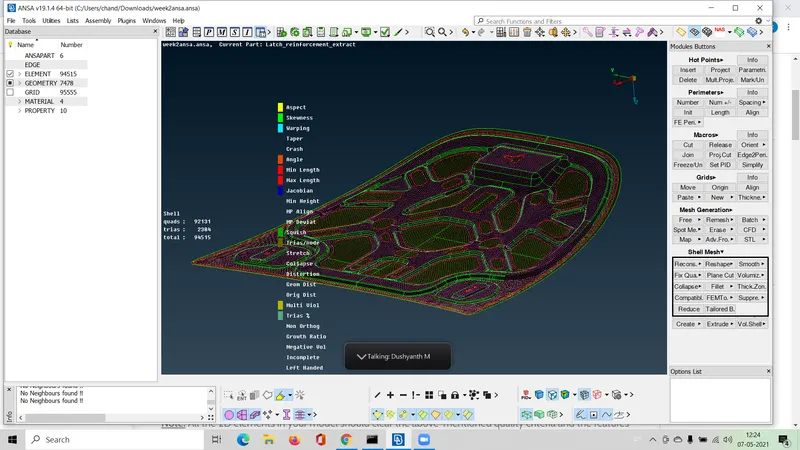
here are some snapshots of the process
RECONSTRUCTION OF MESH
GEOMETRY CHECKS
COMPLETE MESH MODEL