Week 3 - 2D meshing for Sheet metal
Week 3 - 2D meshing for Sheet metal
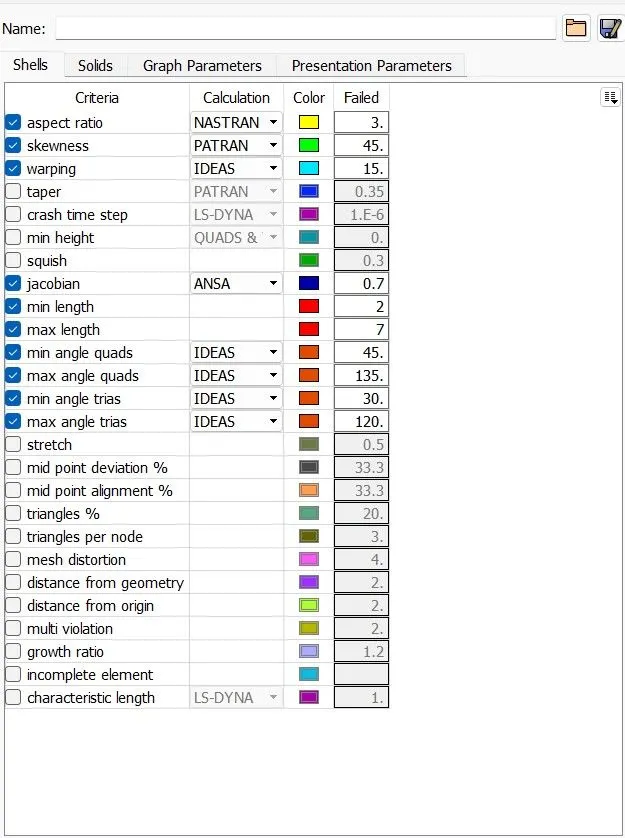
For the given Hood model, Take the mid surface for all the components after checking the geometrical errors and mesh the mid surface with the given element Quality criteria. (Refer the table Below for the Quality criteria)
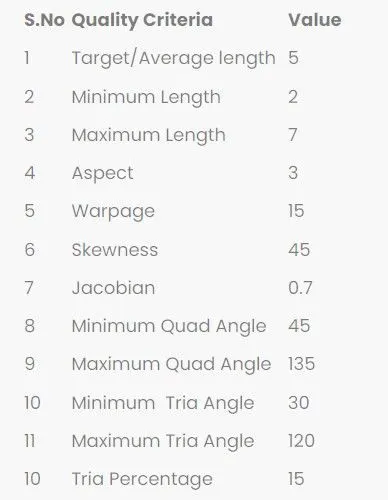
Objective- To clean and mesh the given Hood geometry.
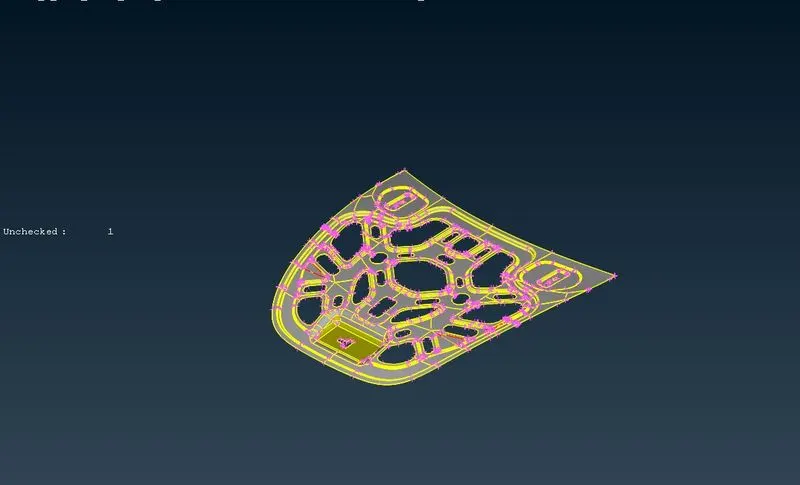
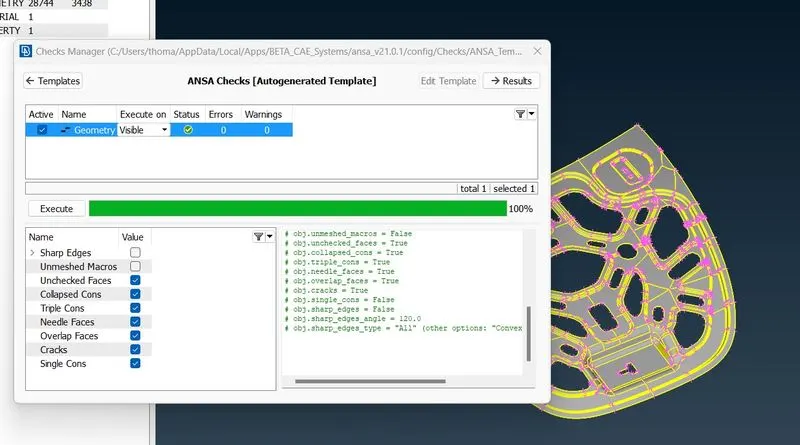
After importing the geometry, we need to fix the errors like Single and Double Cons. we check or the geometrical errors and we use an auto fix option to correct some of the errors. Now, the remaining errors should be manually fixed using face tools.
Finally the geometry is all cleaned and fixed for further meshing.
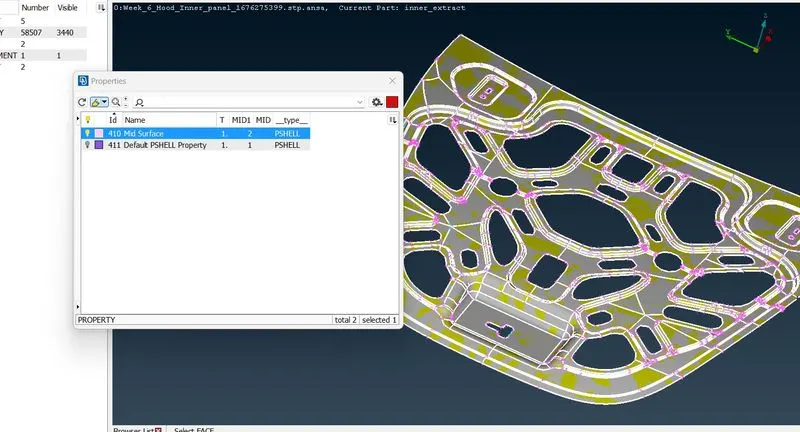
Secondly, we need to create a mid surface for meshing and as a new PID
The Quality criteria followed before meshing.
Meshing.
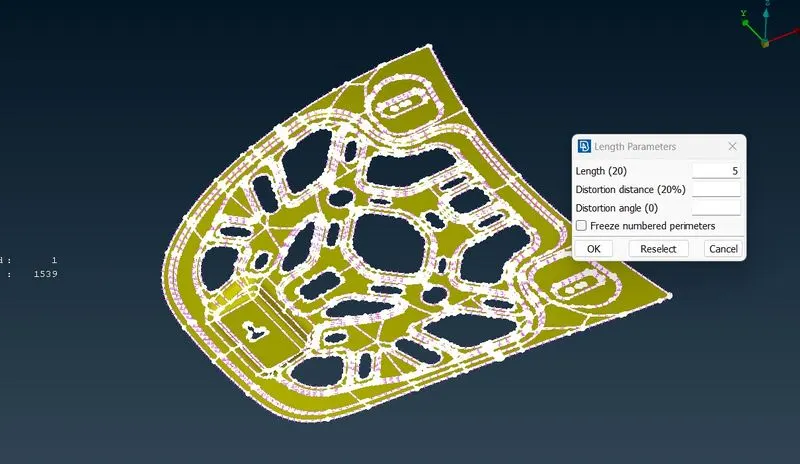
Setting the perimeter length before meshing, as 5mm.
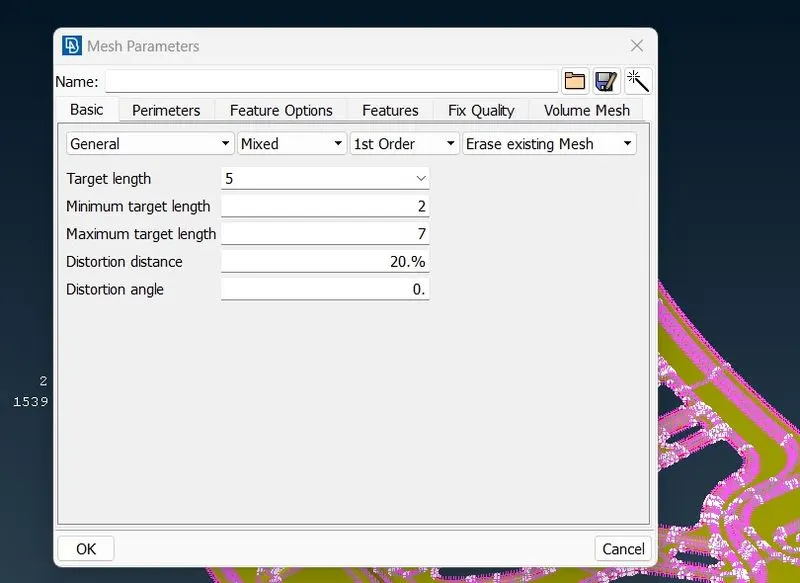
Setting the meshing parameters
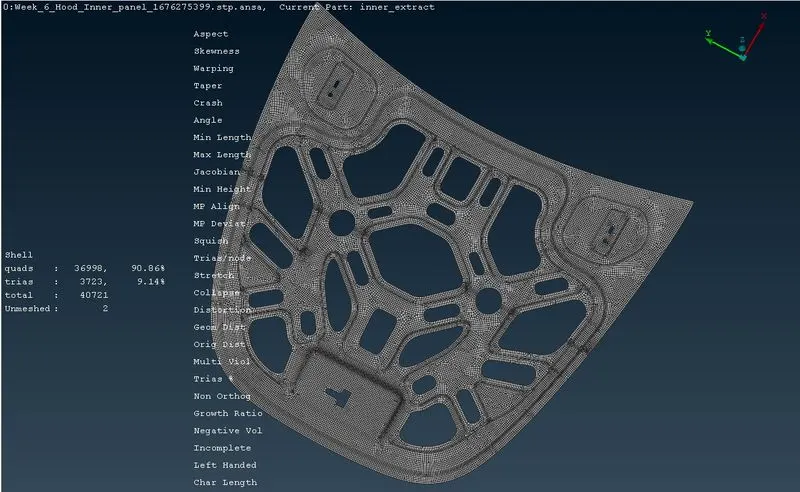
Finally, the meshing is done as per the dimensions mentioned above.
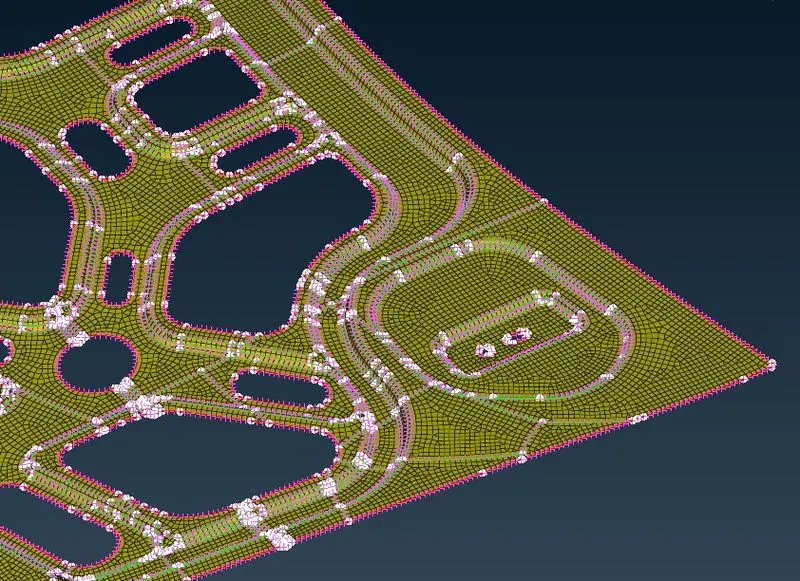
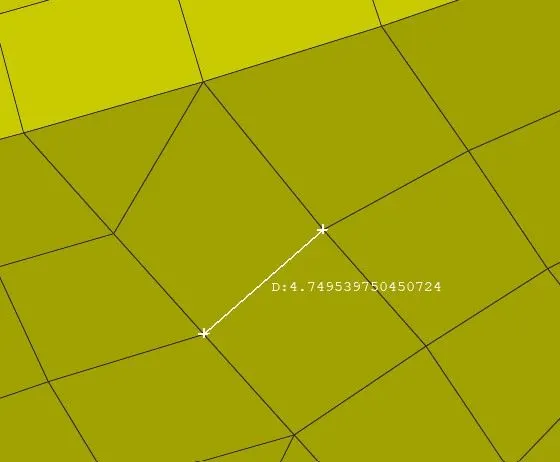
Cross checking for the node length.
Thank you.