Week 3 - 2D meshing for sheet metal
AIM:
To do the FEA model for the given hood, after checking the geometrical errors and meshing the mid surface with the given element Quality criteria.
PROCEDURE:
cad model:
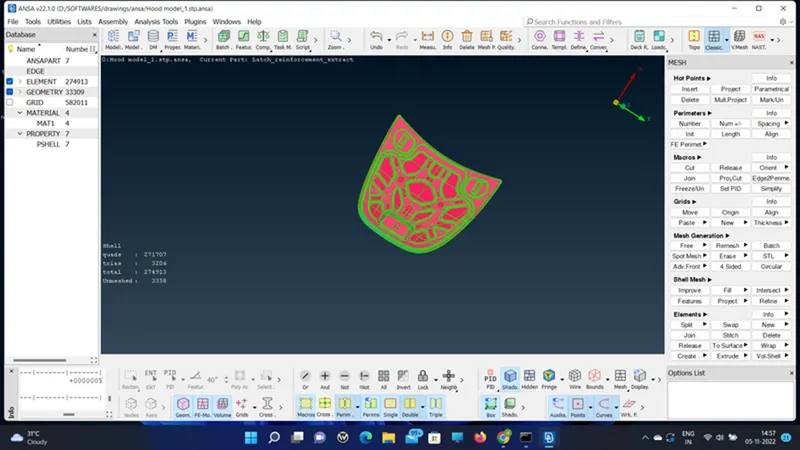
- The given cad model is checked for geometry and fixed by the fix option in geometry check or using the manual fixing option in topology.
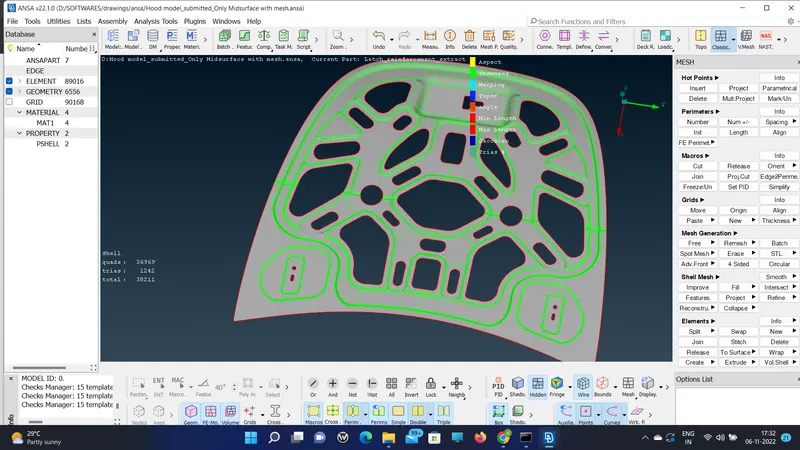
- Next I checked for the property to see the geometry separately.
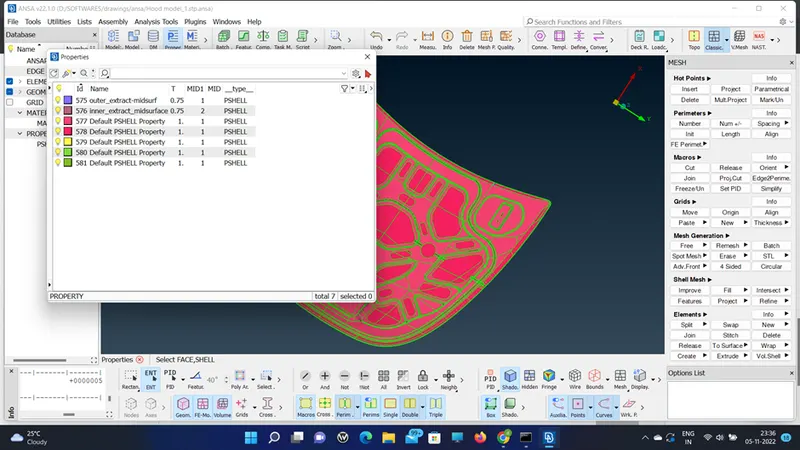
- Use show only to see the body separately then try to do mid-surface either by manual offset or by mid-surface skin or casting.
- Then select the separate property for creating the mid surface.
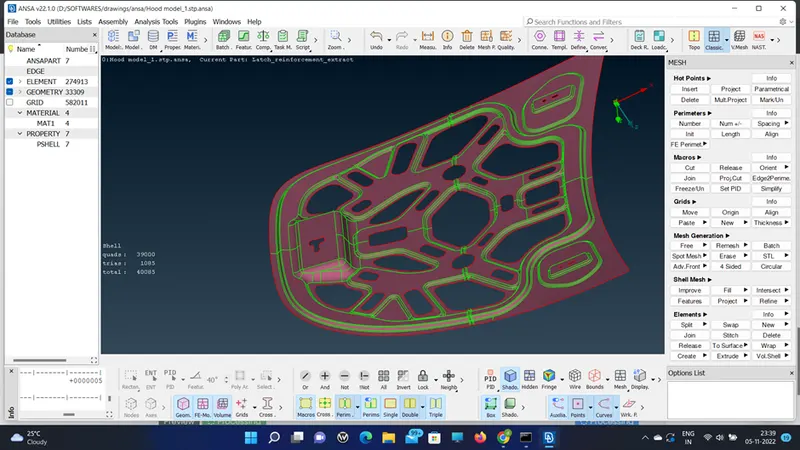
- Then start the geometry check for any issues with the midsurface.
- Now start doing the mesh using the spot mesh.
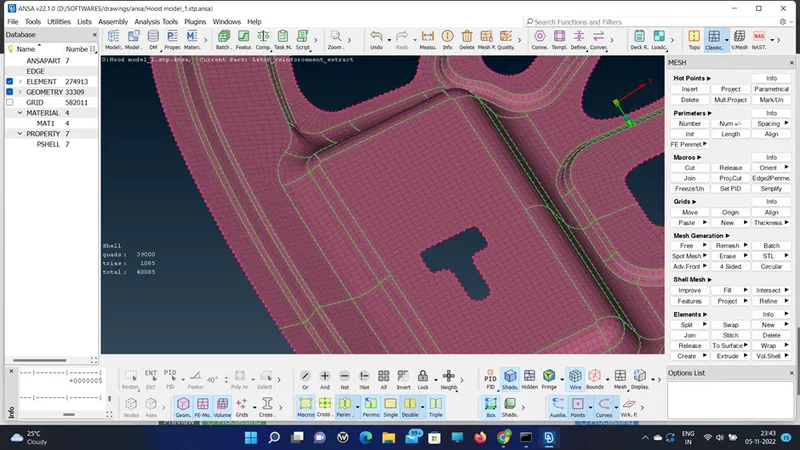
- After meshing the component, use the split and join commands to get rid of the tria at the edges.
- The thickness is mentioned in the property card and even if you want to edit it can be done and assigned.
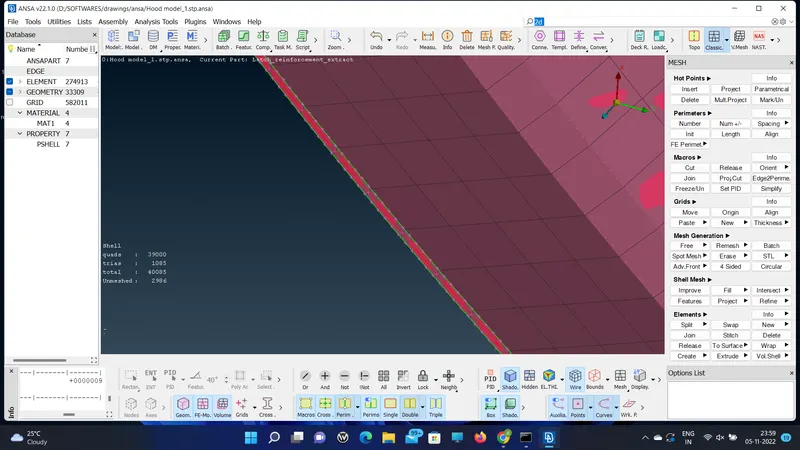
- Only fem model with thickness
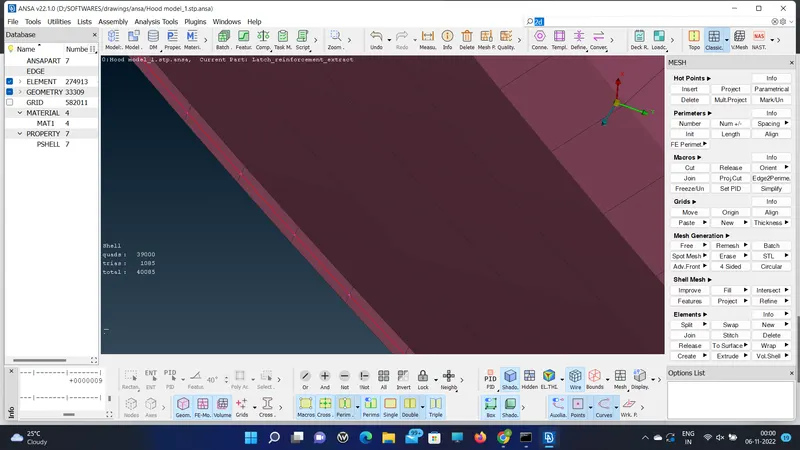
- The same is followed for the model's outer hood where the many geometric lines are cut down.
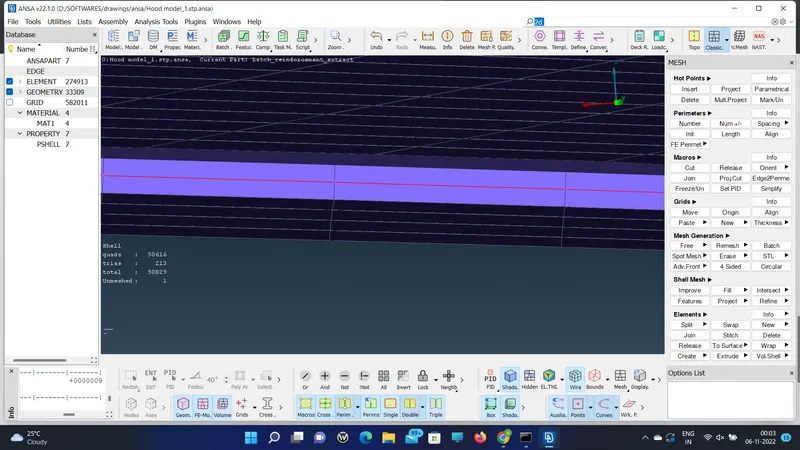
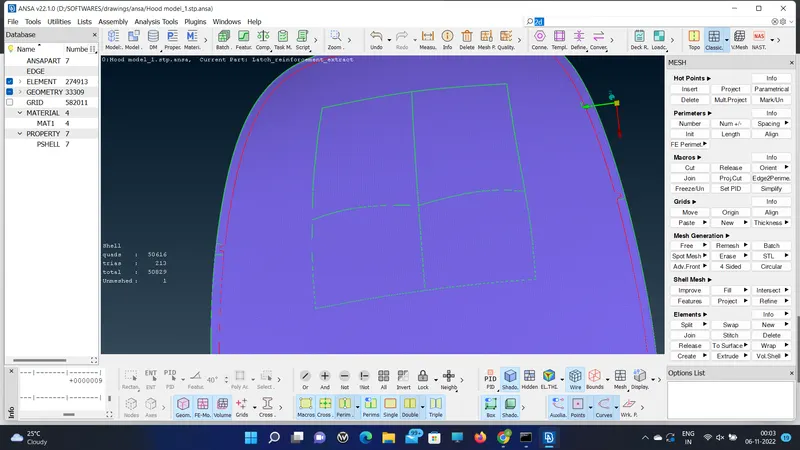
Both the geometry was meshed and assigned thickness.
RESULT:
Thus the given component is extracted mid-surface and meshed and cleared the quality criteria.