Week 4-1D Element Creation Challenge
OBJECTIVE :
Mesh the Given component with the Size of 5 Units. Create 1D elements on the following component with given cross-section and DOF.
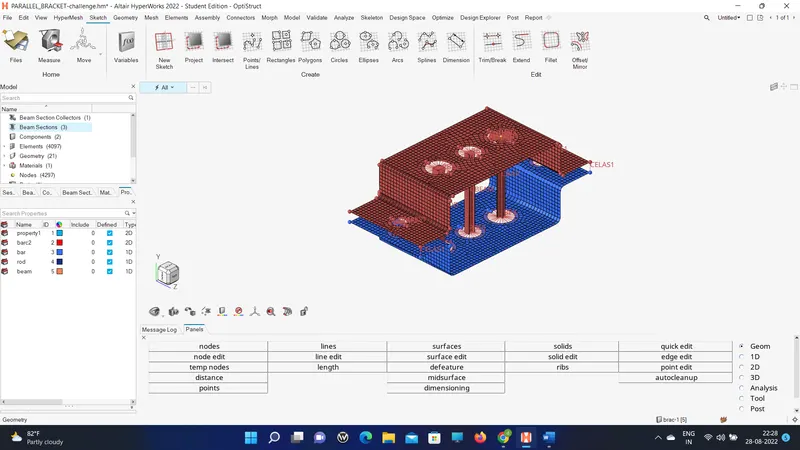
CAD MODEL IMAGE :
1. 2D GENERAL MESH IMAGE
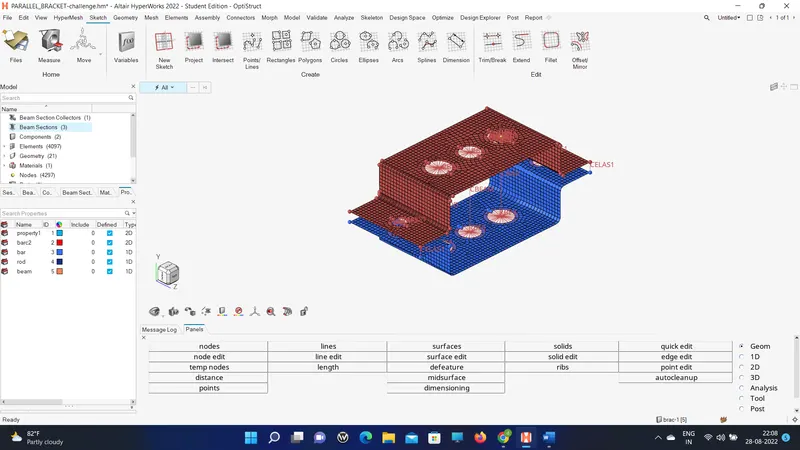
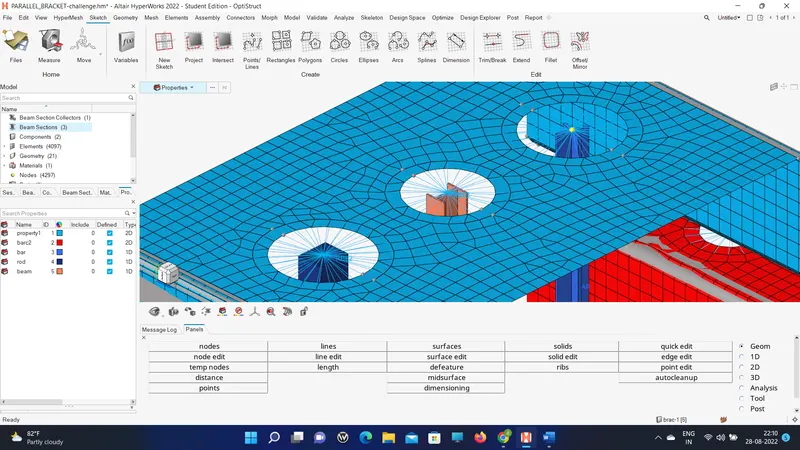
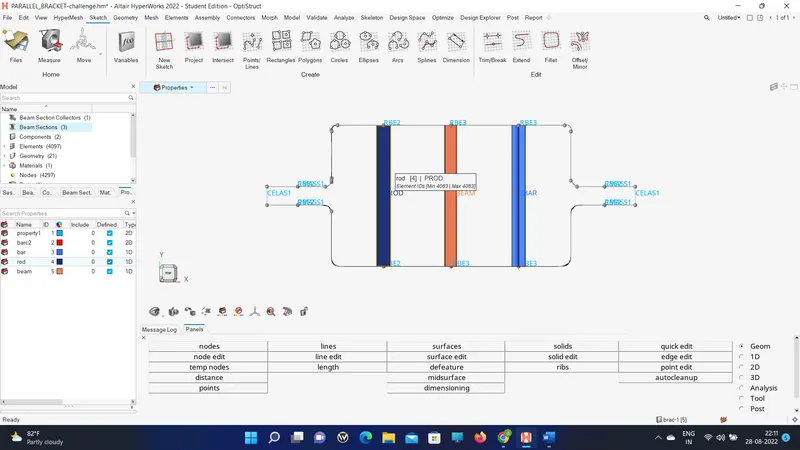
2. CROSS SECTION ELEMENT IMAGE:
PROCEDURE WITH IMAGES:
1. First import the model and start midsurfacing.
2. Then use a washer split for all the holes.
3. And start auto mesh.
4. Create an RBe2 rigid element with all dof constrain.
5. Create RBe3 for the other two holes as mentioned in the challenge.
6. Create a cross-section for each element as mentioned by using hyper beam.
7. Update the cross-section to all elements respectively.
8. Make visible cross-sections by clicking the display of 1d and 2d elements.
RESULT:
Thus the Mesh of the Given component with the Size of 5 Units. Create 1D elements on the following component with the given cross-section and DOF is completed.