Week 3 - 2D meshing for sheet metal
Aim: For the given Hood model, take the mid surface for all the components after checking the geometrical errors and mesh the mid surface with the given element Quality criteria using ANSA software.
Solution:
1) Import the .stp file in ANSA software by navigating to File>open>select all format>select the model from the folder.
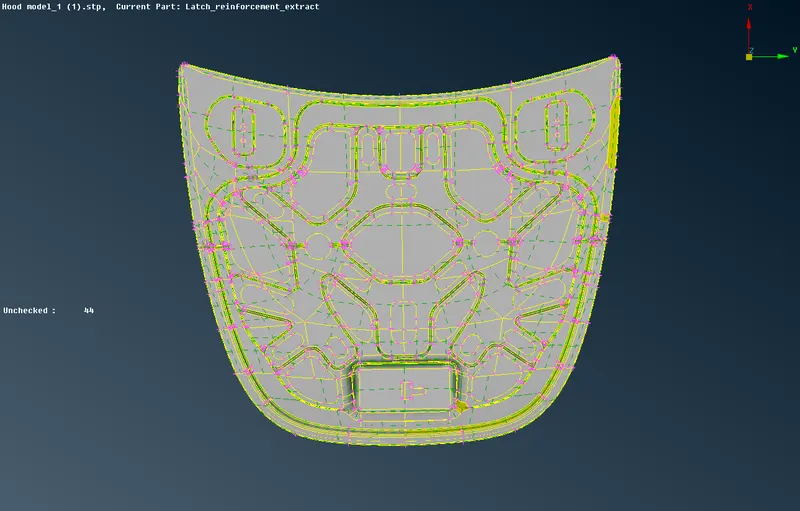
Image of the imported model before Geometry cleanup is done
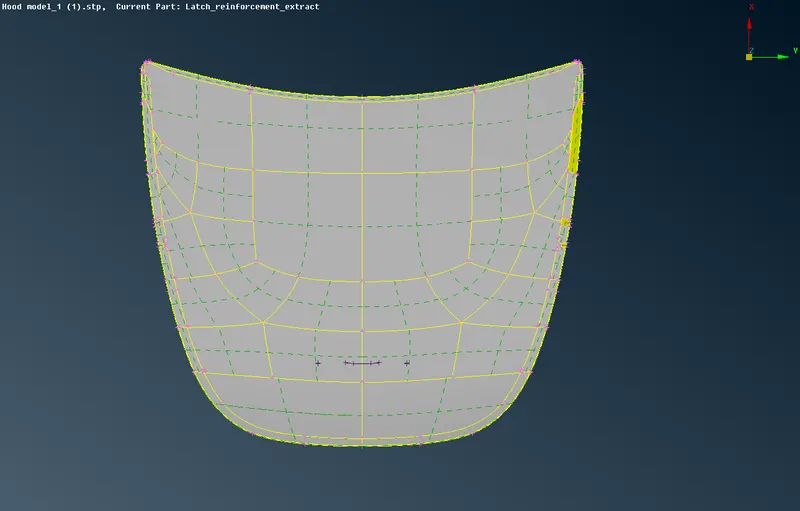
Image of the Outer Extract
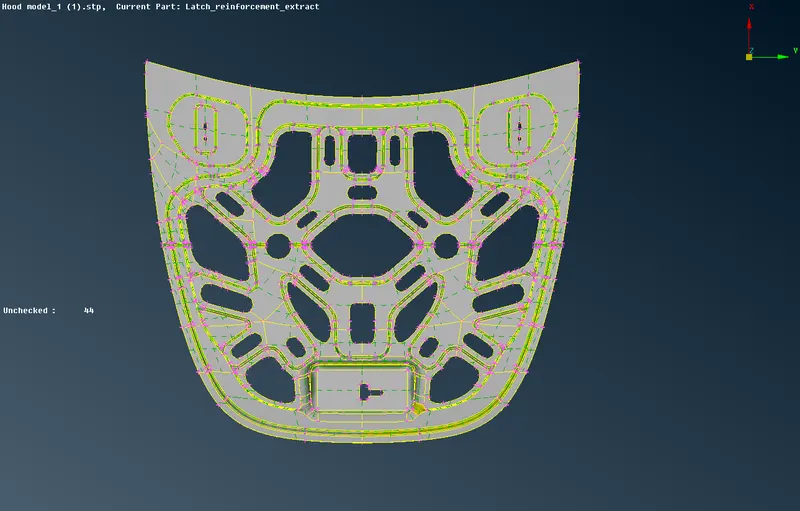
Image of the Inner extract
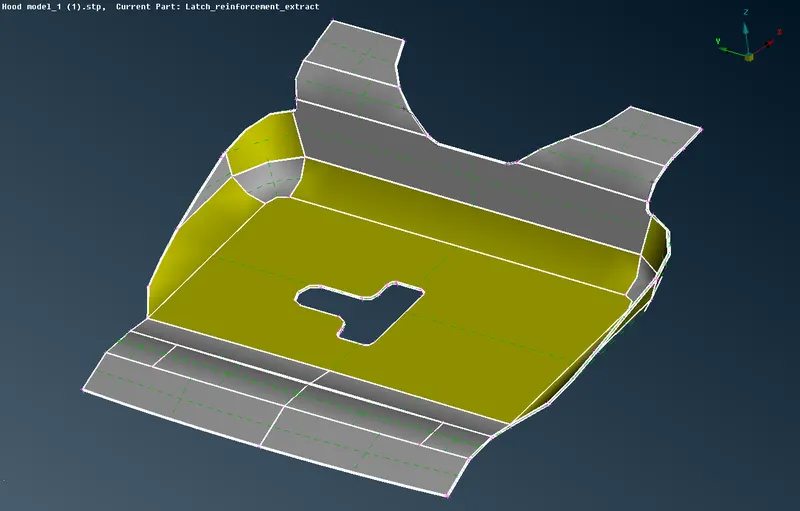
Image of the Latch Reinforcement
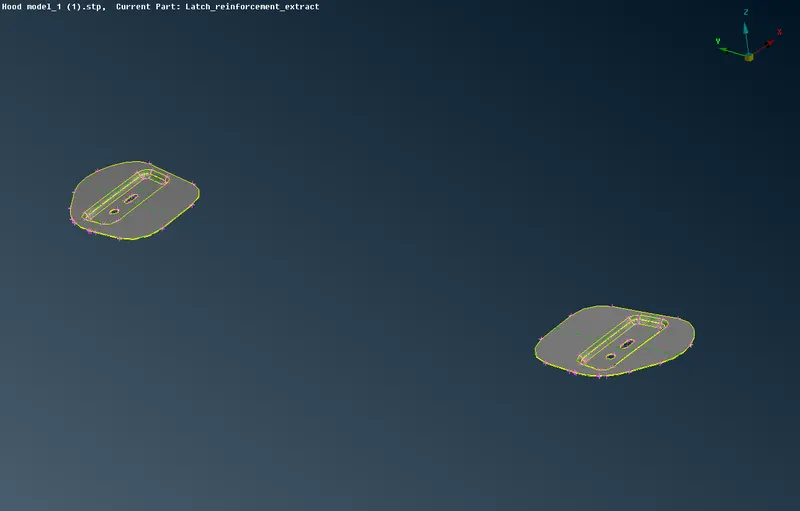
Image of the Hinge Reinforcement
2) Perform a Geometry check on the model to assess for any damaged Geometry, Free edges in unnecessary areas, Unnecessary points on the lines, and Unnecessary connectivity and connection in the model.
3) Navigate to Check>Geometry>Execute in the Geometry cleanup section and fix the geometry errors if any.
4) Extract the Midsurface by going to Mesh Module>Perimeter>Length. To refine the surfaces and edges go Perimeter>select region>Middle mouse button>Length as 1 unit and Macros>select region>Middle mouse button>Length as 1 unit
Image of the Components After changing the perimeter length:
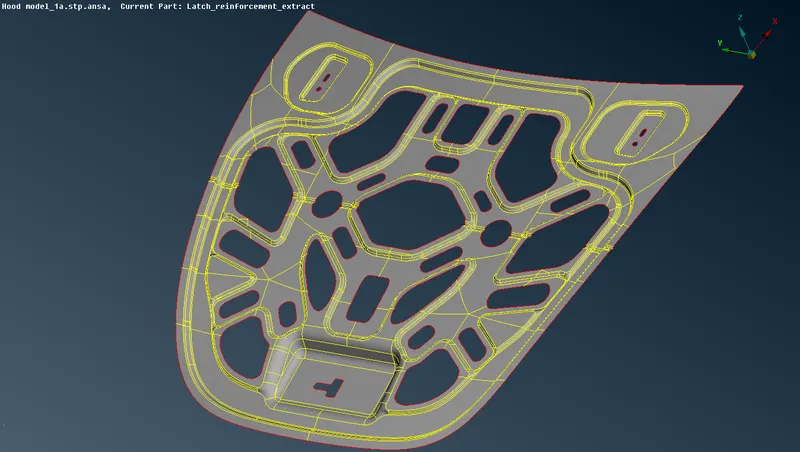
After setting the perimeter length of 1 unit
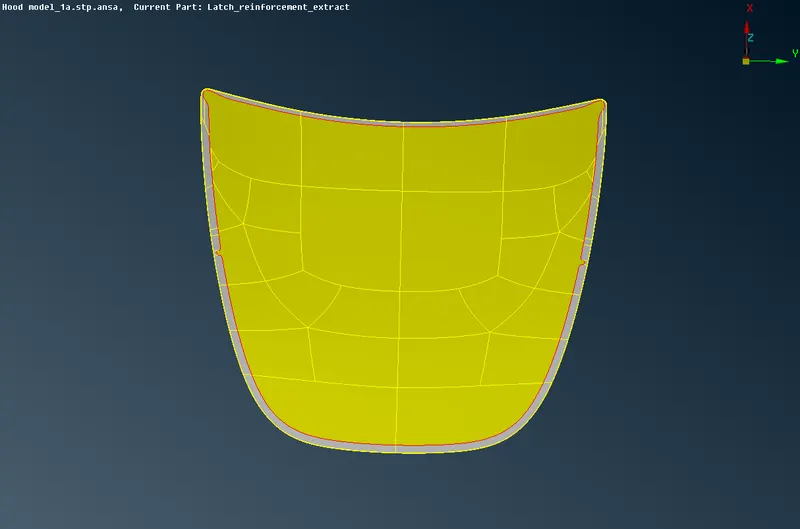
After setting the perimeter length of 1 unit
Hinge Reinforcement after the perimeter length of 1 unit
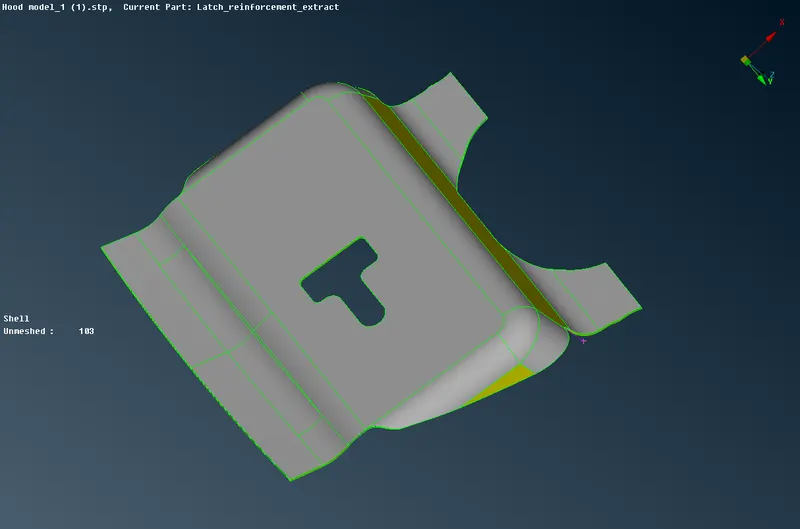
Latch Reinforcement after setting perimeter length of 1 unit
5) For Midsurfacing navigate to Top Module>Faces>Mid.surf.>select region>click the Middle mouse button>again click on the middle mouse button and select faces>then give the Offset value>click on the middle mouse button.
Image of Midsurfaces obtained for every component
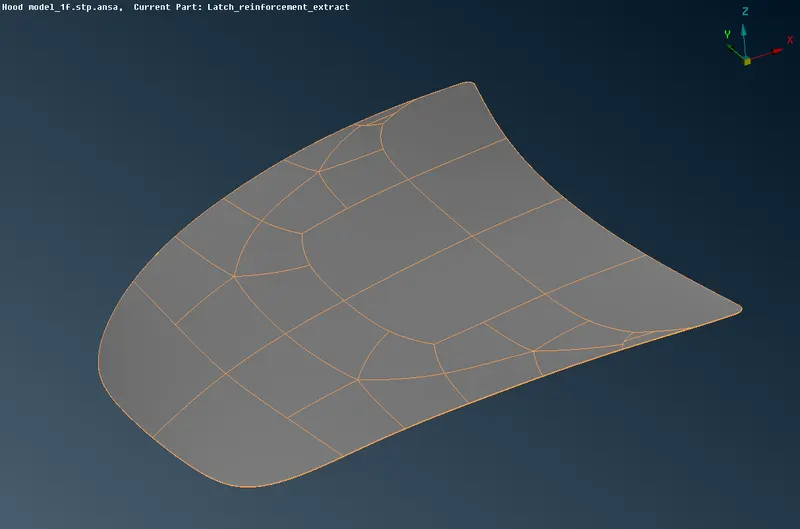
Midsurface of the Outer extract
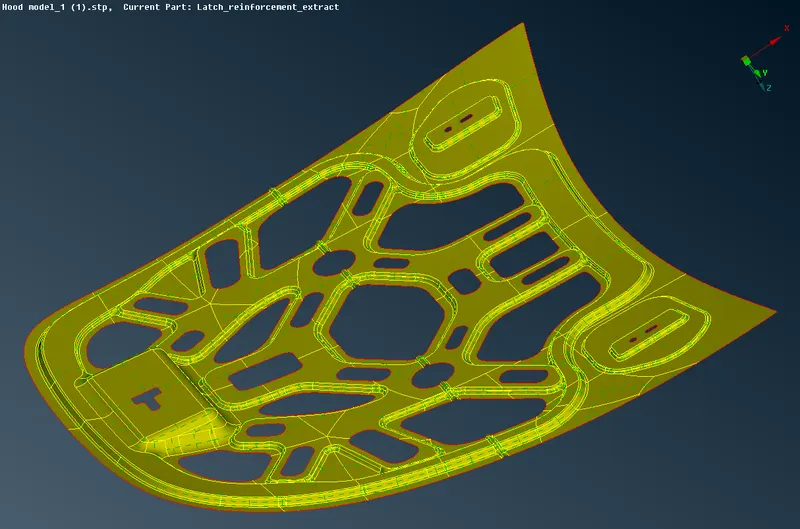
Midsurface of the Inner Extract
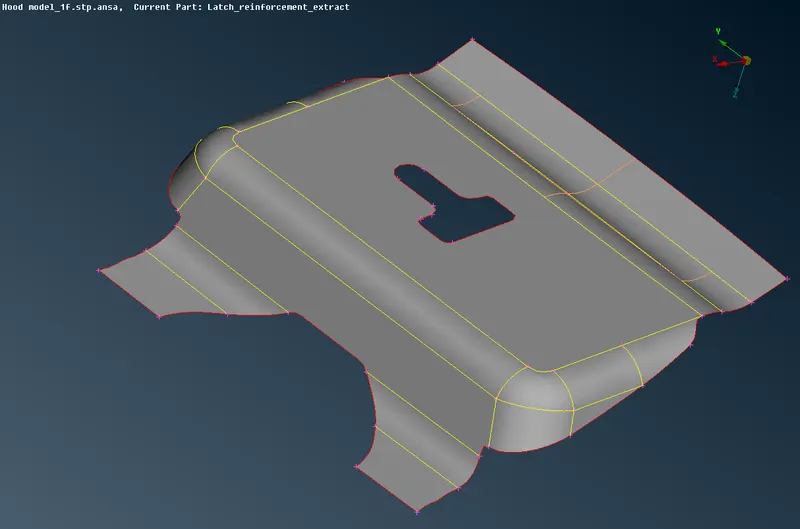
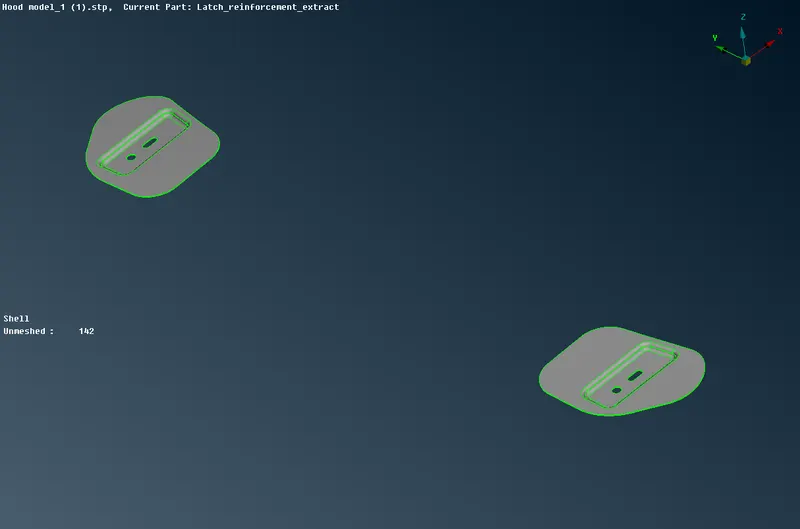
Midsurface of the Latch Reinforcement Extract
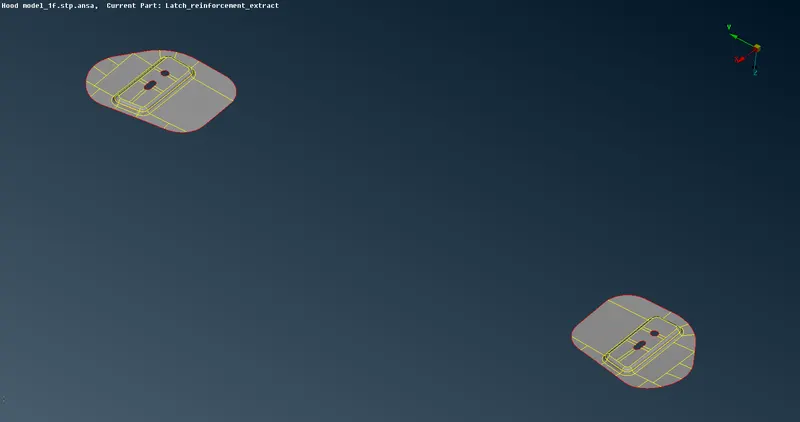
Midsurface of the hinge Reinforcement Extract
5) After midsurface extraction we proceed for meshing. Before meshing, we need to go for the geometry check to rule out the possibility of any error being found and then fix it. We begin meshing by navigating to the Mesh module>Mesh generation>Best>select component and mesh
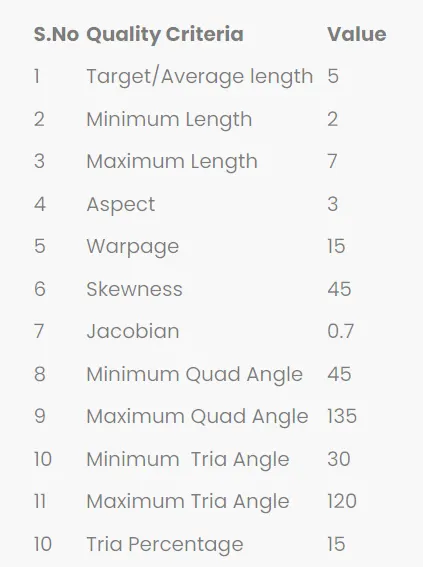
Quality criteria for the model:
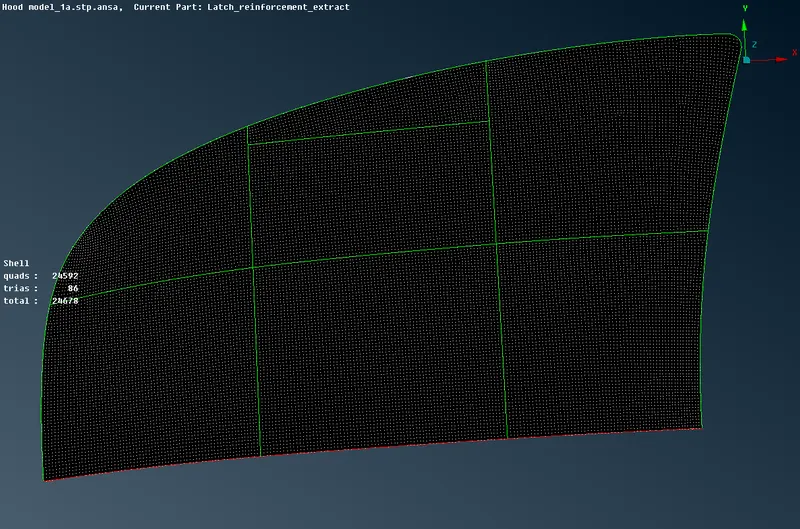
Images of the Outer extract:
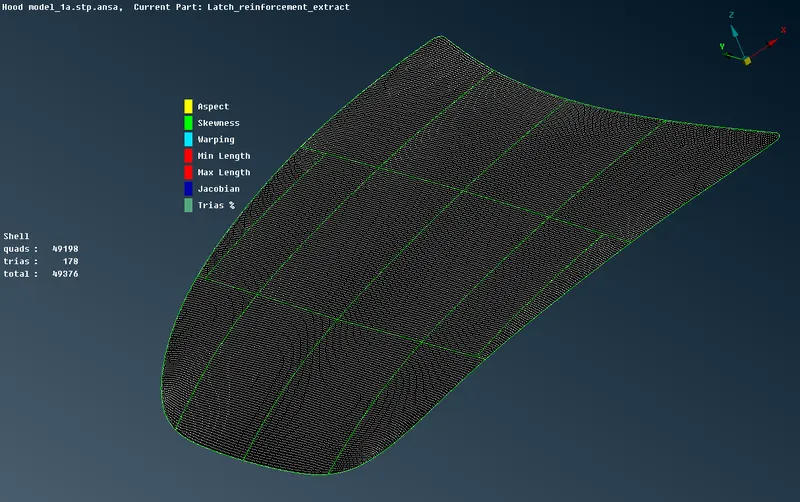
Images of the Inner extract:
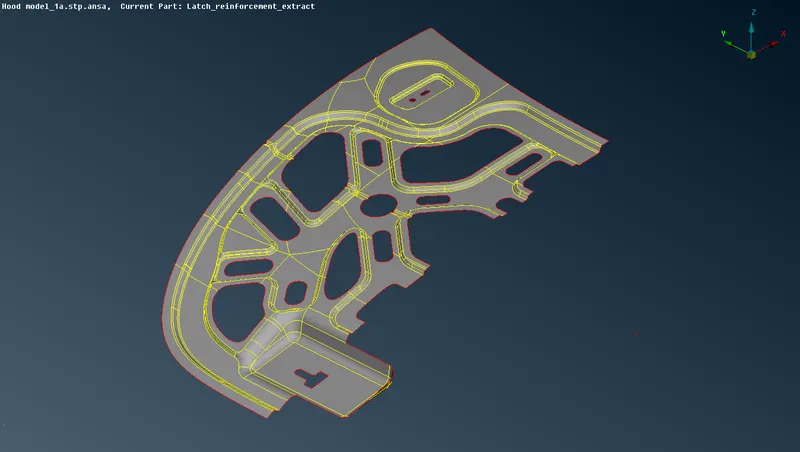
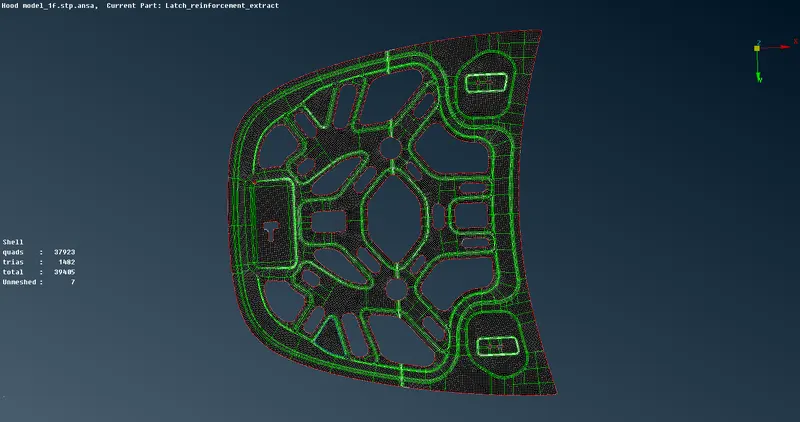
Image of the Inner extract that is completely meshed
Extract of the Latch Reinforcement:
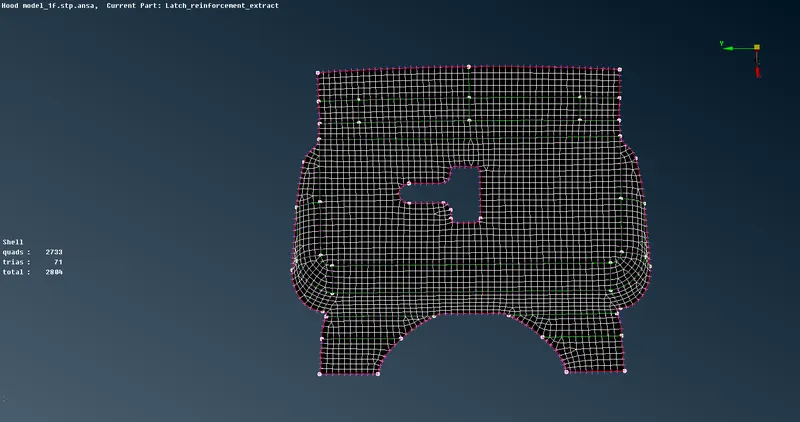
Extract of the Hinge Reinforcement:
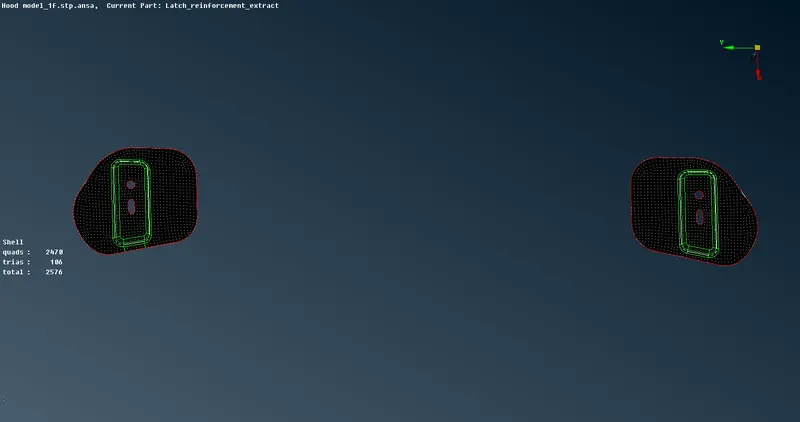
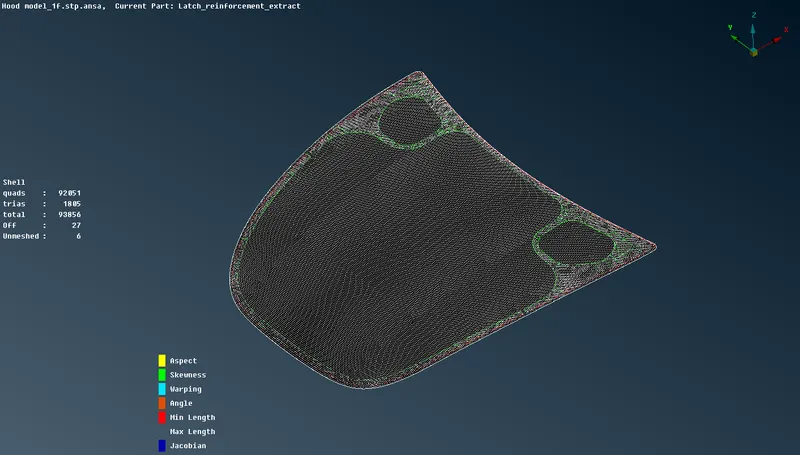
Final Meshed Model of the hood
Conclusion:-
The midsurface was extracted successfully for each component and a good mesh flow was achieved with zero failure in the elements.