Week 3 - 2D meshing for sheet metal
Ansa July live batch one
Aim : In this model we have to create the midsurface after checking the geometry errors, mesh the component with the given quality criteria and after that assign the thickness.
Given :
S.No | Quality Criteria | Value |
1 | Target/Average length | 5 |
2 | Minimum Length | 2 |
3 | Maximum Length | 7 |
4 | Aspect | 3 |
5 | Warpage | 15 |
6 | Skewness | 45 |
7 | Jacobian | 0.7 |
8 | Minimum Quad Angle | 45 |
9 | Maximum Quad Angle | 135 |
10 | Minimum Tria Angle | 30 |
11 | Maximum Tria Angle | 120 |
10 | Tria Percentage | 15 |
Stepwise procedure of hood model :
- We have to Import the CAD model
- (file>open>select model>open)
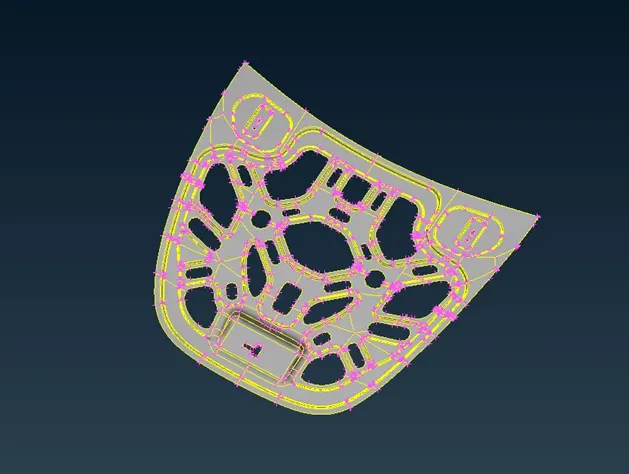
- In the IGES & STEP file, Cons resolution must do to get proper resolution in curve areas:
- (Mesh module>perimeters>length>select surface>give length>assign)
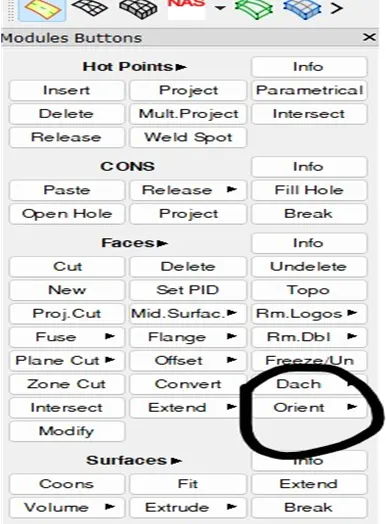
- After the cons resolution we have must do orient:
- (Topo module > faces >orient)
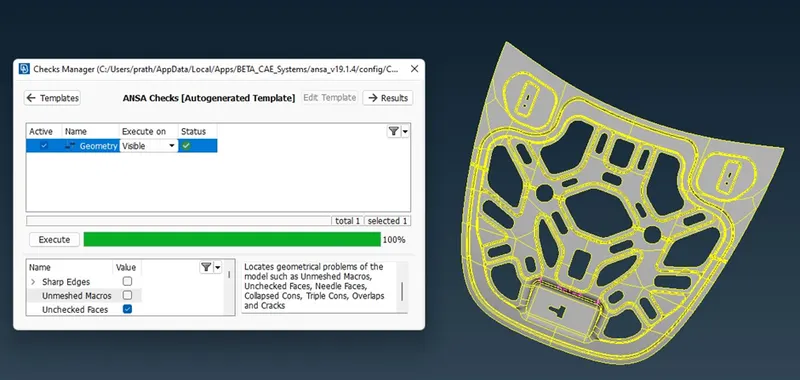
- The next step is to check geometry
- (Ckecks>Execute)
The main intention of Geometry clean-up is to eliminate single CONS and Reduce triple CONS as many as possible.
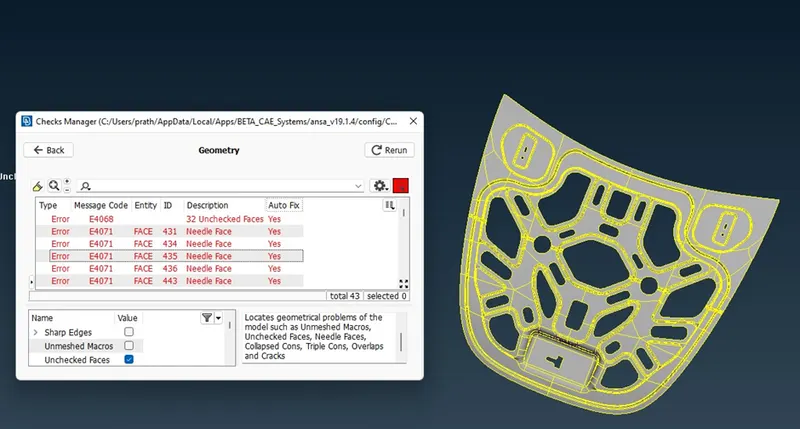
After geom ckeck
after fixed the errors
- we can see that , this is symmetry component so we can delete one side and do next task:
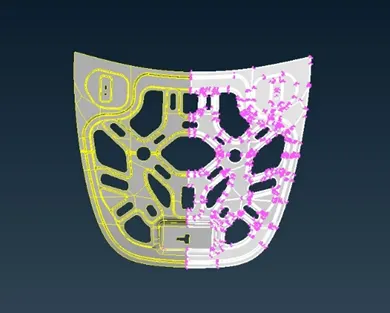
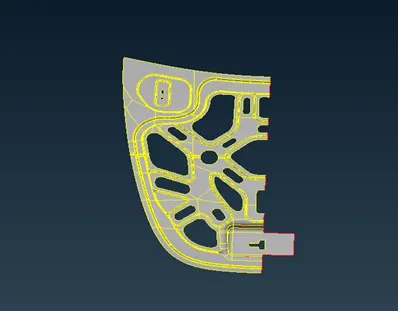
After deleting one side of components,
- we have to measure the thickness for extracting mid surface:
- Extract the midsurface
- (topo module > offset > select the surface by feature > middle mouse)
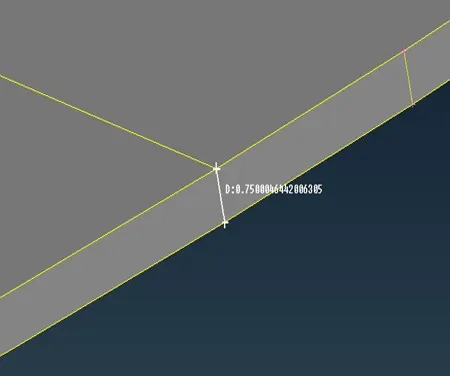
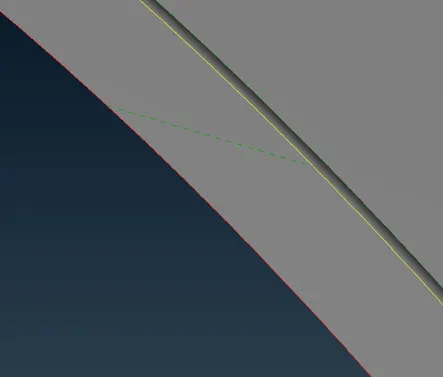
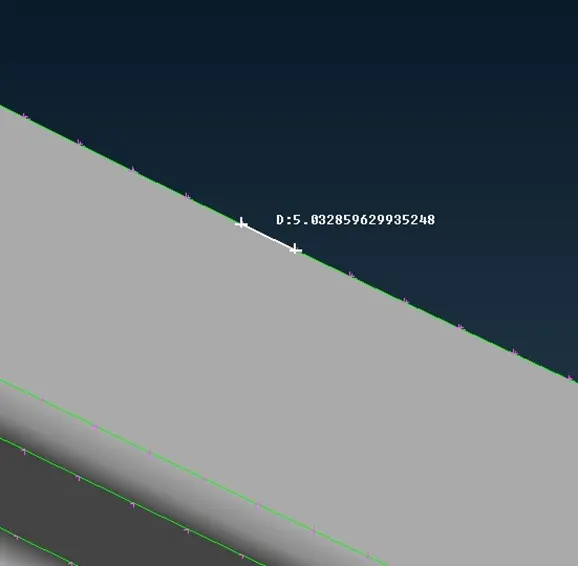
- Before start meshing we have to measure the distence between two line if they come under the minimum length criteria we have to join them or delete them.
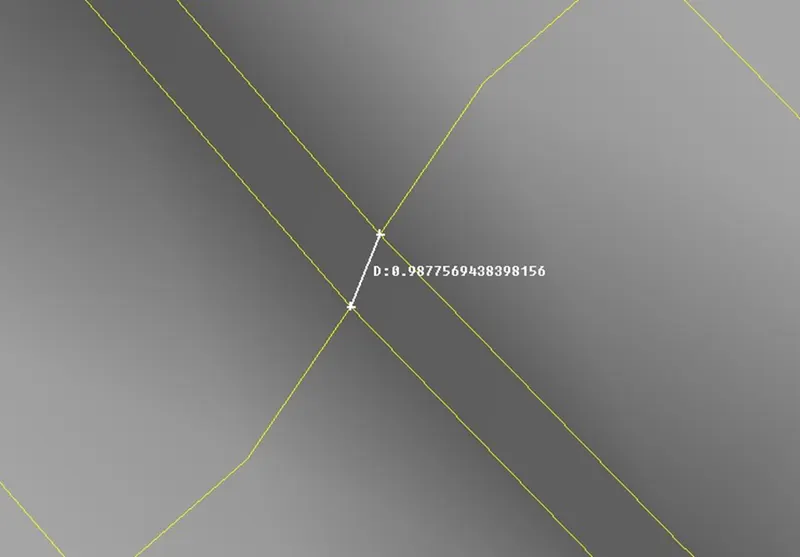
ckecking lenght between two lines
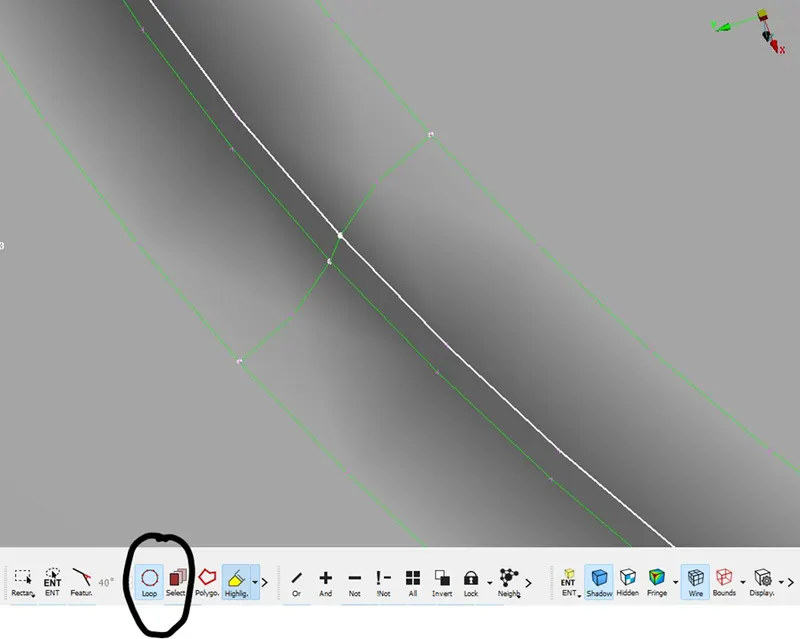
using join option
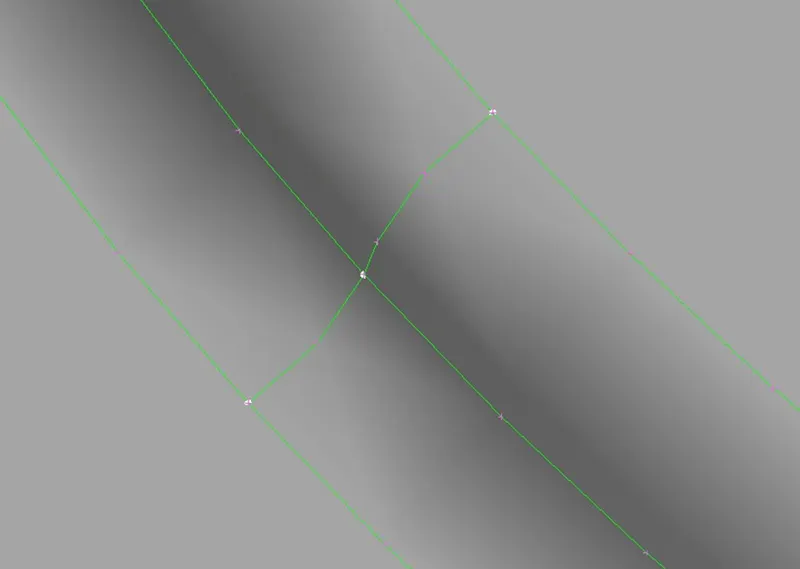
after join operation
- The next step is quality criteria setup and parameters setup:
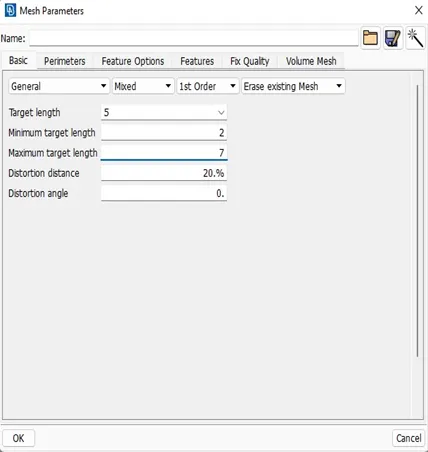
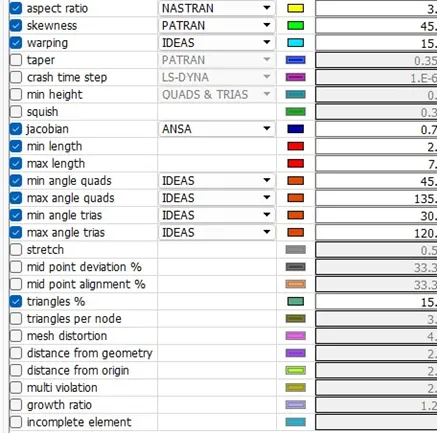
- Now we can start the mesh.
- (mesh module>mesh generation>best).
- To hide another surfaces we can use or option and select one surface).
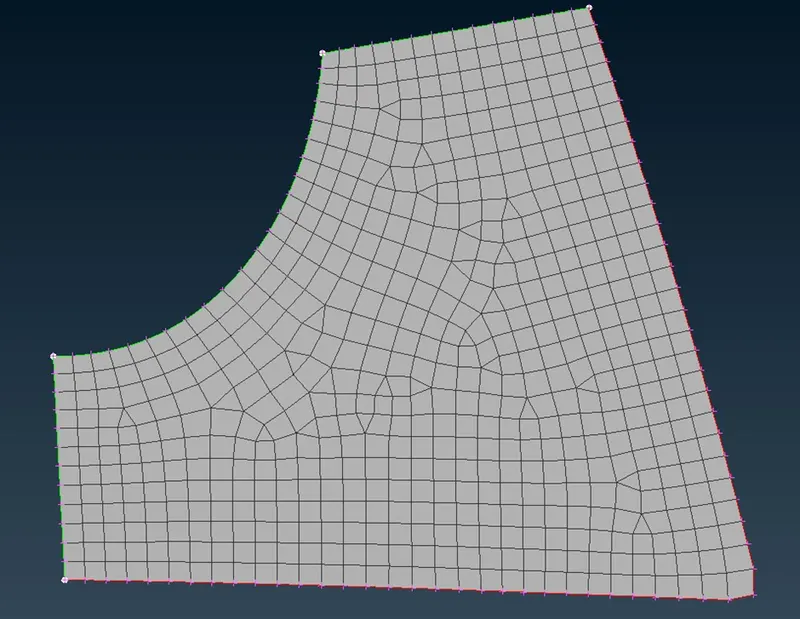
- We can see the flow of element and trias that are back to back, opposite and rotating quads so we can use reconstruction.
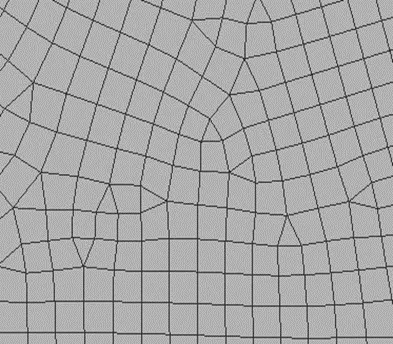
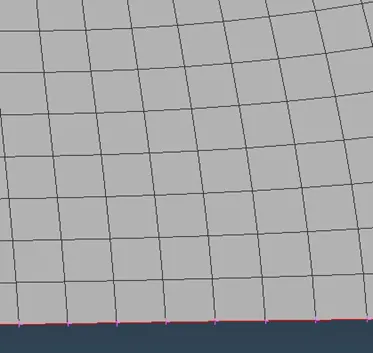
before recomstruction after recomstruction
- There are some element failure happened after meshing.
- We can fix the them by using some commands.
- Swap ,split,smooth,reconstruct,join.
- element failure after meshing:
Minimum length and maximum length :
- If element having any small edge length than predefined min length then it will fail for min length .
- If element having any edge length more than predefined max length then it will fail for maximum length criteria .
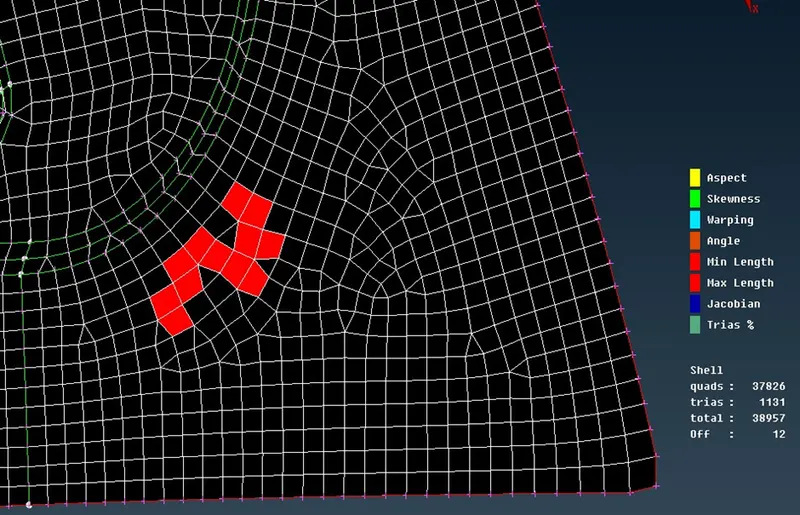
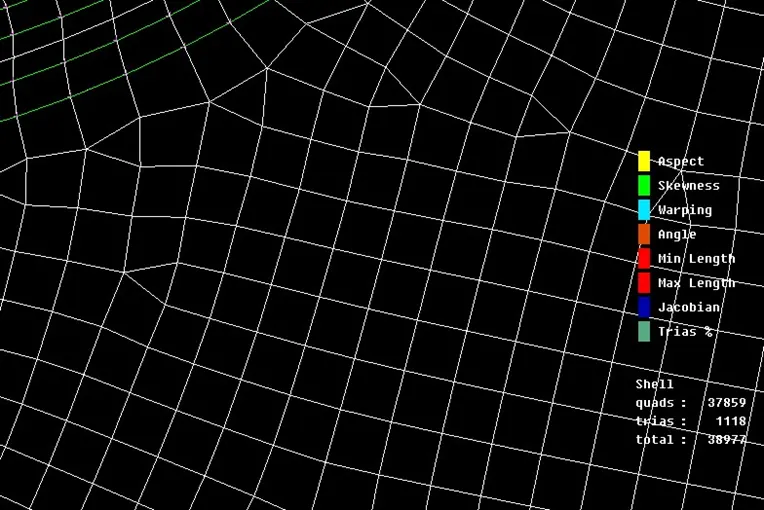
failure elements cleanup elements
Skewness :
- for quad element = 90 –(Ømin).
- Distorted element will have skew value other than 0.
- Ideal element will have skew value equal to 0.
- For tria element = angle between the meridian line & the mid node line.
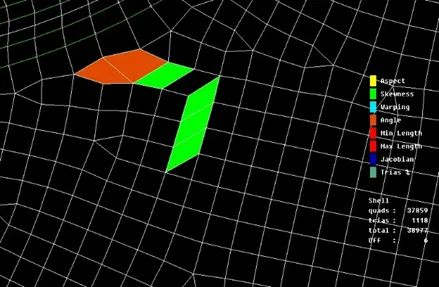
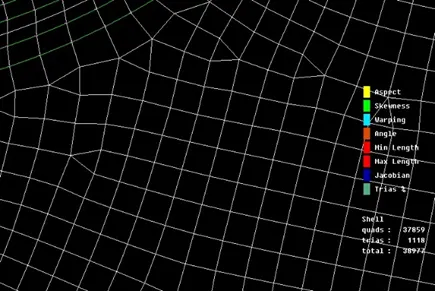
failure elements cleanup elements
Warping:
- whenever quad element are sharing two different elements warpage error will occur.
- The angle between the normal of the bent element is known as warp angle .
- The quad element is bent along its diagonal i.e deviated from the plane .
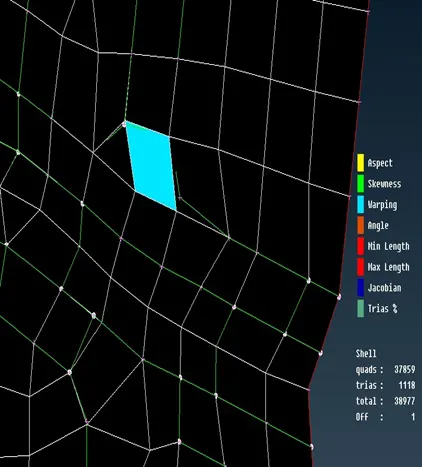
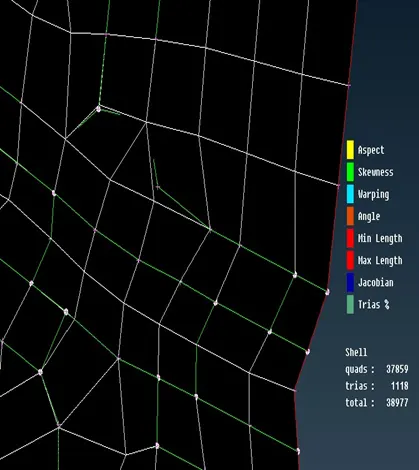
failure elements cleanup elements
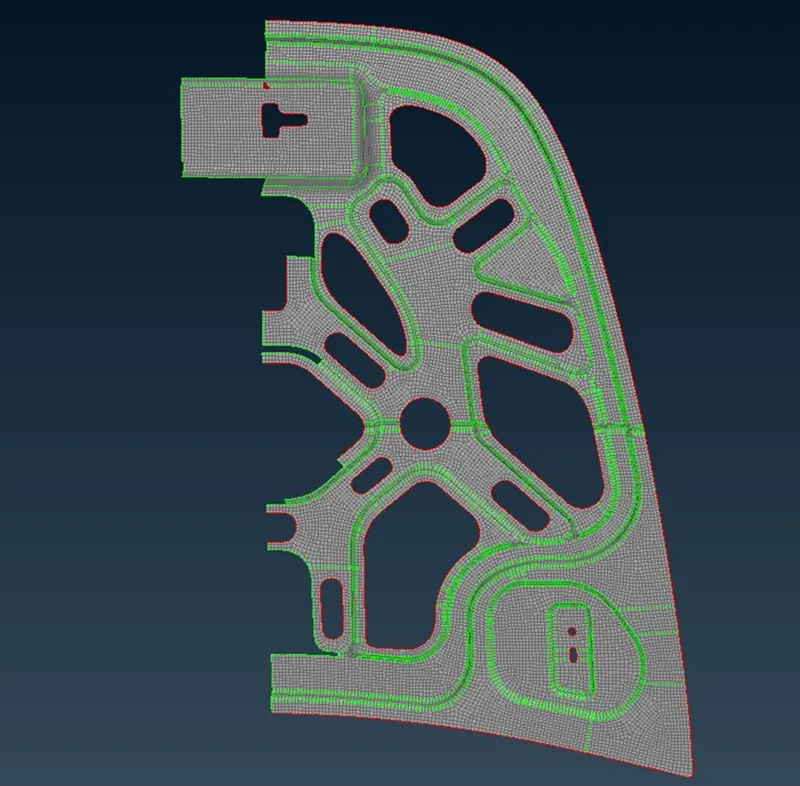
Completed meshed model
- After all mesh done and quality checks we have to use transform option for reflect the half portion to the another symmetry side.
- And next step is to assign thickness by 0.75 mm.
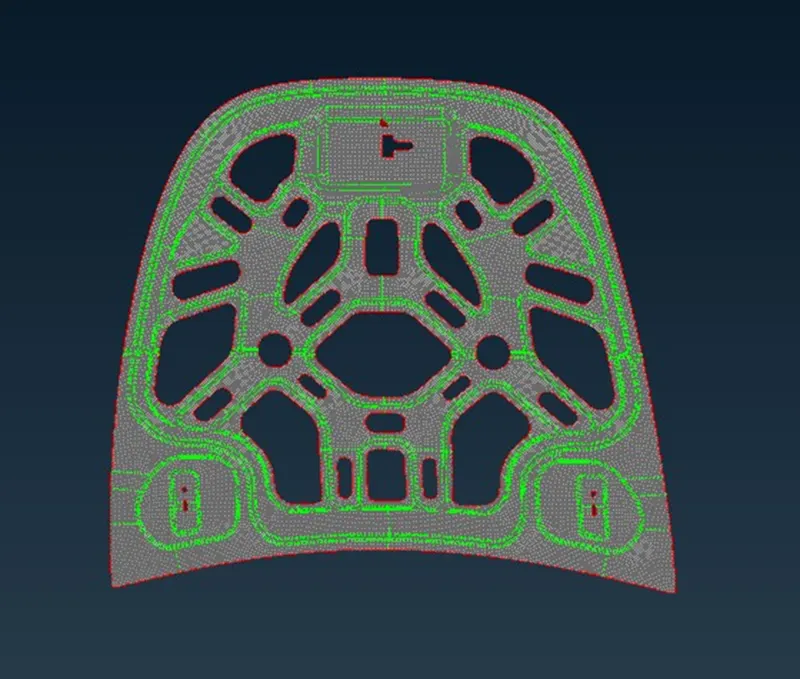
Final result model
Learning outcomes: In this model i had learnt about.
- How to do geom checks
- How to do meshing
- How to check quality criteria
- How to clean fail element
- How to reduce back to back trias , opposite trias ,rotating quads and trias near the feature line .
- How to assign thickness.
Conclusion: finally we got our mesh model for finite element analysis using ansa software.
Conclude
- Manual mid surfaces gives more accurate results
- Cut/construction line to divide critical region for meshing, helps in better mesh flow Changes in feature line should be only done when elements are failing.