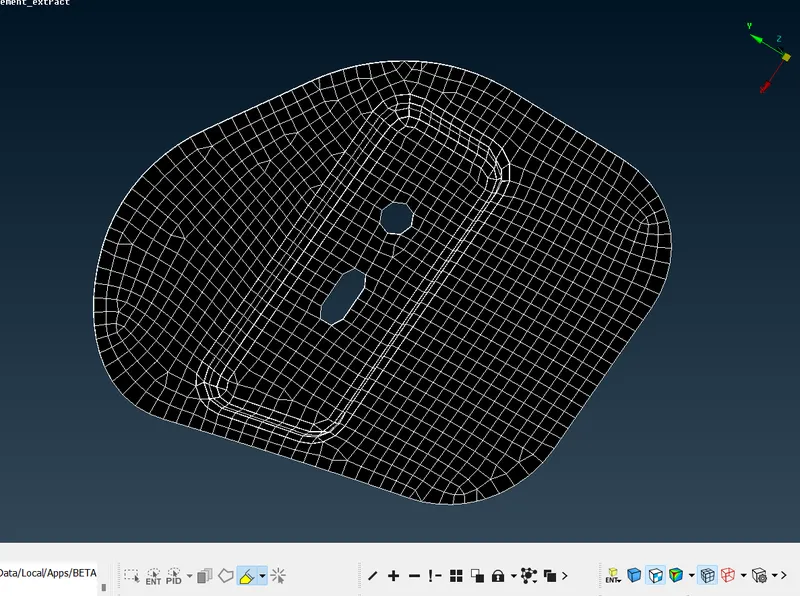
Week 3 - 2D meshing for sheet metal
WEEK - 3
AIM : To clean up the geometry , extract the mid surface and to mesh the given component using ANSA .
THEORY :
- The given component is the Hood model .
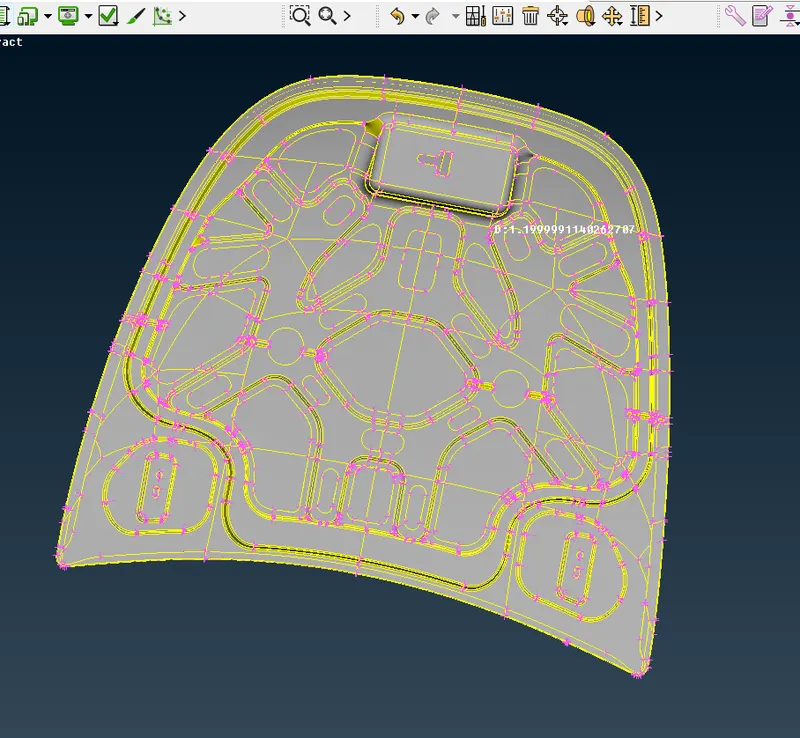
- Now to do all these given task , first we have to import the model stp file into ansa .
- To do this , follow File >open > selected folder > model
- Then go to Property module :
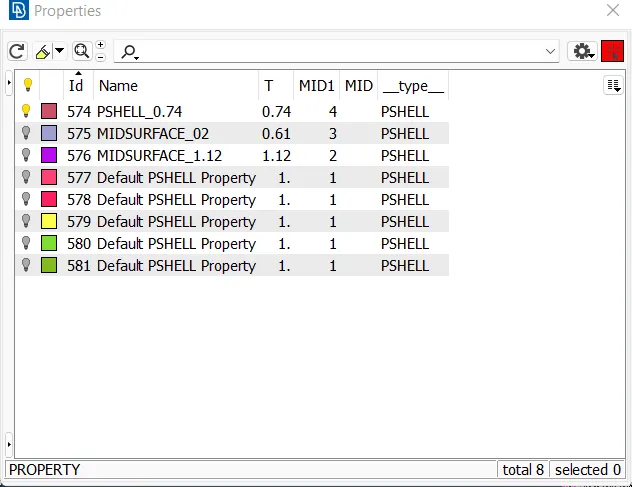
- Now instead of doing the geometry clean of a whole model at single time , divide the model into various properties for each each process
- This will lead to better accuracy and less complxity .
- Begin with the any property which is mentioned in the module
- Now check the given property for its geometry clean up and fic all the issues comming into this . Those issue which are not fixed by ansa , need to be fixed by the user .
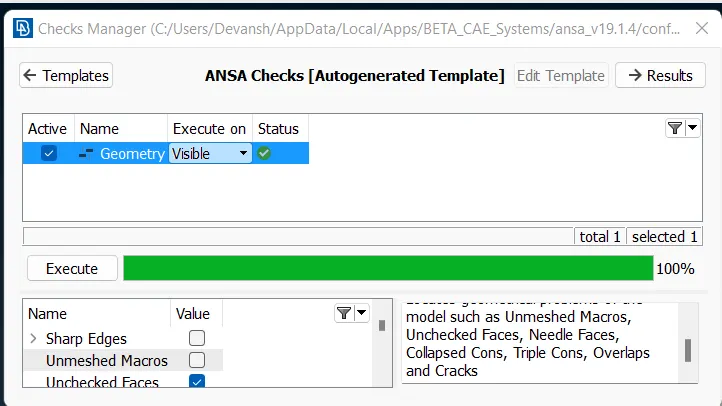
- Now after the clean up , extract the mid surface of it .
- To do this measure of the thickness of the property , half it and select the face wrt the extraction of the surafce . Also see the side of arrow to change the sign of the ofset value .
- Now go to SetPID and assign a proper unique property to it .and after de featuring , the mid surface has been extracted .
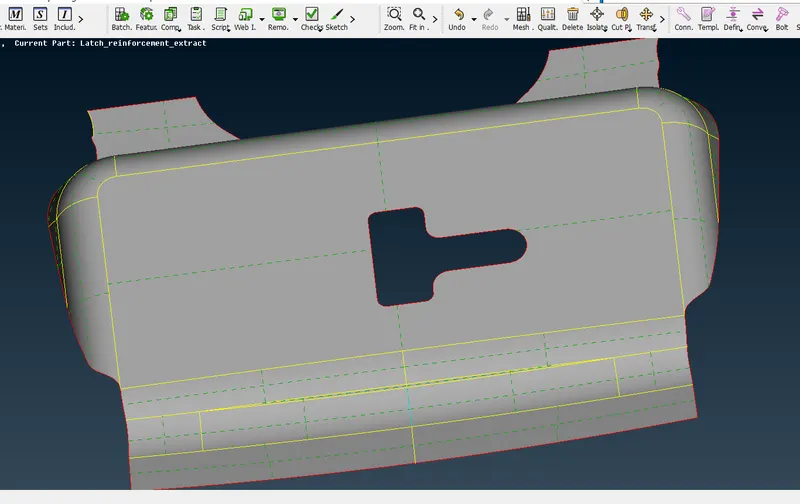
- Now after extracting the mid surface , now proceed for the quality parameters and assign the proper value as per the challenge .
- This will help in later stage for the mesh formation .
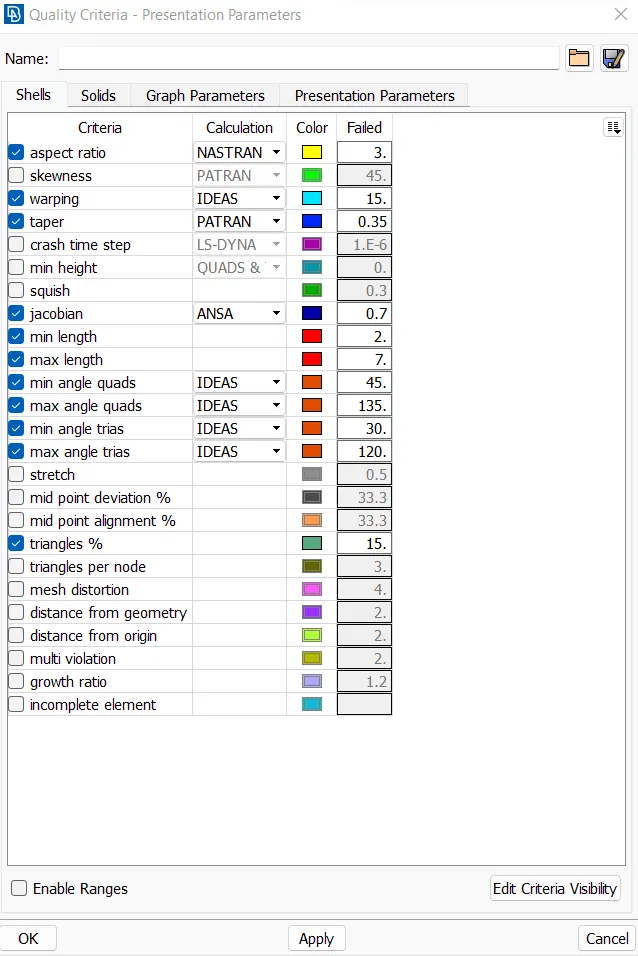
- This is one by pressing F11 key and after it dont forget to put the cursor to 0 on demand effects in presenattion module .
- Now after thios start the meshing in mesh module for the enitire part.
- For easiness I have made several differnt section into the same face by project cut option
- This is done for the best formation of mesh and less trias .
- Play with reconstruct , sploty , swap , paste options for a better mesh .
- When the off value = 0 and you see a complete black mesh formation , that means you are done with it .
- Always remember , that a better mesh flow always lead to better analysis at the latter stage and you will get good results .
- After meshing press F11 key and go to mesh as solid command so that the mesh gets the required thickness .
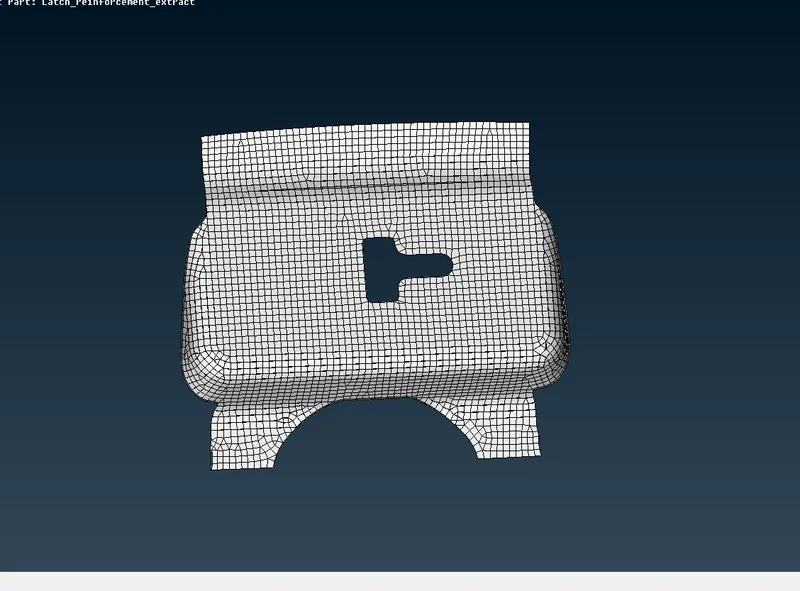
- For the easy understanding , I have mentioned another part also .
- Same process for this also .