Week 3 - 2D meshing for sheet metal
AIM: To Mesh the given model with the given quality criteria.
OBJECTIVE :
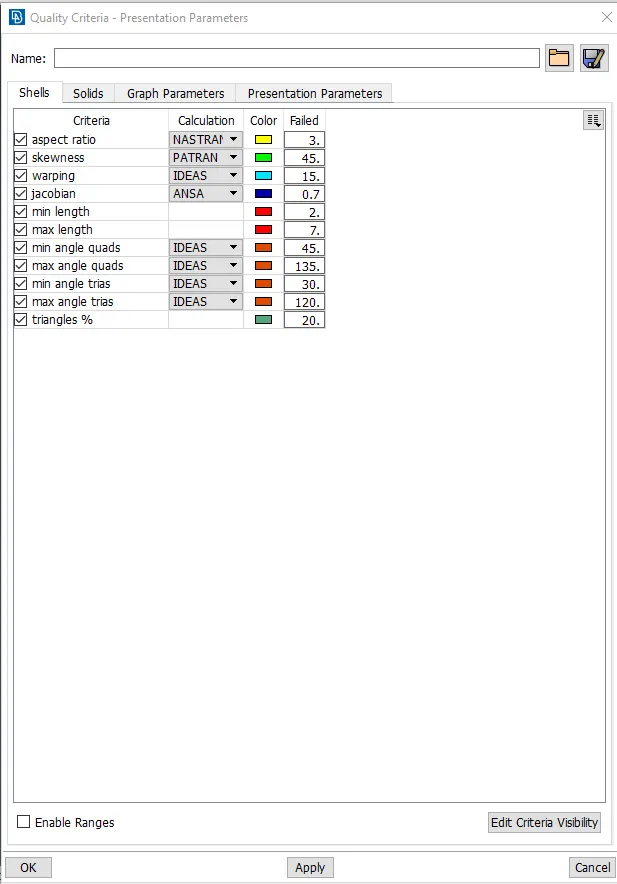
For the given Hood model, Take the mid surface for all the components after checking the geometrical errors and mesh the mid surface with the given element Quality criteria. (Refer the table Below for the Quality criteria)
|
S.No |
Quality Criteria |
Value |
|
1 |
Target/Average length |
5 |
|
2 |
Minimum Length |
2 |
|
3 |
Maximum Length |
7 |
|
4 |
Aspect |
3 |
|
5 |
Warpage |
15 |
|
6 |
Skewness |
45 |
|
7 |
Jacobian |
0.7 |
|
8 |
Minimum Quad Angle |
45 |
|
9 |
Maximum Quad Angle |
135 |
|
10 |
Minimum Tria Angle |
30 |
|
11 |
Maximum Tria Angle |
120 |
|
10 |
Tria Percentage |
15 |
Procedure:
- Import the CAD file to ANSA.
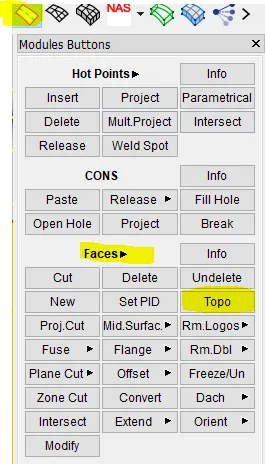
- Perform TOPO to connect the surfaces of a CAD model and to perform TOPO go to Face>Topo>select all and click the middle button of the mouse.
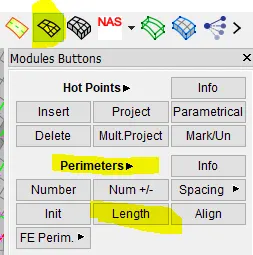
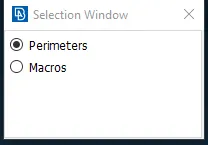
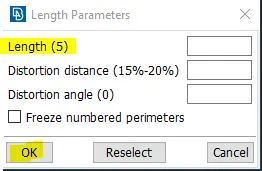
- Then, increase the resolution of the cons, so that the shape of the geometry can be understood properly. To increase the resolution we can use the fine command or the better way is to apply perimeter that is Mesh>perimeter>length>set the perimeter length.
- After increasing the resolution go to checks command which will run model integrity checks, providing automatic error fix option. And there we can find the unchecked surfaces present and tripple cons error, we have to fix them manually to understand the particular errors in the geometry.
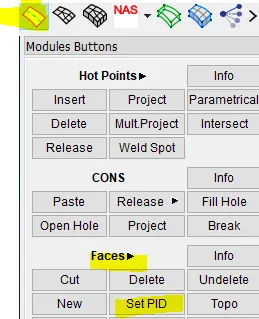
- Then, Set particular PID's for particular components. To set PID go to TOPO>Faces>Set PID there create a new PID and enter the thickness of the particular component and set.
- Set the quality parameters as required or as given parameters. To set quality parameters press f11 and there set the parameters.
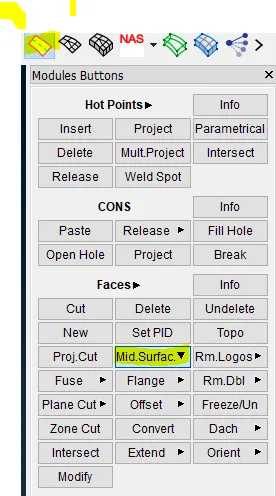
- Extract midsurface from the component using midsurface tool with skin option. To extract midsurface go to TOPO>Faces>midsurface>skin (select the faces for which midsurfaces to be extracted and exctract).
- Now, proceed to mesh the component. While meshing it is recommended to check the Reconstruct option in the Mesh generation and choose any mesh method Best or Spot mesh and mesh the component.
- If any elements failing due to quality criteria, reconstruct the mesh and use smooth command to get fine mesh.
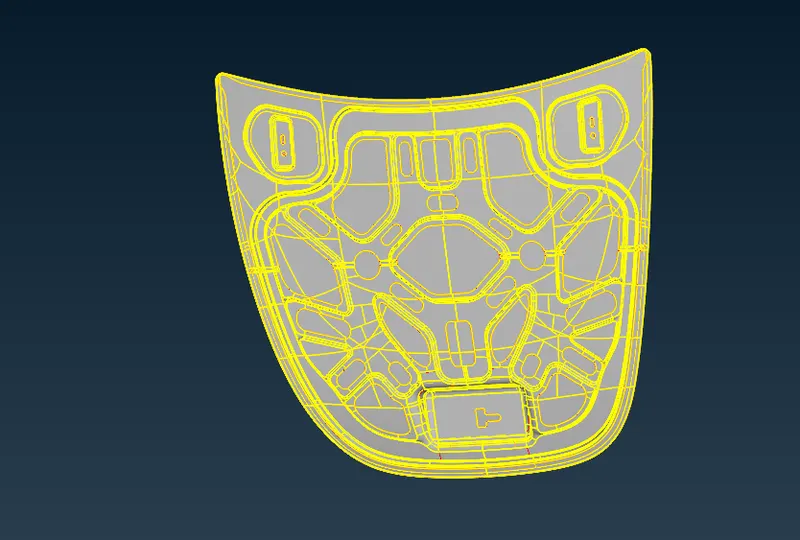
Given Hood model.
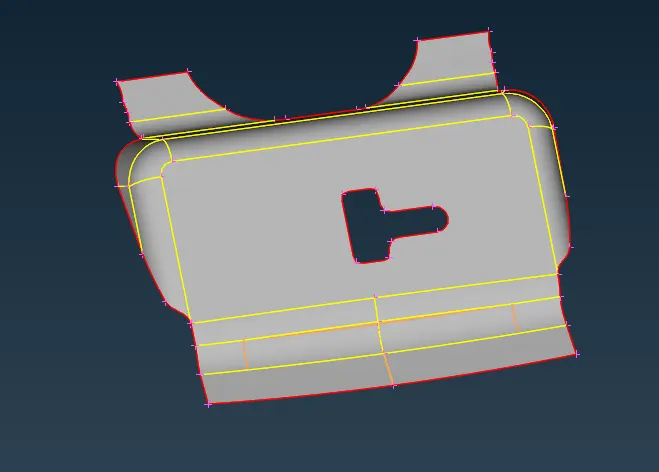
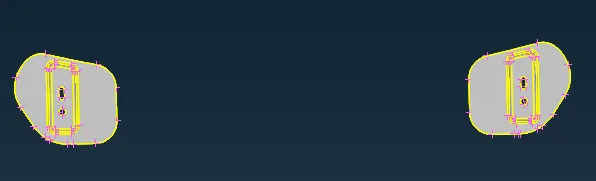
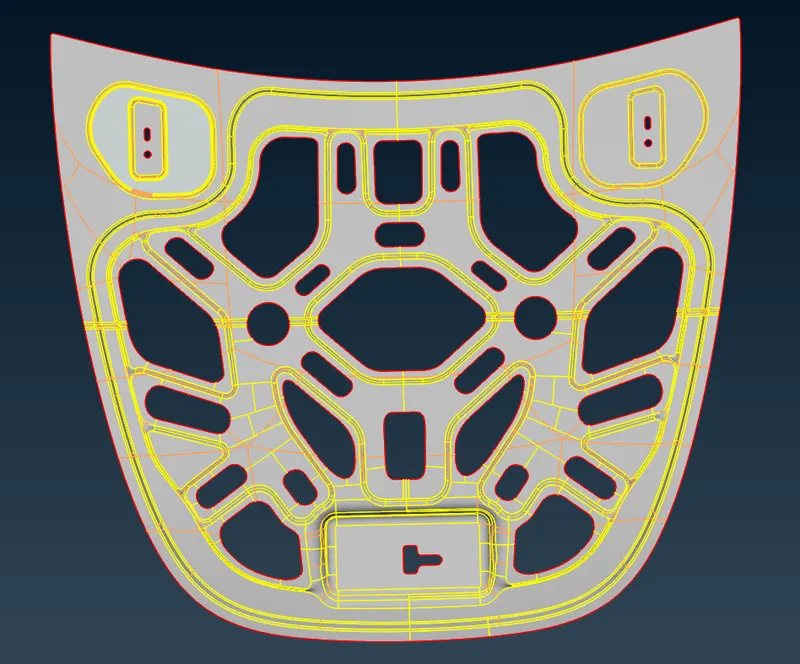
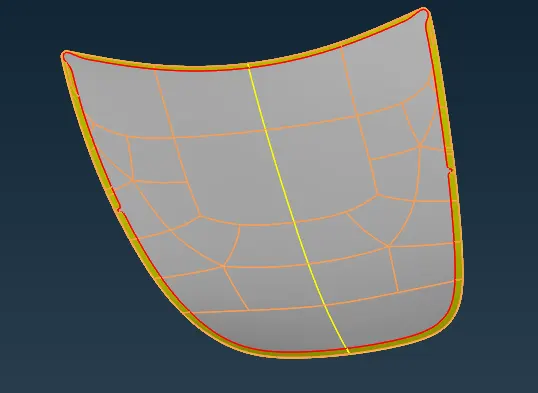
Extracted Midsurfaces:
Latch:
Hinge:
Inner extract:
Outer extract:
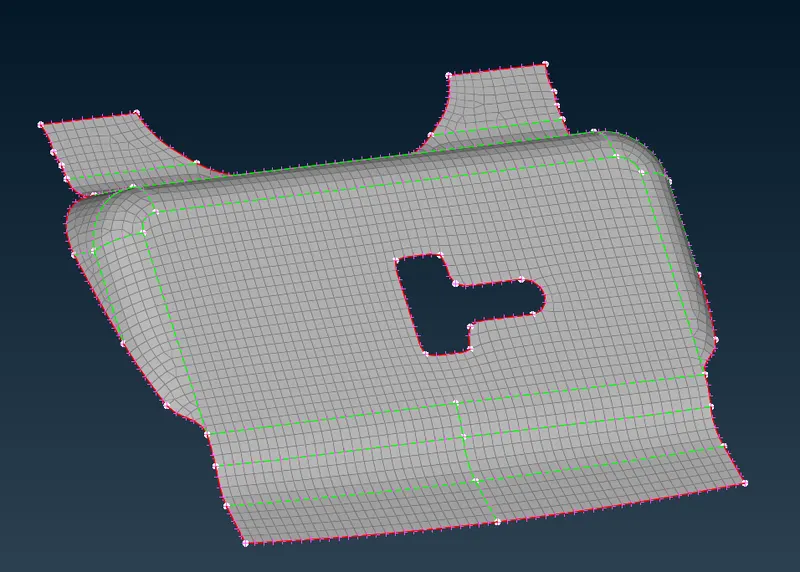
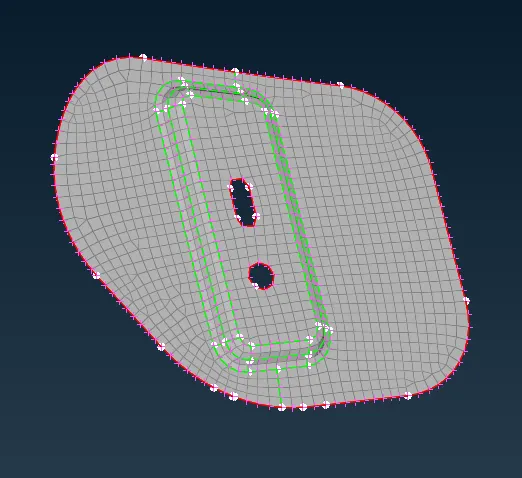
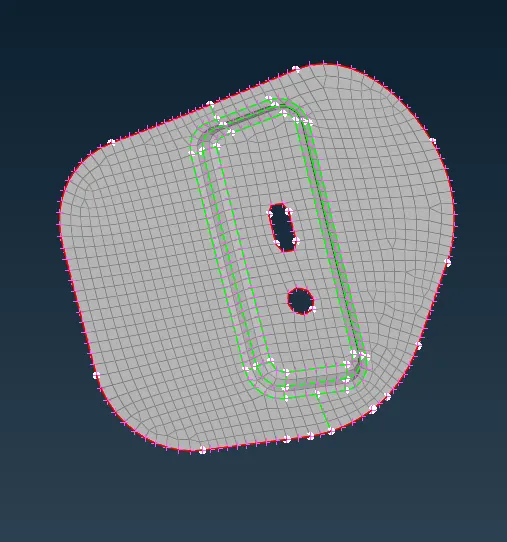
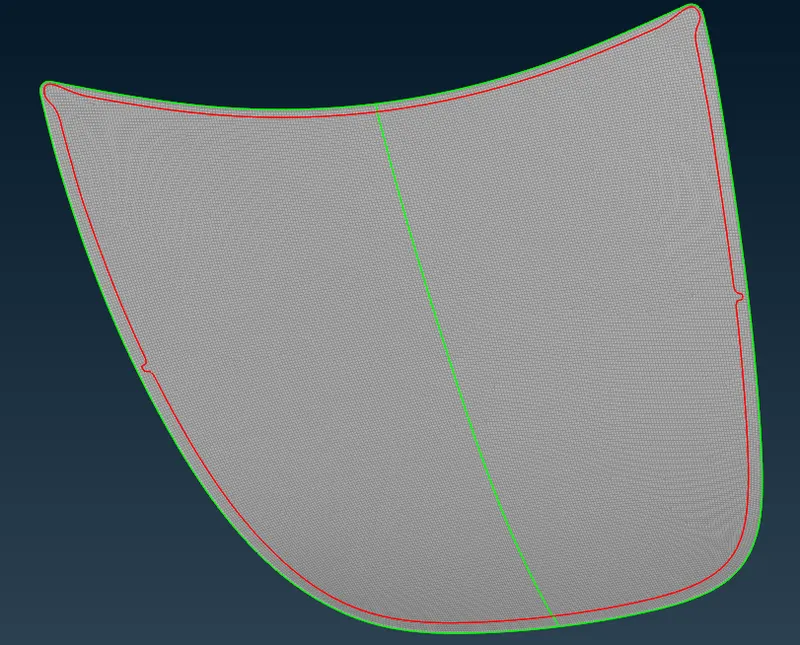
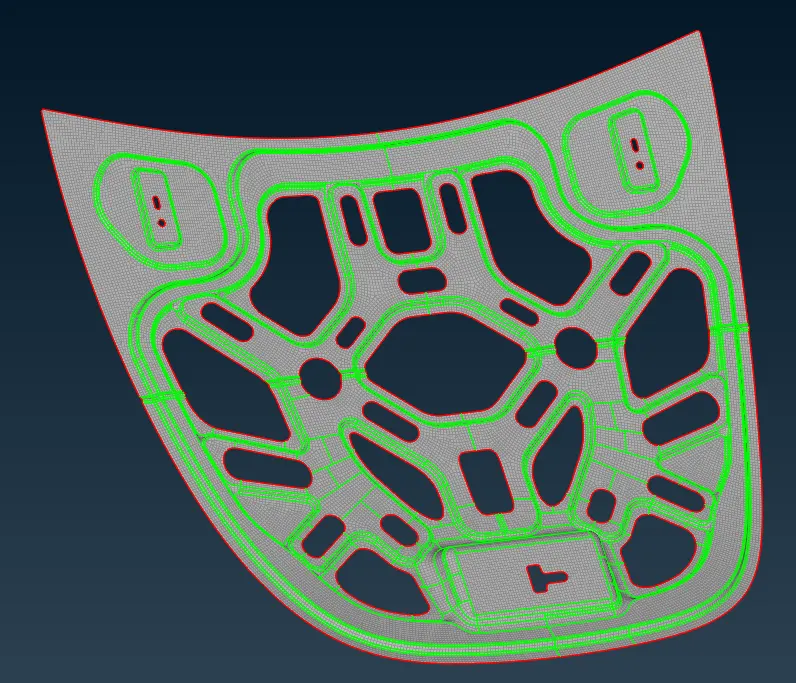
Meshed components :
Latch:
Hinges:
Outer extract:
Inner extract:
CONCLUSION:
Through this challenge I have learnt to cleanup the geometry, Extract the sheet metal midsurfaces and to set the quality parameters and to set PID and to Mesh the component in ANSA.