Week 3
Structural analysis and Meshing the Hood
Objective : To analyze the given model and to mesh it to the given quality criteria.
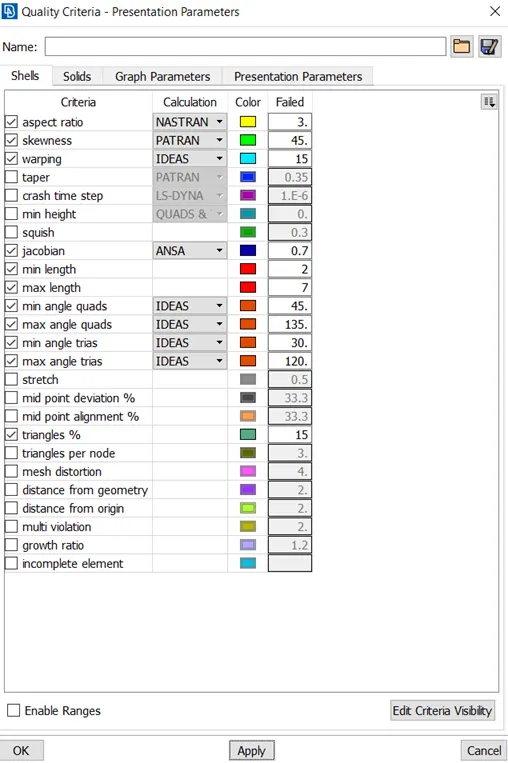
The quality criteria for Meshing The hood
Target element size = 5
|
S.No |
Quality Criteria |
Value |
|
1. |
Minimum Length |
2 |
|
2. |
Maximum Length |
7 |
|
3. |
Aspect |
3 |
|
4. |
Warpage |
15 |
|
5. |
Skewness |
45 |
|
6. |
Jacobian |
0.7 |
|
7. |
Minimum Quad Angle |
45 |
|
8. |
Maximum Quad Angle |
135 |
|
9. |
Minimum Tria Angle |
30 |
|
10. |
Maximum Tria Angle |
120 |
|
11. |
Tria percentage |
15 |
Procedure :
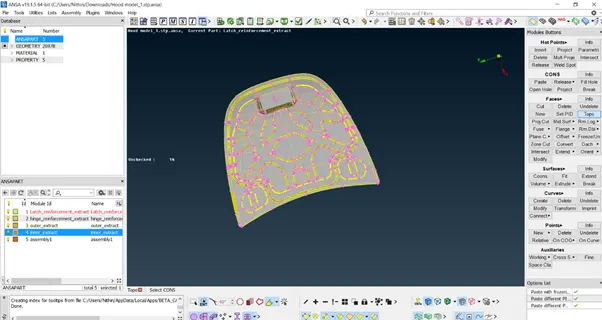
Step 1 : Import the model into the ANSA graphical area.
Step 2 : Analyze the model and check for any geometrical errors in the model from checks option.
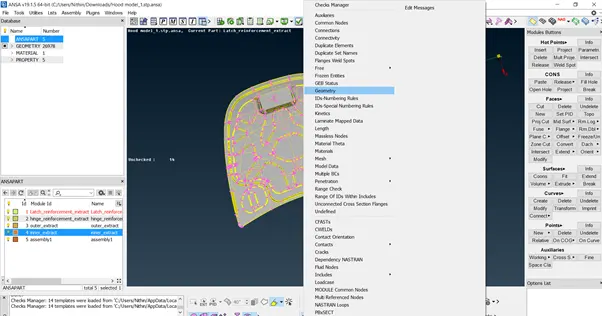
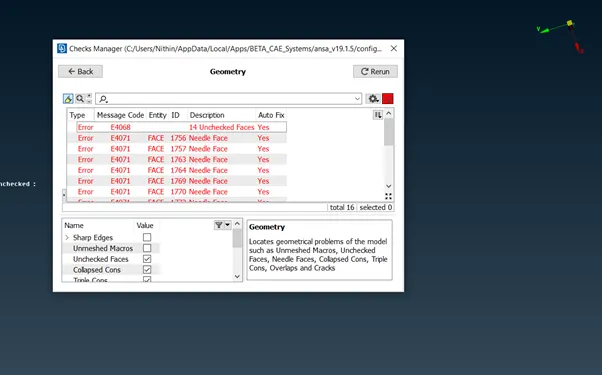
Step 3 : Try and resolve the errors shown automatically by using auto fix option. Some errors should be fixed manually by using the appropriate Modules Buttons option.
Step 4 : After resolving the errors , move on to extracting the mid surface. The mid surface can be extracted by both the methods automatically and manually.
- For using automatic mid surface extraction method we use mid surface from faces module buttons and depending on the model we can choose the appropriate option available in the mid surface extraction option. For this model type skin offset option would be preferred. All the areas of cross section should be closed . Once we perform the skin offset method the parent geometry would automatically be deleted.
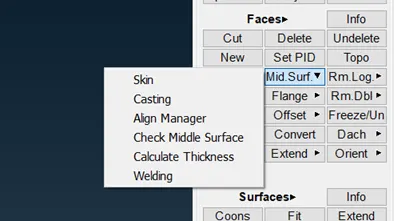
- Depending on the complexity of the model the manual mid surface option is used , if the model is too complex then the manual mid surface option is used. Measure the thickness of the model from measuring option from the utilities tab and measure the thickness between the nodes to know the thickness.
- The manual method to extract mid surface is to use the offset option from faces module buttons , select the parts of the components carefully give offset value to the half of the thickness of the component. Depending on the direction of the offset we can change it by giving the minus value in the offset.
- For the hood the manual mid surface extraction was used.
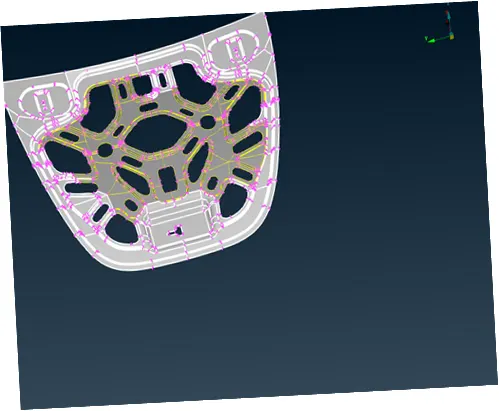
Step 5 : After extracting the mid surface check for any geometrical errors on the extracted mid surface. Perform geometry cleanup and clear the errors if any.
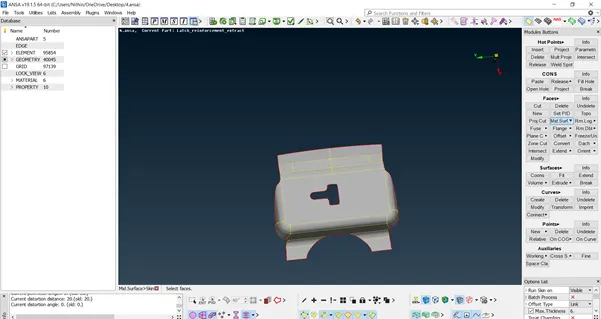
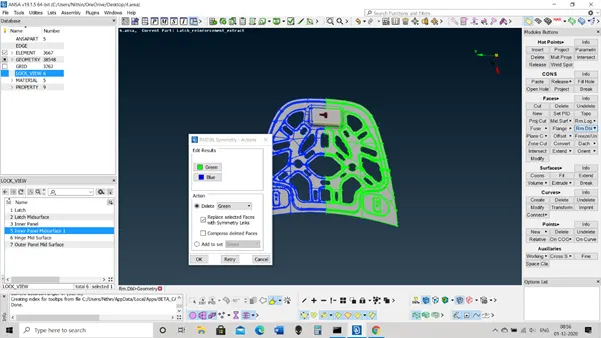
Check the Symmetry of the model.
Assign Property based on the thickness of the model.
Step 6 : Enter Quality criteria for meshing the model.
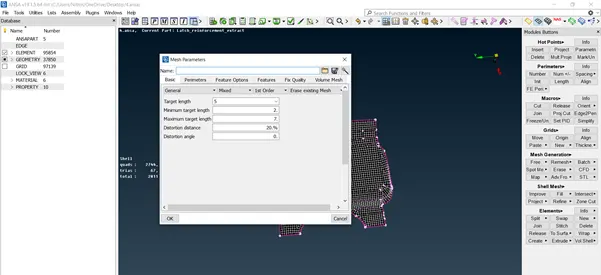
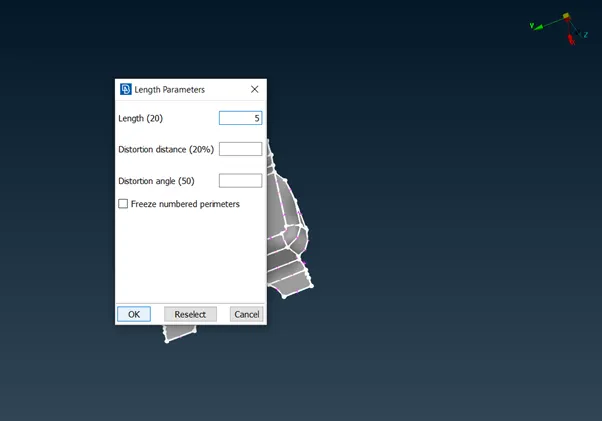
Step 7 : Switch to mesh mode from topo mode. From mesh module buttons we go to perimeter and select length and select the component and change the length according to the given target element size. By doing this we change the irregular distance between the hot points to an almost uniform distance between them.
Step 8 : Select the “ Best ” option from mesh generation button module. The Best option is the hybrid mesh in ANSA. It chooses the most suitable meshing algorithm from ANSA for the component and deploys it on the part.
Step 9 : To clear the Quality criteria errors we several use tools from shell mesh button module. We can only see the errors on the screen in hidden mode.
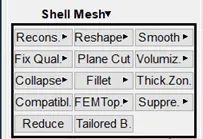
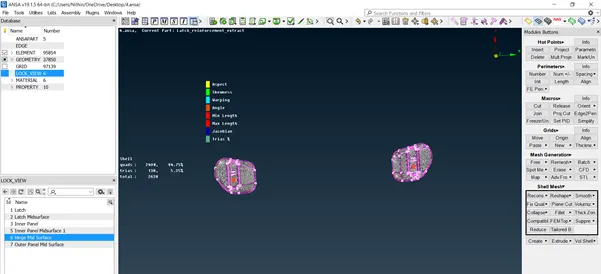
Step 10 : Clear all the errors of the model and try to reduce the trias as low as possible.
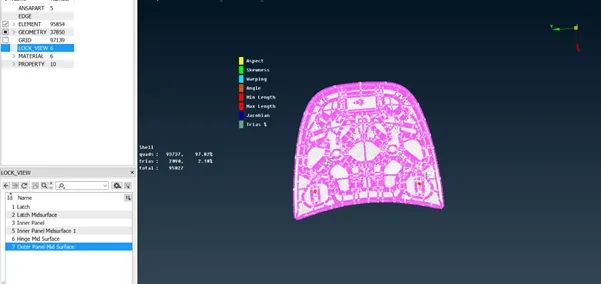
Conclusion : The given model was geometrically cleaned. The mid surface was extracted manually and the model is meshed to the given quality criteria.