Week 2 Railwheel and Track
OBJECTIVE:-
To perform a structural analysis on track and Rail-wheel and also obtain the various results such as Total deformation, Equivalent stress & Life of the model.
PROCEDURE:-
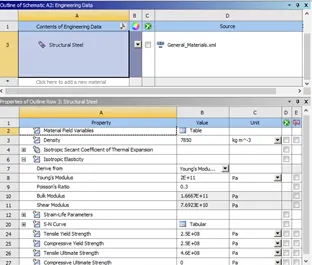
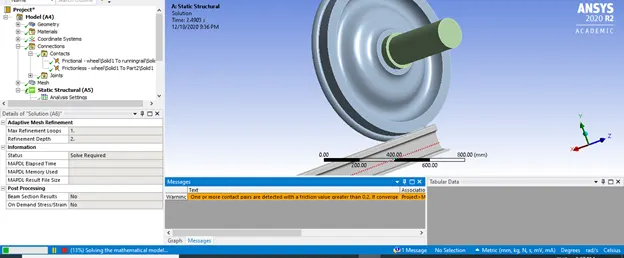
Create a new static structural model, Assign the material as Structural steel and import the geometry provided. If any changes need to be done in the geometry, then edit the geometry with the help of space-claim, otherwise proceed. Open the geometry in the mechanical workbench. Starting woth contacts, assign the contacts in between the hub and wheel and also in between wheel and track.
CONTACTS:-
Wheel and track
Definition type:- Frictional contact
frictional coefficient = 0.3 and; leave all the other settings as default.
Wheel and hub:
Definition type : Frictionless contact, ans leave all the left over parameter settings as default.
After contacts ,assigning joints
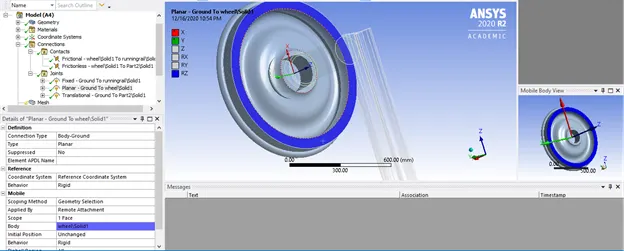
PLANAR JOINT
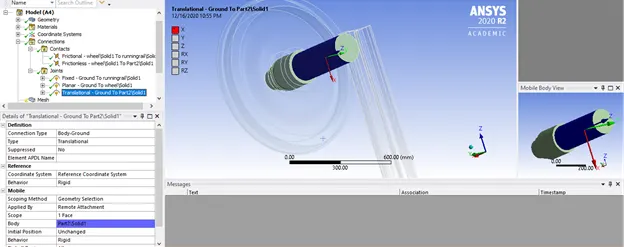
TRANSLATIONAL JOINT
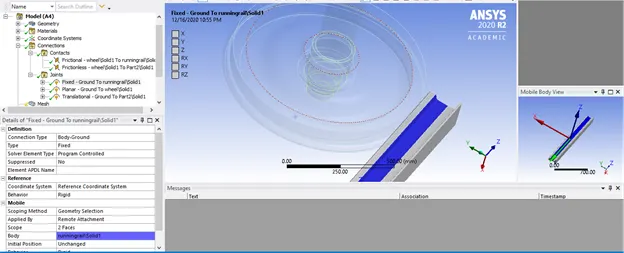
FIXED JOINT
Meshing the component
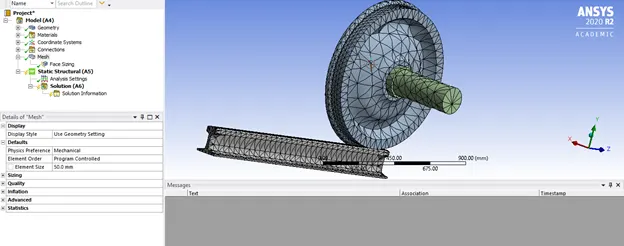
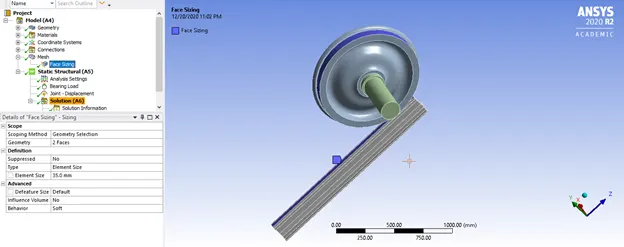
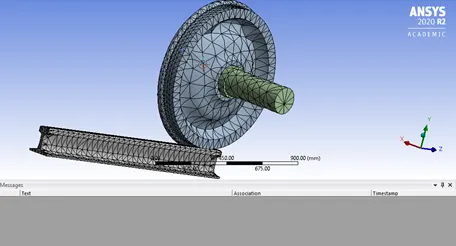
The default element size for the model is set to 50 mm
Whereas the size for the face/contact area is set to be 35 mm
Analysis setting:-
Applying the criteria for the 1st step in the analysis setting to be ON for general miscellaneous
Contact miscellaneous Also back stress, strain to be ON under output control section.
Force convergence to be ON, solver type – Direct, Large deflection – ON
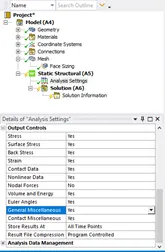
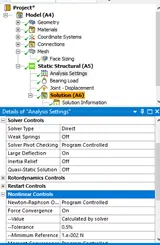
And after the 1st step For the next 2 to 5 steps
Initial time step = 1e-3 and max time step = 0.1 has been set
Also, auto time stepping has turned ON.
Solver type= direct
Large deflection = ON
Force convergence = ON (under non linear contacts)
And also output controls be switched ON
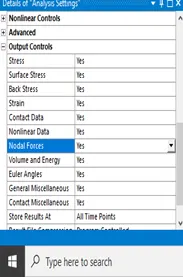
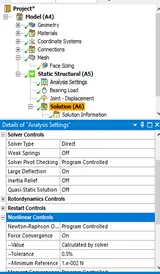
Now defining the load for particular simulation:
Load on wheels for translation , the wheel will travel a distance of 500 mm so in each step assigning a 100 mm increasing displacement,
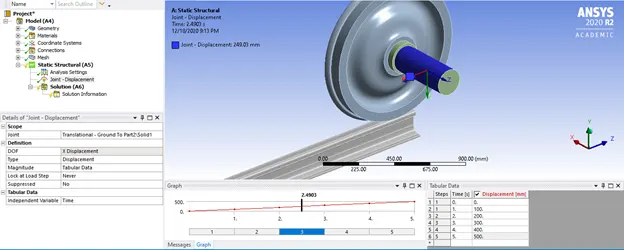
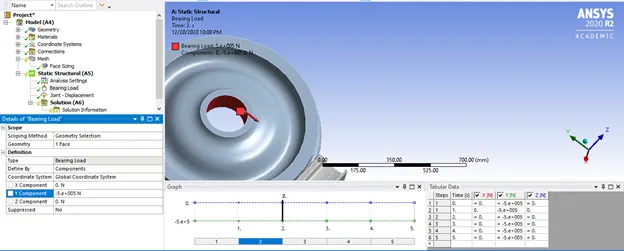
Apart from this the wheel will also have the bearing load i.e. the load of the carriage will be transferred to the shaft which will ultimately be transferred to the rails, thus applying the bearing load to the mid of the wheel of 1E+5 N.
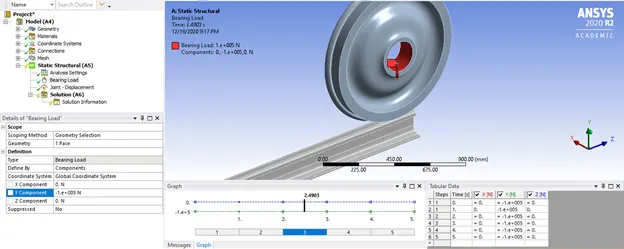
Post the loads applied let us list down all the required results, in our simulation we need to evaluate results for total deformation, equivalent stress and life of the system:-
All the result parameters can be inserted by :
Right click – insert – equivalent stress
Right click – insert – Fatigue tool - life
Right click – insert – total deformation.
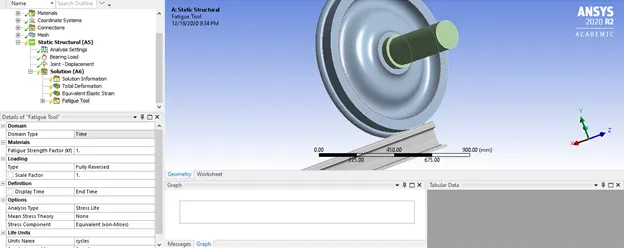
Case Default :-
For 1E+5 N load,solving for analysis:
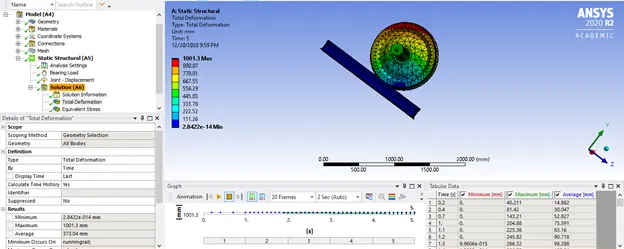
Total deformation
Equivalent stress
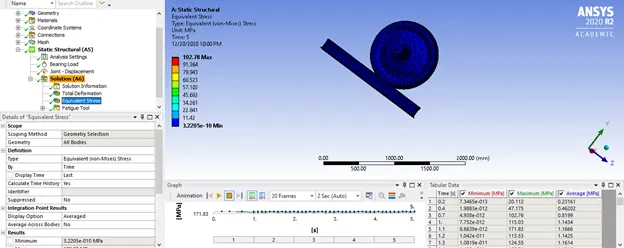
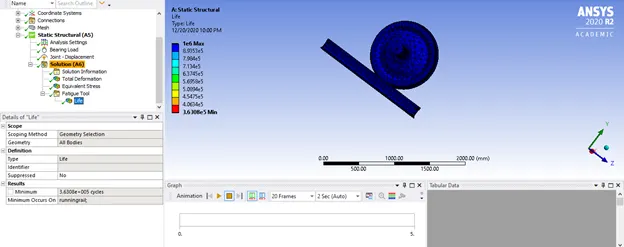
Life cycle of the system
Case 1:-
In case 1 we will be multiplying the bearing load by 5 times and comparing the result with the default results:
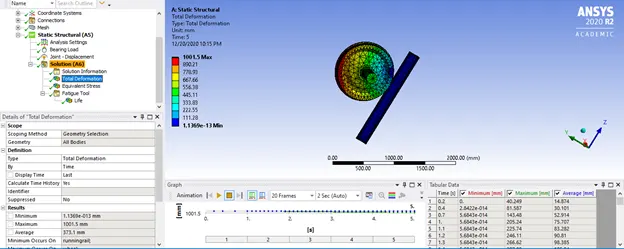
Total deformation
Equivalent stress
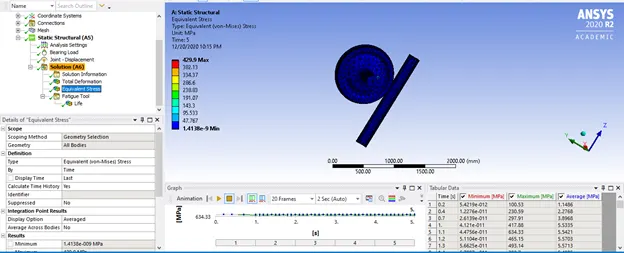
Life cycle
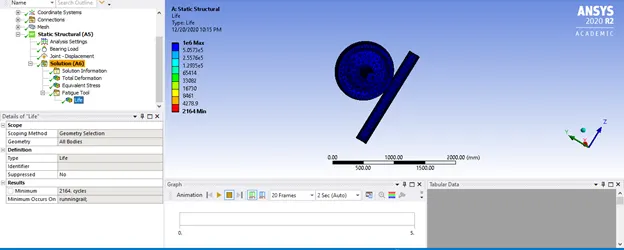
Case 2:
In case 2,user define result has to be obtained for total deformation of the model. Thus applying the equation – sqrt(Ux^2+Uy^2+Uz^2).
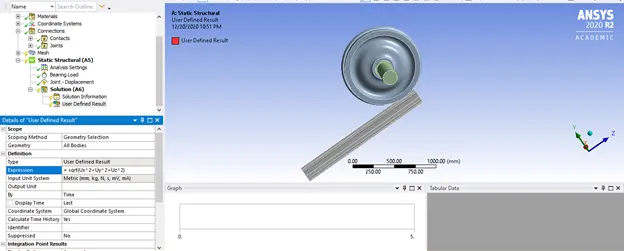
TOTAL DEFORMATION
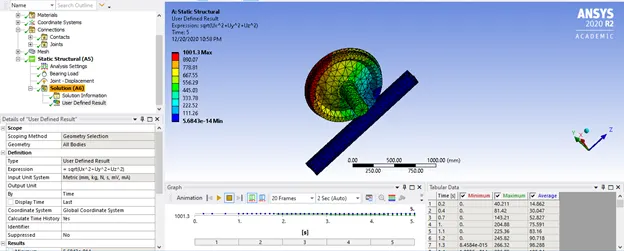
COMPARISON:-
In between default case and case 1 :
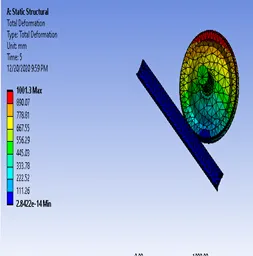
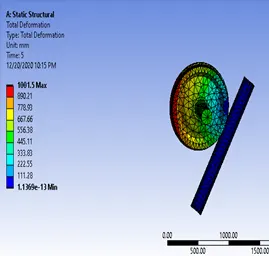
Total deformation 100000 N Total deformation 500000 N
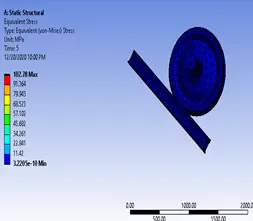
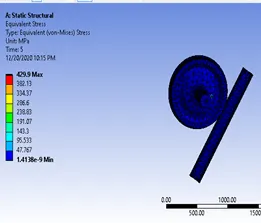
Equivalent stress 100000 N Equivalenst stress 500000 N
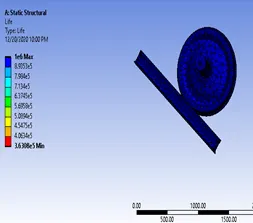
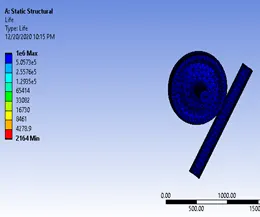
Life of model in 100000 N Life of model in 500000 N
|
100000 M |
500000 N |
|
|
Total deformation(mm) |
1001.3 |
1001.5 |
|
Equivalent stress(MPa) |
102.78 |
429.9 |
|
Life of model(in cycles) |
1E6 |
1E6 |
The maximum values of the parameters are tabulated above.
Form the above comparison it is seen that
- There is no change in the life cycle of the model in different loading conditions,
- Total deformation is slightly more in case for 500k N loading compared to 100k N loading.
- And the Von-mises stress value is greater in case 1 in comparison to default case.
Comparing the default case with user defined case
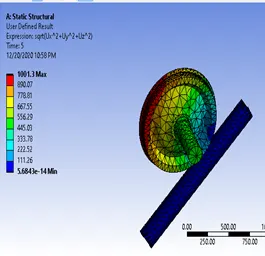
100000 N case User defined case
The value of total deformation in both the case are same, and no change can be seen in both the results.
CONCLUSION:-
The static structural analysis is performed for the given model with the varying three different cases and the results are tabulated:
|
100000 N |
500000 N |
User defined |
|
|
Total deformation(mm) |
1001.3 |
1001.5 |
1001.3 |
|
Equivalent stress(MPa) |
102.78 |
429.9 |
|
|
Life of model(in cycles) |
1E6 |
1E6 |
Here is attached the link for accessing the workbench files:
https://drive.google.com/file/d/1Z-hWIkjX03xaN9yGIWEExwPzgdozfodm/view?usp=sharing