Week 2 Challenge : Surface meshing on a Pressure valve
SURFACE MESHING ON A PRESSURE VALVE USING ANSA
Aim:-
To create a surface mesh on a given pressure valve using ANSA.
Objective:-
To perform topology cleanup and create a tria element mesh on a pressure valve for 3 different cases at target lengths of 1mm, 3mm, and 5mm.
Procedure:-
1) Importing of the Given CAD Model
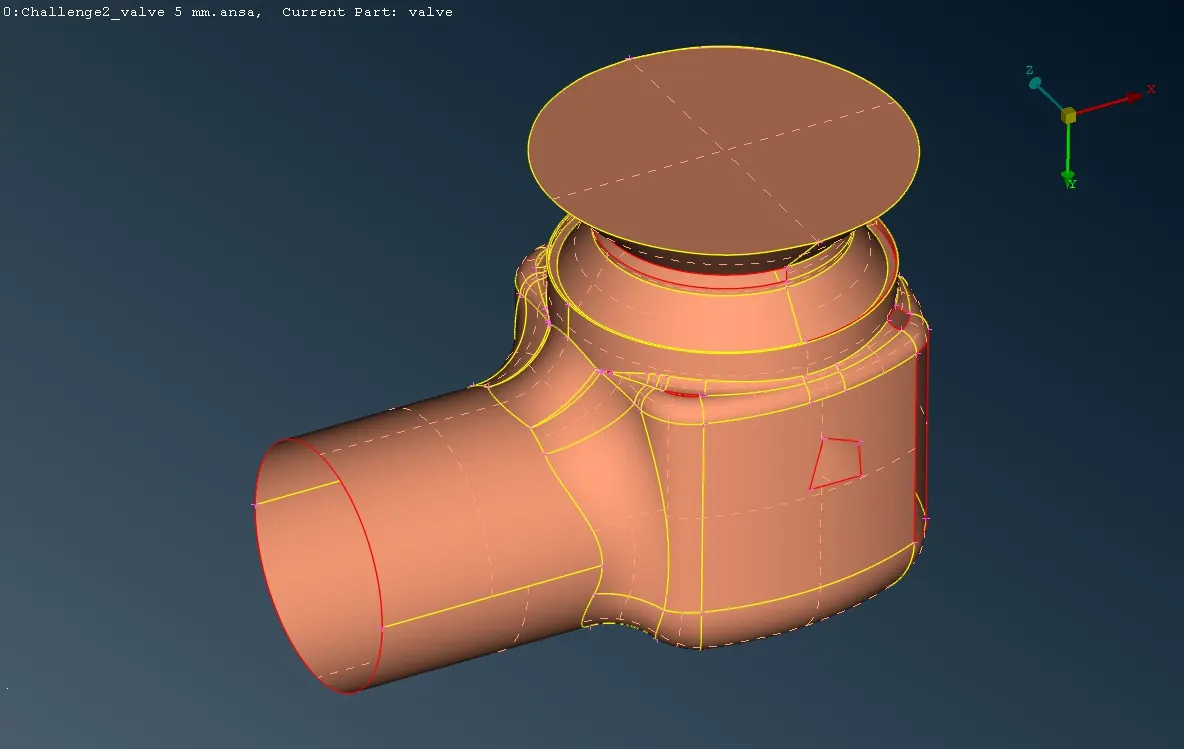
2) Topology Cleanup:-
- A given geometry has been cleaned by removing single cons, holes, and cracks.
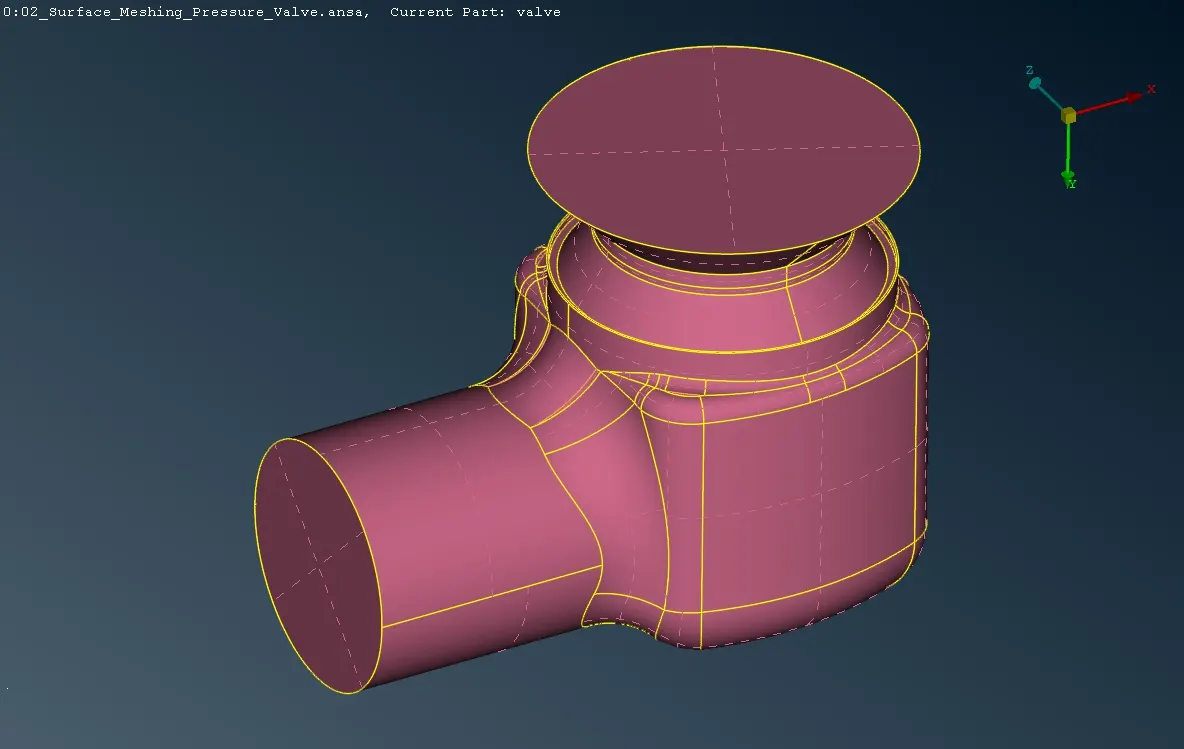
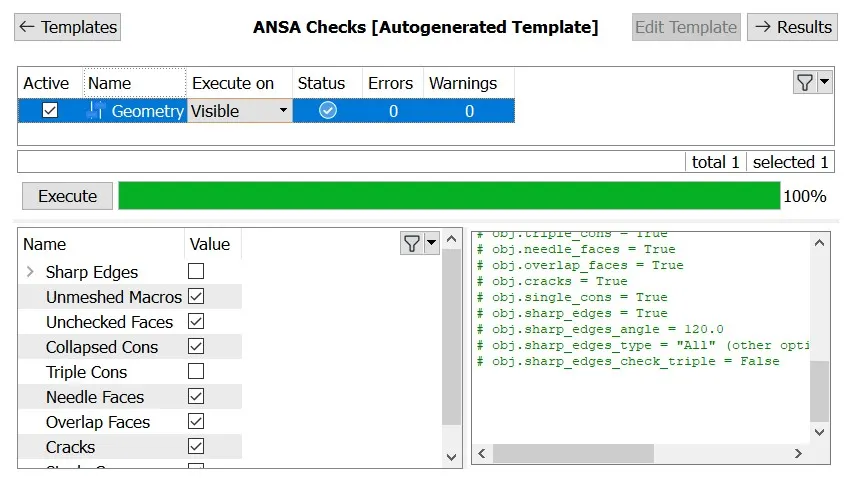
3) Creating PID of a Pressure Valve
- Property ID has been created for the pressure valve.
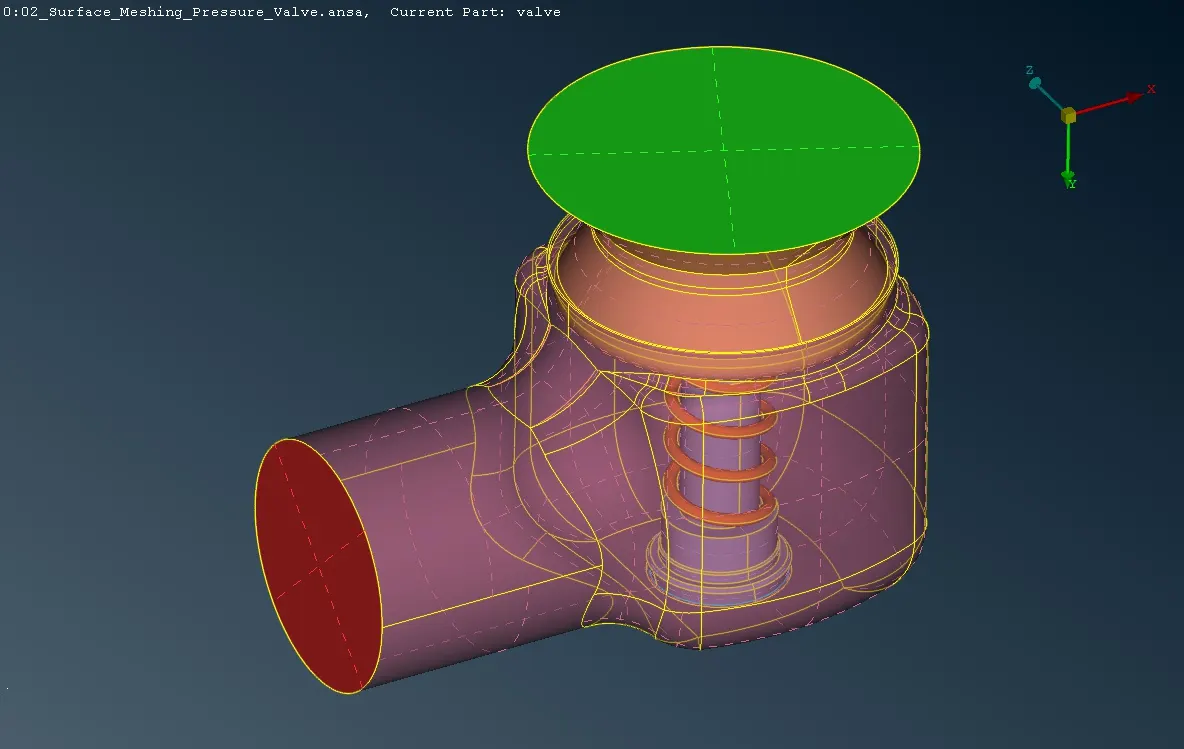
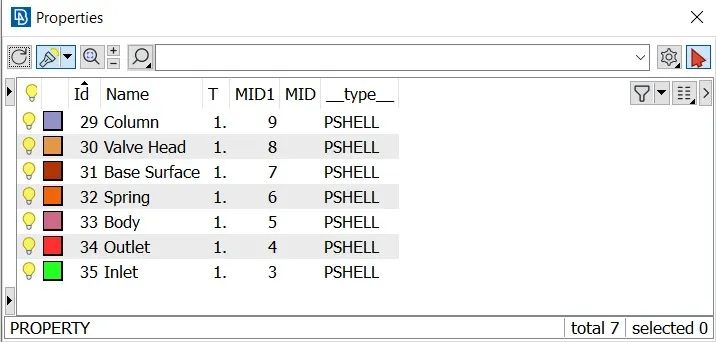
4) Surface Meshing
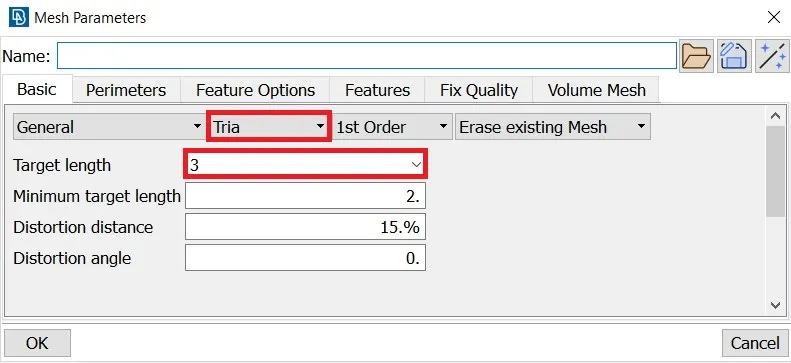
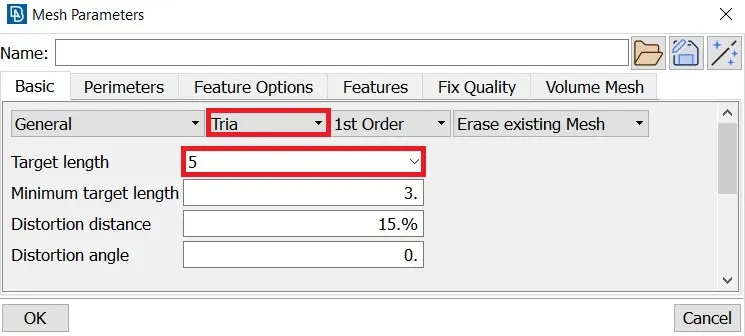
- Meshing the entire pressure valve with three different mesh lengths of 1mm, 3mm, and 5mm using the spot mesh.
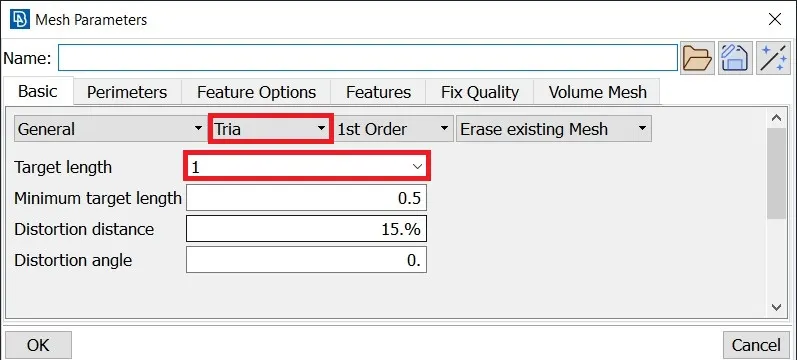
- Define the length of the perimeter and macros.
- Change the element type to tria and define the minimum and maximum length in quality criteria.
- Generate the mesh using spot mesh by selecting the region.
A. Case 1 - 1mm Target length
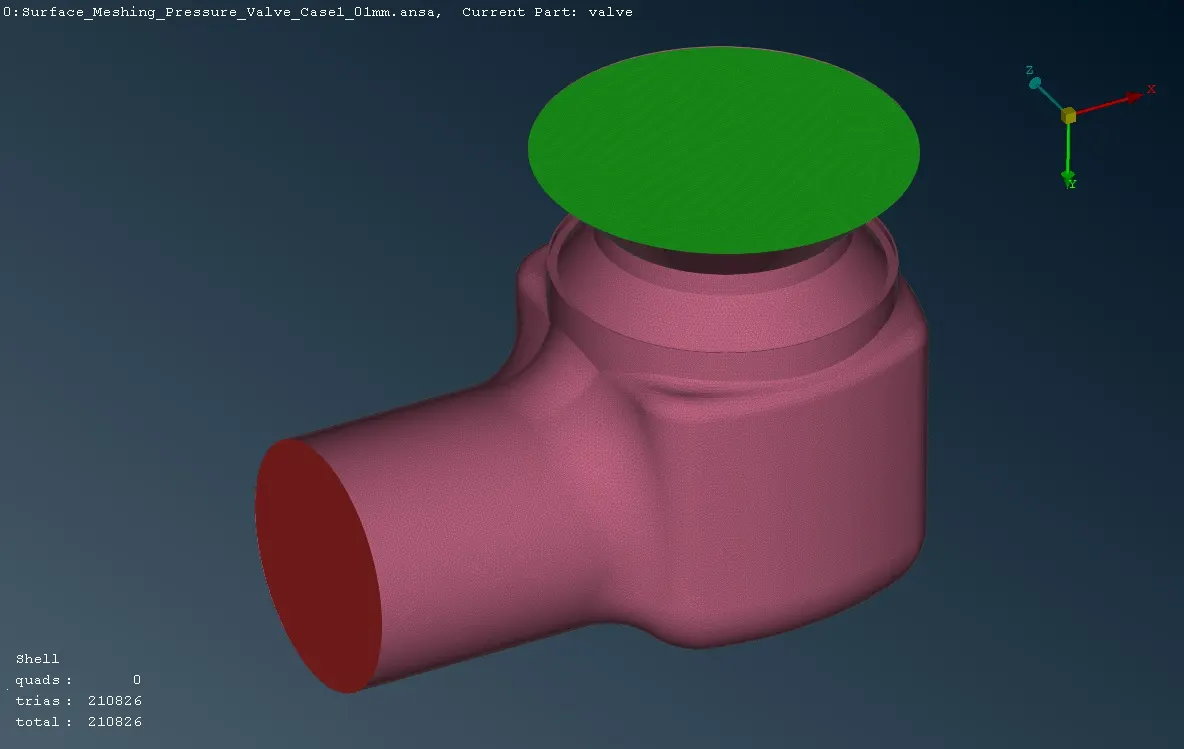
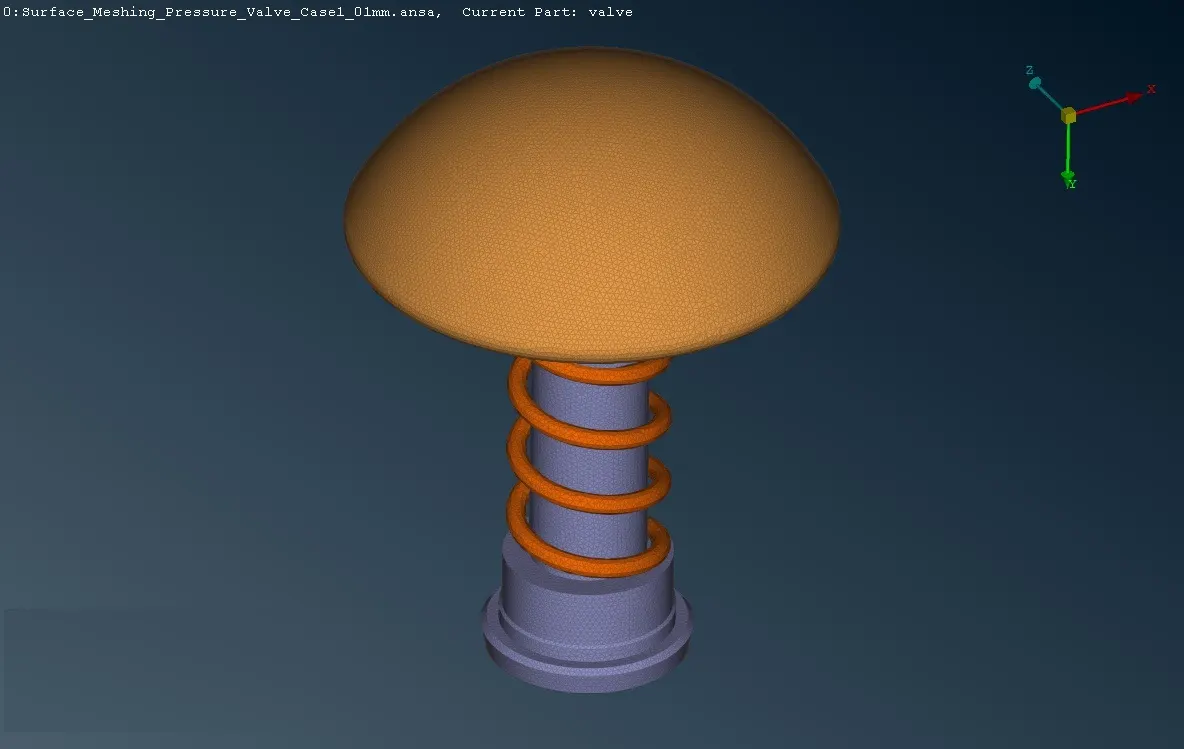
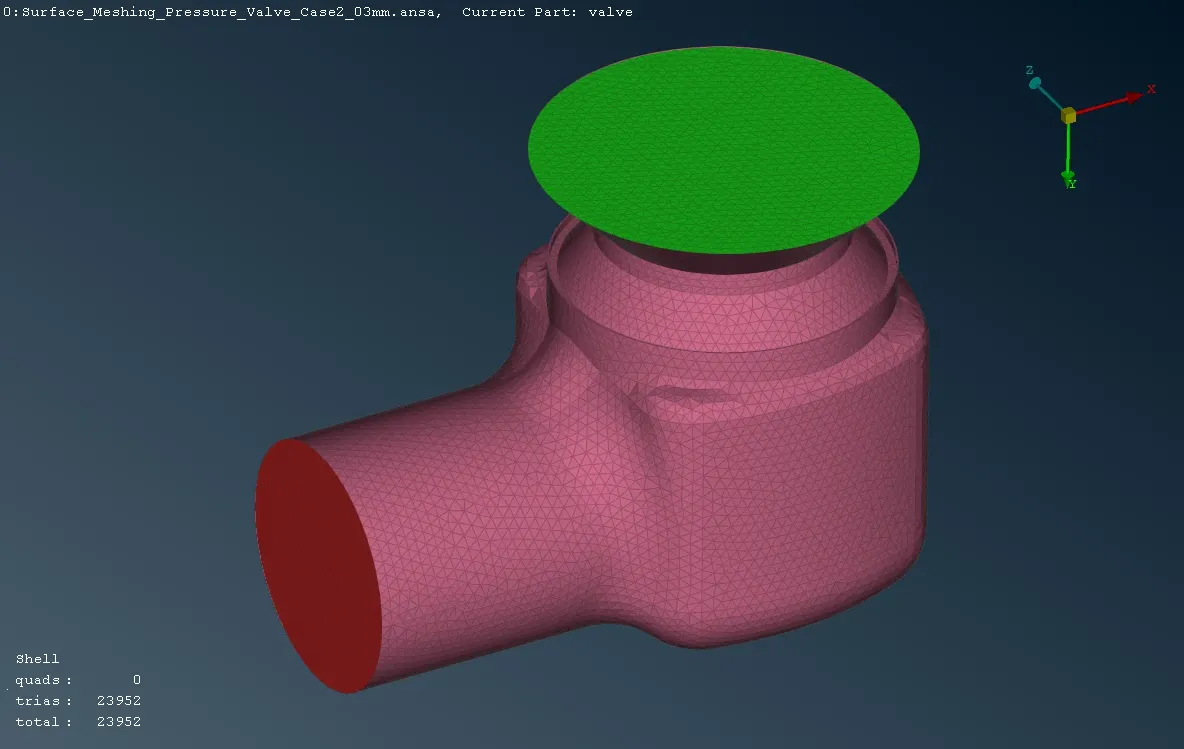
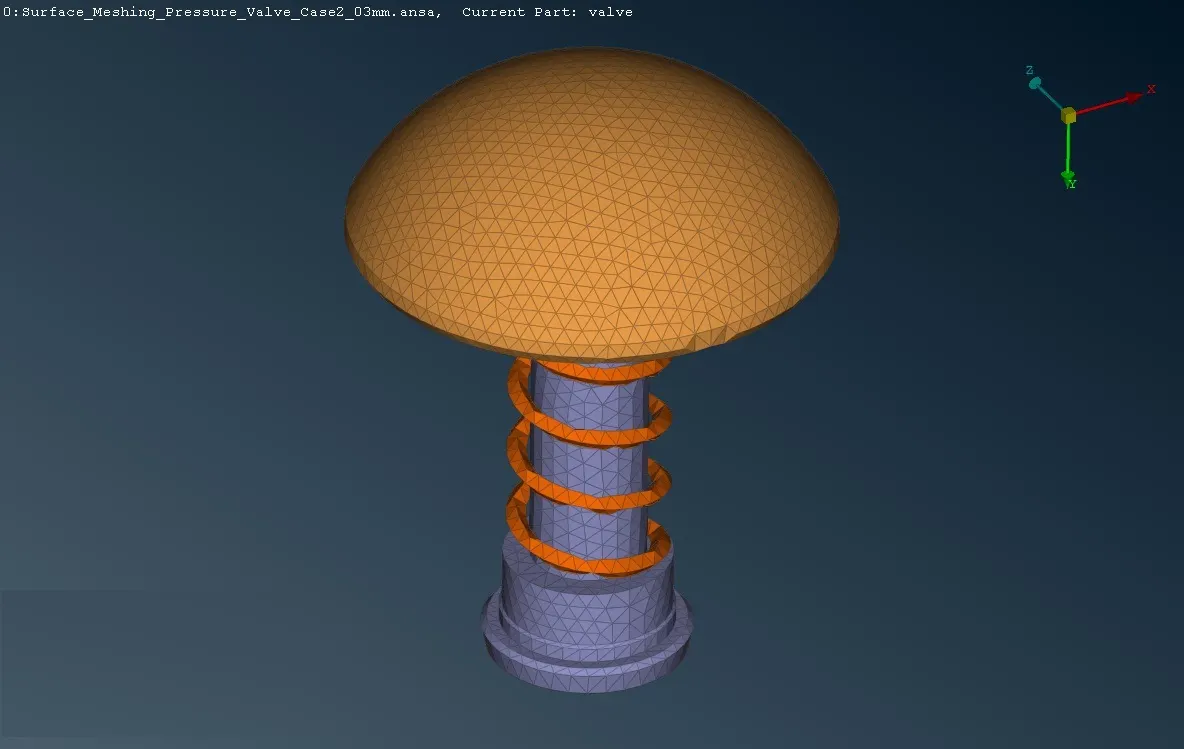
B. Case 2 - 3mm Target length
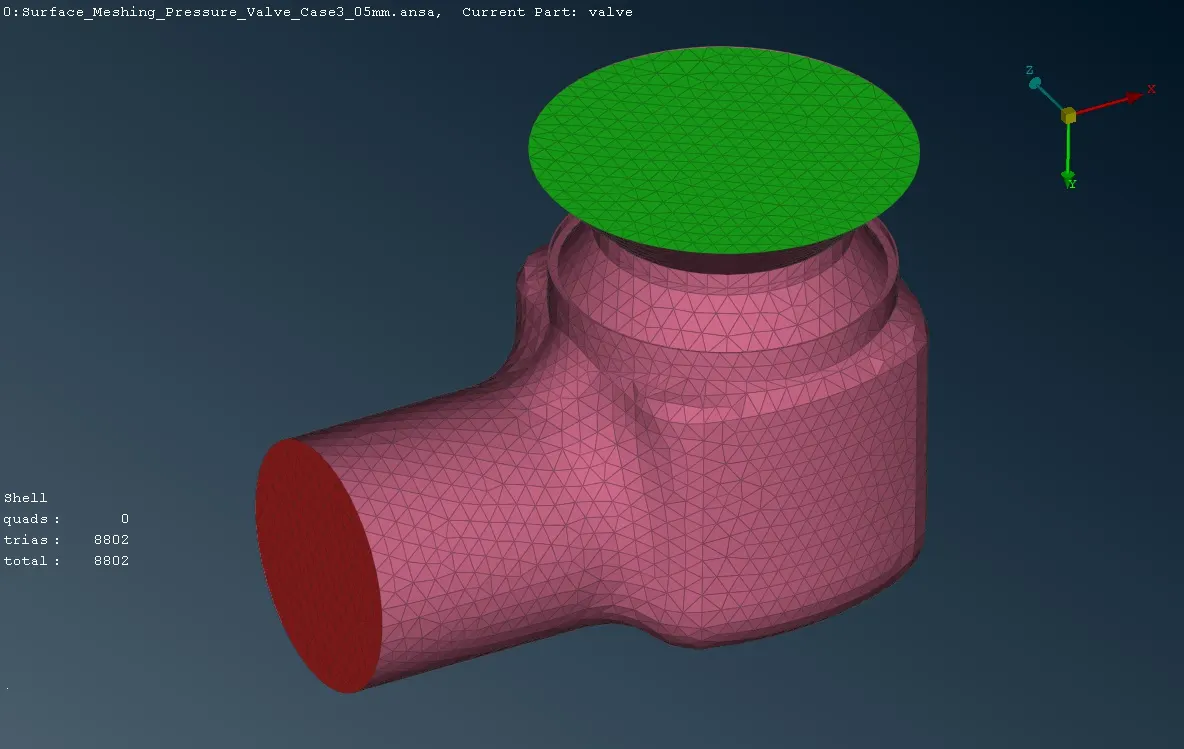
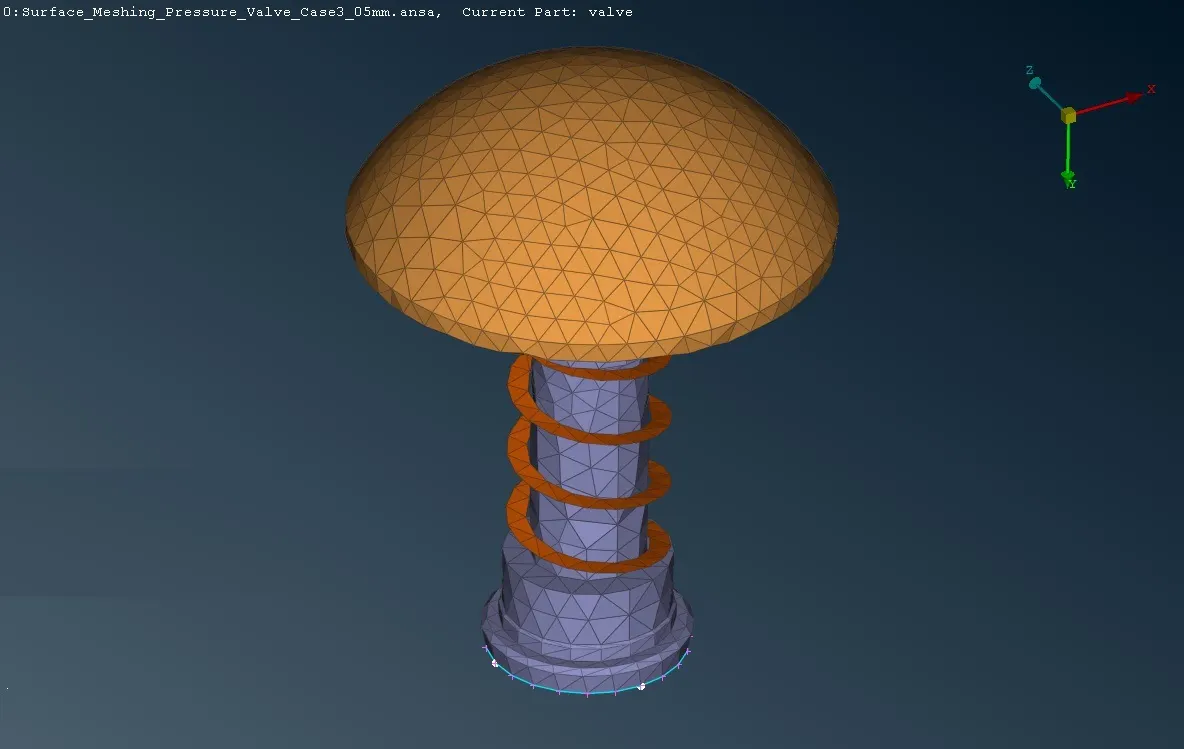
C. Case 3 - 5mm Target length
Learning Outcomes:-
- Isolating surface using OR, And, Not, !Not, Invert, and neighbour options.
- Creating Hot Points using Insert, Project, and Multi Project, and Parametrical
- Creating a New Surface using existing surface, COONS, Fitted, and Fill Hole options.
- Remove the smaller edges using the Surface Cut option.
- Set new PID for the components in the Property Manager tool.
Results
- The Surface Meshing of a Pressure Valve has been created using the spot mesh for three different target lengths of 1mm, 3mm, and 5mm.
- From the above three cases, the capturing of curves and the shape of the pressure valve gives better results in 1mm of meshing compared to the other two cases.
| Target Length | No of Tria Elements | |
| Case 1 | 1 mm | 210826 |
| Case 2 | 3 mm | 23952 |
| Case 3 | 5 mm | 8802 |