Week 2 Challenge : Surface meshing on a Pressure valve
** Meshing Steps
1. Geometry cleanup. Serach for single, double, triple cons. Double cons means a surface is adjacent to another 2 surfaces. Single cons are to be eliminated. Triple cons means overlapped surfaces.
2. Go to tools> checks>Geometry>execute. By doing this, the number of errors in current geometry are shown.
3. In Topo module, go to Faces. Click on "new". Try to generate surfaces at single cons by using the options like coons, fitted, planer or extended surface.
4. Check for other errors in geometry by repeating step 2.
5. Assigning PIDs. Go to Lists module on top left side. Click on PID button. Initially entire geometry is classified into 1 PID which is Shell. Now right click in the box. Select NEW option. Give proper name to PID. To assign a PID, right click on PID name, select apply and then select that entity in geometry whose PID is to be defined. Make use of boolean operators to hide or show a particular entity from geometry while assigning a PID.
6. After assigning all PIDs, delete the original shell PID. To delete this, use COMPRESS command from Utilities. Compress function reduce the file size by deleting redundant entities, PIDs or other characters.
7. Applying surface mesh. Before specifying length, set minimum and maximum length from mesh criteria and quality criteria. Now go to perimeter> click on length> Select perimeter> Specify the length. Then repeat the same step for macros
8. To apply mesh, we can do box selection of entire geometry and apply spot mesh at once or we can select one entity at a time by using PID based boolean operation and then we apply mesh.
## Results
1. For mesh size 1mm
a. Body
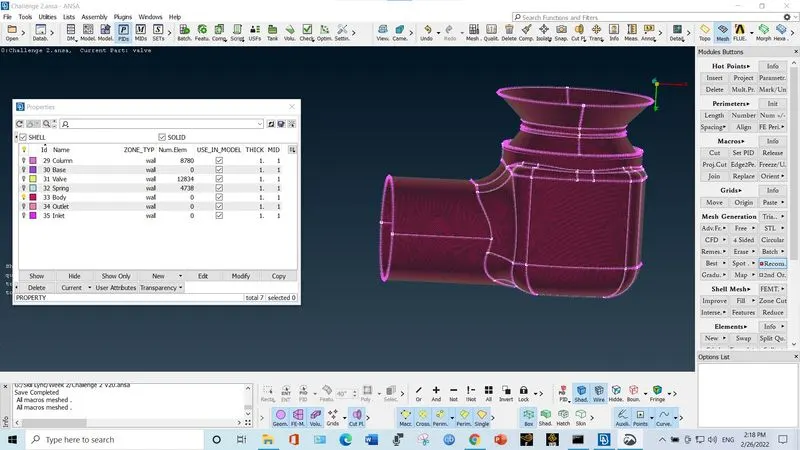
b. Inlet and outlet
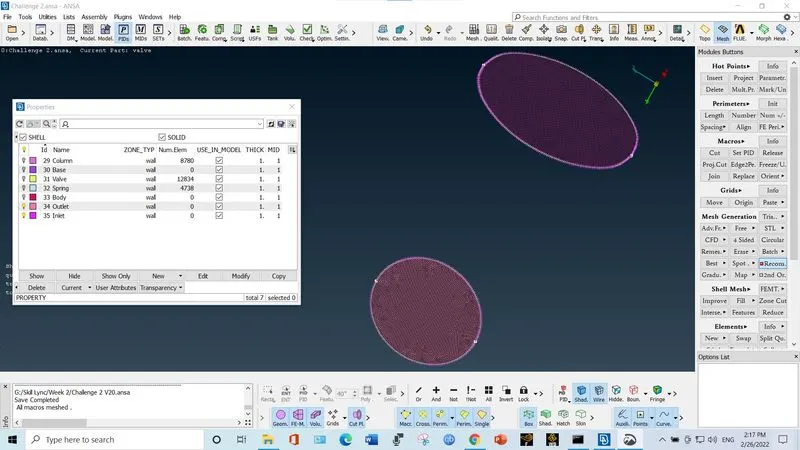
c. Valve
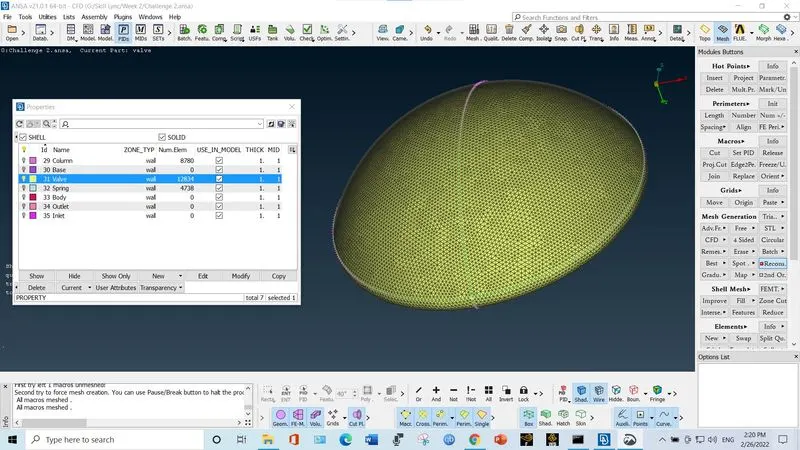
d. Column
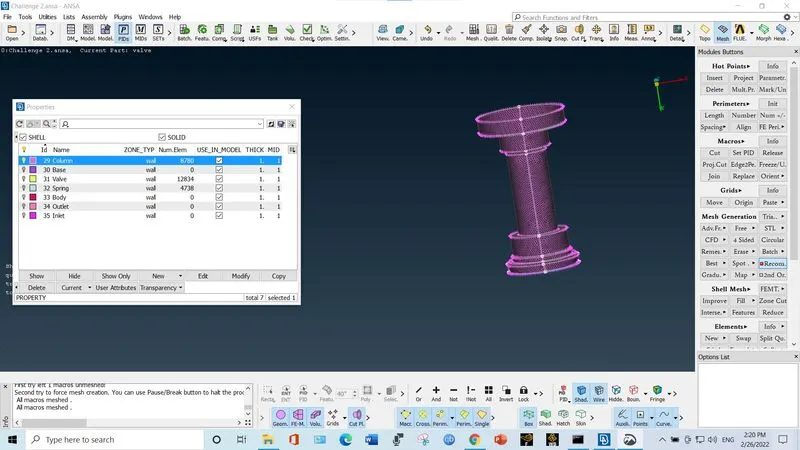
e. Base
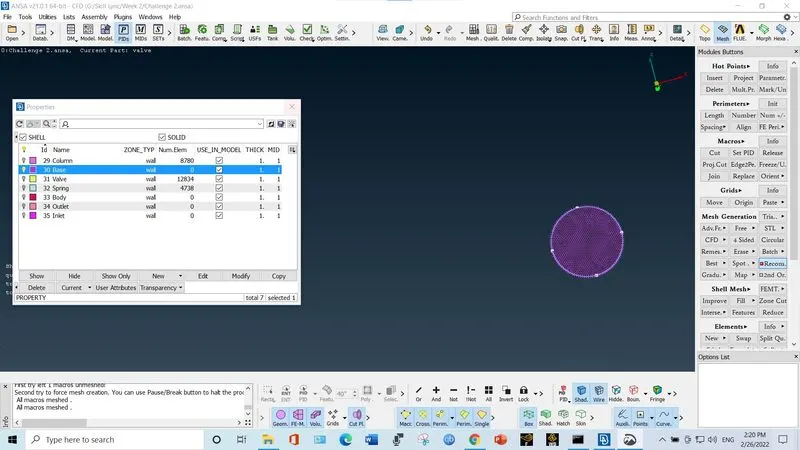
f. Spring
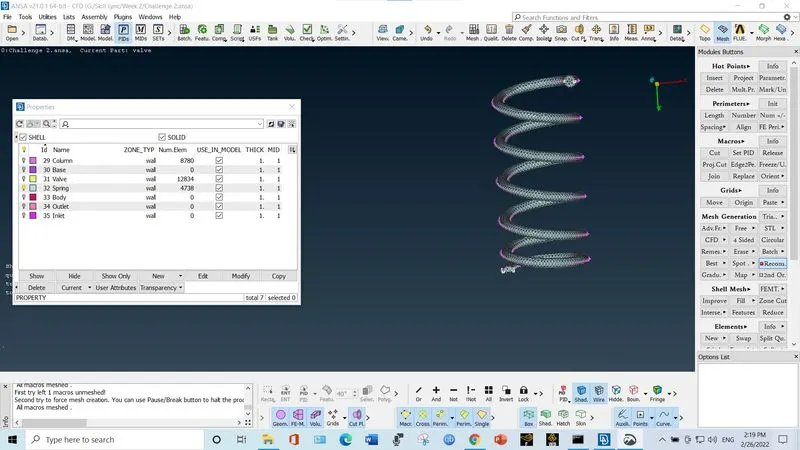
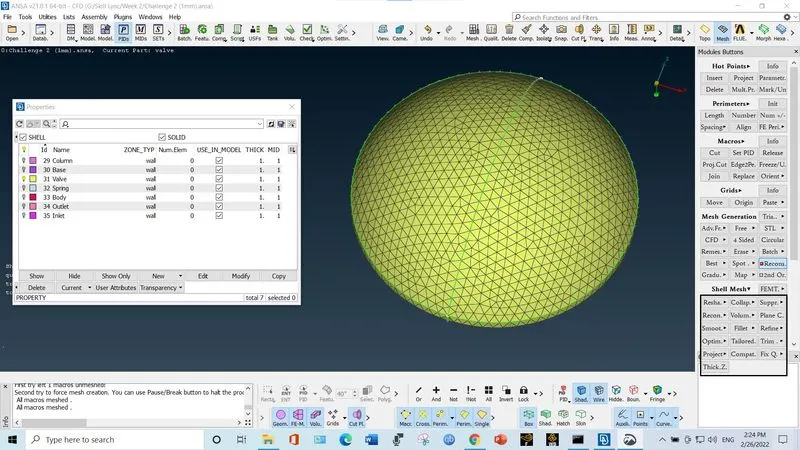
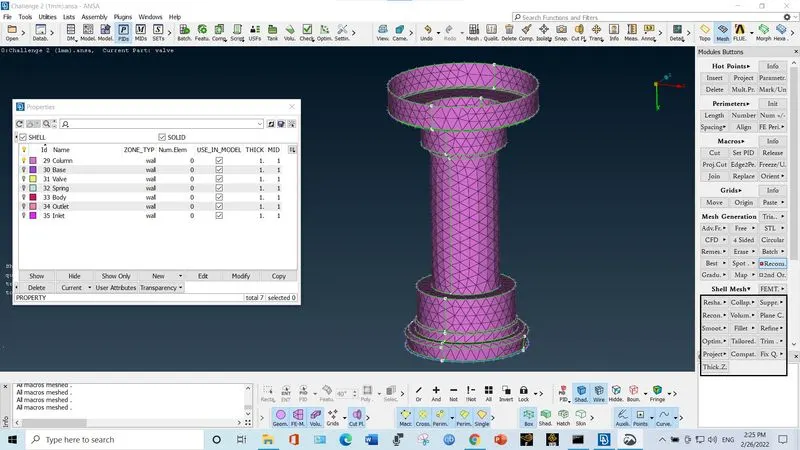
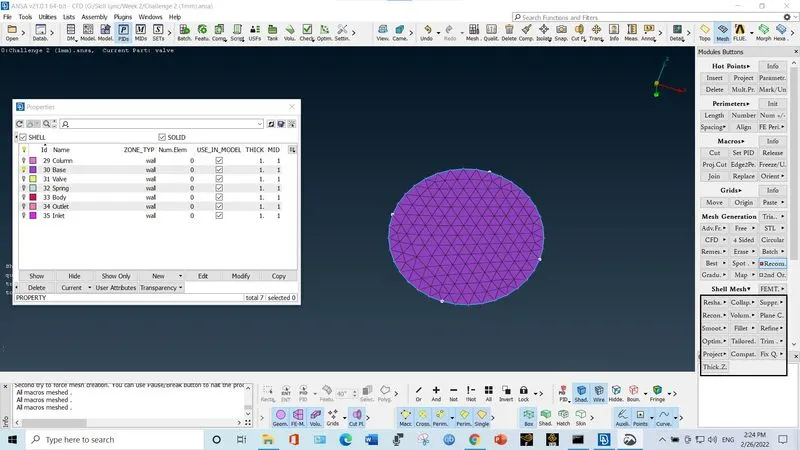
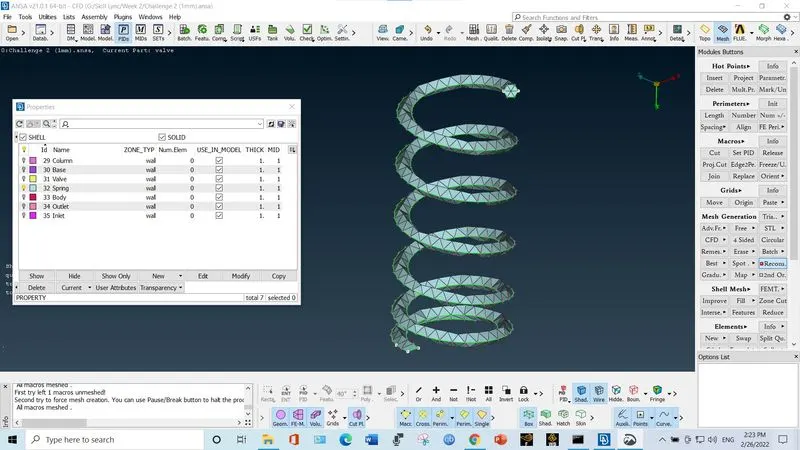
2. For length 3mm
a. Body
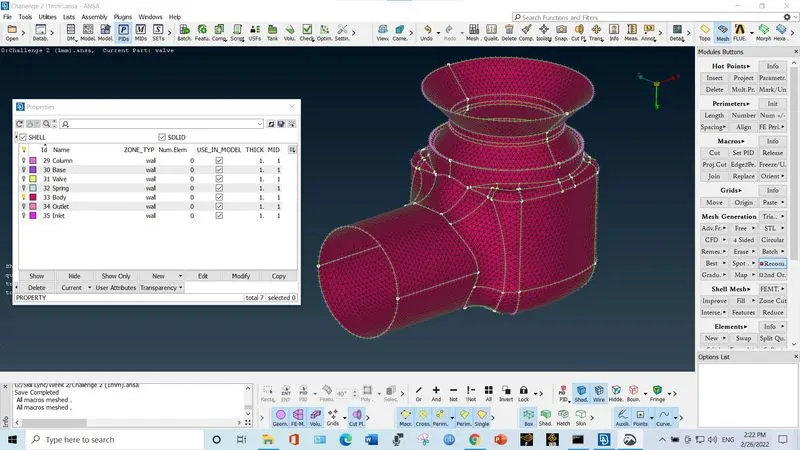
b. Inlet and outlet
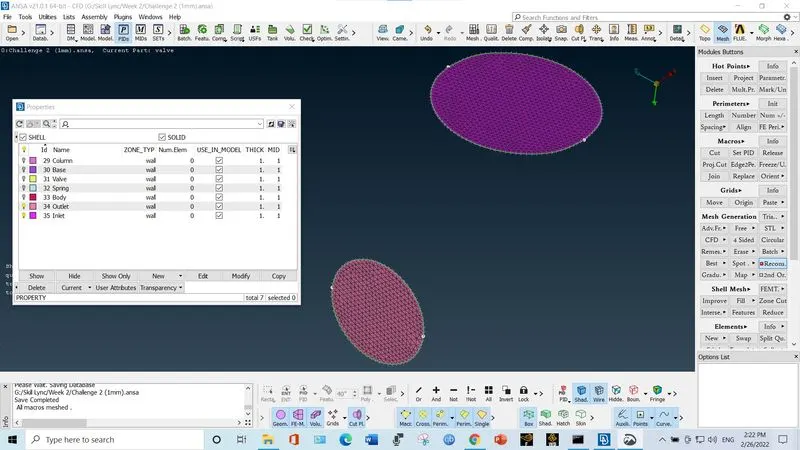
c. Valve
d. Column
e. Base
f. Spring
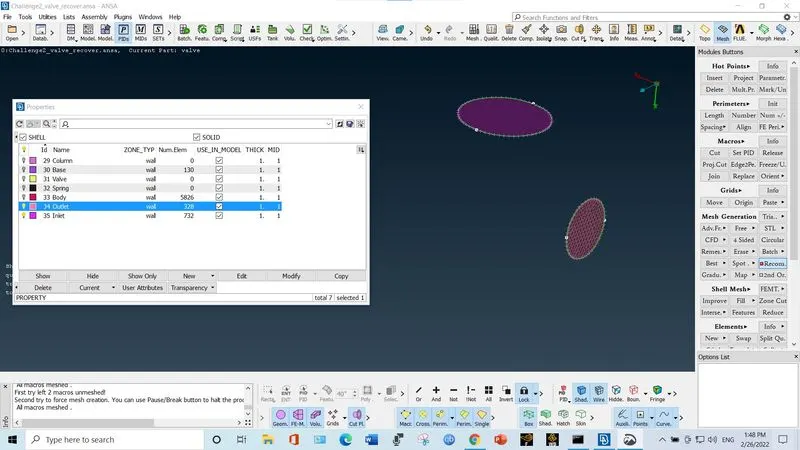
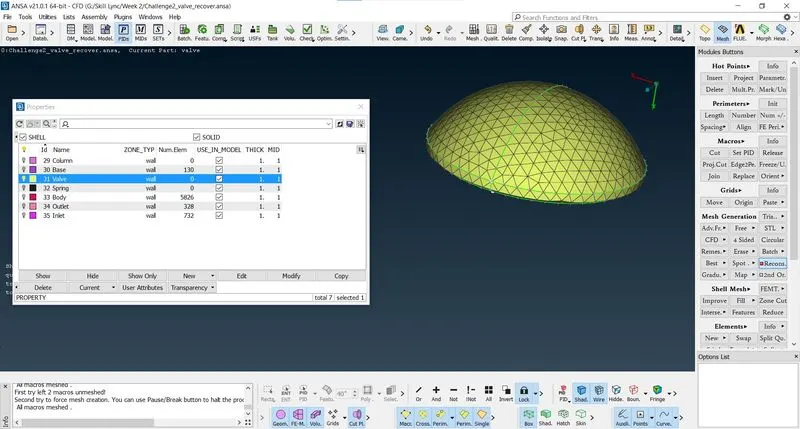
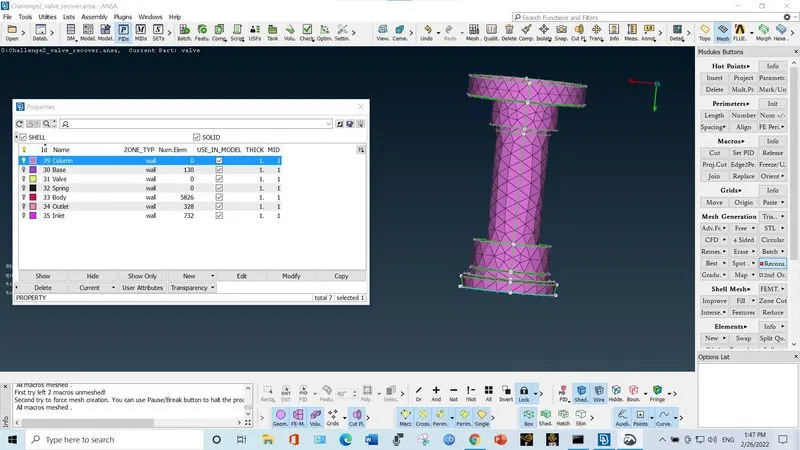
3. For length 5mm
a. Body
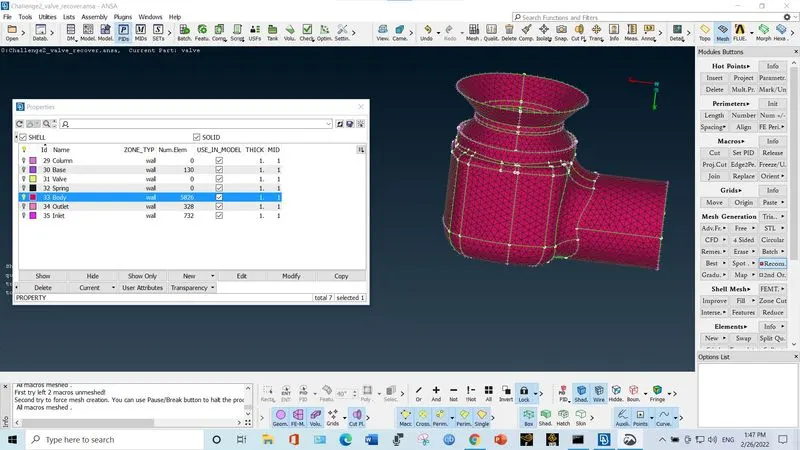
b. Inlet and outlet
c. Valve
d. Column
e. Base
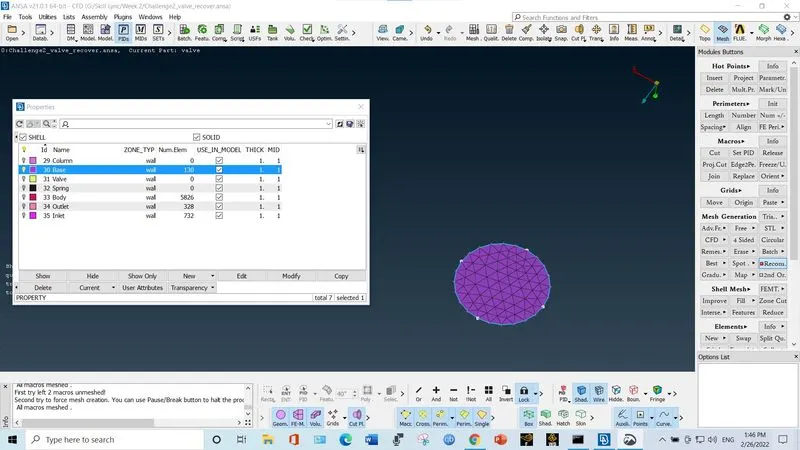
f. Spring
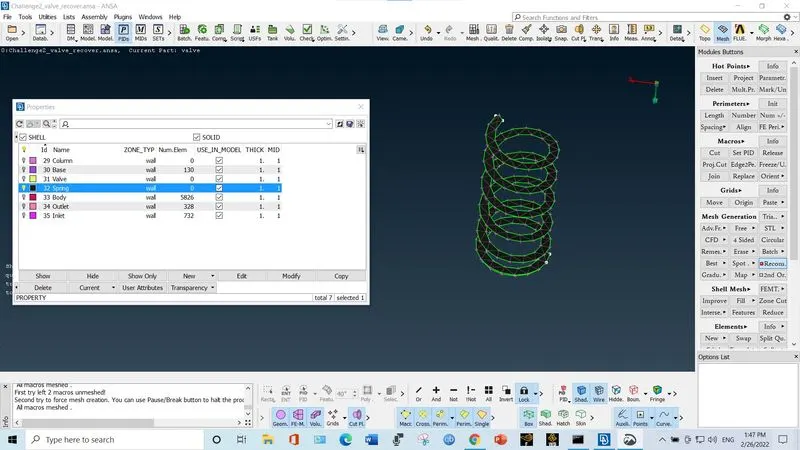
## Comment: Since the diameter of spring wire is 3.5mm and the distance between nodes is 5mm, we are not getting correct mesh result. Hence the length is set less than lowest dimension of geometry so as to get better result. If length is 1mm, number of elements increases so is the file size. But the accuracy is also high for smallest cell size.