Week 2 Challenge : Surface meshing on a Pressure valve
Aim:
- To check for the geometrical errors and perform Topology cleanup accordingly. Set three different target lengths as three different cases and mesh the model.
- Target length = 1mm, 3 mm and 5 mm
- Element type = Tria
Procedure:
- Open ANSA and import the Valve geometry in the main window.
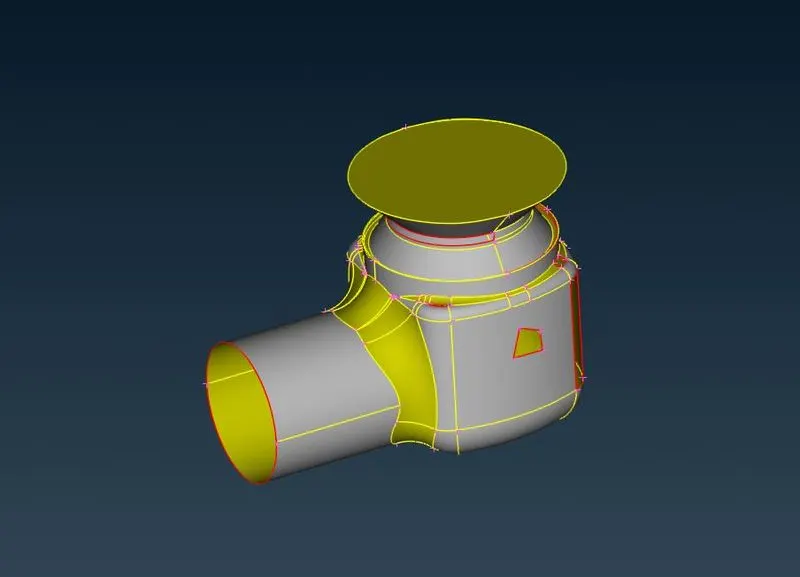
- Go to check -Geometry select appropriate options and excute. If the geometry have any error this check option will help to identify those errors.
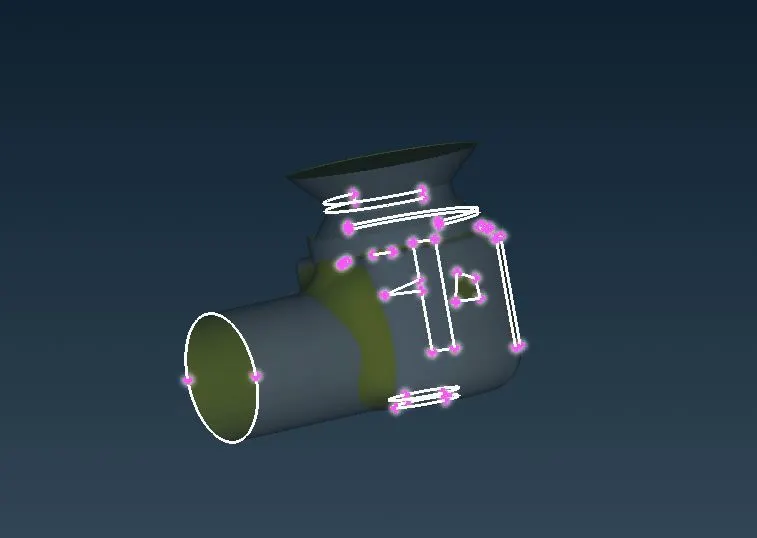
- Go to Topo -faces- New to create a new face where its required in the geometry.
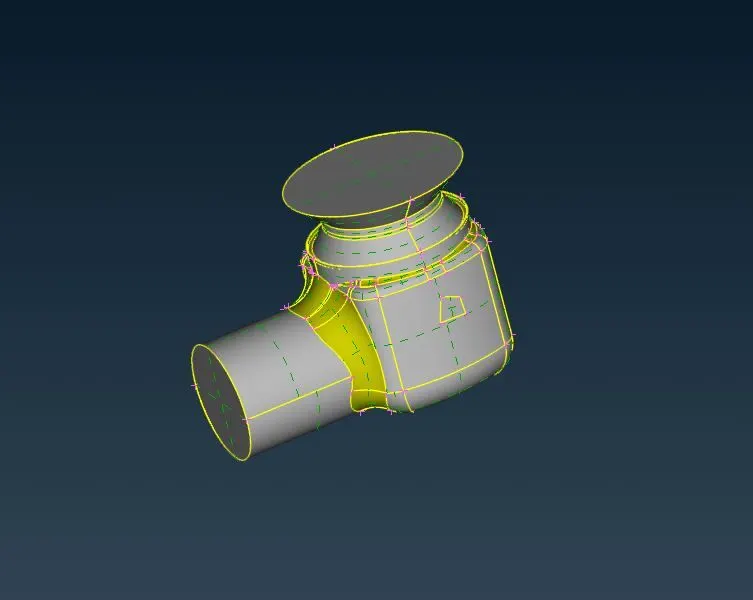
- After creating the faces, again check the geometry to verify the errors.
- Then go to properties to create required PID regions.Create and apply appropriate PID regions with different colours to identify them.
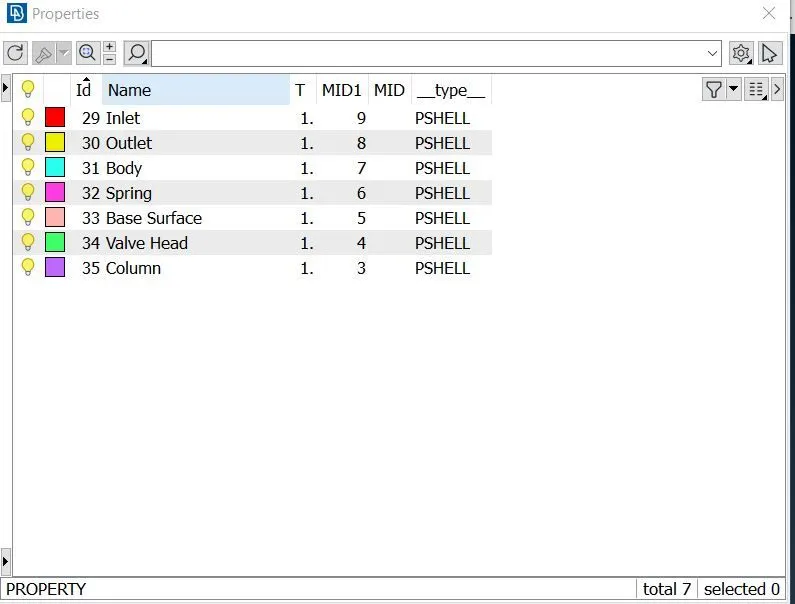
Valve:
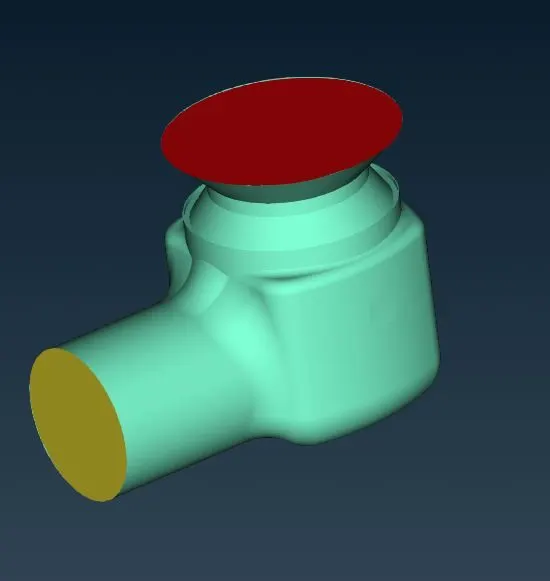
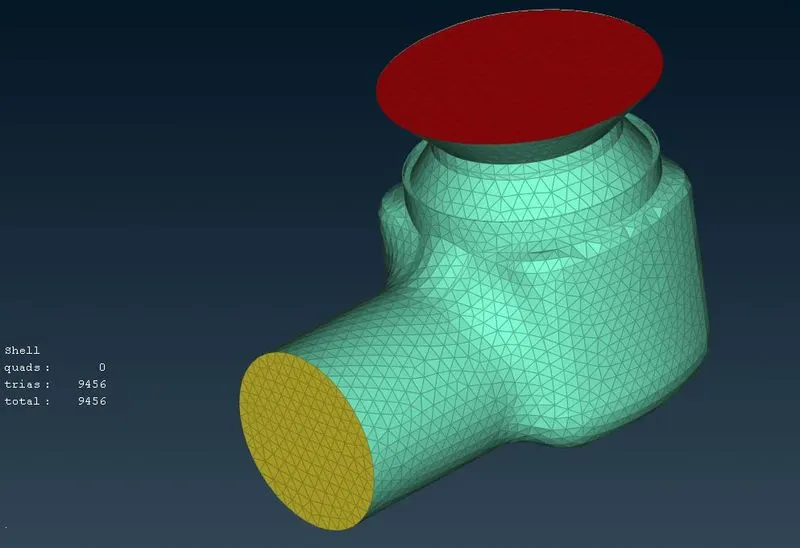
Inlet:
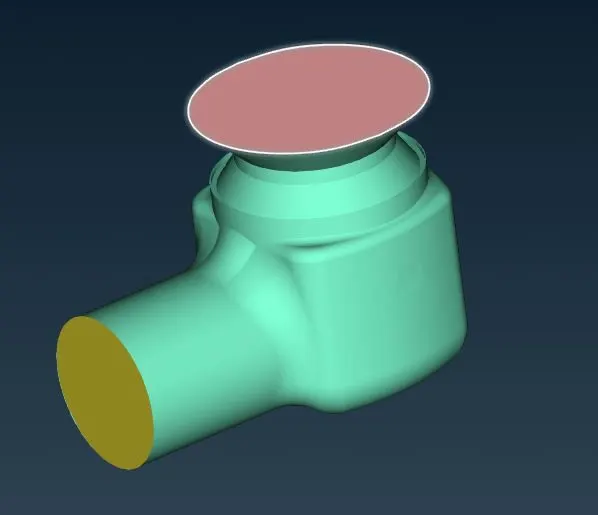
Outlet:
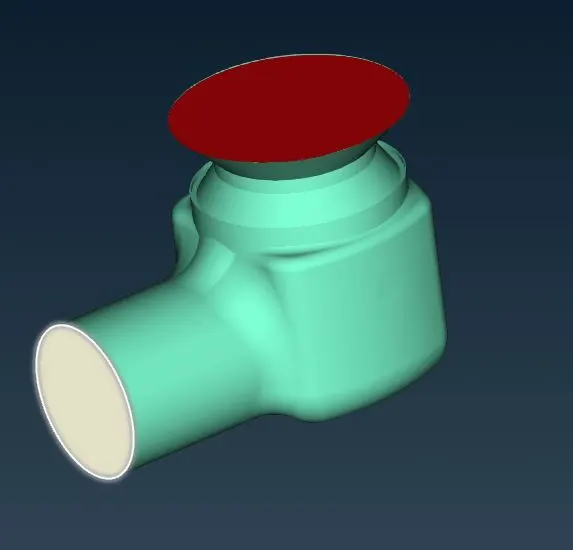
Body:
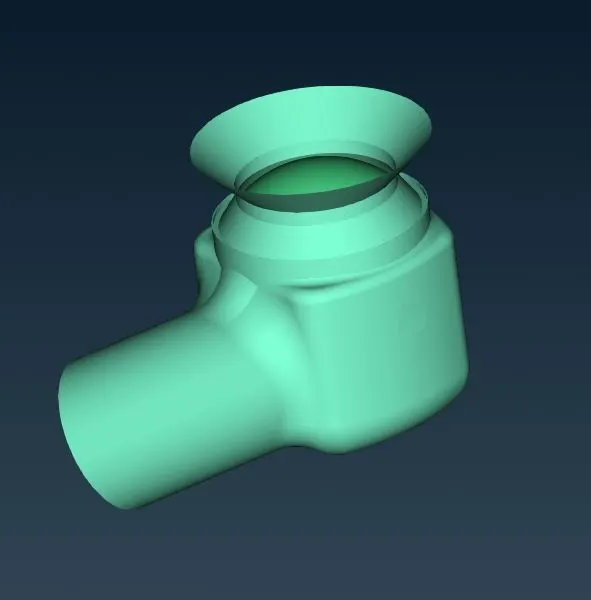
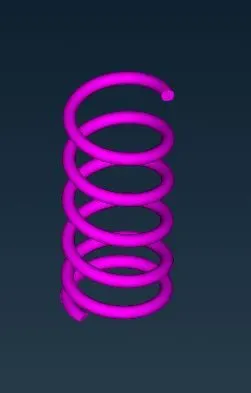
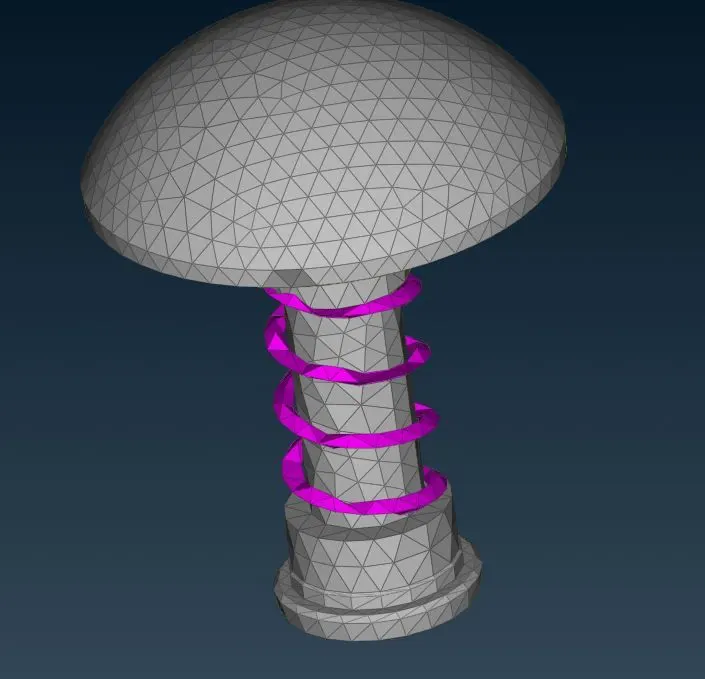
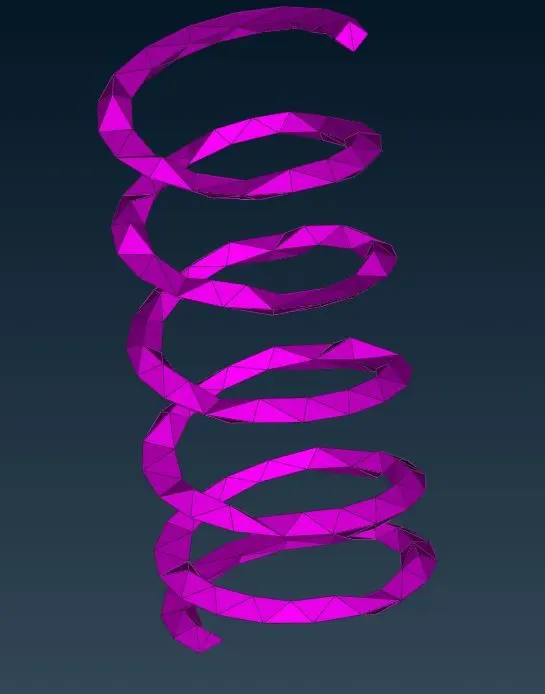
Spring:
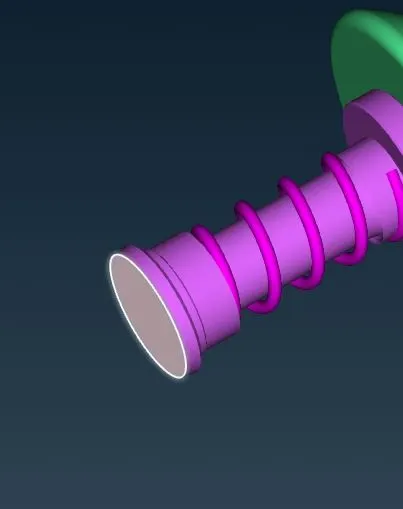
Base surface:
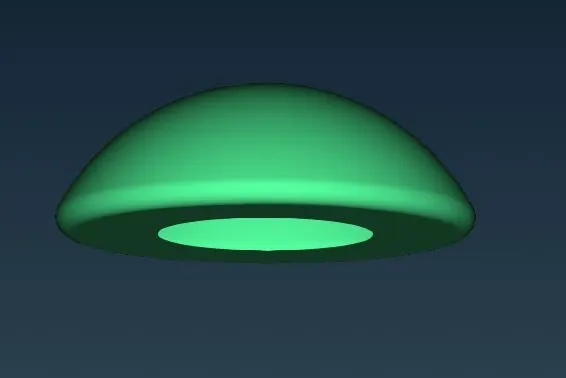
Valve head:
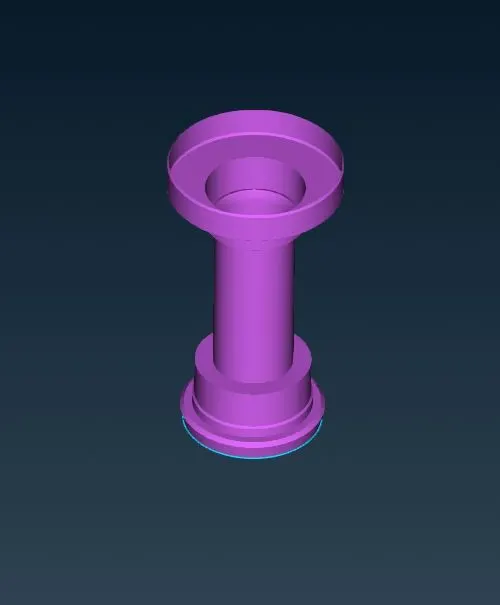
Column:
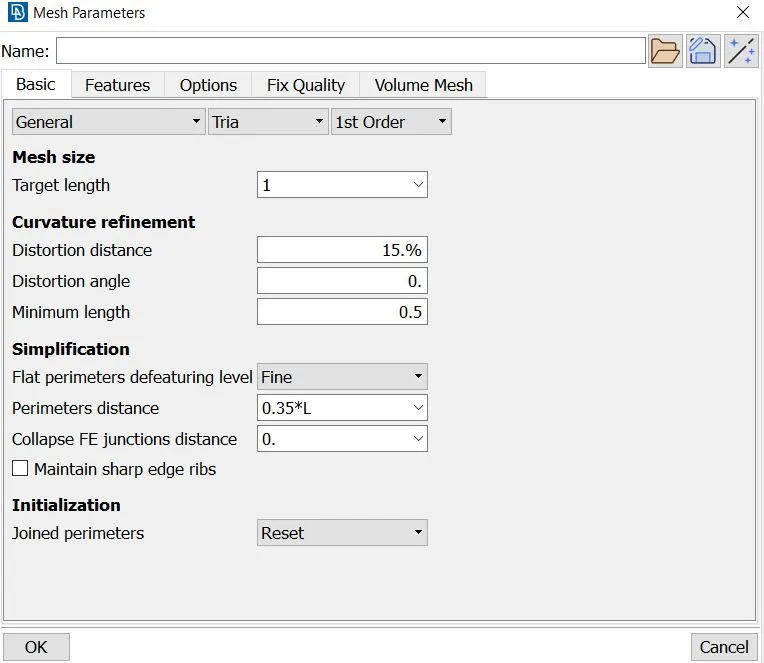
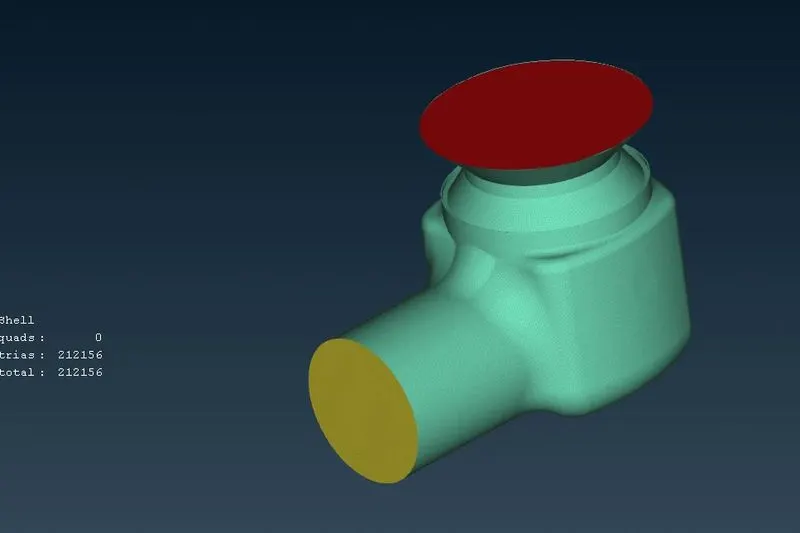
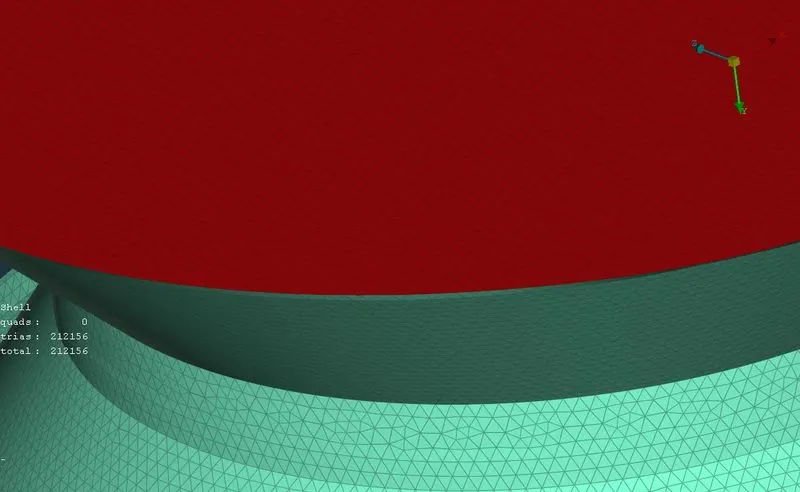
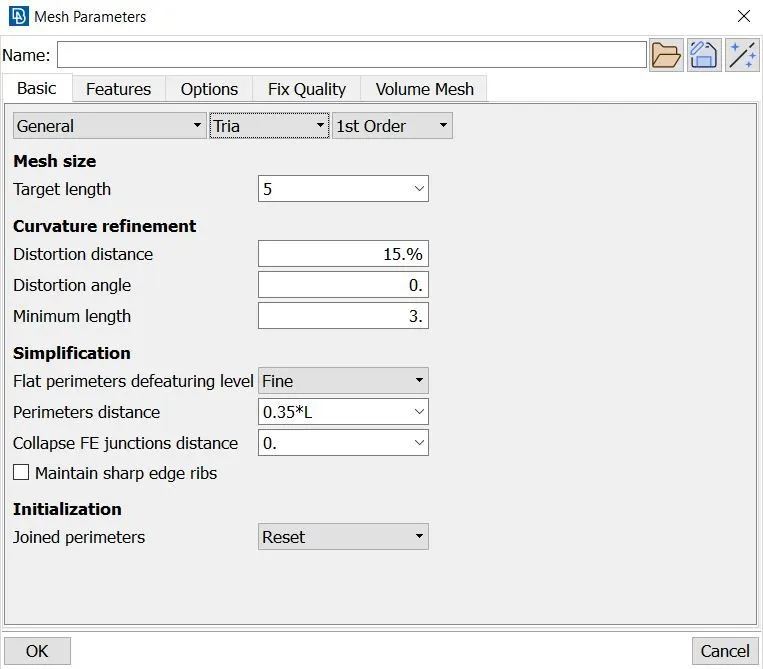
- Then go to classic mesh change the quality Criteria,length and mesh properties based on requirement. Change mesh type to Tria. Then go to generate mesh option generate the mesh using spot mesh option.
Case 1:
Target length =1mm
Type = Tria
Quality Criteria:
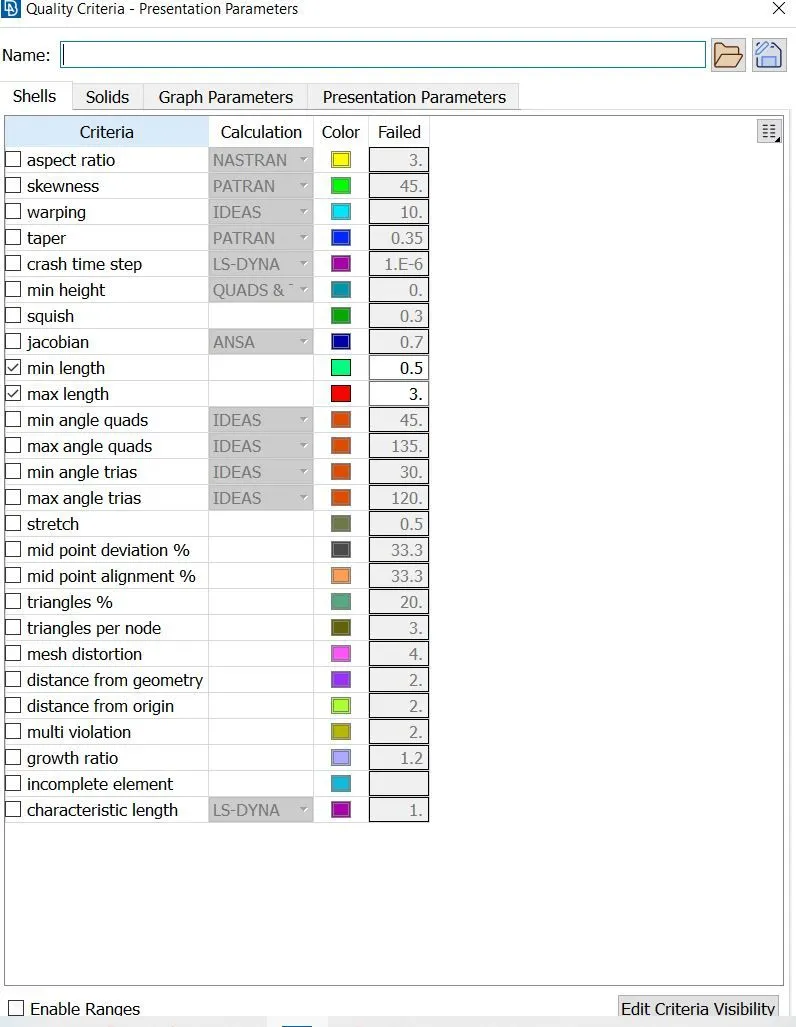
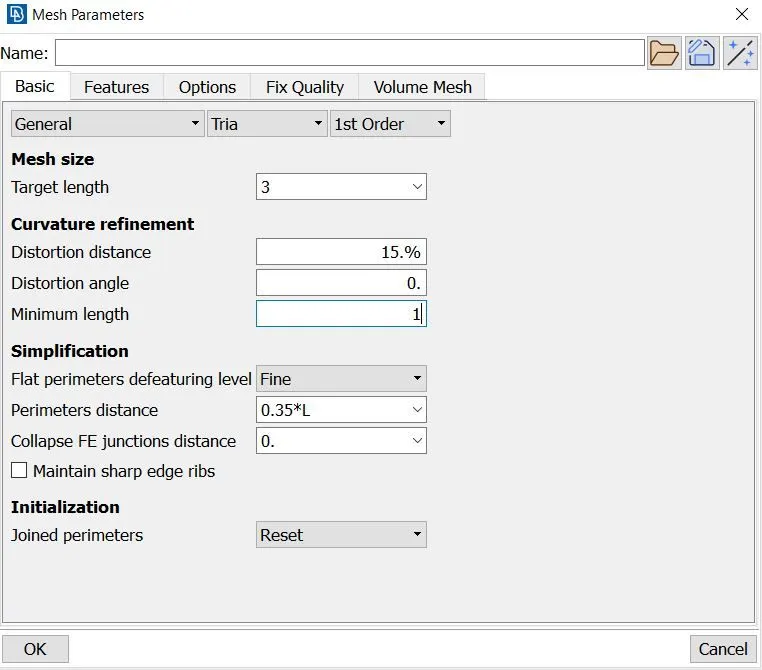
Mesh Properties:
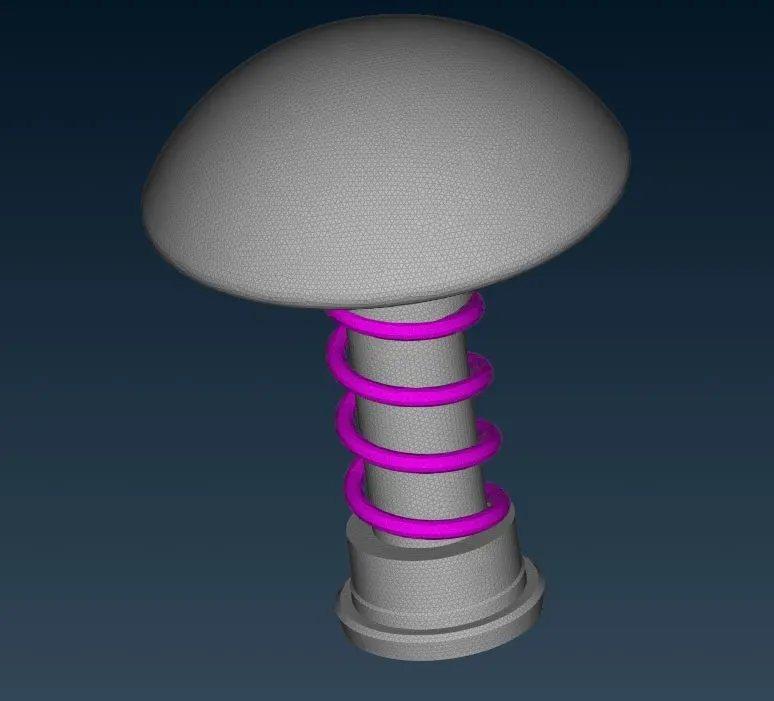
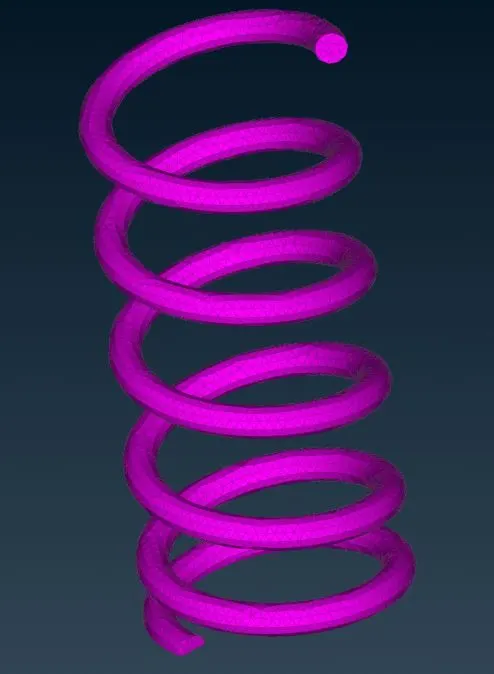
Case 2:
Target length =3mm
Type = Tria
Quality Criteria:
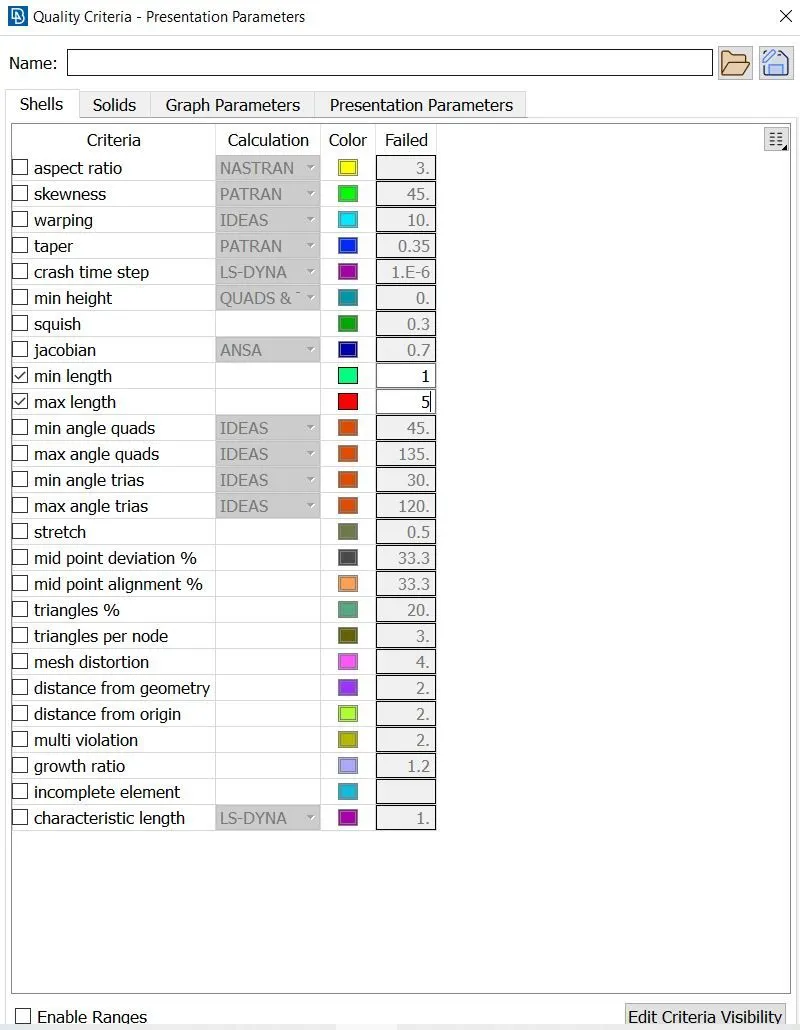
Mesh Properties:
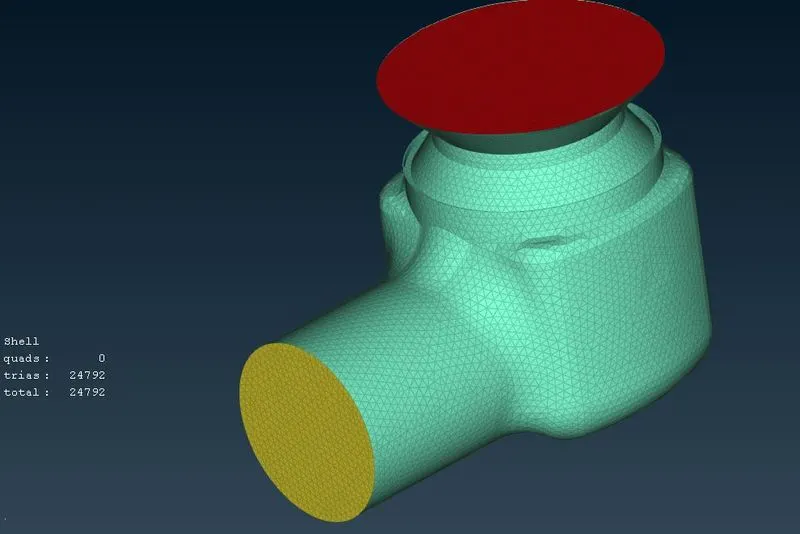
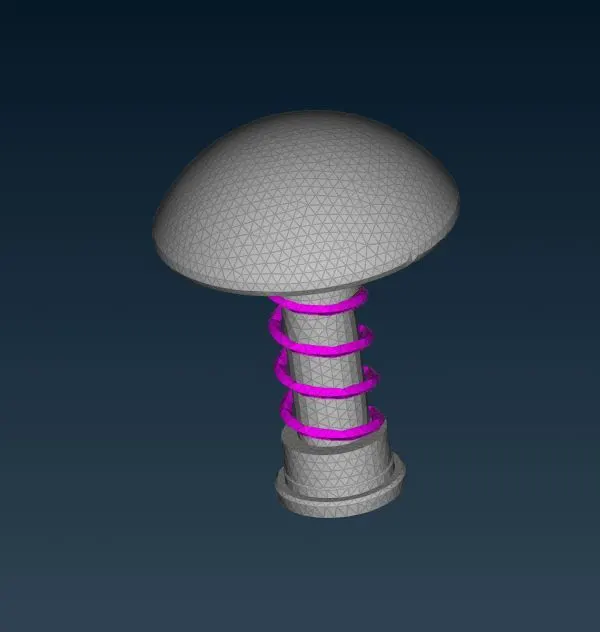
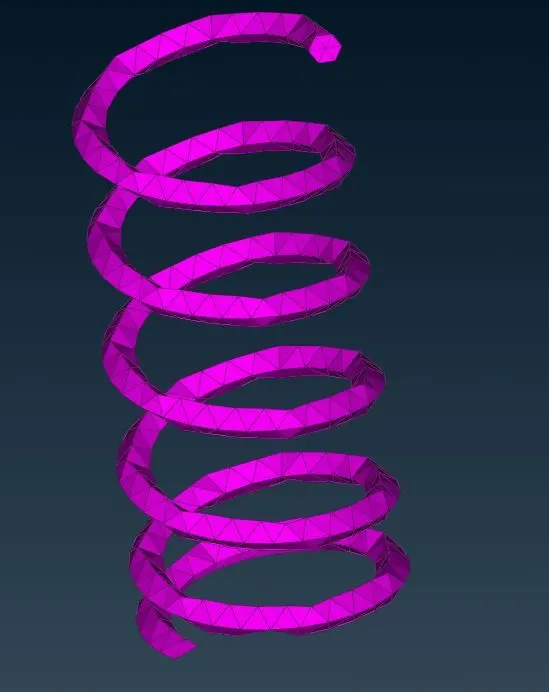
Case 3:
Target length =1mm
Type = Tria
Quality Criteria:
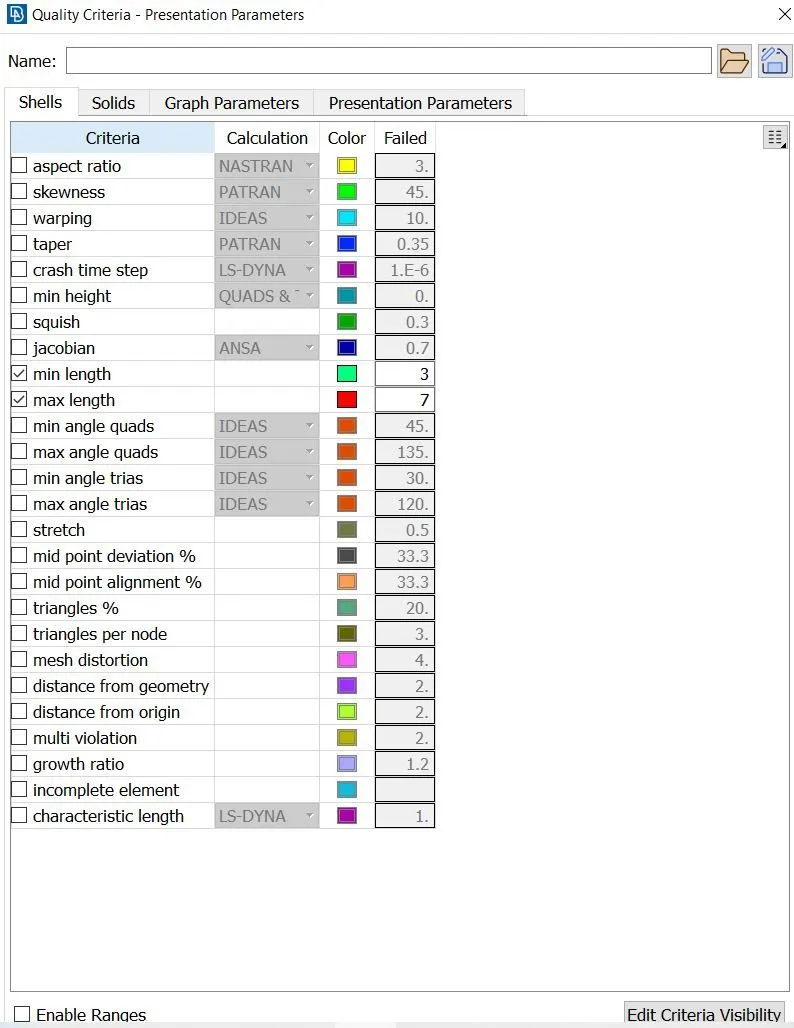
Mesh Properties:
Conclusion:
- When the length of the mesh increased the quality of mesh is decreased because of the dimensions of the geometry.