Week 2 Challenge
1. 1. How will you assign Circular section to column?
From STAAD model choose properties under that choose define from that we can assign circular.
2. How will you assign Unit system to a .std model file?
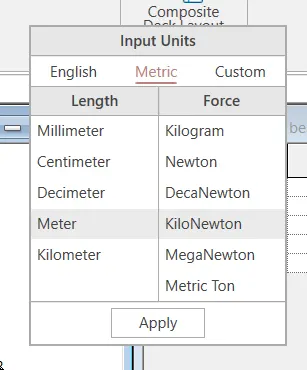
- Open staad pro model and search units and select set current input unit.
- And change the units
3. What are the parameters to be specified while using “Bay Frame” option?
The parameters to be specified while using bay frame are Column width,Beam length.
4. Name few codal standards incorporated in STAAD Pro software.
Is 456 , AICC,BS.
5. How will you specify the design compressive strength for a RCC section?
- Open staad model.
- Choose design
- Give define parameter
- choose compressive strength fck.
2. 1. State the “Input” steps involved in RCC design.
The input steps involved in RCC design are:
- Geomentry
- Properties
- Material
- Supports
- Loading
- Analysis
2. Explain the difference between Fixed and Enforced support condition in STAADPro.
Fixed and enforced are the same type of support condition which restrains the moment and force.
3. 1. Explain the steps involved in analysis of a model using STAAD Pro sequentially.
- Choose analysis
- Choose define command
- Perform analysis
2. Explain the two ways in which a structural framework/model can be created in STAAD Pro software.
The ways in which structural model cab be created are by beam and by nodal method.
3. Elaborate the different support conditions in STAAD Pro.
- Fixed
- Pinned
- Roller
4. How will you extract the stress distribution for a staircase slab?
After creating a model go to generte mess select the mess type and from that choose stress absolute and it automatially generates.
5. Explain the different ways to view SFD & BMD in STAAD Pro.
The different way of viewing SFD&BMD are by choosing the force and moment and by choosing the graph from layout.
Practical
Aim:
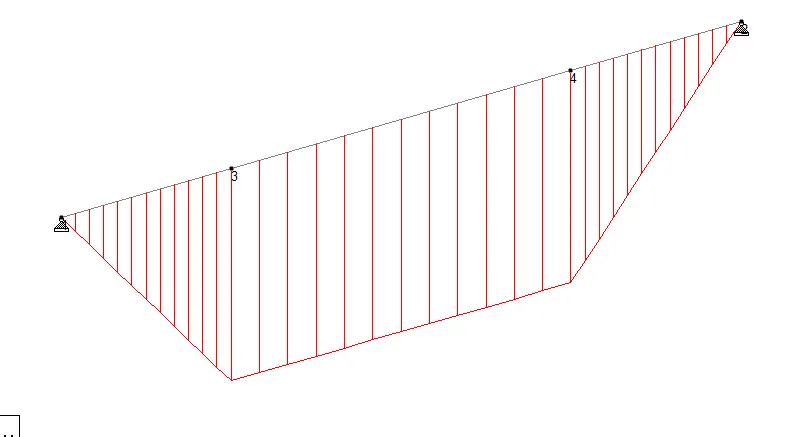
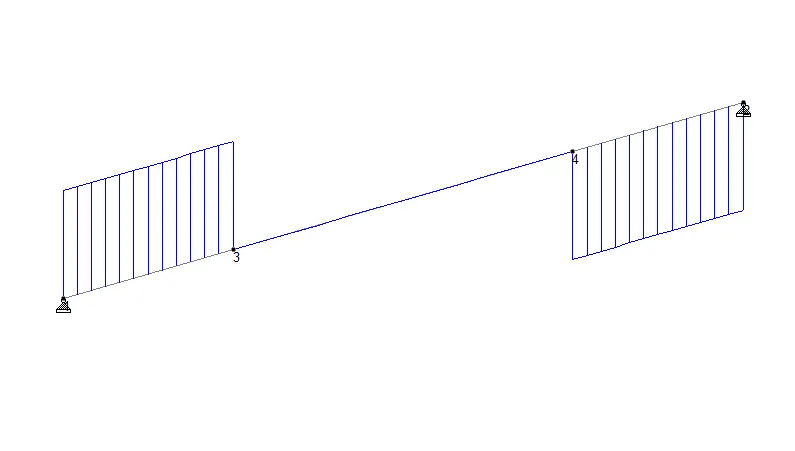
To create simply supported beam.
Procedure:
- Open staad pro model
- Geomentry make a node.
- Now assign properties and materials
- Assign support as pinned
- Define load.
- Give analyse and perform analysis and run analysis.
- Go to post processing and check the shear and bending.
Result:
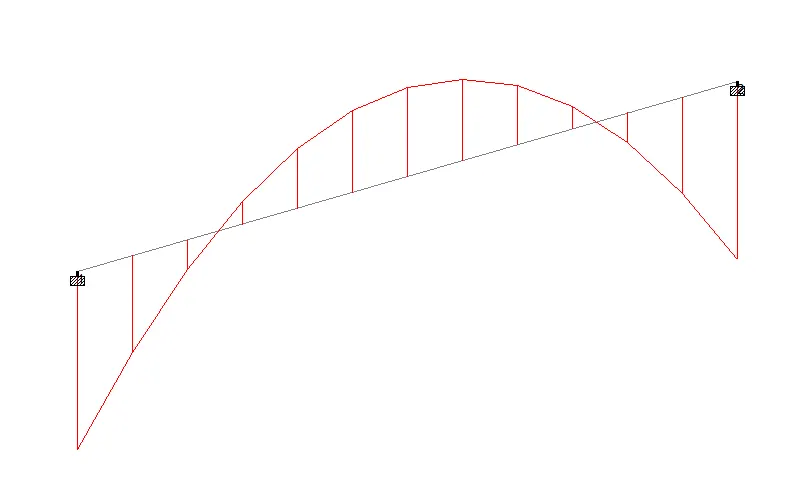
BMD
SFD
Aim:
To create fixed beam.
Procedure:
Follow the same procedure but change the support and load.
Result:
SFD
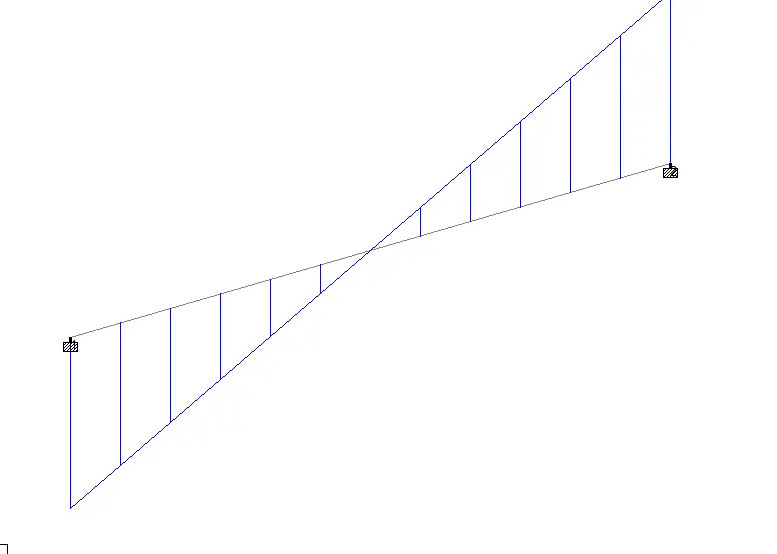
BMD