Week 2 Challenge
AIM:
To complete the challenge using STAAD.Pro.
PROCEDURE AND DETAIL:
Question 1:
1).
ANS :
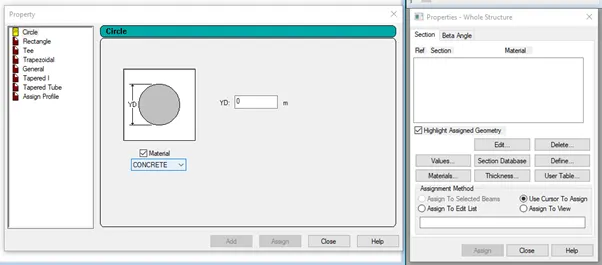
Properties - Define property - circle - radius - Assign
2).
ANS :

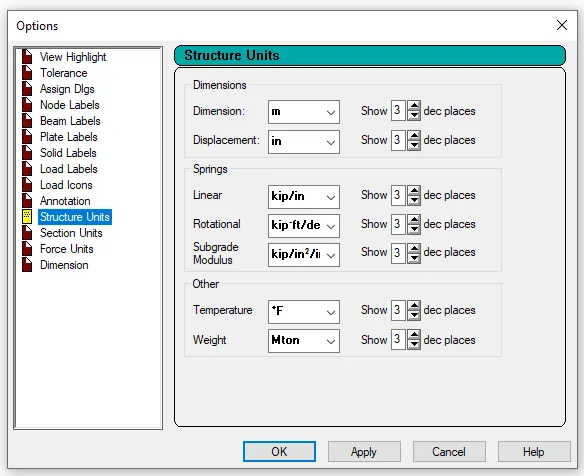
3).
ANS :
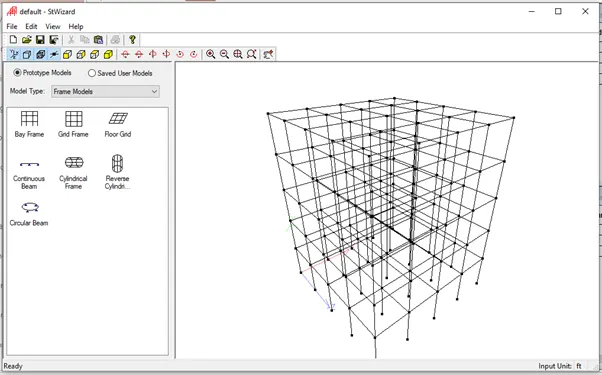
4).
ANS :
- Euro code,
- ACI,
- IS code
5).
ANS :
- In design select material as concrete
- select the code
- define parameters
- select FC
- specify the value
Question 2:
1).
ANS :
Steps involved in RCC design are
- Geometry
- Properties
- Materials
- Specification
- Support
- Loading and Load combinations
- Analysis
- Design

2).
ANS :
When the fixed type of support is specified, for those degrees of freedom which are to be treated as fully restrained, STAAD assumes the displacements to be known quantities whose value is zero. Hence, these degrees of freedom are not considered for the stiffness matrix and their value is not calculated
When the enforced type of support is specified, for those degrees of freedom which are to be treated as restrained, STAAD assign a spring with a spring stiffness – translational stiff springs for translational restraints and rotational stiff springs for rotational restraints. Those degrees of freedom which are free to displace are assigned springs of zero stiffness. Hence for all the 6 degrees of freedom at such supports, the displacements are calculated. The one which have a stiff spring with end up having a negligible displacement and those with zero stiffness springs will have a displacement based on the structure geometry, properties and loading
Question 3:
1).
ANS :
- Read or study drawings (Plan/Elevation/Section)
- Input Geometry
- Input Properties
- Input Specifications/Constants/Supports
- Run analysis
- Specify analysis type
- Input design standards
- Input load and load combinations
- Verify results
- Design
- Represent design as document and drawing
2).
- Node by node method
- Grid method
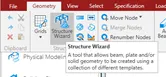
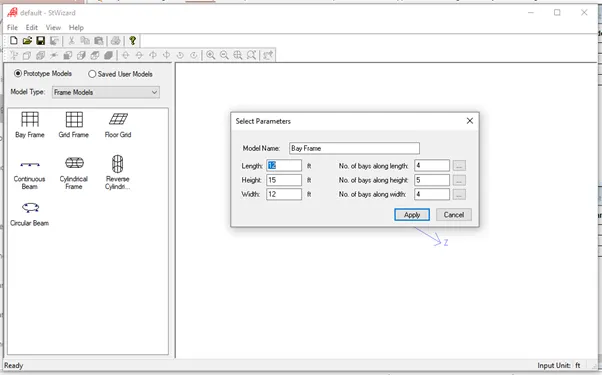
- Structural wizard method
3).
ANS :
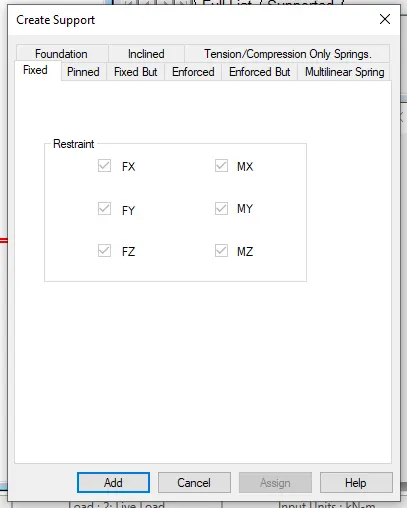
- Fixed support
- Pinned support
- Fixed but support
- Enforced support
- Enforced but support
- Multilinear spring support
- Foundation support
- Inclined support
- Tension/Compression Only Springs support
4).
ANS :
- Create the staircase by using the nodes in the geometry panel
- After creating the nodes assign the plate elements as the slab property after that define load cases
- calculate the area load acting on the staircase and
- Apply load cases and load combination to the staircase slab
- Then create a mesh on the plate element
- After that run the analysis and go to post processing mode
- click on plate result option in that select stress distribution result
- choose the stress type accordingly and that stress distribution result is displayed
- Maximum and minimum stress values are displaced
5).
ANS :
- After completing the design and running the analysis software will provide the BMD and SFD
- After the analysis click on Post processing mode and click OK
- Go to deflection command and click on beam result
- In reaction command click the beam deflection
Practical
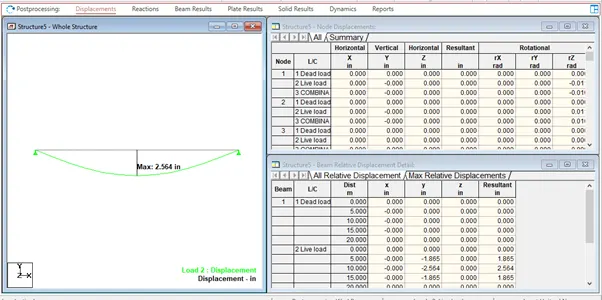
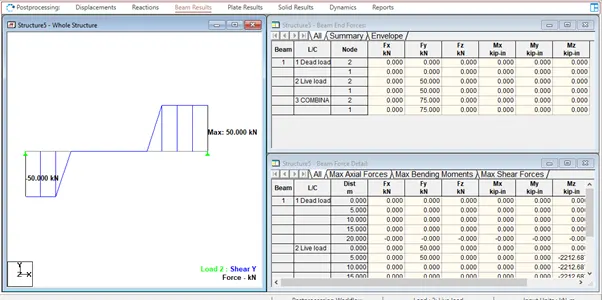
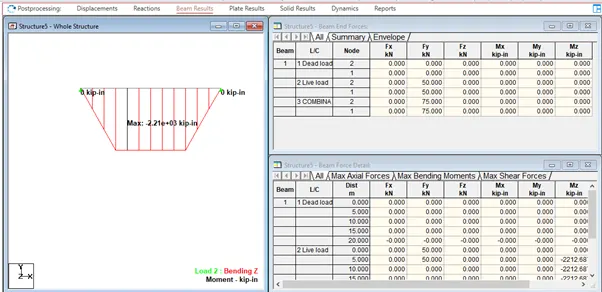
1.Analyze the following structural elements and validate the results
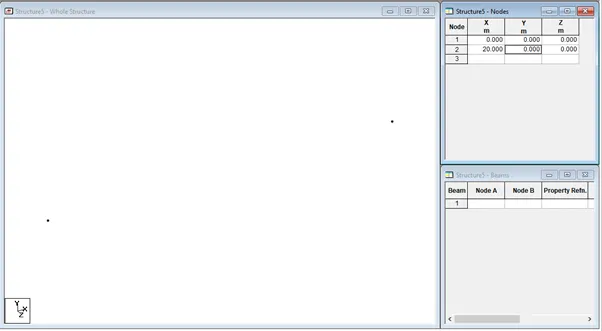
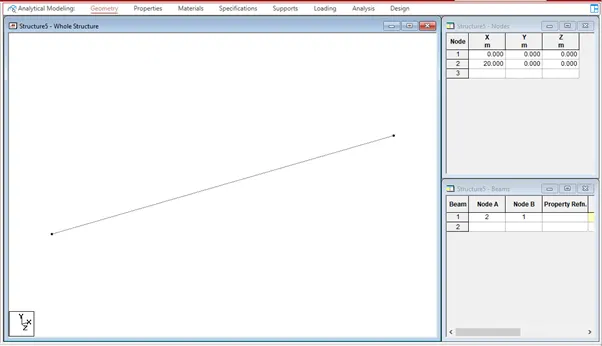
A. Simply Supported Beam
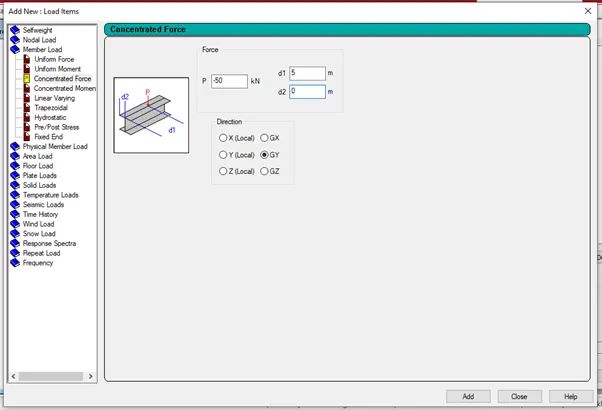
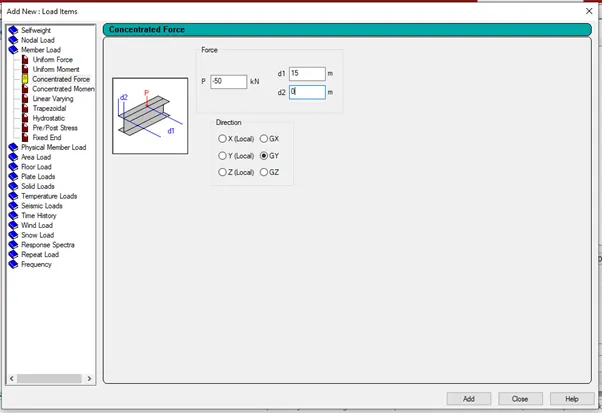
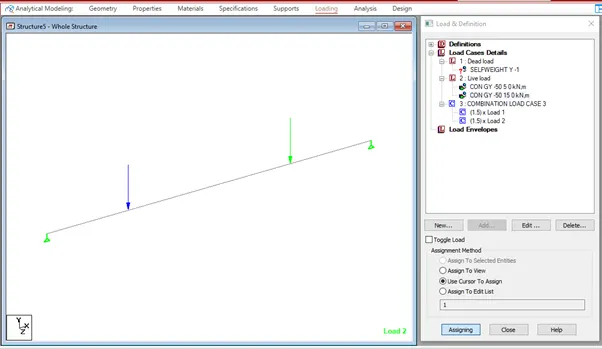
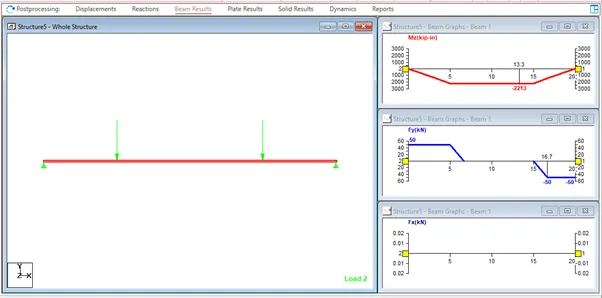
a. A Simply supported beam with two point loads symmetrically placed
b. Span L = 20m
c. Load P = 50kN each
d. Both P located at 5m from each support
ANS :
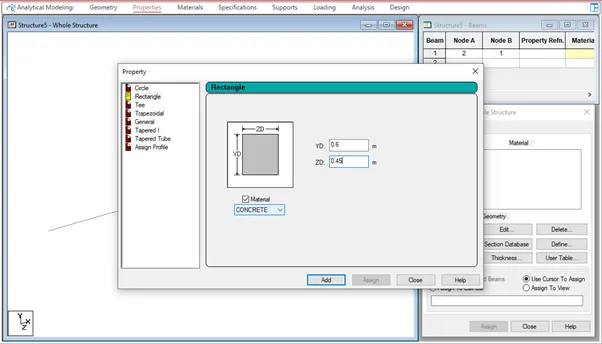
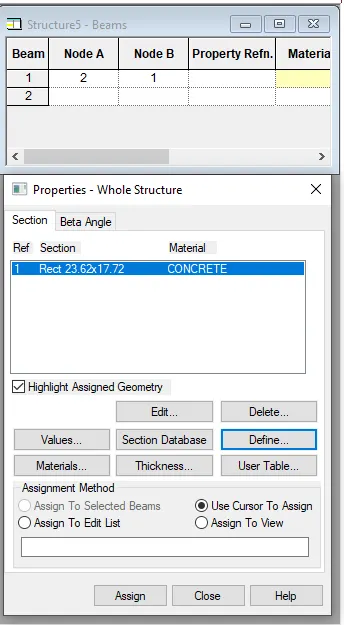
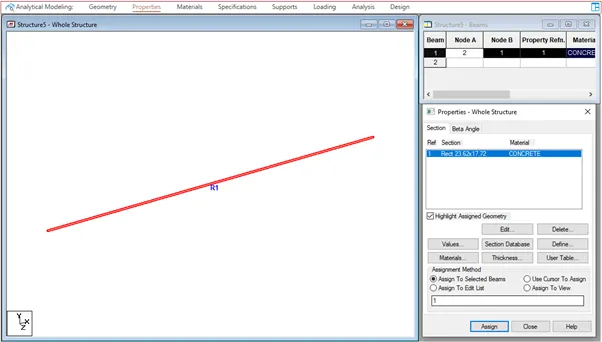
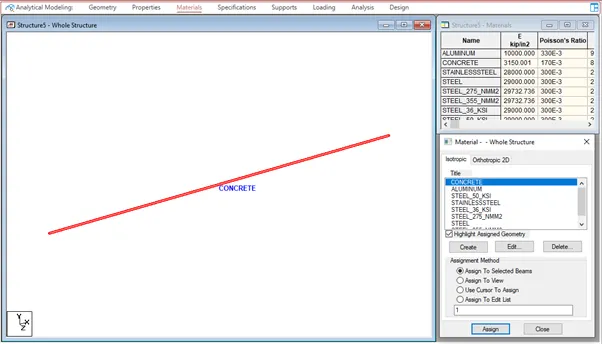
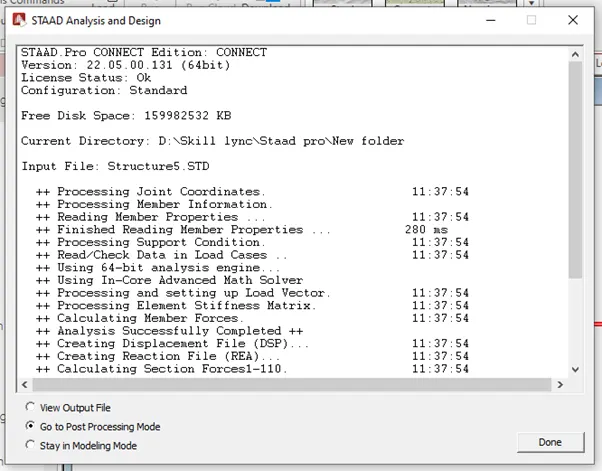
Open the new STADD.Pro file

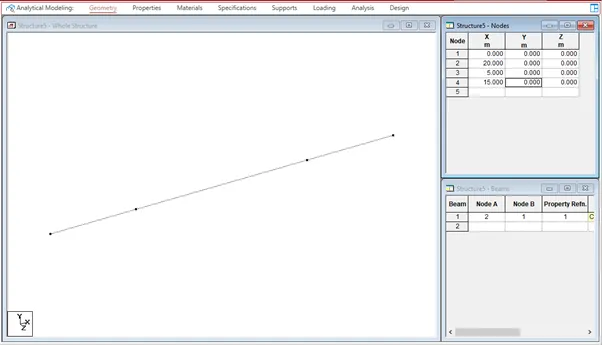
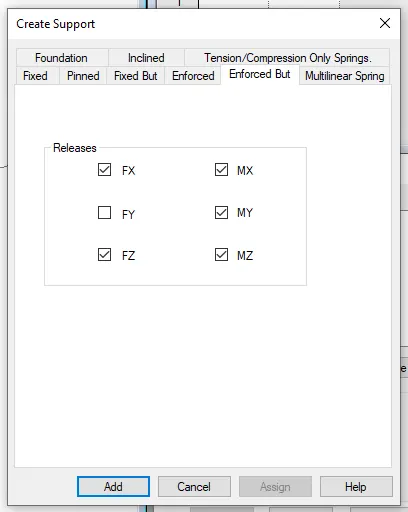
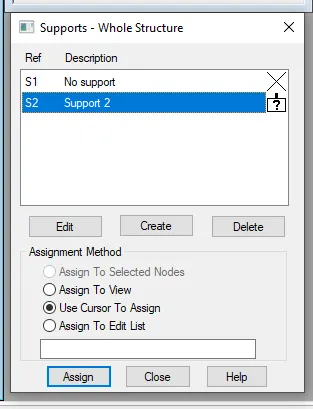
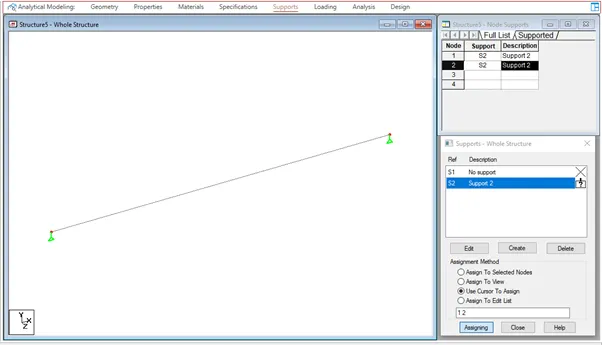
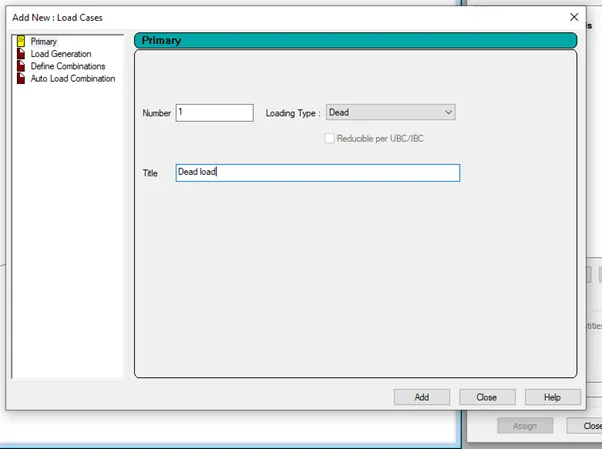
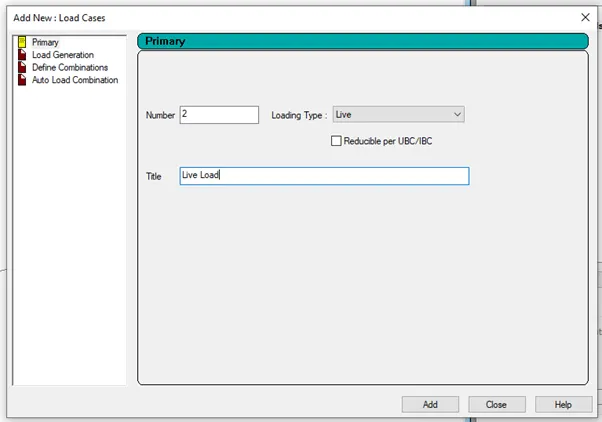
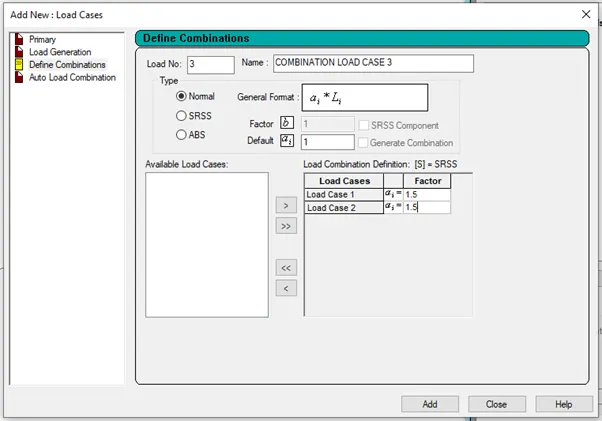
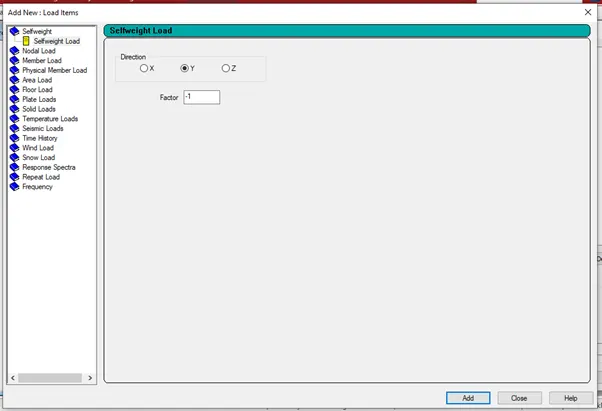


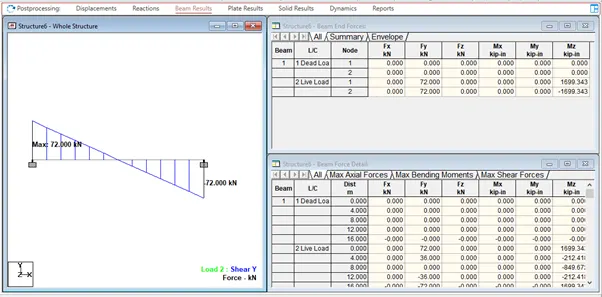
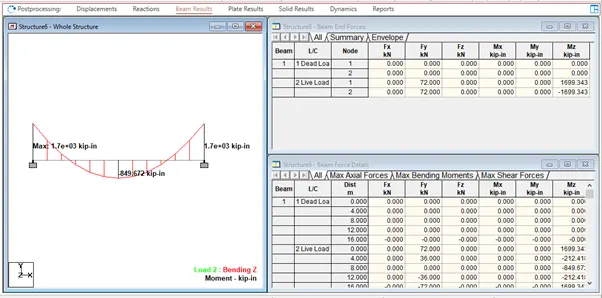
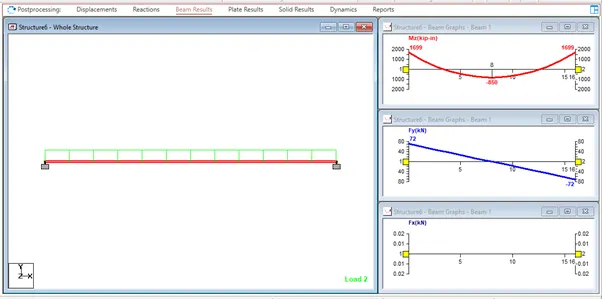
B.Fixed Beam
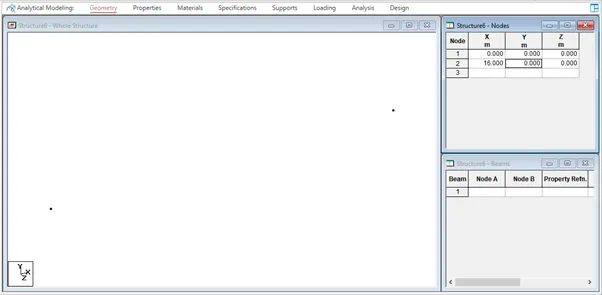
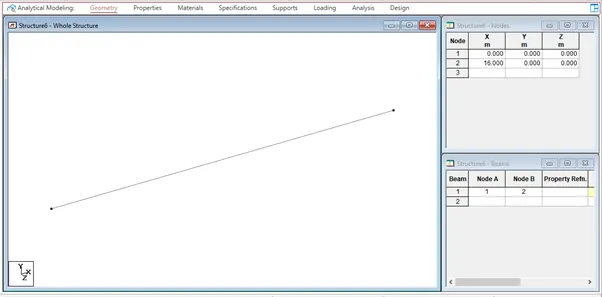
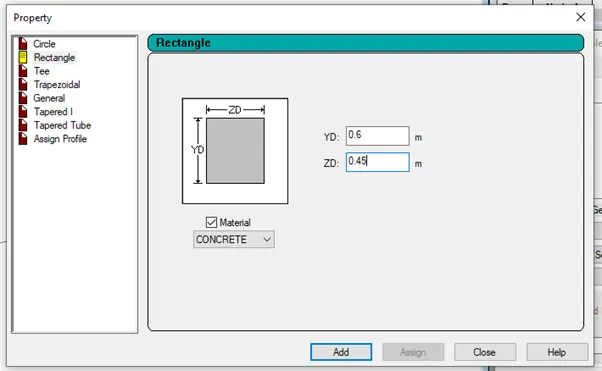
a. Span L = 16m
b. Uniformly Distributed Load w=9kN/m

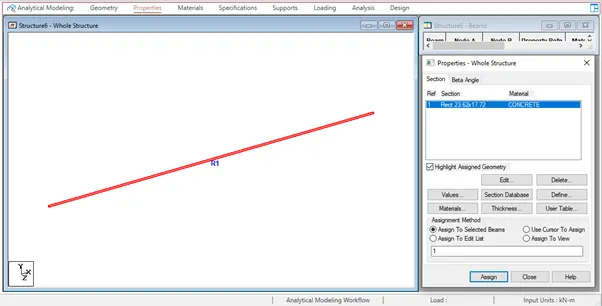
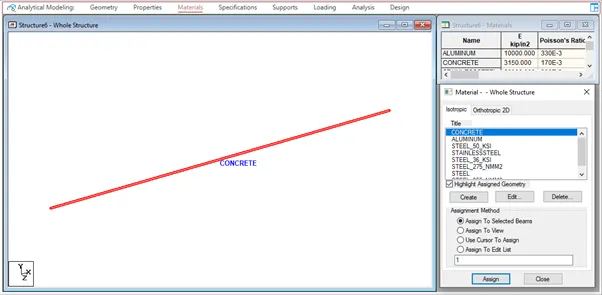
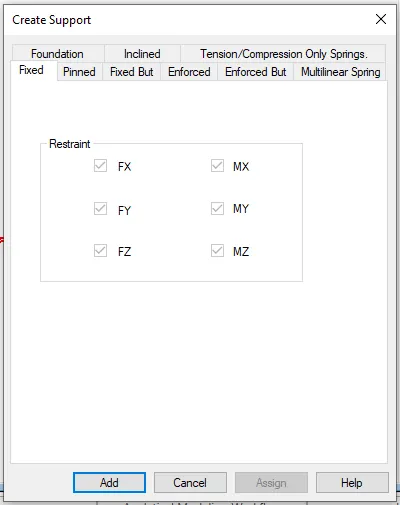
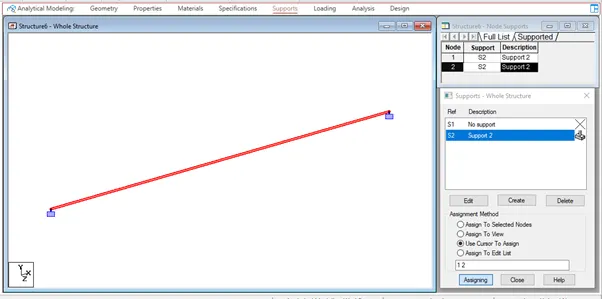
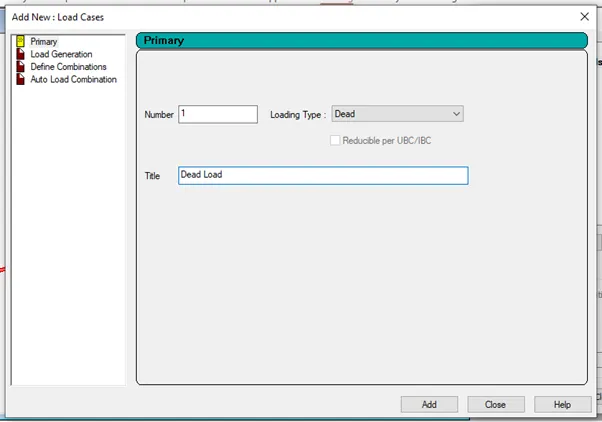
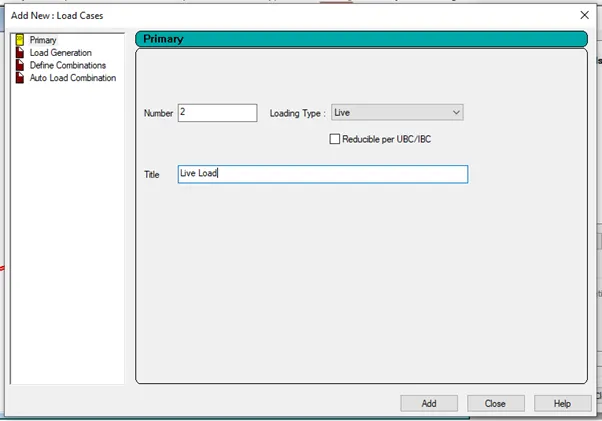
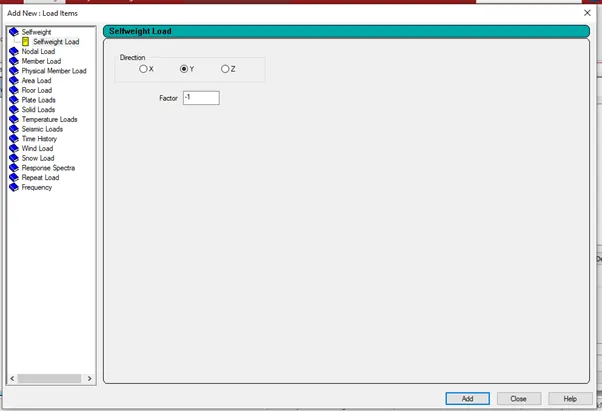
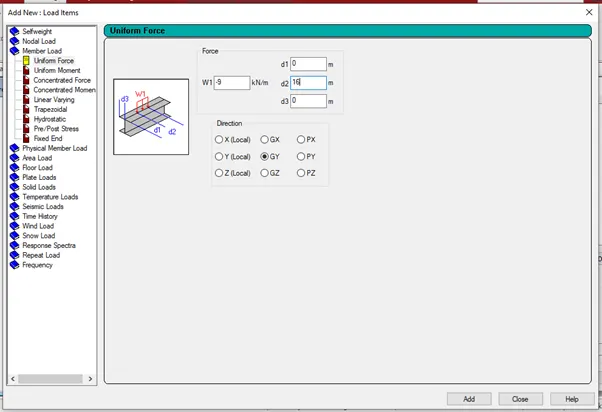
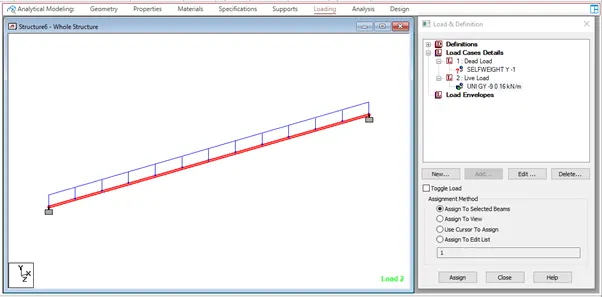

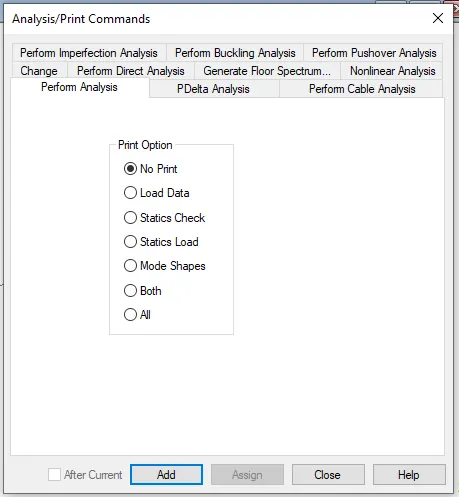
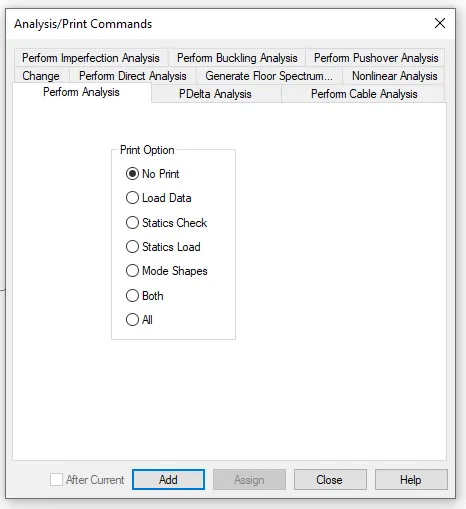
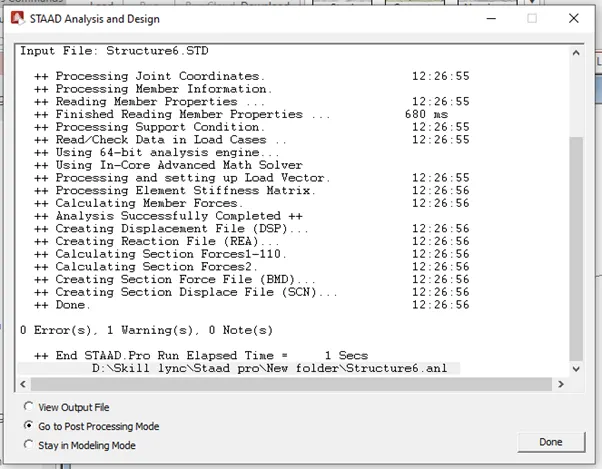
Run the analyis

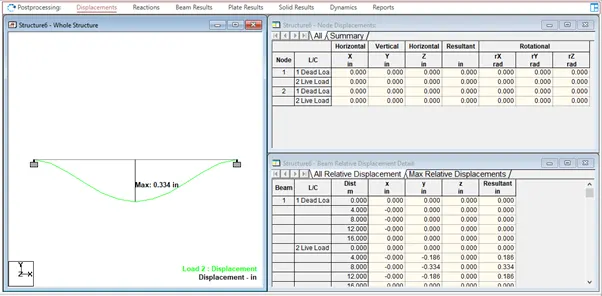
RESULT:
- CHALLENGE 2 is completed as per the given data.