Week 2- 2R Robotic Arm Challenge
https://drive.google.com/file/d/12ObqpQaj4X5tR1mgrbfyQV-TNy14h_ey/view?usp=sharing
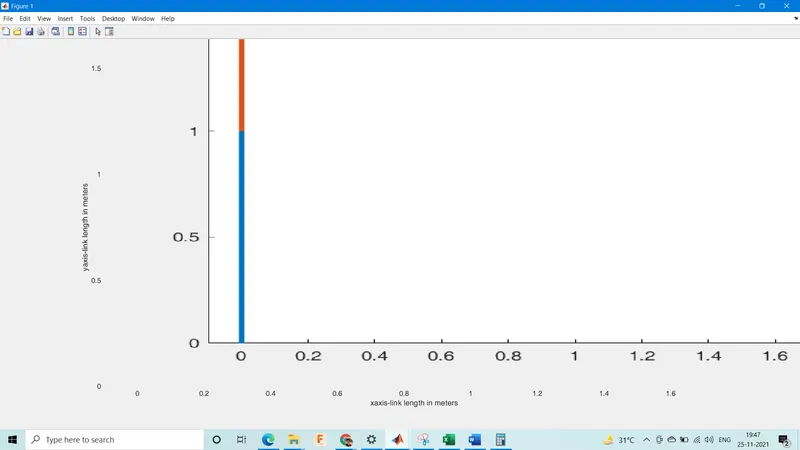
%advance kinematics of 2R robotic arm, movie
clear all
close all
clc

%inputs
l1=1;                         %link1 length in meters
l2=0.5;                       %link2 length in meters
theta1=linspace(0,90,10);     %theta1 array in degrees
theta2=linspace(0,90,10);     %theta2 array in degrees

ct=1;
for i=1:length(theta1)
    THETA1=theta1(i);
    for j=1:length(theta2)
        THETA2=theta2(j);

x0=0;                         %initial values
y0=0;
x1=l1*cosd(THETA1);
y1=l1*sind(THETA1);
x2=x1+l2*cosd(THETA2);
y2=y1+l2*sind(THETA2);

%plotting


plot([x0 x1],[y0 y1],[x1 x2],[y1 y2],'linewidth',3)

axis([-0.1 1.76 0 1.5])
%line([x0 x1],[y0 y1],'linewidth',3,'color','b')
%line([x1 x2],[y1 y2],'linewidth',3,'color','r')
pause(0.03)
   M(ct)=getframe(gcf)
   ct=ct+1;
    end
end

movie(M)
videofile= VideoWriter('Forward Kinematics.avi','Uncompressed AVI');
open(videofile)
writeVideo(videofile,M)
close(videofile)
Report:
1. Defined the input parameters & created an array of theta1 & theta2 with 10 values between 0 & 90 degrees using linspace command.
2. Created a for loop such that THETA1 & THETA2 each take all values in the the theta1 & theta2 arrays one after the other.
3.Provided initial values to x & y at 0 & wrote formulae with respect to geometry for x1,x2,y1 & y2 in terms of THETA1 & THETA 2.
4.Plot the graph using 4 arrays as shown in the code.
5. Created a parameter M with the function getframe, initialized the counter at 1 outside of the for loop & added increment condition for ct in the for loop.
6.Created an AVI for forward kinematics using VideoWriter object from matlab array & write video data.
7. Open(videofile) to open the file to read data & writeVideo to add the data to file.
8.Close(videofile) to close it agfter data is read.
Errors:
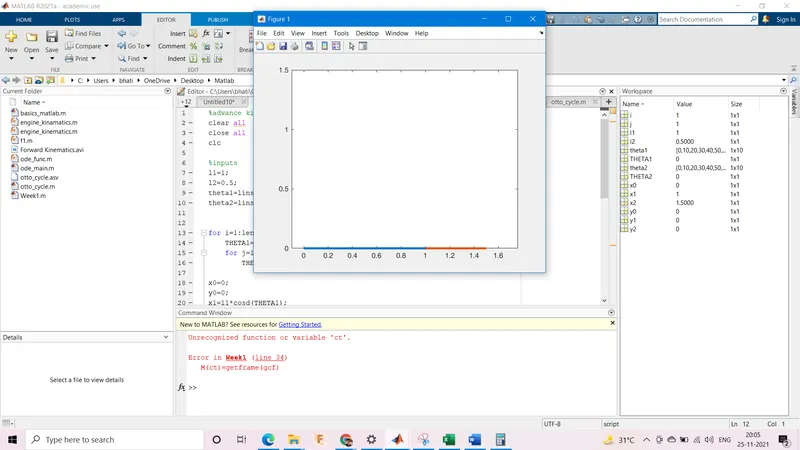
1. Forgot to initialize counter ct=1 outside of for loop, so matlab did not recognize it & the animation did not play
1Ans: Added the counter after looking at the error of ct not recognized.
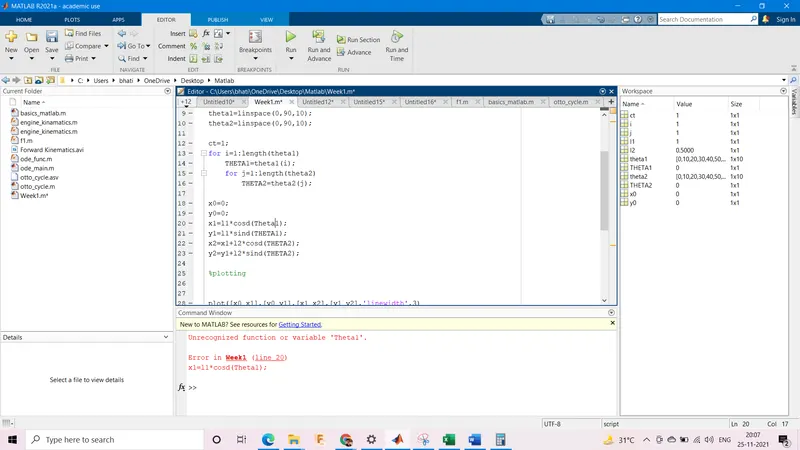
2. Used theta1 instaed of THETA1 for the formulation of x1 in the for loop.
2Ans: Changed it to THEATA after error message pointed it out.