Week -2
AIM:
*1.Make a simulink model of Doorbell using solenoid block with the following details:
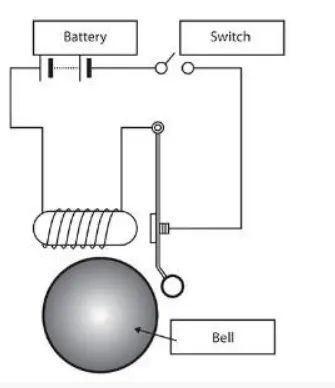
In the above arrangement, when the switched is closed the electromagnet receives electrical power from the battery and pulls the metal arm to hit the bell producing sound.
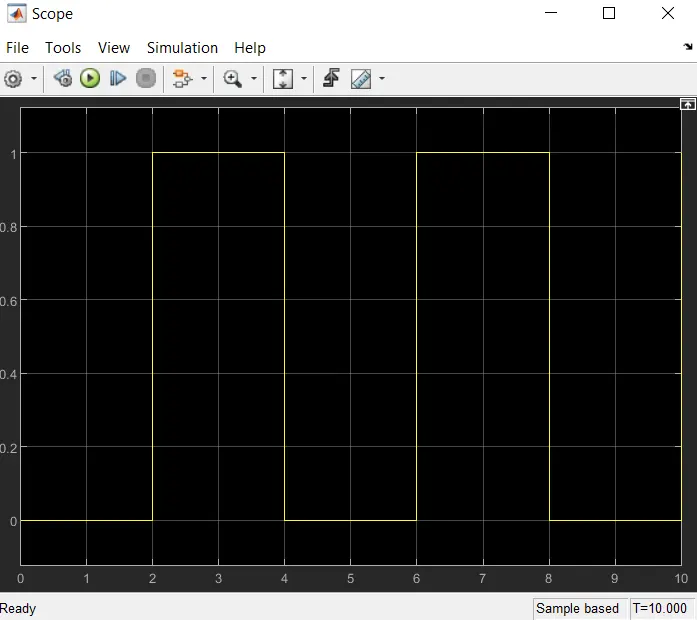
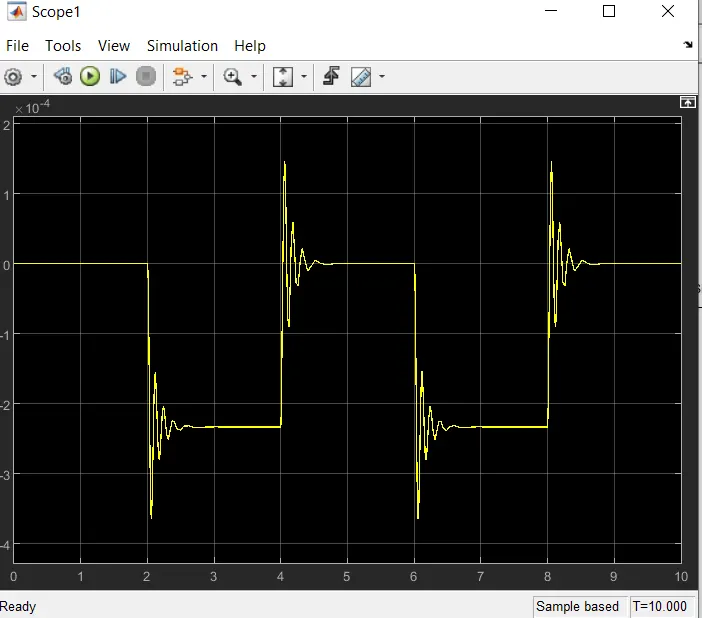
Create a situation where the switch is closed for 2 sec and then released. Observe the physical movements of the plunger.
Description of Doorbell:
A chime doorbell uses a specialized sort of electromagnet called a solenoid. A solenoid is just an electromagnet where the coiled wire surrounds a metal piston. The piston contains magnetically conductive metal, so it can be moved backward or forward by the electromagnetic field. Press the button in the diagram below to see how this works. In this design, the solenoid piston consist of an iron core mounted to a non-magnetic metal bar. When there is no power to the electromagnet, a spring pushes the piston to the left, and the iron core extends outside of the wire coil. when you turn the electromagnet on (by pressing the doorbell button), the iron core is drawn to the magnetic field, so it slides into the center of the coiled wire.
As the iron core slides to the right, the end of the piston strikes the right hand tone bar. The tone bar vibrates, producing a particular note. This is the 'ding' sound. As long as you hold the doorbell button, the current will flow through the electromagnet and the piston will remain in this position. But when you release the button, the current will stop flowing through the electromagnet and the magnetic field will collapse. The spring snaps the piston back to the left, where it hits the tone bar on the other side. The second tone bar produce the 'dong' sound.
You can make more elaborate tone sequences by adding more solenoid and tone bars. some variations on this design produce a different tone pattern when someone ring the back doorbell than when someone rings the front doorbell. Each doorbell button closes a separate circuit, connected to separate solenoid in the doorbell mechanism. In the simplest design, one of the solenoid hits a bumper instead of the second tone bar. In this way, one doorbell button will trigger a 'ding-dong' tone and the other button will trigger only a 'ding' tone.
In recent years, more and more people have been installing electronic doorbell in their homes. An electronic doorbell doesn't have any electromagnets or tone bars. instead,it has an integrated circuit (IC) that registers when the button has been pressed. The IC triggers a digitally recorded song or message. A lot of electronic doorbells have a wireless control system, so the doorbell mechanism doesn't have to be specially wired.
Principle of Doorbell:
The solenoid is an electromagnet with wire winding and a small metal piston inside it. When electric current flow through the wire and electromagnetic field generated which pulse the metal piston toward it. The metal piston hits the tone bar located on both side of arrangements.
simulink model of doorbell using solenoid block:
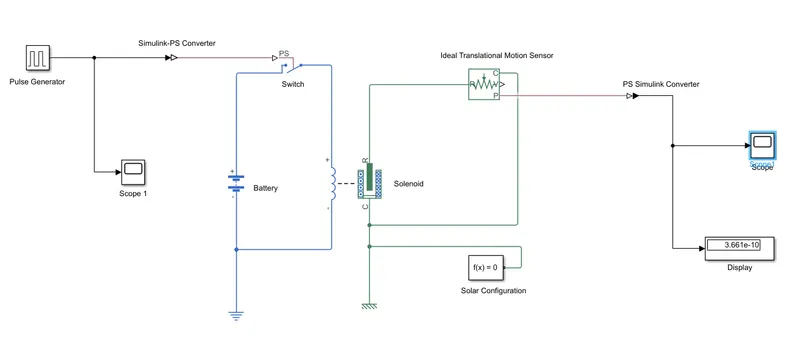
List of block used in above model:
1.Pulse generator
2.PS-simulink & simulink PS-converter
3.Scope
4.Switch
5.Battery
6.Solenoid
7.Ideal Translated Motion sensor
8.Solver Configuration
9.Electrical & Mechanical Reference
Description of Block:
Input:
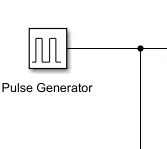
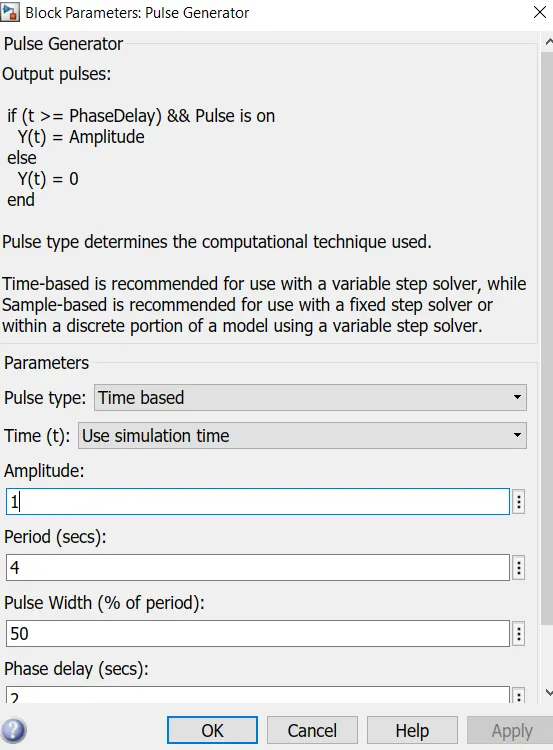
1.Pulse Generator- This is an analog input that has amplitude and frequency with which the input is transmitted.
2.PS-Simulink &Simulink PS-Converter-
This are the basically converter from physical system to simulink signal and vice-versa.
3.Scope-
Scope gives the plot of output.
4.Switch-
This device the completes the electric circuit for current flow and can be controlled manually or automatical depends on type of switch required.
5.Battery-
This is device a negative and positive terminal for the electric circuit to be completed for electric flow.
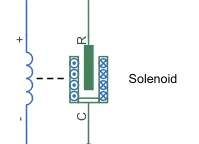
6.Solenoid-
This is an electromagnetic device that is represent as a block here.
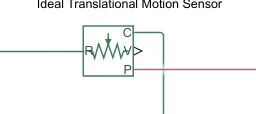
7.Ideal Translational Motion Sensor-
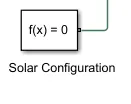
8.Solver Configuration-
it is act as a complete equation for where f(x)=0where we find the value of x & generate the output.
9.Electrical & Mechanical Reference-
This is reference block with which system has ground source as a base.

Output:
1.Scope 1:
2.Scope :
*2. Use a thermistor to sense the temperature of a heater and turn on or turn off the fan as per the below conditions:
We going to use the same procedure as above to simulate a thermistor to sense the temperature of a heater.
Thermistor: Thermal resistor is defined as a type of resistor whose electrical resistance varies with changes in temperature. Although all resistor's resistance will fluactuate slightly with temperature, a thermistor is particularly sensitive to temperature changes. Thermistor act as a passive component in a circuit. They are an accurate, cheap, and robust way to measure temperature. while thermistor do not work well in extremely hot or cold temperature, they are the sensor of choice for many different applications. following is the simulink block assembly for thermistor basedheater. and with condition follows here as:
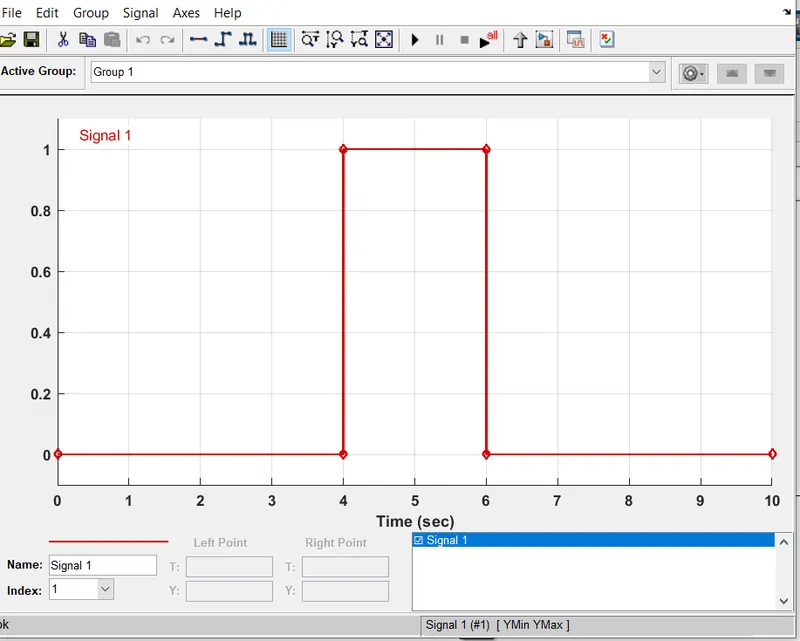
1.0-10 sec temperature 203
2.10-30 sec temperature 300
3.30-50 sec temperature 296
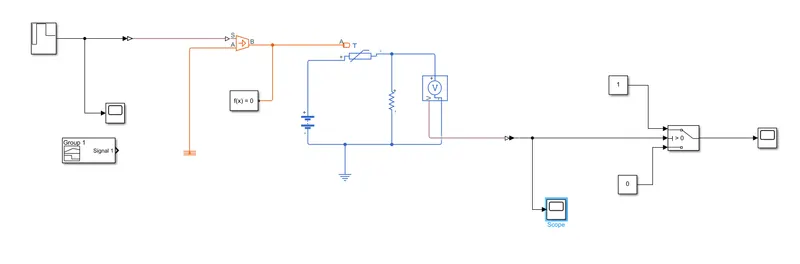
Simulink model design:
simulation of the relation between thermistor temperature and resistance
Content of Block:
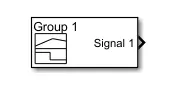
1.Signal Builder-
The signal builder block allow you to create interchangeble group of piecewise linear signal source and used in model.
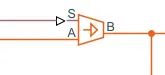
2.Controlled temperature source-
This block represent an ideal source of thermal energy that is power full enough to maintain specified temperature difference across the source regardless of the heat flow consume by the system.
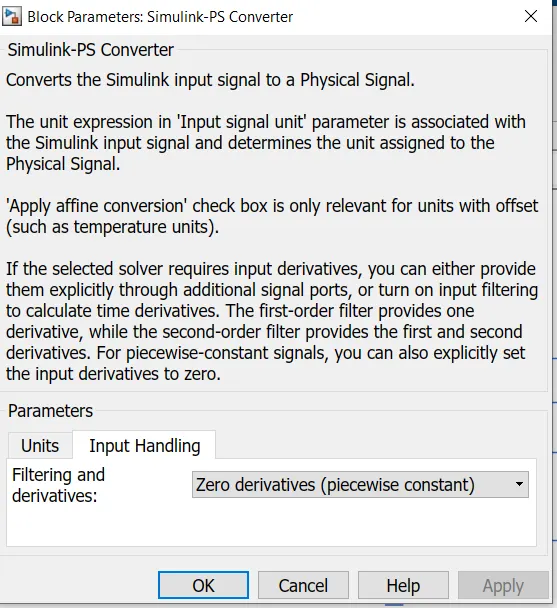
3.Simulink -PS Converter-
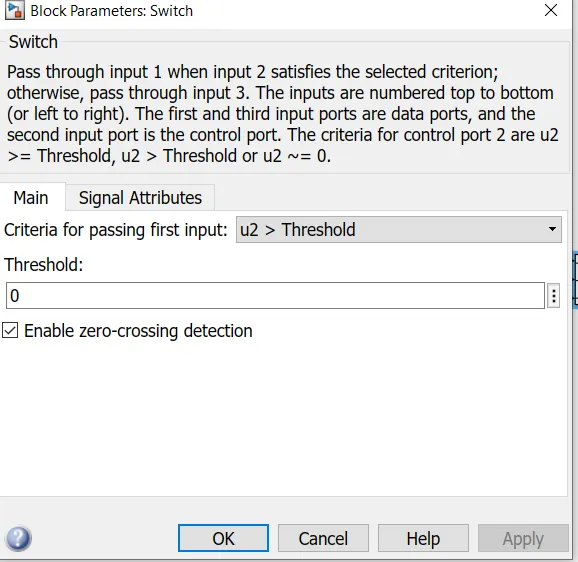
4.Switch-
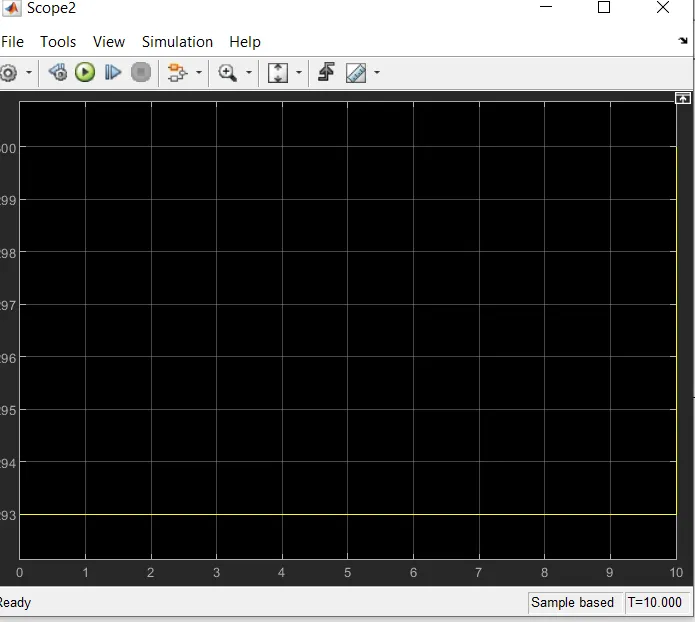
5.Scope-
Conclusion:
I was able to make the module of doorbell using solenoid block and to make block on thermistor to sense temperature of heater and turn on or turn off the fan.