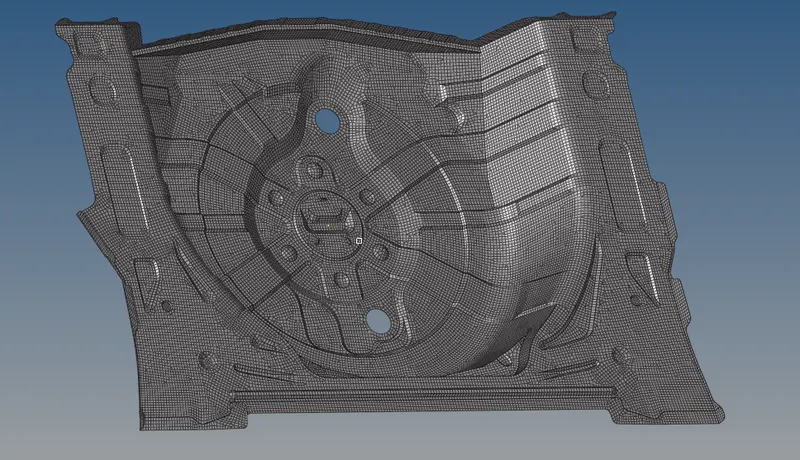
Week 12:Project 2-Meshing of Rear Wheel Holder challenge
Procedure -
Open the given model.
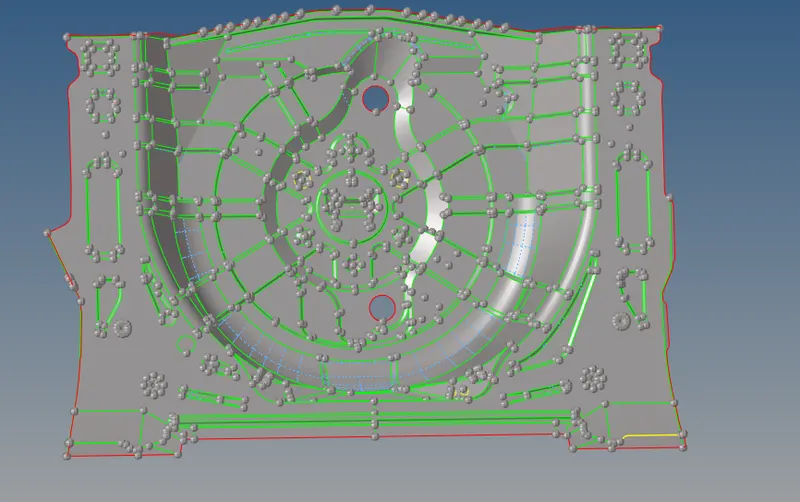
Geometry clean up using various tools. Rebuild the surfaces and supress the lines which is not required.
Cleaning up geometry is done before midsurfacing to get the proper surface.
Extract the mid surface using midsurface option and again clean the geometry.
There are some edges which is sharp which will fail but kept as it is required.
Some features has been deleted and and created flat surfaces.
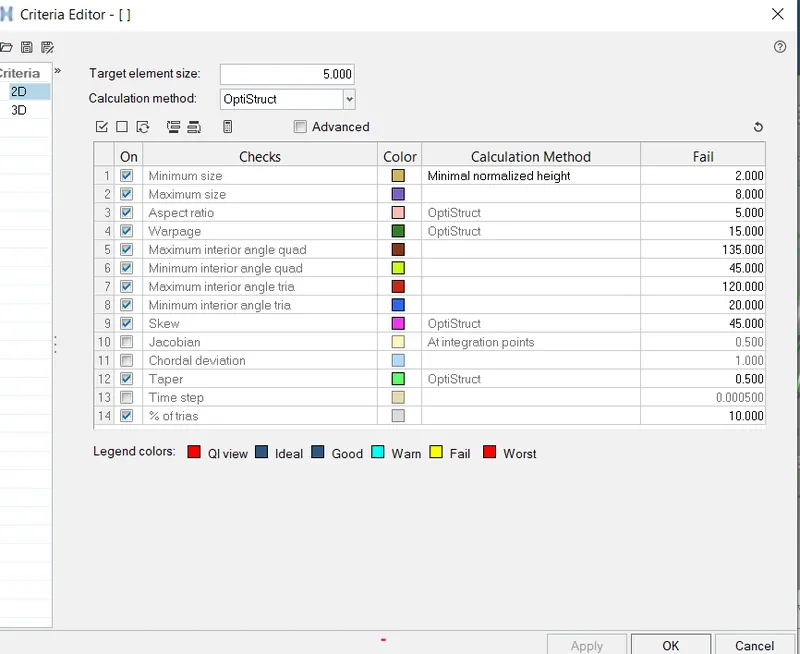
Before Meshing set the meshing / quality criteria as given.
Goto 2D mesh - automesh -select the surface and mesh. We can do mesh by selecting part /surface on at a time.
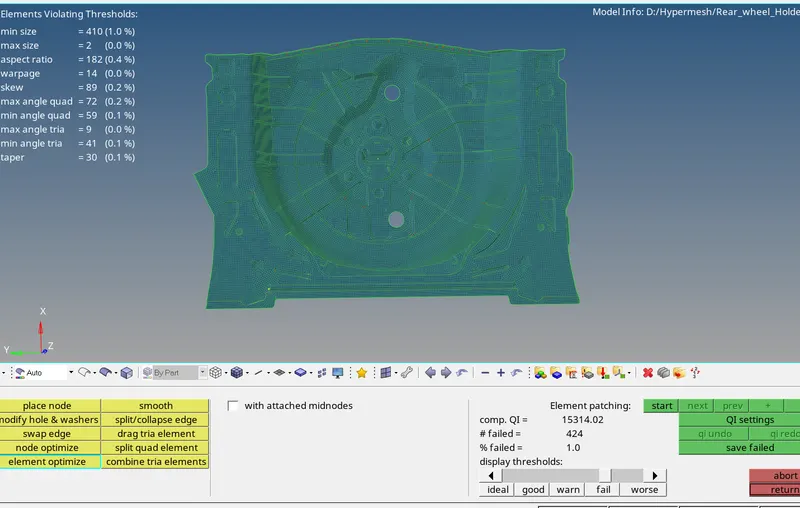
update the failed elements using quality index and various option.
Please note that I have used various option but it was not completed updated and elements still consist some failed elements due to the feature size.
After cleaning the elements we get the following results.
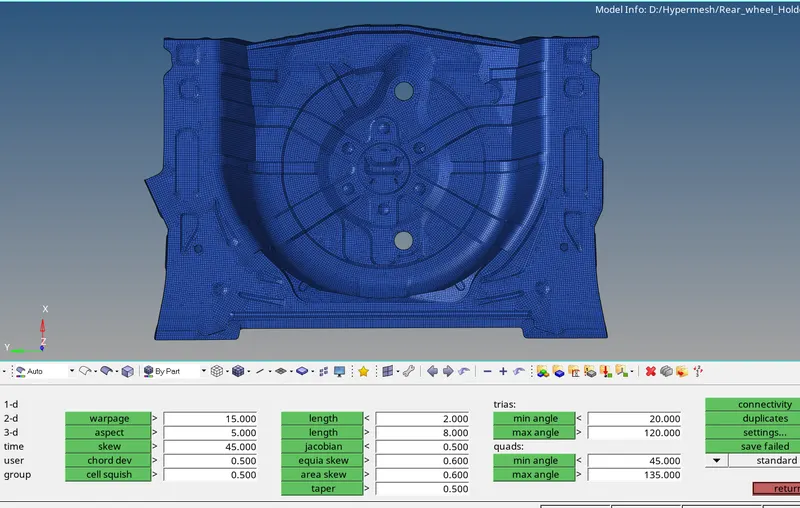
I still have some failed elements at the sharp corner.
We can then create properties and assign to the elements.