Week 12:Project 2-Meshing of Rear Wheel Holder challenge
AIM:
Meshing of floor panel and assign thickness for it.
OBJECTIVE:
- Extract midsurface of given model
- Generate mesh
- Proper mesh flow and quality criteria
- Assign the thickness.
PROCEDURE:
STEP 1:
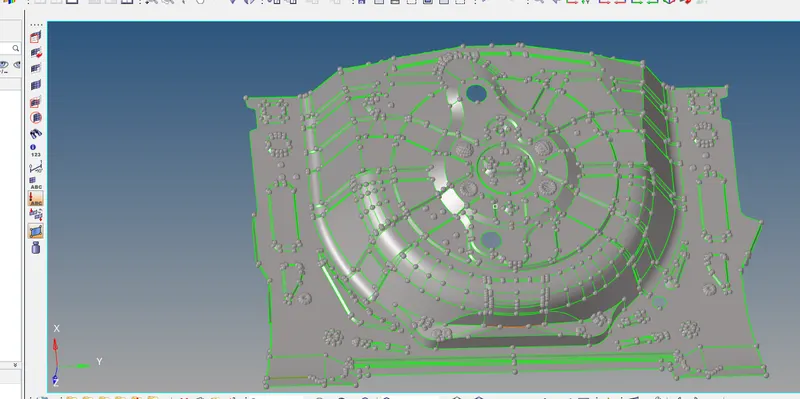
Given model.
STEP 2:
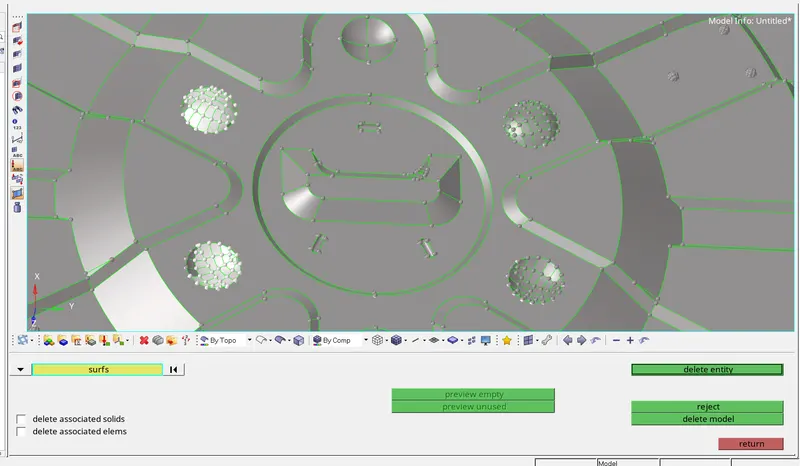
Remove the button
Go to delete----surface----select the surf of button part----then remove
STEP 3:
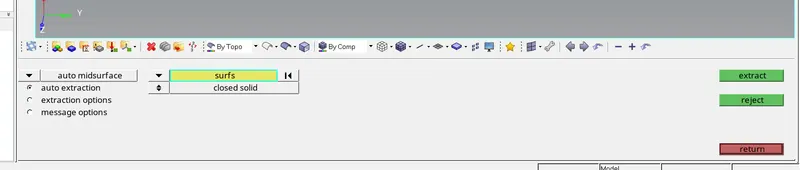
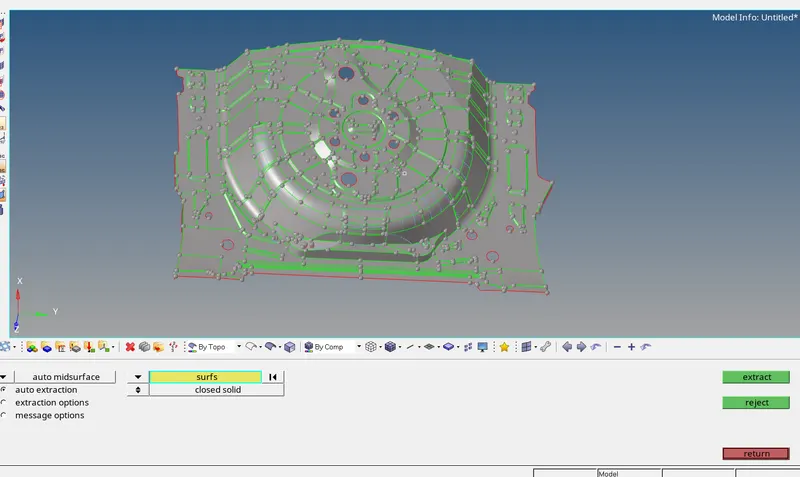
Extract auto midsuraface.
Go to geometry----autto midsurface---select surf---then extract.
STEP 4:
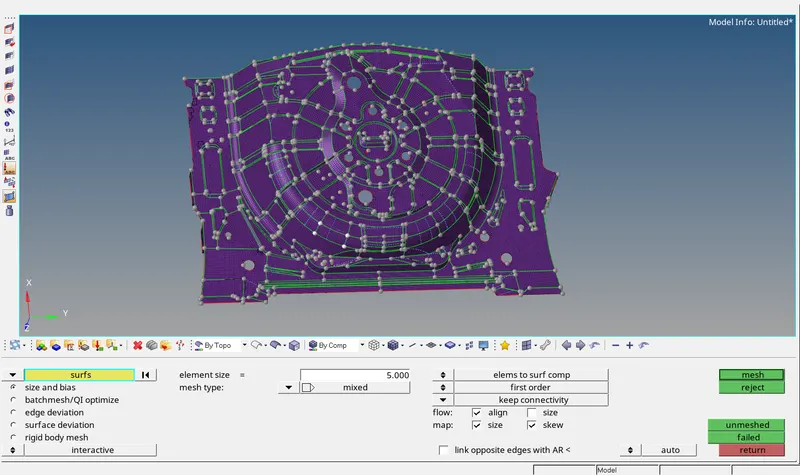
Generate mesh
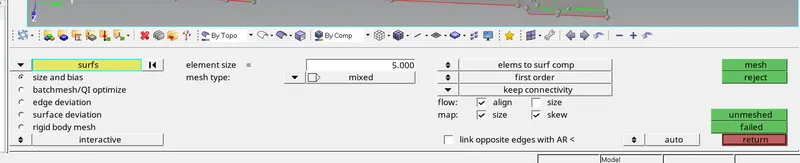
Go to 2D-----automesh----element size =5----select surface then extract.
STEP 5:
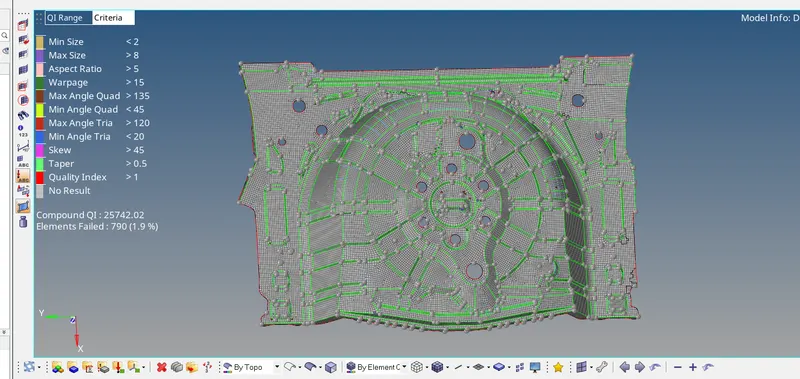
Check the proper mesh flow and quality criteria of given model.
Go to 2D---quality criteria---apply the values given---then extract.
STEP 6:
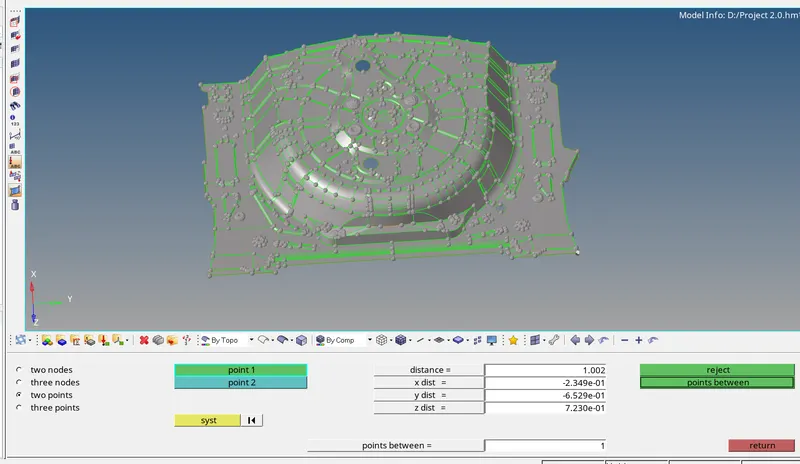
Assign the thickness
Go to geometry---distance---measure the two surface----then
Go to tooll---organize----move the element basd on the thickness
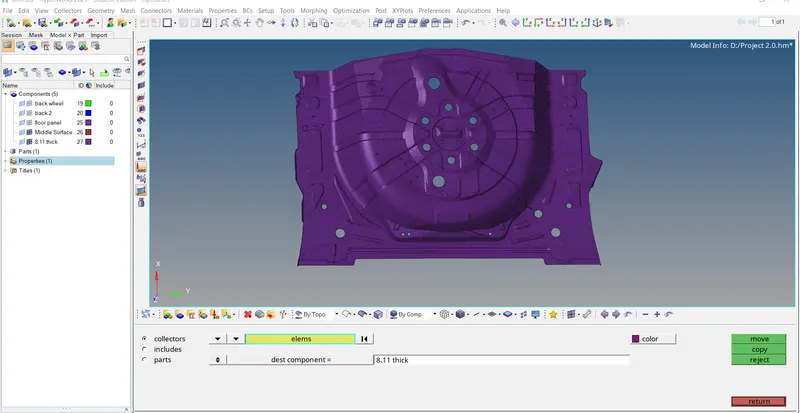
Create the properties of assigned thickness.
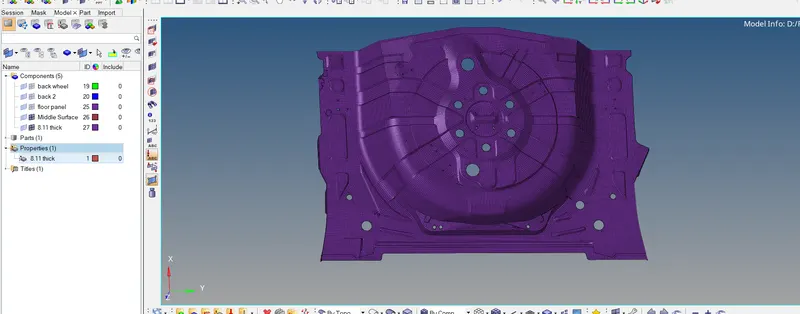
Change the profile into radioss-----apply the thickness value---then assign it.
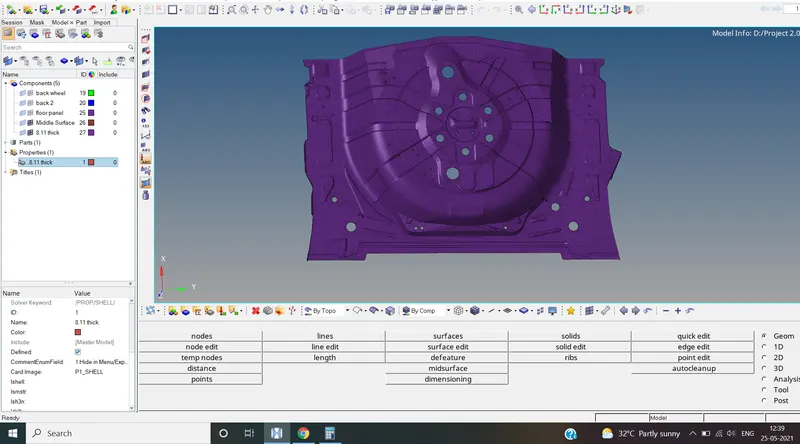
Go to BY PROP------------check it.
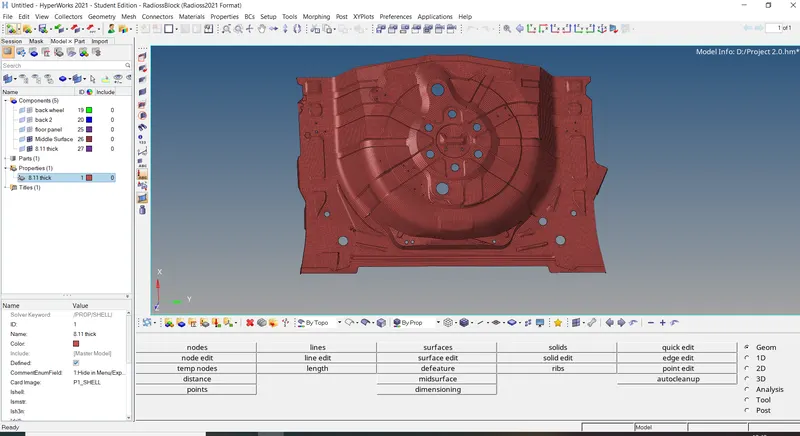
RESULT:
Hence the floor panel done.