Week 12:Project 2-Meshing of Rear Wheel Holder challenge
AIM: To mesh the given component accourding the given set of quality criteria.
Procedure:
1. We must import the given component into hypermesh using the import option which is present in the standard bar.
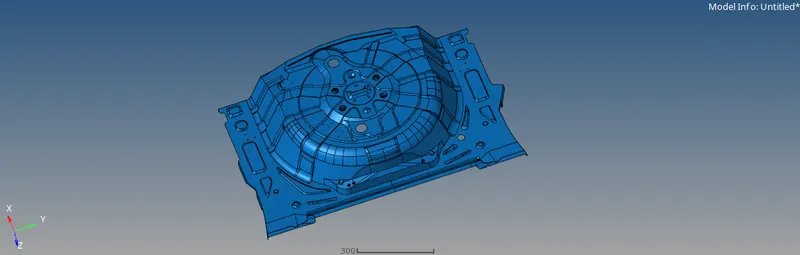
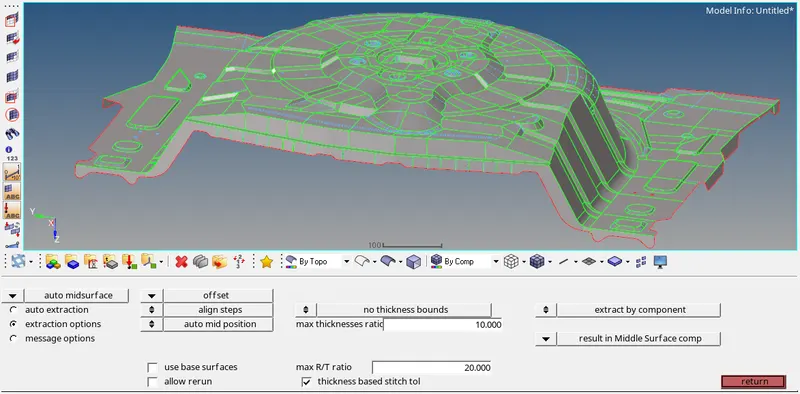
2. The thickness of the component is 0.75mm, so we can take the midsurface of the component by using the offset option which is present in the geometry pannel.
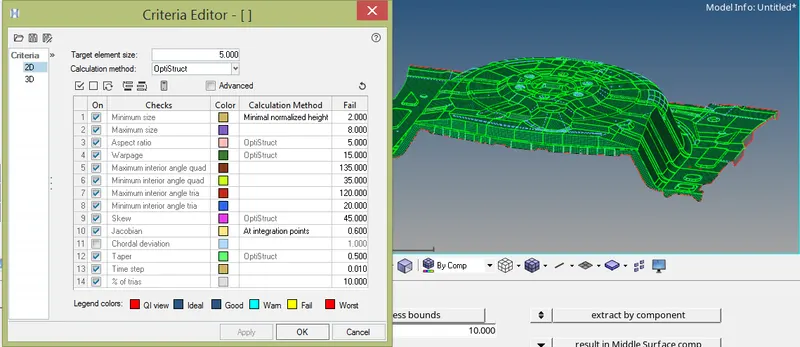
3. We must set the quality criteria accourding the given condition during the meshing process. In order to set the criteria we must use the criteria file setting which is present in the perference option.
4. After setting up the parameters we can start the meshing by using the option automesh option which is present in the 2D pannel.
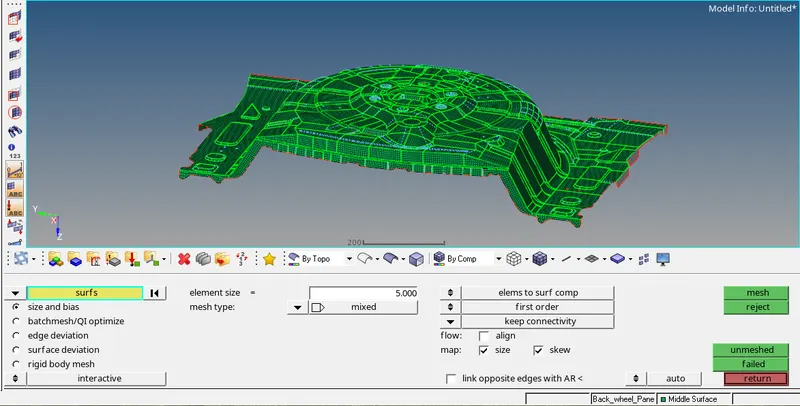
5. While meshing the given component we must make sure the mesh is following all the quality criteria which is given to us and at the same time it must have good mesh flow.
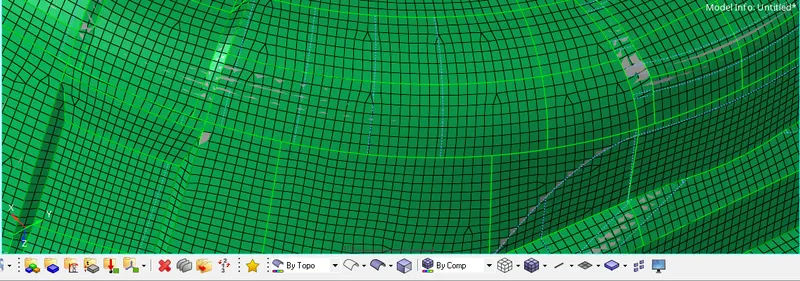
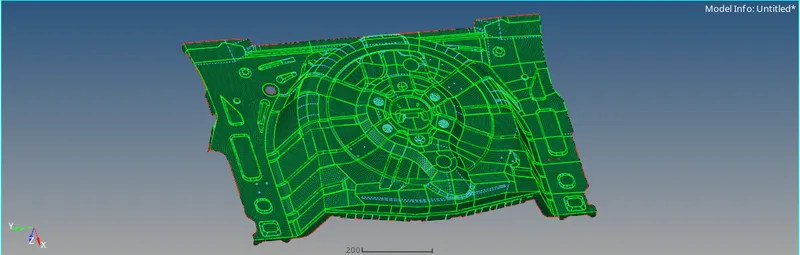

6. we can chech the elements while meshing wheather it is following the mesh quality criteria by using the quality check criteria which is present in the 2D pannel. we must keep on checking the components for there quality by using the short cut key F10 and clear the quality of the element.
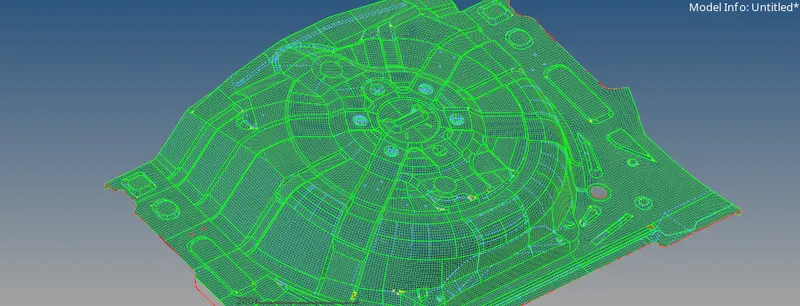
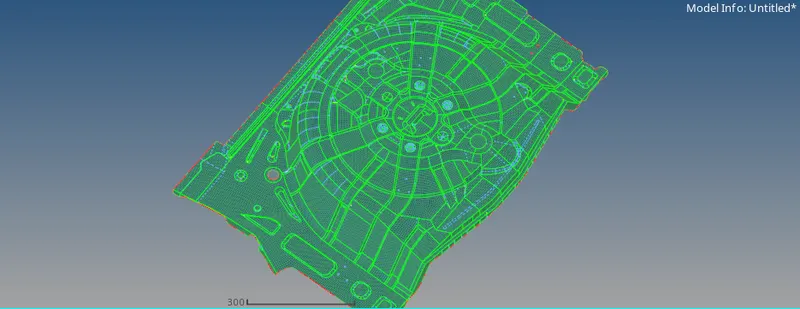
7. From the above picture we can see that we have removed all the improper elements present in the component and followed all the quality criteria.
Conclusion:
Understood the different way of approaching the meshing of a plastic component by meshing the given component with all elements clearing the quality conditions with smooth mesh flow.