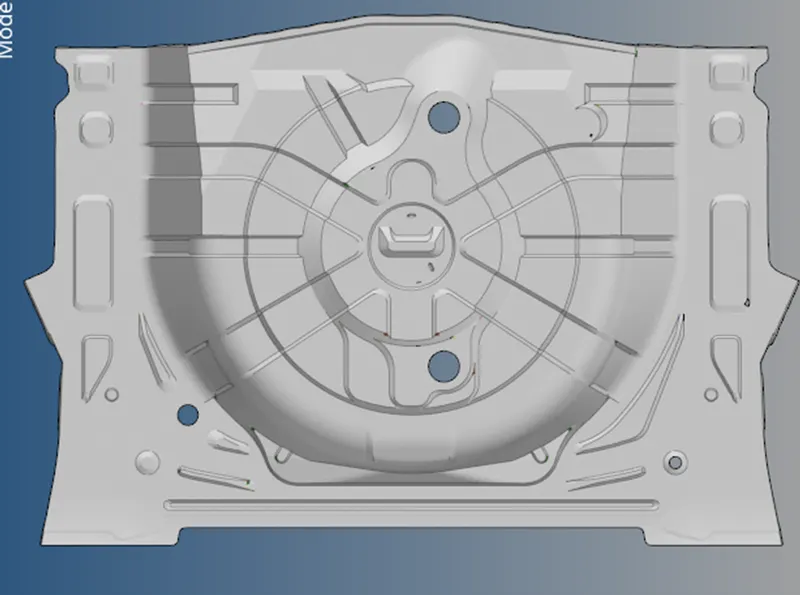
Week 12:Project 2-Meshing of Rear Wheel Holder challenge
Aim: to extract the midsurface and mesh it
CAD model:
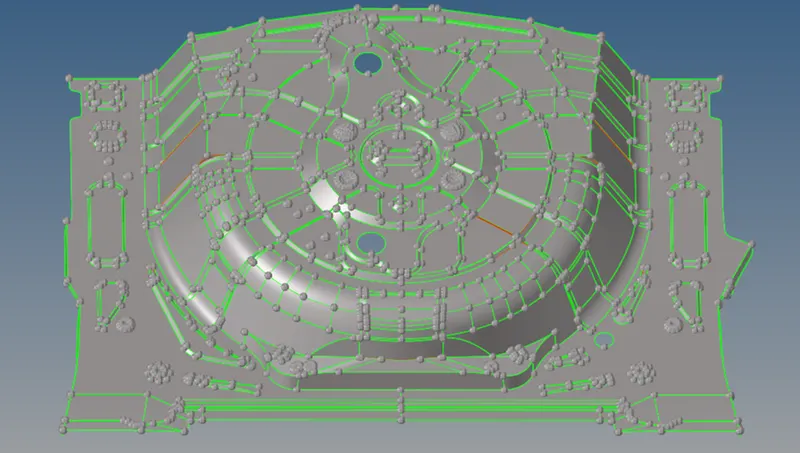
Procedure:
- Midsurfacing:
- Used 2D > midsurface > auto midsurface
- The method used was offset+planes+sweep
- After midsurfacing is generated, topology clean-up is done
- Symmetrical features are deleted
- Some dome shaped features were removed according to the question
Figuring out the non-symmetrical parts and deleting accordingly was challenging
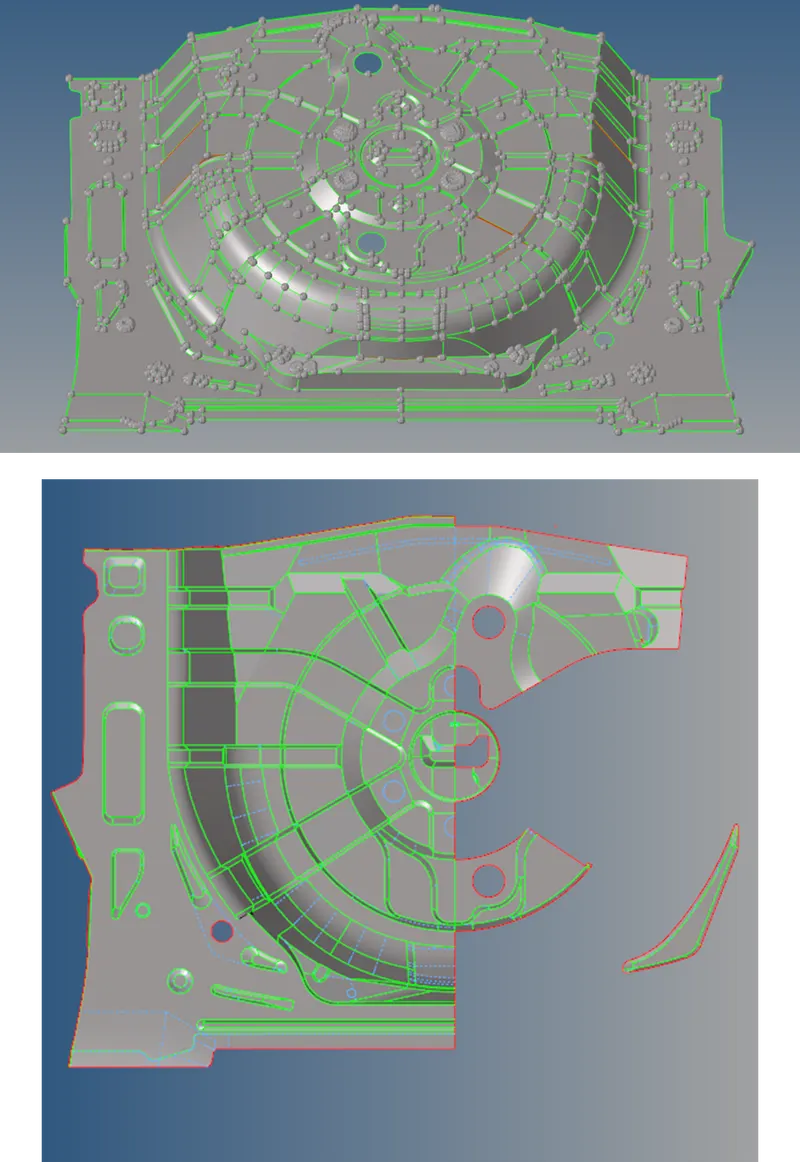
- Mesh:
- Manual meshing is used from 2D > automesh (F12)
- Each surface is individually meshed and rebuild using 2D > rebuild mesh
- Inside out approach is taken.
- Mesh was improved with 2D > edit element (F6)
- Edge clean-up:
- Free edges were found with the help of Tools > edges
- Nodes with 1.5 mm gap are connected with equivalence
- Rest were connected with 2D > replace (F3)
Result: