Week 12:Project 2-Meshing of Rear Wheel Holder challenge
Objective:-
Follow the below-mentioned quality criteria, mesh the component given below and assign thickness:
Target Element Length = 5 Units
| S.N | Quality Criteria | Value |
| 1 | Aspect Ratio | 5 |
| 2 | Skewness | 45 |
| 3 | Warping | 15 |
| 4 | Taper | 0.5 |
| 5 | Min. Length | 2 Units |
| 6 | Max. Length | 8 Units |
| 7 | Min angle Quad | 45 |
| 8 | Max angle Quad | 135 |
| 9 | Min angle Tria | 20 |
| 10 | Max angle Tria | 120 |
| 10 | Tria % | 10 |
Model Before:-
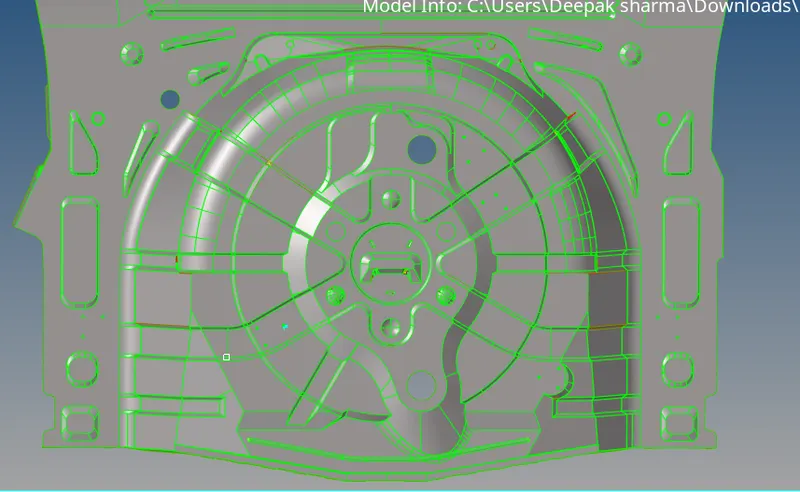
Procedure:-
1. Import the model as iges file.
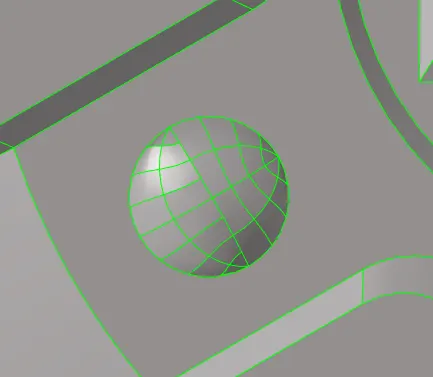
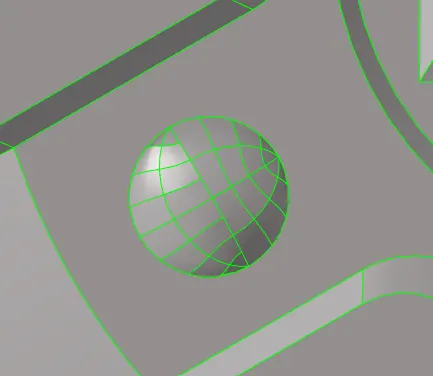
2. Check if there is any distortion in the geometry, and fix it. There must not be any free edge. And the unwanted geometris must be cleaned as shown in below images.
3. Generate the mid-surface for the model, using offset option.
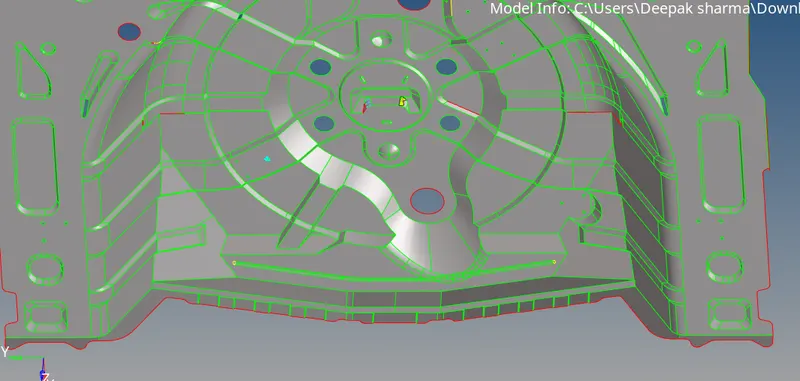
4. Insert the quality parameters as given above, and start meshing the model.
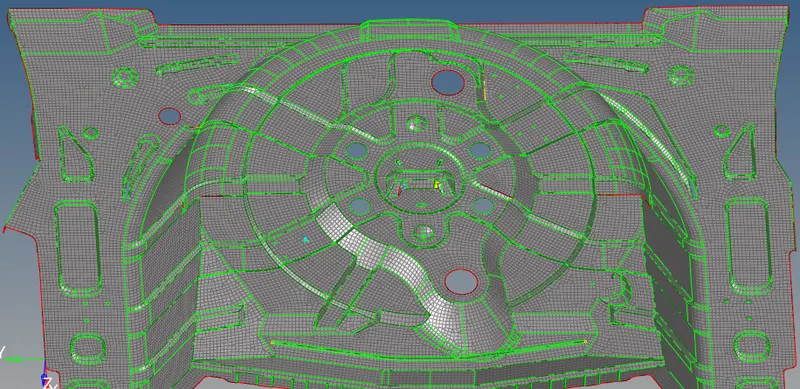
the meshed surface will look like the image shown above,
5. Check for the quality of the mesh in quality index, and fix the quality.
6. Create the property for the given componenet, and assign the thickness as of the parent geometry i.e. 0.75mm.
7. 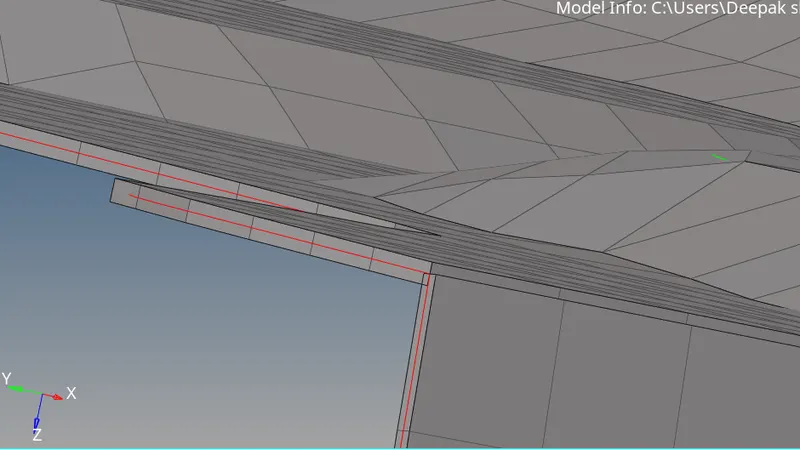
8. Change the display mode to 2D-detailed element represesntation. As shown above.
9. Check for the free edges and preveiw equivalence.
10. Save the model as .hm file.