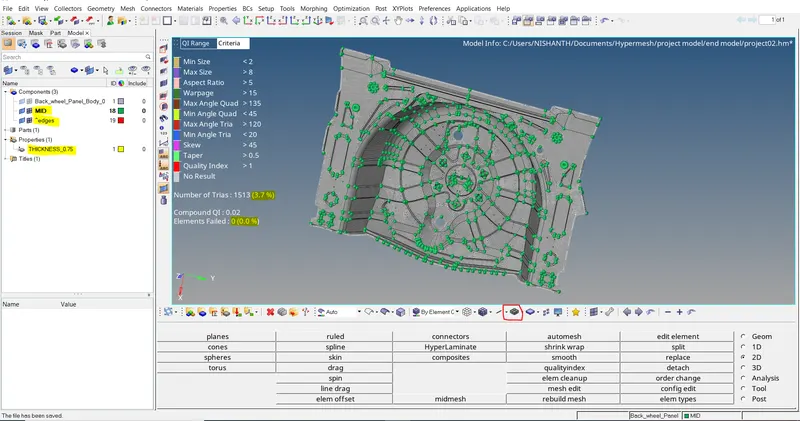
Week 12:Project 2-Meshing of Rear Wheel Holder challenge
Aim :
To extract midsurface and mesh the given component and to satisfy the quality criteria by using Hyperwork software.
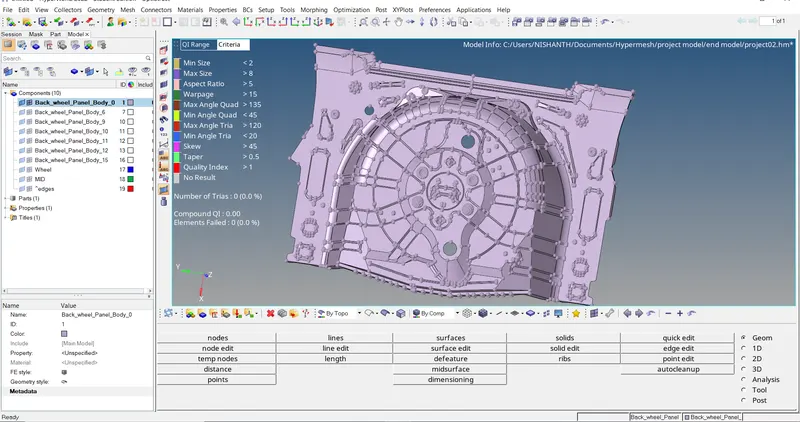
Objective :
To extract the midsurface of the surface component and apply mesh of element length 5 units.
Procedure :
Import the model to the graphical workspace.
Fix the geometrical issues in the cad model to create midsurface for the model.
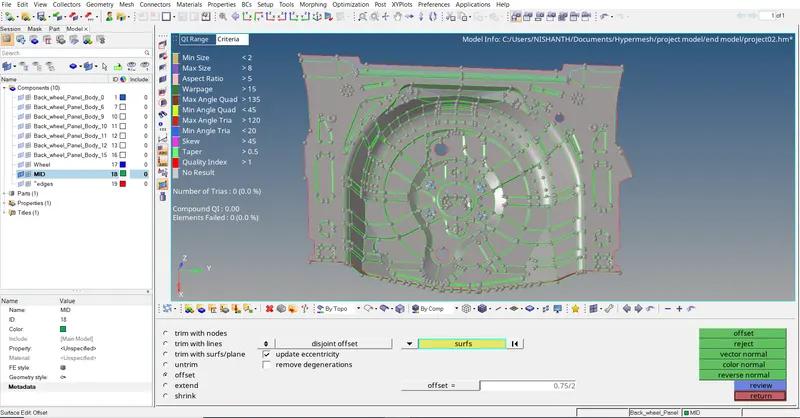
Extract midsuface manually using offset option in surface edit menu.
Do geometry cleanup on the midsurface component.
Apply mesh on the given component for element length 5 units.
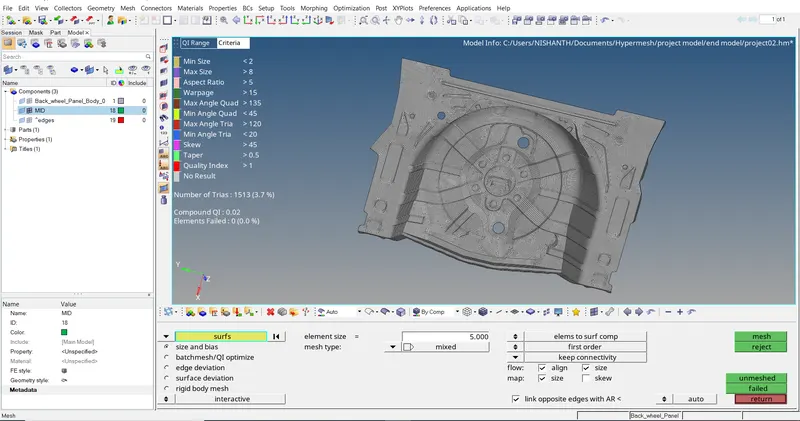
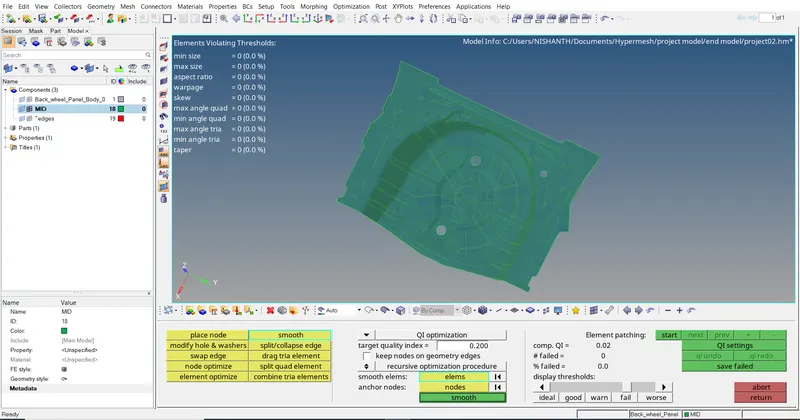
Work on the elements to satisfy the given quality criteria.
We use many options to clear the element failure few options like rebuilt mesh, translate, etc.
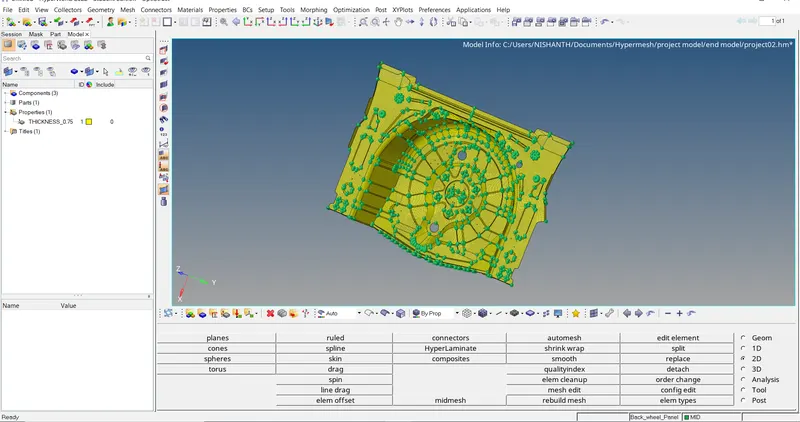
Assign thickness property to the meshed component.
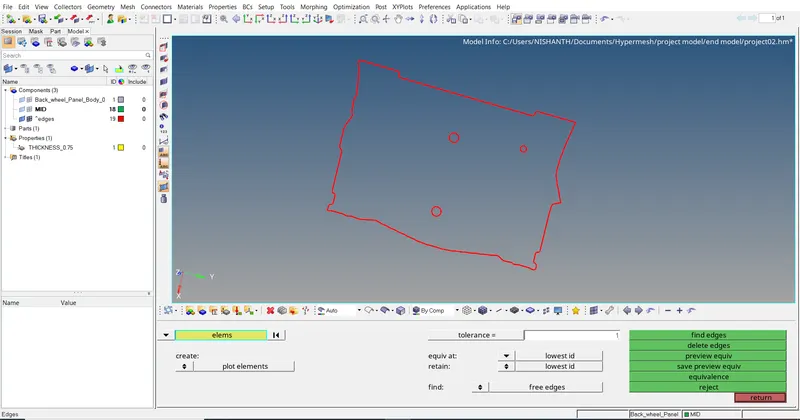
Check for edges in the meshed component.
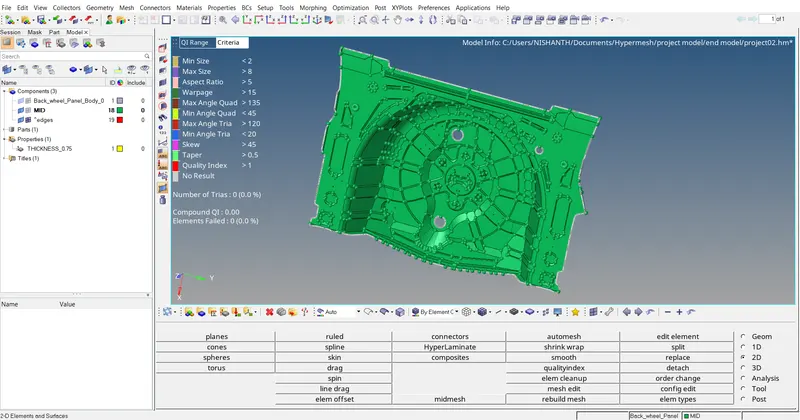
Result :
The midsurface of the parent component is created and meshed with respect to the quality criteria successfully using Hyperworks software.