Week 12:Project 2-Meshing of Rear Wheel Holder challenge
AIM:
To Extract the mid surface ,clean geometry ,meshing the given components.
Given data:
Target Element Length = 5 Units
| S.N | Quality Criteria | Value |
| 1 | Aspect Ratio | 5 |
| 2 | Skewness | 45 |
| 3 | Warping | 15 |
| 4 | Taper | 0.5 |
| 5 | Min. Length | 2 Units |
| 6 | Max. Length | 8 Units |
| 7 | Min angle Quad | 45 |
| 8 | Max angle Quad | 135 |
| 9 | Min angle Tria | 20 |
| 10 | Max angle Tria | 120 |
| 10 | Tria % | 10 |
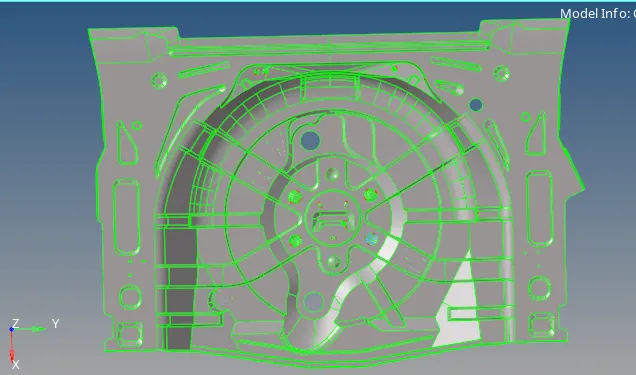
Given CAD:
Procedure:
¬ First clean up the given geometry
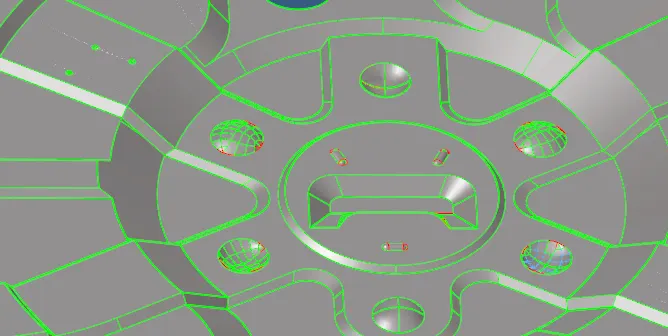
¬ After geometry clean up going to extract mid surface.
Extract Mid surface:
¬Then Going to extract mid surface.
¬ This is sheet metal components its have uniform thickness of components.
¬It going to us auto mid surface.
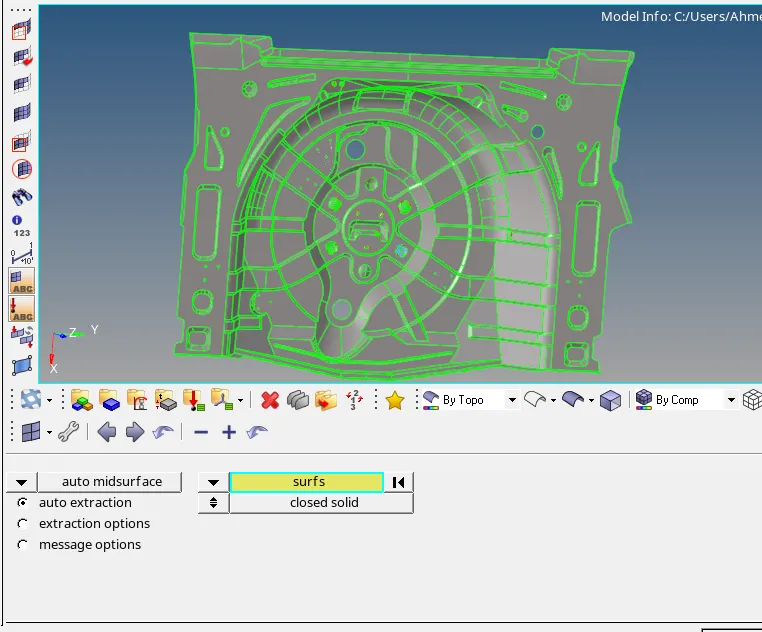
¬create the mid surface use the above method.
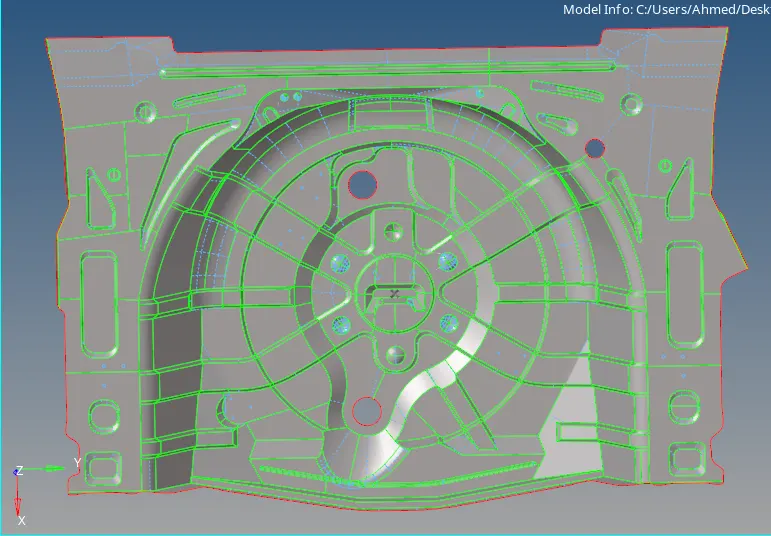
¬ Mid surface created.
Geometry clean up;
¬Now going to remove the unwanted surface told in the question.
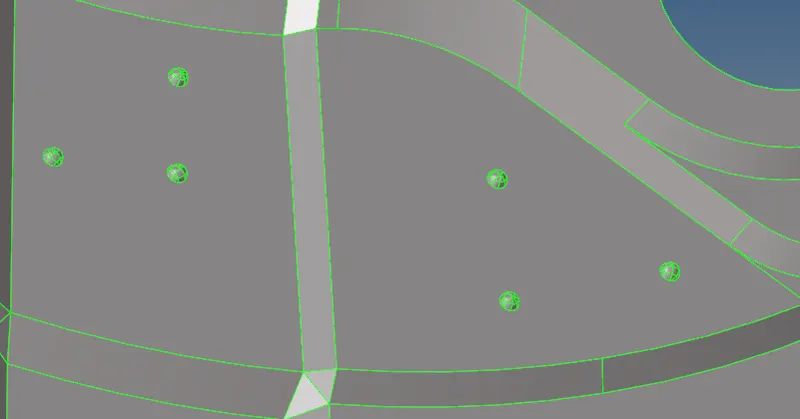
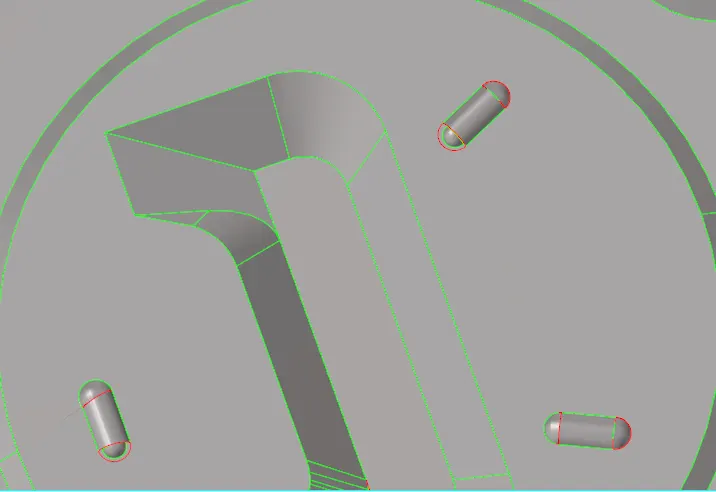
¬Now delete the surface as shown in above figure these are small size that might be falied in element in meshing.
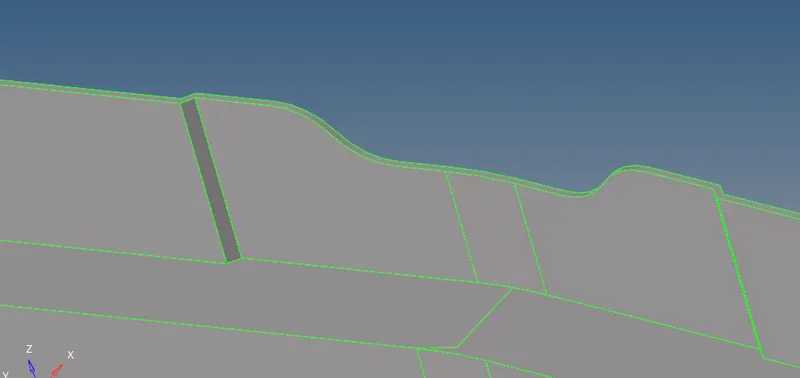
¬Defeature the small surface this might cause element falied , so defeature the surface.
Meshing:
¬ Now going to start meshing the given components .
¬Berfore that assign the quality criteria.
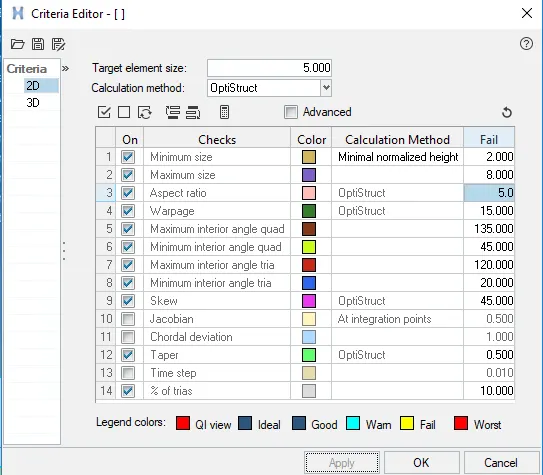
¬ Then going set meshing parameter. give size and enable the align,size, skew.

¬Then now start meshing the components.
¬Strat the complex area to clear meshing.
¬ Use split optin to split area by area and meshing .
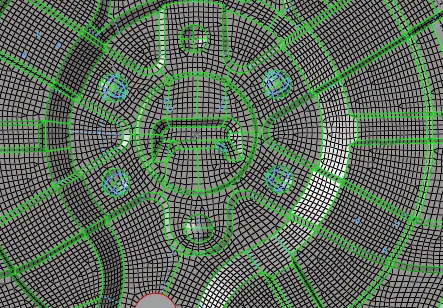
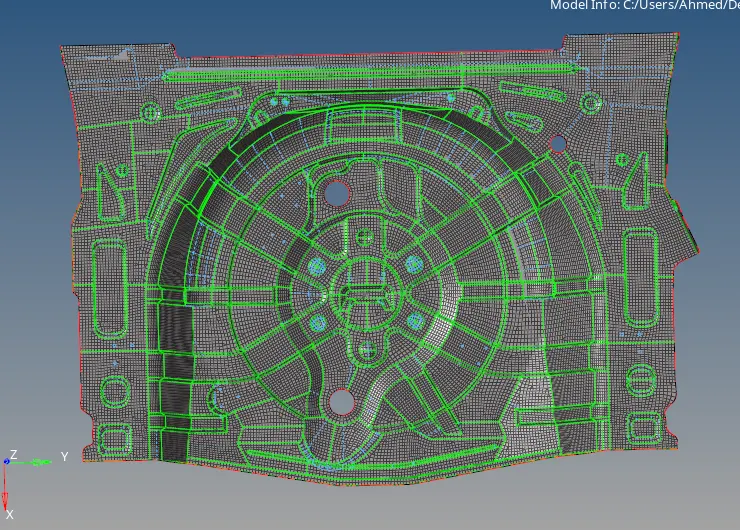
¬Complete the meshing and now rectifying the element errors.
¬There are some element failed going to clear that.
¬ Go to 2d - quality index - find the errors.
¬ clear all errors.
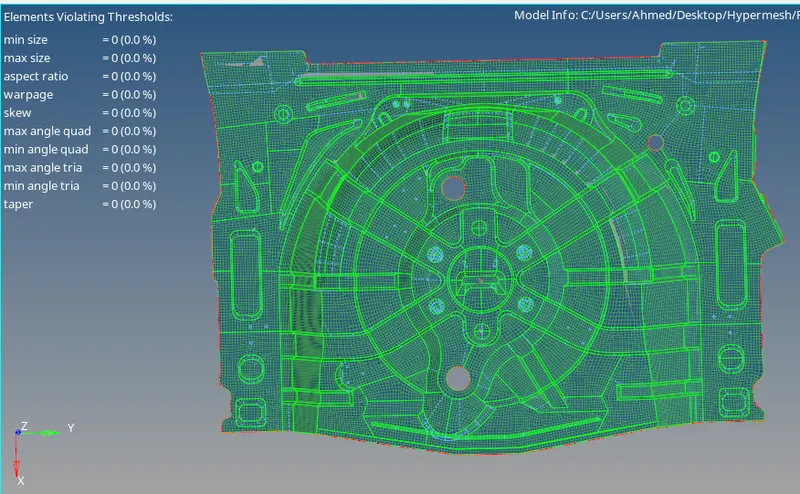
¬Element failed are cleared .
¬Now check the free edge and conmecting issues in mesh.
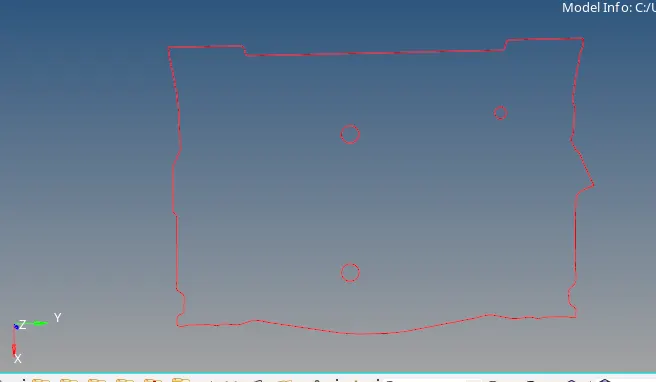
¬Verifed there is no free edges.
Assign the thickness:
¬Now assign the thickness go to create property .
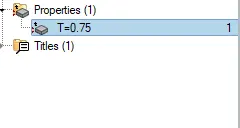
¬Then thickness value as given in the T box.
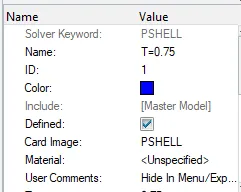
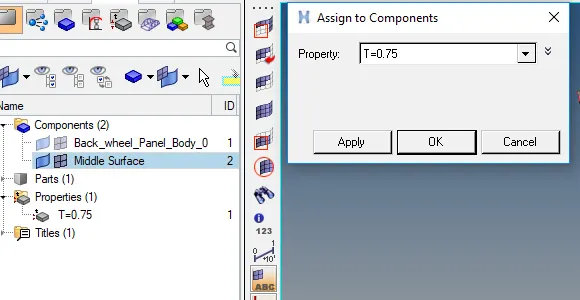
¬ After give thickness to assign to themid surface .
¬ Go the mid surface right click and select the assign open dialog box.
¬Assign the property.
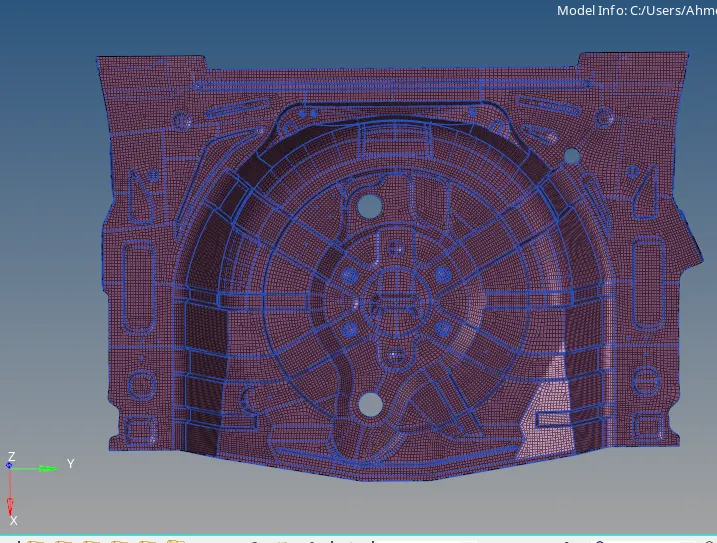
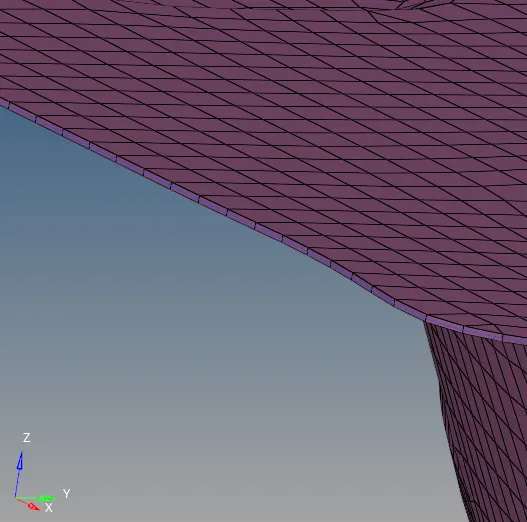
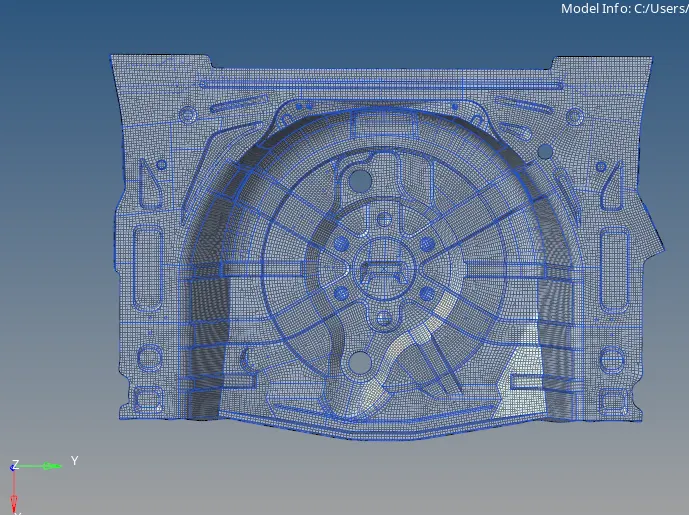
Final model;
Conclusion:
¬Import the geometry, extract the mid surface, clean up ,defeaturing and mesh the components.
¬Learn to mid suraface extraction and Defeaturing.
¬Learn to generate the mesh with low tria.
¬Learn to clear quality issue.
¬Learn to assign the thickness.