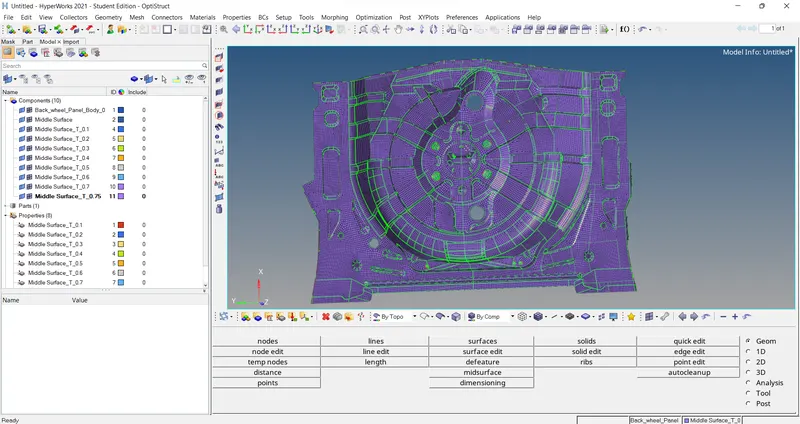
Week 12:Project 2-Meshing of Rear Wheel Holder challenge
Objective :
- Performing the geometrical clean-up on Rear Wheel Holder CAD model .
- Meshing the CAD Model with Target Element Size of 5 units with proper flow and low tria concentration .
- Checking the Meshing against the Quality criteria Provided .
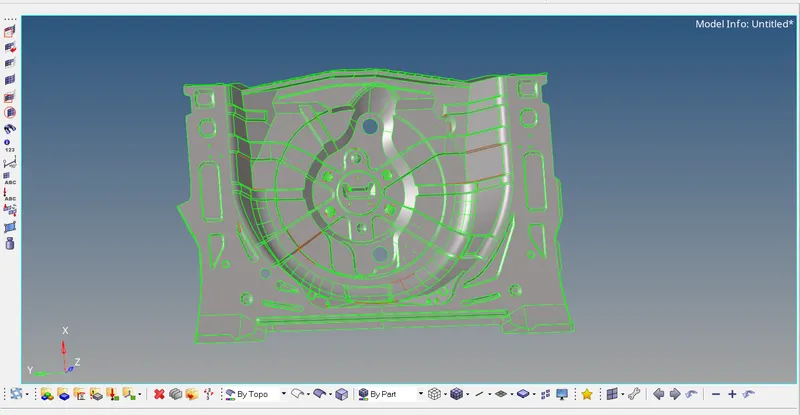
CAD Model :
Manual Geometry Clean up :
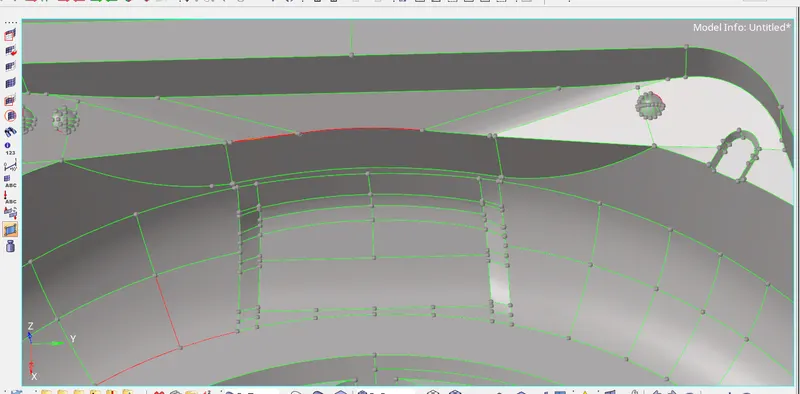
- Model is imported and the some manual Geometry clean-up is done .
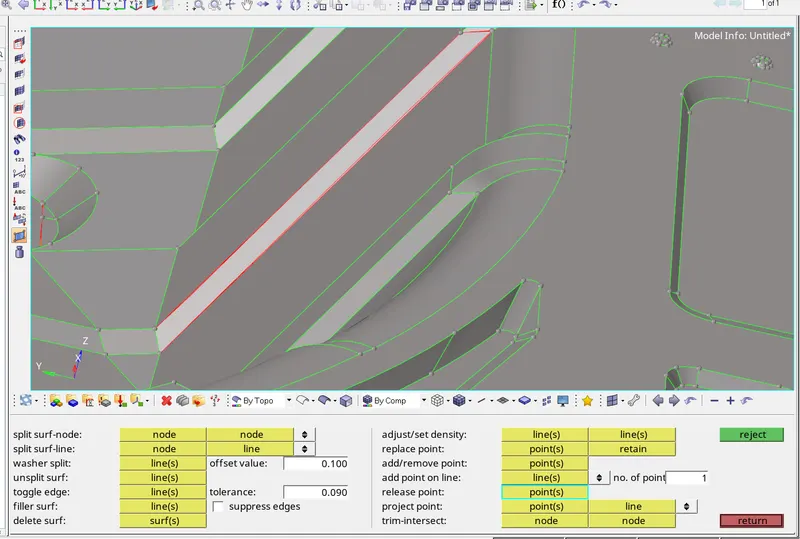
- Using Quick Edit Panel - Geom Tool some lines are toogled and some missing or messed - up surfaces are cleaned up using the Surfaces - Geom Tool , can be seen below ,
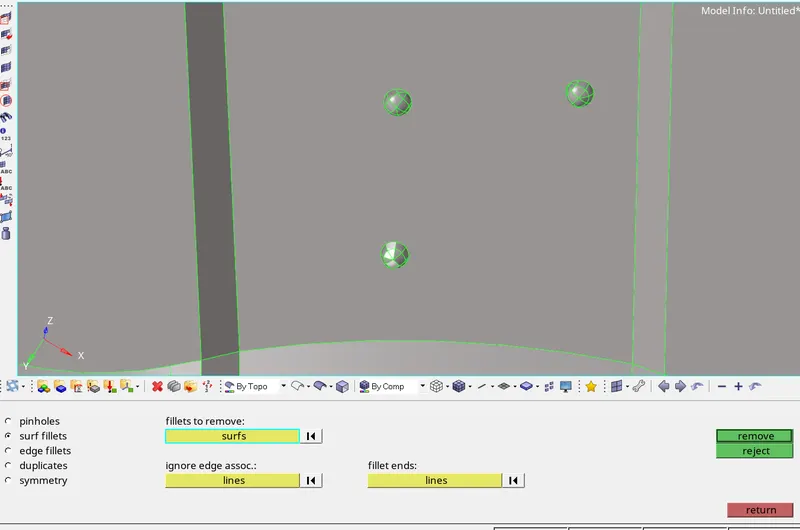
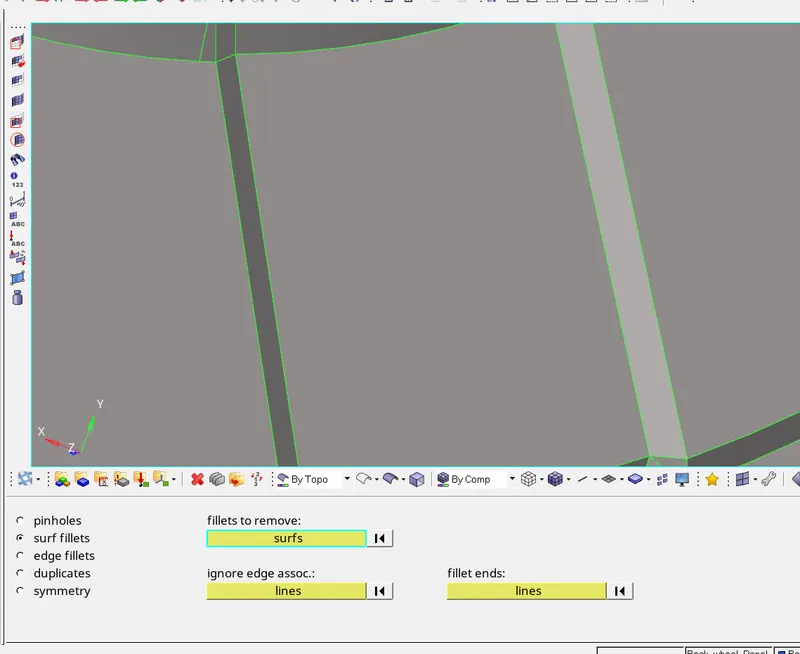
- All Buttons are removed Using the Defeature - Geom Tool , which were difficult to Capture with Area , can be seen below as ,
Mid-Surface Extraction :
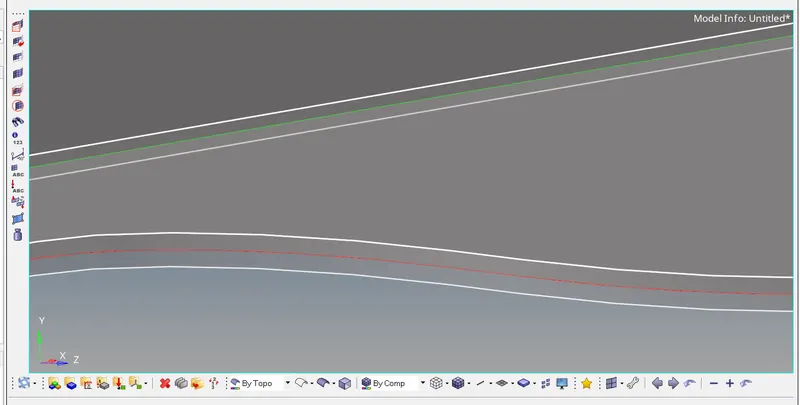
- After compliting the Geometrical clean up , using the Midsurface - Geom Tool , here the Mid-Surface is extracted .
Meshing
- Meshing of the Mid-Surface extracted , with the Target Element Sze of 5 units is done using the Automesh and the other Tools available for meshing from 2D Tool also .
- Before perofrming the Meshing operation . the Mid-Surface is splited into 2 surface from Middle as it is symmetrical for most of the surface .
- Firstly half Mid-Surface is meshed as ,
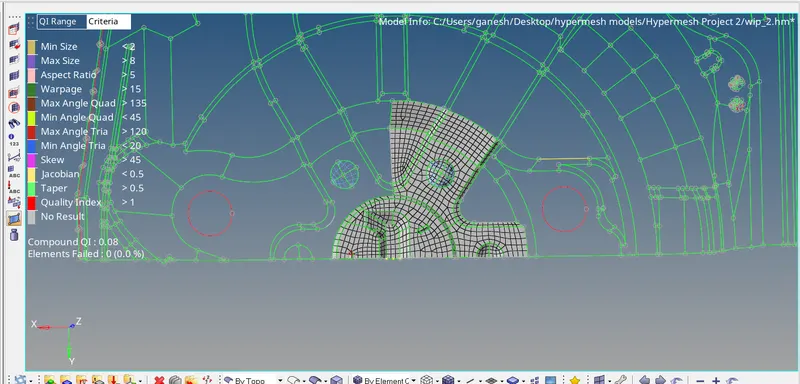
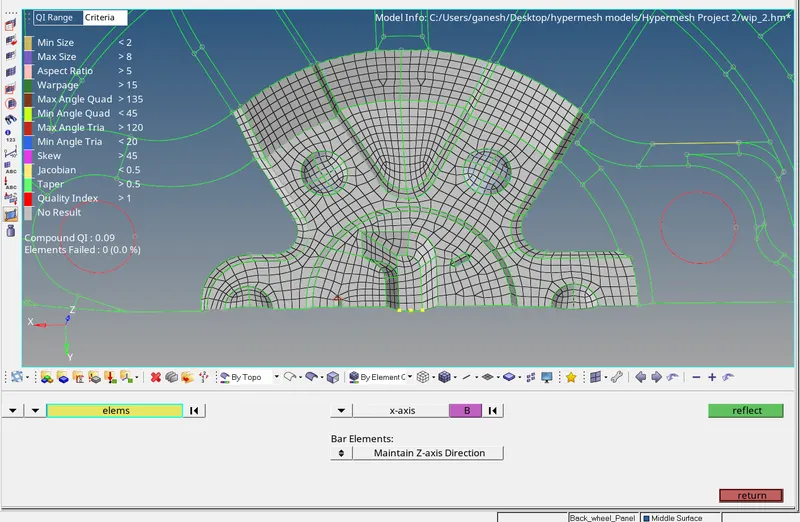
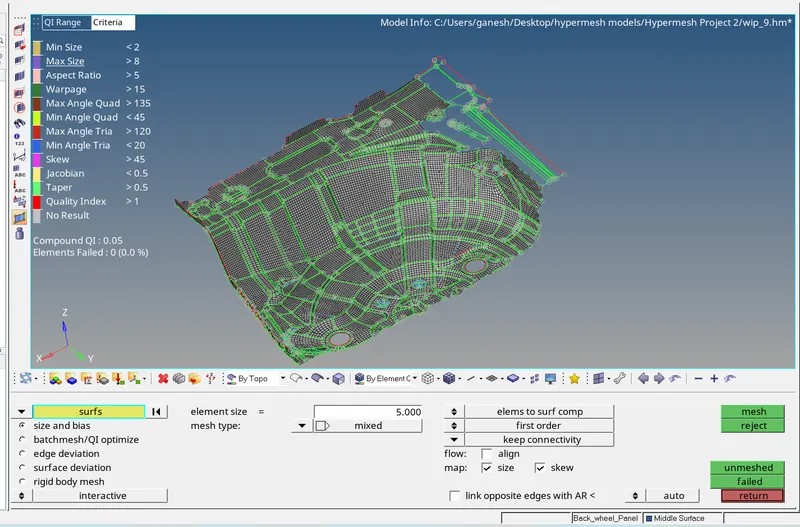
- Half Meshed Surface ,
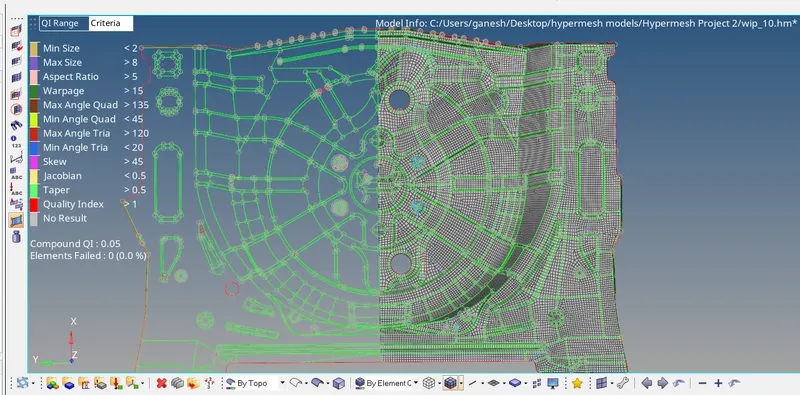
- This Half Meshed surface is then reflected using the Reflect - Tool along the Y axis .
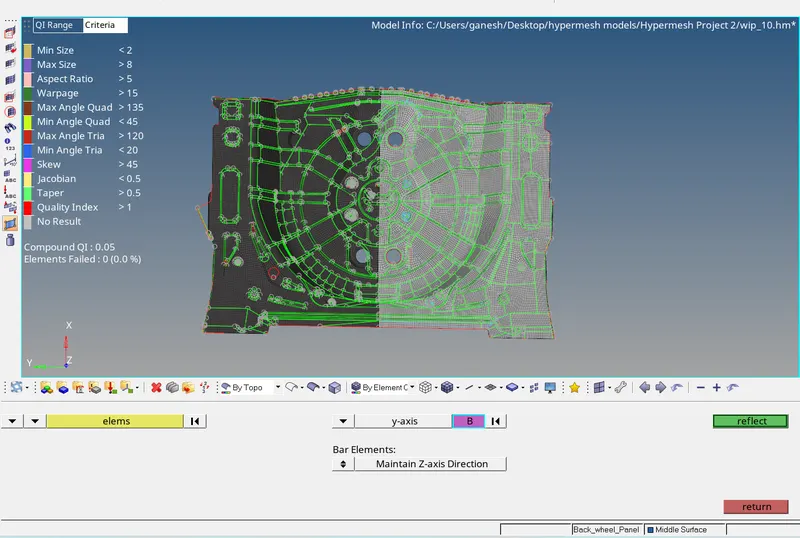
Thickness Assigning :
Using the Mesh - Midmesh Thickness Tool , midmesh thickness is assigned to the component as ,
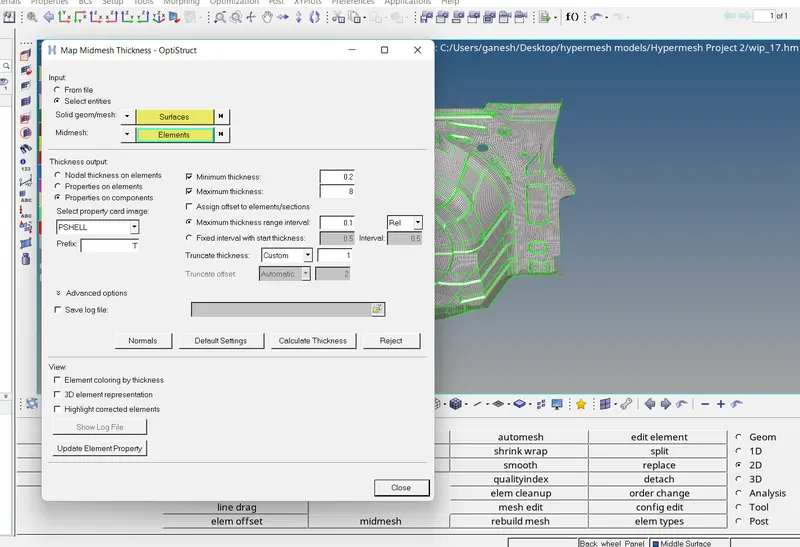
Result :
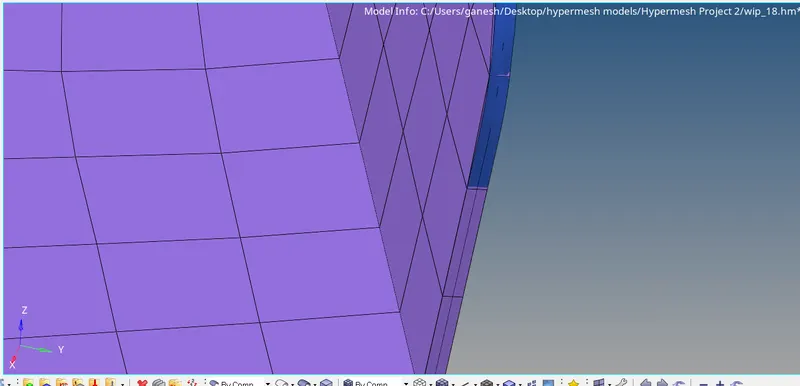
- After compliting the Mid-mesh thickness , the mesh thickness was not visible properly is organised / moved to to Thickness which was visible through the parental geometry , then we can see the proper thickness to the mesh is assigned .
- The Final Model is attached below .