Week 12:Project 2-Meshing of Rear Wheel Holder challenge
AIM: To mesh given component REAR WHEEL HOLDER as per the given quality criteria and assigning thickness to it.
Given rear wheel holder has single component as Back wheel panel body.
Objective 1: Extracting mid-surface by Auto-midsurface feature.
Step 1: Import the given geometry of the rear wheel holder and clean up geometry in parent component.
Step 2: Extract mid-surface by going to Geometry>mid-surface>auto-extraction>select displayed surfaces.

Note: Try suitable extraction options for auto-midsurface in order to develop complete mid-surface without free edges in middle of part.

Step 3: Cleanup the geometry in mid-surface also for creating better flow of mesh, where ever required by toggling edges and removing unnecessary points.
Objective 2: Meshing the component by given element quality criteria.
Step 1: Before creating the mesh set the element quality criteria by going to prefernces>criteria file settings>edit the parameters as given criteria and save criteria file.
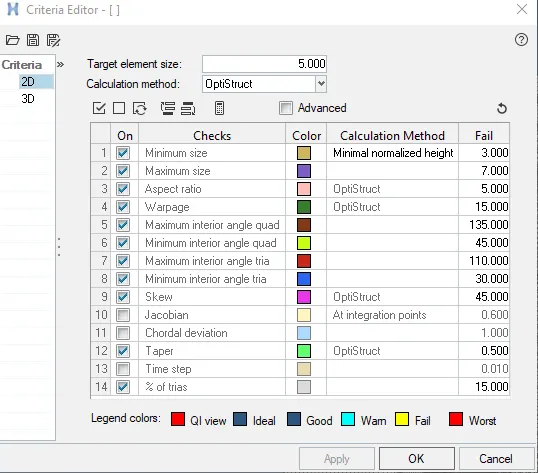
Step 2: Select mid-surface of component to be meshed and go to 2D panel.
Step 3: For generating the mesh go to 2D>Auto mesh>set target element size 5 and type of mesh as mixed>click on 'mesh'. for better mesh flow quality it is suggested to mesh with maximum of 5 surfaces at a time which are adjacent to each surfaces.
Step 4: For the failed elements with min,max,aspect ratio,warpage,min &max angle quad,trias it is recommended to inspect each element with clean up tools available in 2D>Quality index>clean up tools, where element optimization,drag tria elements,combine or split elements can be done to reduce number of failed elements.
Step 5: In order to develop the fine meshing, remesh the required elements by selecting seperately.
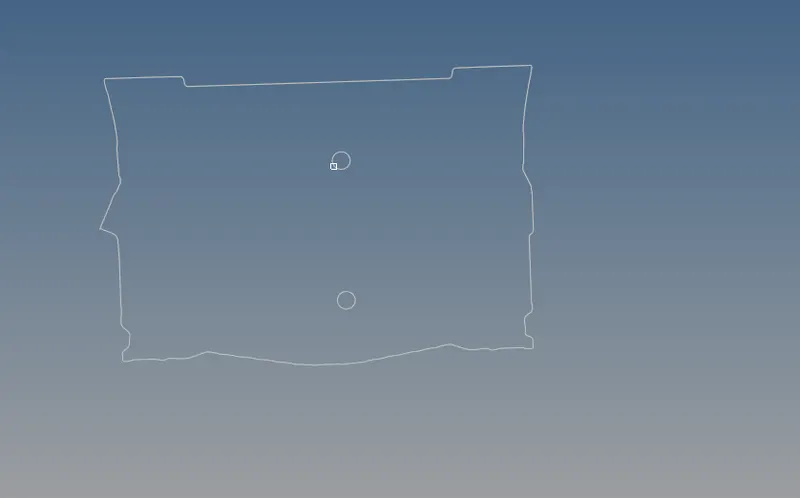
Images after meshing given component
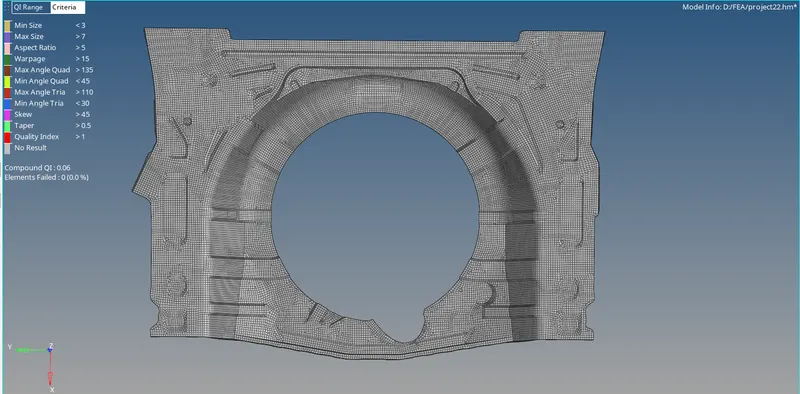
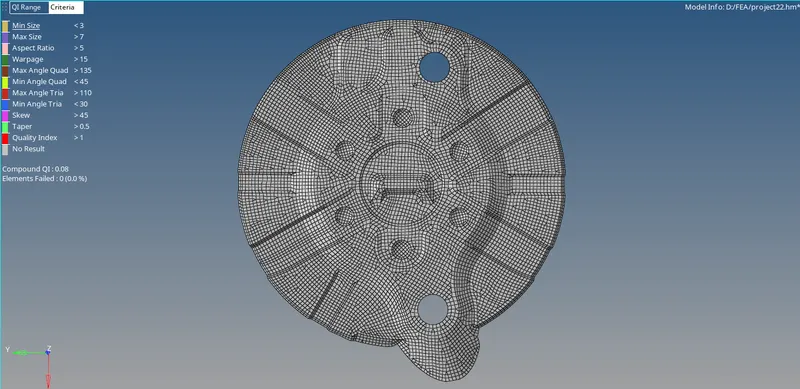
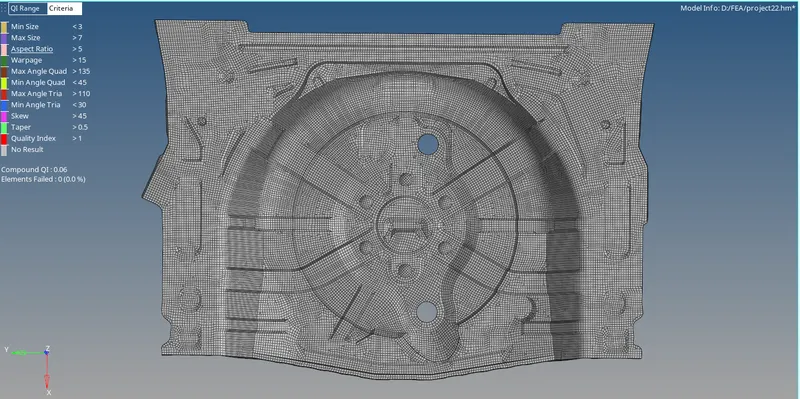
Objective 3: To find free edges between meshed elements for connectivity.
Step 1: For finding of free edges press shift+f3 buttons and select component in which free edges has to be found.

Step 2: if the free edges are present press f3 and replace the nodes with nearest nodes where connectivity has to be done.
Step 3: delete the free edge in left panel and try again if any free edges are present.
CONCLUSION: Thus the given rear wheel holder component has been meshed with given element quality criteria.