Week 12:Project-1-Meshing of Door Inner Panel Challenge
Procedure -
Open the file using import geometry.
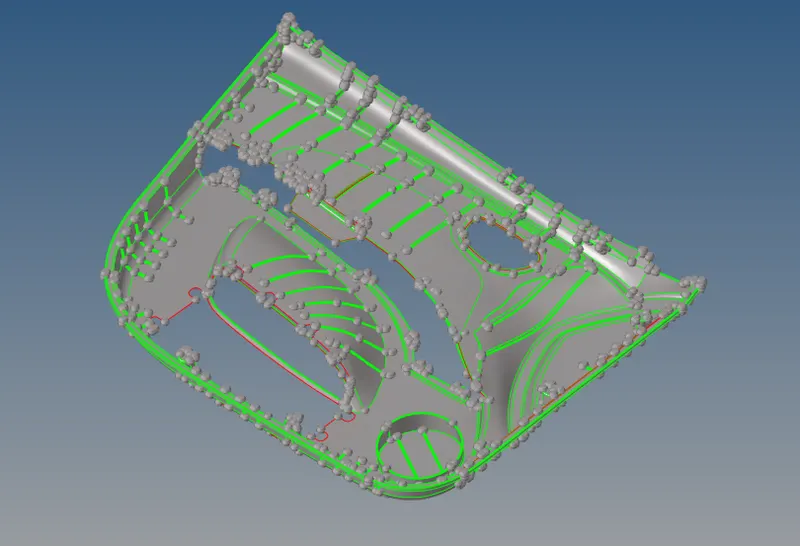
CAD geometry clean up. Update the geometry such as duplicate surface, free edges, cracks etc.
Remove the small fillets using defeature option.
Once we have clean geometry create the midsurface using manual mid surface option.
Goto -surface edit -offset and and provide offset distance and offset.
Do the same for other features as the thick is varying in this plastic part.
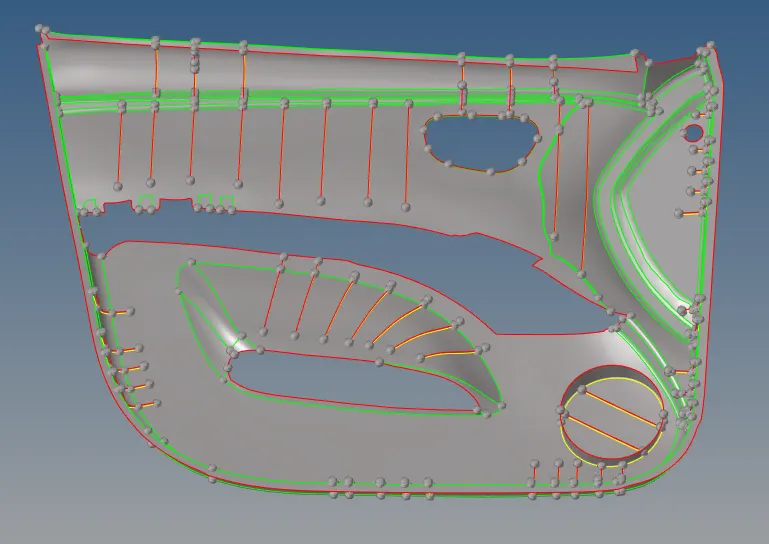
Cleaning geometry is still required where we have many free edges and distorted surfaces.
Ribs are extended upto the main mid surface and trimmed.
Since the doghouse have a volume and needs to 3D mesh i have not considered these in the 2D meshing.
Now do the meshing.
Before meshing we have provide meshing / quality criteria in preference.
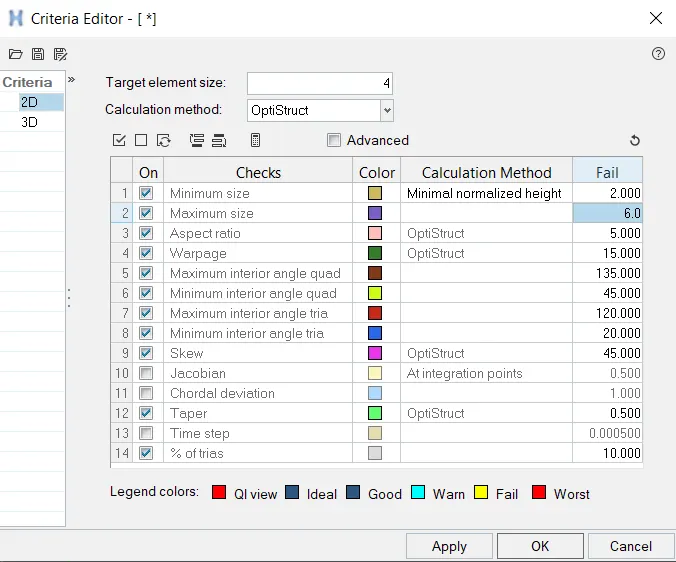
Perform 2D meshing - austomesh.
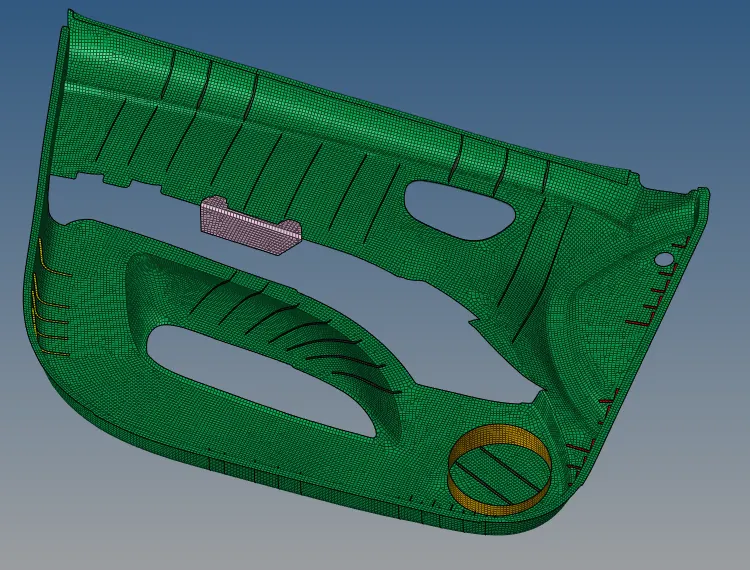
Make sure all the elements are attached to each other in features and ribs area.
Now update the failed elements by using quality index command.
failed elements are updated and saved.
Check the elements for given criteria in tools - check elements.
Now create the properties for each feature and provide thickness in properties as the thickness differs in this part.
Note i have not measured each ribs. Thickness is provided approximantely to all features.
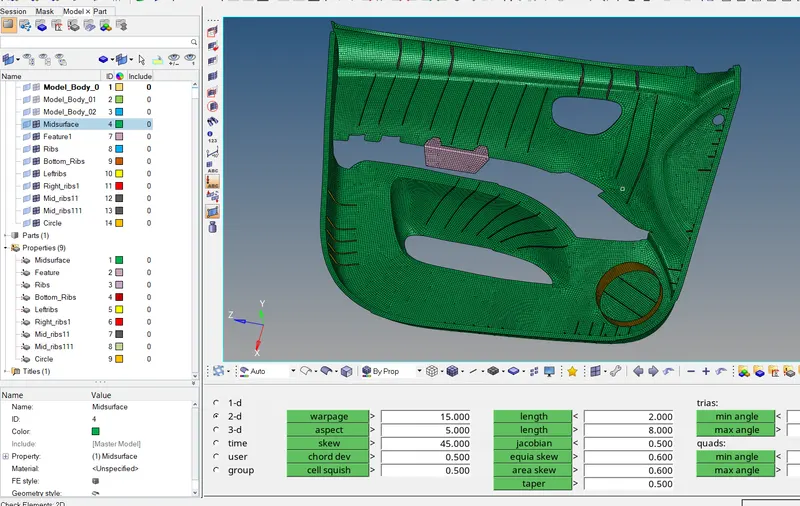
PLease see the attached file.