Week 12:Project-1-Meshing of Door Inner Panel Challenge
AIM;
The goal is to extract the mid surface, generate the mesh, and to add the thickness to the given side door inner panel using the Following Quality Criteria.
MAIN OBJECTIVE;
- Opening the File.
- Extracting the Mid Surface.
- Giving the Quality Criteria.
- Generating the Mesh.
- Clearing the Errors.
- Applying Property.
- Giving the Thickness
Target Element Length = 4 Units
| S.N | Quality Criteria | Value |
| 1 | Aspect Ratio | 5 |
| 2 | Skewness | 45 |
| 3 | Warping | 15 |
| 4 | Taper | 0.5 |
| 5 | Min. Length | 2 Units |
| 6 | Max. Length | 6 Units |
| 7 | Min angle Quad | 45 |
| 8 | Max angle Quad | 135 |
| 9 | Min angle Tria | 20 |
| 10 | Max angle Tria | 120 |
| 10 | Tria % | 10 |
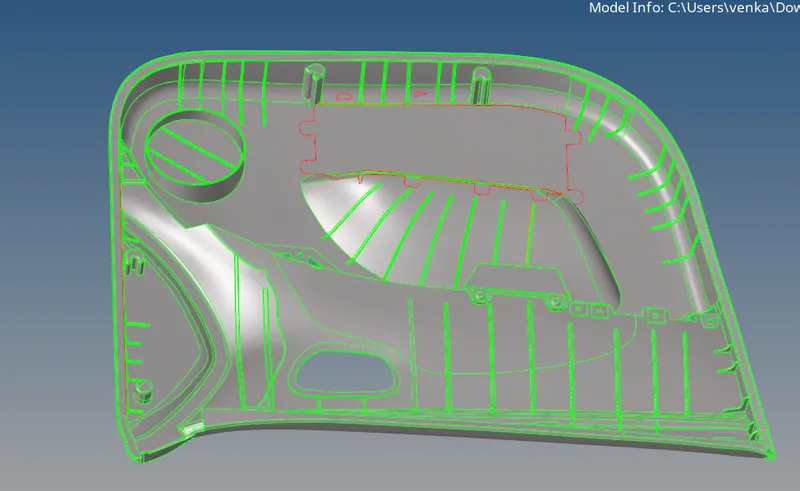
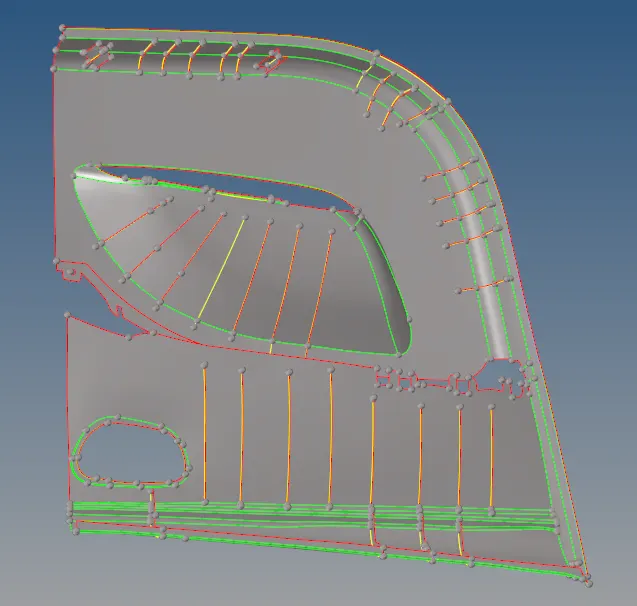
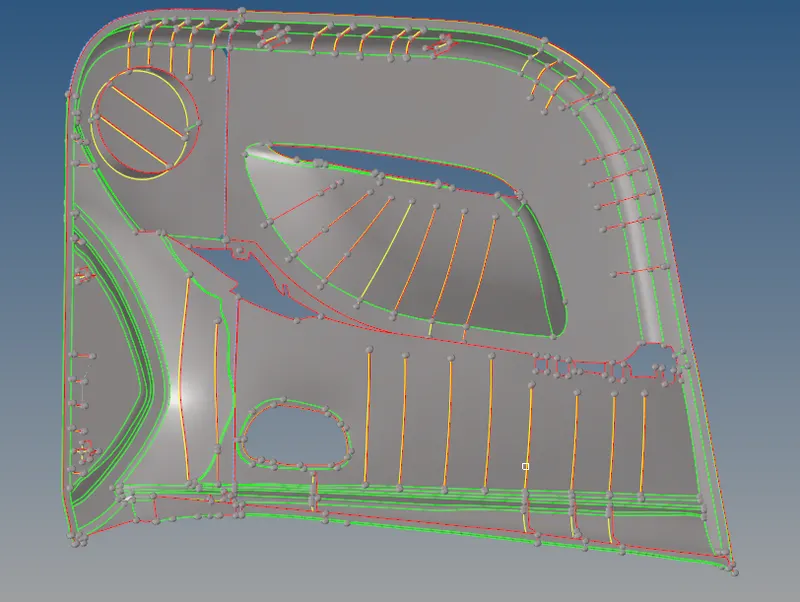
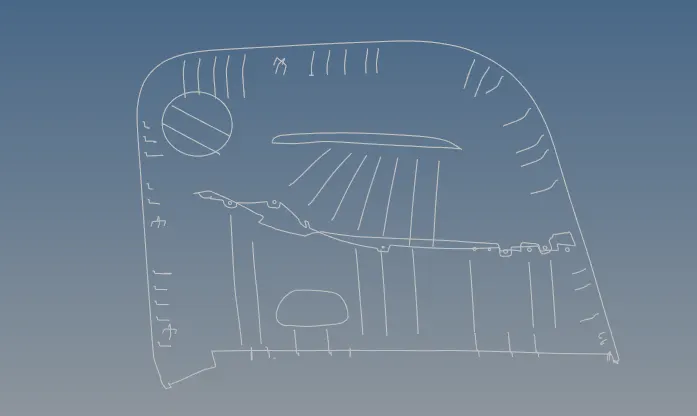
Given model
PROCEDURE;
1. Import the model.
since the given model is too complex we have to split the surfaces into our convinent purposes.
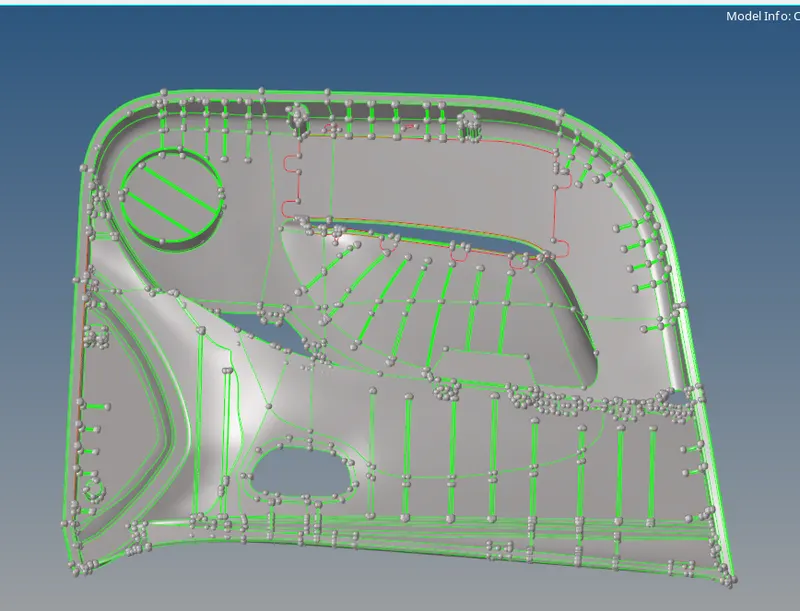
In order to split the component we have go to surfaceedit panel>trim with surf/plane>select displayed surface and give the axis >base >split the surface.

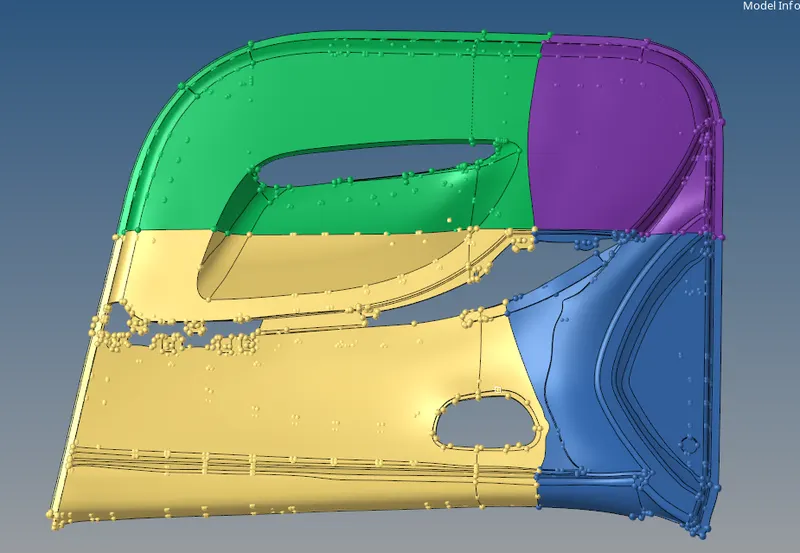
move the splited components through the tool panel>organize >select surface>move to the selected components.
- EXTRACTING THE MIDSURFACE;
GO to the Geom Tab, Select Surface Edit>> Check the Offset option >> Select the Surface to create the mid surface >> click on surfs >> Click Duplicates >> set the current component >>give offset value>> make the offset >> get the mid surface.
- The Model consists of different thicknesses and it is a plastic component and therefore the auto mid surface option doesn’t work.
- We use Offset for extracting the mid surface for the varying thickness components in the same model.
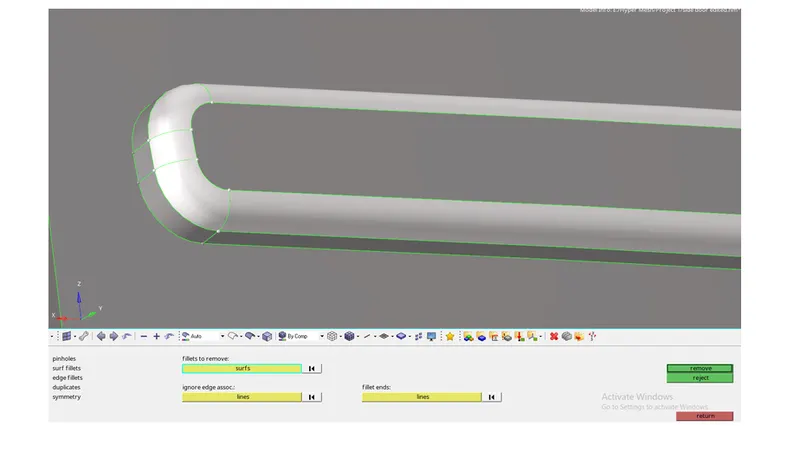
- we have to extract the midsurface to the ribs by using the offset and before that we have to defeature the ribs >select surf fillets>select the surface> remove the surfaces.
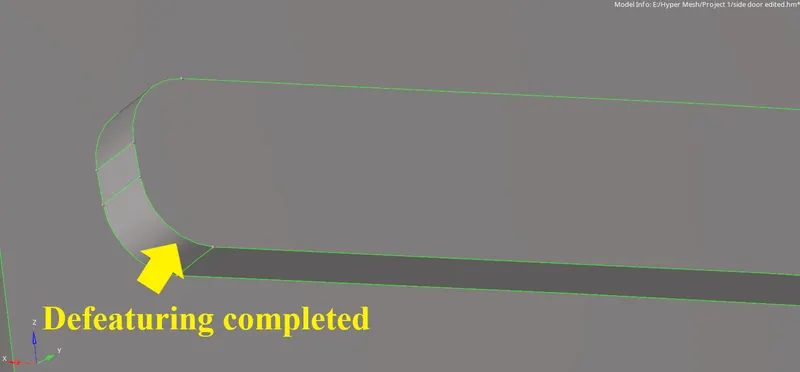
we have create the midsurfaces to the ribs through different ways,
- offset method
were we go to the surface edit panel and select the surface >duplicate>current component> offset the ribs.





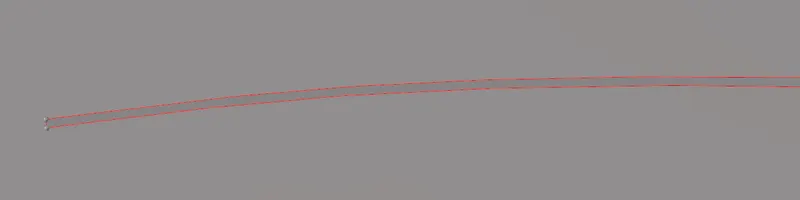
- By taking a midlines through the ribs and trim with lines and their respective surfaces and form the mid surface.

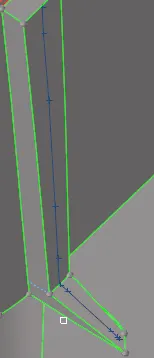
mask the attached surfaces and trim the lines and we trim with line and surface.

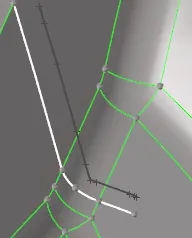
add surf
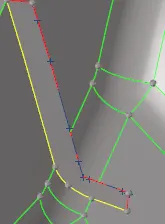
we create all the similar which are difficult to take midsurfaces.
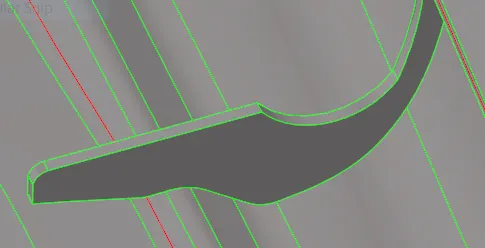

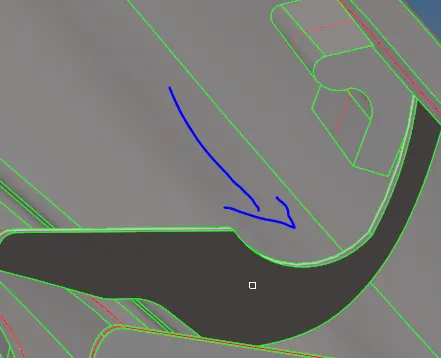
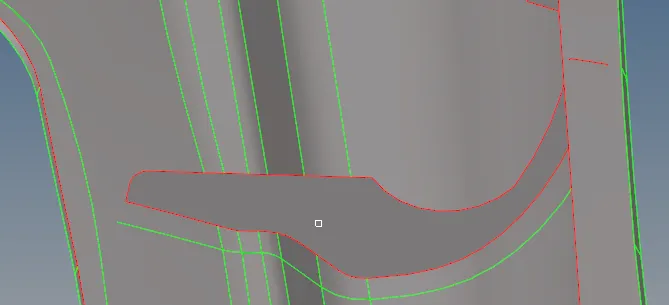
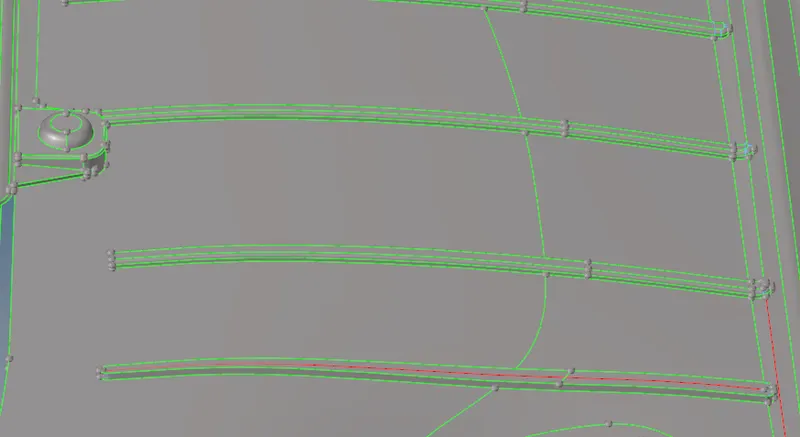
After performing the midsurfaces to all the ribs we have to extend them to the surfaces , which can be seen in below procedure.

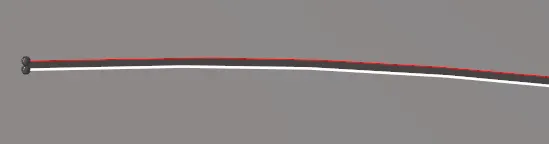
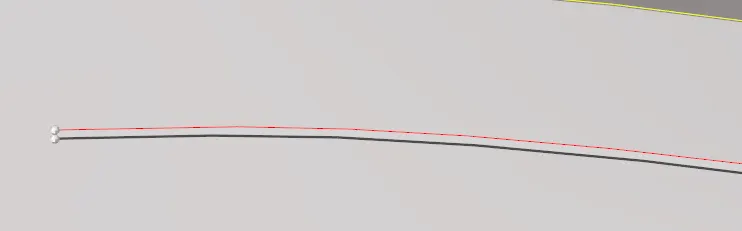

simillarly extend all the ribs to the whole surfaces.
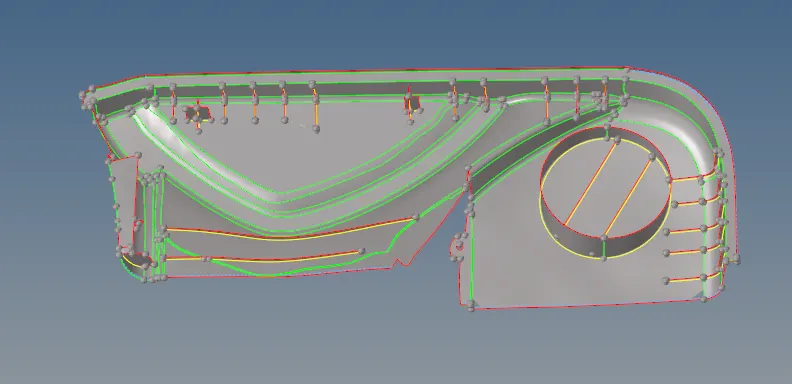
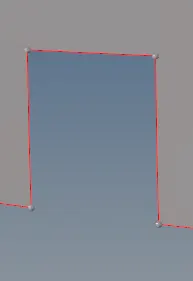
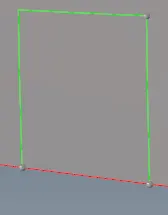
Add the surfaces toi the gap between the surfaces.

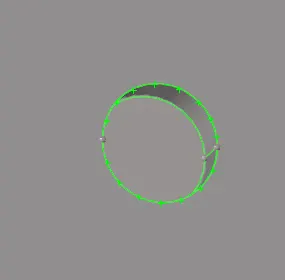
Go to lines >add free lines along the circle in order to project the circle on the plane.

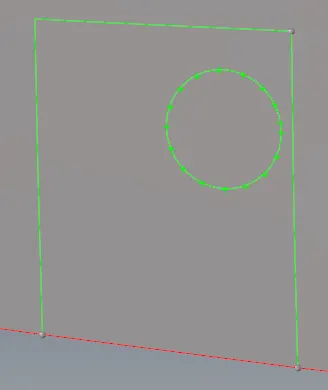
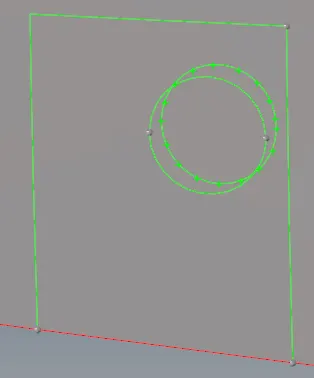
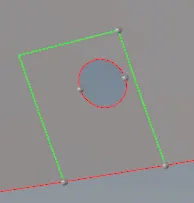
Now go to surface edit panel >trim with lines>select the surface and lines >trim them both.

3.TOPOLOGY CLEANUP;
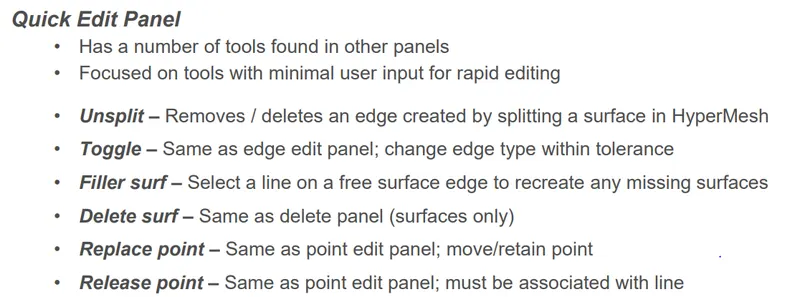
In order to clear all the errors go to geo>quick edit tools>apply on the given componenet.
Major tools which are used to clear the all geometry errors are,
4.SET THE QUALITY CRITERIA;
- The Quality Criteria is an important task which is to be used to get the required outcome of the mesh.
- To give the criteria before we perform the mesh on the given surfaces.
- Go to the perference tab in the Main Menu >> Click Criteria file the values as given >> Click Apply. >> Click Ok.
- The Quality Criteria are given
-
Target Element Length = 4 Units
S.N Quality Criteria Value 1 Aspect Ratio 5 2 Skewness 45 3 Warping 15 4 Taper 0.5 5 Min. Length 2 Units 6 Max. Length 6 Units 7 Min angle Quad 45 8 Max angle Quad 135 9 Min angle Tria 20 10 Max angle Tria 120 10 Tria % 10
5.GENERATE THE MESH
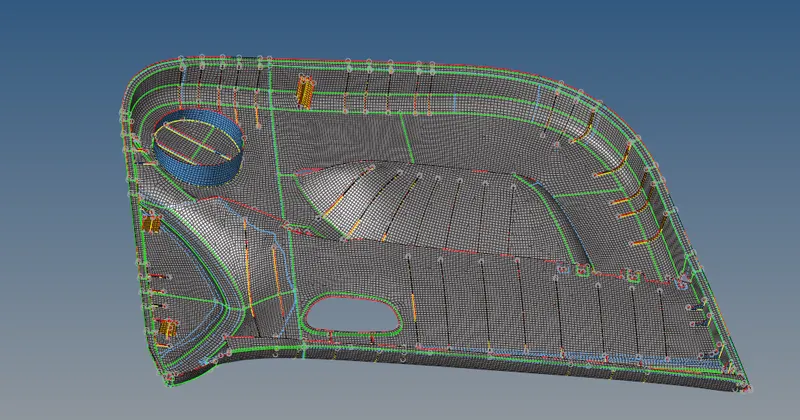
clearing the element failures.

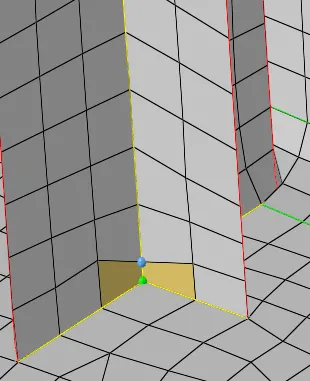

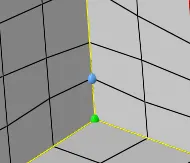
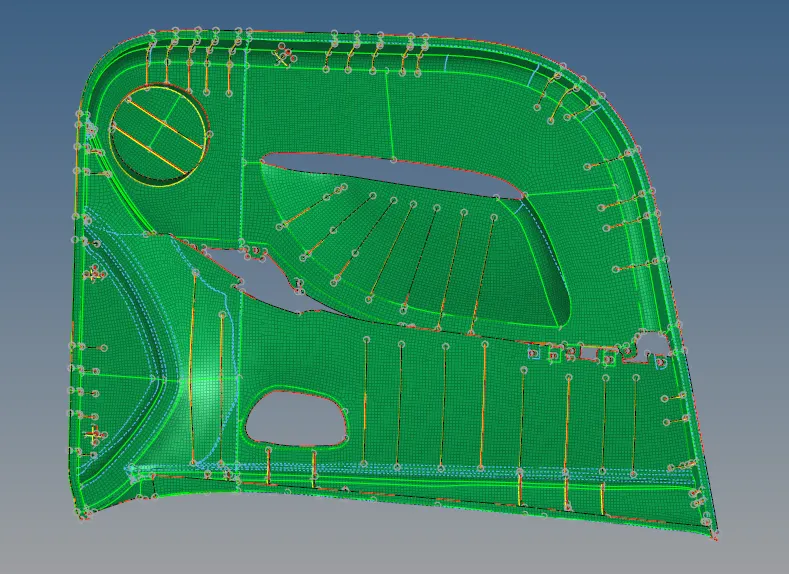
6. CHECK THE EDGES;
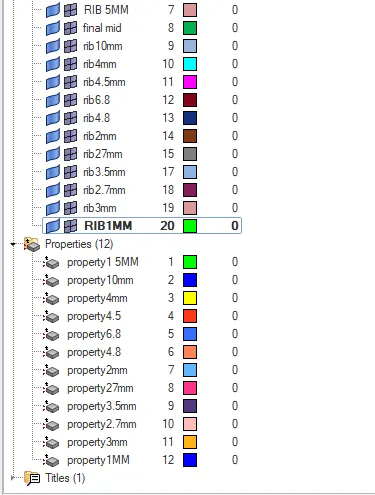
7. CREATING THE PROPERTITES;
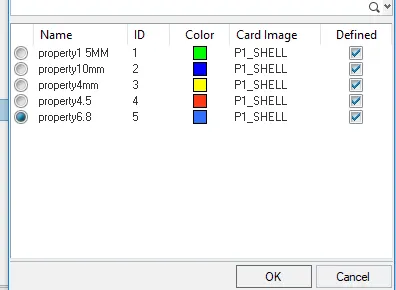
create component and properties first
select property id
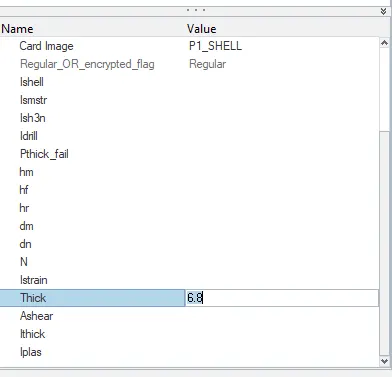
Add thickness
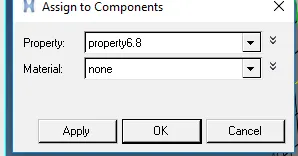
assign propertites to the components
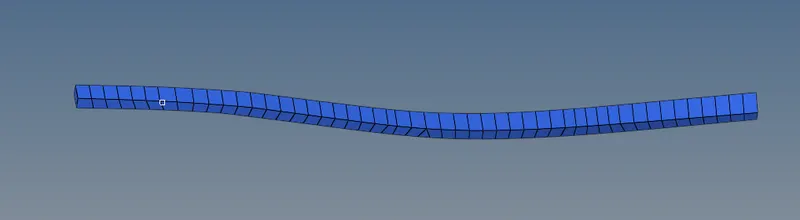
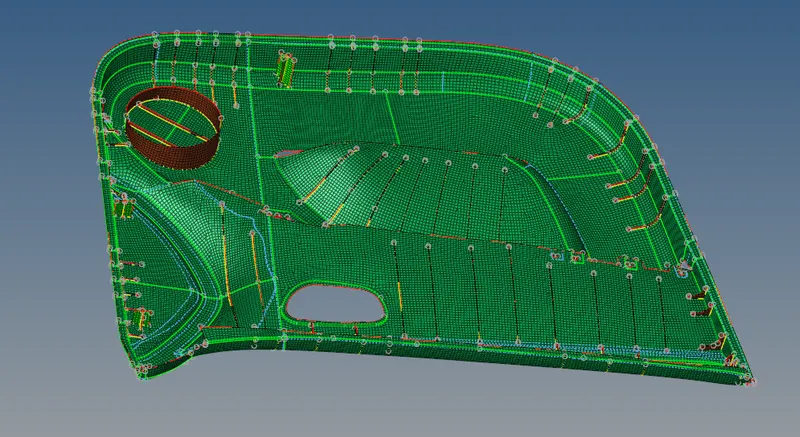
2D detailed element representation.

CONCLUSION;
- Learnt about the manual mid surfaces.
- Adding the thickness to the components by creating an propertites to the ribs and finally assign to the components.