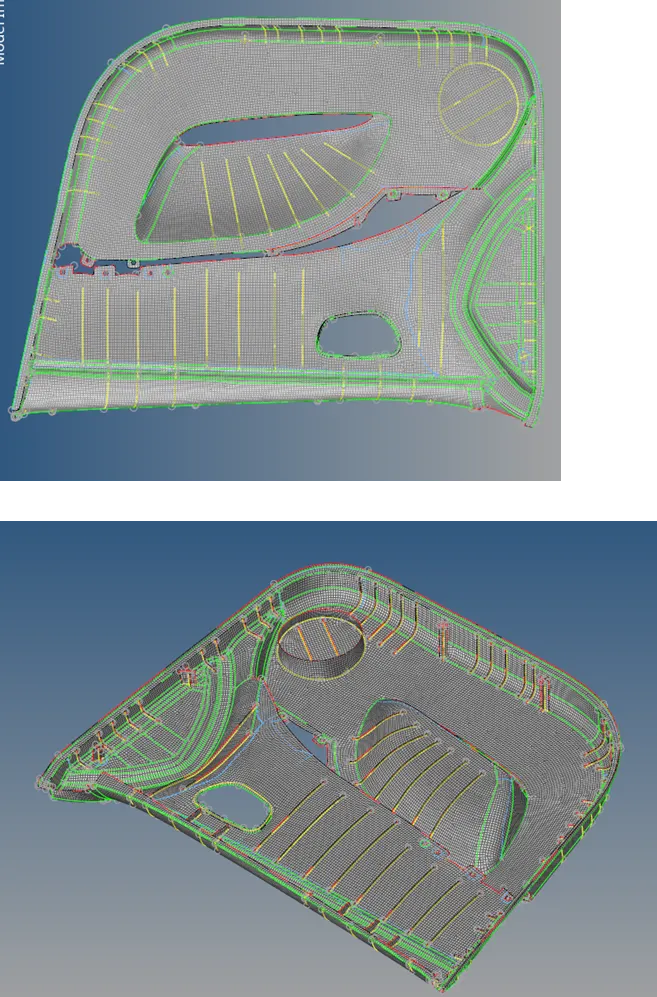
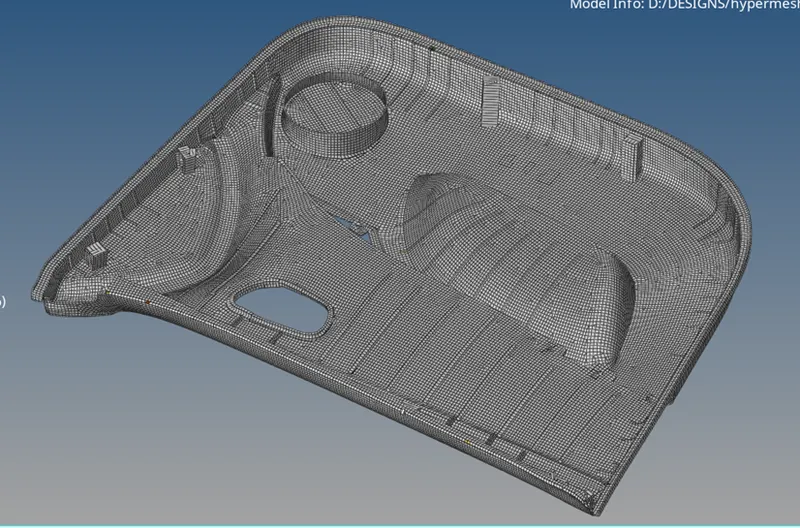
Week 12:Project-1-Meshing of Door Inner Panel Challenge
Aim: to extract the midsurface of the given model and mesh it and assign thickness to the 2D elements.
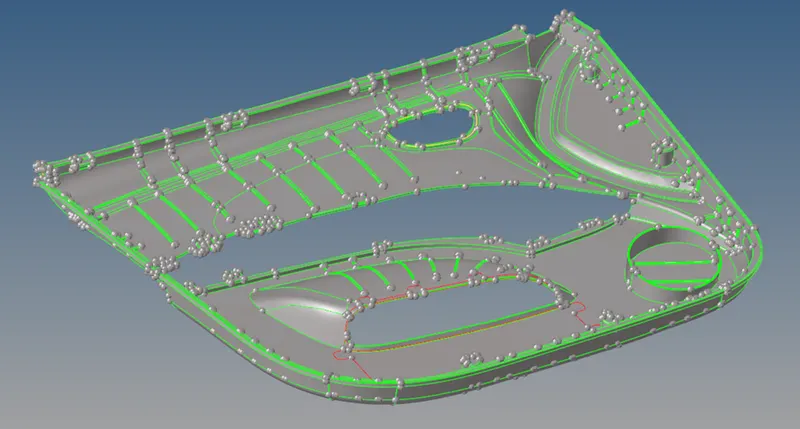
Procedure:
- Clean up the geometry. Eliminate any free edges.
- Offset the surface manually to create midsurface.
- Create midlines on top surfaces of ribs and trim the midsurface using the same lines
- Generate midsurface of ribs using Geom > Surfaces > Ruled
- Clean up the geometry of the midsurface to improve mesh flow.
- Use automesh option to create mesh.
- Use Rebuild, smooth, node optimization option wherever required
- Use element split and combine method wherever necessary
- Reflect the elements after the mesh is done along its symmetrical axis.
- Check for equivalence of nodes
- Check for free edges and delete them.
- Check for normals and make necessary reversals if necessary.
- Automatically assign thickness to the 2d mesh with 2D > midmesh > thickness mapping
Result: