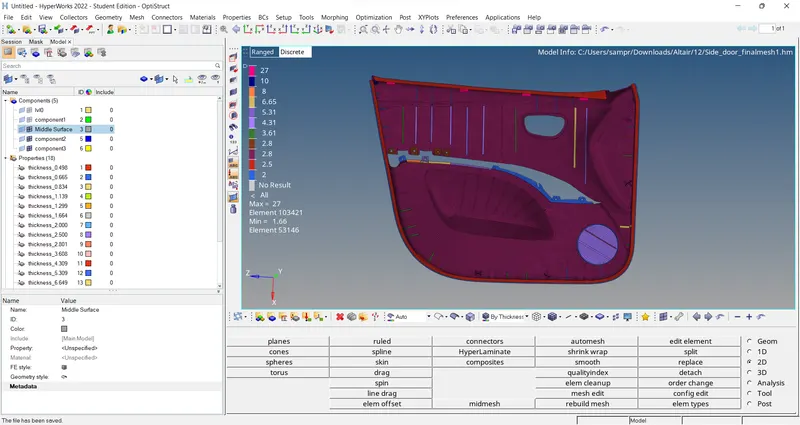
Week 12:Project-1-Meshing of Door Inner Panel Challenge
Project-1-Meshing of Door Inner Panel Challenge
AIM:
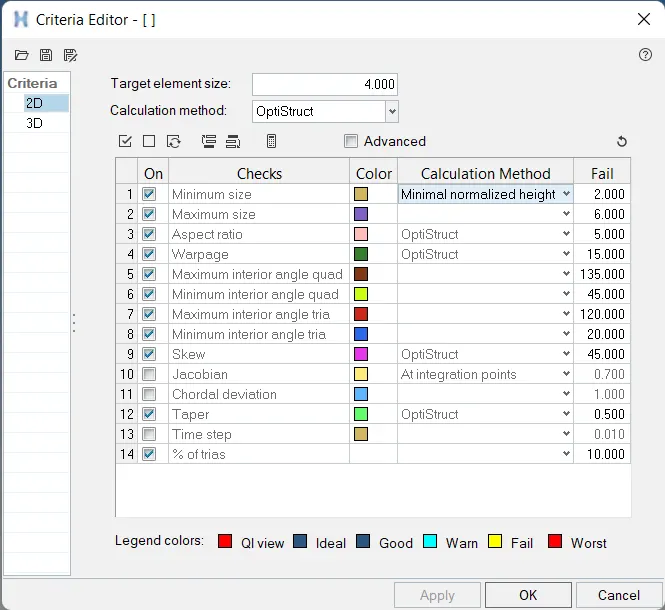
Follow the Quality Criteria and mesh the following component and assign thickness:
Target Element Length = 4 Units
| S.N | Quality Criteria | Value |
| 1 | Aspect Ratio | 5 |
| 2 | Skewness | 45 |
| 3 | Warping | 15 |
| 4 | Taper | 0.5 |
| 5 | Min. Length | 2 Units |
| 6 | Max. Length | 6 Units |
| 7 | Min angle Quad | 45 |
| 8 | Max angle Quad | 135 |
| 9 | Min angle Tria | 20 |
| 10 | Max angle Tria | 120 |
| 10 | Tria % | 10 |
Important Points to Remember
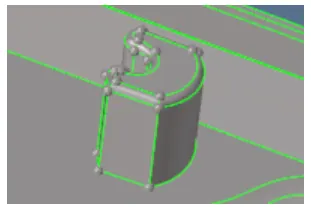
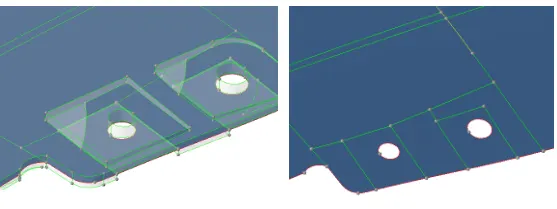
- The area which is having more than 6mm thickness should not model in 2D. You can capture them like in the Below-mentioned picture
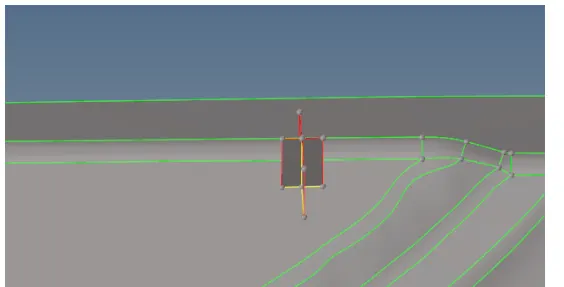
- The below image has some geometrical issue on it so modeling them in the 2D will be difficult.
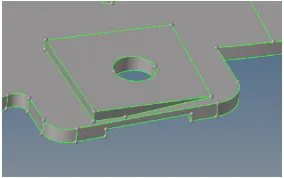
- In those areas, the main objective is to capture the hole so we can take a mid surface by creating a flat surface with a hole like an image below.
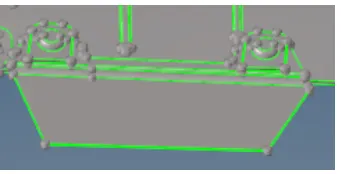
- No need to model the below-mentioned area. The mentioned area does not have a proper attachment to the model.
- For variable thickness areas, Assign the thickness taking an average value of the cross-section
PROCESS:
- Download the given component and import into hypermesh
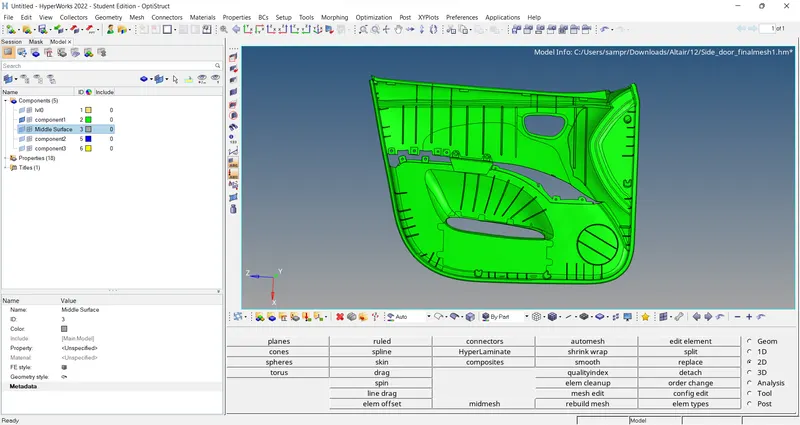
- Take the midsurface of the given parental & work on the surfaces to clear/adjust them
- Create the fillets using middle line and project on base to create the surface
- Follow the above mentioned rules in question and make sure the mid-surface extract is complete
- Know for better mesh cleane up the geometry using hypermesh
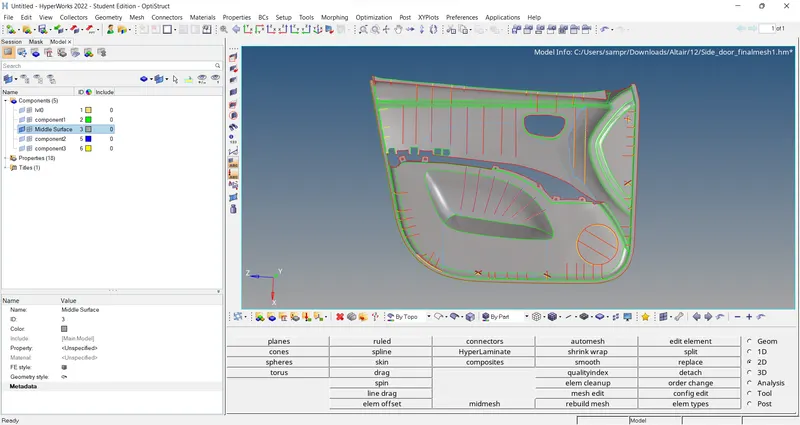
- Mesh the surface-by-surface for the better quality of mesh throughout
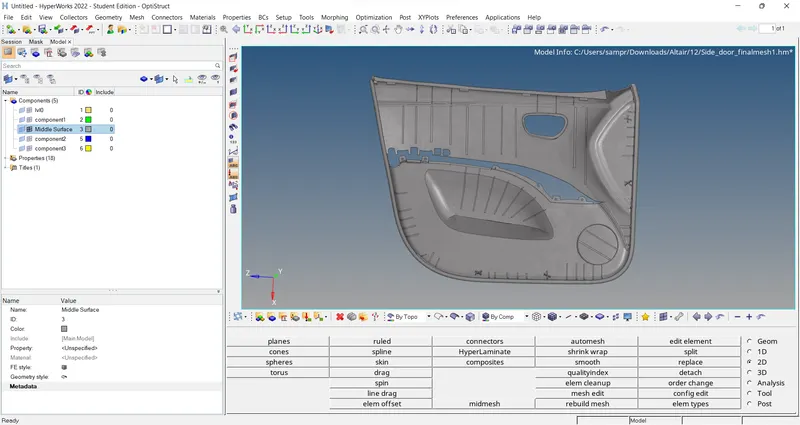
- Define the quality criteria and apply
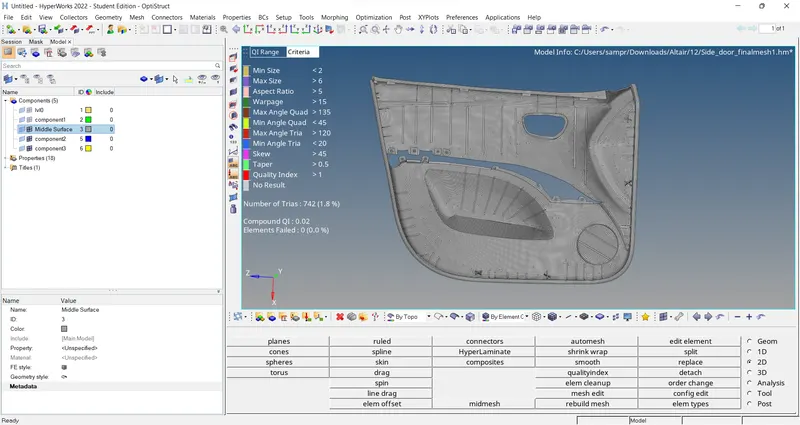
- Clear the qualities using rebuilt,elements edit in 2D
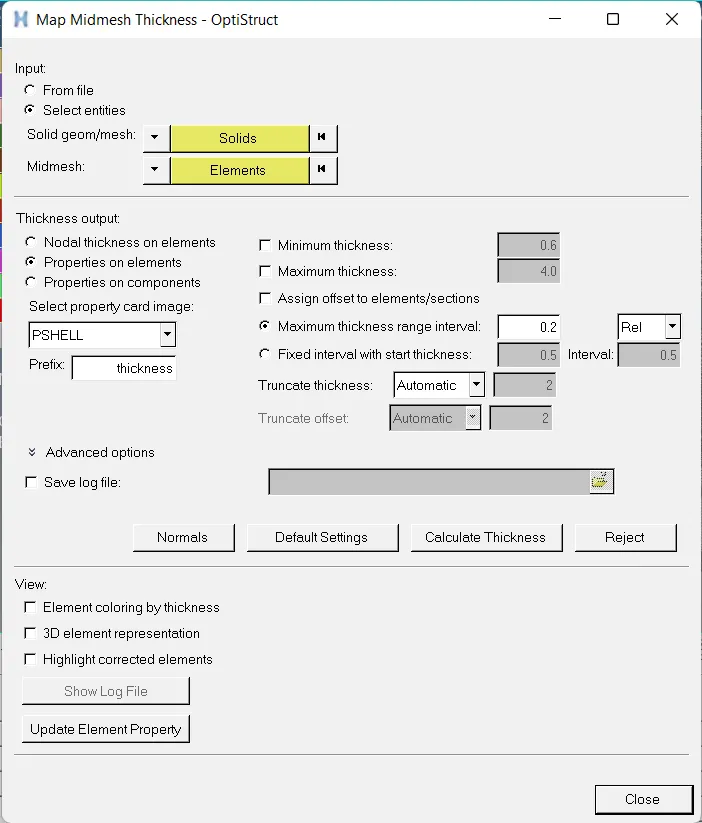
- To assigne the property & thickness use the auto thickness command
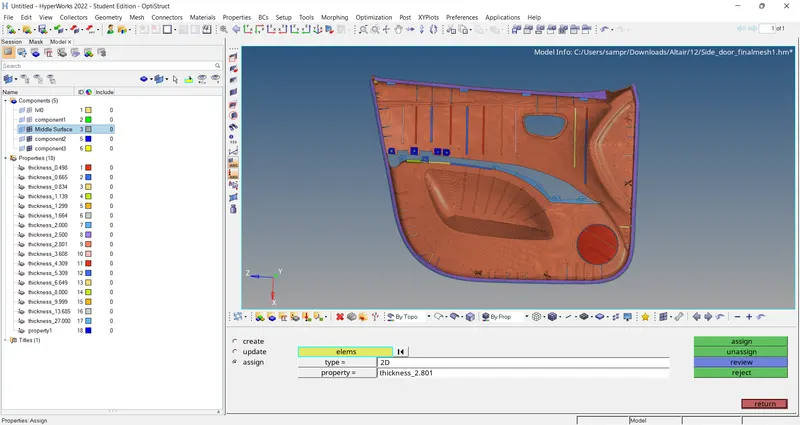
Final