Week 12:Project-1-Meshing of Door Inner Panel Challenge
Aim :
To mesh a plastic side door panel by using Hyperworks software and assign thickness property to the components.
Objective :
To mesh side door component and apply mesh with thickness property and to satisfy the given quality criteria.
Theory :
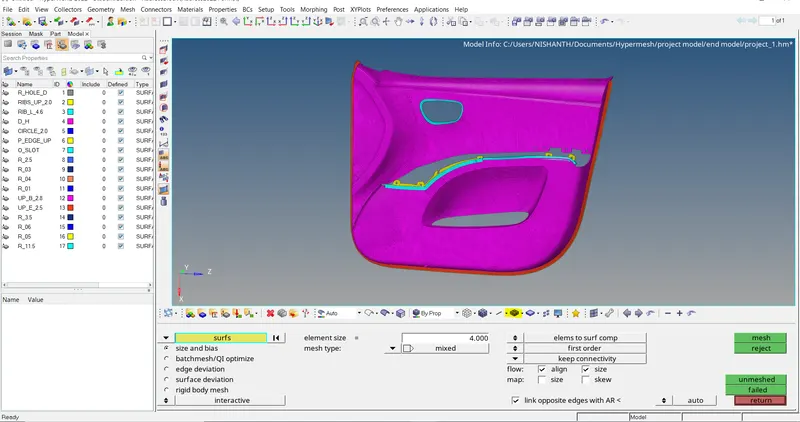
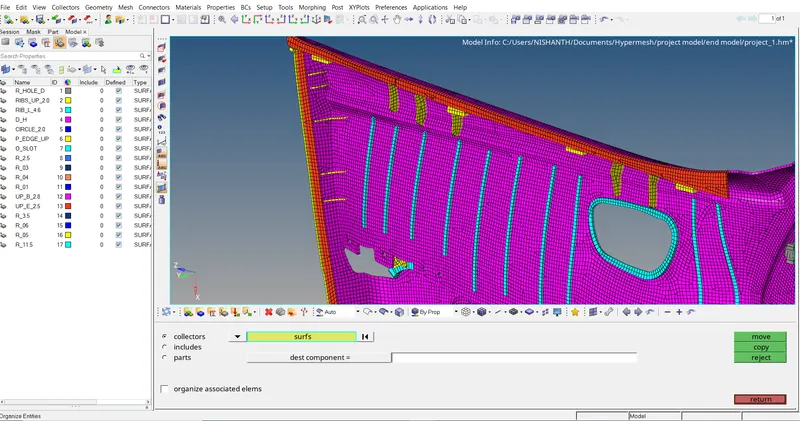
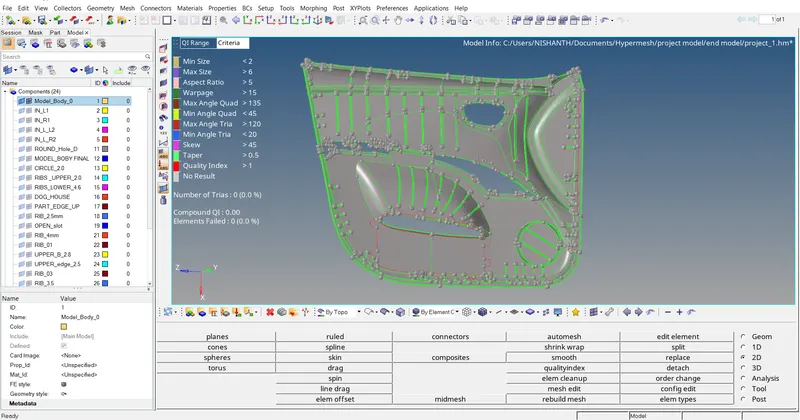
In this project we got plastic side door panel component which contains more ribs, dog house structure, cylinder structure and few more. The components with more than 6 units thickness considered as a solid component. We mesh the solid components using 3D meshing but here we have very few solid components and its not asked to mesh in 3D so we uniformly meshed the complete component in 2D meshing for 4 units element length.
Polypropylene is most frequently used of any plastic in automobile manufacturing. Being a thermoplastic polymer, it can be easily formed into almost any shape. It has excellent chemical resistance, heat resistance and impact resistance. Plastic body components will have different thickness values at different points so it is important to retain the thickness property to the areas where thickness varies.
Procedure :
Assign the profile to RADIOSS before importing the model.
Import the given model to the graphical workspace.
Have a look in different views and observe the model completely.
To take midsurface of the model we split the model into four different components to measure the thickness at different points.
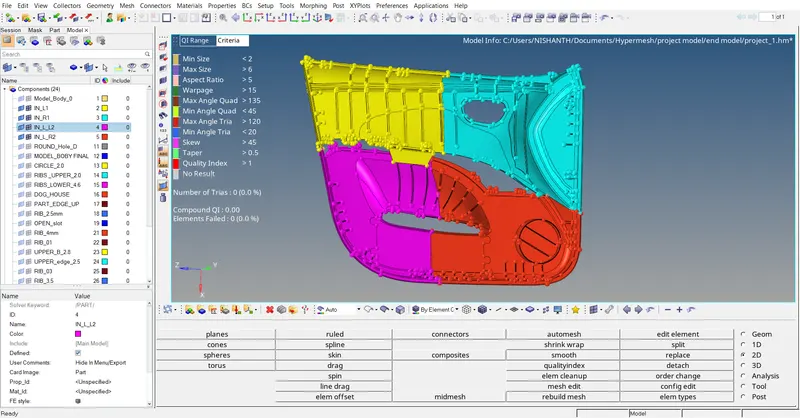
Here we used offset menu to create manual midsurface of the component.
After creating base surface of the component. We have to create the surface that is attached to base surface of the component.
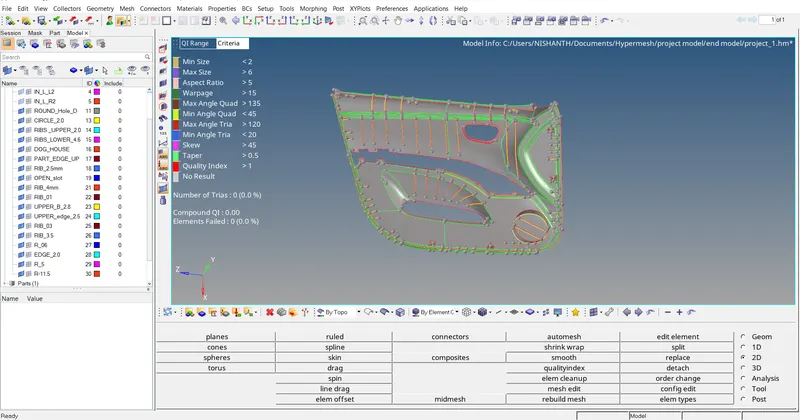
The surface that is created on the base surface or in the side surface should be attached to the base surface.
The attached surface to the base surface will be highlighted in yellow colour. If it is not attached then edges will be highlighted in red colour.
Red colour – free edges,
Green colour – attached surface,
Yellow colour – more than one surface is attached.
After creating midsurface for all the four components we combine it to get the complete model which is similar to the parent model.
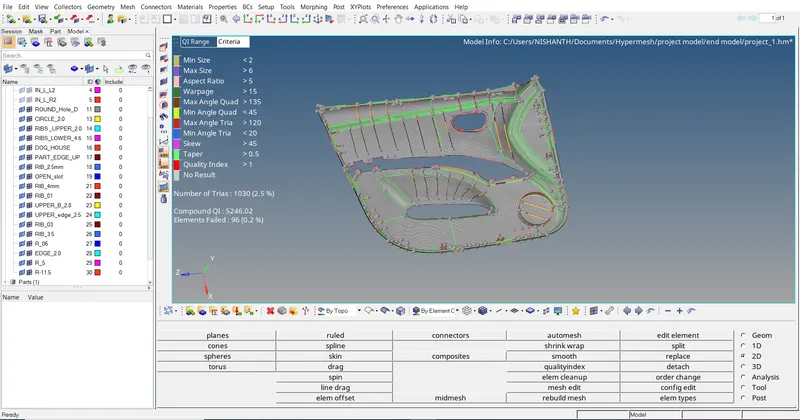
We start meshing the model for the given element length 4 units.
After meshing the model we have to assign thickness property to the components.
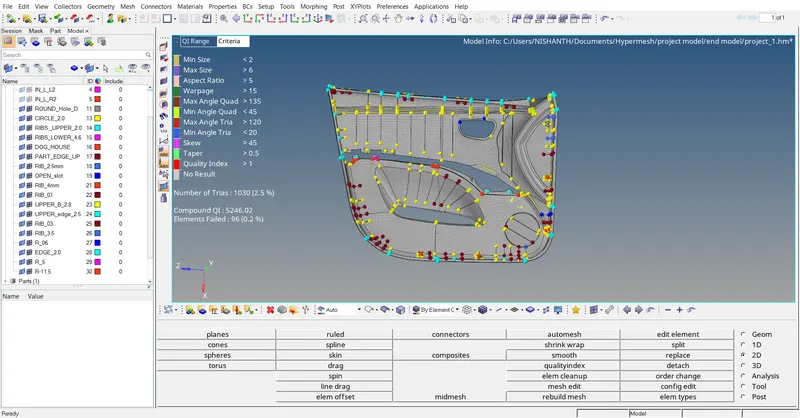
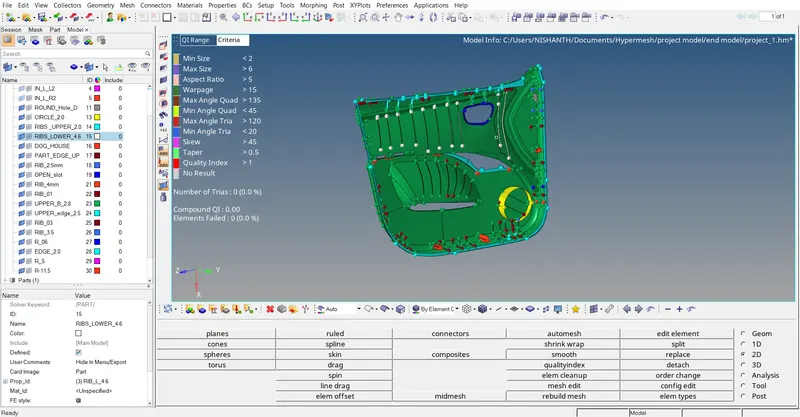
Due to ribs there will be failure in elements and we accept those and complete the model
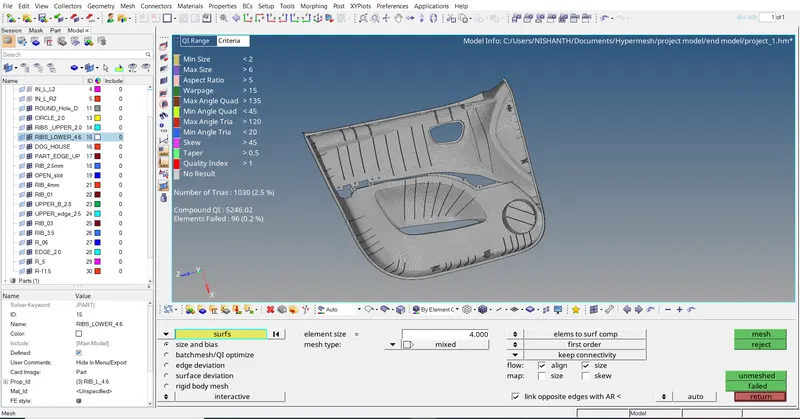
Result :
Meshing of inner door plastic panel is done successfully using Hyperworks software and learnt about the process of working in plastic component which has different thickness at different areas.