Week 12:Project-1-Meshing of Door Inner Panel Challenge
Aim-To Extract themid surface of the given plastic component and mesh the model according to the given quality and apply thiickness.
Objectives-1. Importing the model and geometry cleaning the component .
2. Extracting the mid surface by manually for the compoment and for the variable thickness ribs.
3. Meshing the component and cleaning the failed elemnts as per given quality cretia .
Procedure-
1.Import the Cad model to the HYpermesh-
We import the CAD file in to the hypermesh and radioss as profile using the import geometry in the menu bar.
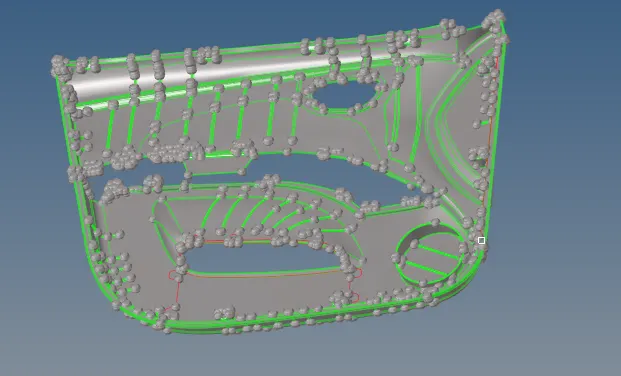
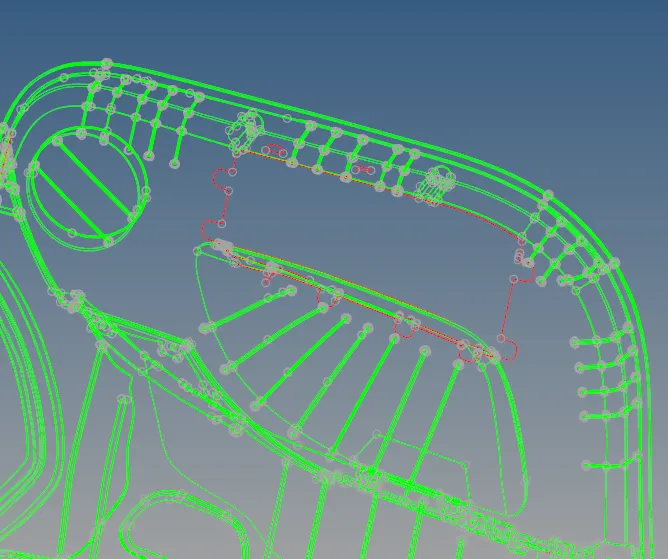
2.Geometry Clean up for the given model-In order To extract the midsurafce we make sure that cad model imported is free from topology errors i.e any deformation occurs while importing the file in to hypermesh or any errors present in the CAd file itself or any overlapping of surfaces .if any such eerrors are presnt we can eleminate those erors in the model we delete surfaces which are not useful and also fixed some gaps present between surfaces. we use the filler surfaces.ruled surfaces aand toggle edge to clear the free edges.
 w
w
Now the given plastic compoment is free from ythe topologicalerror now we can proceed to extract the midsurface .
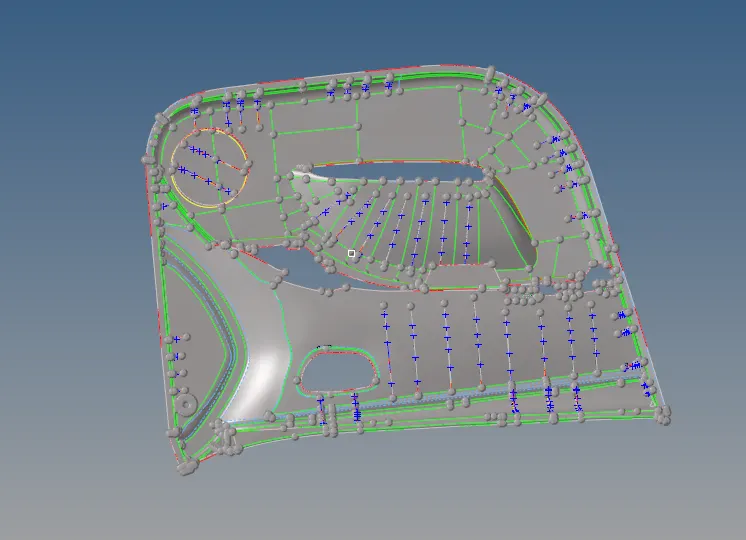
3.Extraction of the Mid surface- During the extarction of the mid surafce we first meaure the thickness of the outher part by projecting the nodes and messuring the distance bewten the nodes now we extract the mid surface manullay by offesting the surface .(surafce edit>offset>surf>by face>duplicatae>current comp> offset). For variable thikness ribs we extarct the mid surface firat by craeting the mid line bewtten the the two linesmof the ribs(geo>lines>midline>select the lines of the ribs)after creating the midlines we will switch off the parent componment and we will the trimed the surces that attached to the mid line (suarface edit>trim with surf> surf select the surfaces sthat are attached with to the mid line> free lines select the the midline> trim) now we have do craete the surafece bewteen the midline and the trim line by using the the rulrd surafces(surf>ruled> selsect the mid line and the trim line).
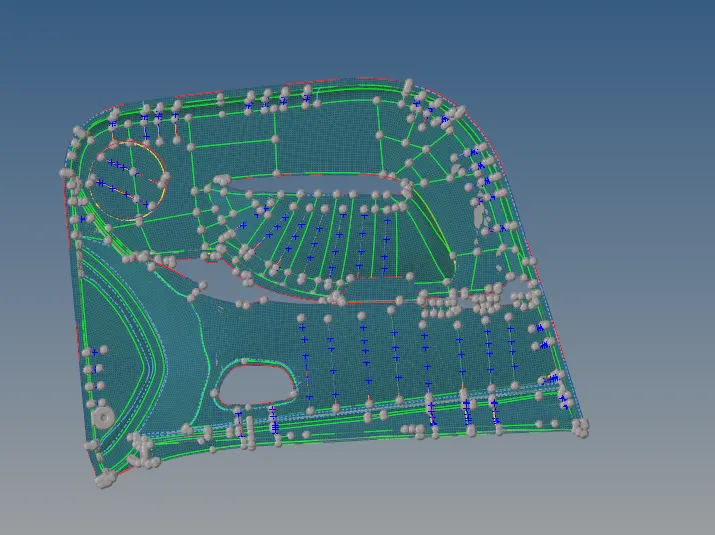
4.Perform the 2d mesh on the mid surface-In order to mesh the midsurafce we make sure that surafce is free from the free edges we mesh the given the compoment using automesh in the given 2d mesh pannel. we mesh the midsursfce by assinging elemnt the sixe as4mm shape as mixed.
we mesh the complesx surfaces first in order to maintain the proper mesh flow and while meshing make sure that we maintain the trias percentage as low aw possible.while meshing we alter the mesh density depending uopn the compxeity of the geometry so that mesh attachexs to the syrafces. we use rebulid mesh to btainthe proer mesh flow.
5.Eleminte the elemntal failure per given quality criteria-
After meshing the midsurafces by assinging the target length as 4mm we amke sure that the mesh flow will pass the given quality criteria. tis is performed in 2d quality index>check elemnts. we various option like translate ,split driad trias in order to leminate the oppsoite trais we also reduce tria conceration by dragging the trais to thr free enda or by combing the two opposite trias.
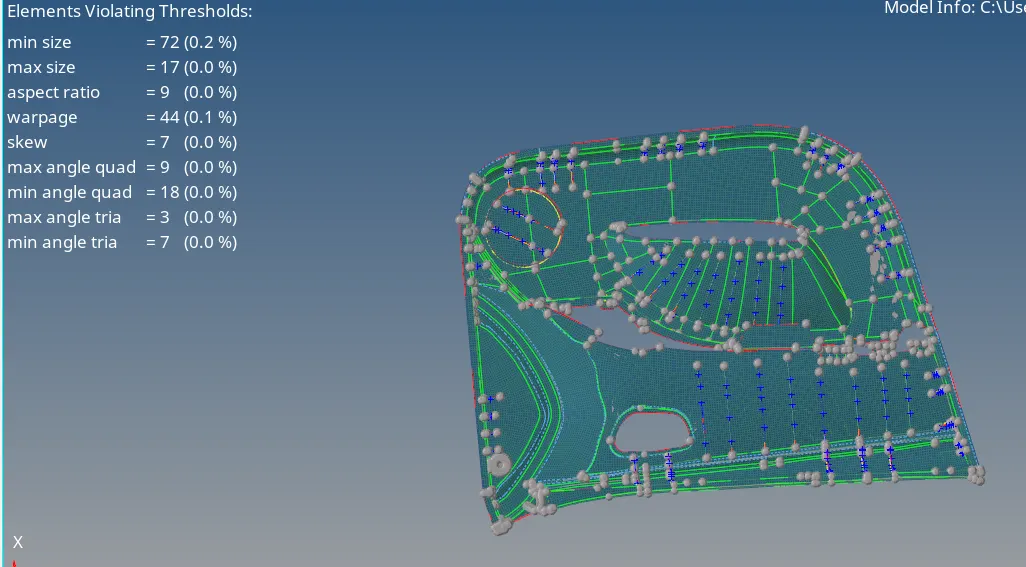
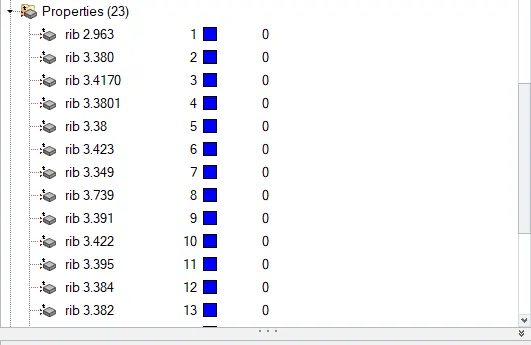
6.Apply the thickness and converting shell elemnts in to solid elemnts-After completion of the meshing of the mid syrfacesb we now assign the thicknrss to the meidsurfaces.for assinging the thickness we crete the property in the property and we apply the thickness and then we assign the property to the erquied midsurfaces as its plastic copmpment the thickness of the component is not is not same hence we need tyo measure the thickness of each surface and we shuold assign thickness to the surafces.
Coclusion-The given plasic compoment is meshed by extarced the midsuarfece and we assignesd the thickness as required .