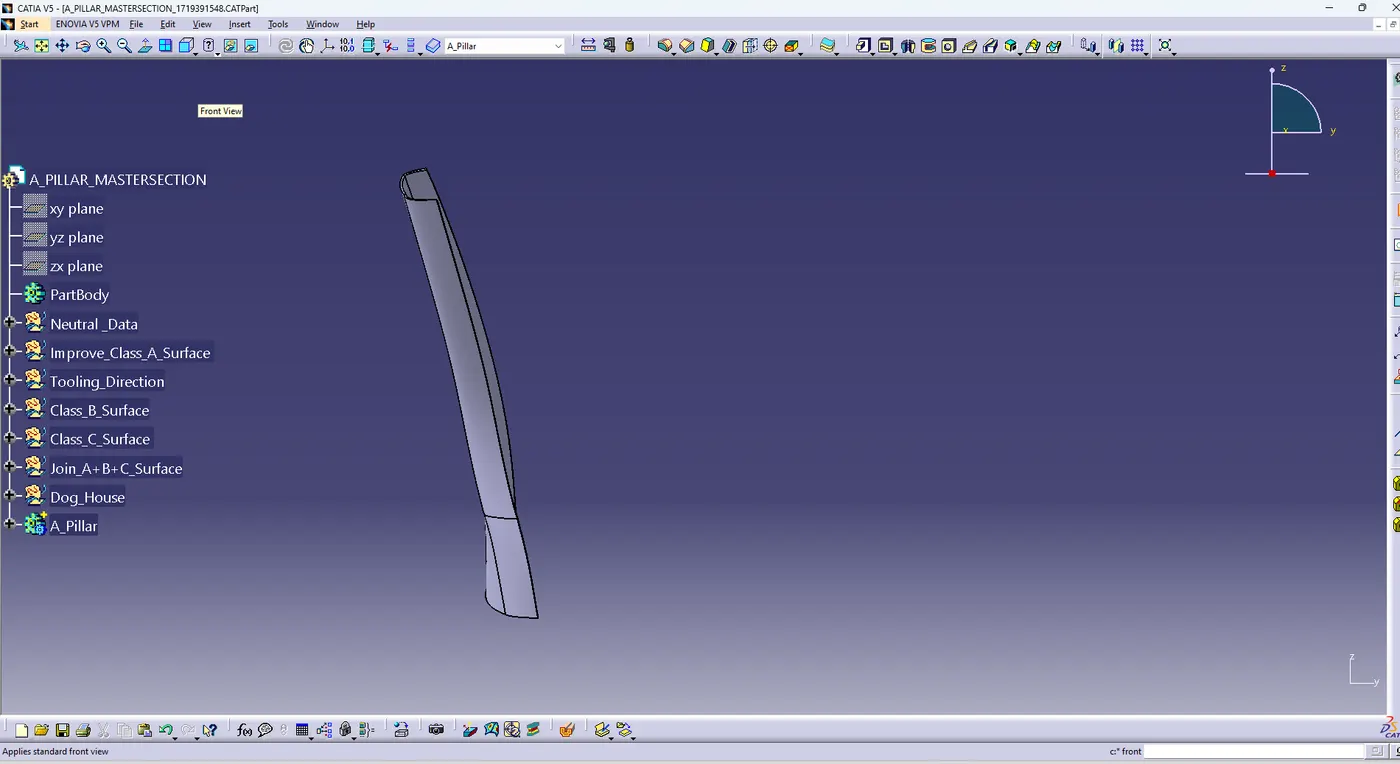
Week 11 - Project - A pillar Design with Master Section
Week 11 - Project - A pillar Design with Master Section
Open the Part:
-Open the Door Applique part in CATIA.
then i saw class a surface with master section
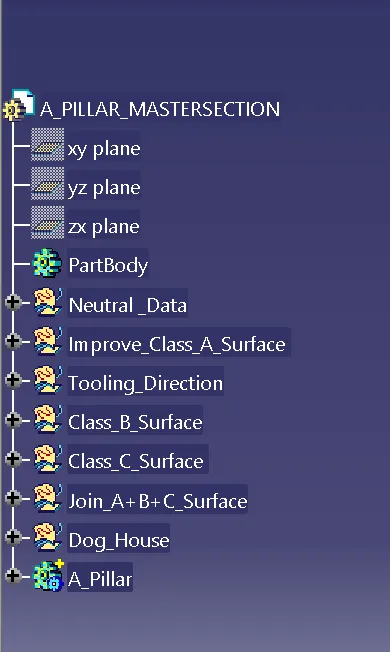
- TREE STRUCTURE:-
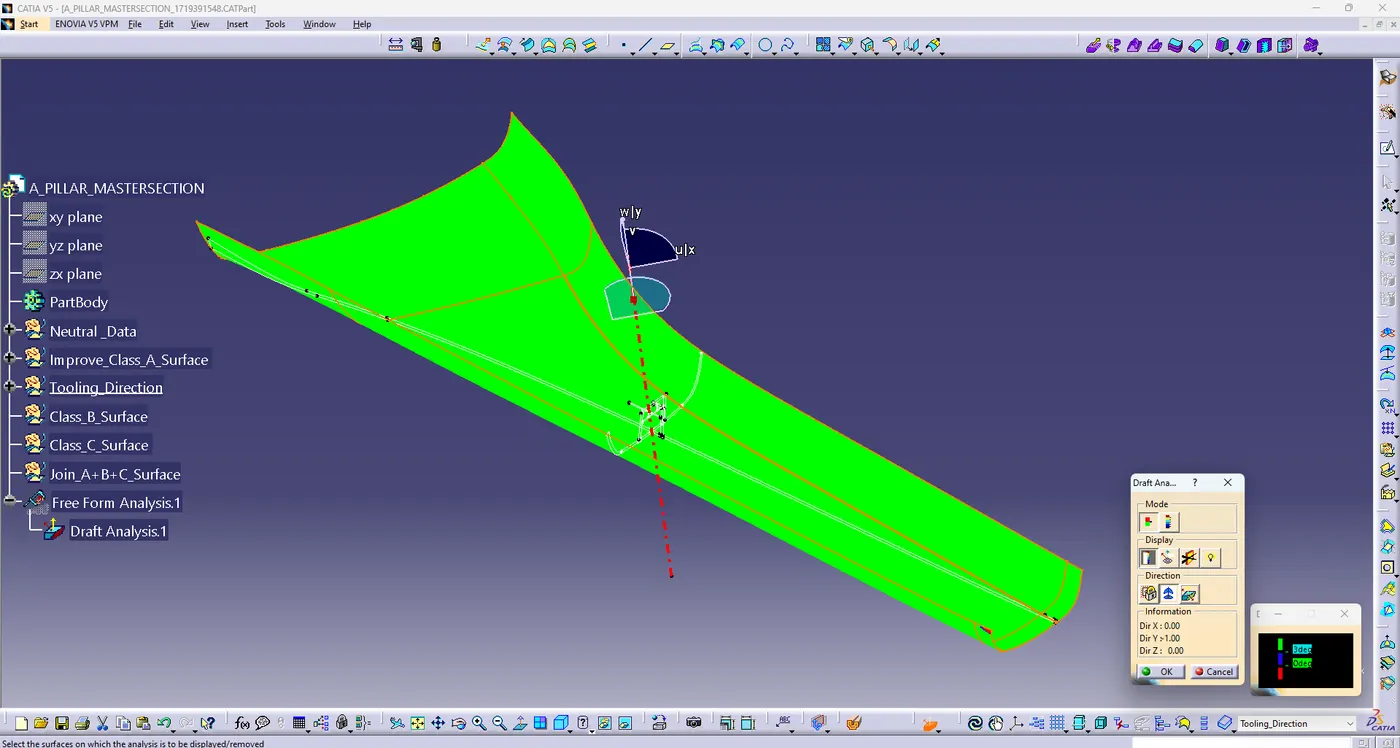
Step 1:- Draft analysis of class A surface .
Draft analysis in CATIA involves evaluating the angles and directions of draft on a part. Draft is essential for mold design and manufacturing processes, as it allows for easy ejection of the part from the mold. Here are the key steps for draft analysis in CATIA:
before analysis create a tooling axis by two type 1. bisecting method & 2. measure inertia feature , i made tooling axis by bisecting method.
-Specify the draft analysis parameters, such as the draft angle and reference direction (Tooling Axis).
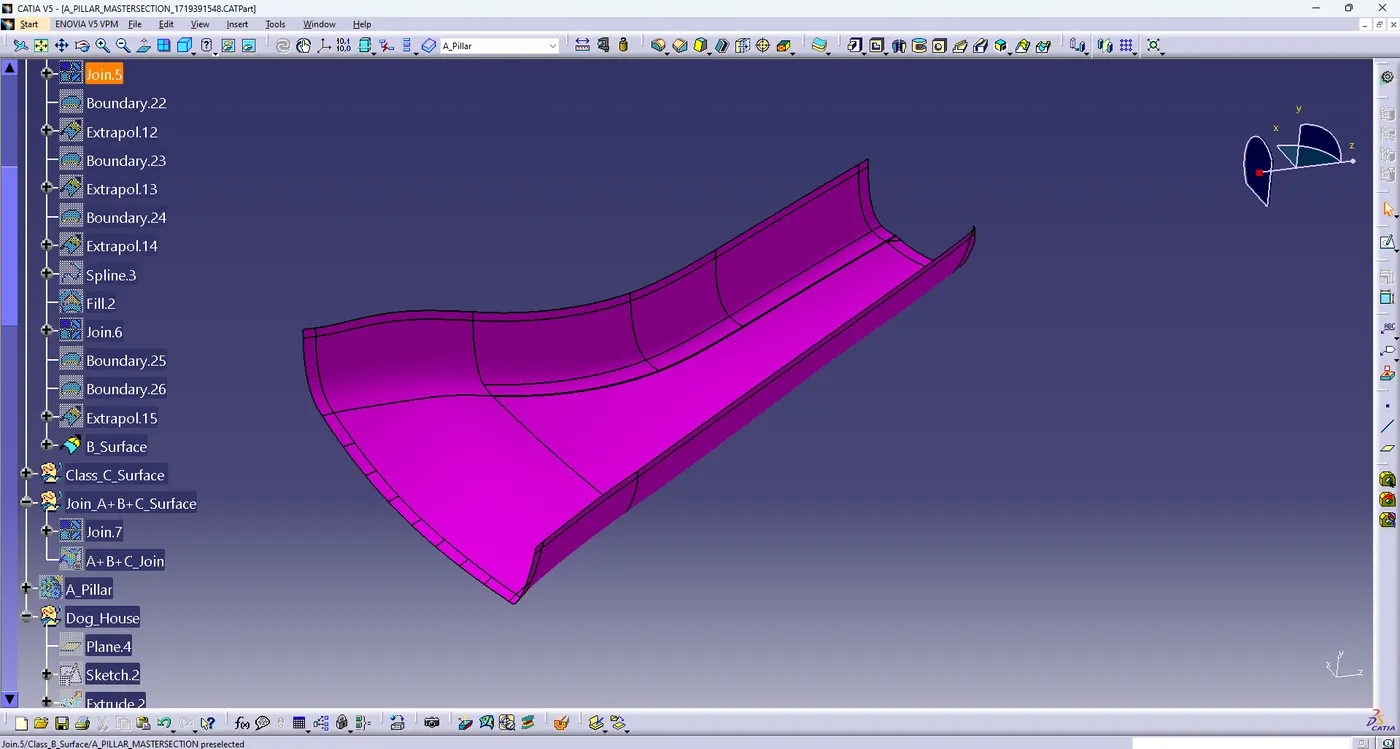
Step 2:- create B surface by offset method of 2.5mm offset. some surface removed by offsetting method so solved this problem step by step operations .then final create B surface .
step 3:- create C surface
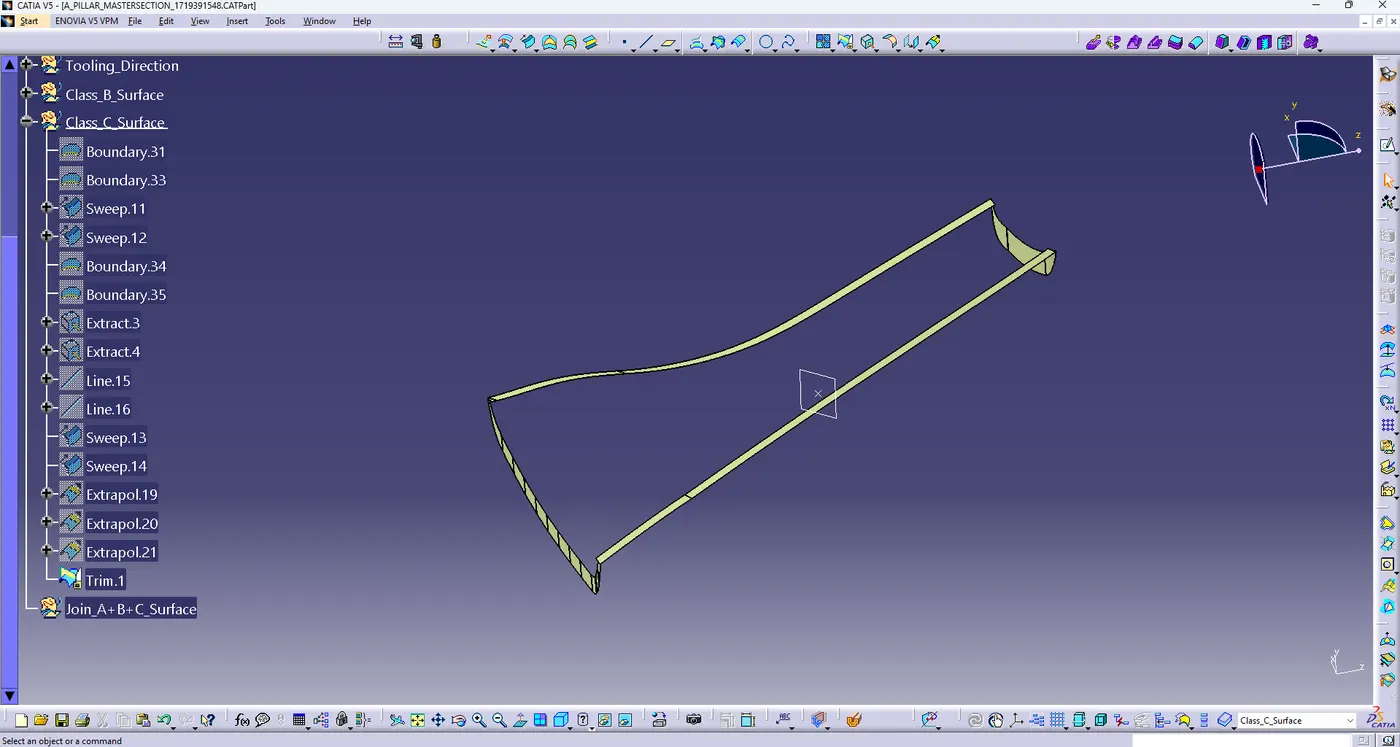
step 4:- Join A+B+C Surface
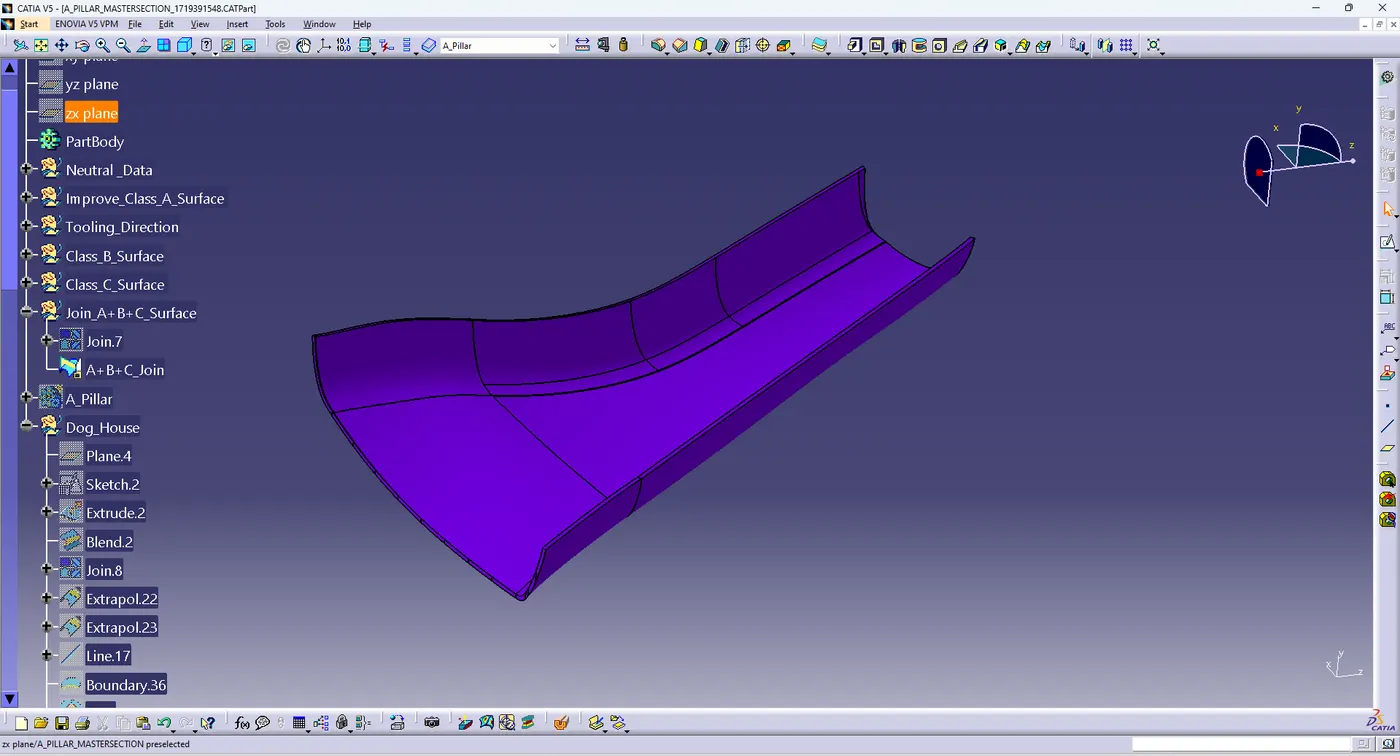
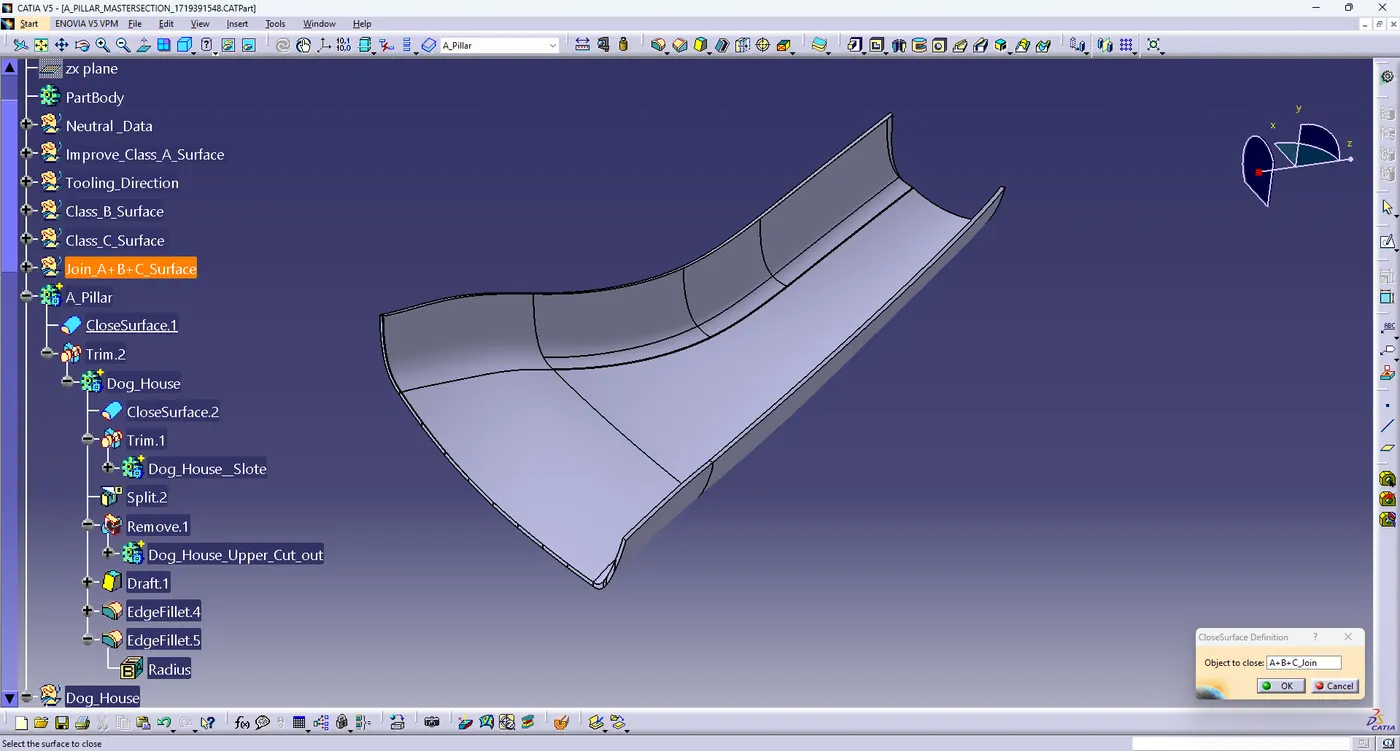
step 5:- Final surface covert in close surface
GO TO THE PART DESIGN > SELECT CLOSE SURFACE COMMAND > SELECT SURFACE THEN OK
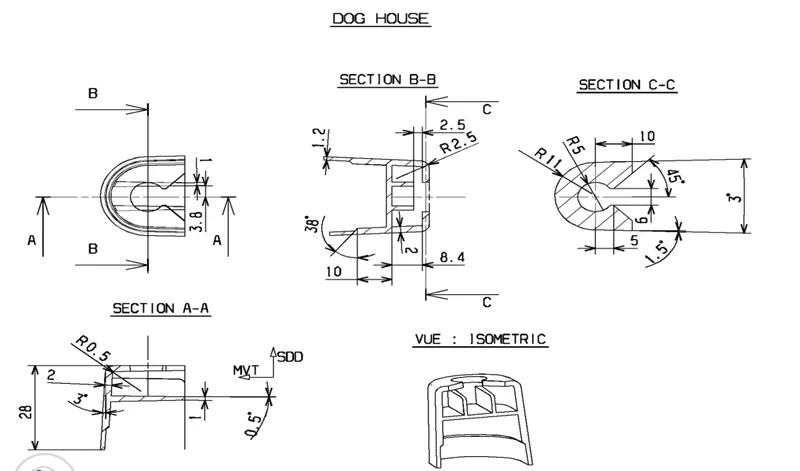
step 6:- create DogHouse
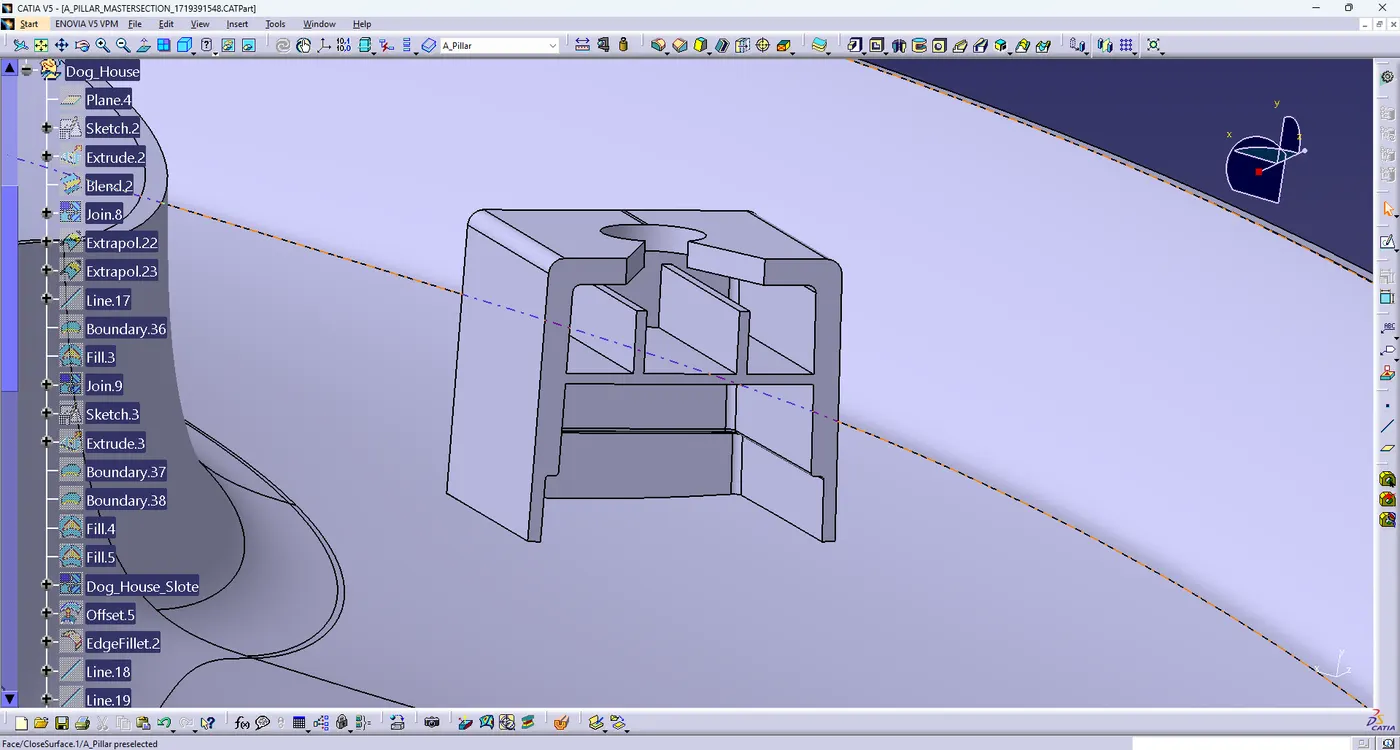
step 7:- Final A Pillar
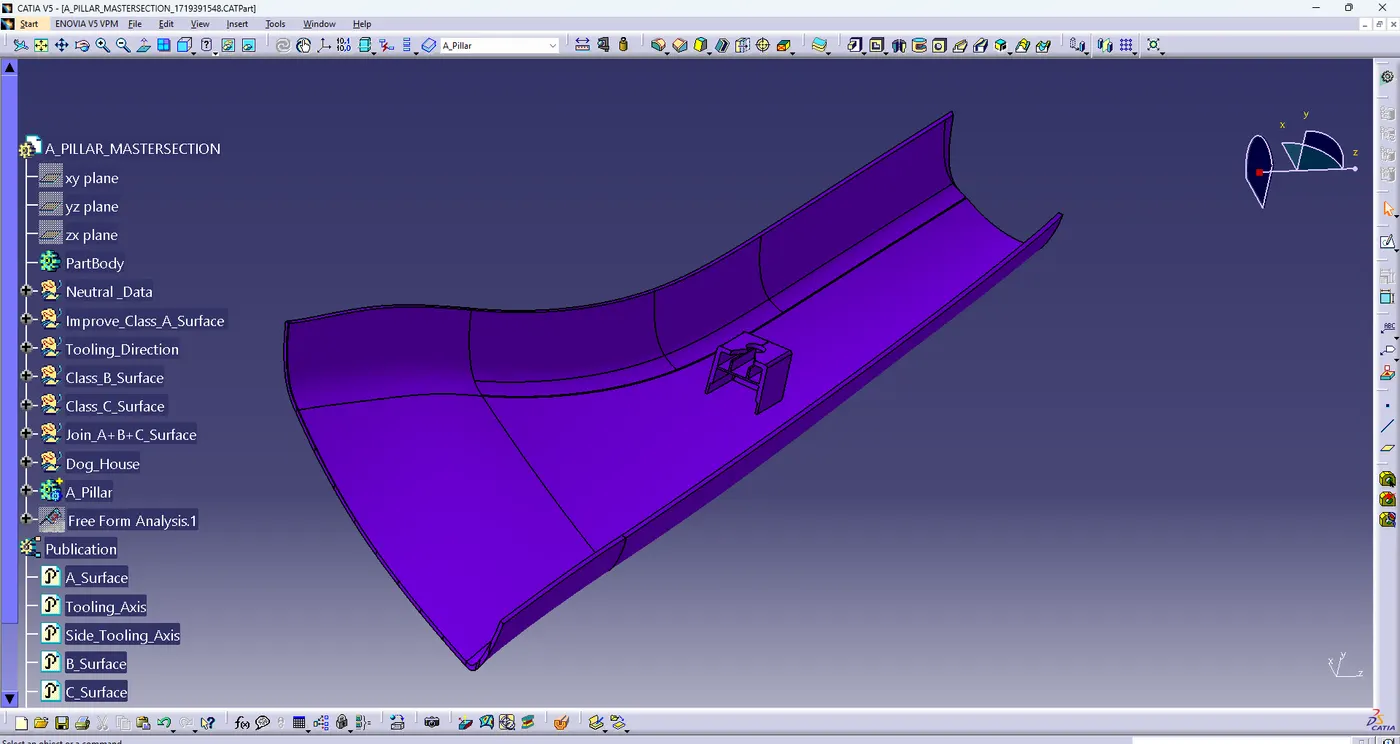
step 8:- Final complete Door Trim analysis
-Re-run the draft analysis to confirm that the required draft has been achieved.
-Specify the draft analysis parameters, such as the draft angle and reference direction (Tooling Axis).
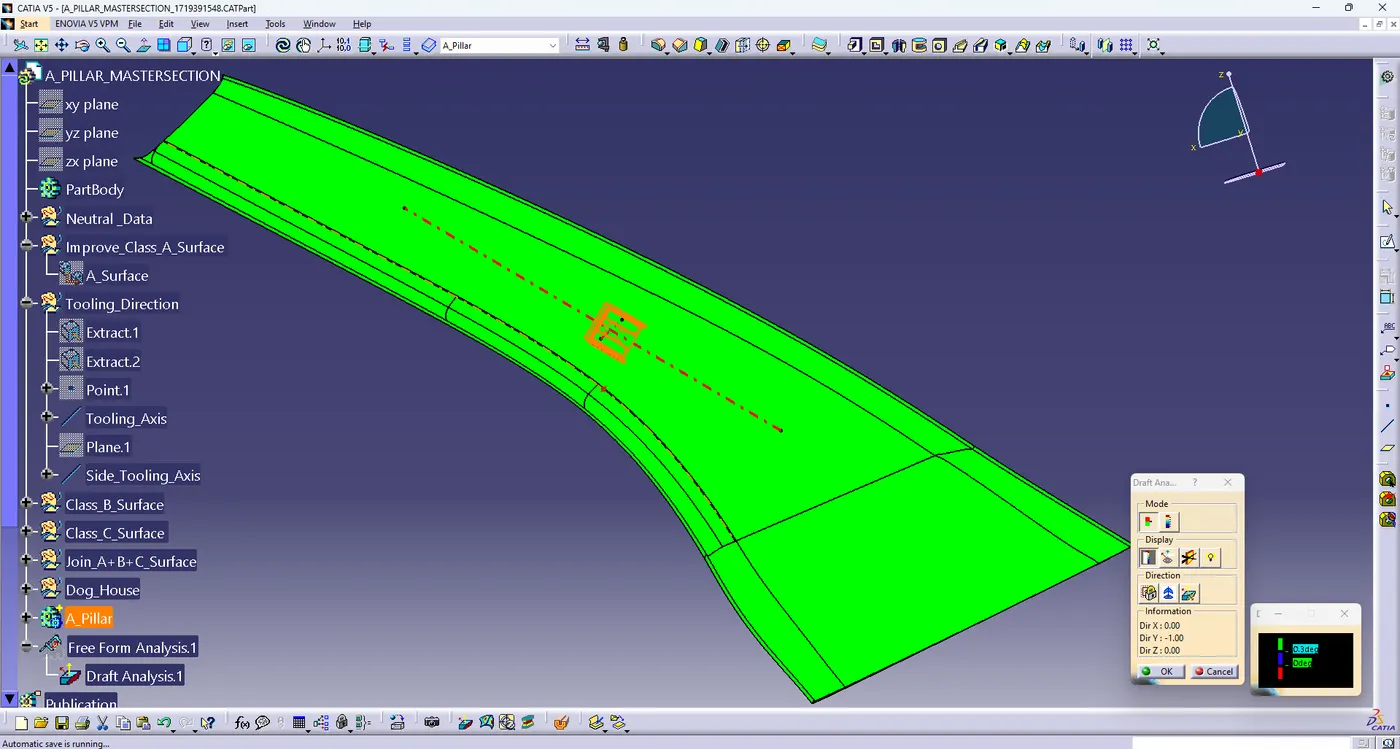
ANALYSIS BY SIDE CORE TOOLING DIRECTION:-
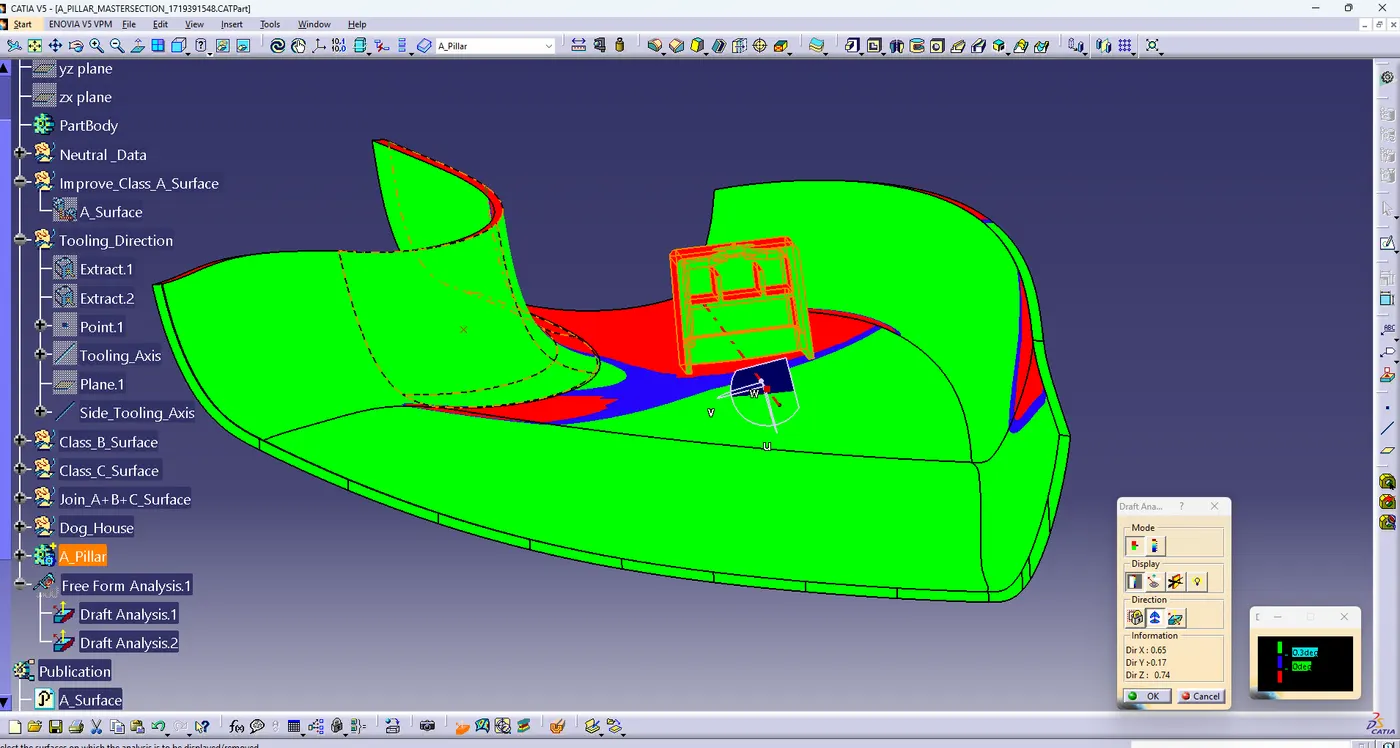
Final Body ALL Views:-
ISOMETRIC VIEW-
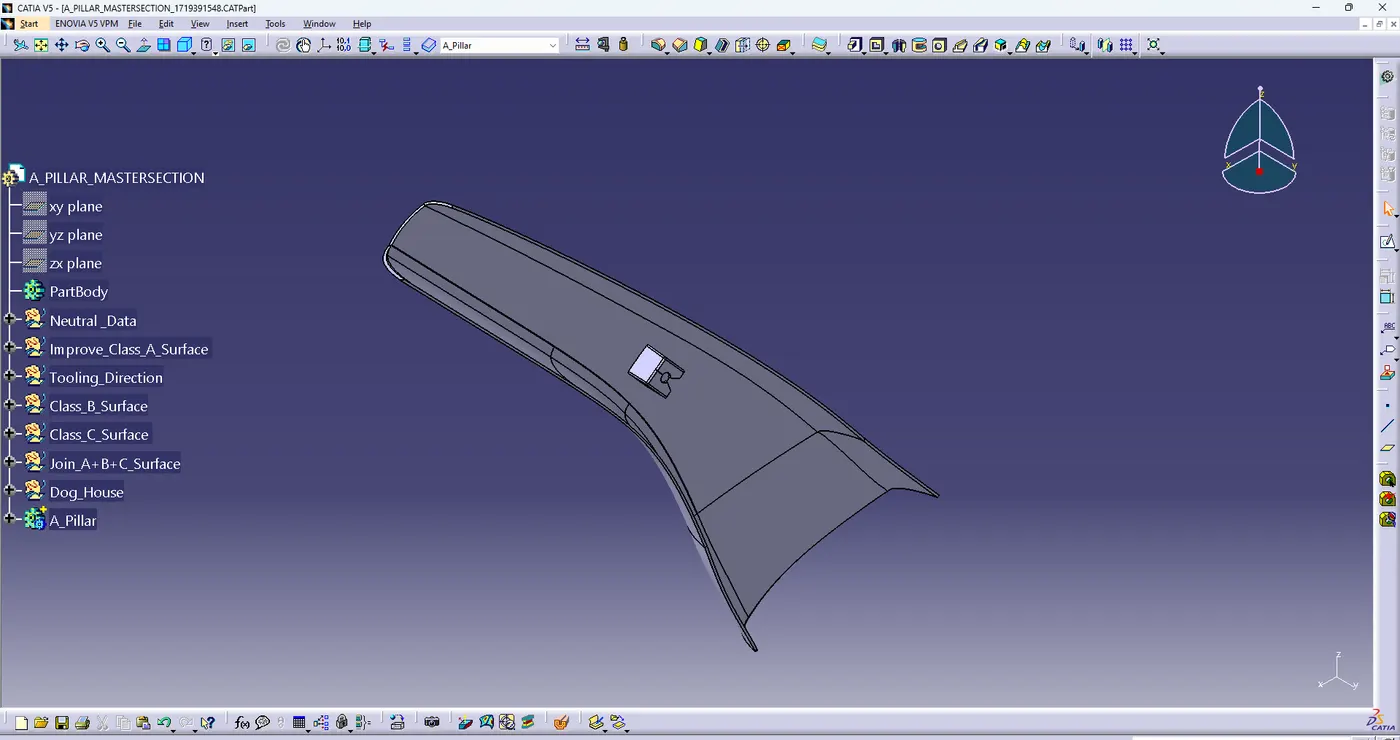
LEFT SIDE VIEW-
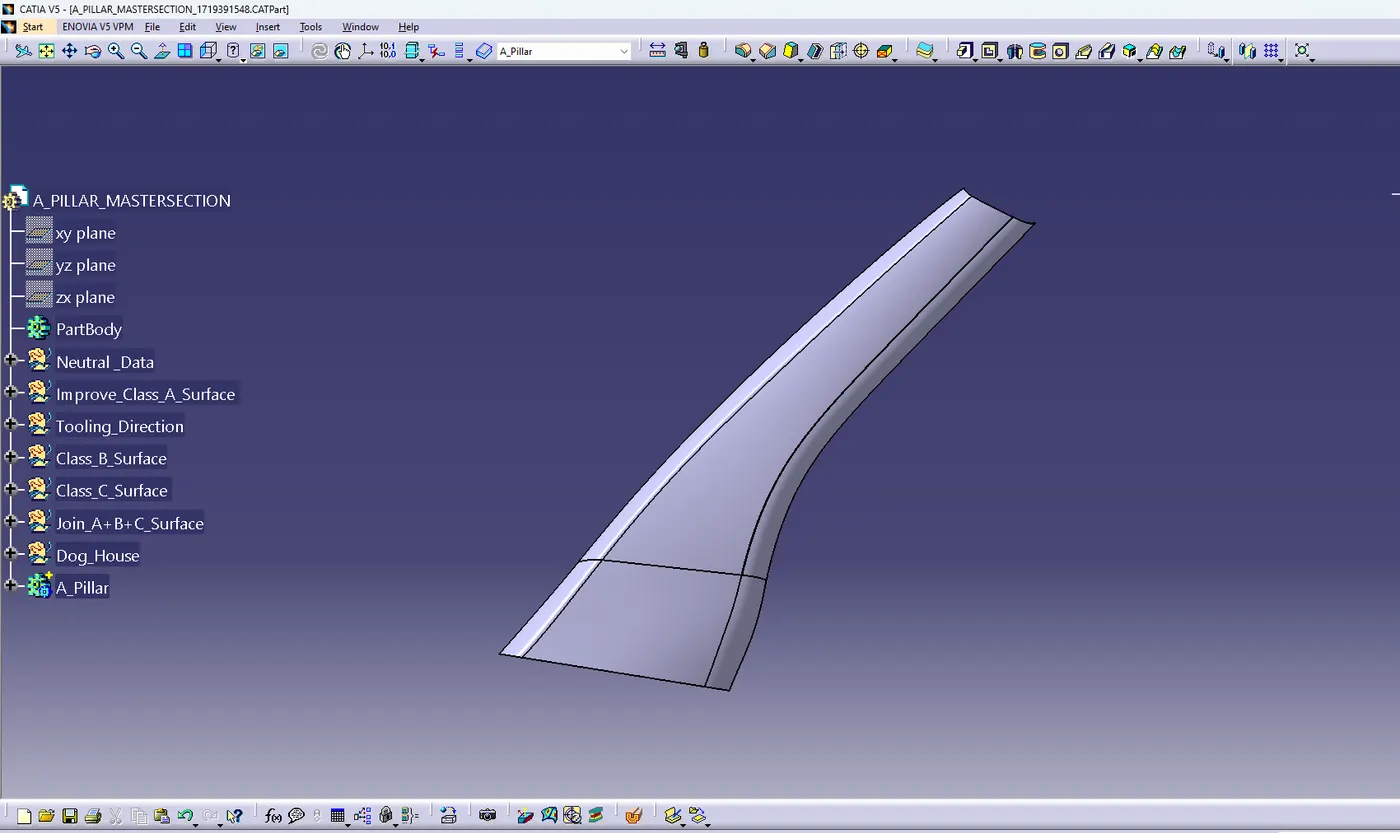
RIGHT SIDE VIEW-
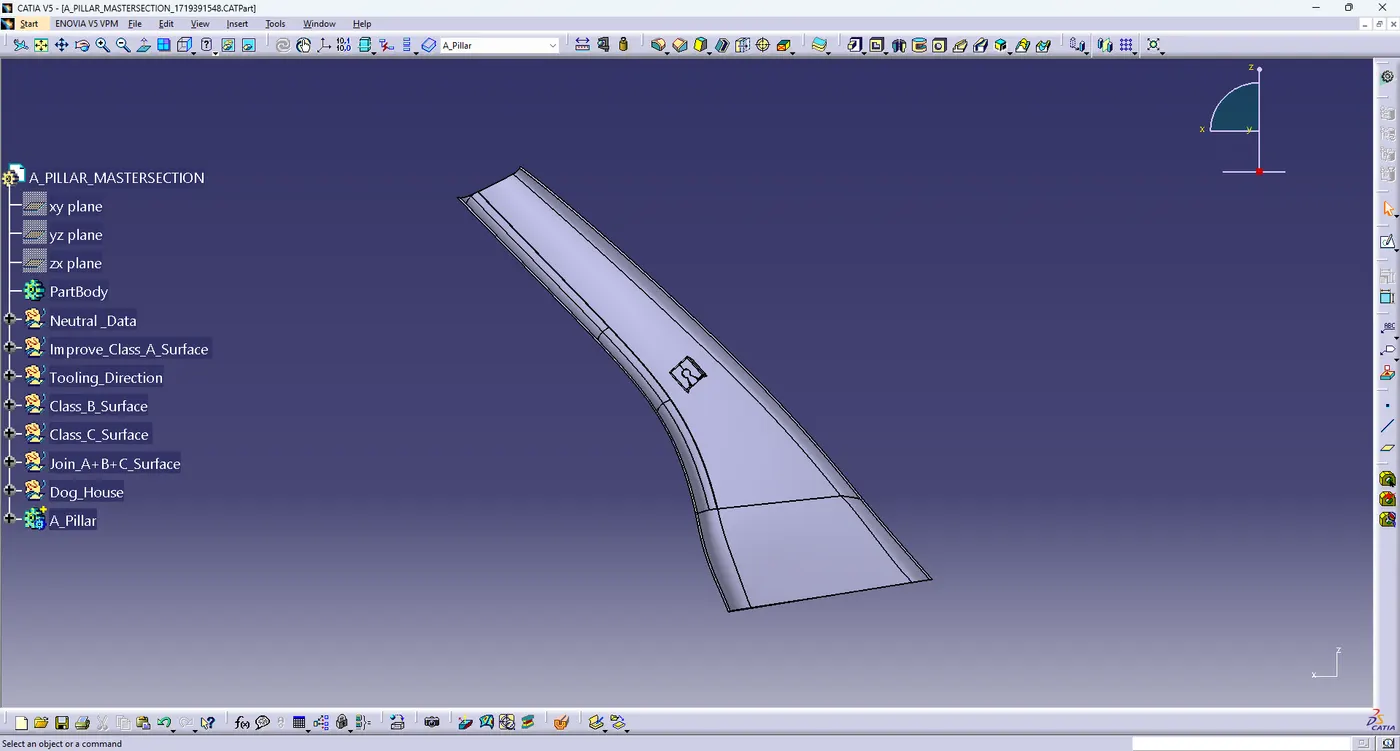
TOP VIEW-
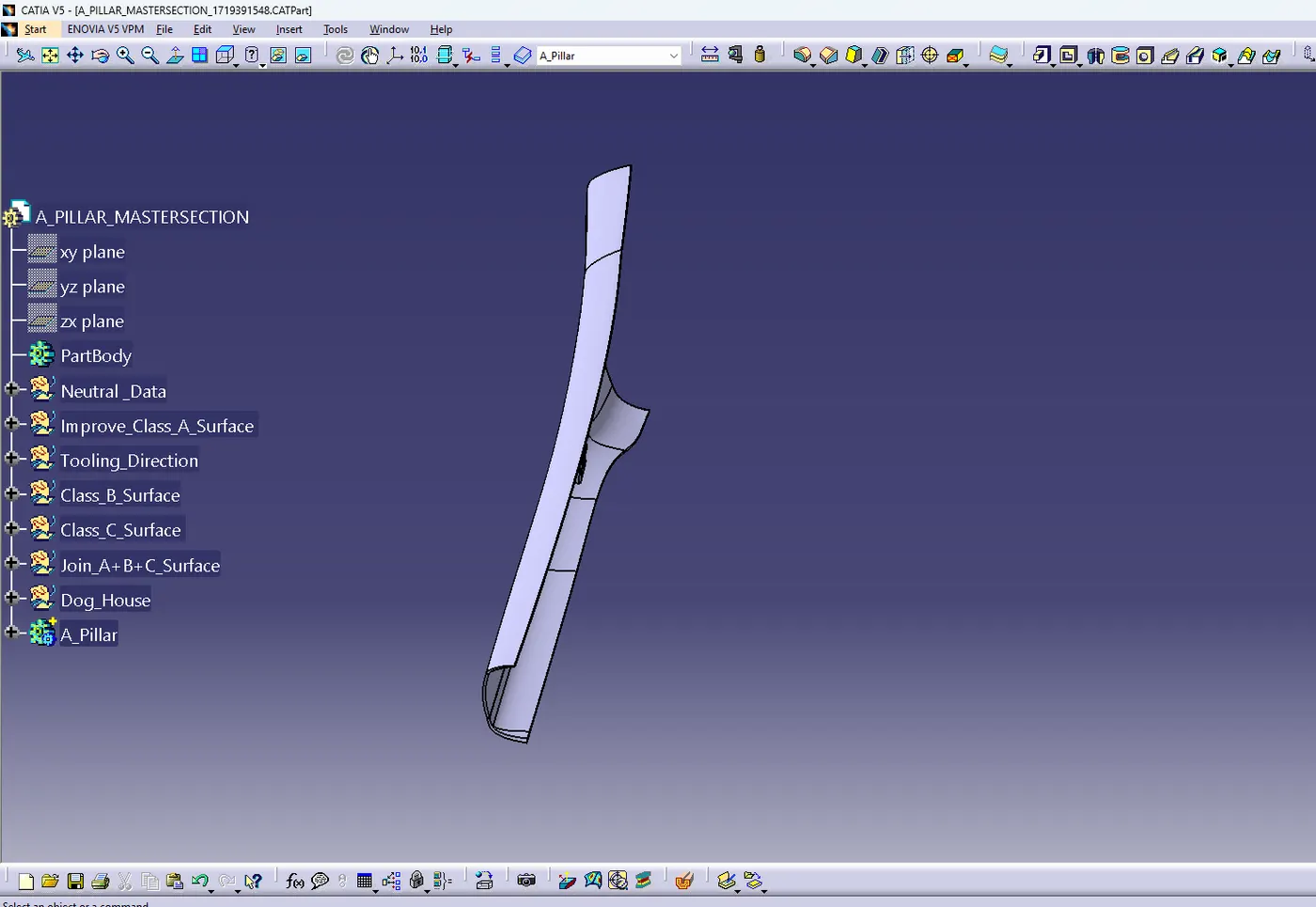
FRONT VIEW-