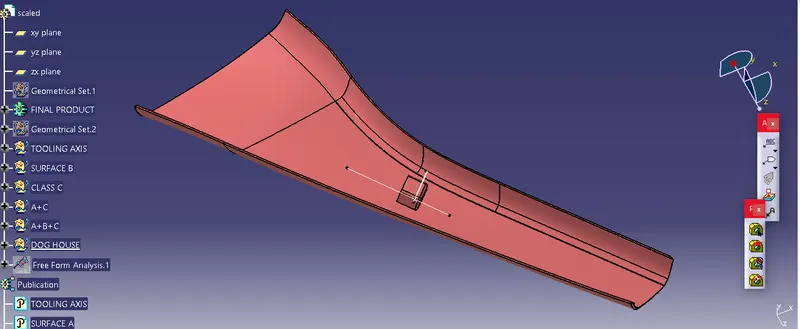
Week 11 - Project - A pillar Design with Master Section
CREATING TOOLING AXIS.
- First, we create a point on the extracted surface and create a plane on the surface.
- Now we have to create the line using the Point-to-direction method.
- Then draw two lines based on the projection of class A or using the intersection of the point’s method.
- Now Using the Normal to-the-surface method, We have to create the tooling axis.
- Then we have to take the draft analysis to check whether the product is manufacturable or not.
- Here Our Surface A cleared the draft analysis test.
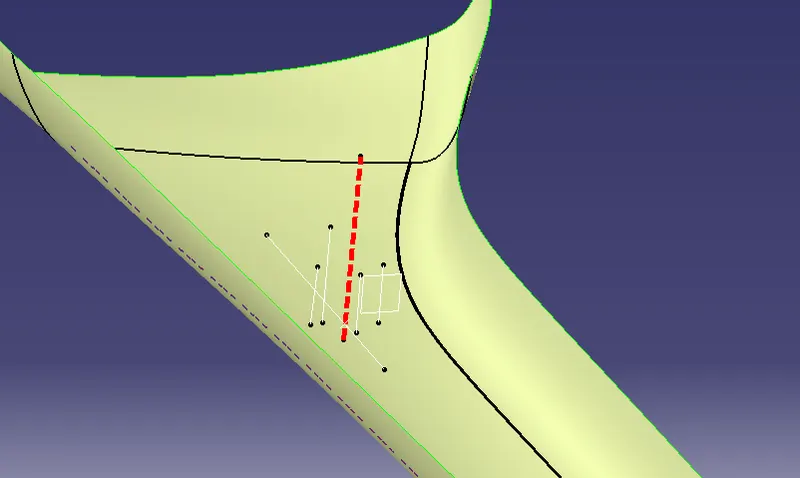
DRAFT ANALYSIS FOR A SURFACE
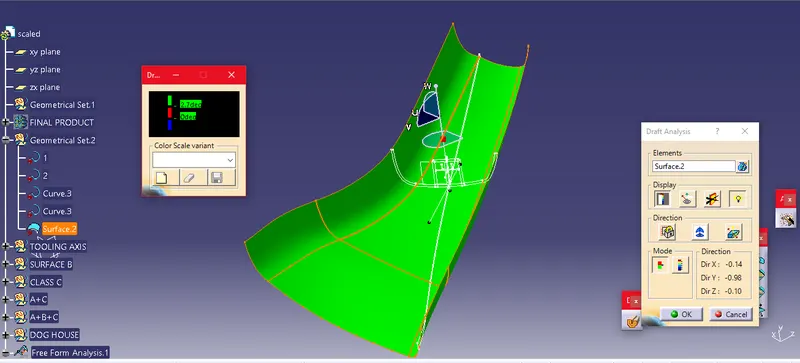
DRAFT ANALYSIS FOR A SURFACE A
CREATING CLASS B AND CLASS C SURFACES.
- Then I created the Class B surface, Using the following commands.
- Offset.
- Trim.
- Multi-surface.
- Boundary.
- Split.
- Join.
- Untrim.
- Extract.
- Multi-Extract.
- First, I created Class B by offsetting the Class A surface to 2.5 mm because the thickness is 2.5 mm.
- While creating the Class B surface, there were some elements in the surface missing. So we have to patch up or create a new surface on the missing elements using the Sweep command.
- Finally, Class B is created.
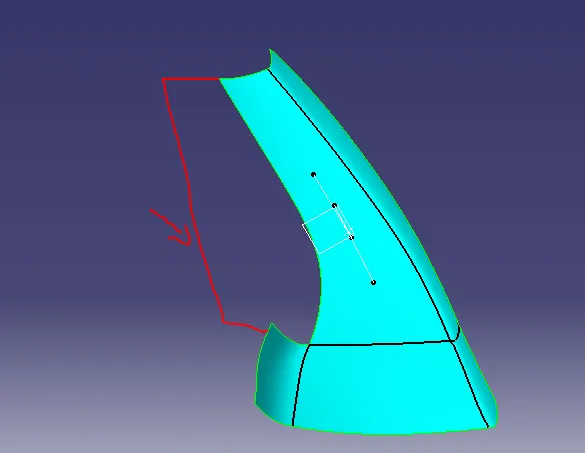
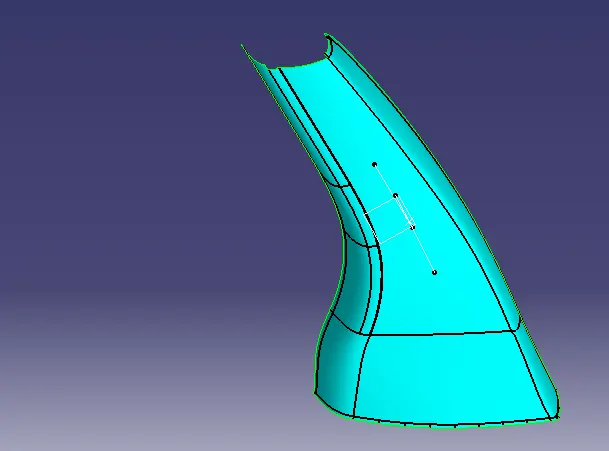
Elements missing during offsetting Class B Surface after the work
Then I created the Class C surface, Using the following commands.
- - Sweep.
- Boundary.
- Smooth- Surface.
- Multi-Extract.
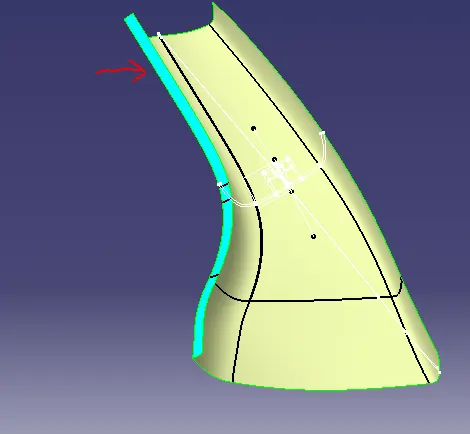
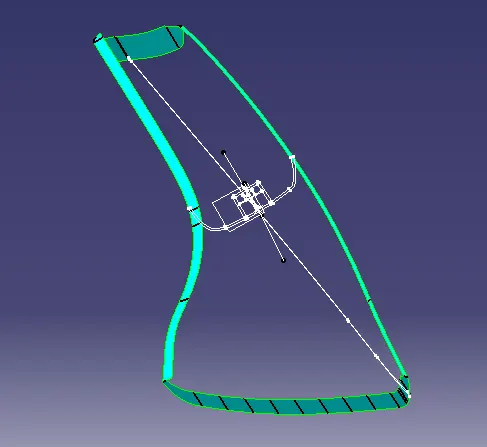
Sweeping for Class C Final Class C surface
- Here I create the Class C surface with reference to Class A by taking separate boundaries for the edges and smoothing the boundaries to eliminate the vertex in the boundaries.
- Now Using the sweep command, I Sweep the surface to 3 degrees for the purpose of smooth manufacturing. I extrapolate the gap on the sweeping boundaries and Trim it to create the class C Surface.
- Finally, Class C is created.
- After creating the Class B and Class C Surface, I Joined the Surface A and Surface C and Trimmed them with Surface B.
Join A+C.
Trim A+C-B.
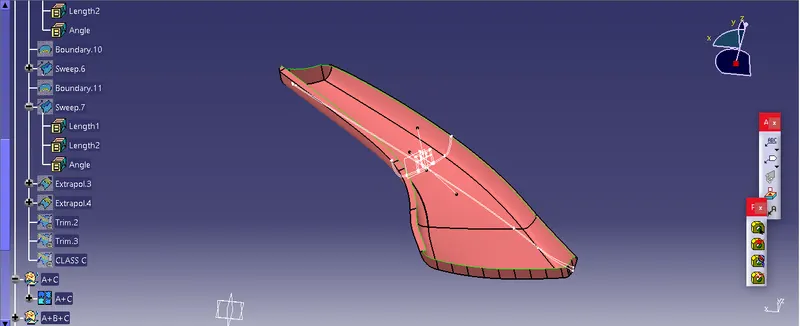
Joining Surface A and C
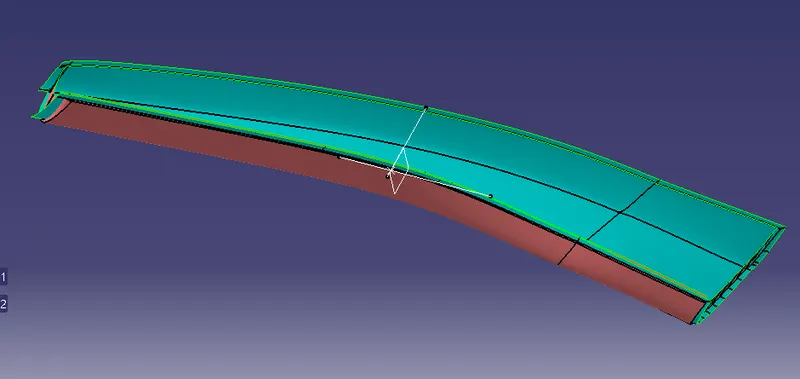
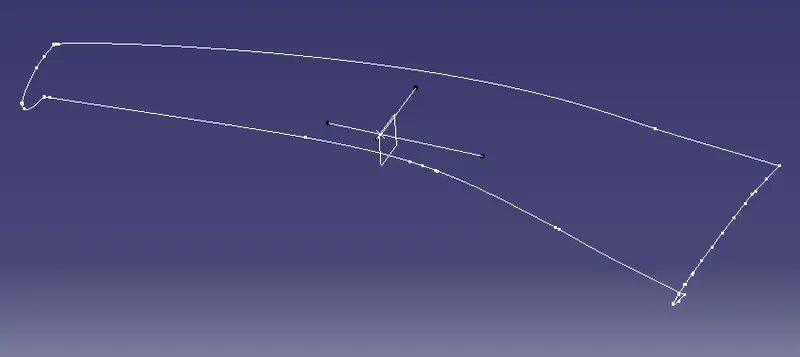
Checked for Intersection of Class AC with B Surface
c 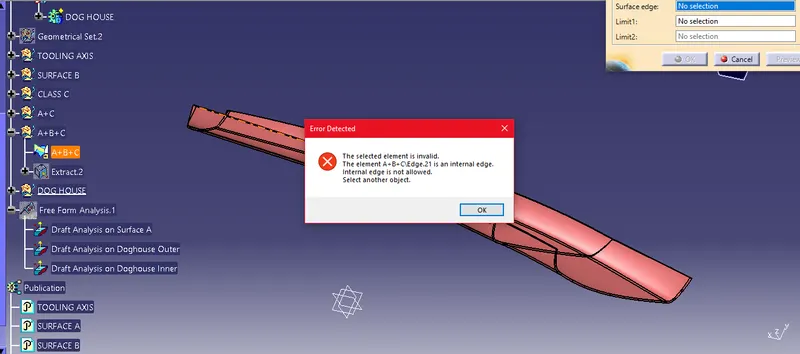
Checked Boundary Condition- Closed Surface
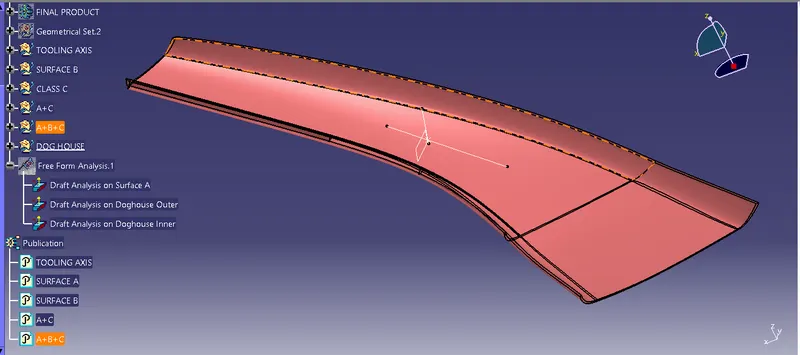
- After creating the Closed Surface, I checked for the closed surface using the Boundary Condition.
DRAFT ANALYSIS FOR ABC SURFACE
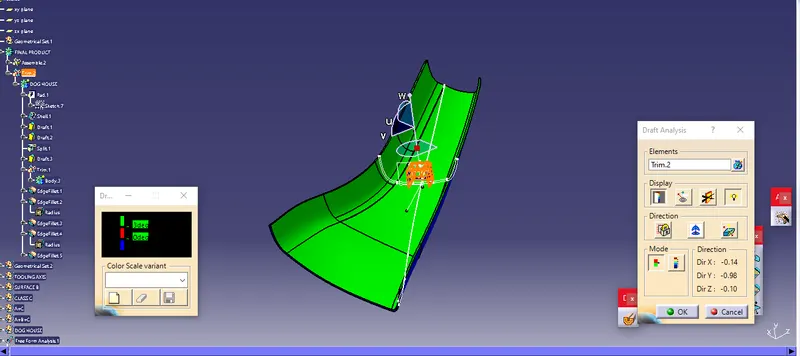
DRAFT ANALYSIS FOR ABC SURFACE
CREATING DOGHOUSE FOR ASSEMBLY
- After creating the Closed surface, I created the Dog House using the Master section and Projection method using the following command.
- Pad
- Extrude
- Remove
- Then the Dog House is checked for Draft Analysis.
DRAFT ANALYSIS FOR DOGHOUSE OUTER SURFACE
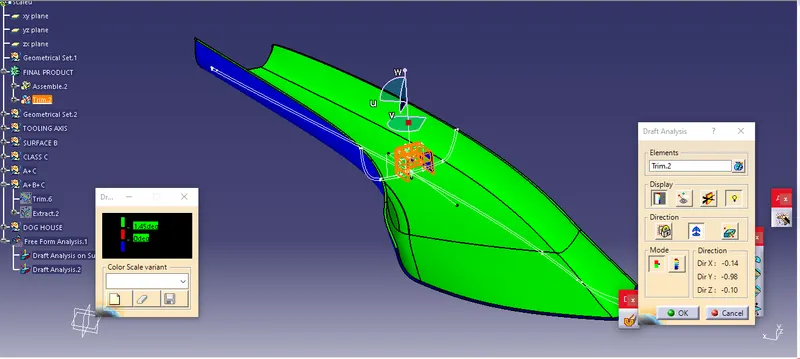
DRAFT ANALYSIS FOR DOGHOUSE OUTER SURFACE
DRAFT ANALYSIS FOR DOGHOUSE INNER SURFACE
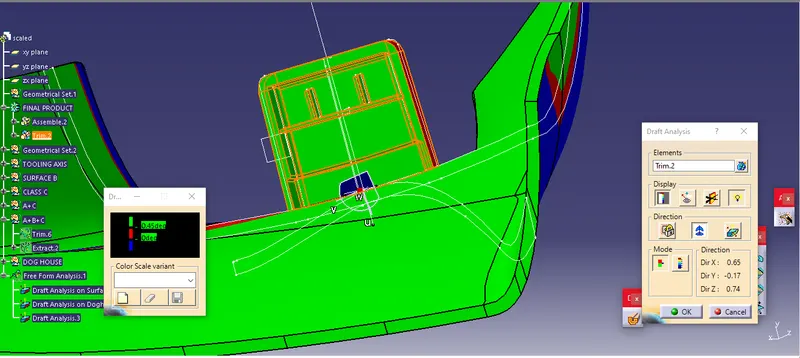
DRAFT ANALYSIS FOR DOGHOUSE INNER SURFACE
DIFFERENT VIEWS
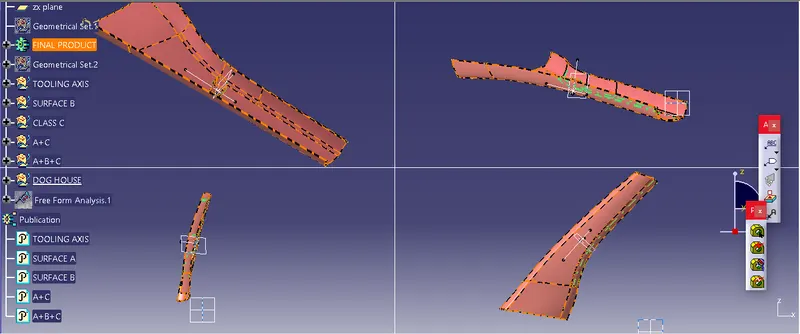
ISOMETRIC VIEWS