Week 11 - Project - A pillar Design with Master Section
AIM - Make a part using the given class A surface and master section.
Class A surface - Class A surface is given in this question which is -
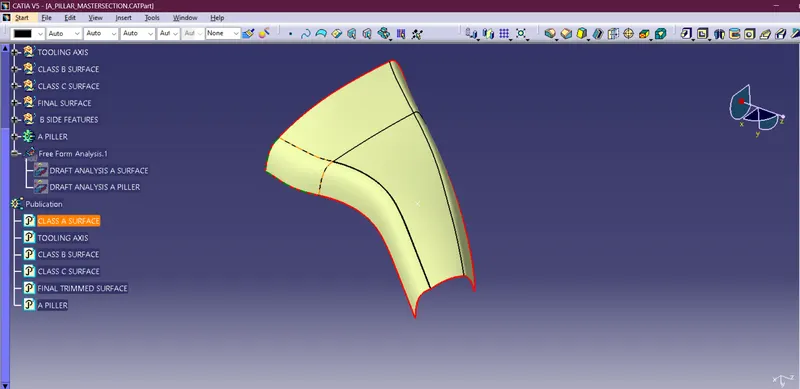
We have to work on it as Class B And C surface and made it a completely close part.
Master section - The master section is given in this as we have to work on it to complete part B side features.
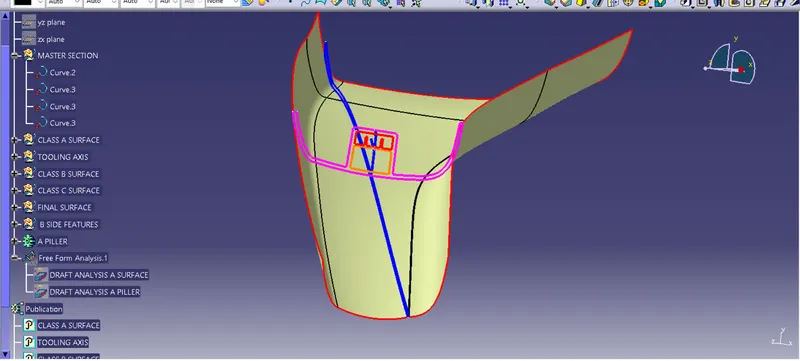
Tooling axis - We have to make a tooling axis for making Class A surface and Class B surface. for making it we are using the bisecting method i.e -
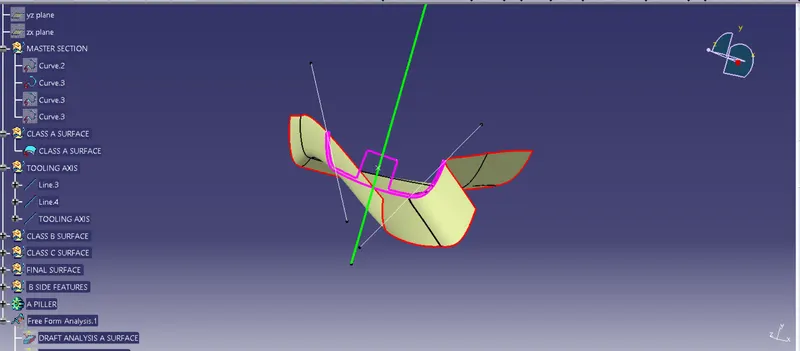
we have to take two points as shown in the figure and make two lines and make the line between them.
Class B surface - For making a class B surface we have to offset it to 2.5 mm.
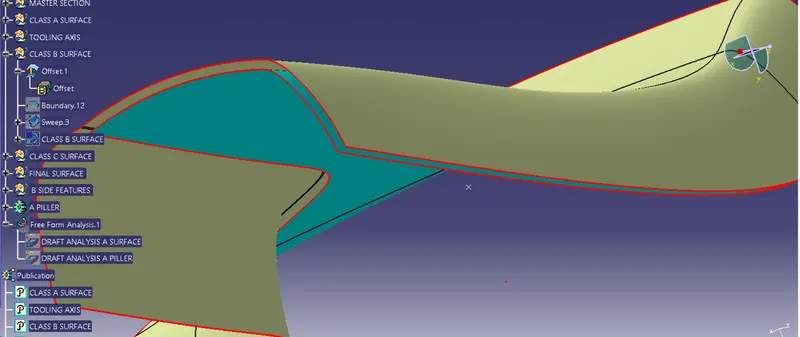
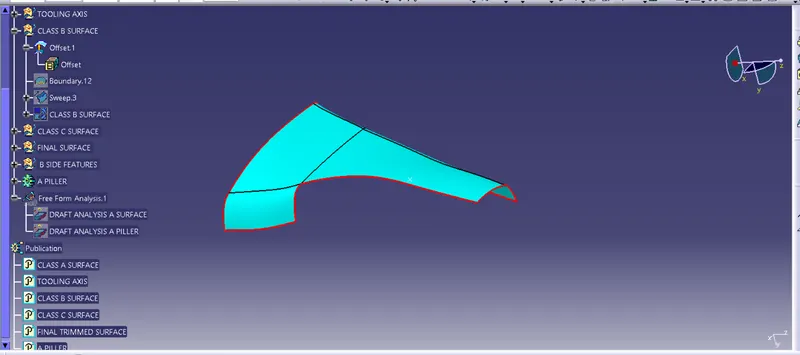
we got a big patch opening in our offset so to fill this patch we are using the sweep command which is
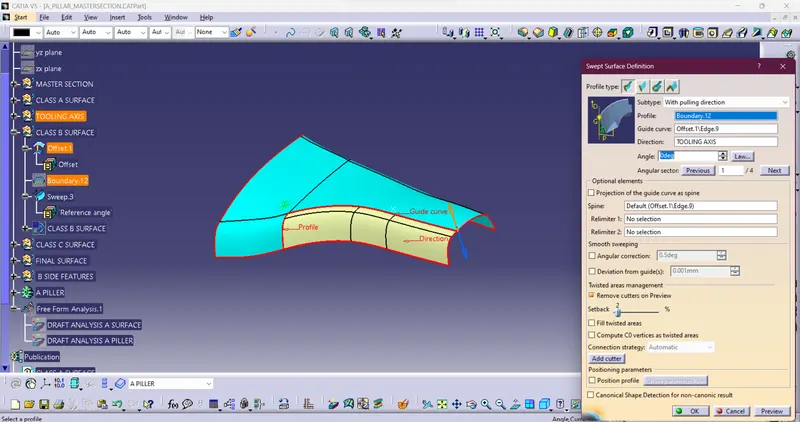
By this our B-side surface is ready and after joining both the surface b surface is completely ready.
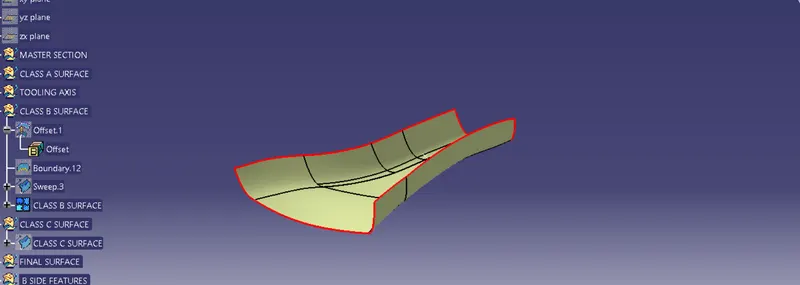
Class C surface - For making class C surface we have to take the boundary of class A and take a proper sweep i.e.
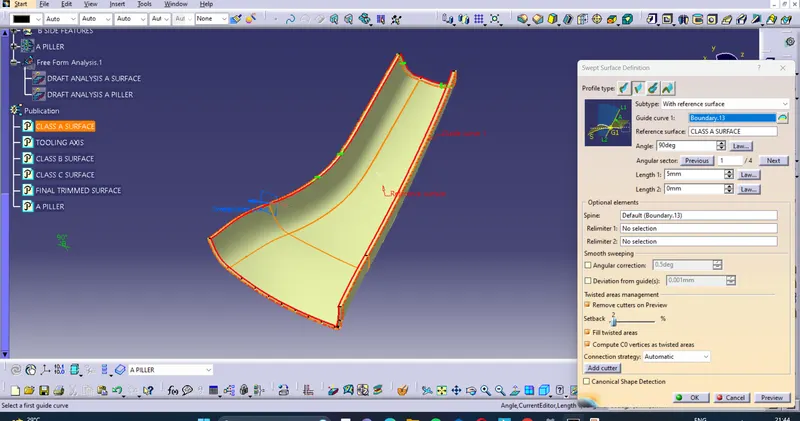
end result of the sweep is -
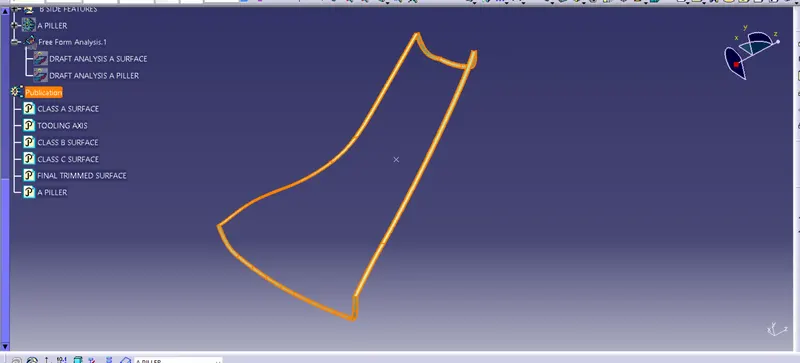
Final completed surface - First we have to join Class A and Class C.
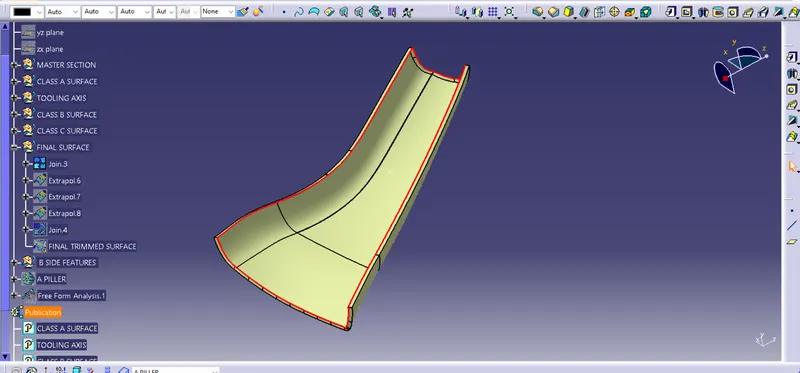
Second, we have to make a trim between joined A and C, and B surfaces which are -
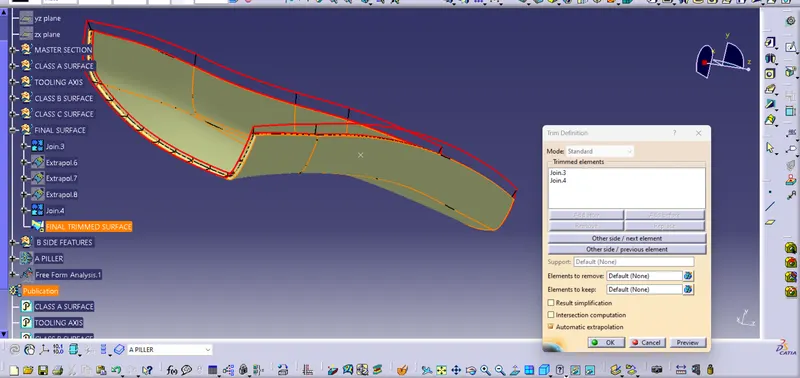
and as a result, we get -
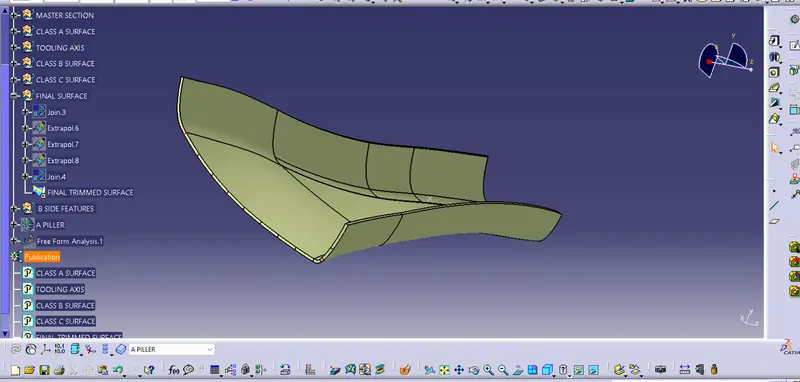
Closed solid surface as part - Now we have to transfer to the part workbench and make it a closed surface.
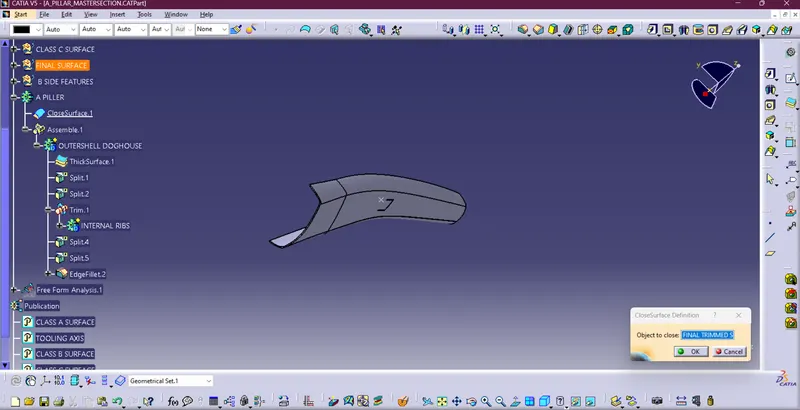
B side features using master sections- For making B Side features w have to make different planes using master section lines and make sketches on them i.e.-
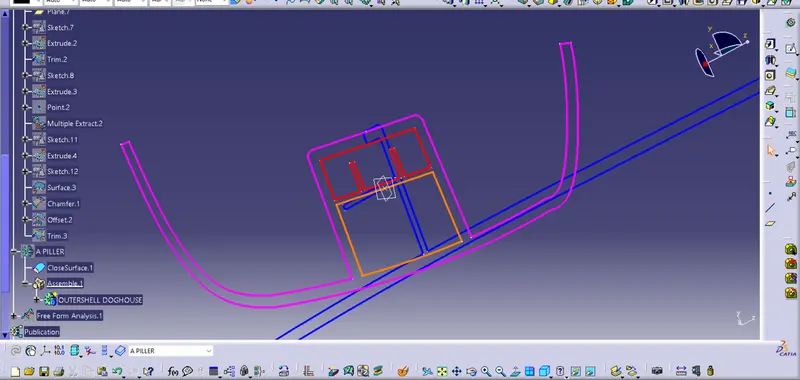
after making planes we have to make sketches according to the master section.
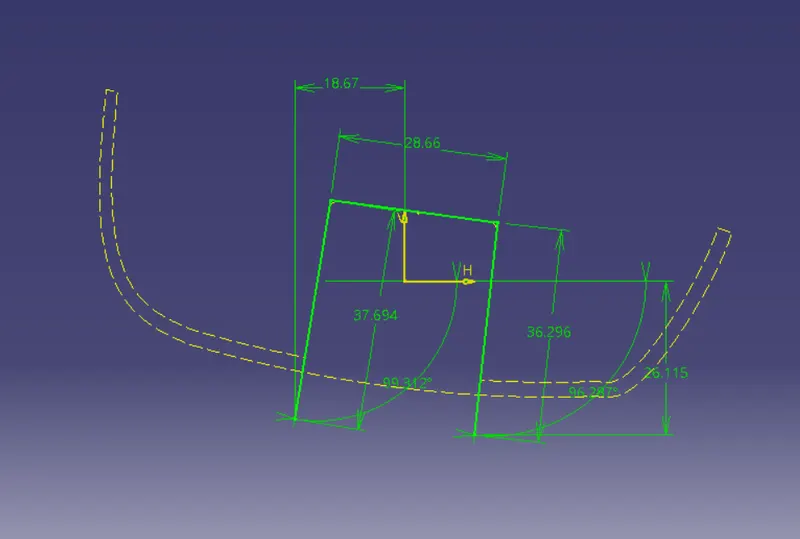
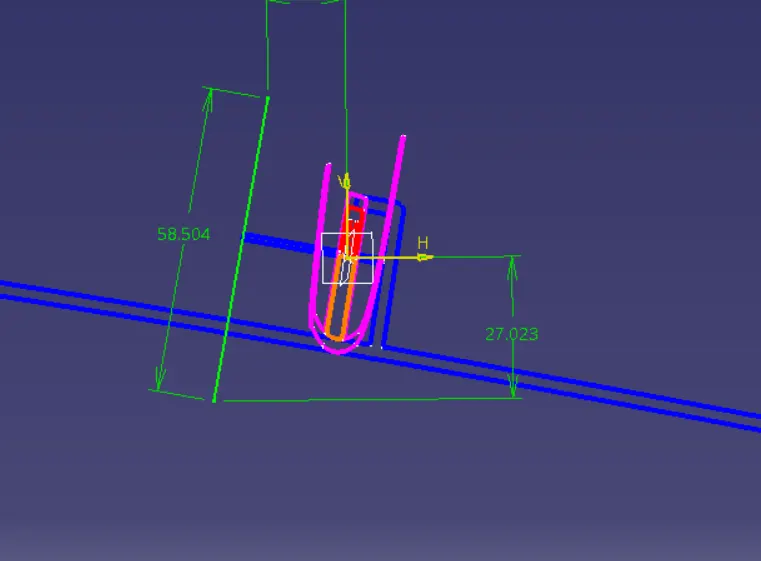
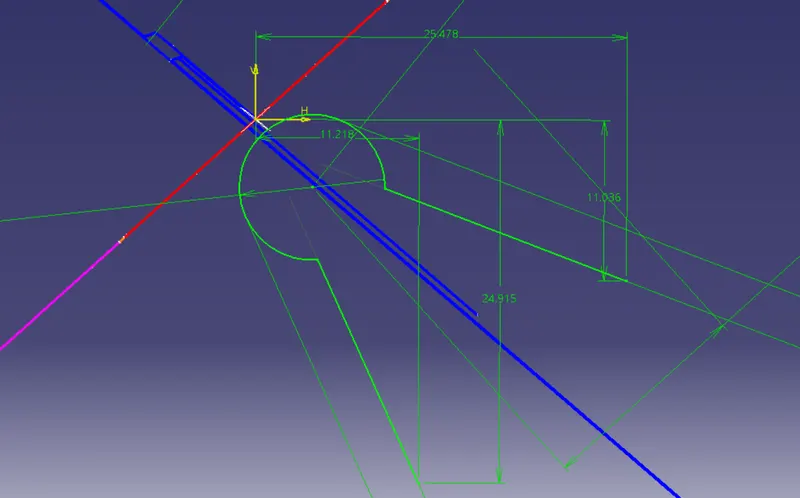
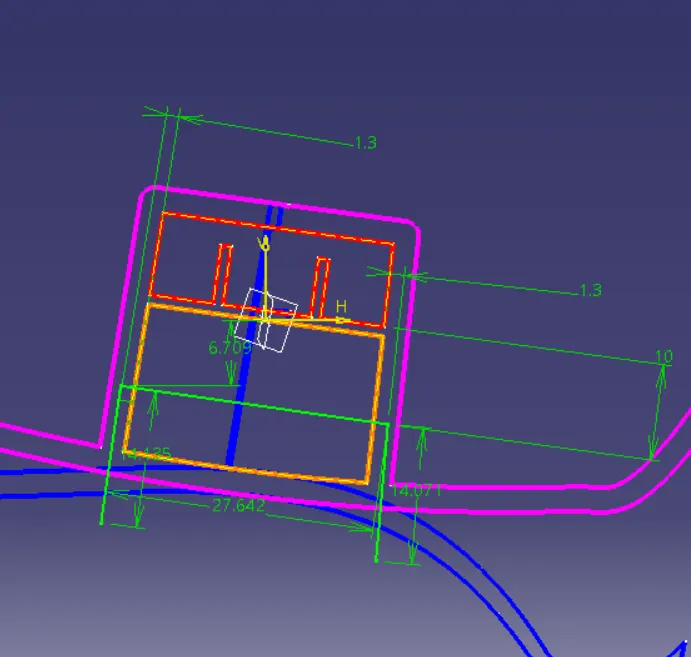
after making sketches using extrude, trim, chamfer, and multiple extracts we can make our desired dog house given according to them. i.e-
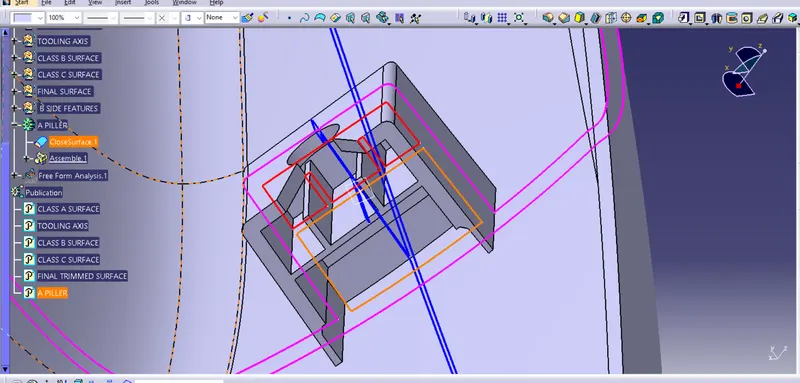
as we can see the master section helps a lot to make the dog house perfect.
Draft analysis -
Class A draft analysis -
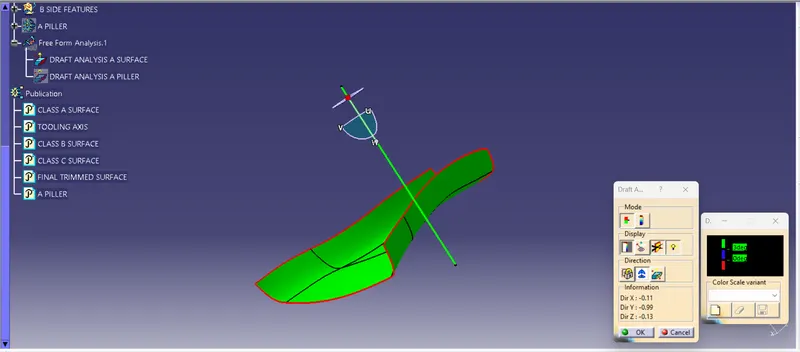
A piller draft analysis -
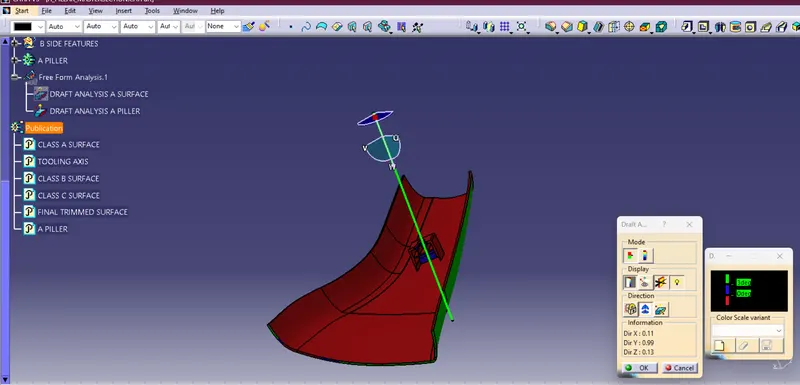
Tree structure -
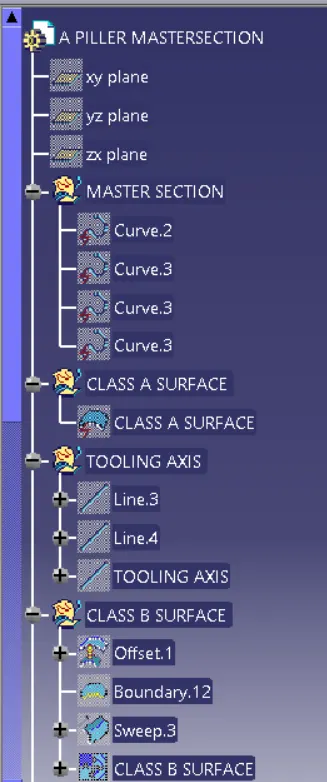
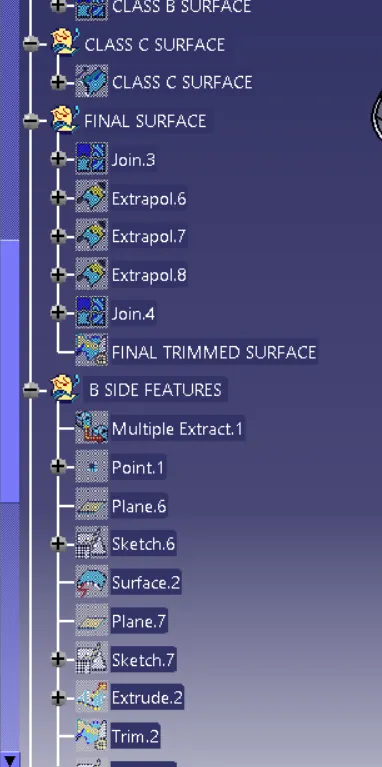
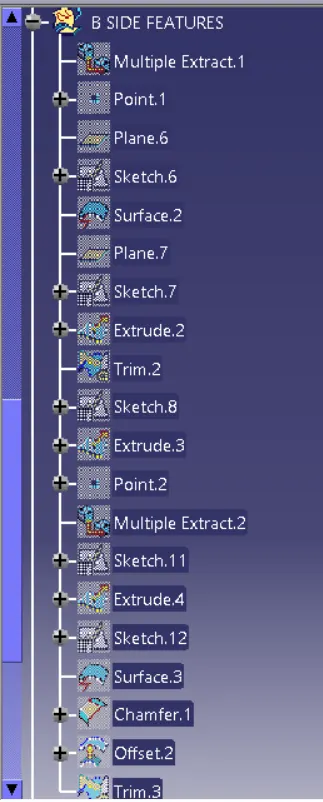
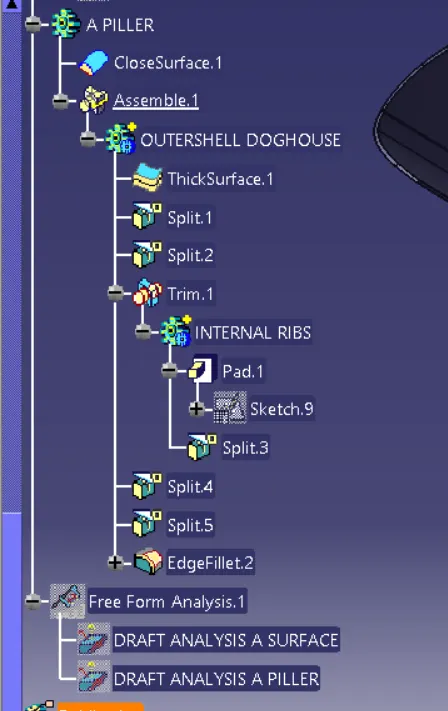
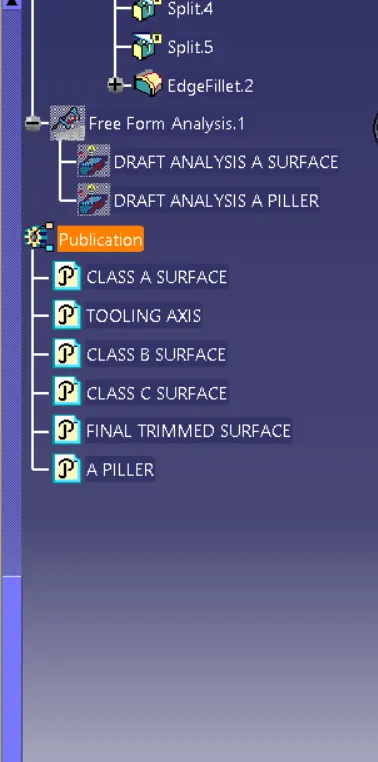
This challenge teaches us to do smart work and make our dog house using the master section.