Week 11 - Final project
Final project
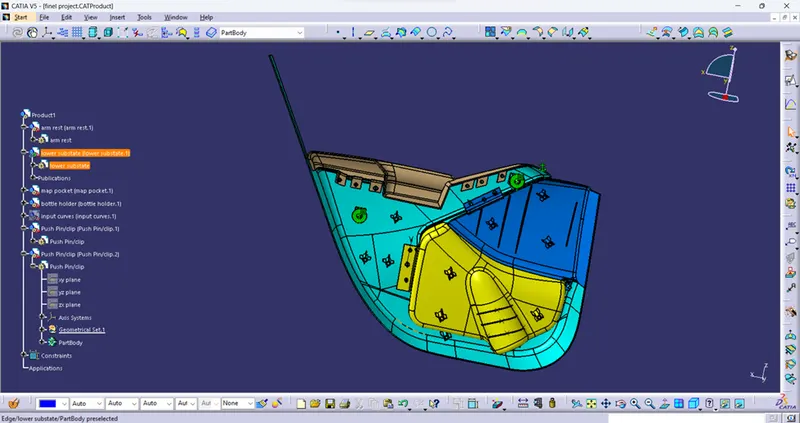
Create a door trim panel with respect to given class A
first up all we create a assembly product and import all the product in the assembly
by using copy and paste the part
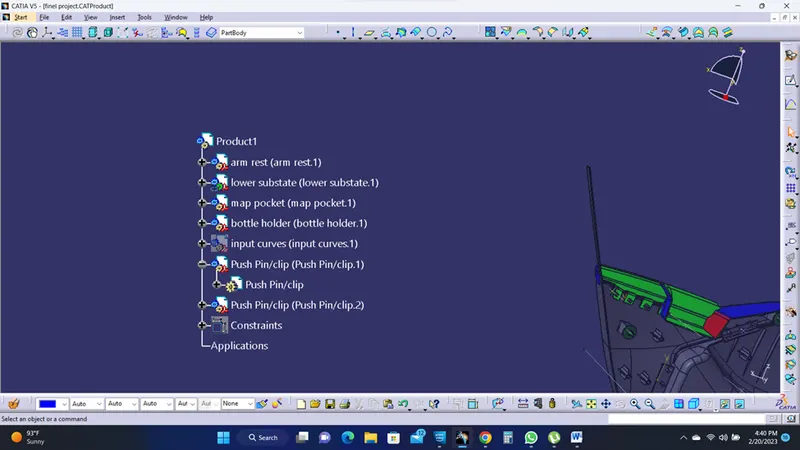
then check the all the given part one by one its correctly copied or not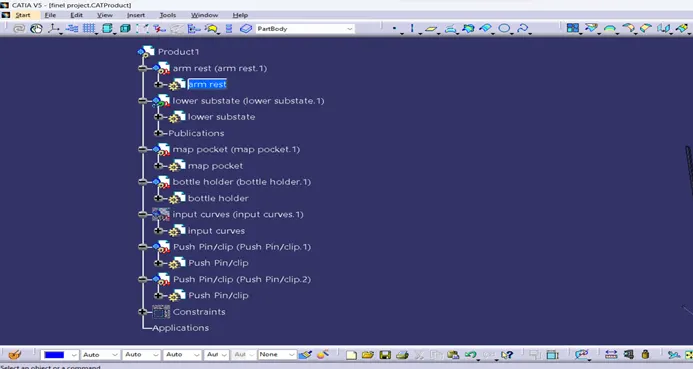
ARM REST
Then check the given class a surface using draft analysis with the help of tooling axis.
Draft analysis for the arm rest component:
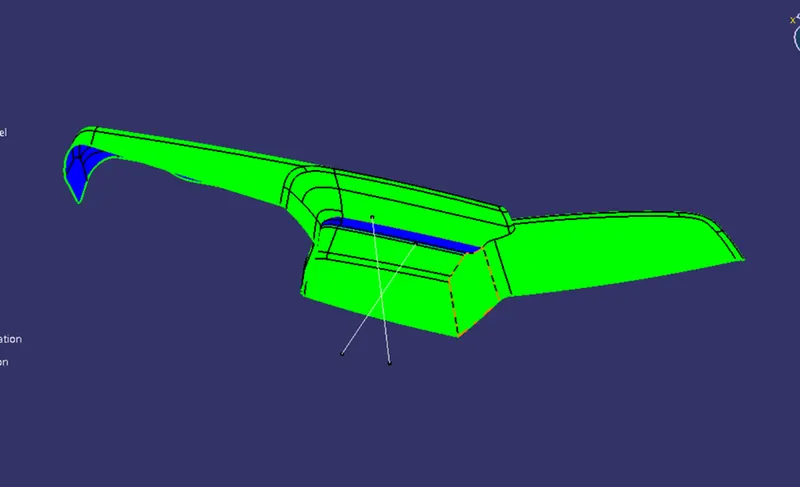
Check with side tooling axis also.
Then go for the b surface creation if the class a surface is ok, with the help of OFFSET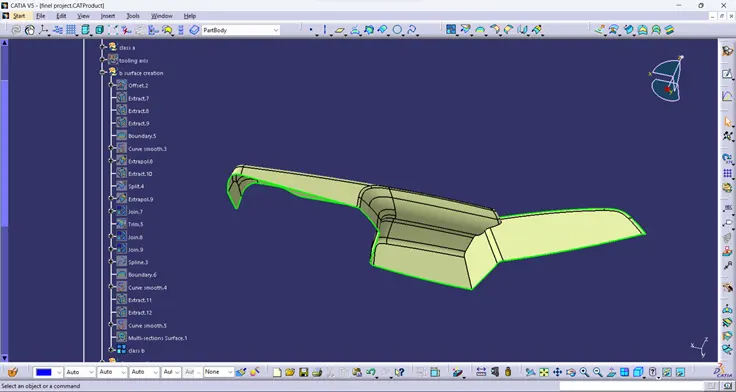
Check any missing patches and correct it with appropriate tools.
If the class b is ok go for the class c surface with the help of BOUNDARY and SWEEP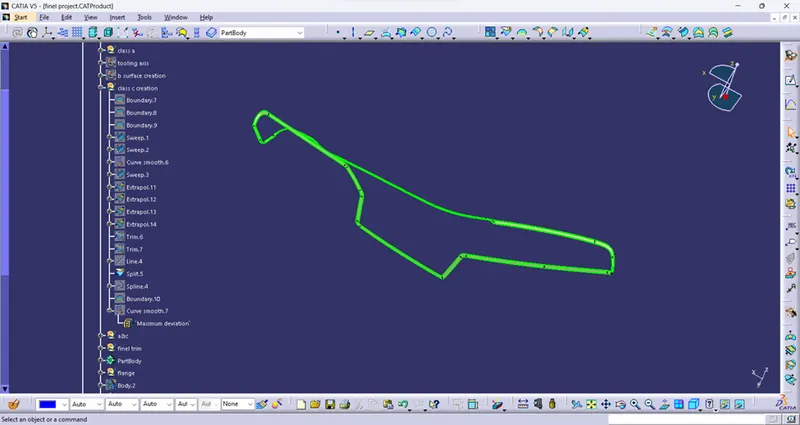
Clear the missing patches with the help of MULTI SECTION SURFACE
Then join both A&C surfaces ,
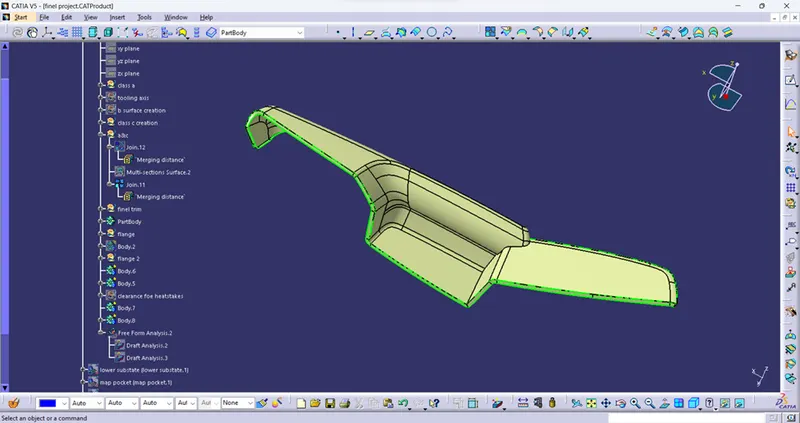
The do a FINAL TRIM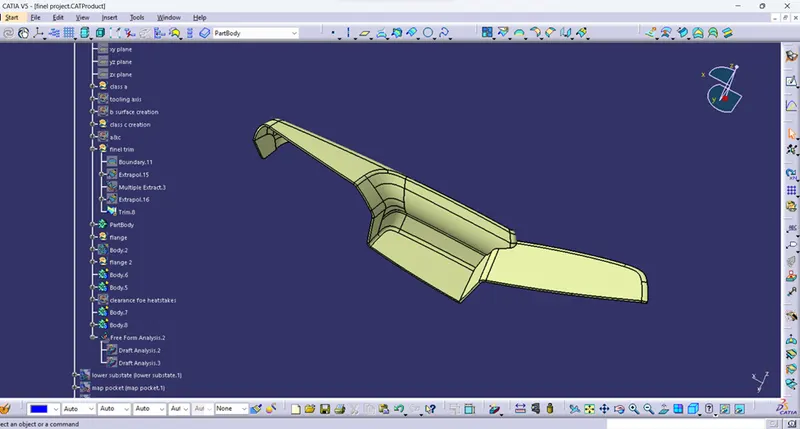
If the final component is ok go for the CLOSE BODY in PART workbench
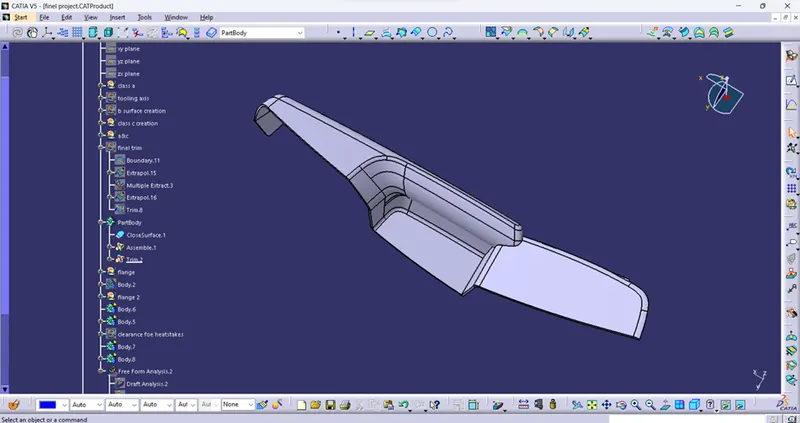
Do the above procedure for the remaining components
LOWER SUBSTATE
Class a surface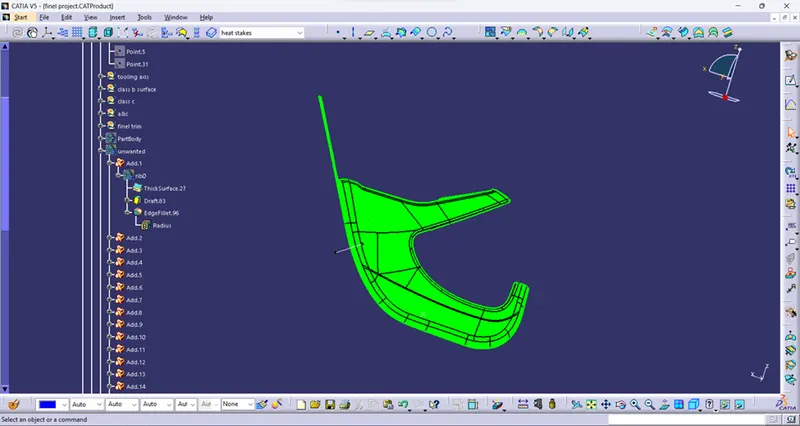
Class b surface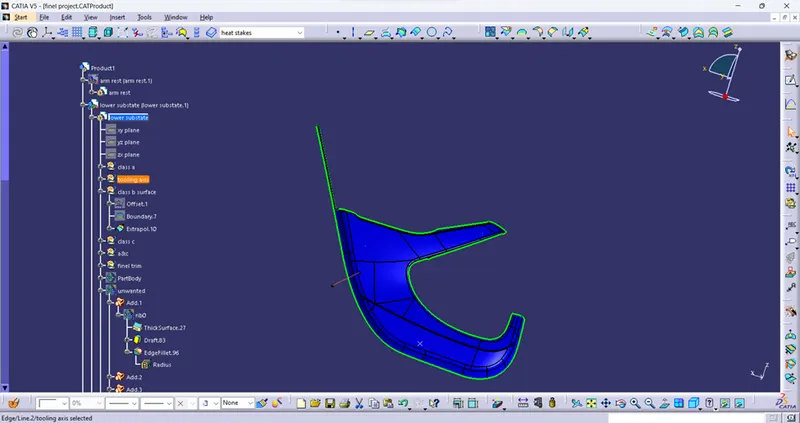
Class c surface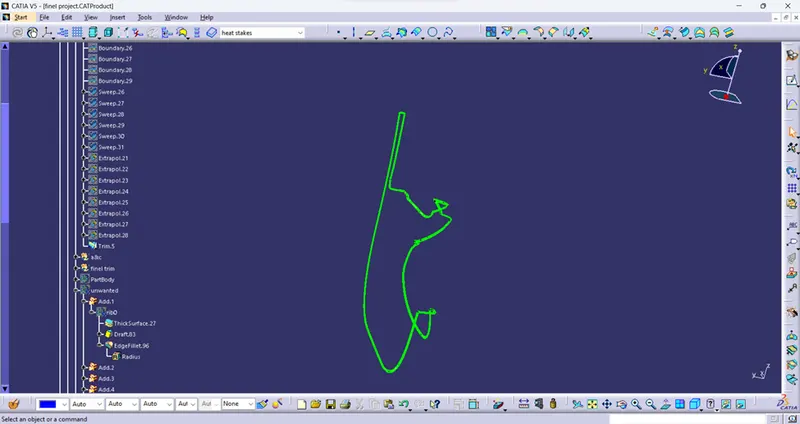
Class A&C surfaces,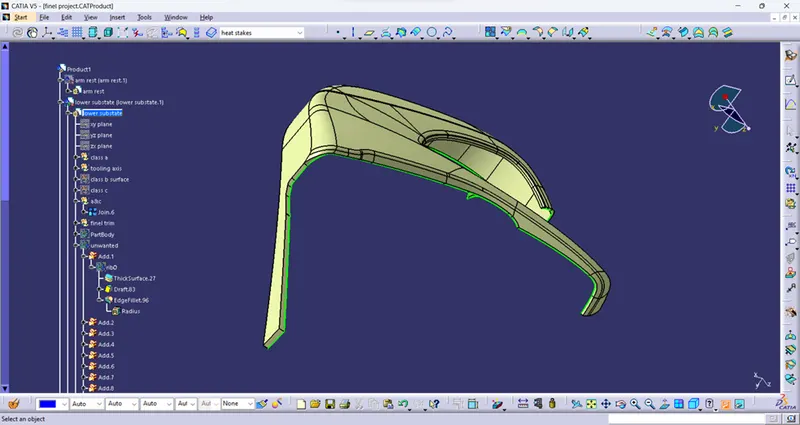
Final trim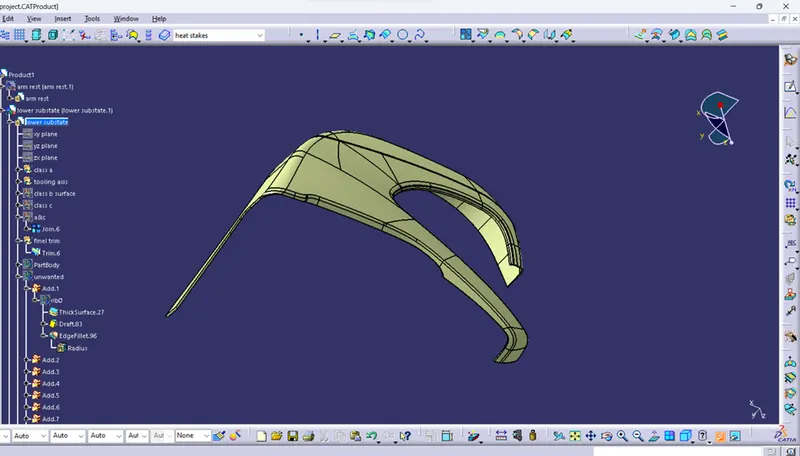
Draft analysis for the final component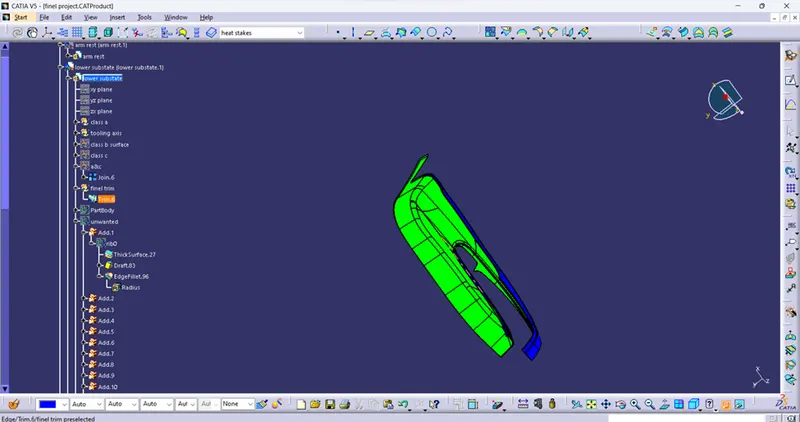
Final part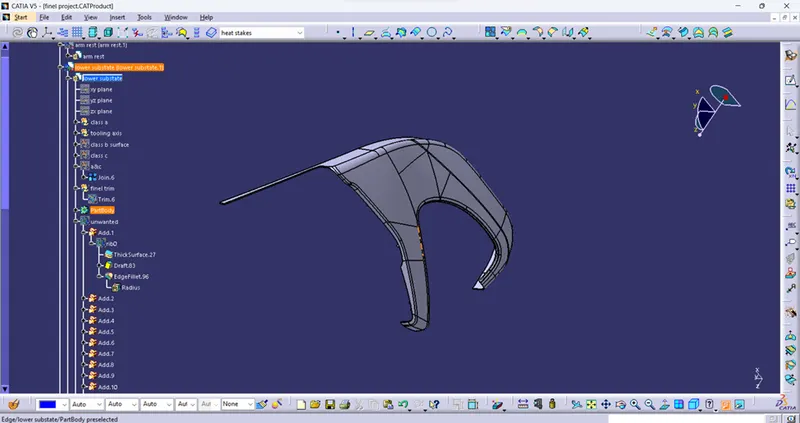
MAP POCKET
Class a surface with draft analysis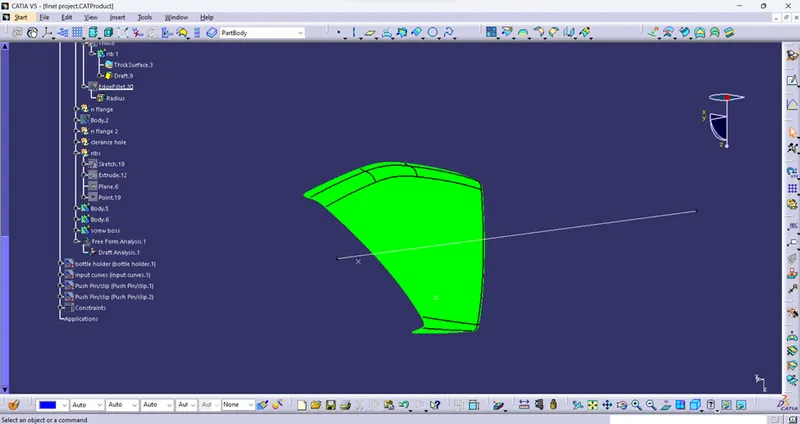
Class b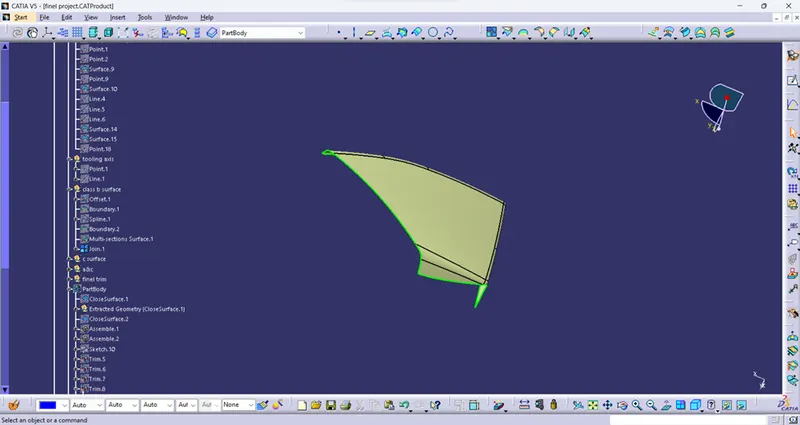
Class c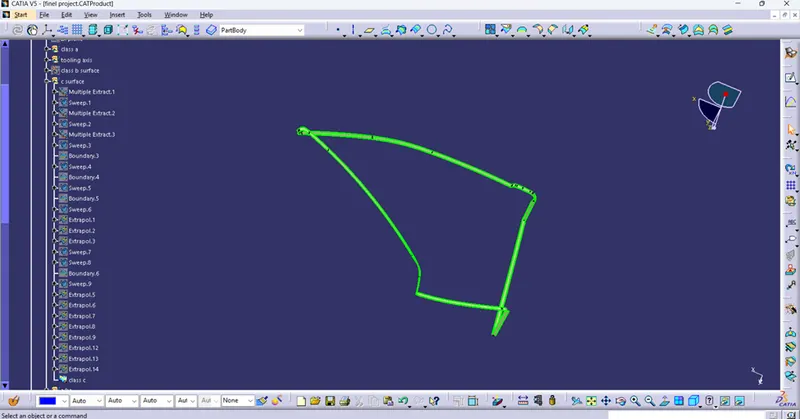
Final part with draft analysis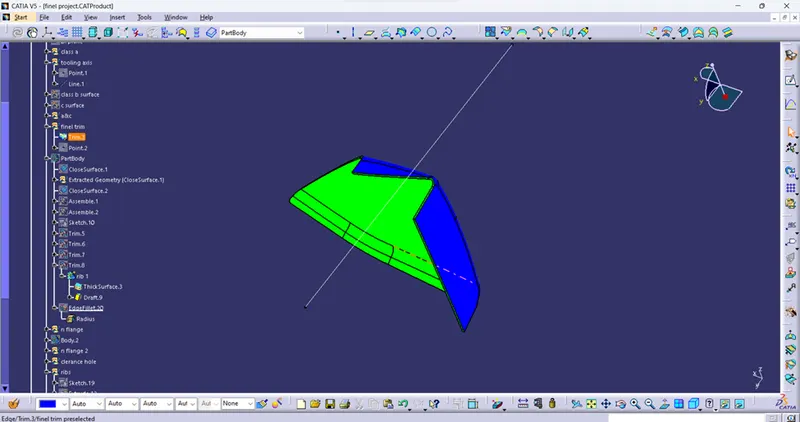
Final closed body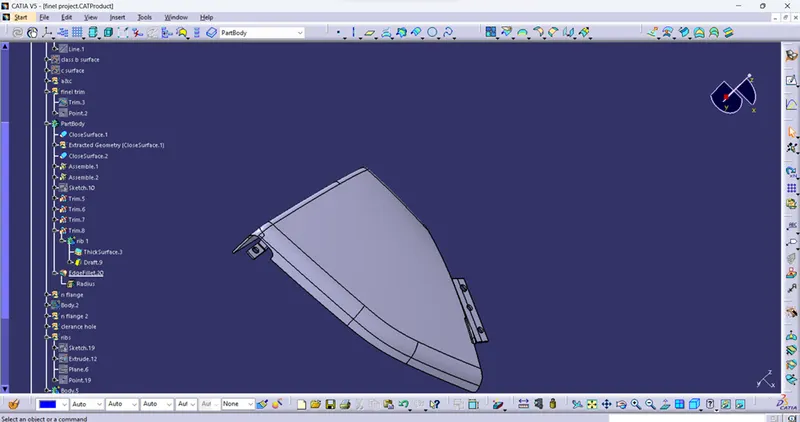
BOTTLE HOLDER
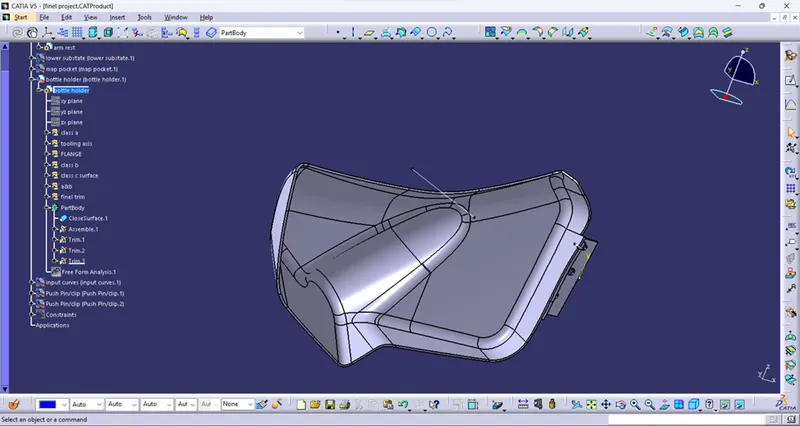
OVERALL ASSEMBLED VIEW BEFORE CREATE THE ENGINEERING FEATURES: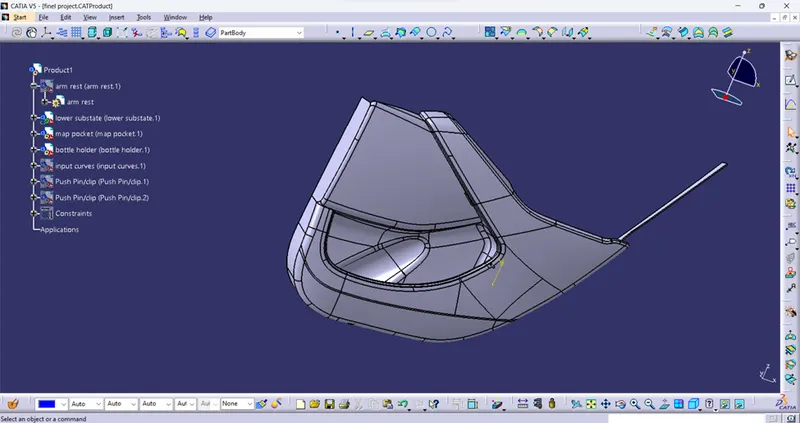
then create the engineering features below on the parts where they required
Like
- screw bosses
- dog house
- ribs
- heat stake
also create the flanges with respect to master section
final assembly with all engineering feature