Week 11 - Final project
OBJECTIVE
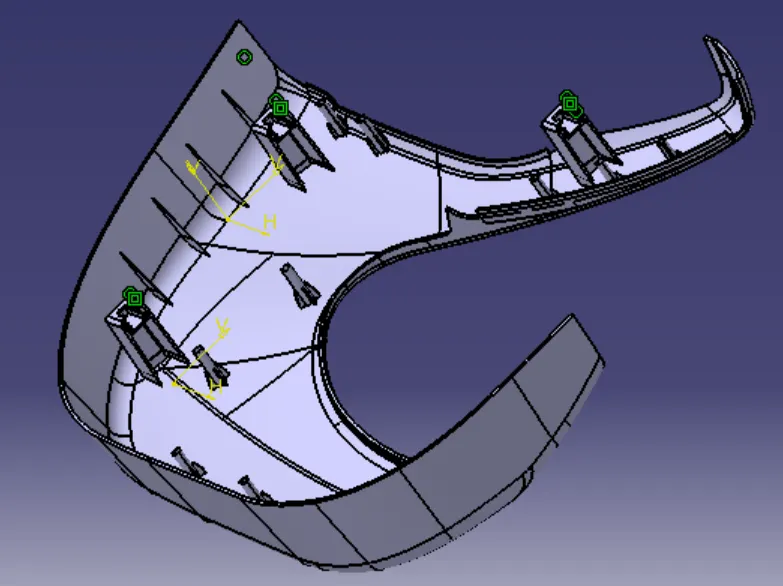
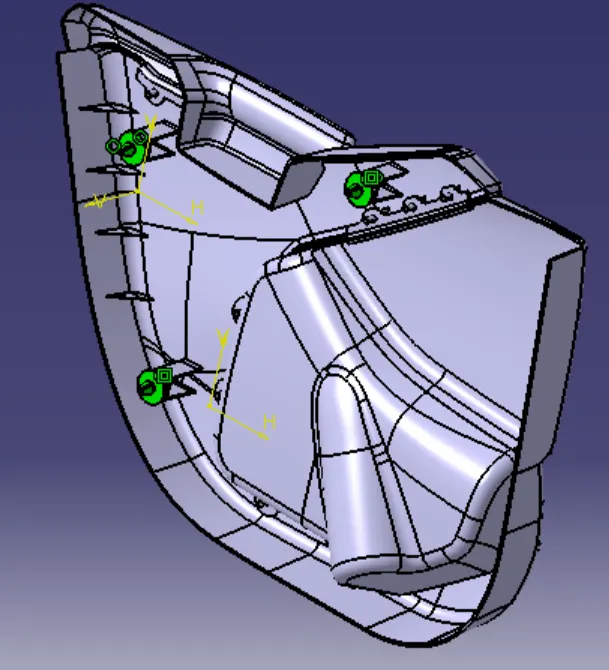
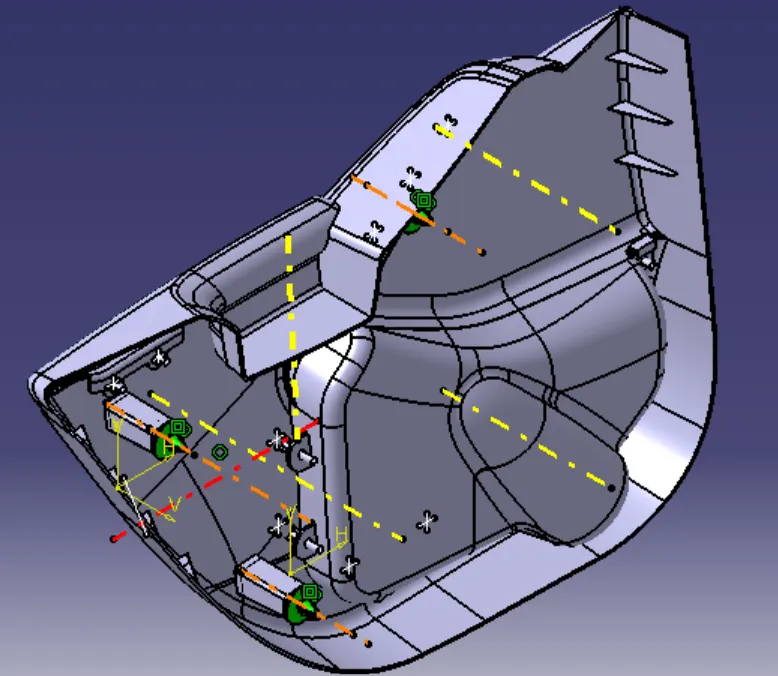
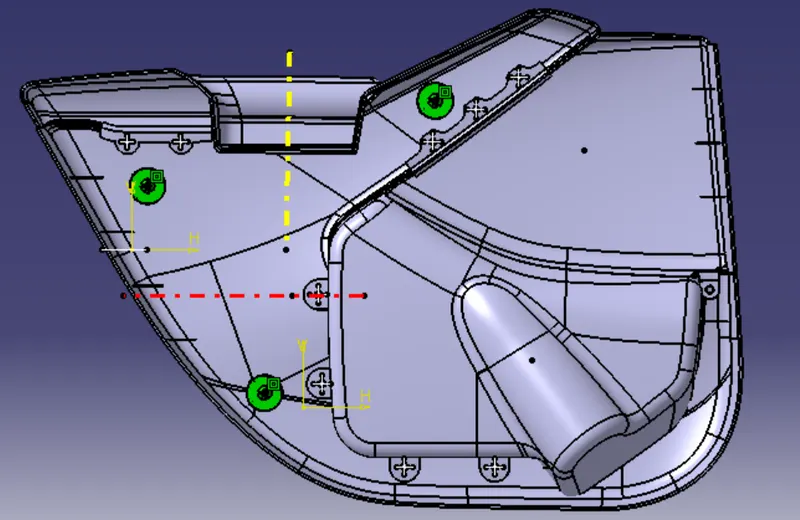
To create Door interior parts from the given data of class-A surface along with master section by the following the design rules using catia v5.
INPUT DATA
Door Interior has 4 components
1. Door arm rest
2. Lower substrate
3. Map pocket
4. Map pocket substrate
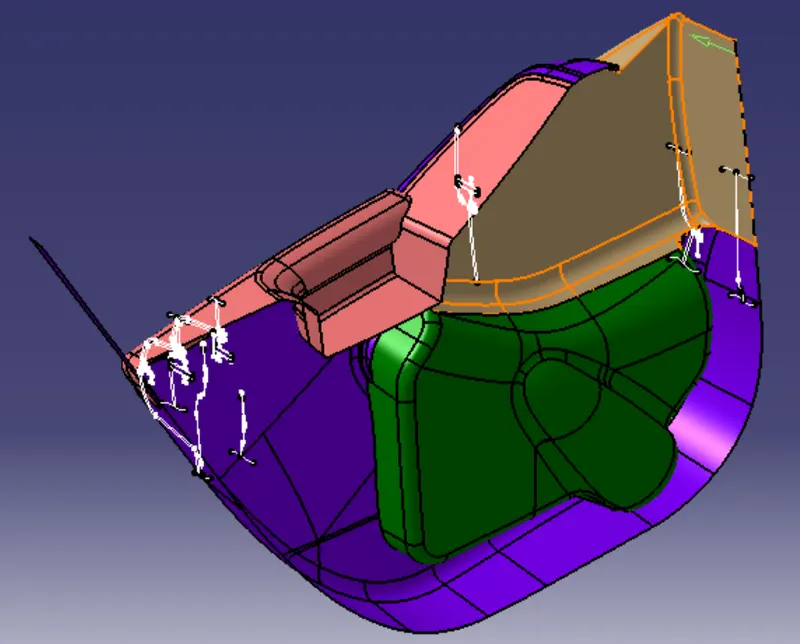
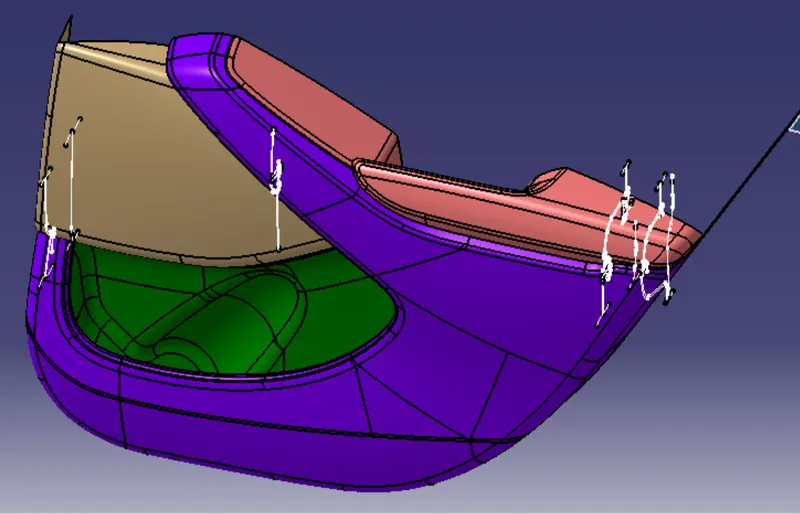
The input class-A surface is containing four different component. So class B, C surface and mechanical features has been created in separate Catpart and also performing draft analysis and tooling axis separately. Finally all the surface have assembled together in one Catproduct.
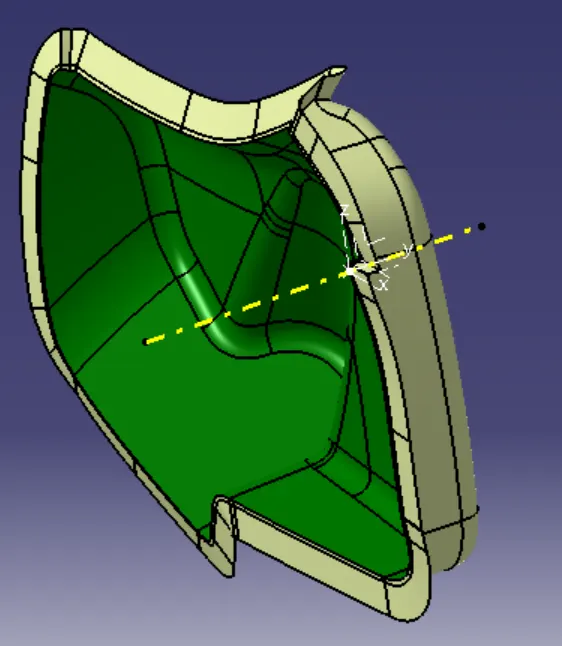
Creation Lower substrate
1. Create the tooling axis, First point on the surface insert axis system on the point.
2.Use line tool create a line on the point and direction to Y axis.
3. Create the B-surface, offset the class-A surface to 2.5mm.
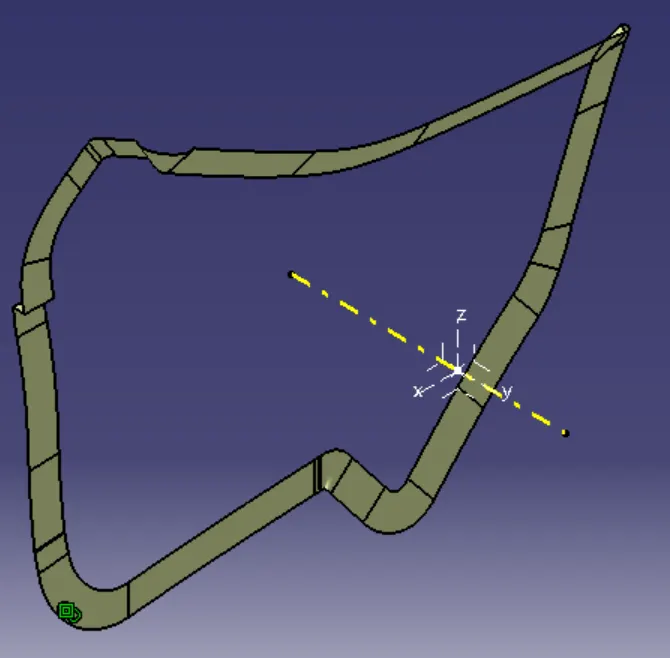
4. Create the C-surface, multiple extract the boundary of the lower substrate.
5. Sweep the extract boundary reference to the surface and trim with the B-surface.
6. Join the Class-A surface and trim surface then in part work bench make close body
7. Draft analysis of the surface.
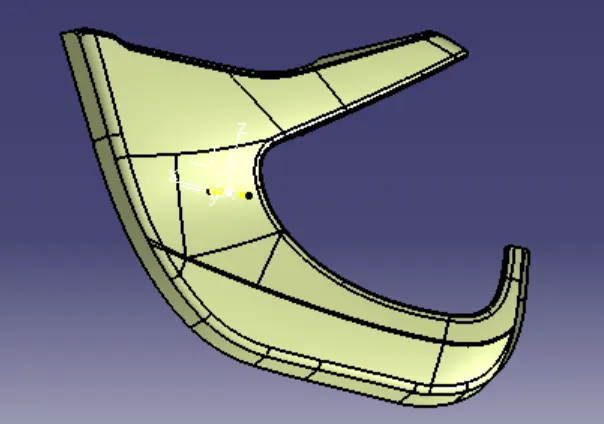
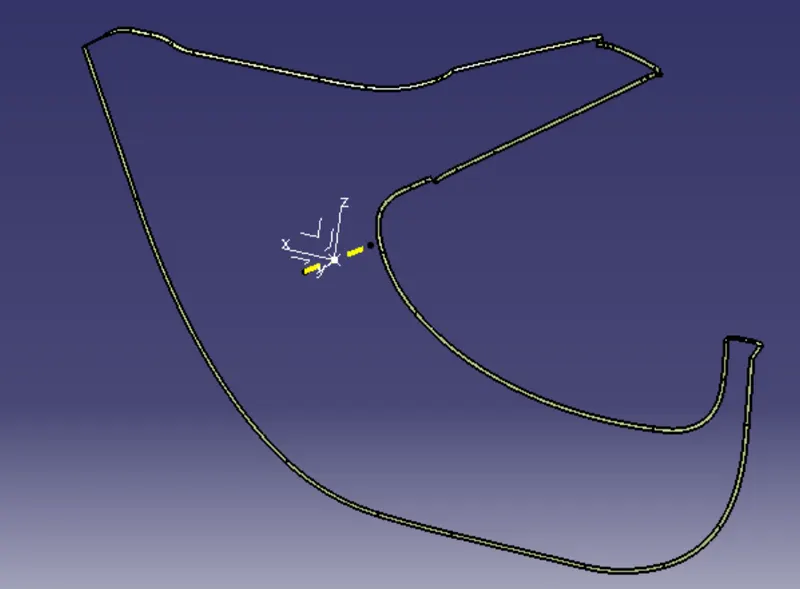
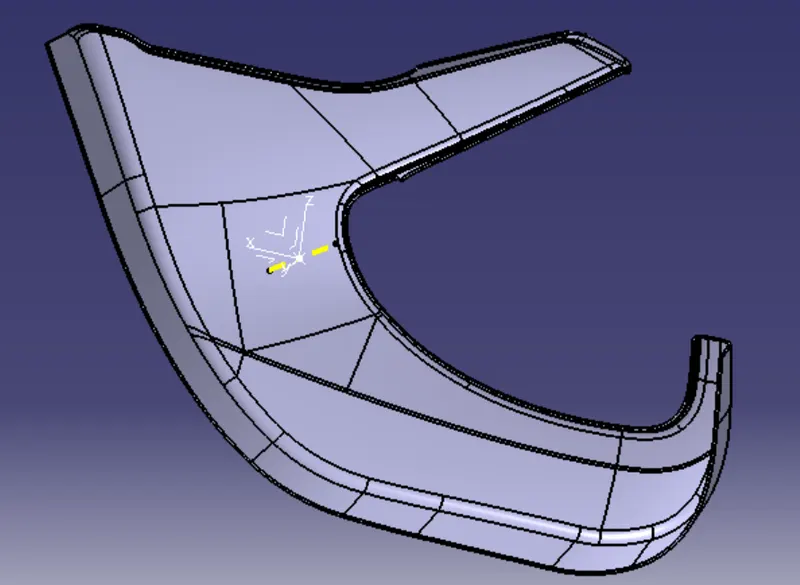
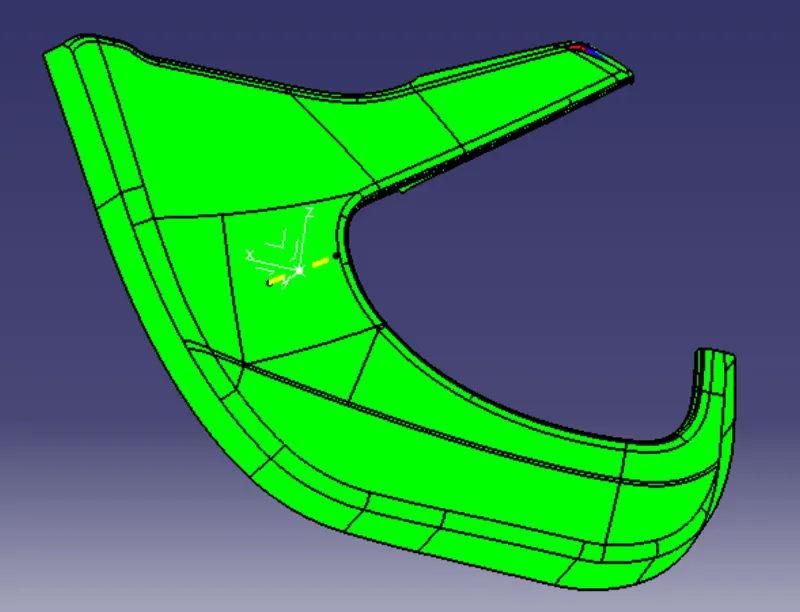
8. Create the B-side features like flanges as per the master section for door arm and map pocket substrate, first extract the line from master section and extrapolate.
9. Use sweep tool and select the type-1 in reference to surface select the line as profile and guide curve as the lower substrate edge.
10. Trim the sweep surfaces and create geometrical set this as A-surface flange.
11. Create new geometrical set as B-surface flange offset the A-surface flange.
12. Create the C-surface for flange use Mulitiple extract the A- surface flange boundary and sweep reference to the surface then trim with the B-surface flange then open the part work bench create the close surface of the flange.
13. Use boolean operation define the lower substrate part body and union trim with the flanges body.
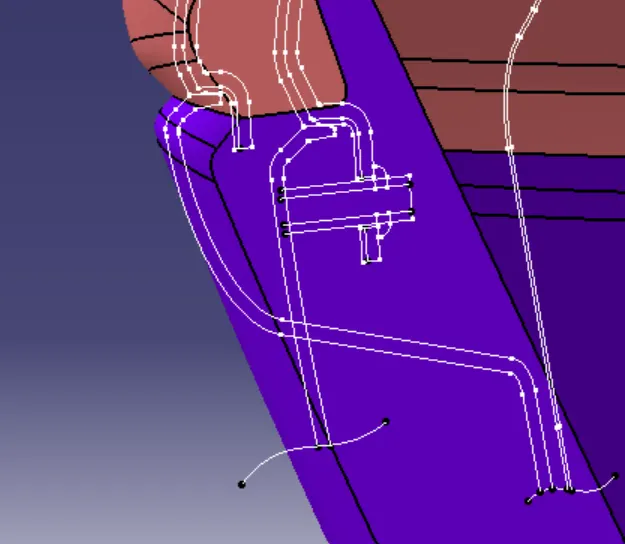
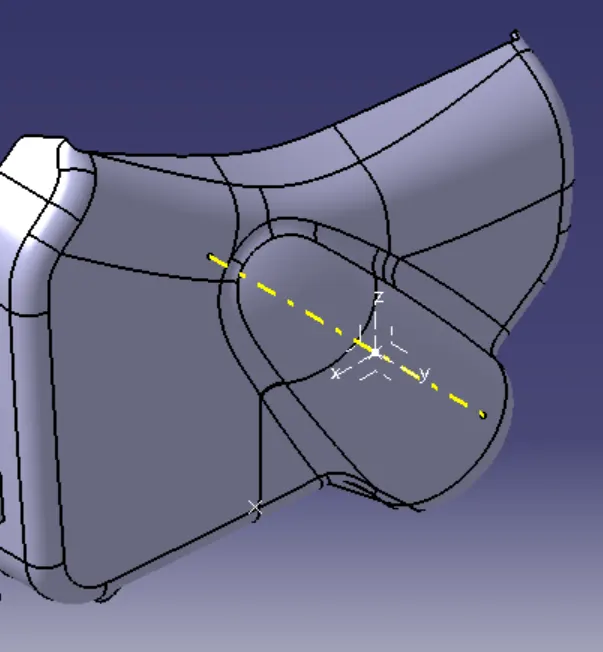
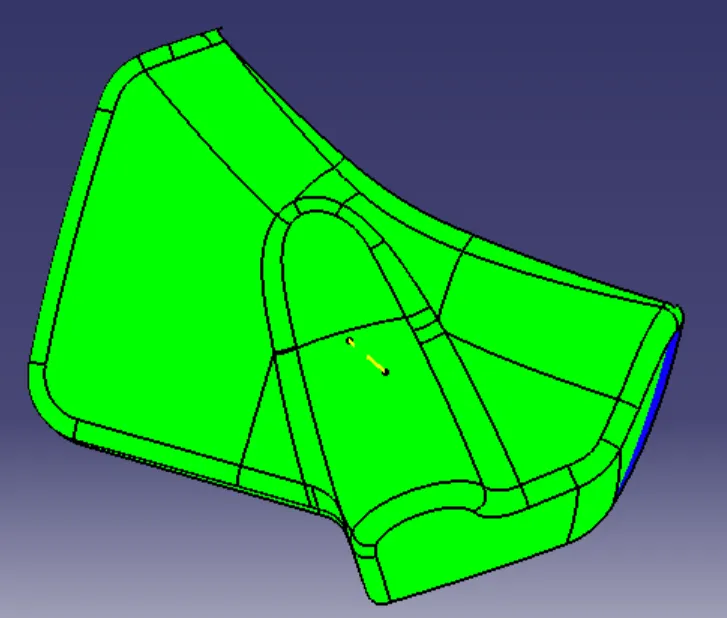
Creation of Map pocket
14. Create the tooling axis, First point on the surface and create line on the point and direction to Y axis.
15. Creation of B-surface use offset of 2.5mm from Class-A surface
16. Creation of C- surface, multiple extract the boundary of the class-A surface and smooth curve then sweep the curve.
17. Use join with Class-A surface and sweep surface then trim with the B-surface.
18. Open the part work bench and use close surface of the map pocket and draft analysis of the map pocket.
Creation of Map pocket Substrate
19. Create the tooling axis, First point on the surface and create line on the point and direction to Y axis.
20. Creation of B-surface use offset of 2.5mm from Class-A surface and clear the patches on surface then join with the B-surface.
21. Creation of C- surface, multiple extract the boundary of the class-A surface and smooth curve then sweep the curve.
22. Use join with Class-A surface and sweep surface then trim with the B-surface.
23. Open the part work bench and use close surface of the map pocket substrate and draft analysis of the solid part.
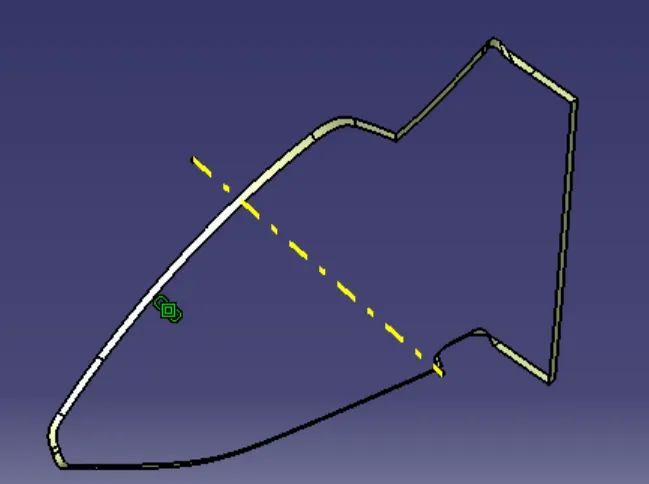
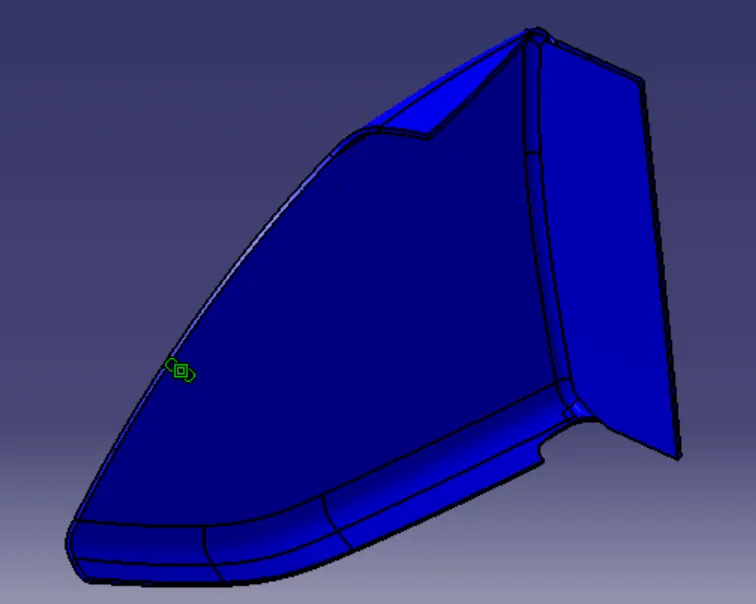
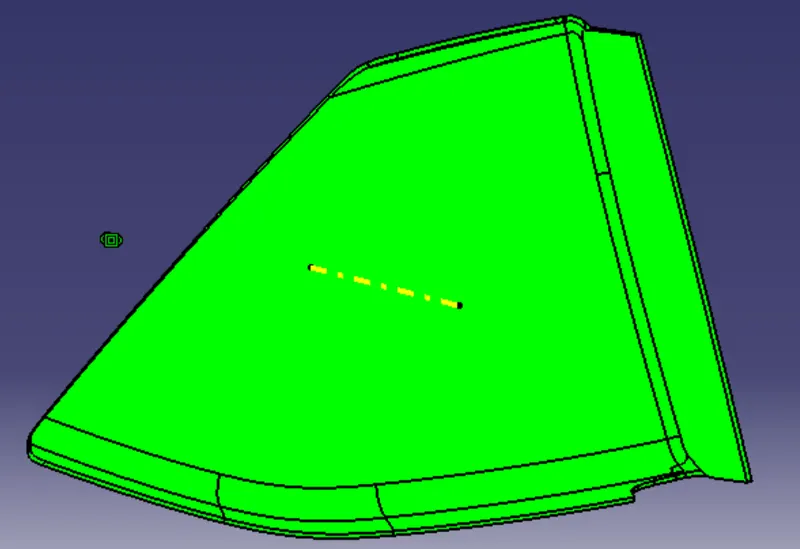
Creation of Door arm rest
24. Create the tooling axis, make intersect of XZ and YZ axis create line on the intersect and bisecting the intersect line then bisecting of those lines name it as tooling axis.
25. Offset the B-surface of 2.5mm clear the patch surfaces with spline and multi-sectional surface then join the surface with B-surface.
26. Multiple extract the boundary of surface of class-A surface and sweep.
27. Join the class-A surface and sweep surface then trim the surface with B-surface.
28. Open part work bench create the close surface of Door arm rest and draft analysis of solid model.
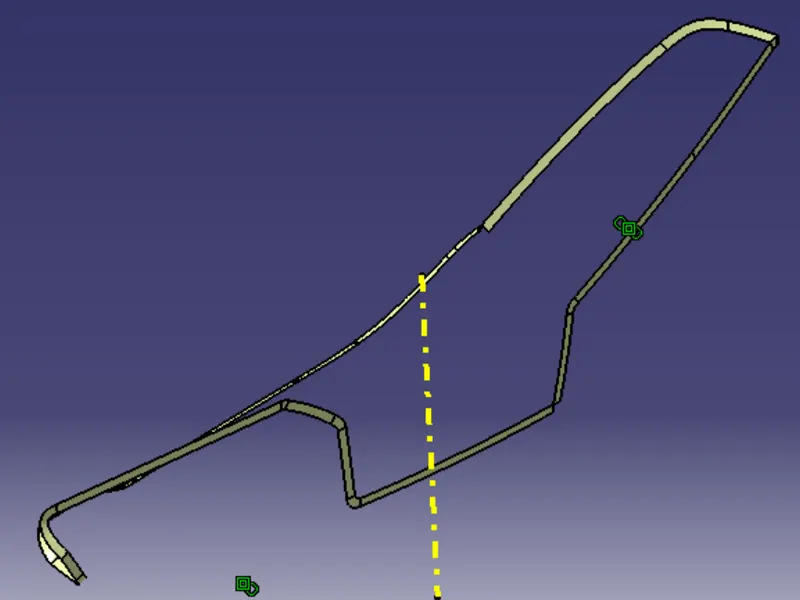
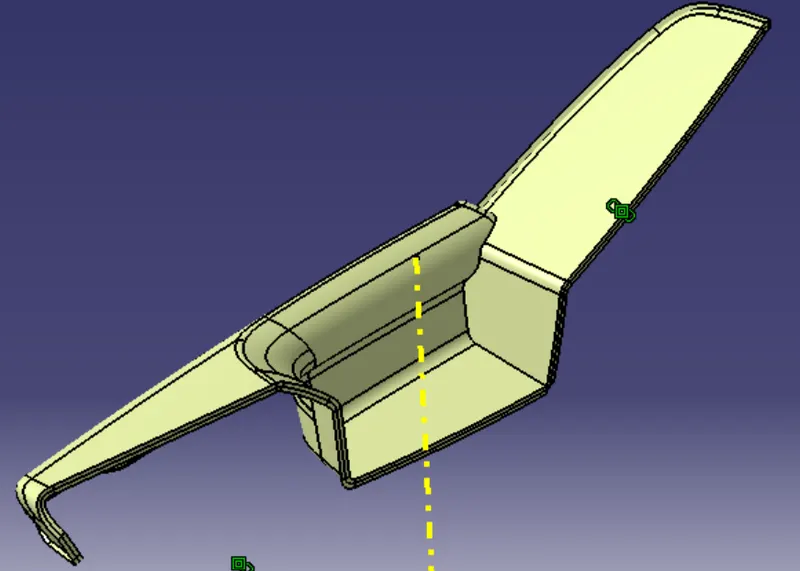
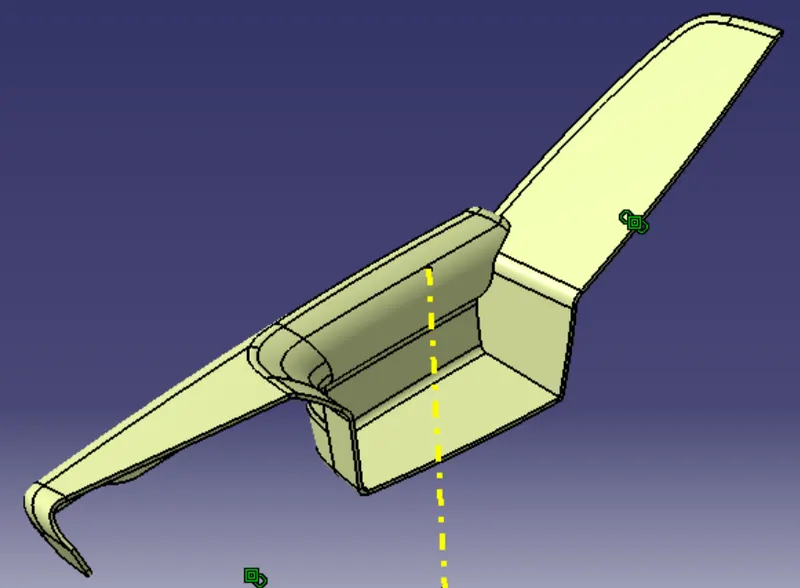
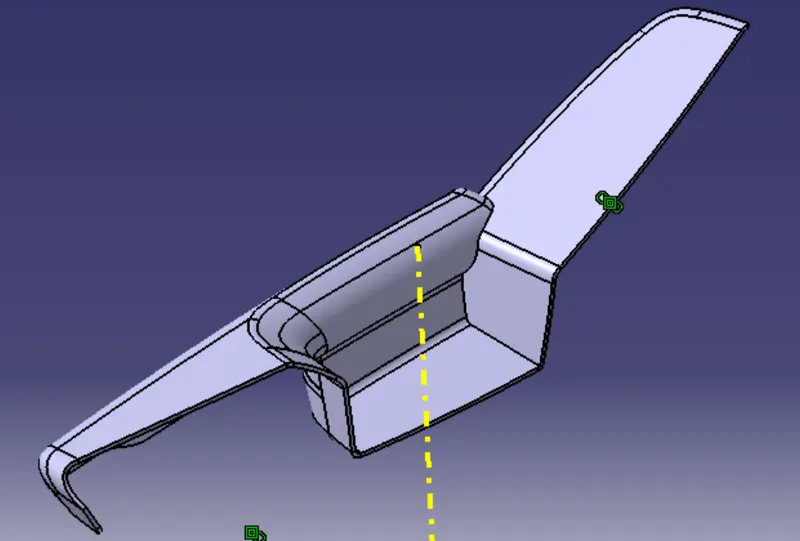
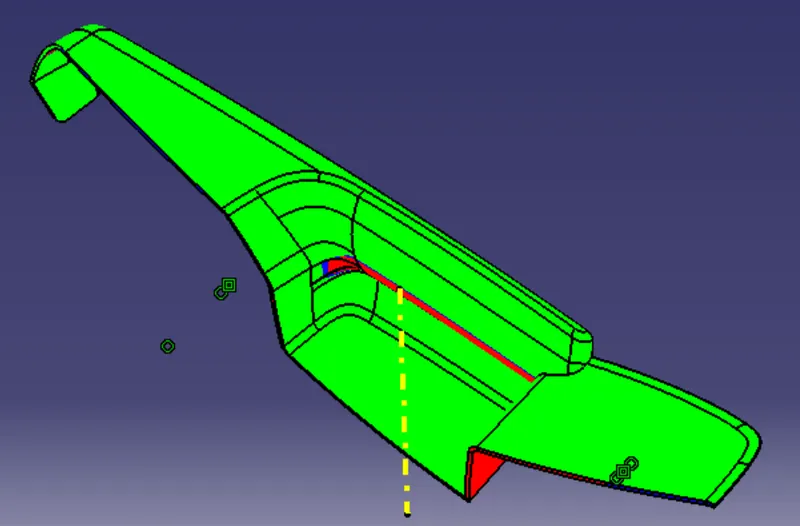
Creation of B-side features
29. Create the B-side features, flanges on the door arm rest, map pocket and map pocket substrate first extract the line from master section and extrapolate.
30. Use sweep tool and select the type-1 in reference to surface select the line as profile and guide curve as the boundary of surface.
31. Trim the sweep surfaces and create geometrical set this as A-surface flange.
32. Create new geometrical set as B-surface flange offset the A-surface flange.
33. Create the C-surface for flange use Mulitiple extract the A- surface flange boundary and sweep reference to the surface then trim with the B-surface flange then open the part work bench create the close surface of the flange.
34. Use boolean operation define the main part body and union trim with the flanges body.
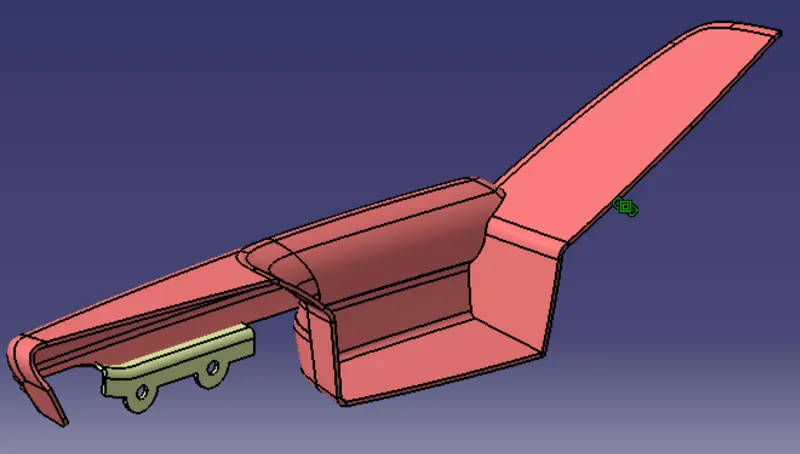
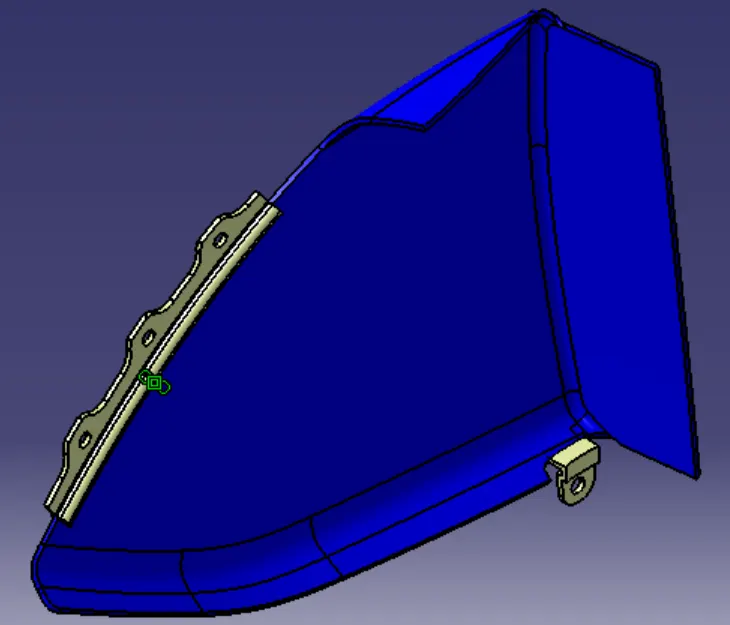
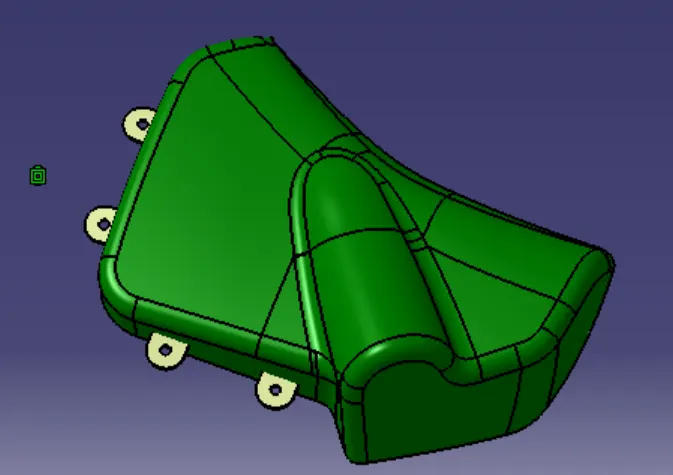
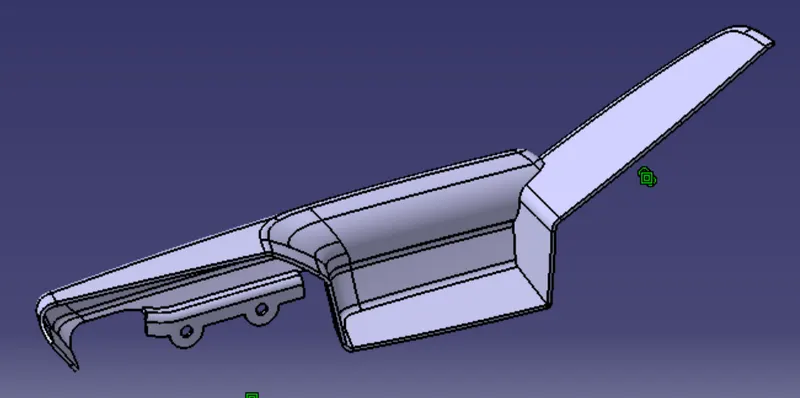
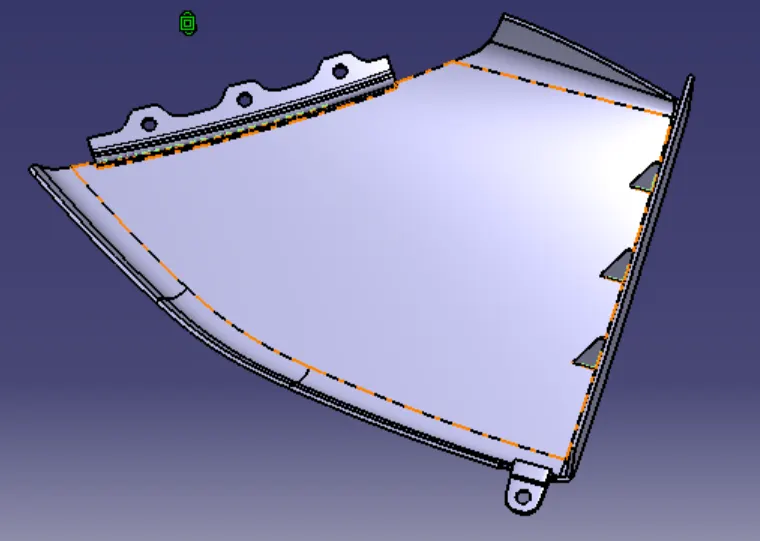
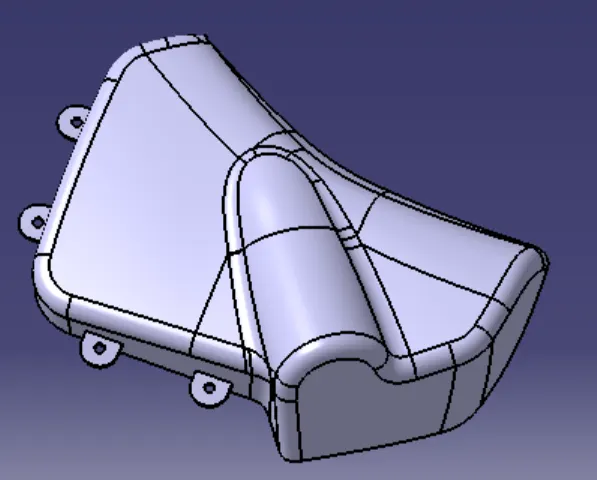
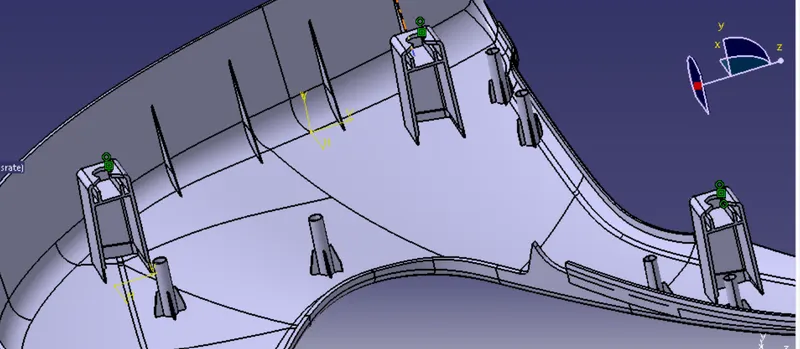
35. Create the heat steak, sketch the heat steak and extrude then in part work bench thicken the surfaces.
36. Provide draft angle of 0.5degree to the heat steak.
37. Create the ribs for the heat steak, Sketch for the ribs then extrude.
38. Open new body in part work bench thicken the surface provide chamfer and fillet to the part and provide 0.5mm draft to the part.
39. Use boolean operation, define the work part as main body and union trim to the heat steak then also union trim the ribs.
40. Create the Dog house, sketch the dog house and sweep with draft direction of 1.5degree.
41. Thicken the surface in part work bench draft of 0.5 degree for inside surface of dog house with side core tooling direction.
42. Create the supporting part for the pin in dog house, sketch the supporting part and extrude then thicken in the part work bench.
43. Use boolean operation define the work part as the dog house and union trim to the supporting part.
44. Insert the push pin and give assembly constrains to the push pin and dog house.
45. provide ribs to the lower substrate and map pocket substrate.