FINAL PROJECT - CAR'S SIDE DOOR TRIM
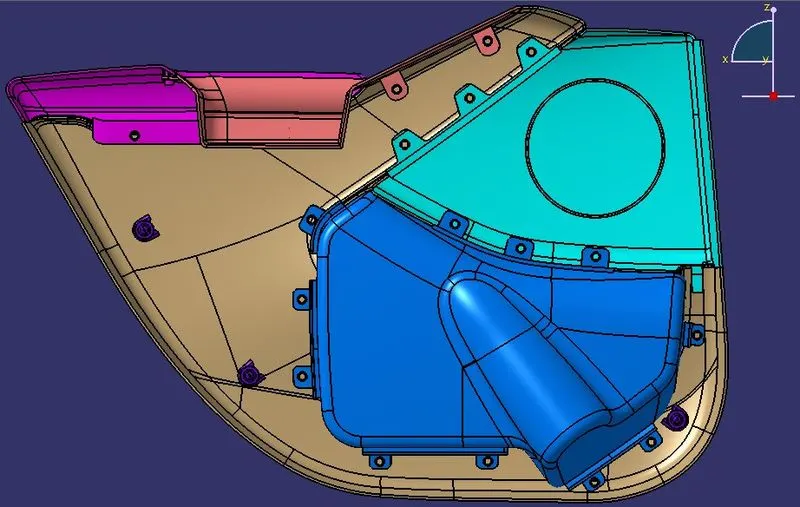
AIM : Creating Car’s Side Door Trim with Engineering Features.
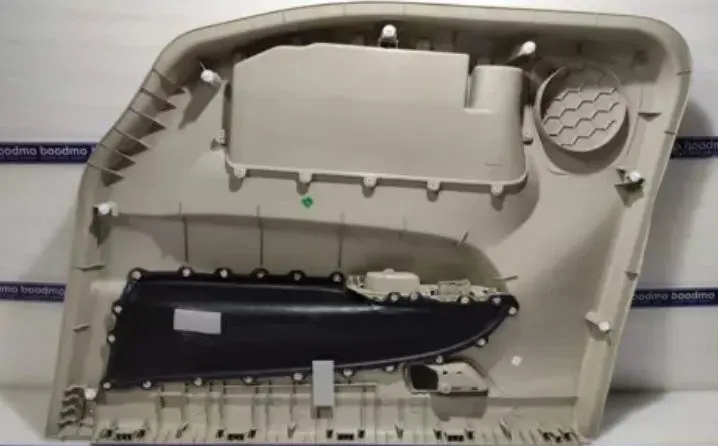
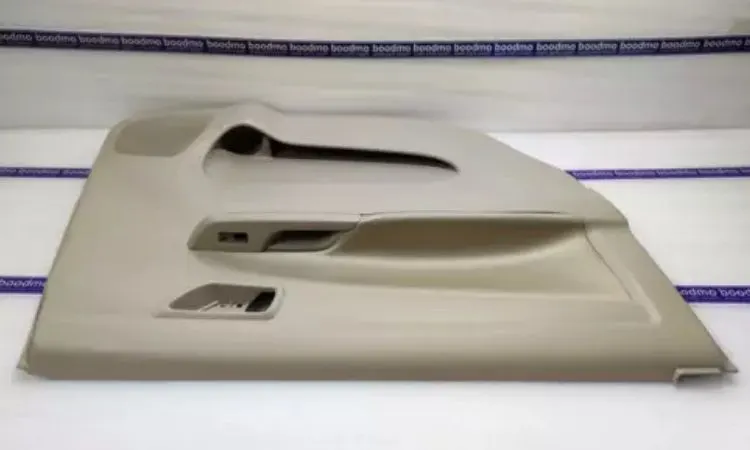
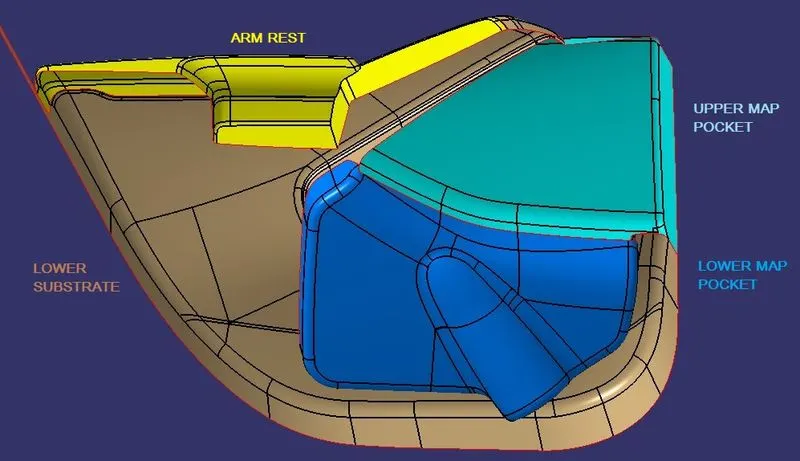
THEORY & TERMS : A car door is a type of door, typically hinged or attached by other mechanisms in front of an opening which is used for entering and exiting a vehicle. These doors can be opened manually, or powered electronically. vehicles today are usually operated by use of a handle which requires the user to pull, lift, or tug. Doors have an inner full-width panel consisting of arm rest, electric windows, central locking system, and speakers. These panels typically consist of a foamed core covered with either textiles or plastics.
Flanges : Flanges are the additional layer that is used as an attachment holder which gives strength to the component. It is generally used to connect the pipes, valves, etc. Flanged joints are made by bolting together two flanges with a gasket between them to provide a seal.
Heat Staking Process : Heat staking also known as thermoplastic staking is the process of joining two dissimilar materials together. The plastic is plasticized with the electrically heated riveting punch at the point of contact. It is then formed and pressed together under pressure. Once the power is off, cool air is used to cool the plastic.
Ribs : Ribs are a feature in plastic injection molded parts. They are thin extensions that run perpendicular from a wall or plane. They are commonly used to provide additional support and strength to a part.
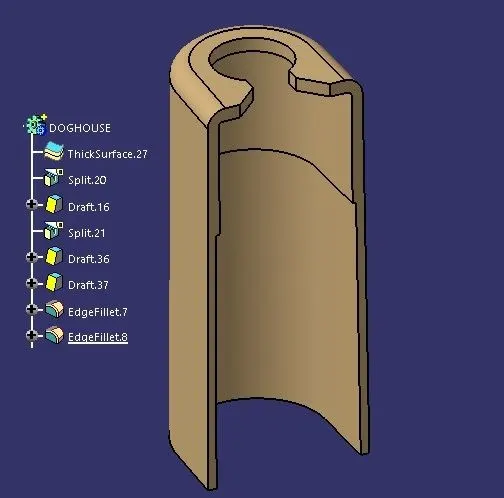
Dog House : Dog house is an engineering feature used in plastic trim design. Dog houses are used as supporting features. Sometimes other engineering features like snaps, locators are mounted on them to increase their strength.
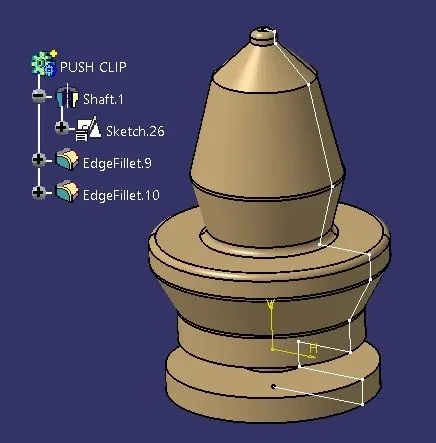
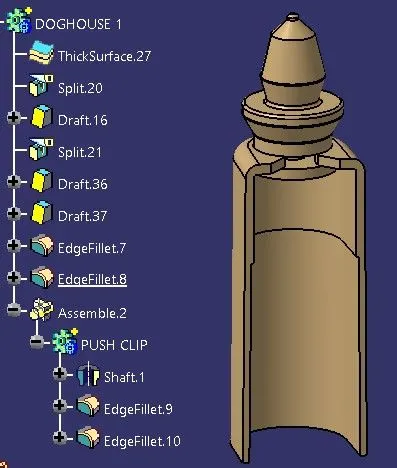
Push Pins : Push Pin or clip is used to hold the door onto the inner panel. The Pushpins are attached to the doghouses and the clips are made of plastic material that can be replaceable.
APPROACH TO WORK ON PROJECT :
- Creating Tooling Axis on all the surfaces .
- Creating Class B Surface.
- Creating Class C Surface.
- Creating Flanges on the Components.
- Creating Heat Stakes.
- Creating Ribs on Heat Stakes.
- Creating Clearance Holes.
- Creating a Doghouse.
- Creating Push Pin for Doghouse.
- Performing Feature Draft Analysis.
OPERATIONS ON UPPER MAP POCKET
- TOOLING AXIS
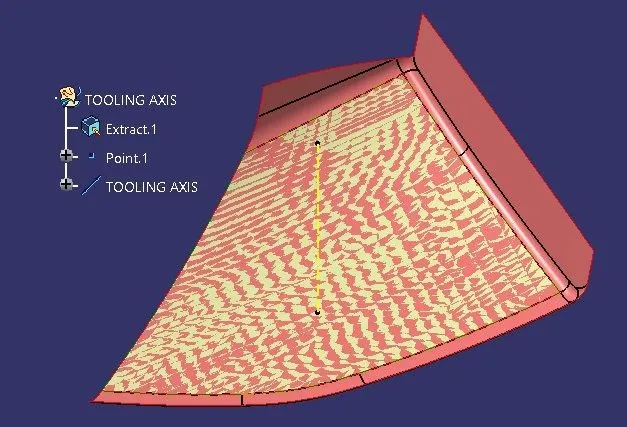
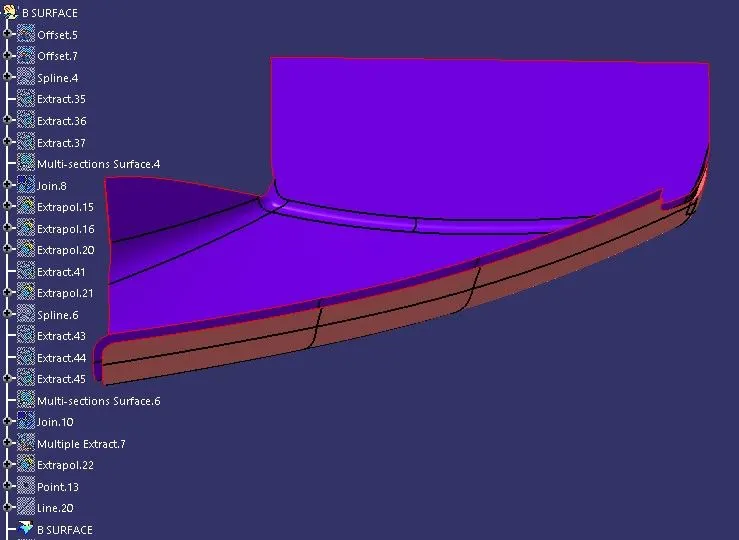
- B SURFACE
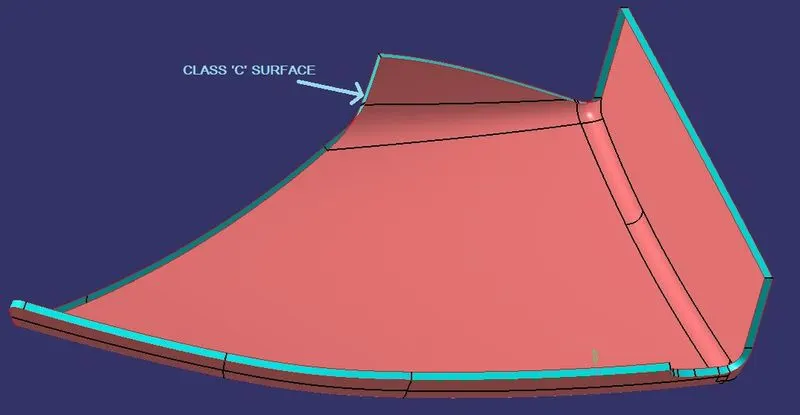
- C SURFACE
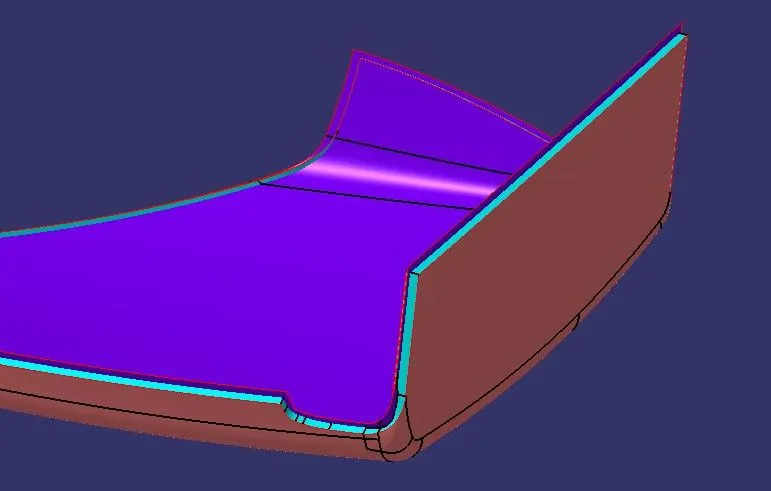
- TRIMMING OF CLASS A,B & C SURFACES
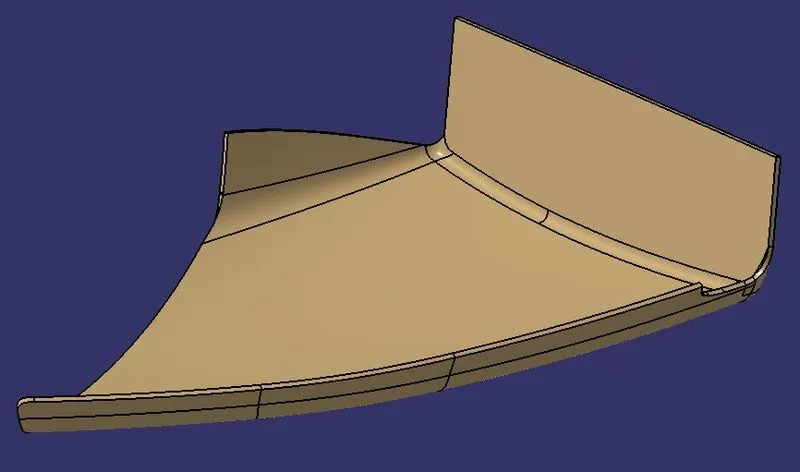
- TRIMMED COMPONENT
- FLANGES FOR UPPER MAP POCKET
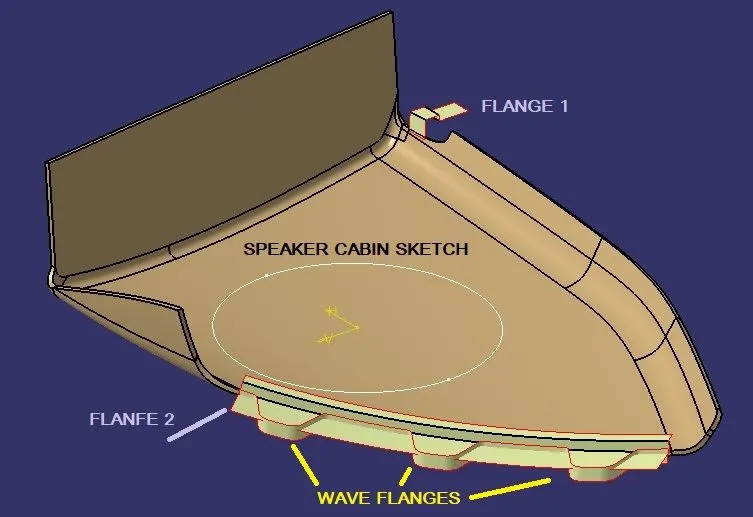
- ALL FLANGES
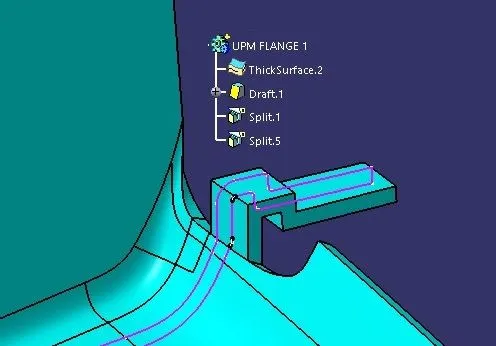
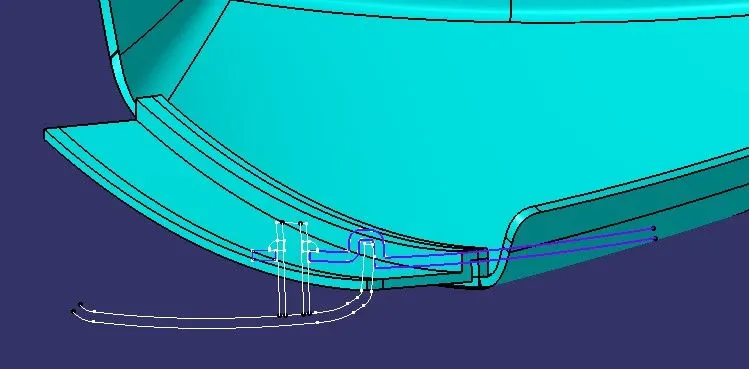
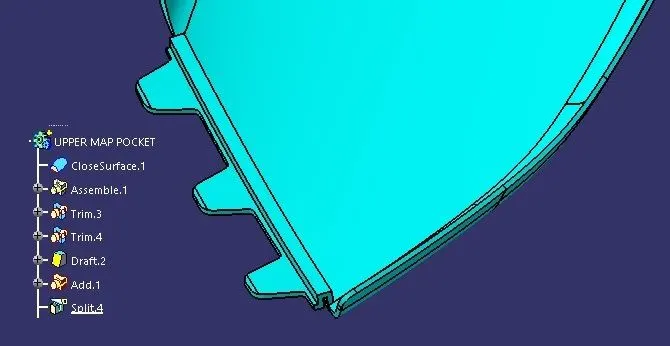
- UPPER MAP POCKET
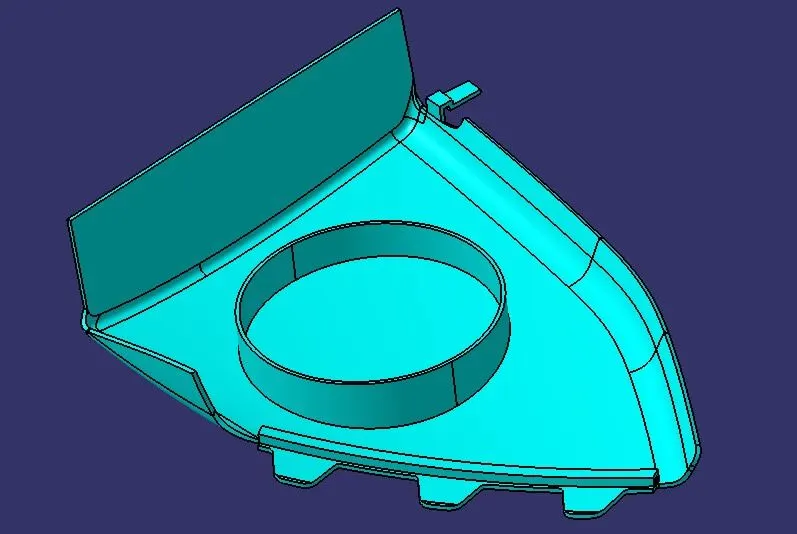
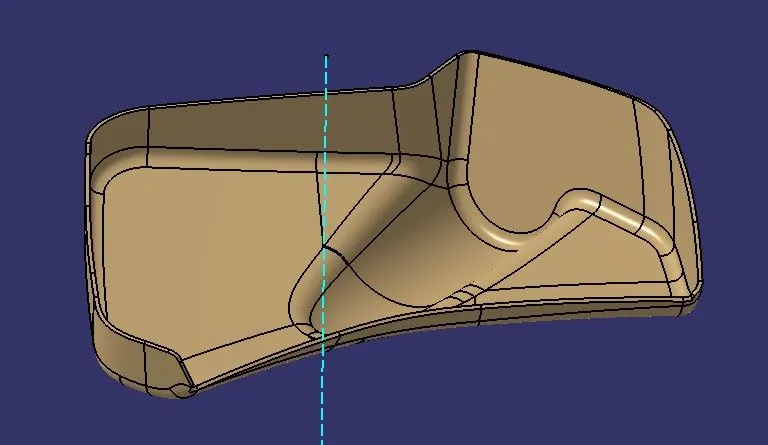
OPERATIONS ON LOWER MAP POCKET
- TOOLING AXIS
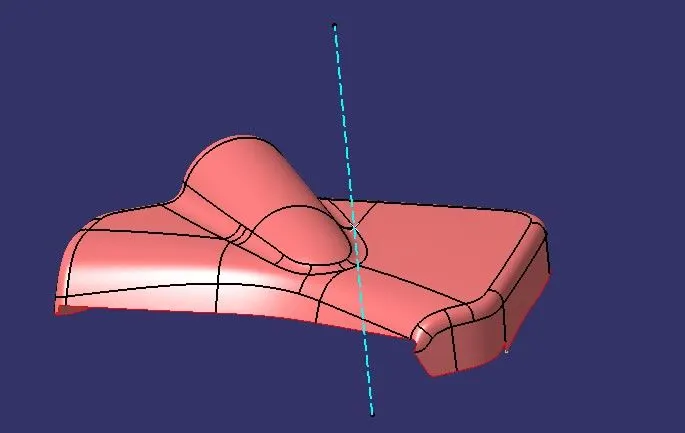
- B SURFACE
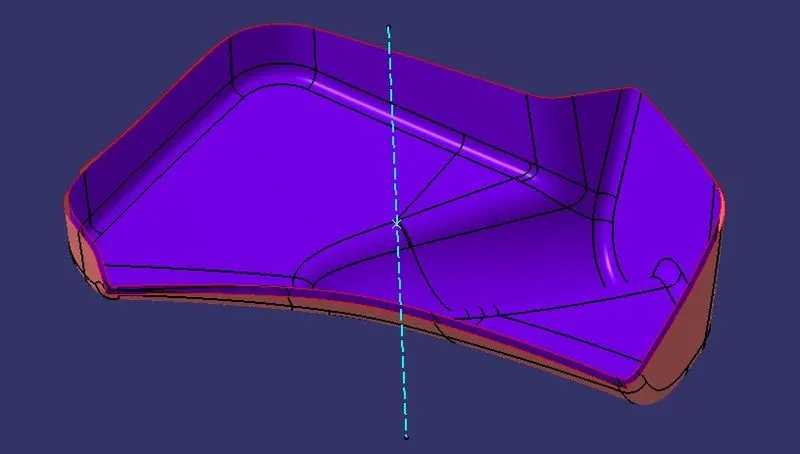
- C SURFACE
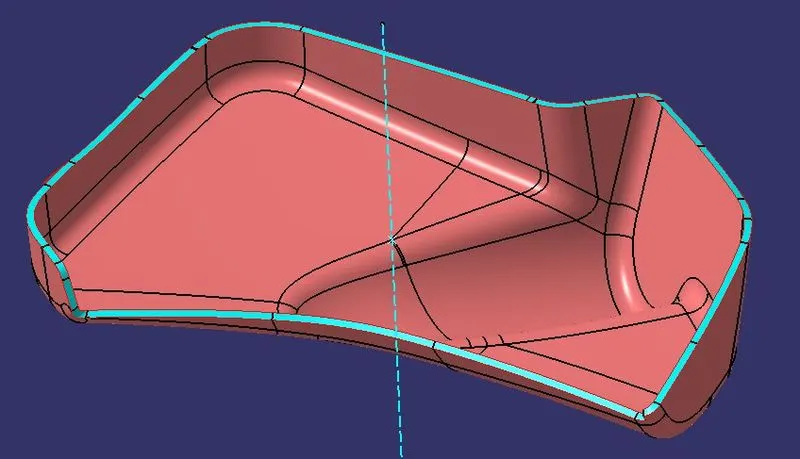
- TRIMMING OF CLASS A,B & C SURFACES
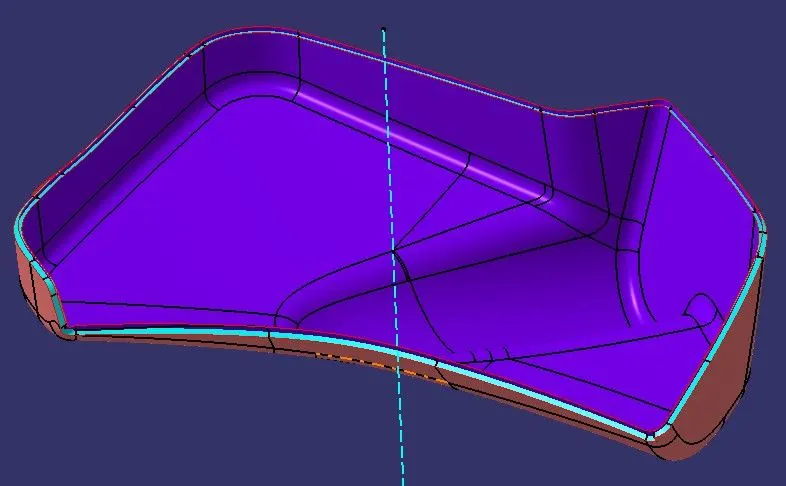
- TRIMMED COMPONENT
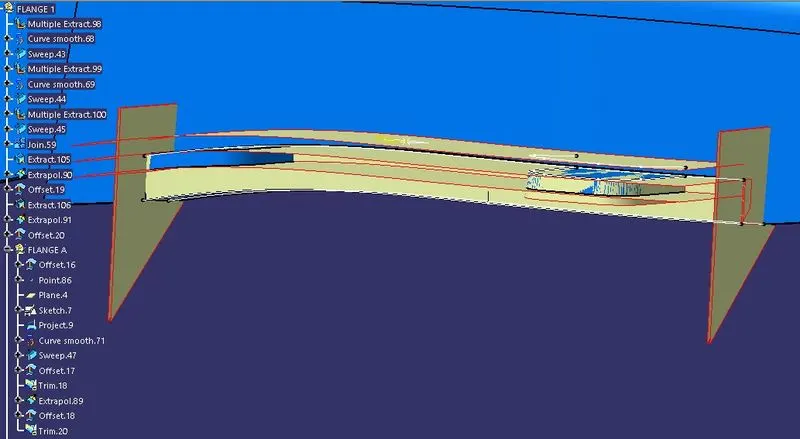
- OPERATIONS ON FLANGE 1 FOR LOWER MAP POCKET
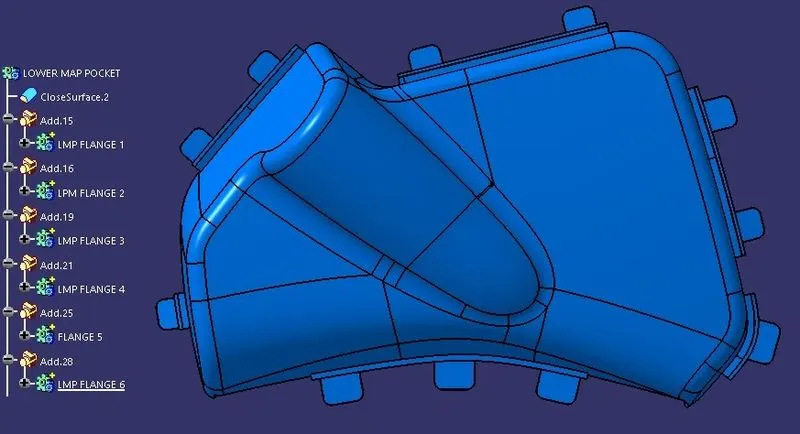
- ALL FLANGES ON LOWER MAP POCKET
OPERATIONS ON UPPER ARM REST
- TOOLING AXIS TOWARDS Y AND Z AXIS
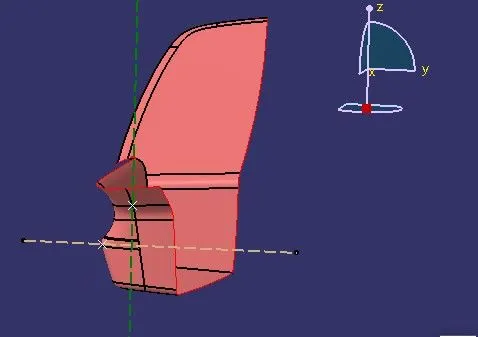
- B SURFACE
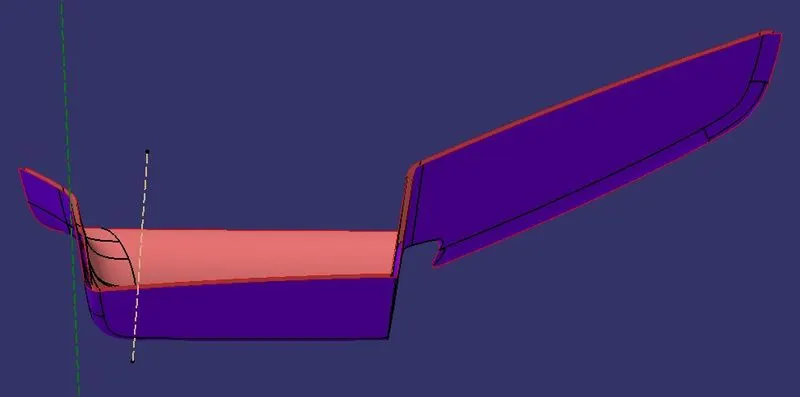
- C SURFACE
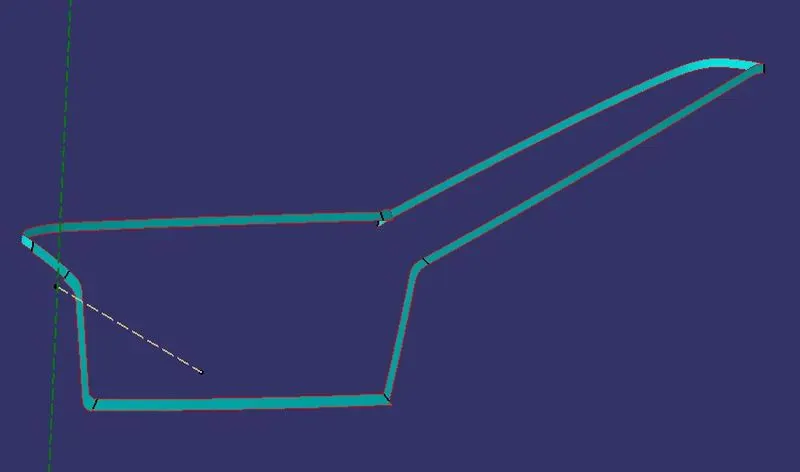
- TRIMMING OF CLASS A,B & C SURFACES
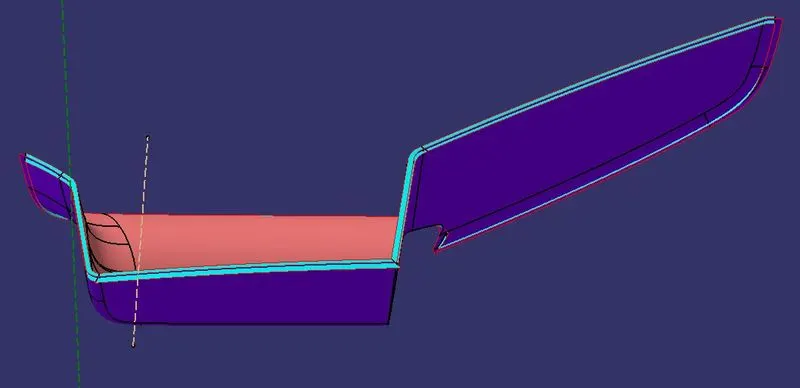
- TRIMMED SURFACE
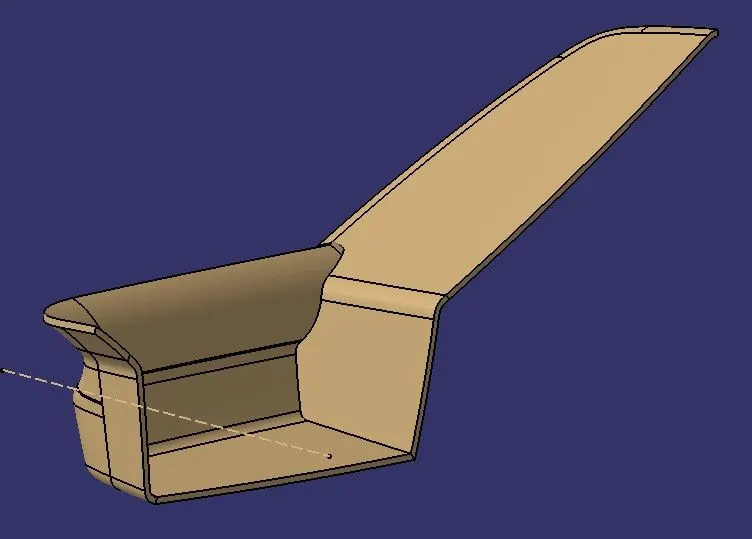
- ALL FLANGES ON UPPER ARM REST
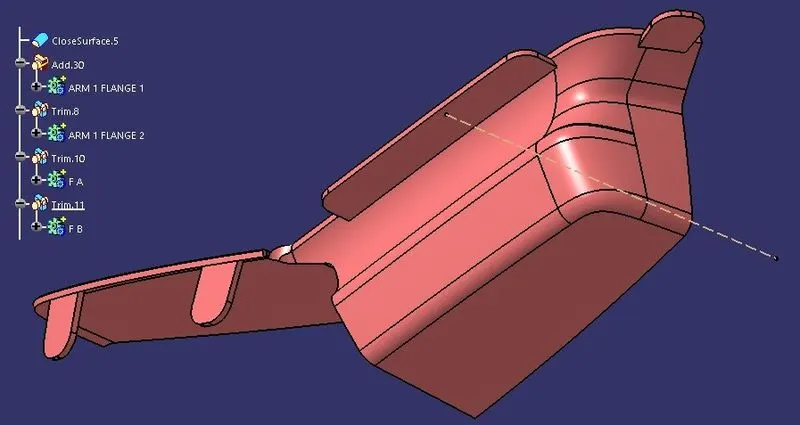
OPERATIONS ON LOWER ARM REST
- TOOLING AXIS TOWARD Y & Z
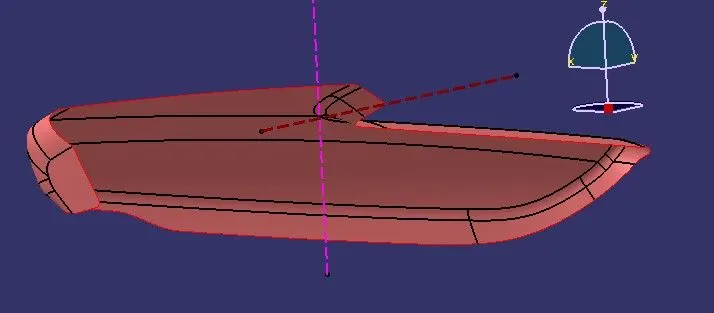
- B SURFACE
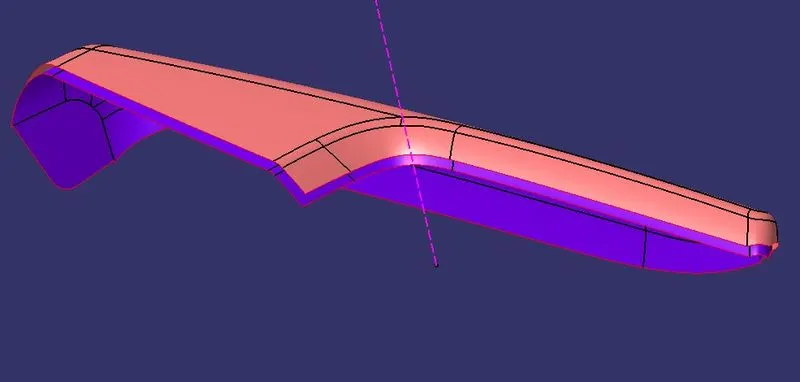
- C SURFACE
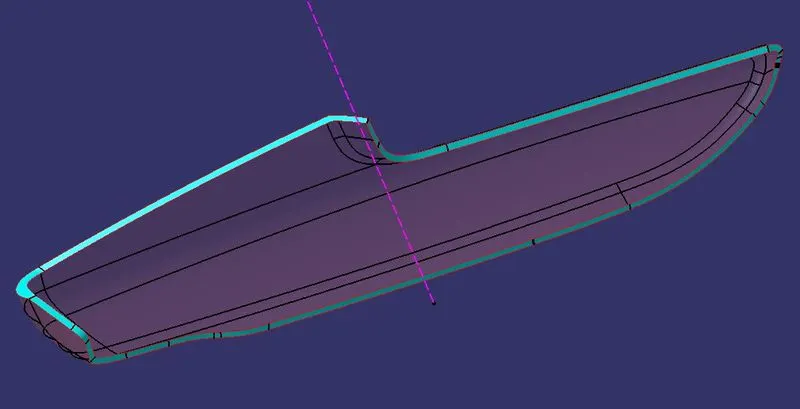
- TRIMMING OF CLASS A,B & C SURFACES
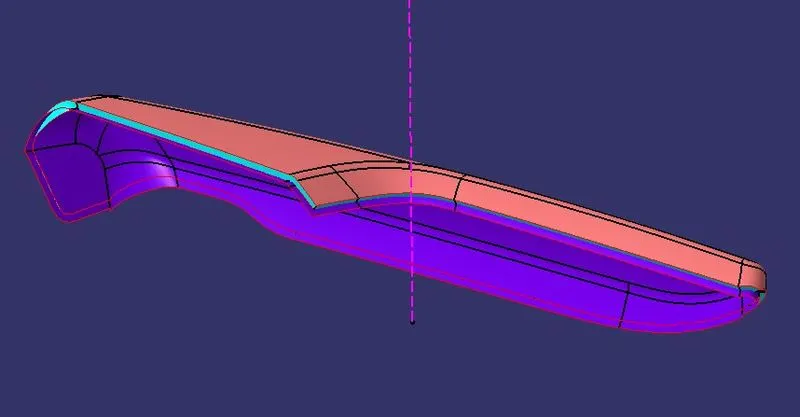
- TRIMMED SURFACE
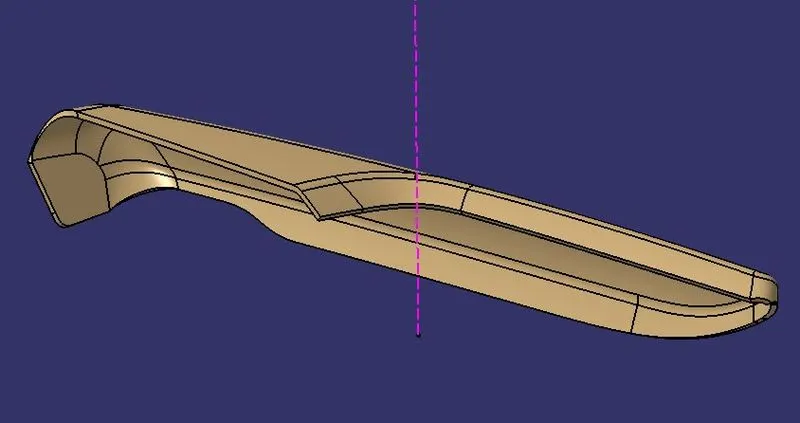
- FLANGES ON LOWER ARM REST
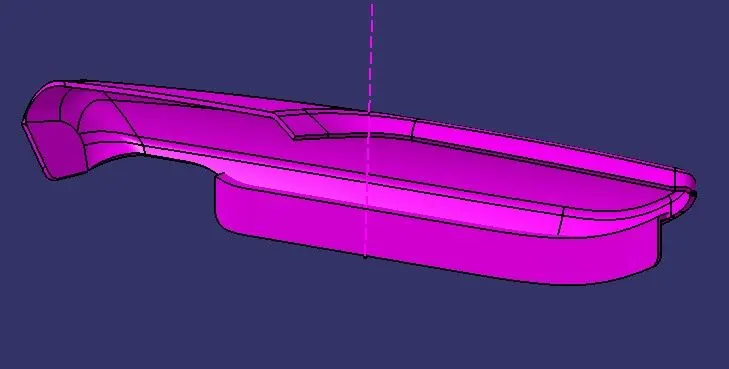
OPERATIONS ON LOWER SUBSTRATE
- TOOLING AXIS
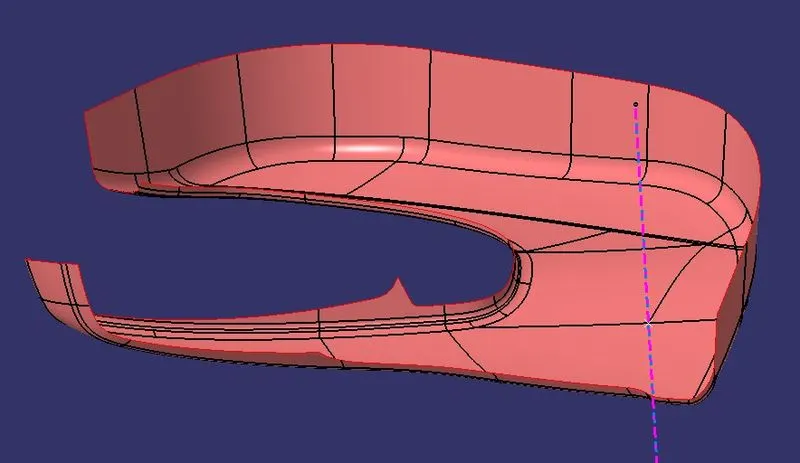
- B SURFACE
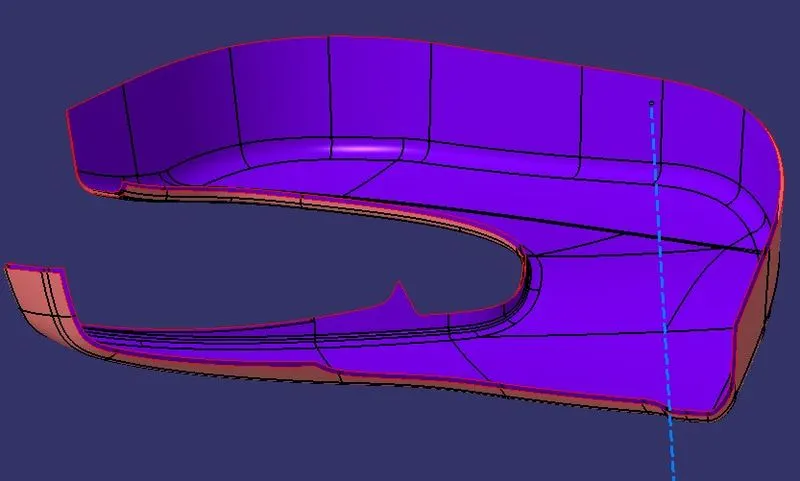
- C SURFACE
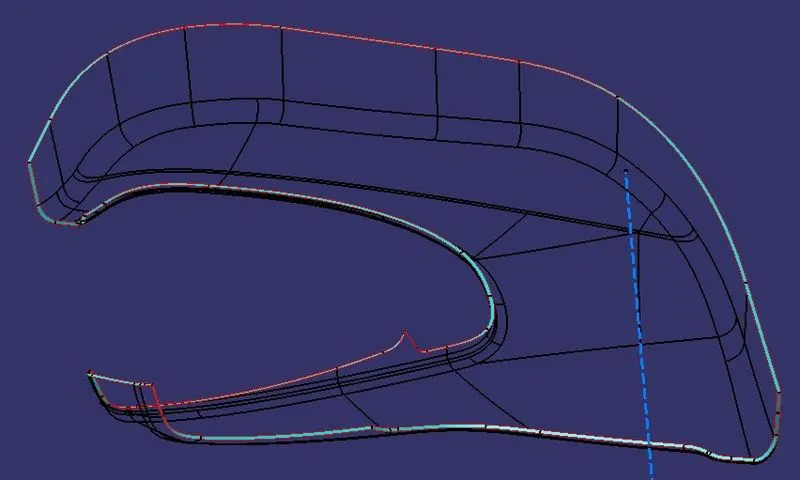
- TRIMMING OF CLASS A,B & C SURFACES.
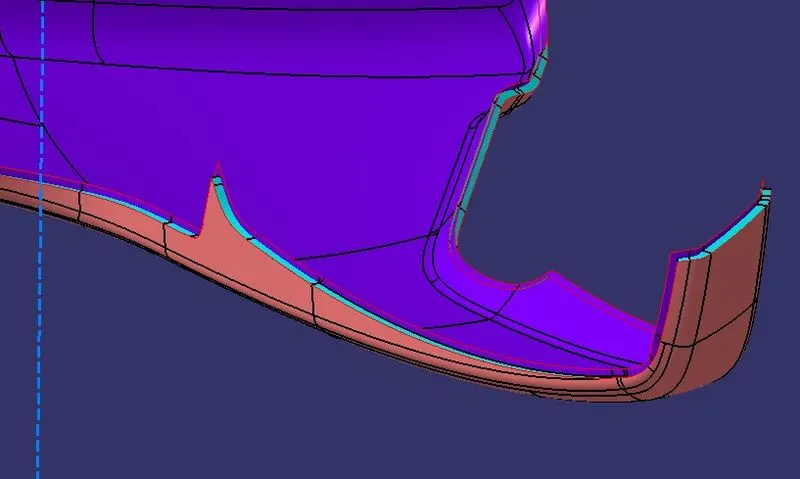
- TRIMMED SURFACE
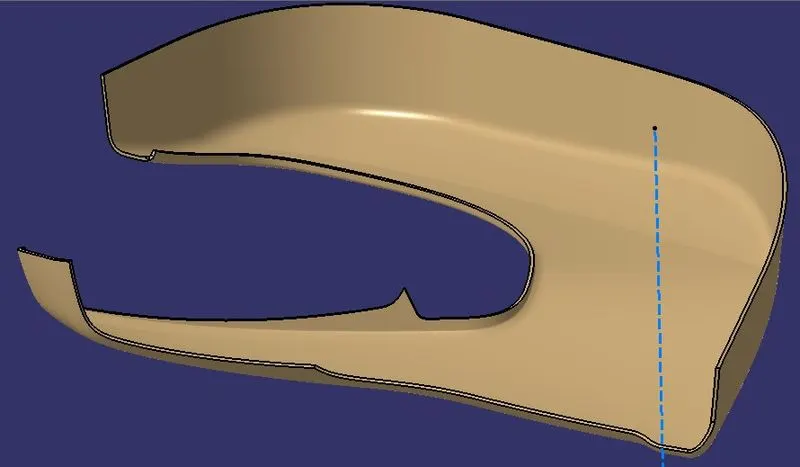
- FLANGES ON LOWER SUBSTRATE
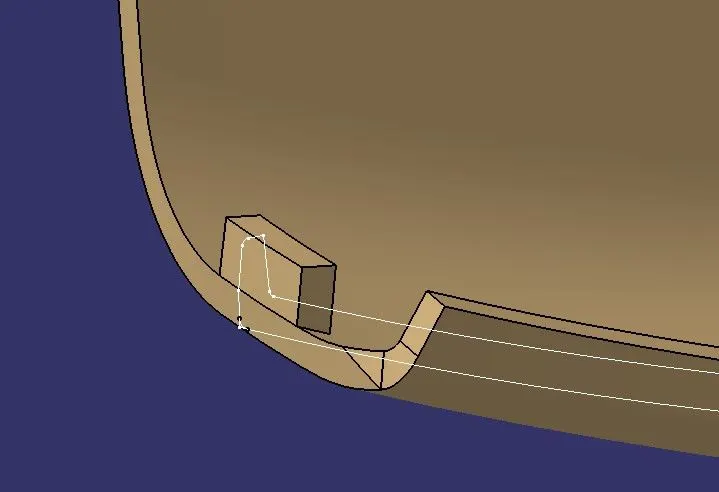
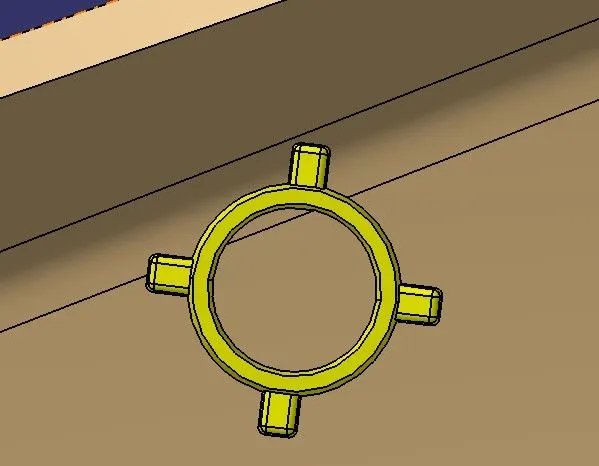
- Heat stakes : Heat stakes are features used for locating and constraining the degrees of freedom of the part.
- To create the heat stakes, sketch an outer diameter of 8mm and inside diameter of 6mm.
- Pad the sketch to the required length.
- Draft the inside and outer face towards tooling direction of the component.
- Union Trim the heat stakes with parent components.
- Ribs : Ribs give strength to the heat stakes and also help the mating component to rest on them.
- Sketch the Ribs few millimeters more than the outer diameter of the heat stakes.
- Pad the sketch to required length.
- Extract the surface from the mating component which is going to rest on the ribs.
- Split the rib with that extract so that we get proper height of the rib with respect to the mating part.
- Give an edge fillet of 0.25mm to all the faces of ribs.
- Union Trim the rib with inner side of heat stakes and with parent components.
- HEAT STAKES & RIBS ON LOWER ARM REST
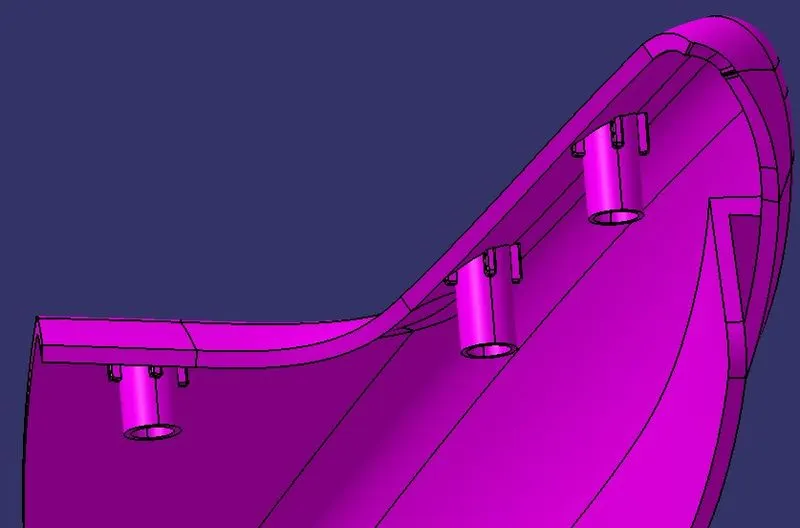
- HEAT STAKES & RIBS ON LOWER SUBSTRATE
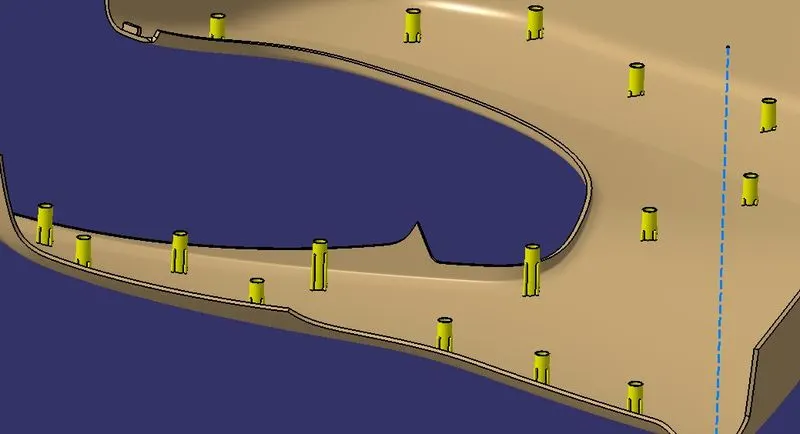
- HEAT STAKES TOP VIEW
- HEAT STAKES MATING WITH UPPER ARM REST
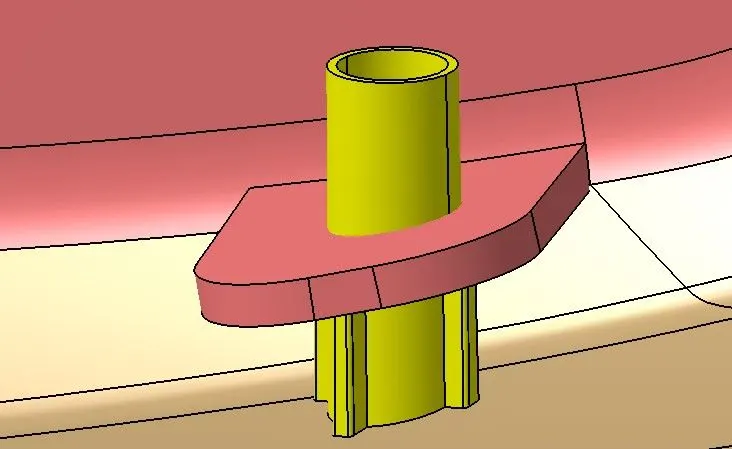
- RIBS ON HEAT STAKES CREATING IN ANGEL WITH RESPECT TO MATING PART
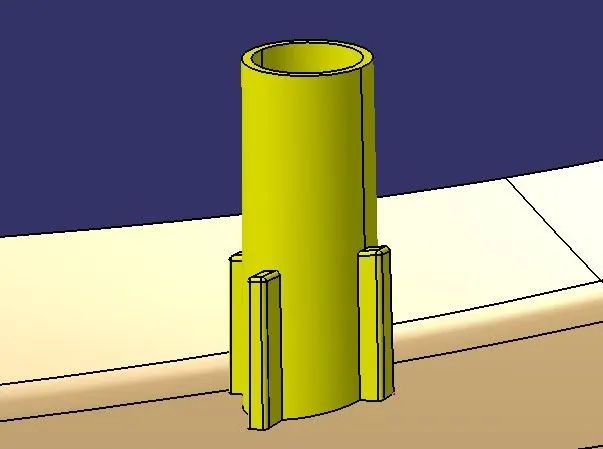
- HEAT STAKES & RIBS ON UPPER MAP POCKET
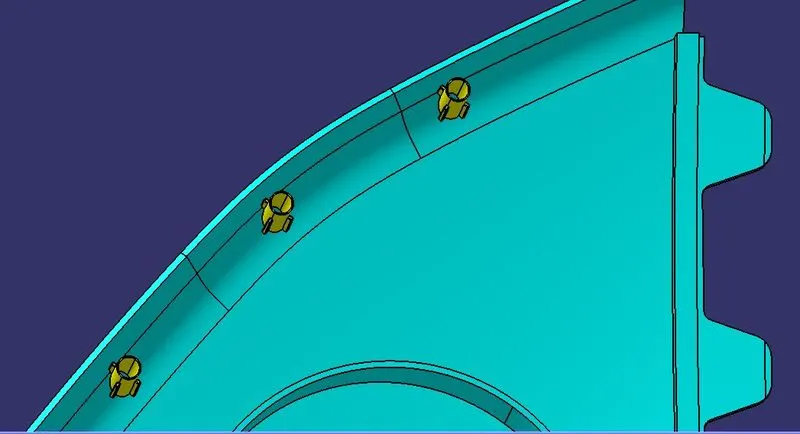
- CLEARANCE HOLE ON UPPER MAP POCKET
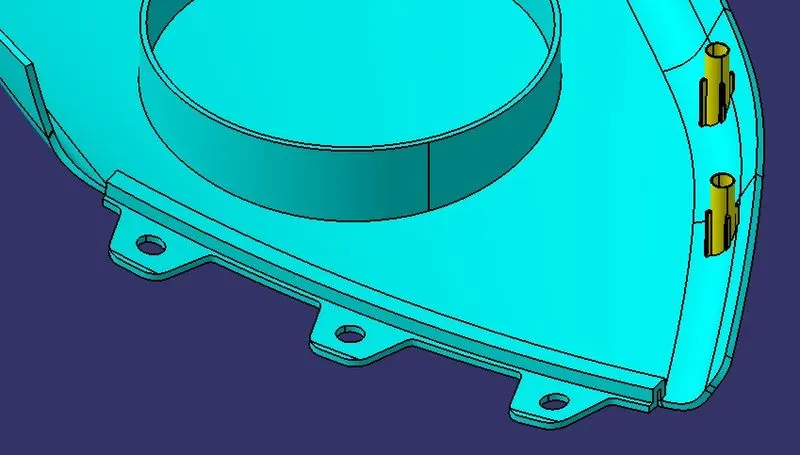
- CLEARANCE HOLE ON LOWER MAP POCKET
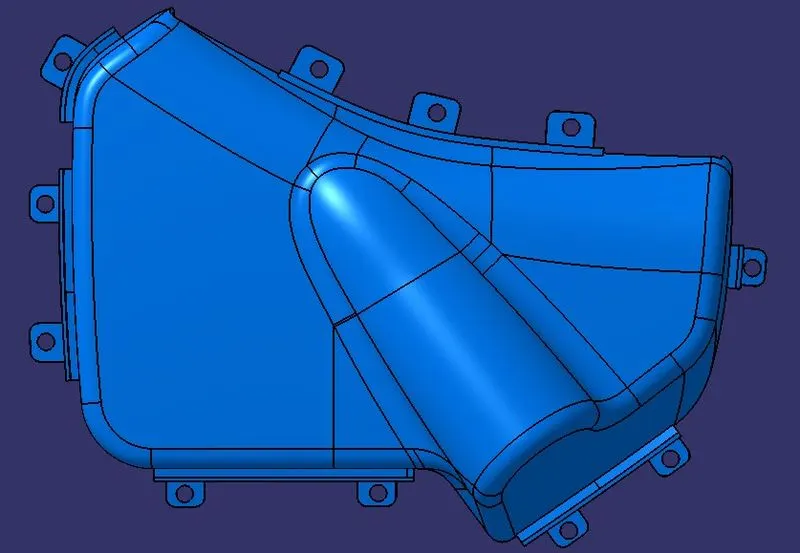
- CLEARANCE HOLE ON UPPER ARM REST
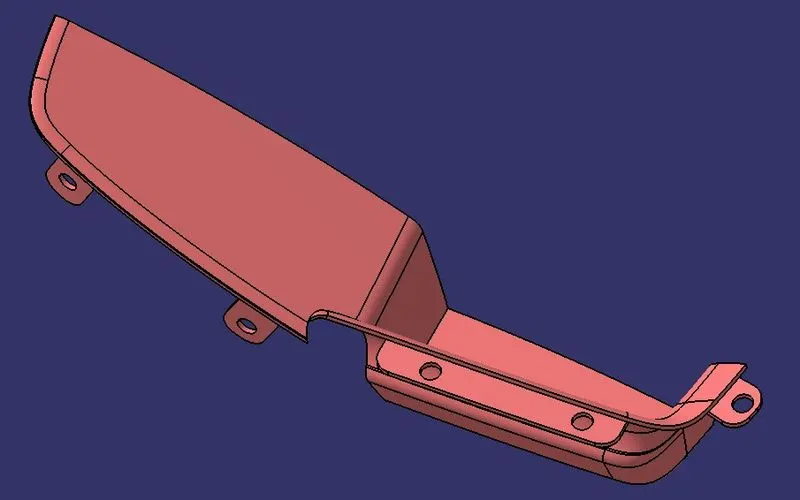
- CLEARANCE HOLE ON LOWER ARM REST
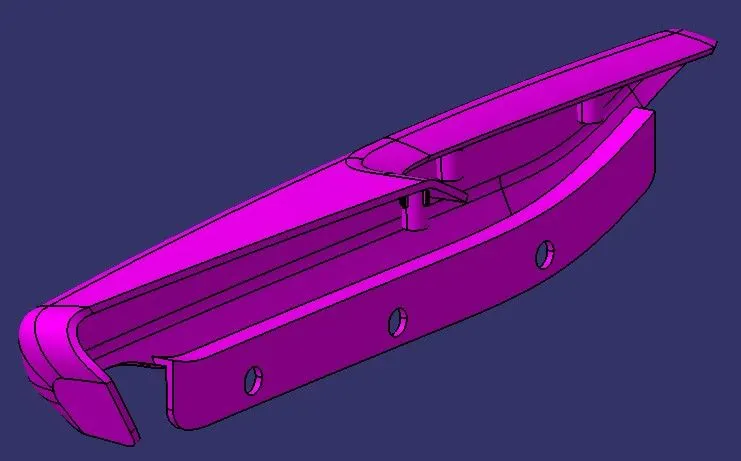
- DESIGN OF DOGHOUSE
- DESIGN OF PUSH PIN
- ASSEMBLY OF DOGHOUSE & PUSH CLIP
FINAL DESIGN / RESULT :
PROCEDURE TO CHECK DRAFT ANALYSIS :
STEP 1: Changing view mode to material.
View mode>view mode customisation>tick material>ok
STEP 2: Calling Draft Analysis.
Toolbar>Insert>Analysis>Feature Draft Analysis
STEP 3:
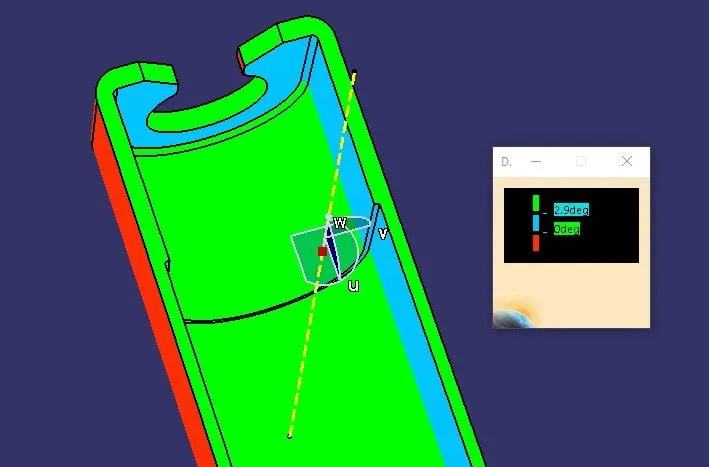
- Drag the compass from the draft analysis box on the tooling axis and place it properly.
- Click on locks so the compass will get locked to the tooling axis.
- Click anywhere on the component.
- Click OK.
- Analysis the colour of the failing and passing surfaces.
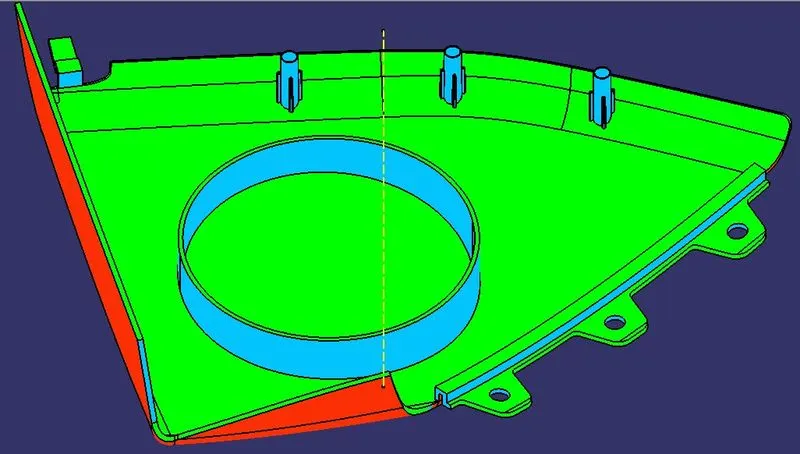
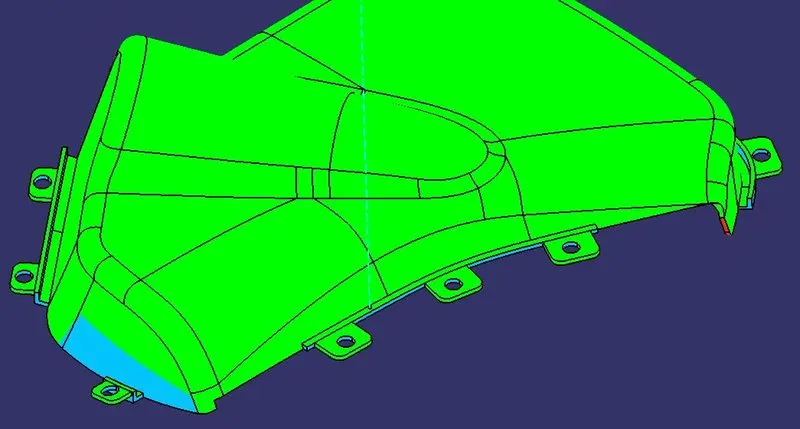
If a component is showing in Green colour that means our component is ready for manufacture.
NOTE : If we find zero degree or negative degree failing colour, we can fix it by changing draft angle, sweep direction, modifying properly tooling axis etc.
DRAFT ANALYSIS ON UPPER MAP POCKET
DRAFT ANALYSIS ON LOWER MAP POCKET
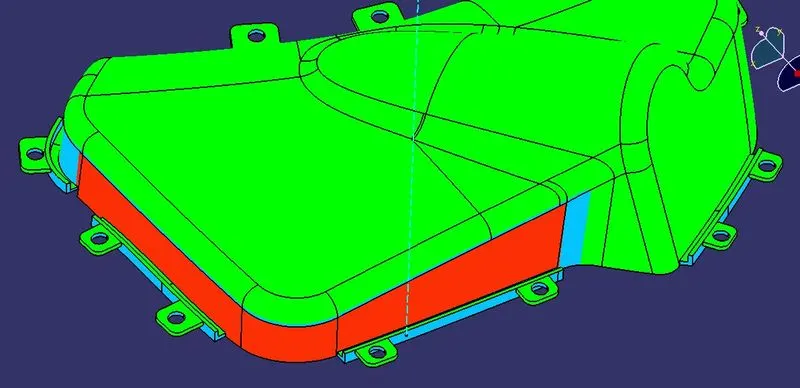
We can see that some surfaces are not clearing draft analysis on the lower map pocket.
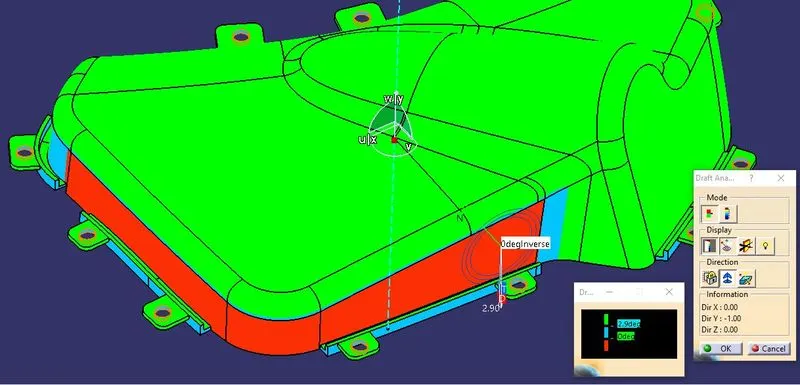
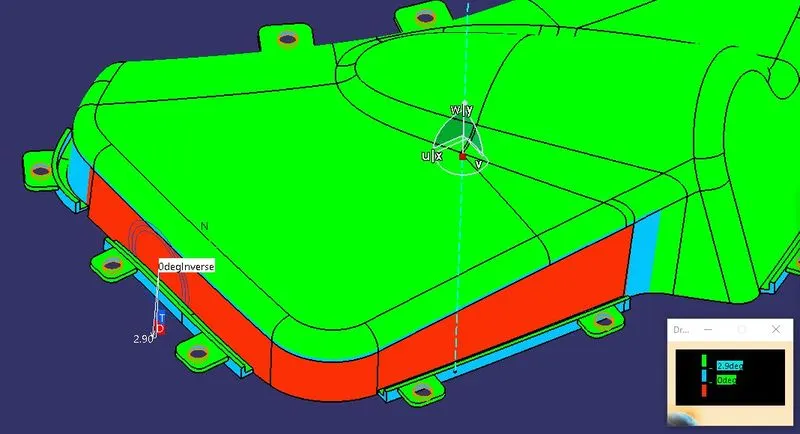
NOTE : We can fix this issue by making new tooling axis tilting to some degrees, but we should not make new tooling axis as all the neighbouring components are made on Y axis so we should keep the same.
DRAFT ANALYSIS ON LOWER SUBSTRATE
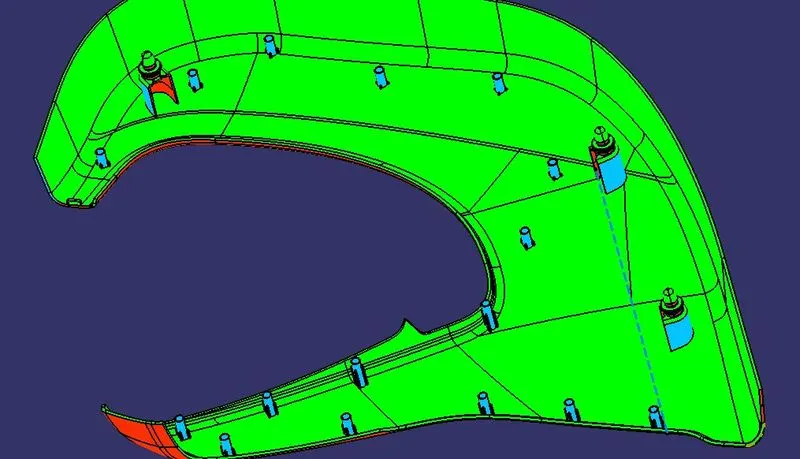
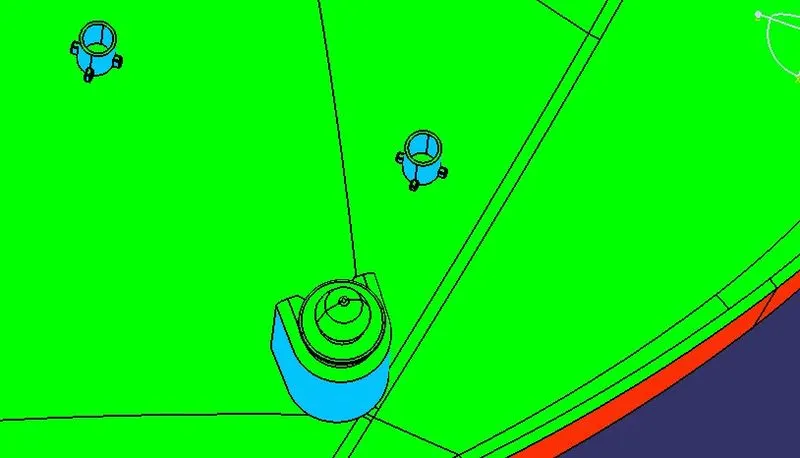
DRAFT ANALYSIS ON UPPER ARM REST TOWARDS Z AXIS
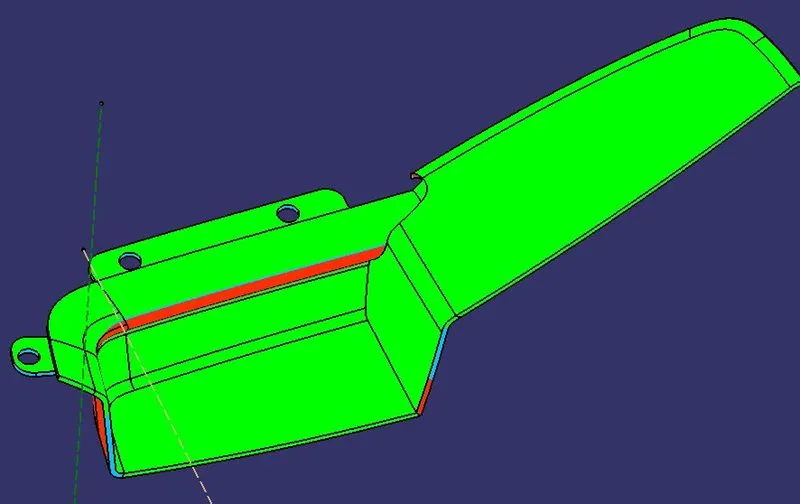
DRAFT ANALYSIS ON UPPER ARM REST TOWARDS Y AXIS
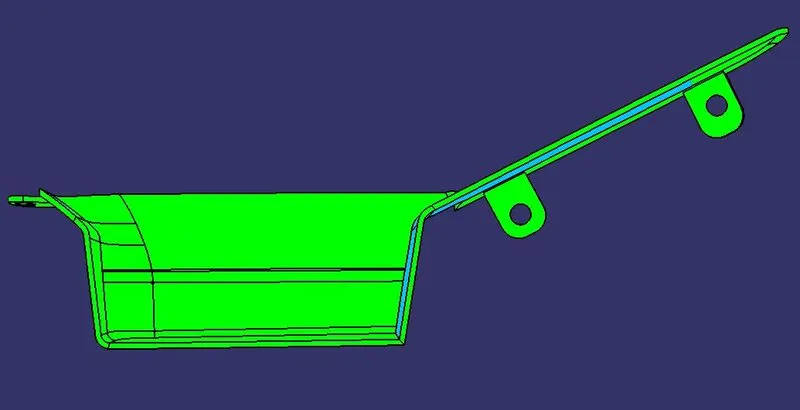
DRAFT ANALYSIS ON LOWER ARM REST TOWARDS Z AXIS
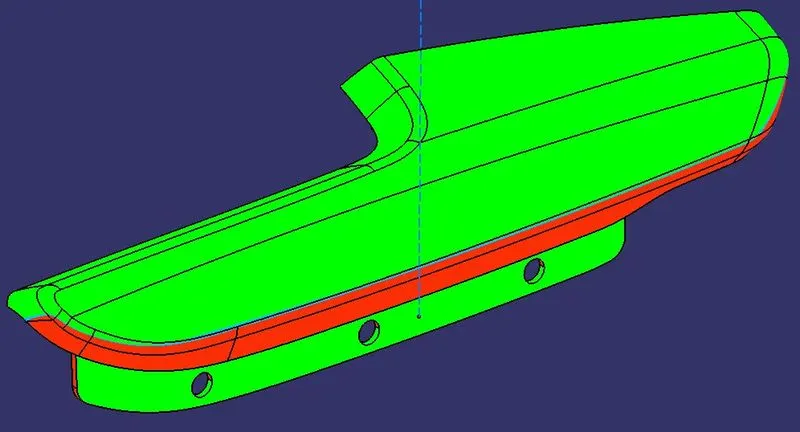
DRAFT ANALYSIS ON LOWER ARM REST TOWARDS Y AXIS
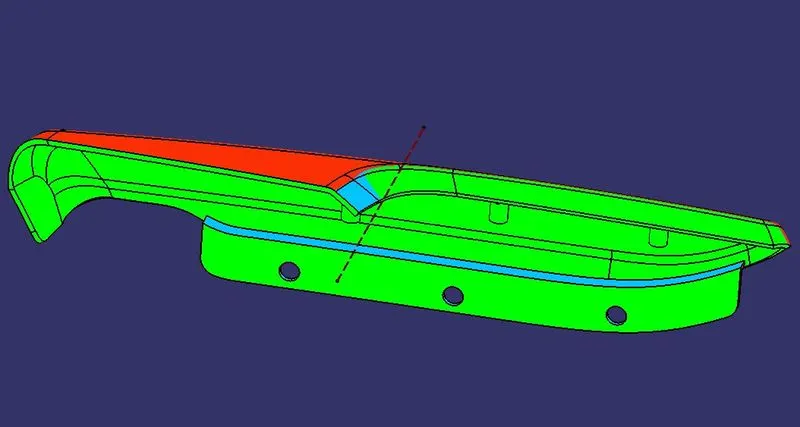
HEAT STAKES CLEARING DRAFT ANALYSIS
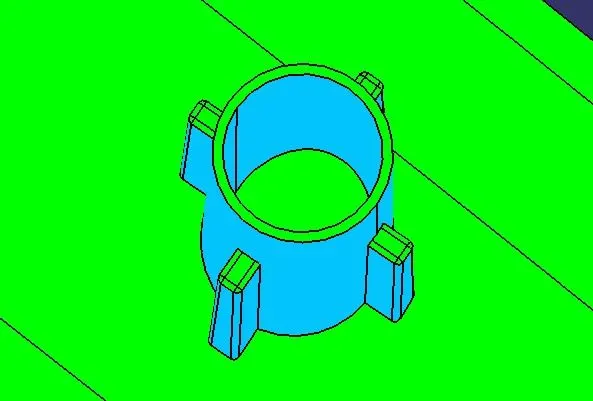
DRAFT ANALYSIS ON DOGHOUSE TOWARDS SLIDER DIRECTION
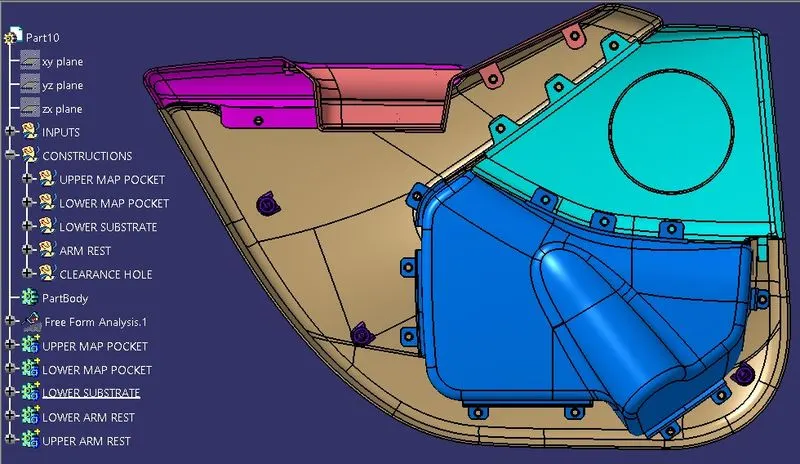
- FINAL MODEL TREE
__END__