Week-11 : Discretization of 3D intake manifold using GEM-3D
- Single Cylinder CI-Engine Model:-
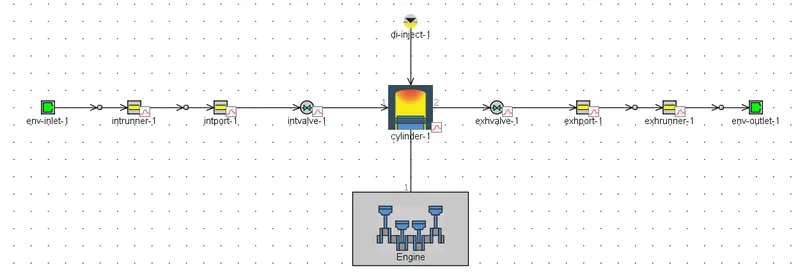
- Case-Setup:-

- Simulation Time:-

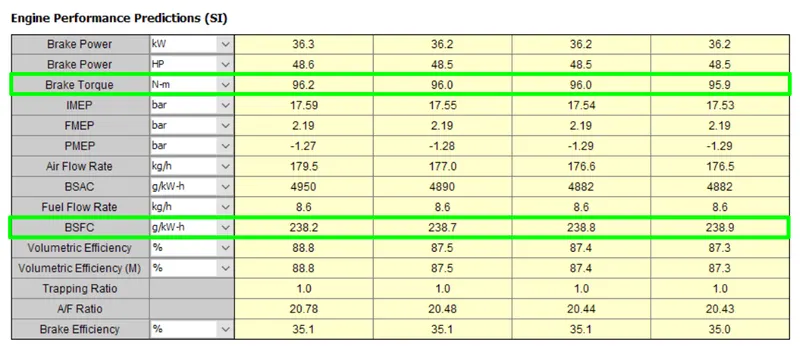
- Torque and BSFC:-
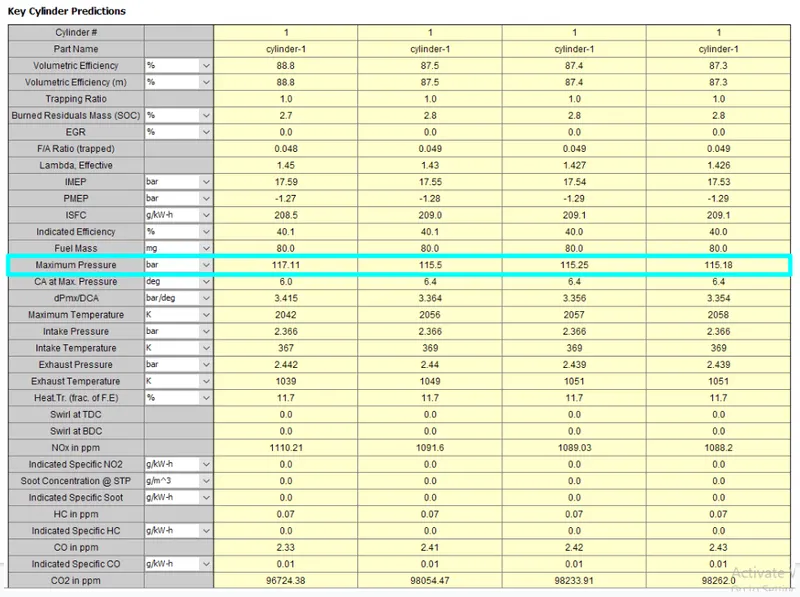
- Maximum In-cylinder Pressure:-
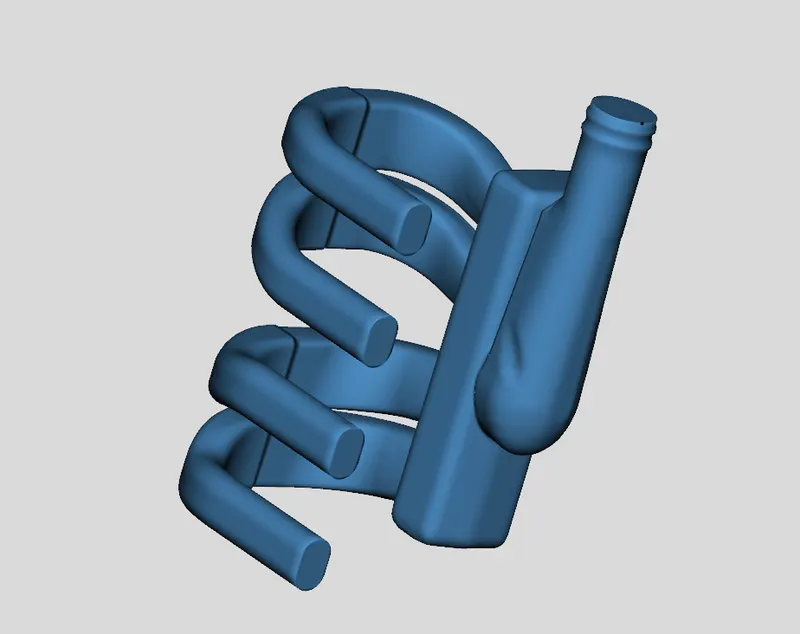
- Building intake manifold from STL model:-
- Import the model from the tutorial files of GT-Power. Browse for the plenum.stl file located in the GTIHOME\v20XX\examples\Acoustics\NonLinear_(standard) directory.
 \
\
2. Separating Sections by Curves:-
Separate By Curves from the Shape Operations group in the Convert tab. So that the it will be convenient for us to convert the model into the GT-Component.
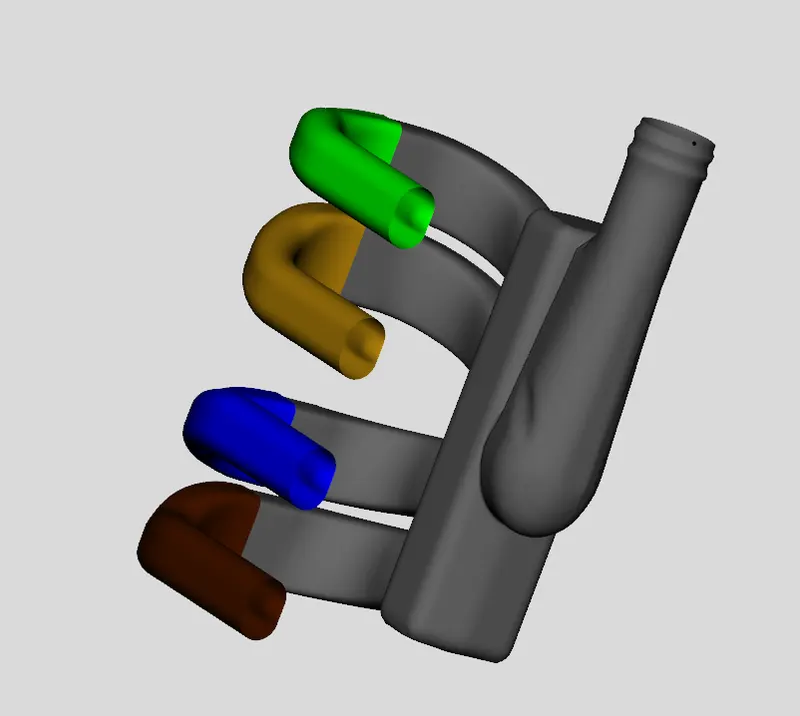
3. Using the Cutting Plane:-
By using the cutting plane we can cut the remaining portion of the pipes from the plenum model.
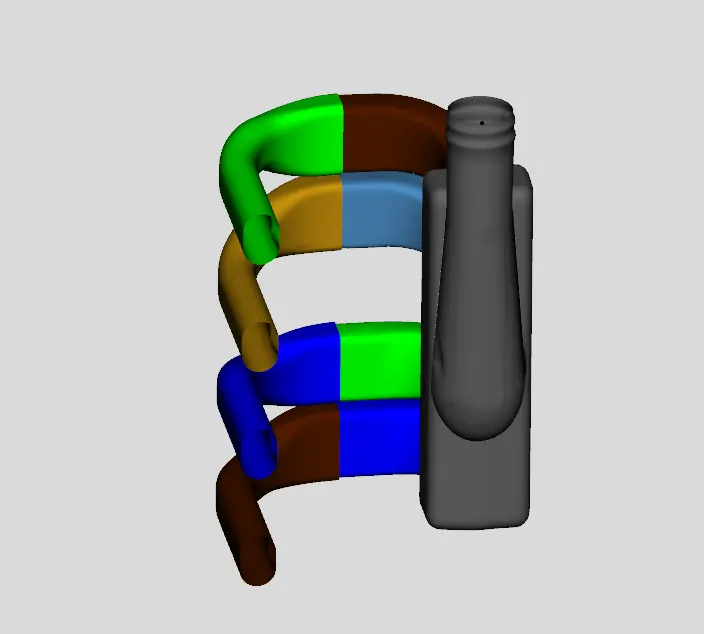
4. Converting Sections into Flow Components:-
To begin the conversion, right-click on the first section of the first runner and select Convert Shape to Component.
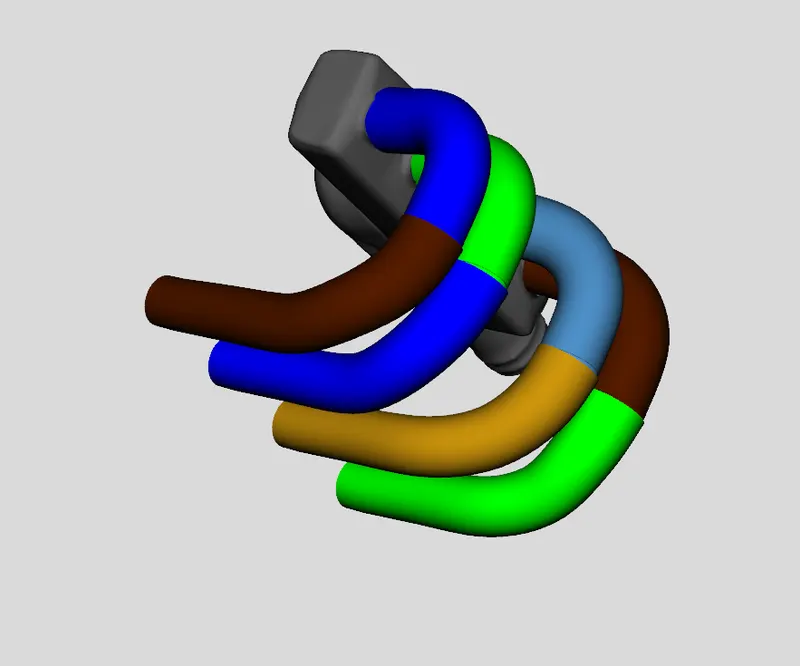
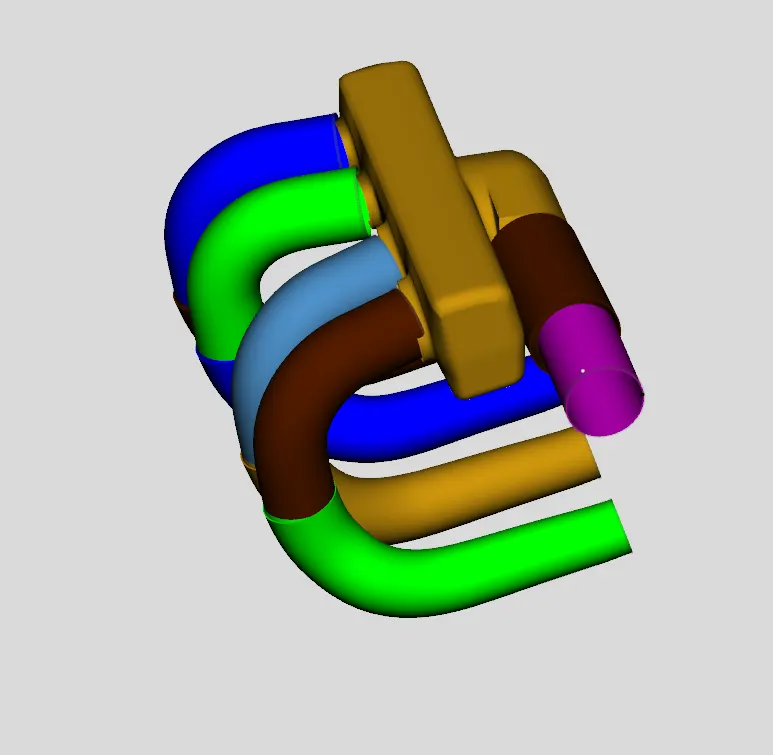
Here, we are dividing the plenum model into the three different parts to make it more convenient for the dicretization.
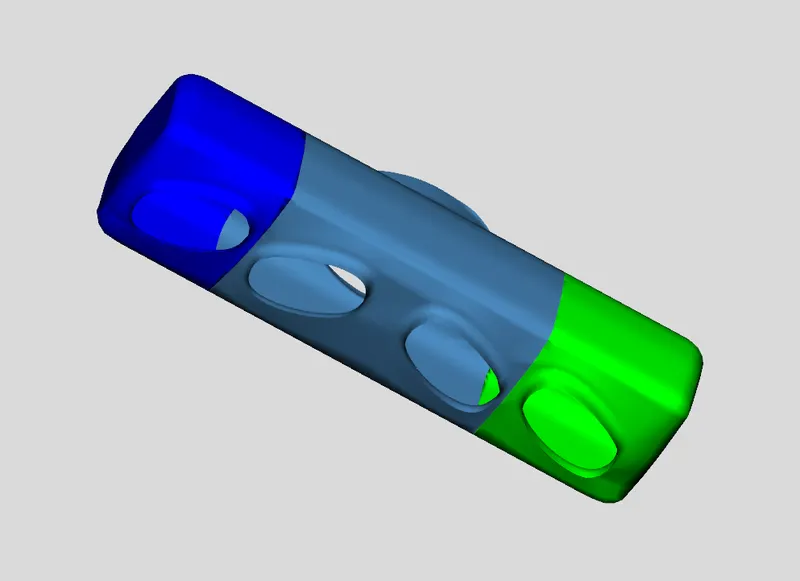
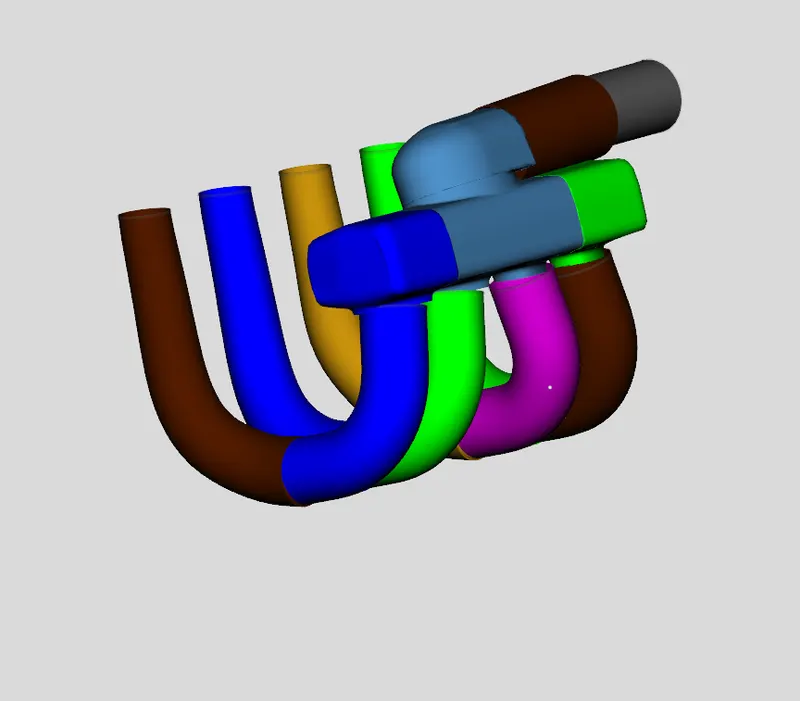
5. Adding a Custom Connection:-
While converting this model into the GT-component the some of the connections of the pipes with plenum had loose their attachment from the plenum here we can see the the connection is made by using the Add Connection with extention
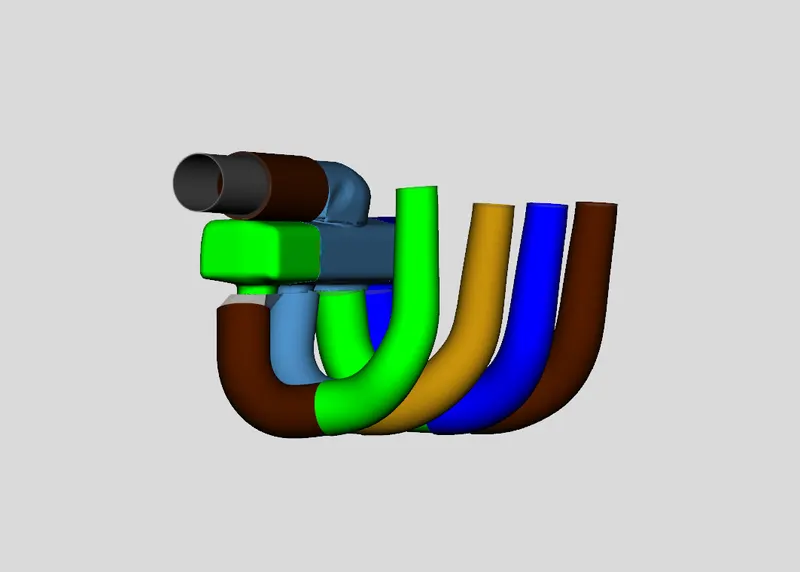
Intake Manifold converted to the GT-Component model:-
To obtain the discretizes engine diagram we have to make model in proper orieantation so that the simple circuit diagram is obtained when we convert into the GT-model.
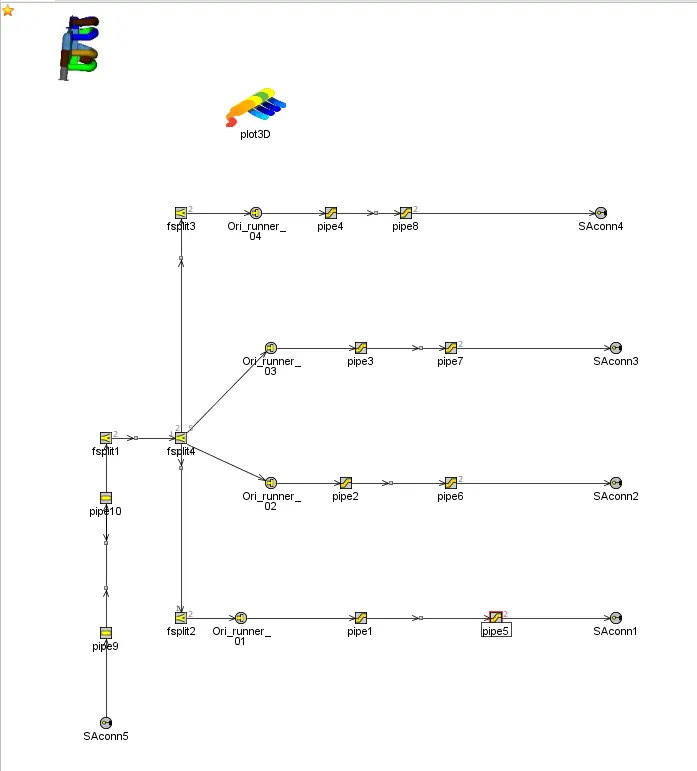
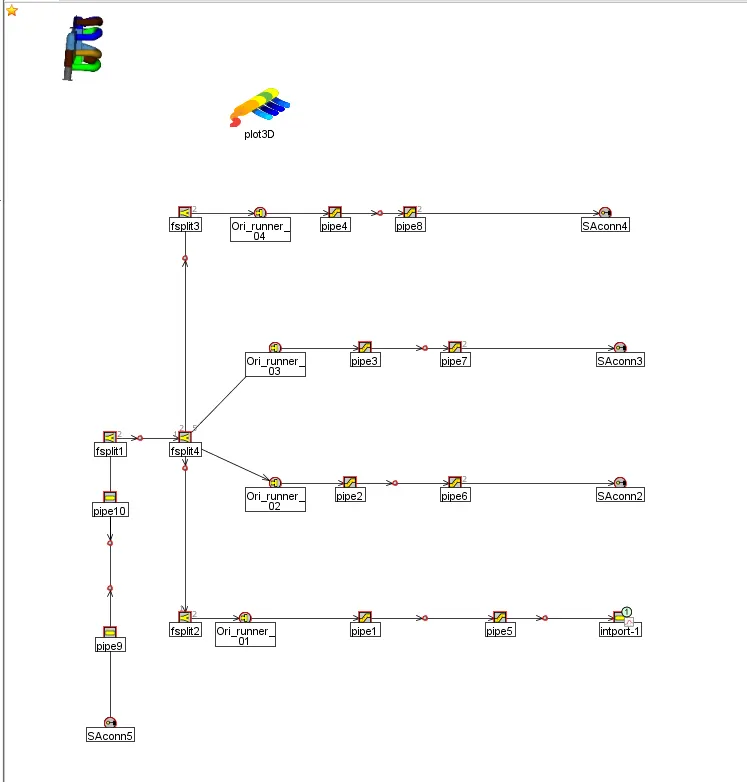
Instead of external sub-assembly connection, we can connect the input tab also to the engine model, as shown above.
Conclusion:-
Now, the model is successfully converted into GT-model and the discrete model is shown above.