Week 11 Car Crash simulation
Car Crash
Aim
To model a car crash system and determine strains and stresses.
Procedure
- Start a new explicit dynamics model in ansys and import the model
- Add the materials as shown.
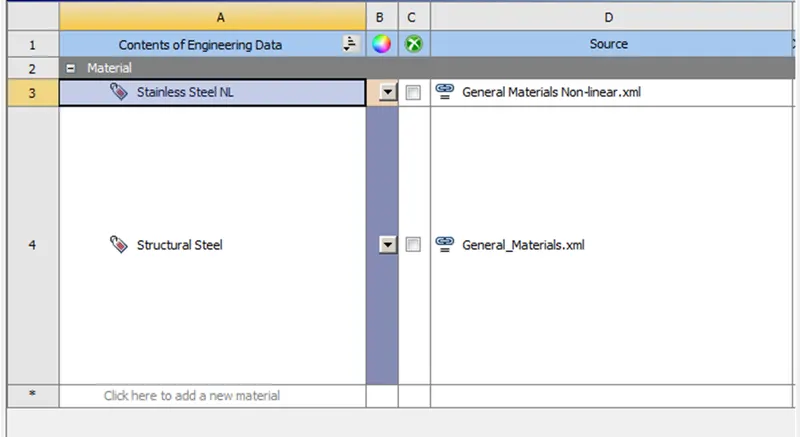
- Open this model in ansys mechanical.
- Assign Stainless steel NL to the car body and a thickness of 0.3mm.
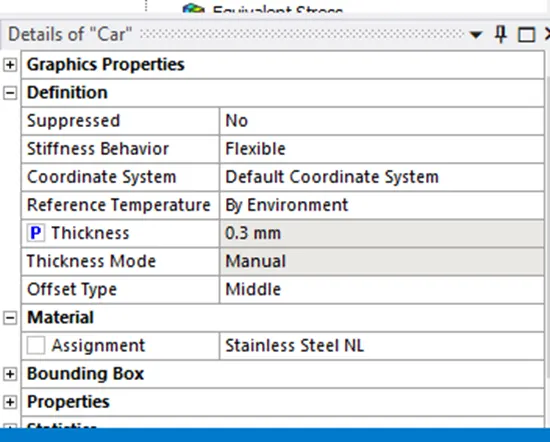
(P is for parametric design option, enable it and add the thickness in workbench)
- Delete contacts and set body interactions to frictionless
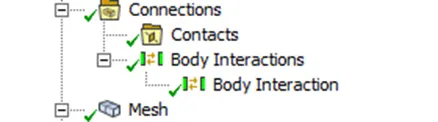
- Create a patch conforming for the rigid wall as tetrahedrons.
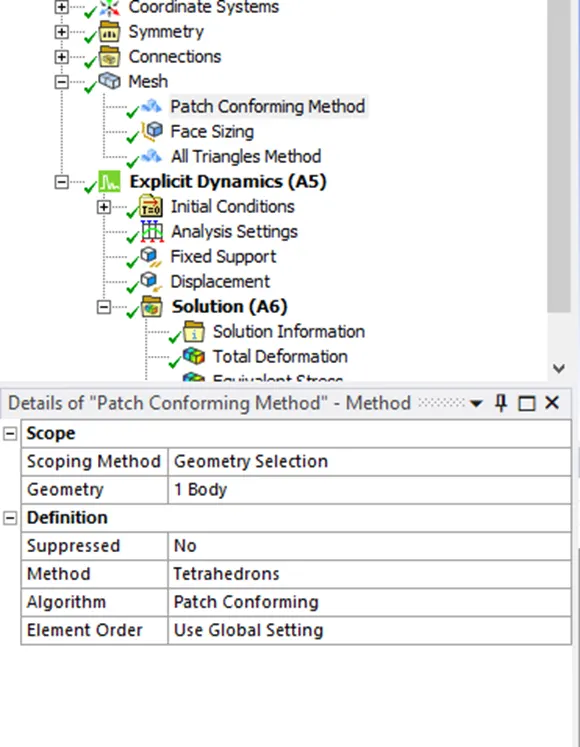
- Increase Face sizing in the back portions of the car to reduce solver time.
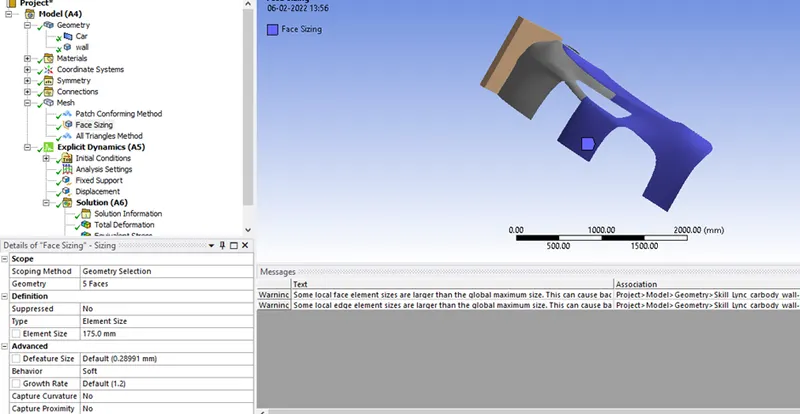
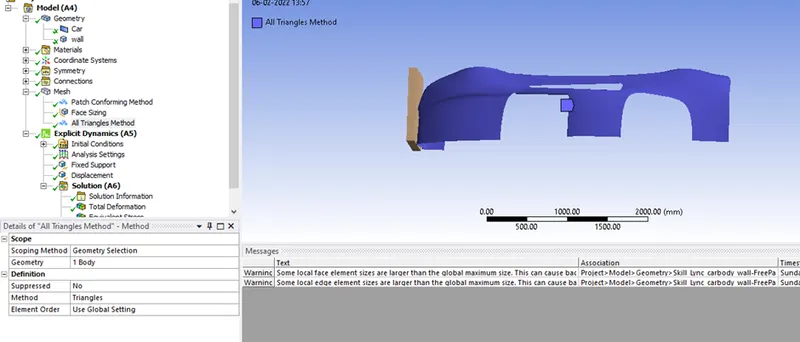
- Set the car body to all trias to further decrease solver time.
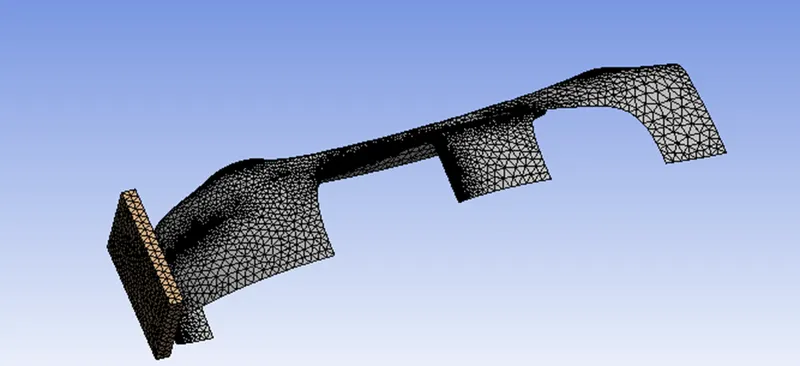
- Generate the mesh.
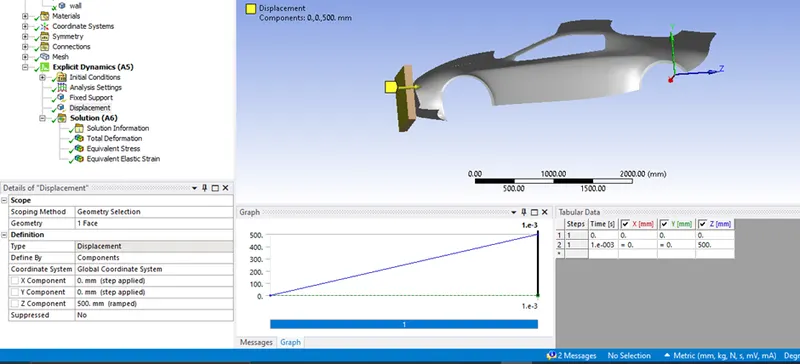
- Define the displacement as 500 mm along z axis and set y/x to 0.
- Define fixed support for the car.
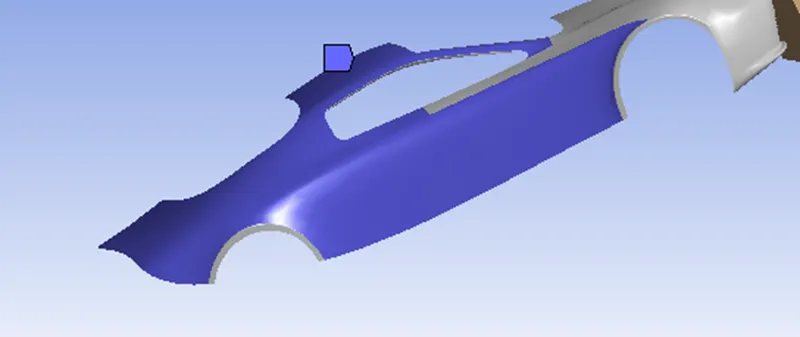
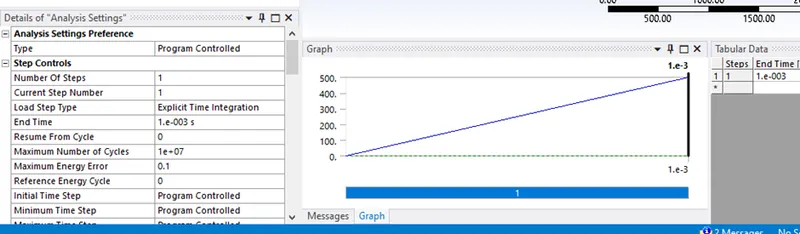
Analysis Settings
Set the analysis settings as shown.
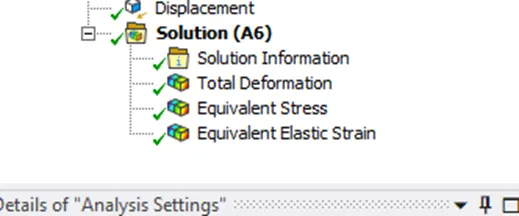
Set your output blocks as shown
For the other 2 cases use parametric design point option and simply add thickness values of 0.5 and 0.6mm.
Enable Parametric for Output blocks as well
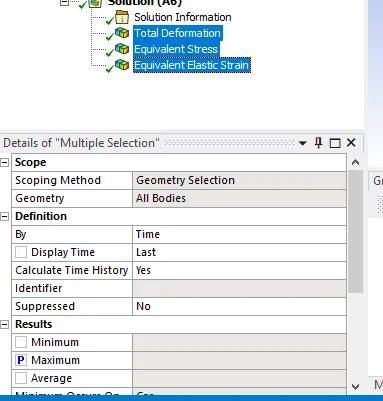
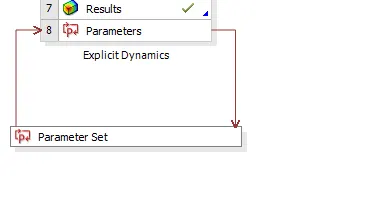
Add the thickness values
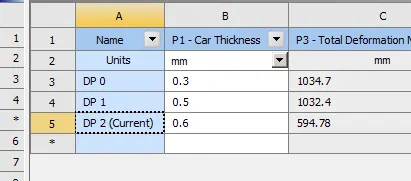
Post Processing
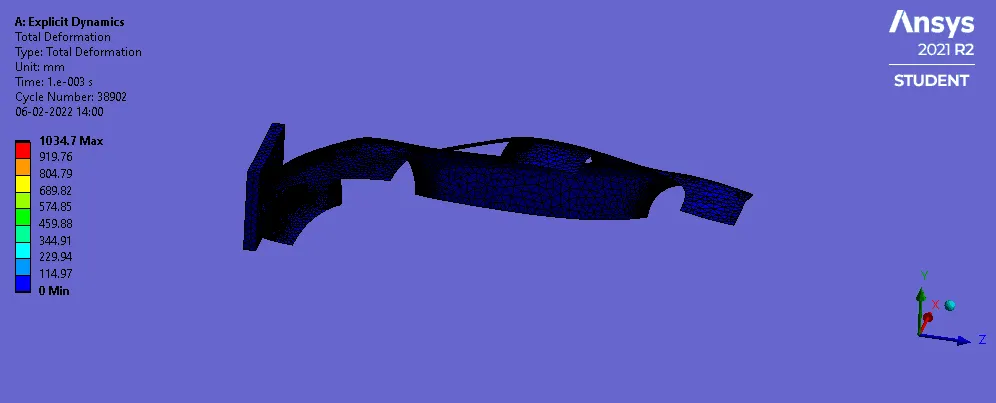
Case 1: 0.3mm thickness
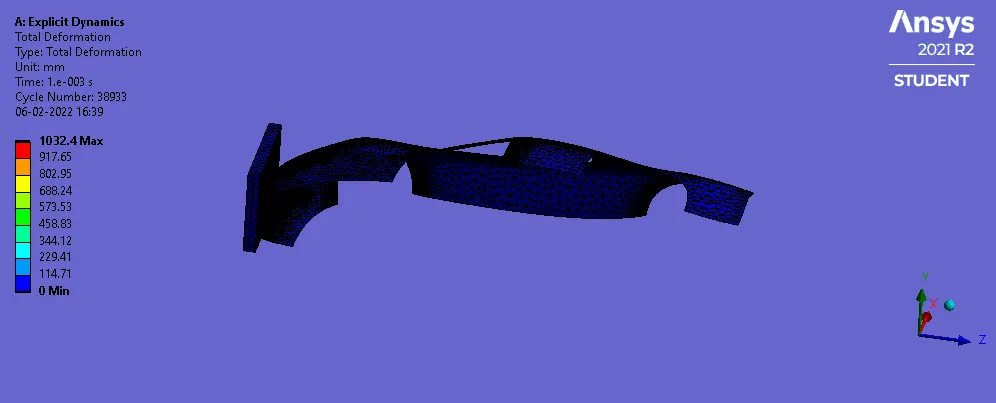
Case 2: 0.5 mm thickness
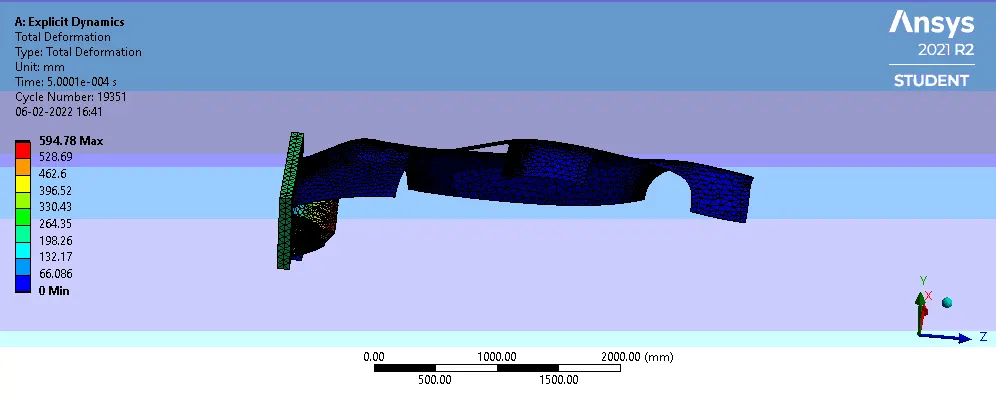
Case:3 0.6 mm thickness
Tabulated Results
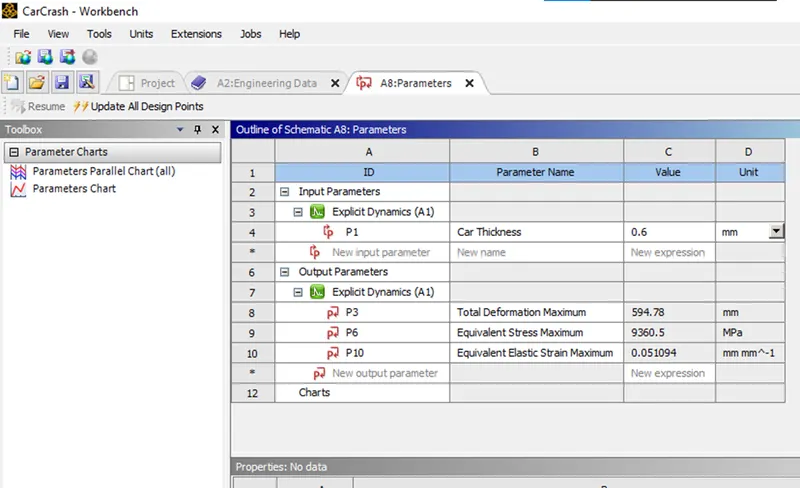
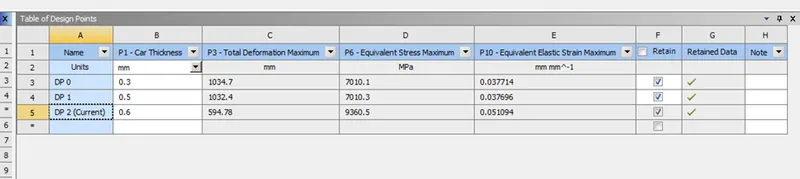
It can be seen that the stresses is significantly higher with 0.6mm thickness but deformation is much lower.There is no significant difference between 0.5 and 0.3 mm in stresses or strains experienced.
Conclusion
In this project, a car crash setup was modelled and run to determine the the stresses,deformations and strains.