Week 11 Car Crash simulation
Aim - To Simulate Car Crash Model
Procedure
1. Insert explicit dynamics
2. Select non-linear material for the simulation
3. Import geometry
4. Open mechanical modeller
5. Rename the components. Assign components, set the thickness appropriately.
6. Suppress the unwanted components
7. Remove the contacts
8. Insert symmetry to the geometry
9. Set End Time as 0.001 s in analysis settings.
10. Set a fixed support for the back end of the car
11. Set displacement load for the wall (back side).
12. Set required results.
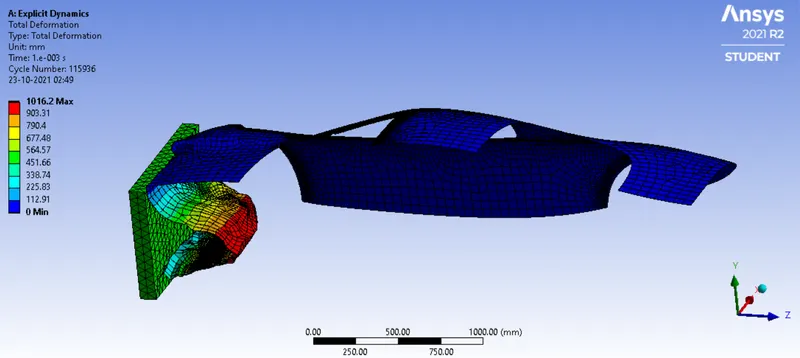
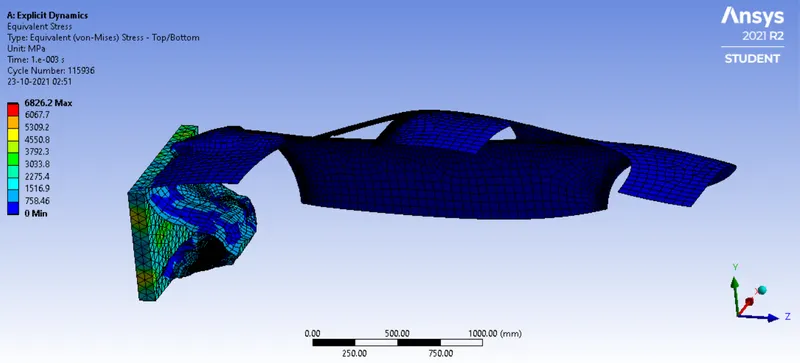
Results
0.3 mm
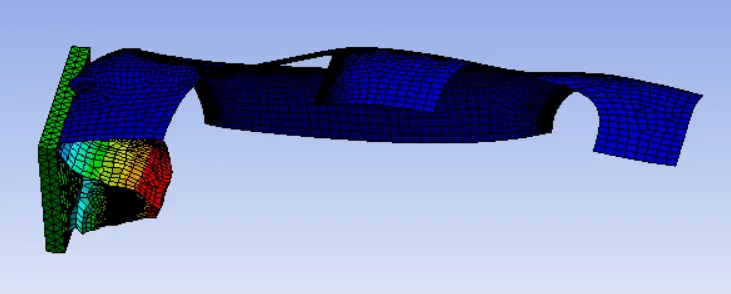
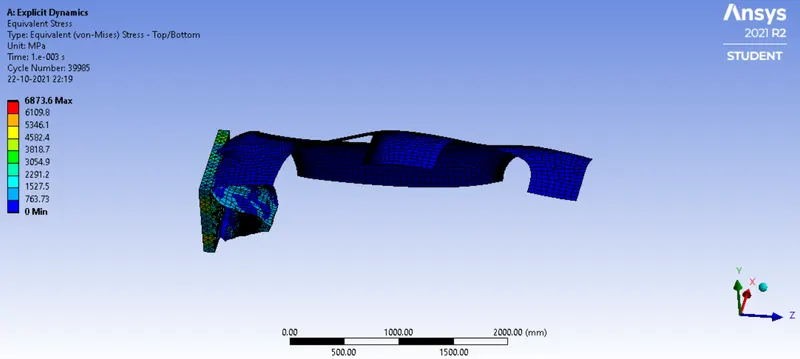
0.5 mm
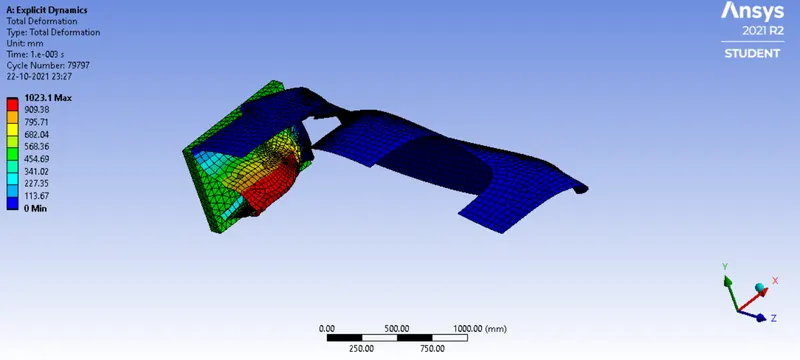
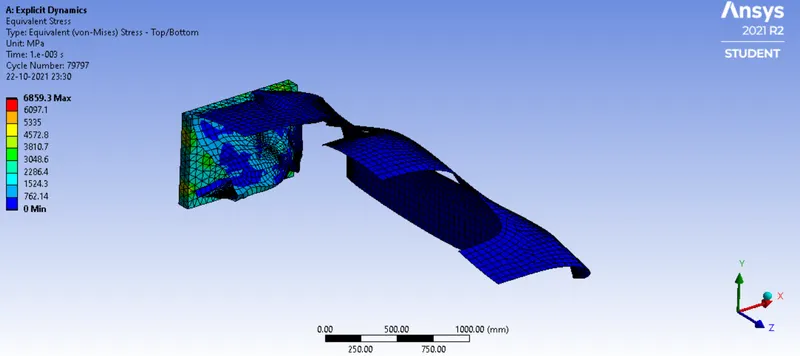
1mm