U-JOINT AND QUICK RETURN MECHANISM KINEMATICS
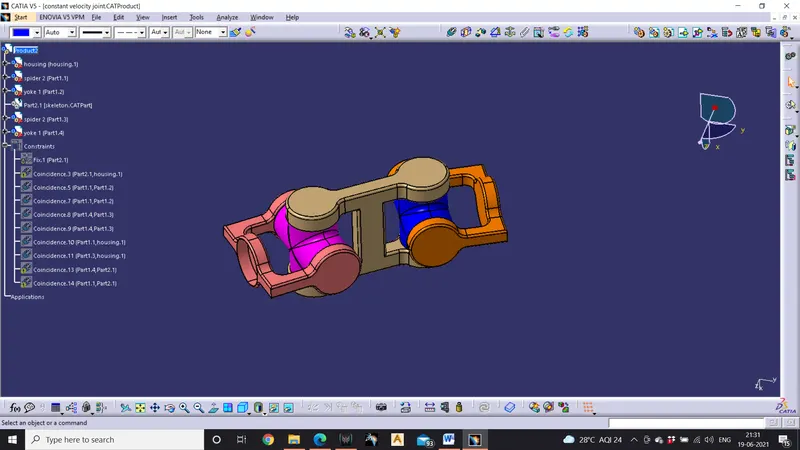
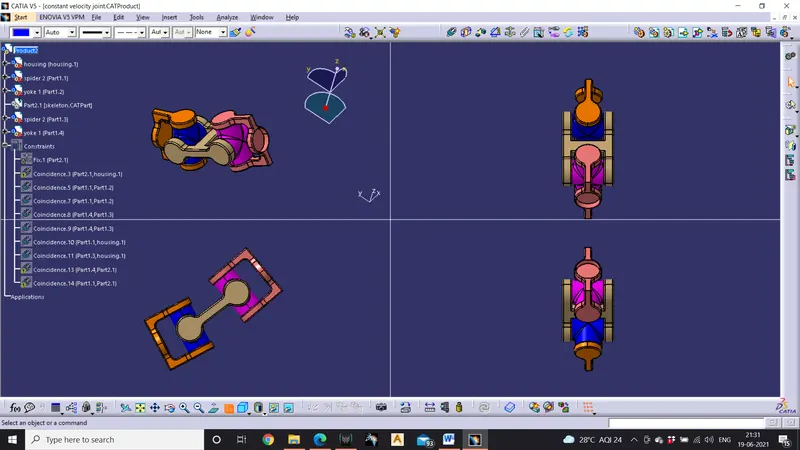
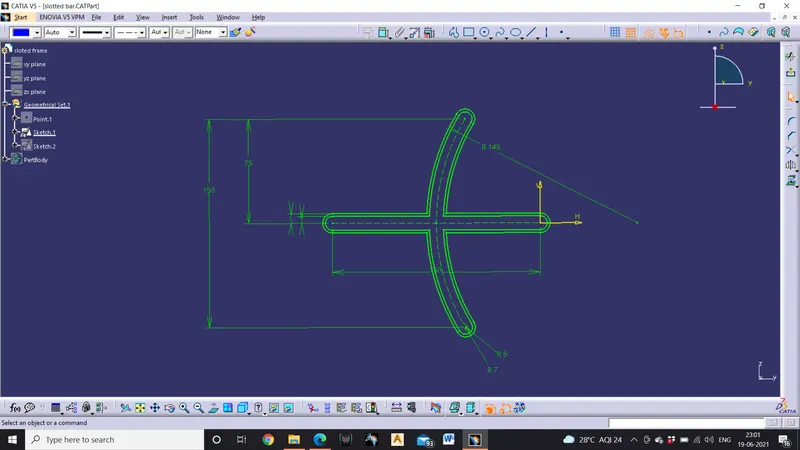
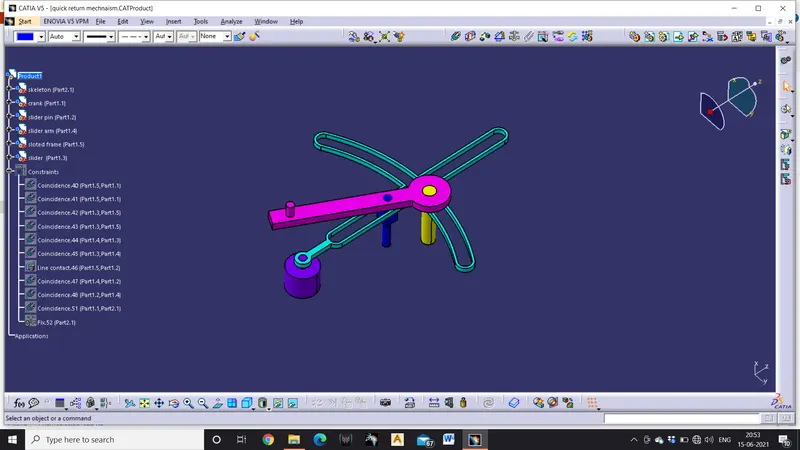
AIM: To create solid models of the given drawings and assemble them in assembly workbench .
Tools used
Pad, pocket, shell, symmetry, coincidence, constraints, trims, Boolean operations.
Procedure
- Open part workbench
- Create positioned sketch by selecting a plane and point
- Using the given drawing s create the sketches of the given models ,assume the missing dimensions.
- Using part workbench or surface workbench create the solid models of the sketches
- Using Boolean operations in part workbench create the solid models
- Now open file>new >product
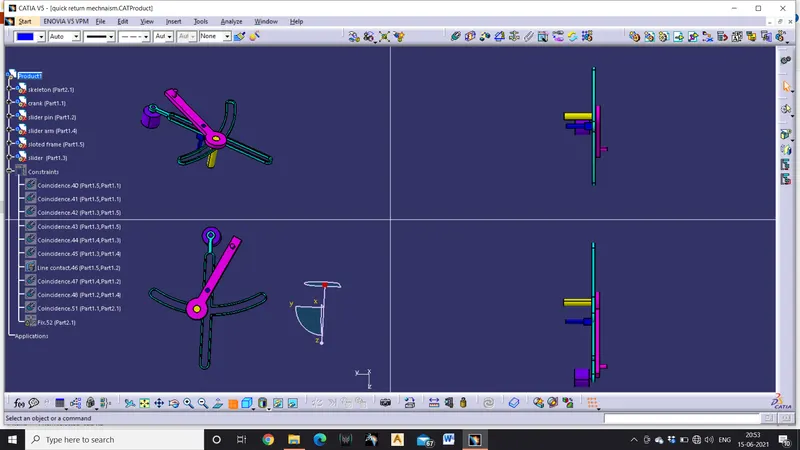
- Using ‘existing component’ option open all the cat part of the same drawing in assembly workbench
- Create a skeleton in which the all parts get assembled and skeleton don’t moves make use of the FIX constraint
- Use coincidence to constrain all the edges and also create axis line to make the work easy
- Use contact constraints for the part which are to be contacted with each other
- Now to make sure that all the parts are constrained use manipulate the components in several directions and click in update
- If all the parts move to their place then the assembly is successfully constrained.
- To save the assembly go to file >save management>select save as >select save propagator.
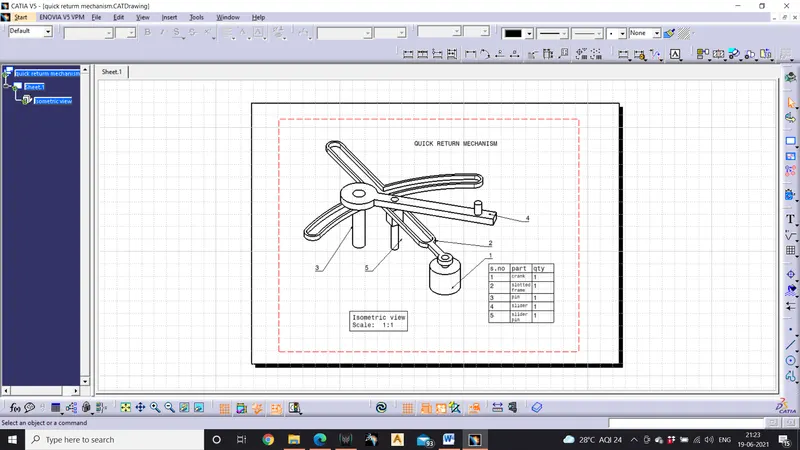
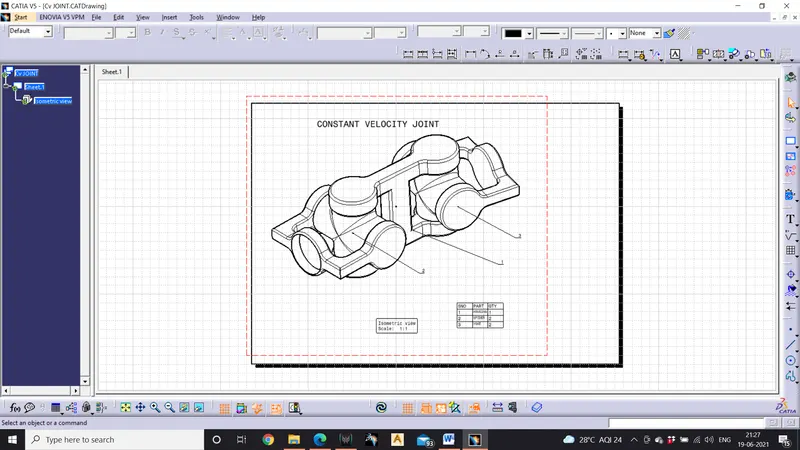
- Create the drawings of each of the component in drafting workbench.
conclusion
learnt how to constrain parts in assembly workbench and completed assignment assembling CV joint and quick return mechanism