Week 11-3D Tetra Meshing Challenge
Aim-Generating the tetra mesh on the given model.
Objective- Creating the tetra mesh for given model qualify the quality criteria.
Procedure-
1.Model -1=Create a tetra mesh for housing component .
Quality criteria- Min length=2units
Max length=7units
Target length=5units
Tet collapse=0.15
Procedure-
1.Import the model- In the left side of window import the model which is in stp or iges file format.
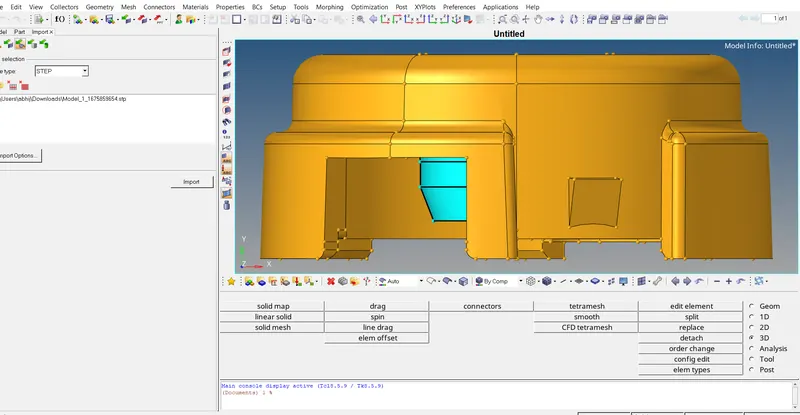
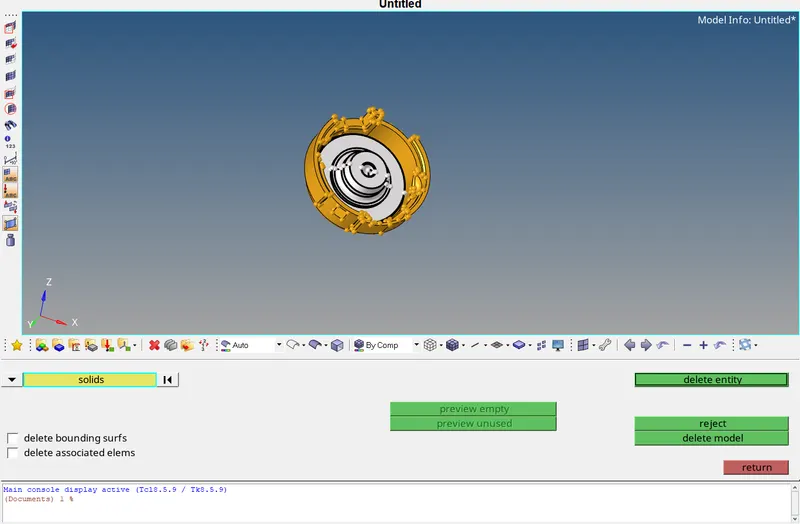
2.Delete the solids- By using delete option select the solids and delete them.
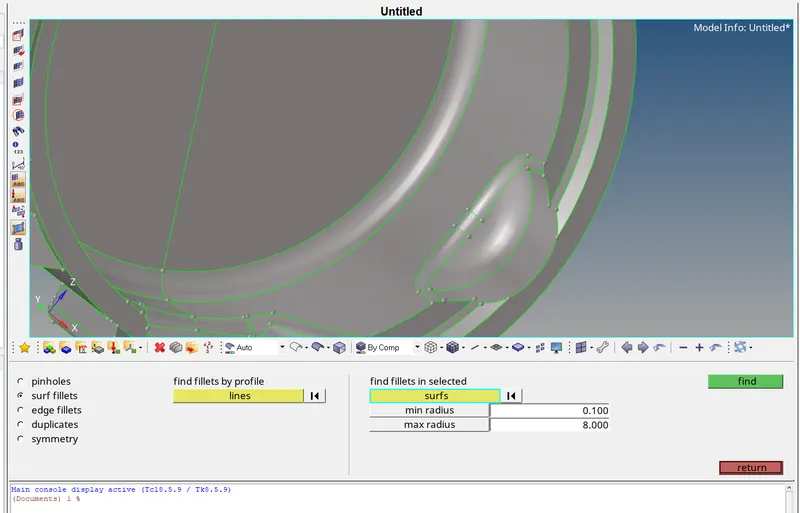
3.Defeature - Defeature the surface by using defeature command in geometry panel. We are defeaturing the surface which is below min length because it will fail for min.length quality criteria.
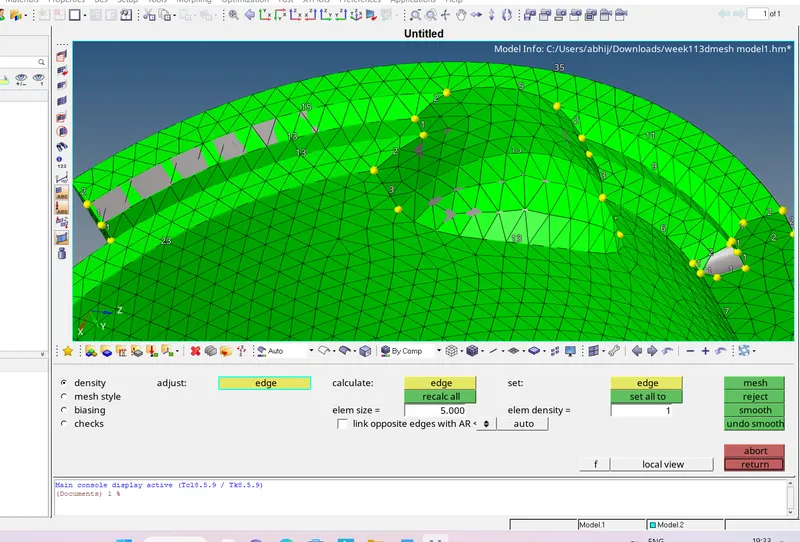
4.Meshing- For mesh first of all we need to set the quality criteria for 2d to 3d mesh conversion .Then go for 2d mesh panel>automesh>set target length >set the tria only>select the surface>hit the mesh button. After that we should clear the off elements because it will fail for tet collapse in final mesh. For resolving the off elements use translate or smooth option.
5.3d meshing- For converting the 2d to 3d mesh go for 3d panel>tetra mesh>select tetra mesh>select the element>Hit the mesh button. After that we should check the elements for quality failure for tet collapse tools>check elements>3d>tet collapse. For resolving the tet collapse we should go for translate command in tool panel.
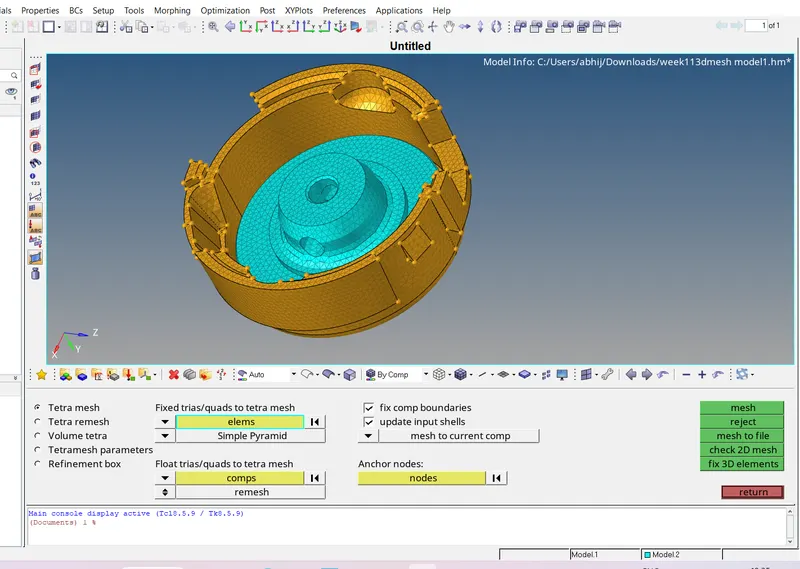
without any failed elements i.e.tet collapse-
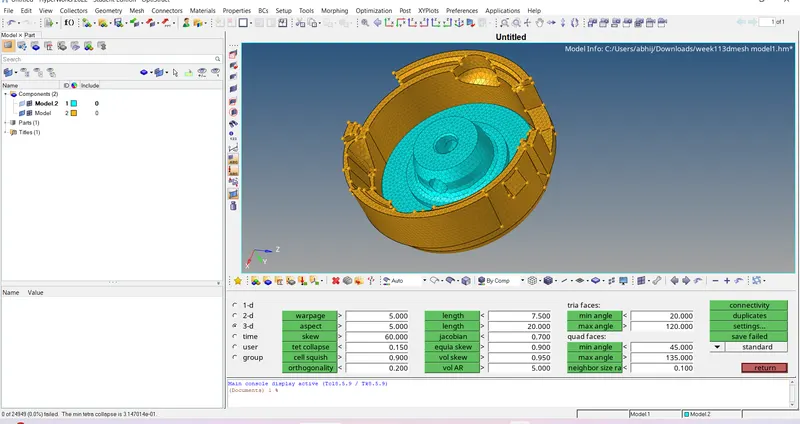
2.Model-2=Do the tetra meshing
Quality criteria-
Target element size-3units
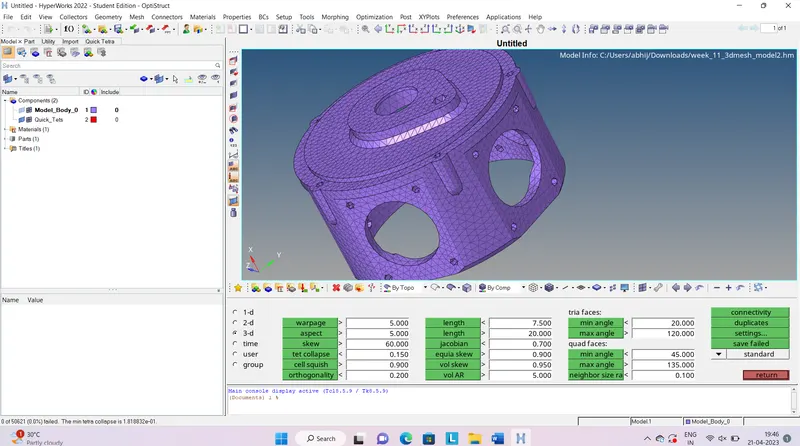
Tet collapse-0.15
Procedure-
1.First of all clear the free edges model should be closed .For any free edges use quick edit option in geometry panel.
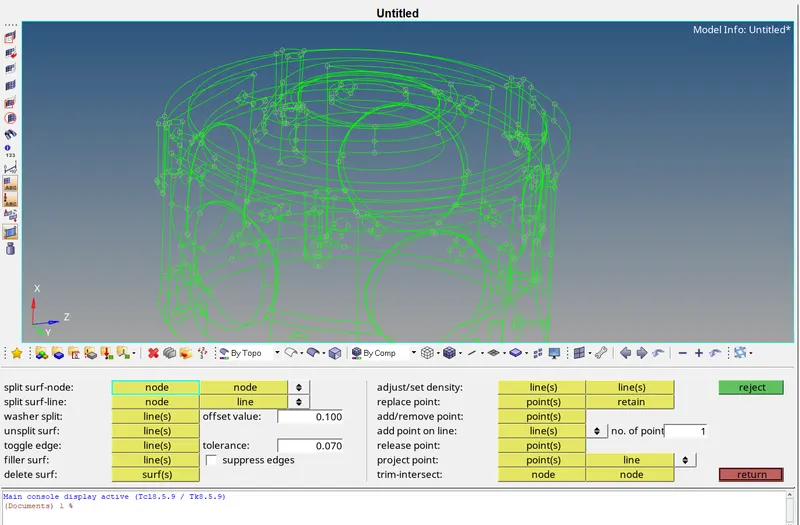
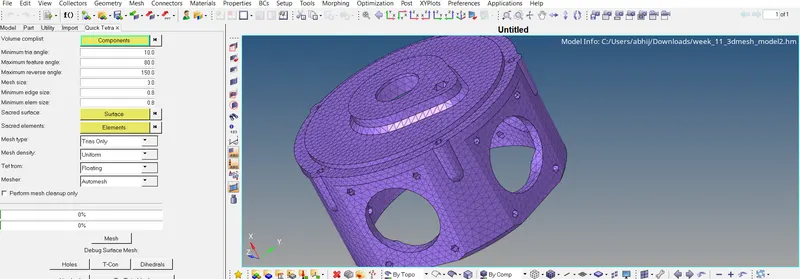
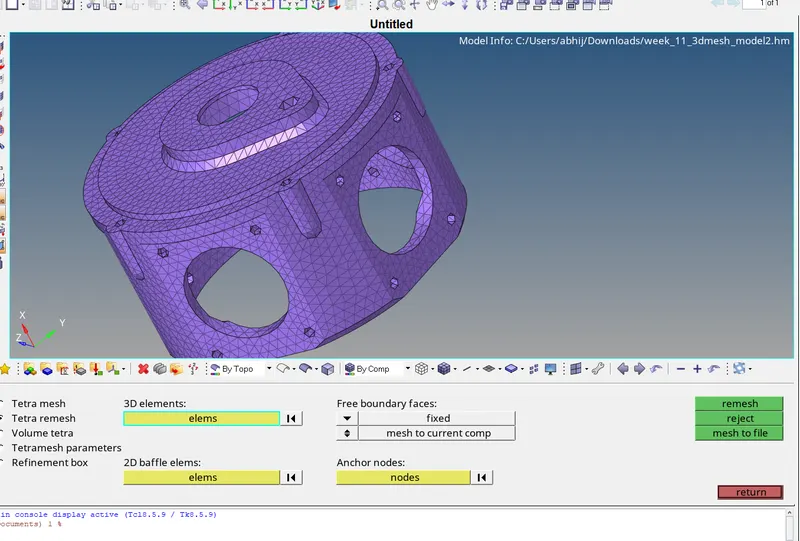
2.Mesh- We are using the quick tetra meshing option. view>Browser>hyper mesh>utility>quick tetra mesh. After this select the component set the element size then select the trias only and hit the mesh button. After this go for any quality failure tet collapse. For resolving this use tetra remesh option or translate option. For tetra remesh set the tetra mesh parameters then go for tetra remesh option.
quick tetra mesh panel-
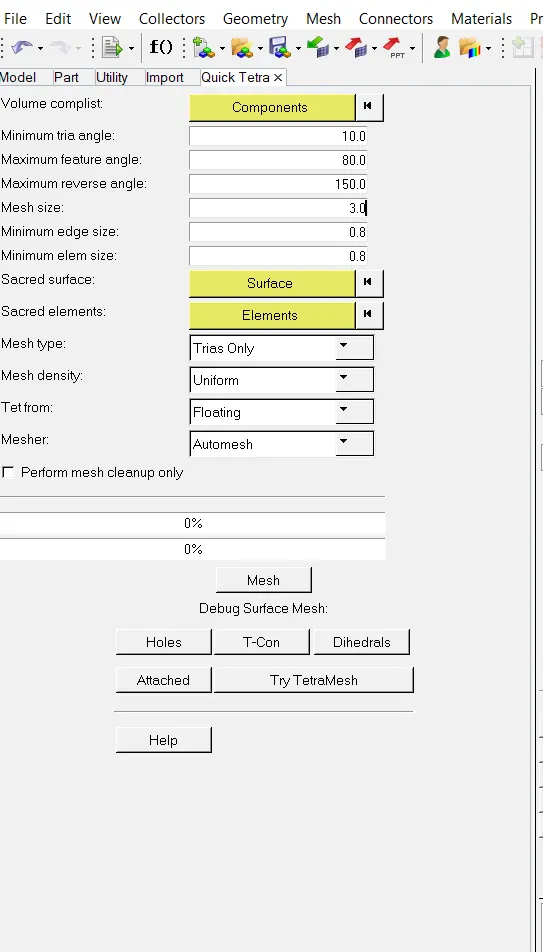
meshing-
for tet collapse failed elements do tetra remesh-
without any failed elements-
3.Model-3=Do the tera meshing by using quick tera or volume tetra .
Quality criteria-
Target element size-4units
Tet collapse-0.15
Procedure-
1.Defeature -By using defeature option in geometry panel .
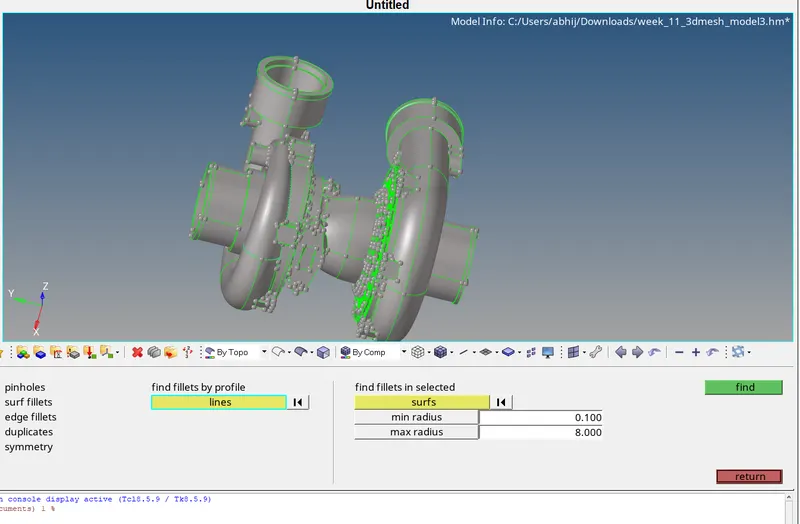
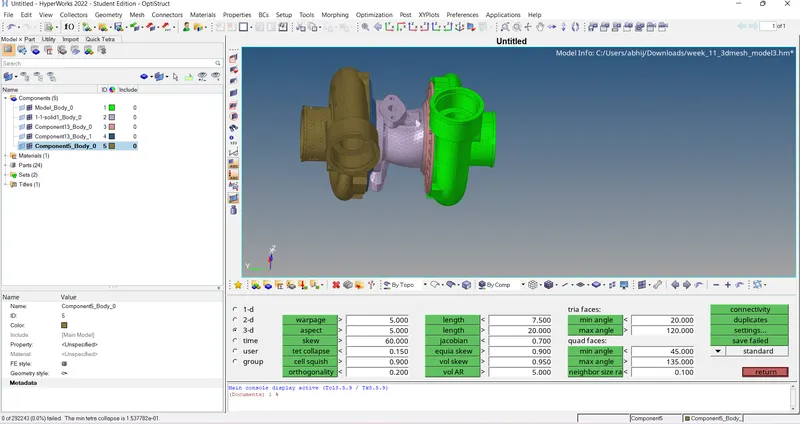
2.Meshing- We are using volume tera meshing method. For that we using 3d >tetra mesh>set the tetra parameters>volume tera mesh. After that go for quality failure resolving this use translate or tetra remesh option.
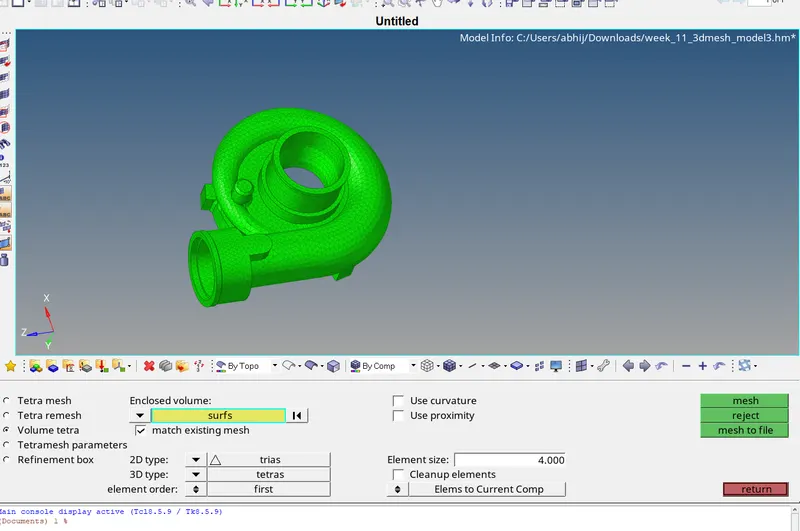
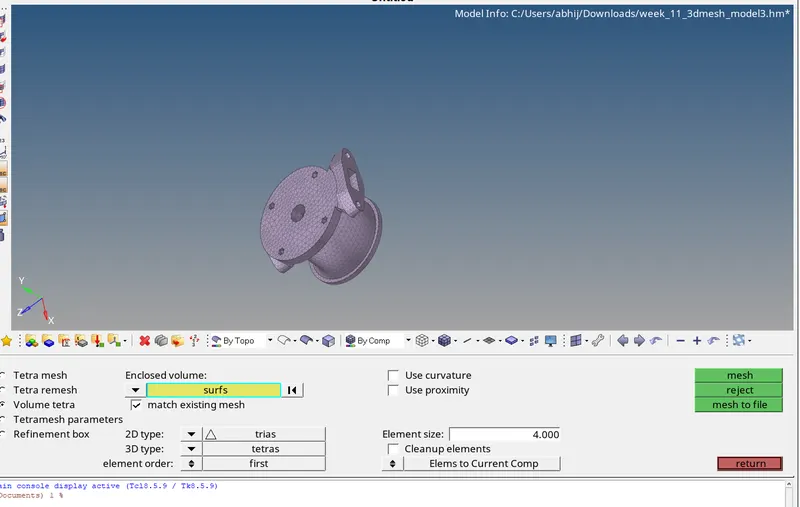
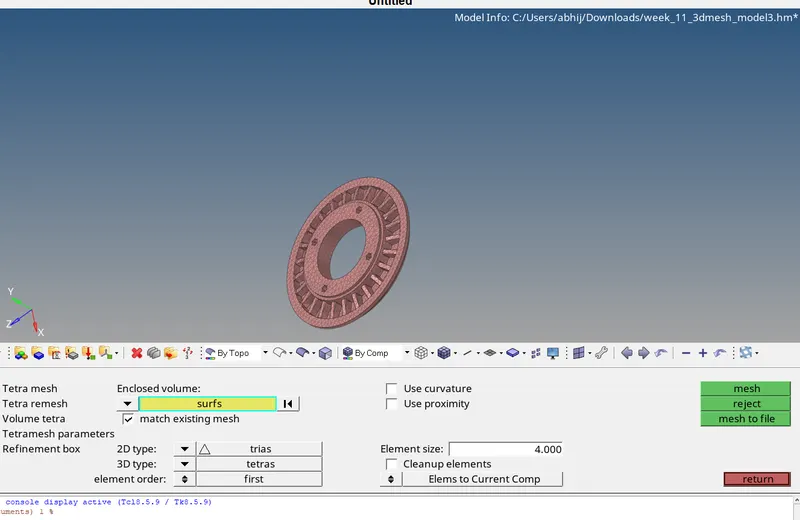
for failed elements doing tetra remesh-
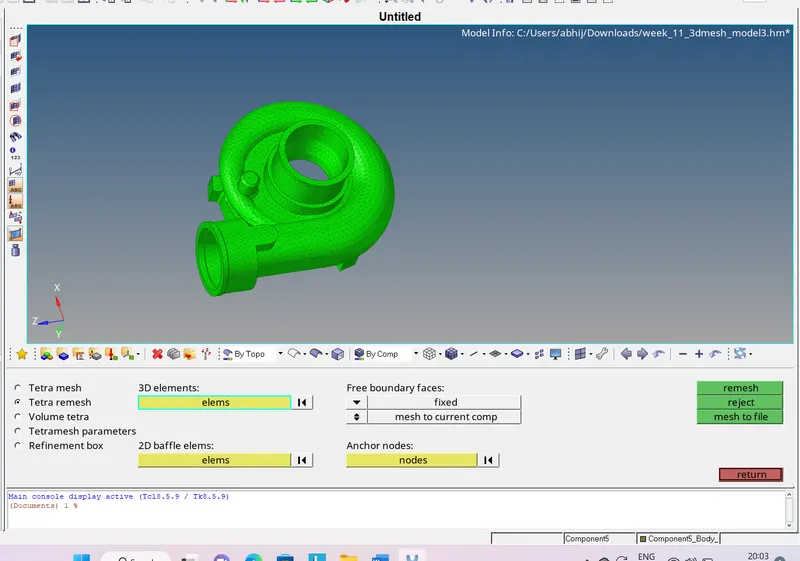
complete model without any failed elements-
Outcomes-Learned about tetra meshing methods.Quick tetra meshing ,volume tetra meshing and 2d to 3d meshing.