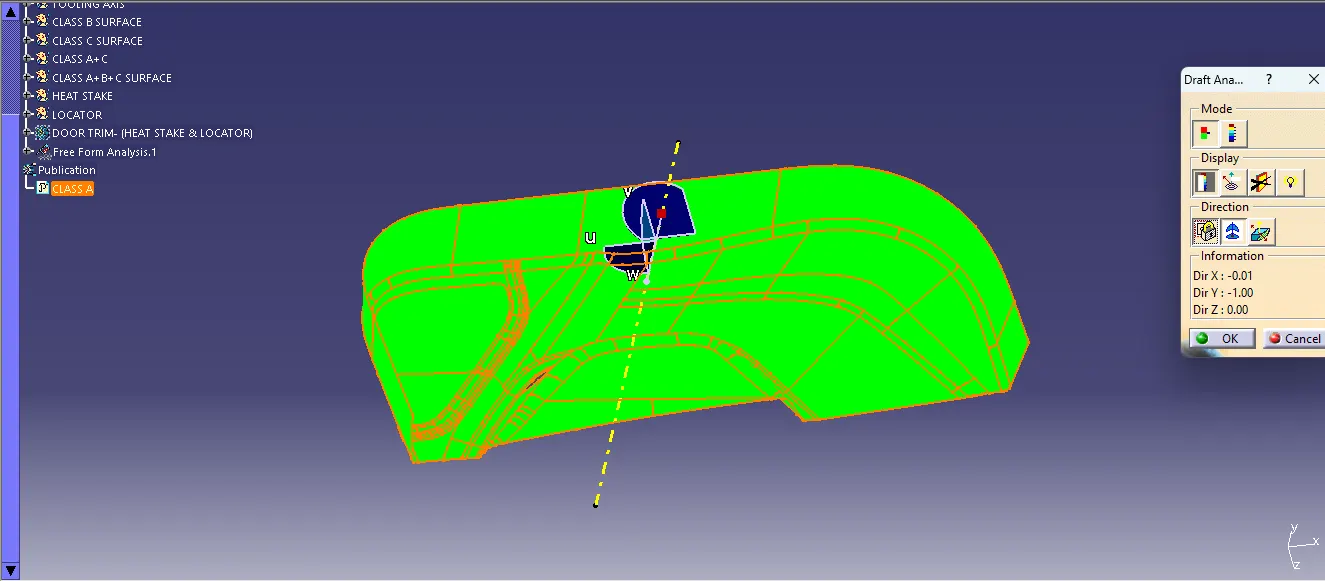
Week 10 - Challenge 3 - Door Trim Lower with Engineering Features
The DOOR TRIM - (HEAT STAKE & LOCATOR) are given of CLASS A and points of the HEAT STAKE, To creake a CLASS B & CLASS C SURFACE with a HEAT STAKE & LOCATOR.
STEP 1: I create a POINT, TOOLING AXIS by using a BISECTING LINE,
STEP 2: Then i create a CLASS B SURFACE by offset and using a BOUNDARY & EXTRAPOLATE METHODS and using of MULTI-SECTIONS SURFACE,
STEP 3: Then i create a CLASS C SURFACE by using the CLASS A SURFACE to create a boundary and make a SWEEP, EXTRAPOL & made a join,
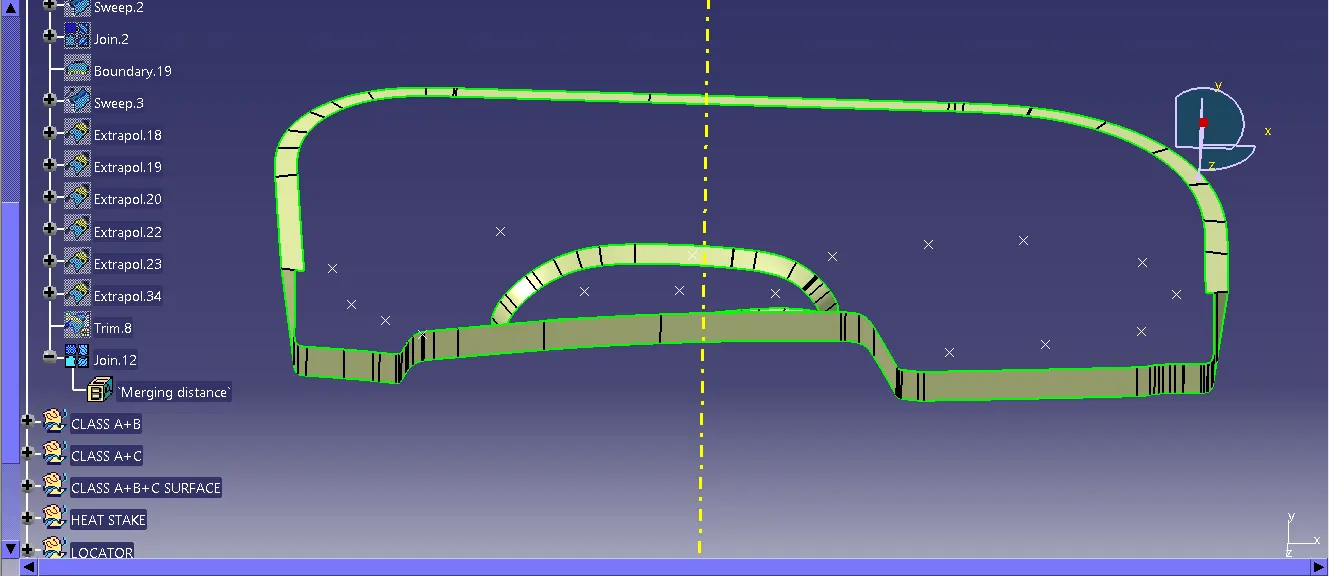
STEP 4: Then i made a CLASS A & CLASS C surface to make a join,
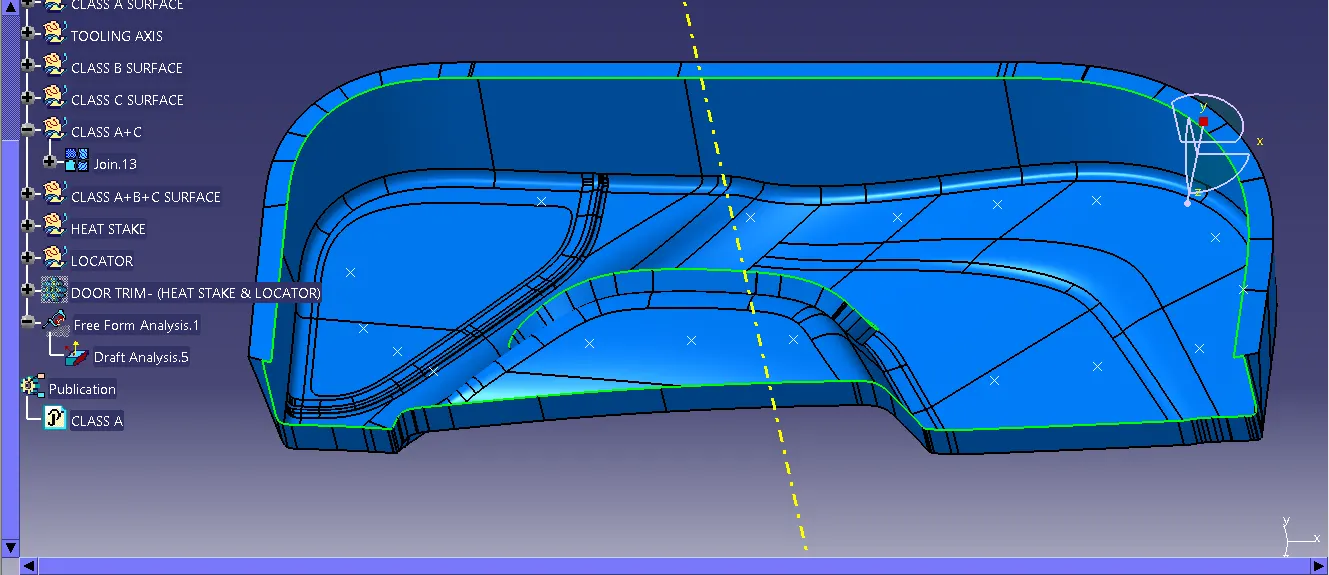
STEP 5: After that I used a TRIM command to trim the CLASS A+C with a CLASS B SURFACE,
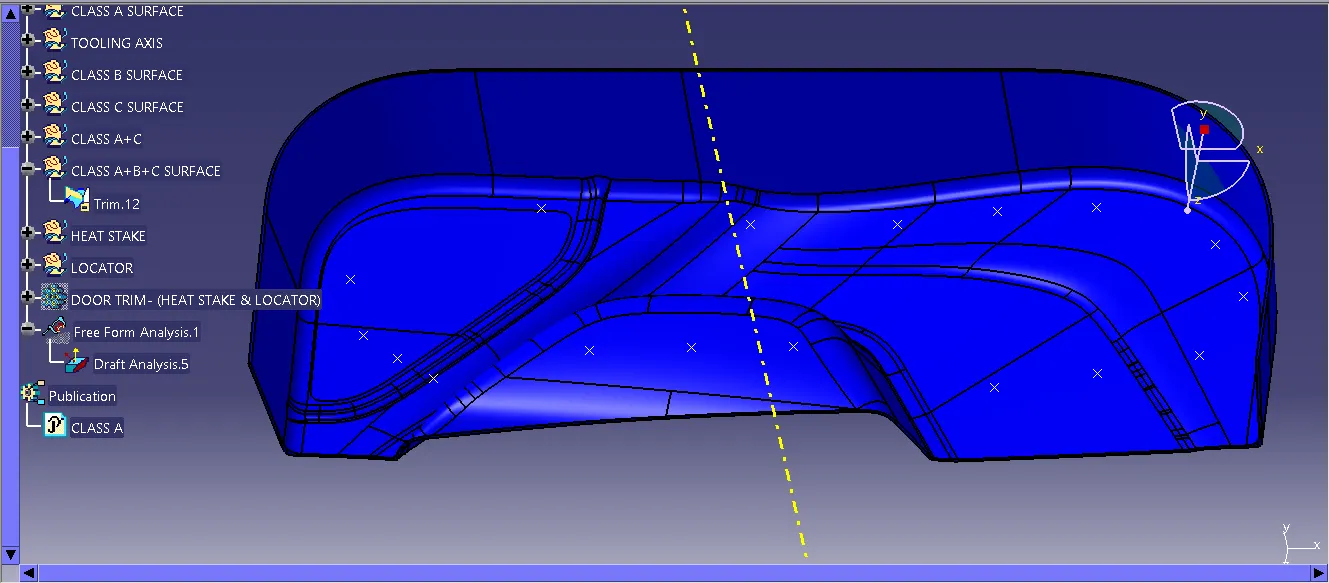
STEP 6: Then I made a CLOSESURFACE in the body,
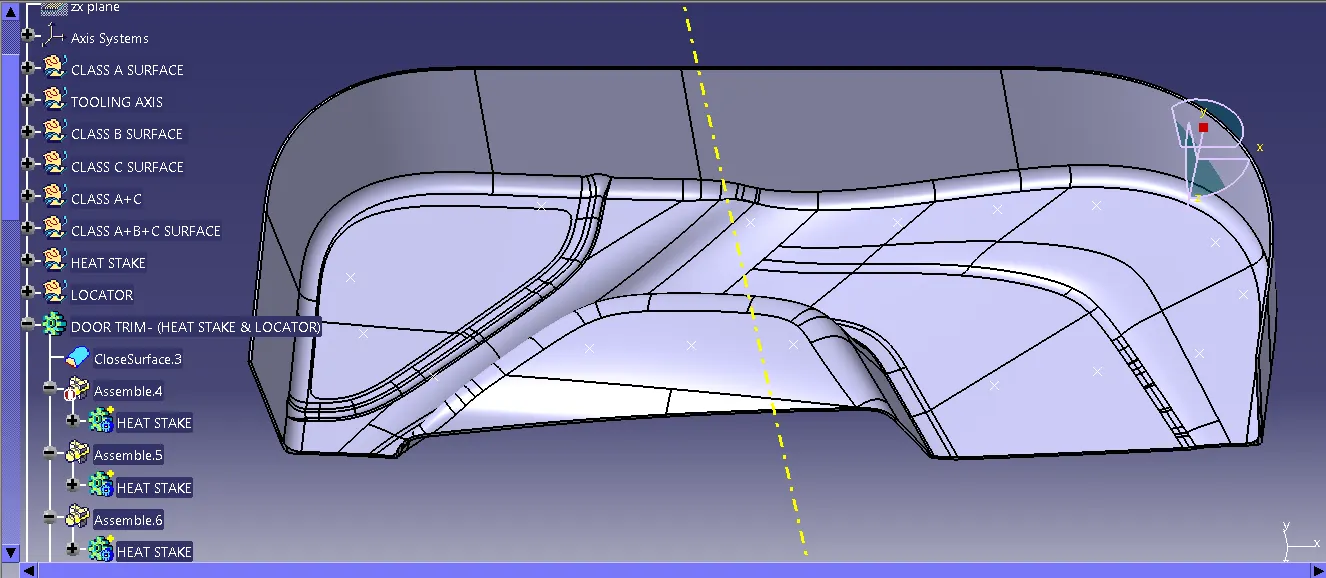
STEP 7: I used the point which they give for the HEAT STAKE to make a plane & sketch,
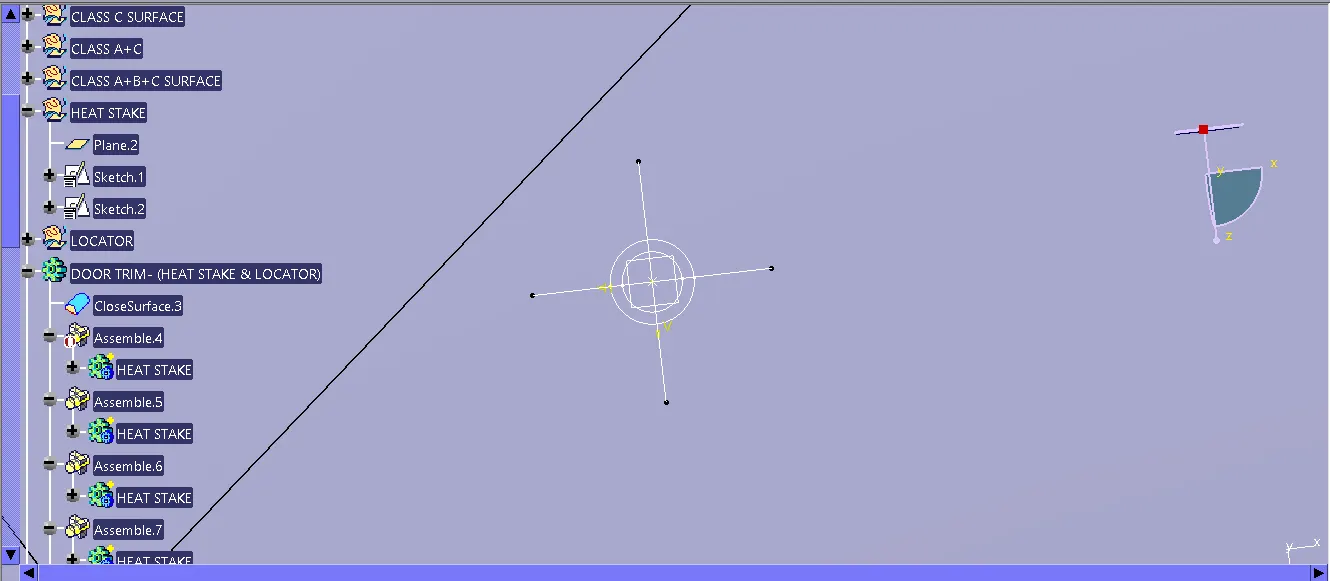
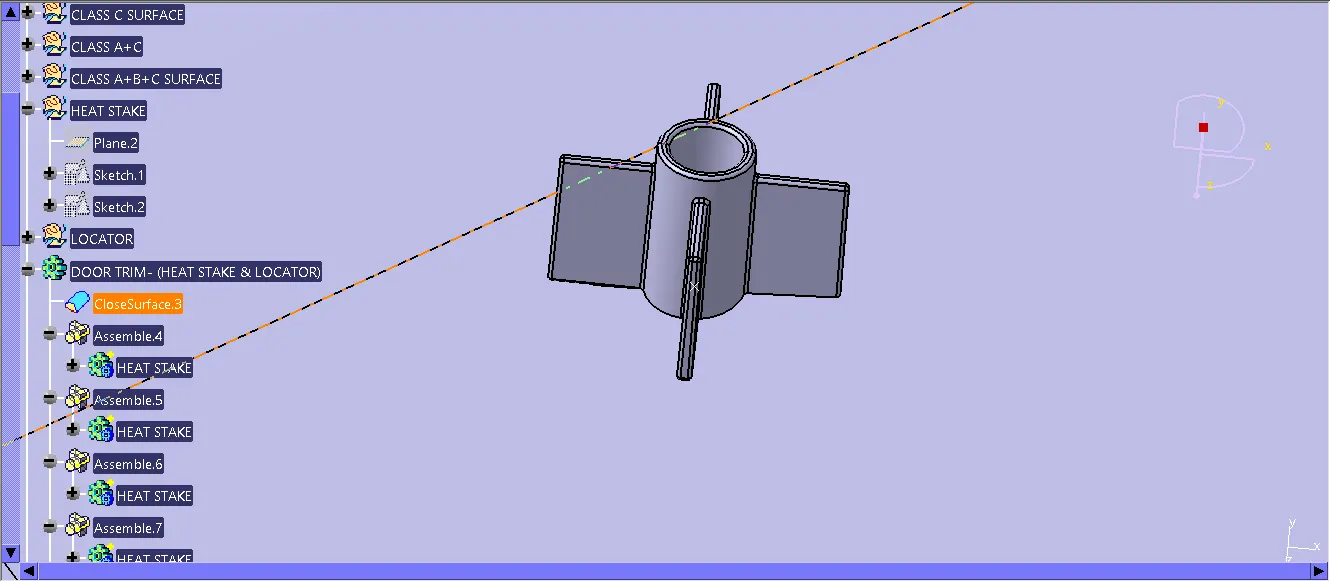
STEP 8: Then i used a body to make a HEAT STAKE and used a DRAFT & EDGEFILLET, Then i used the translation to make a multiple HEAT STAKE by given in the points,
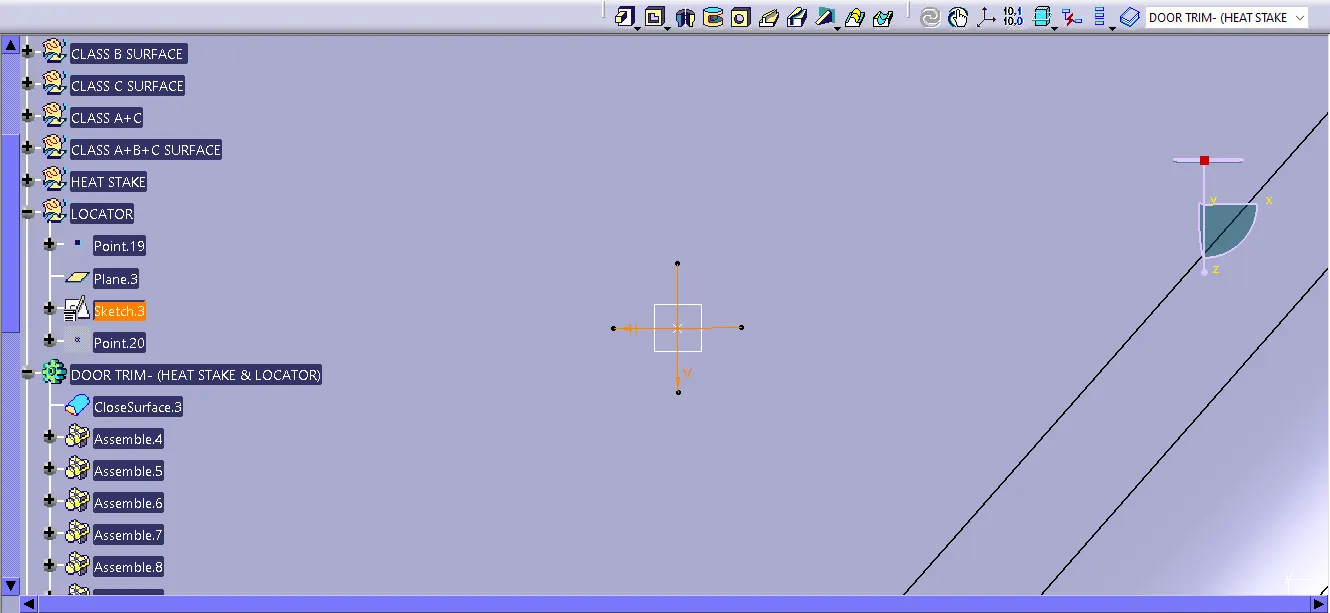
STEP 9: I create a point in the middle of the HEAT STAKE, To create a LOCATOR by using the plane & sketch,
STEP 10: I used a PAD to create a LOCATOR and made a DRAFT,
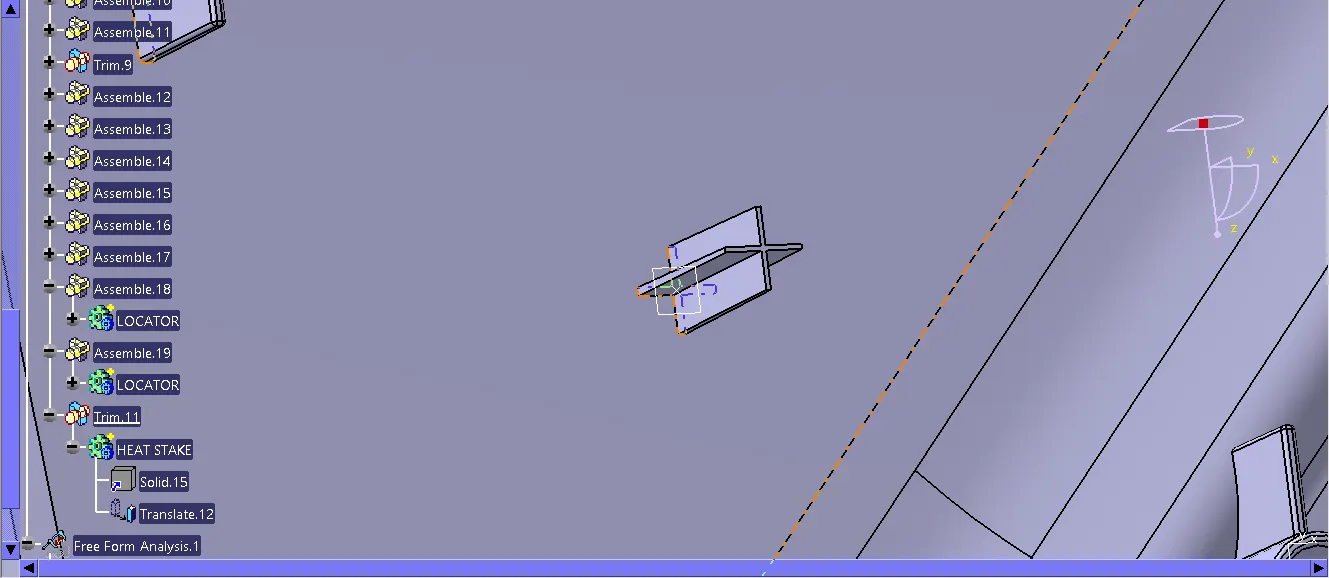
STEP 11: I create a another point in the opposite direction and i used a translation to make a another one,
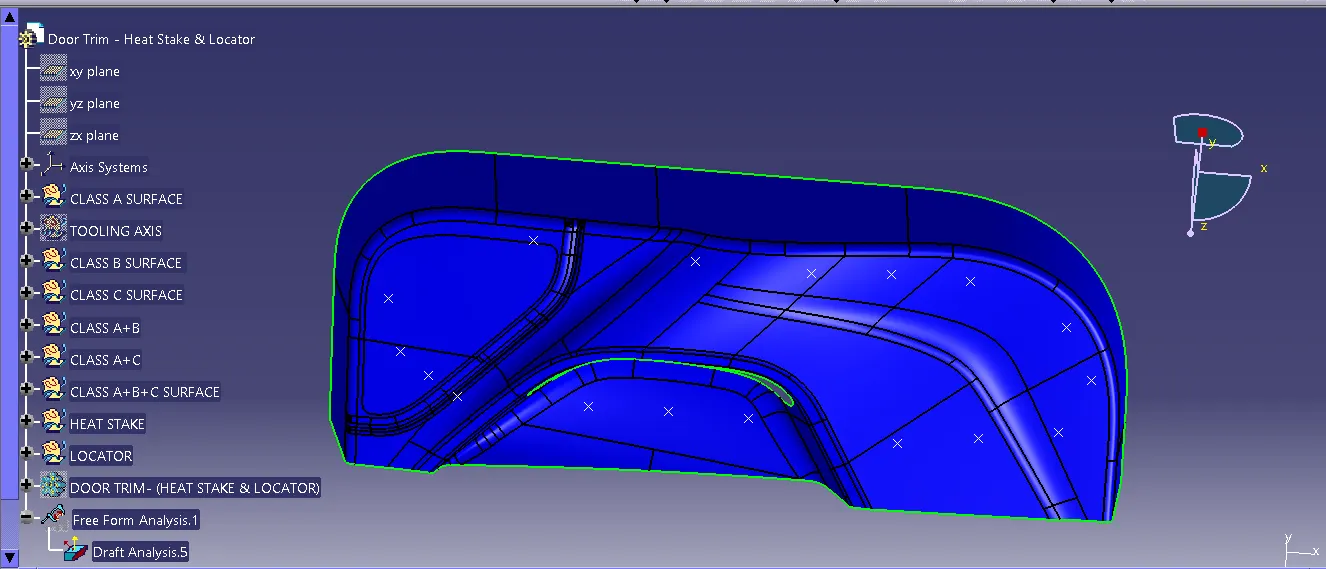
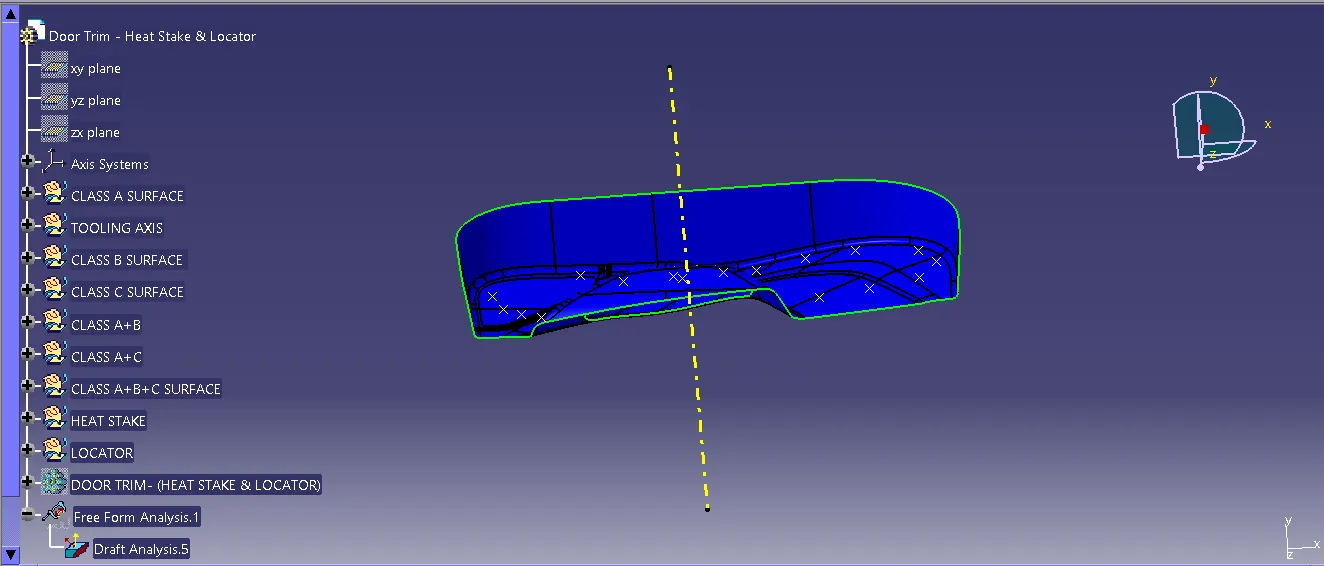
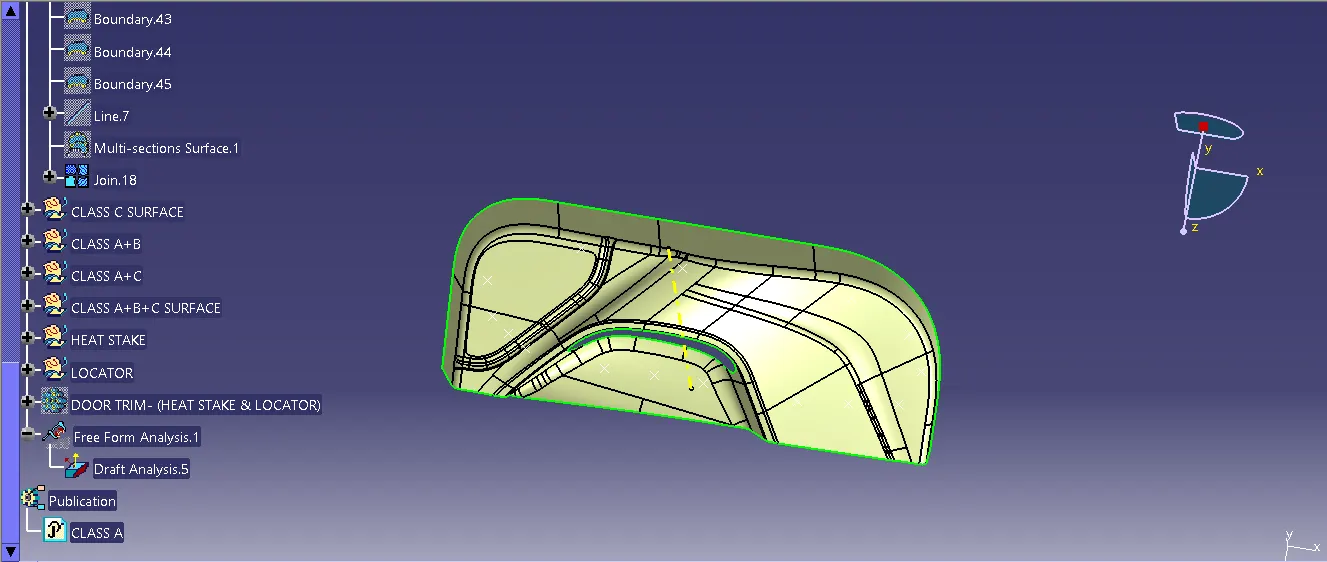
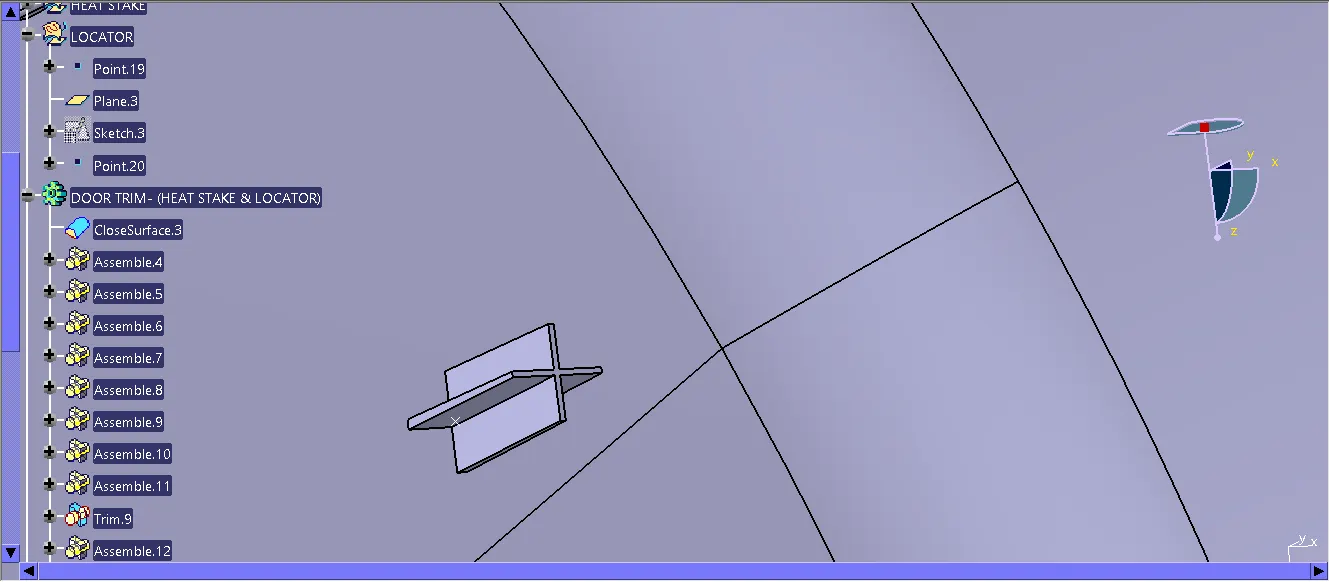 STEP 12:I used the DRAFT ANALYSIS to check the CLASS A SURFACE,
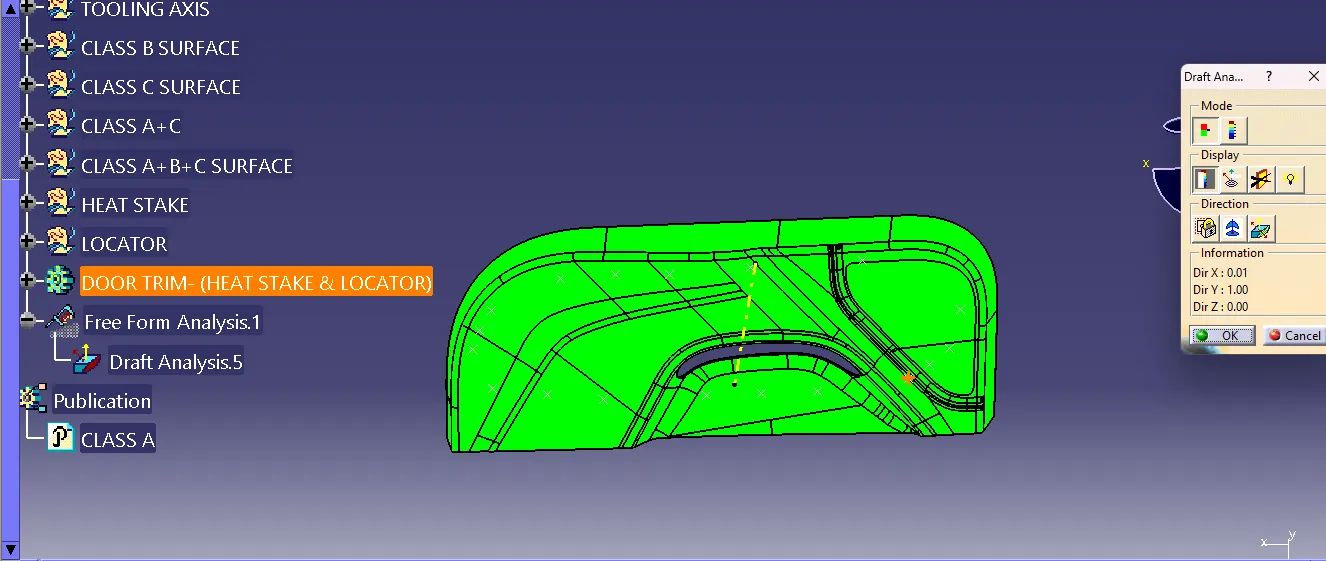 STEP 13: And then i check with the CLASS B SURFACE to make proper draft,
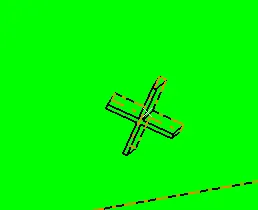
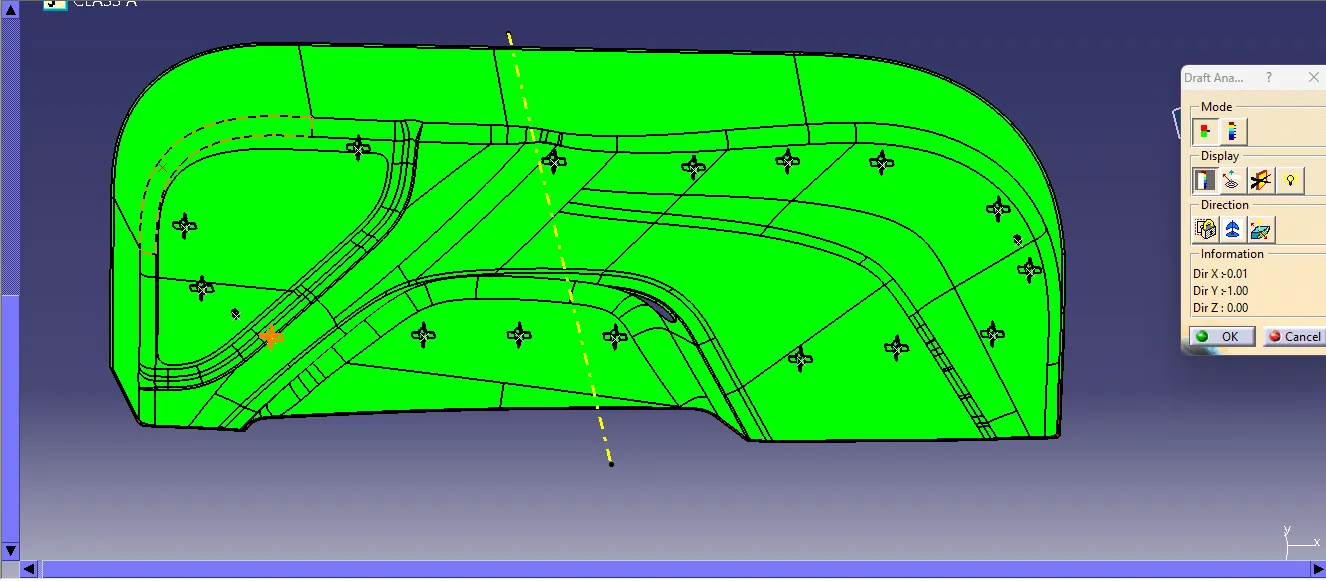 STEP 14:This is the HEAT STAKE to look closer in a DRAFT ANALYIS METHODS,
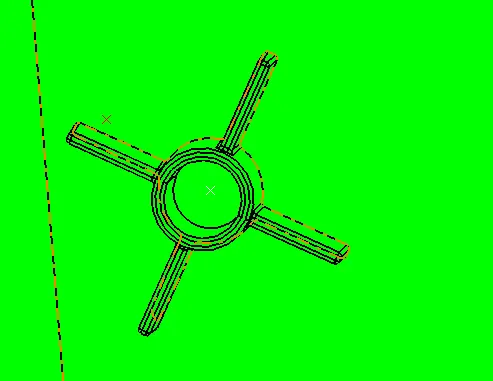
STEP 15:And this is the LOCATOR to look closer in a DRAFT ANALYIS METHODS,
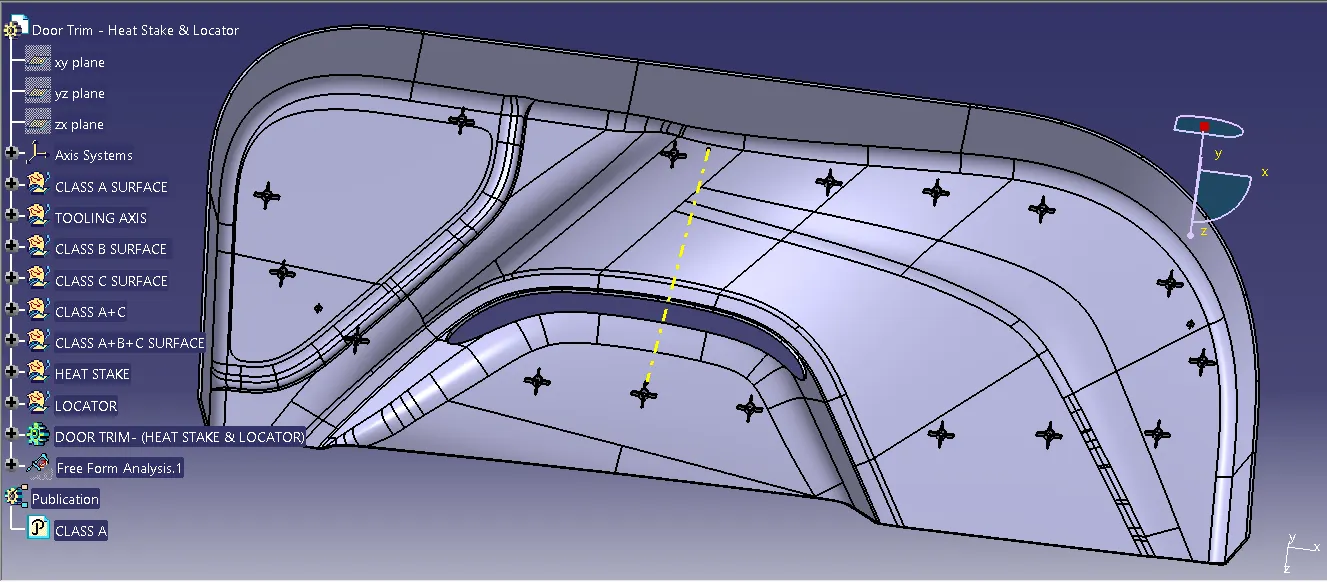
STEP 16:And this is the finally part of the DOOR TRIM -(HEAT STAKE & LOCATOR),
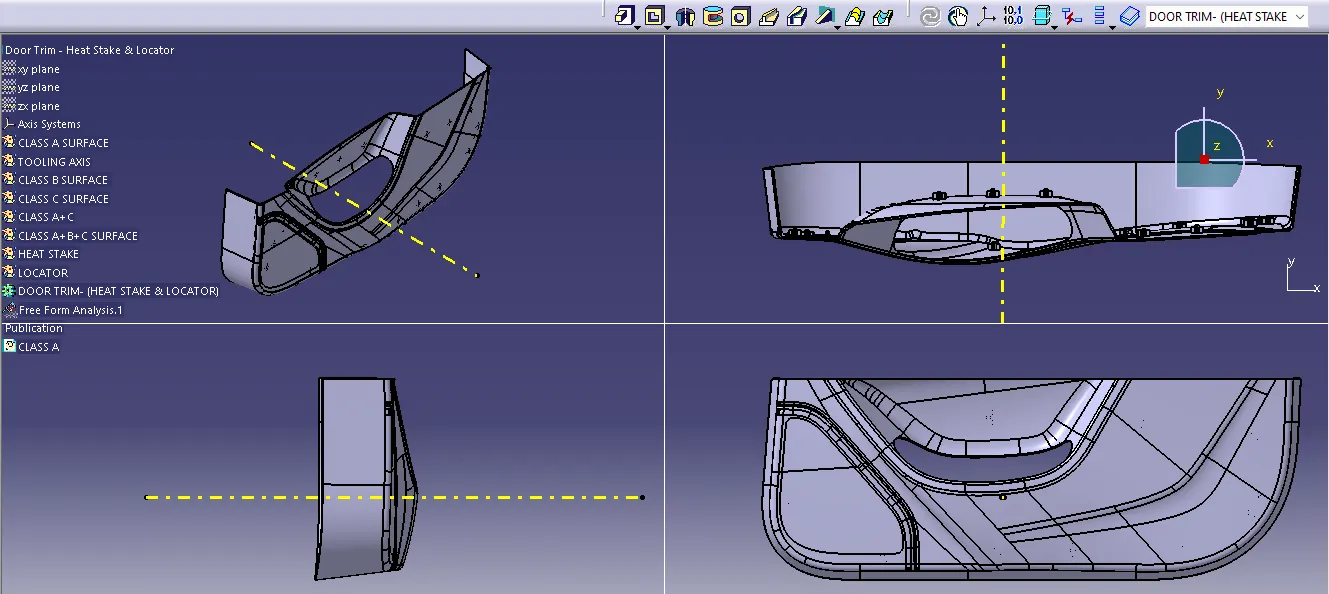
 STEP 17:This are the ISOMATRIC VIEW, SIDE VIEW, FRONT VIEW AND TOP VIEW.
STEP 18: This is the DRAFT ANALYSIS IN A CLASS A SURFACE.