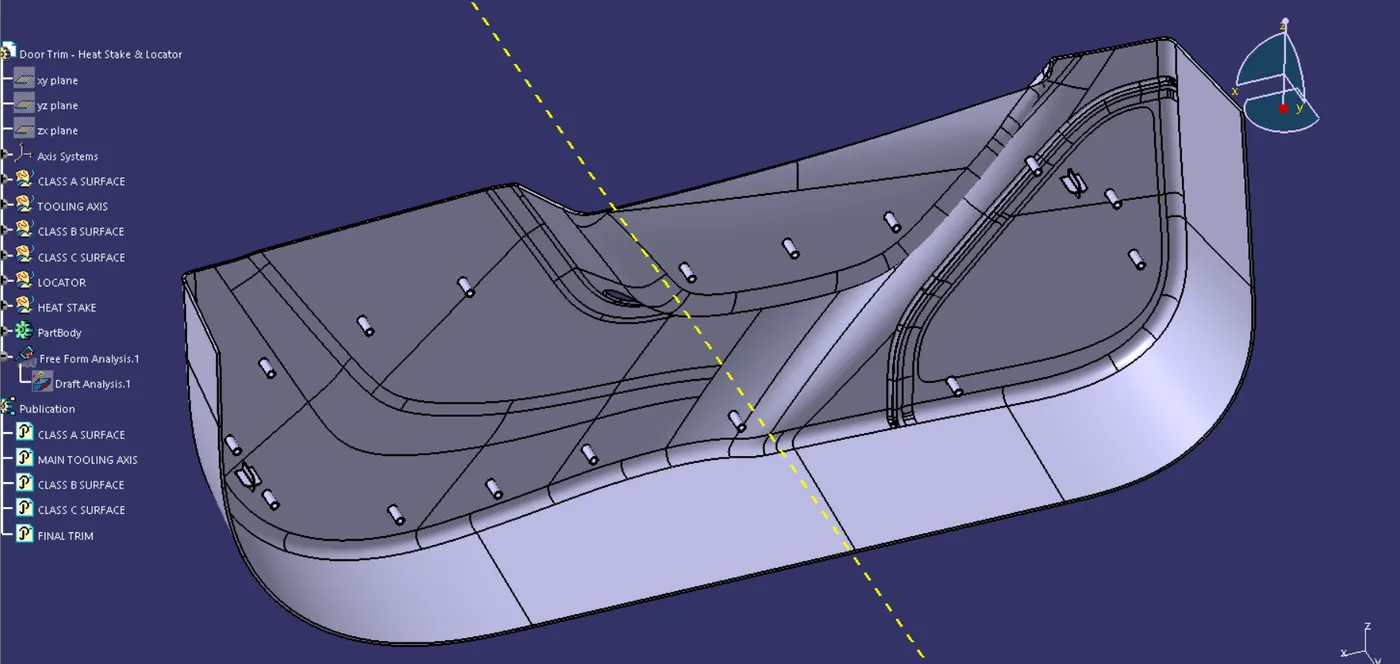
Week 10 - Challenge 3 - Door Trim Lower with Engineering Features
DOOR TRIM LOWER PLASTIC APPLIQUE
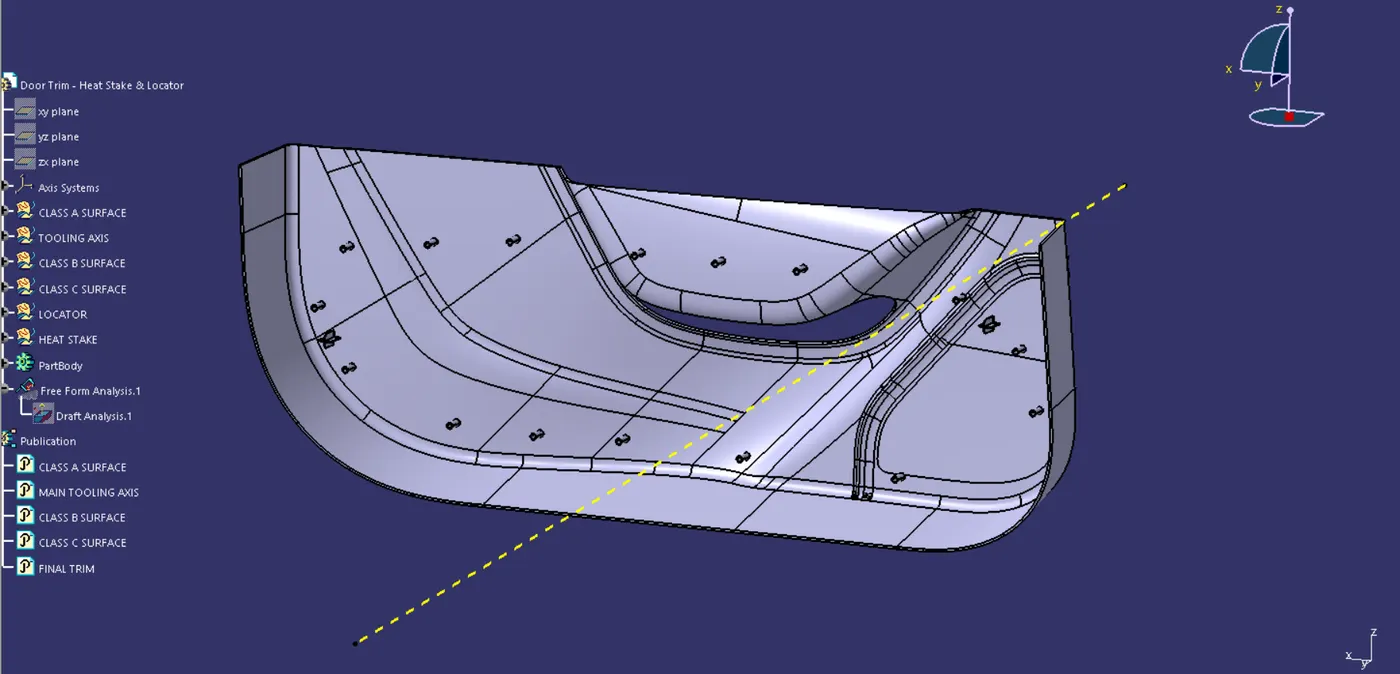
HEAT STAKE
Heat stake is used to fuse two or more components where atleast one of it has to be a plastic component, together. The plastic material is deformed by controlling the time, force and heat. To fix the other, the plastic portion is somewhat deformed to make the connection. Its is a popular low-cost/high volume application used in consumer goods, IT, and automotive industries. It facilitates the simple bonding of metal to plastic.
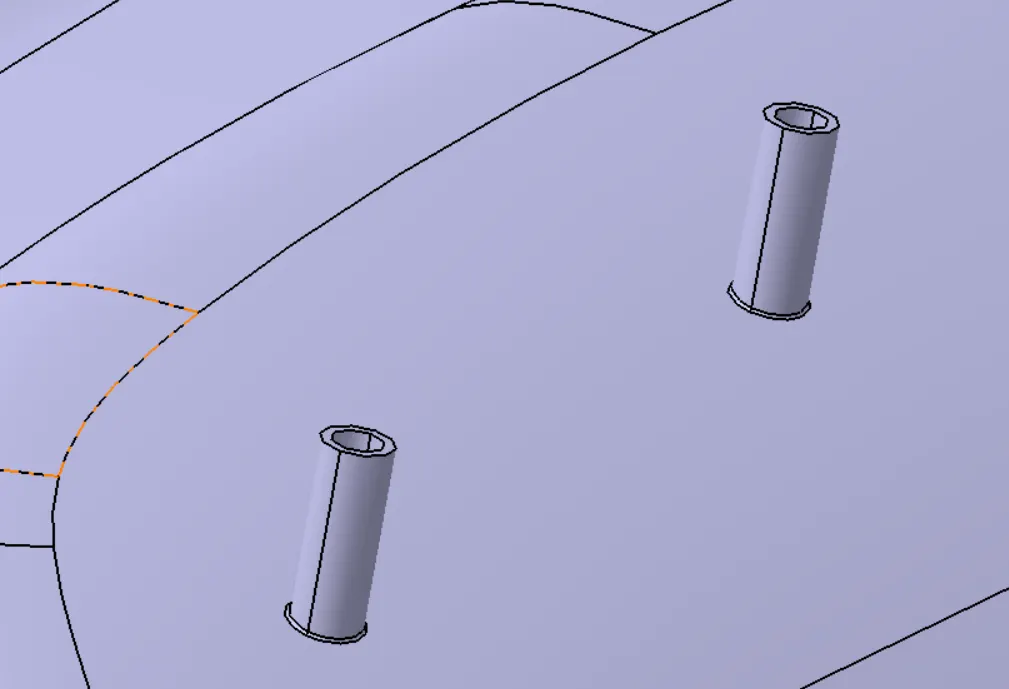
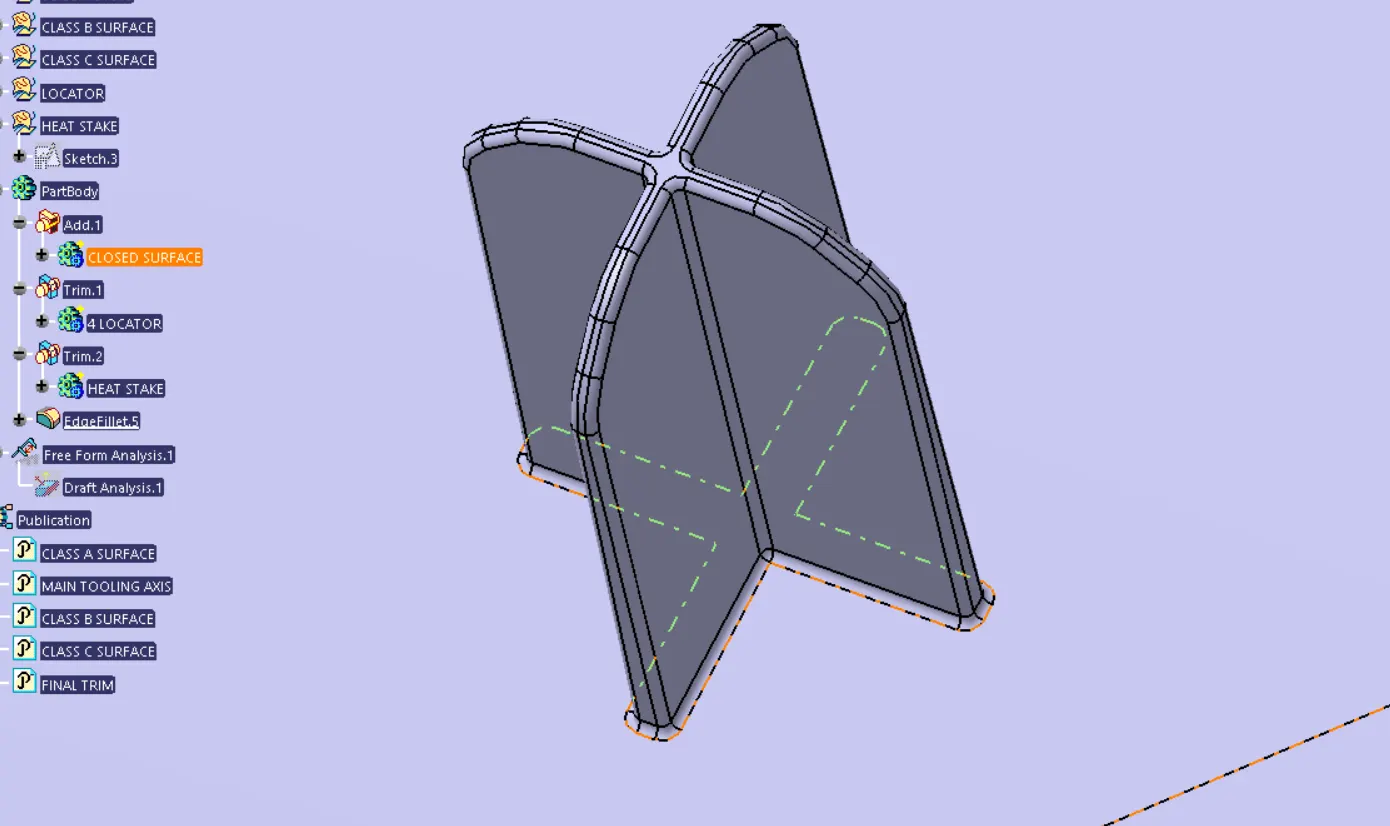
4 - WAY LOCATORS
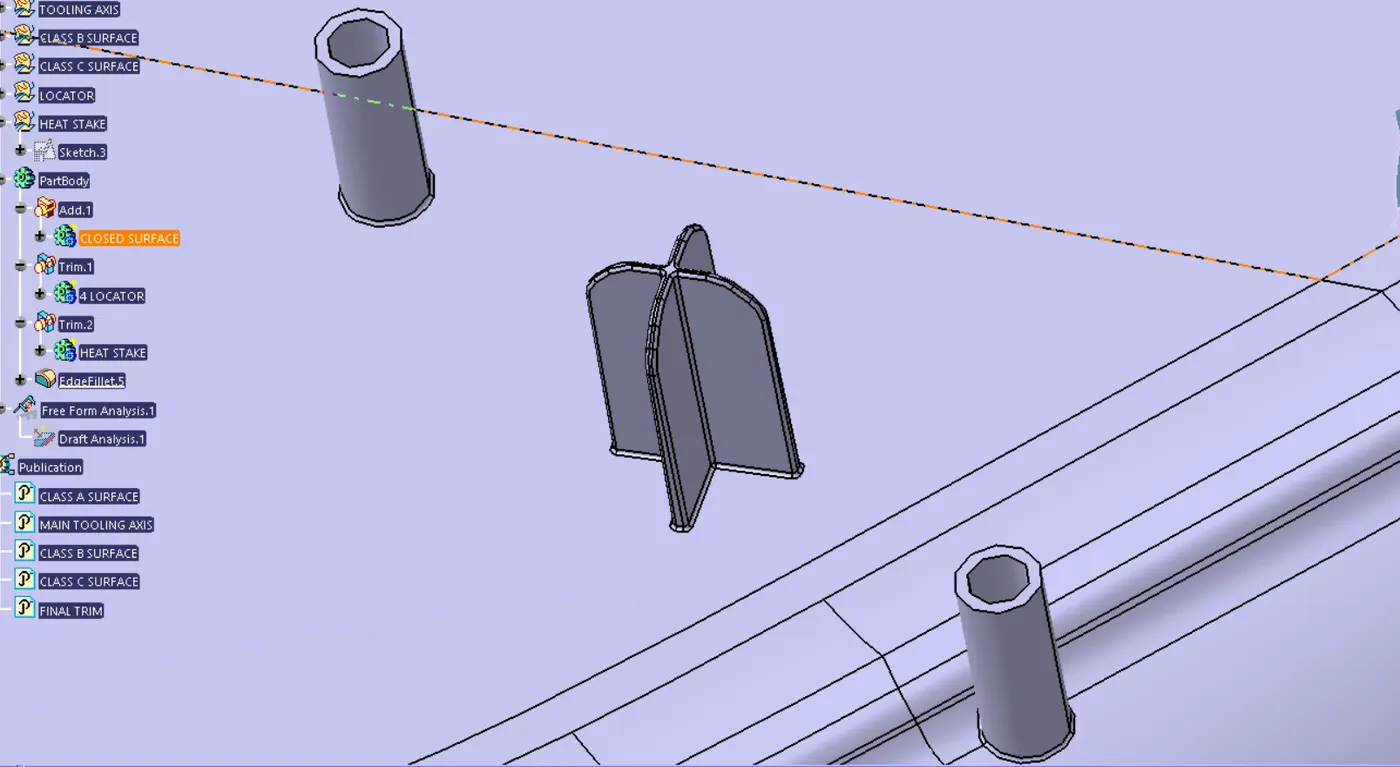
These locators stop the four degrees of freedom by joining the junctions of the four ribs.
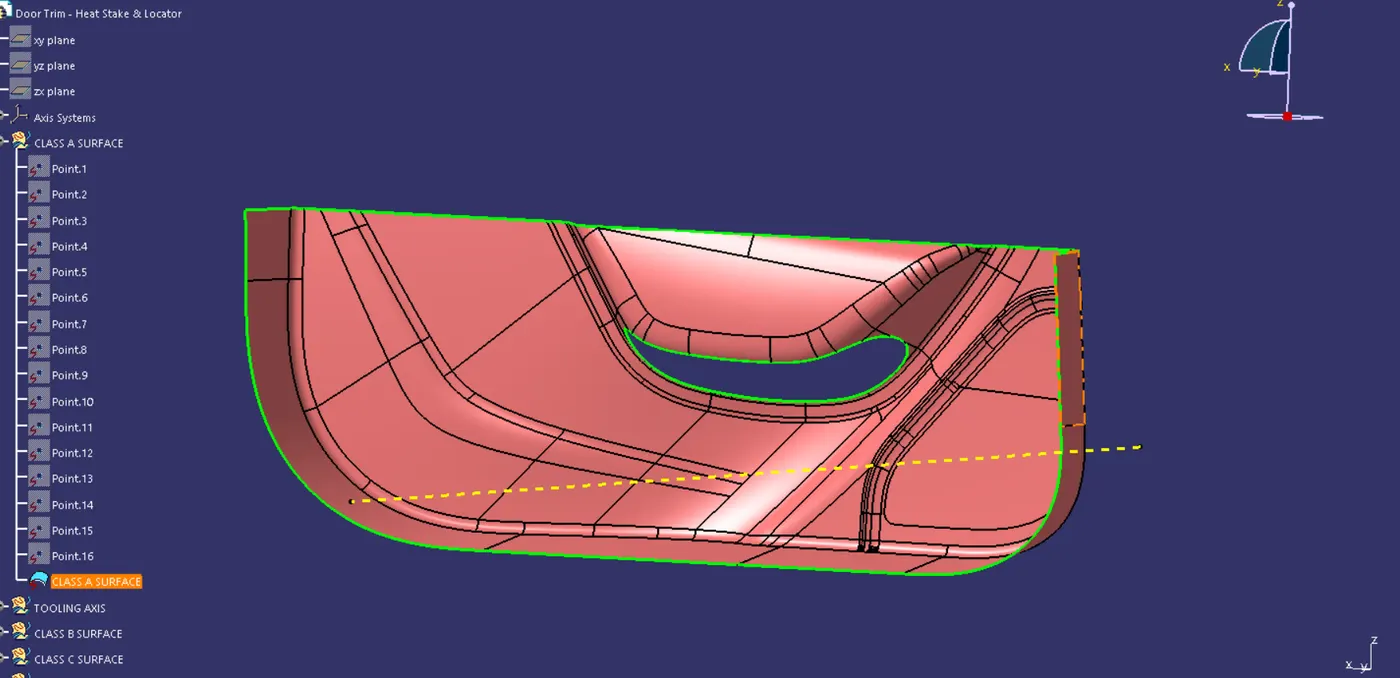
Class A Surface
Checking the connectivity by using the boundary or the intersection feature.
Class B Surface
Created by offsetting,extracing the door trim, untrimming it, extrapolating it before joining it all together. 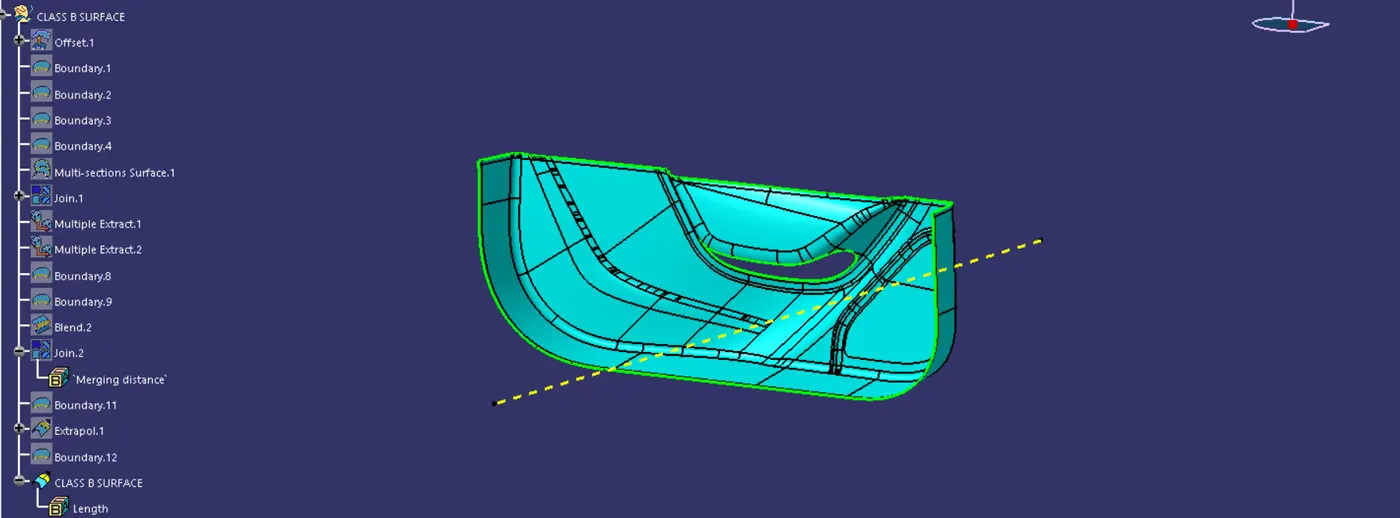
Class C surface
Created by using the sweep method, where with the boundary of the class a surface is used as the guide curve along with the tooling axis we are able to join the class A & B surface together.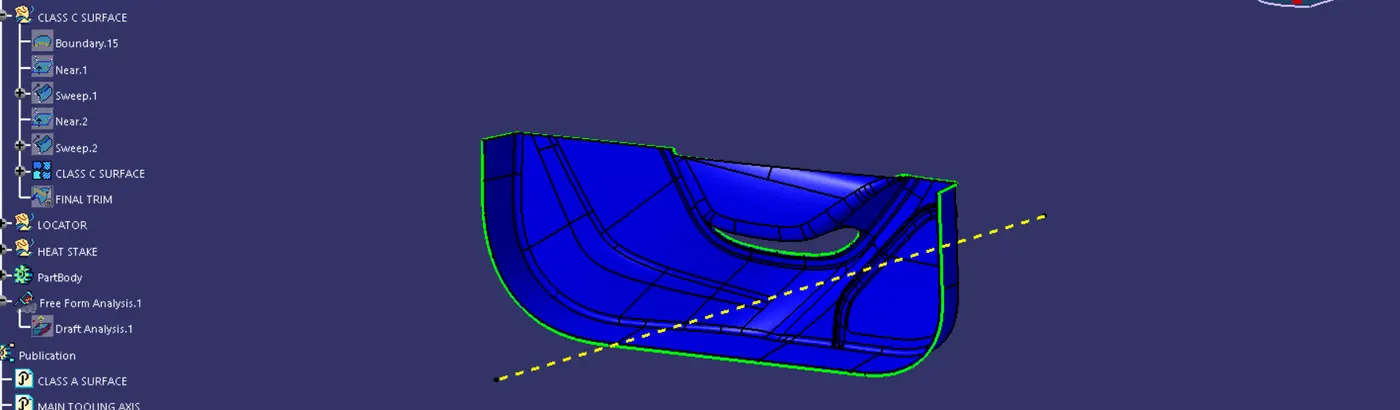
Step 1
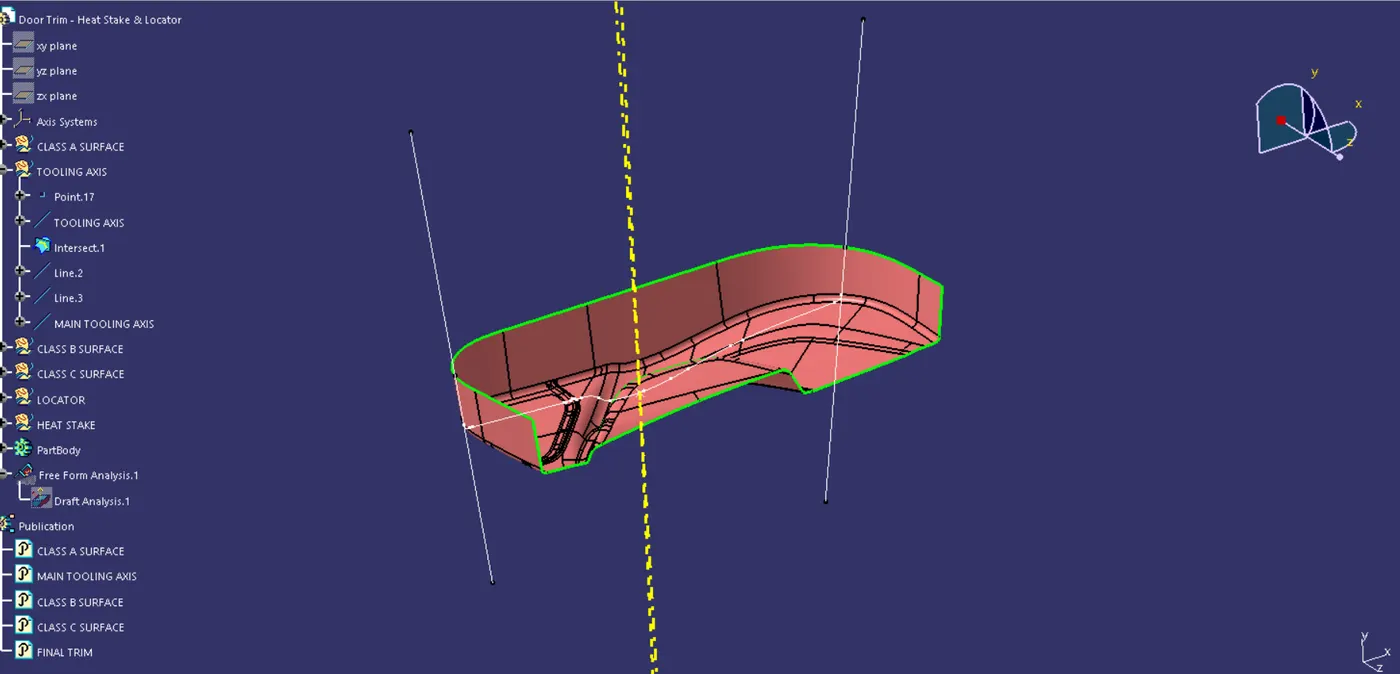
We checked through different positions where the part would be able to draft with the minimum draft angle and created a point and created a line and cross verified it with draft analysis and we found it out to the right axis and renamed the line as the axis as the tooling axis. After that we found the intersection lines and then created two lines andbisected it to find the main tooling axis.
Step 2
We offset the class A surface by 2.5mm and started to extract, extrapolate and trim the surfaces of the door trim appliqe we used the multi section command to form the fillets. Then we joined it all together to get the Class B surface.
Step 3
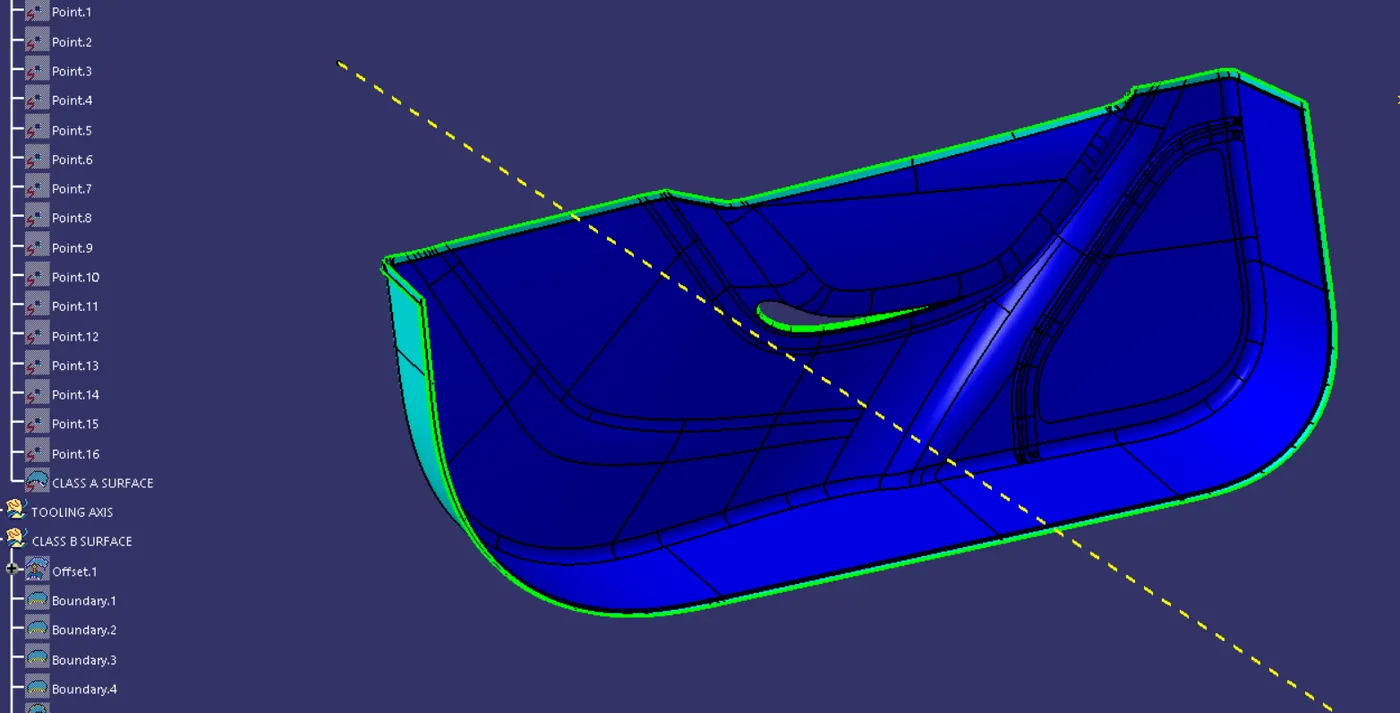
To create the class C surface we at first created the boundary on the class A surface and then used the sweep method where the boundaries and tooling axis where chosen and a draft of 90 degree was given. Then we trimmed the class A & B together to form the Class C surface. Then we were able to get a closed surface.
Step 4
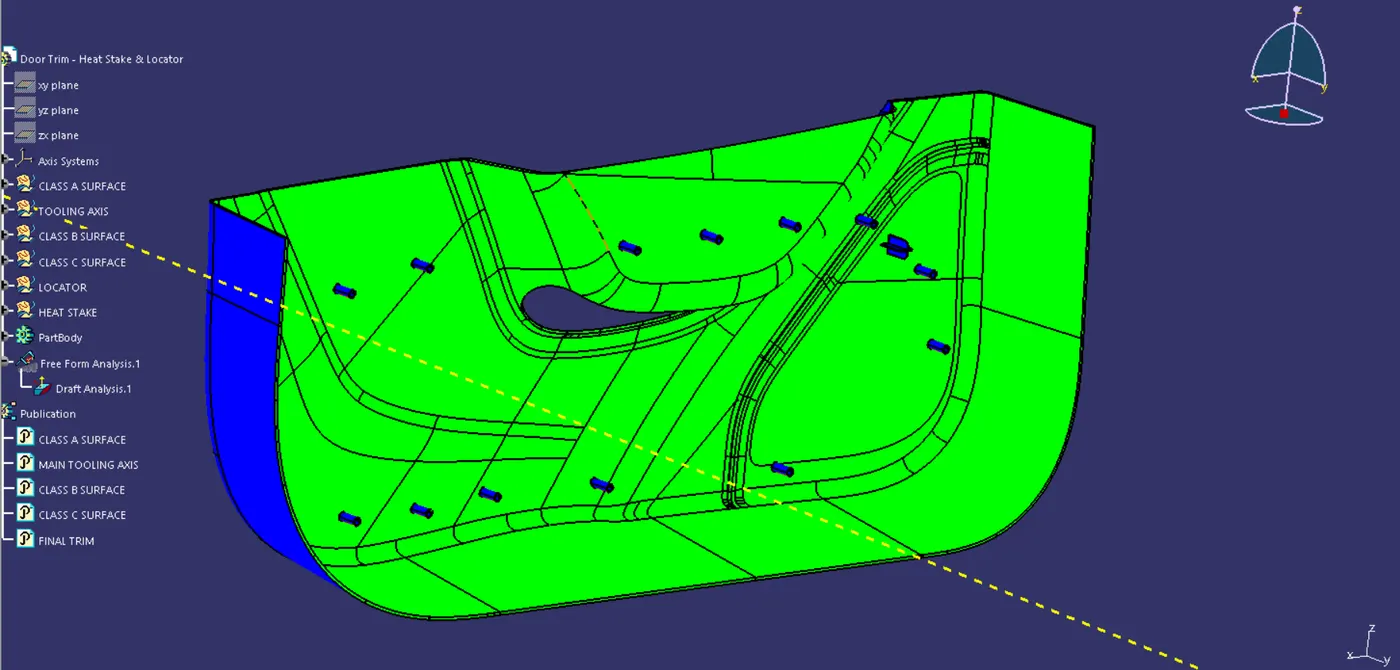
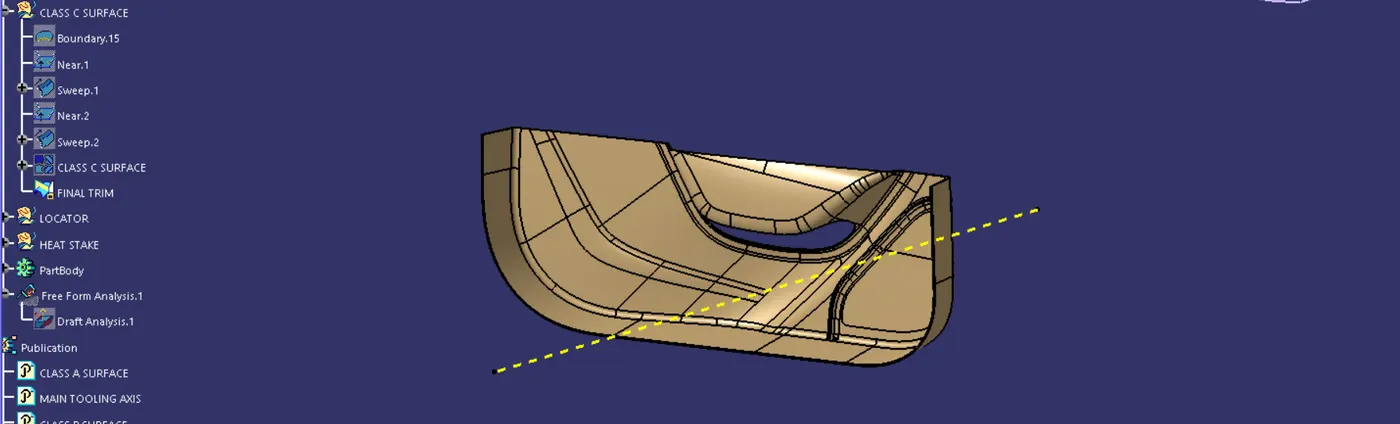
We then took the final trim to the product workbench and used the closed surface to thicken the Class C surface and then did the draft analysis, we dragged the compass fixed it to the tooling axis and then checked for any undercuts and we achieved an all green surface.
Step 5
In this step we created the 4 way locators for the doortrim applique, at first we took the B surface and extracted it and then started to sketch the 4 way locator and by giving it the appropritate height and thickness of 1.5 mm using the pad command and also gave it the draft angle of 0.5 deg and completed it by giving it a edge fillet of 3 and 0.3 and uni trimed it with our closed surface. Before that as two four way locators were necessary the same was copy pasted and one of it was translated with point to point translate and then both the body was copied and assebled into one body.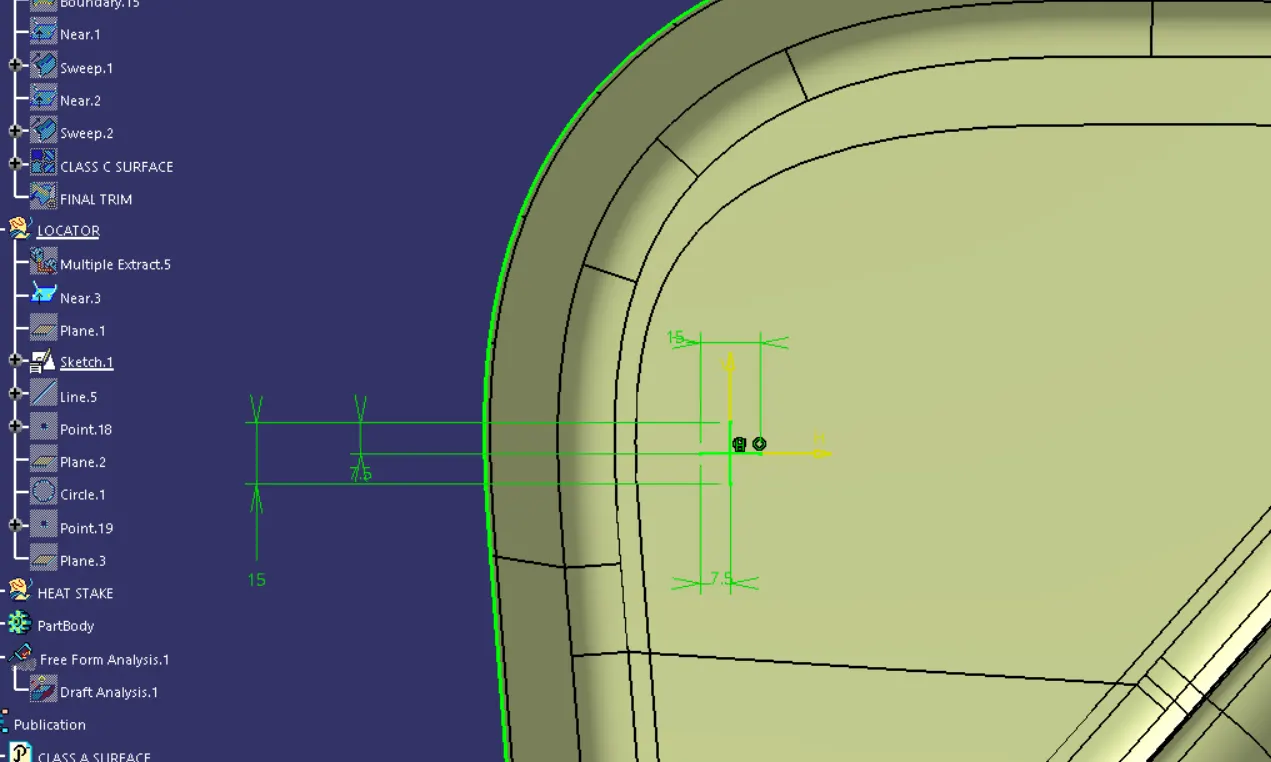
Step 6
Here we concluded by creating the Heat stakes of, 7 outer dia and 5 inner dia and thickened it using the pad function on the sketch these were done on the extracted B surface and later uni trimed it with the closed surface before that we copied and pasted the body of the heat stake several times as we had to translate it to many points. All of them were then assembled under one main body .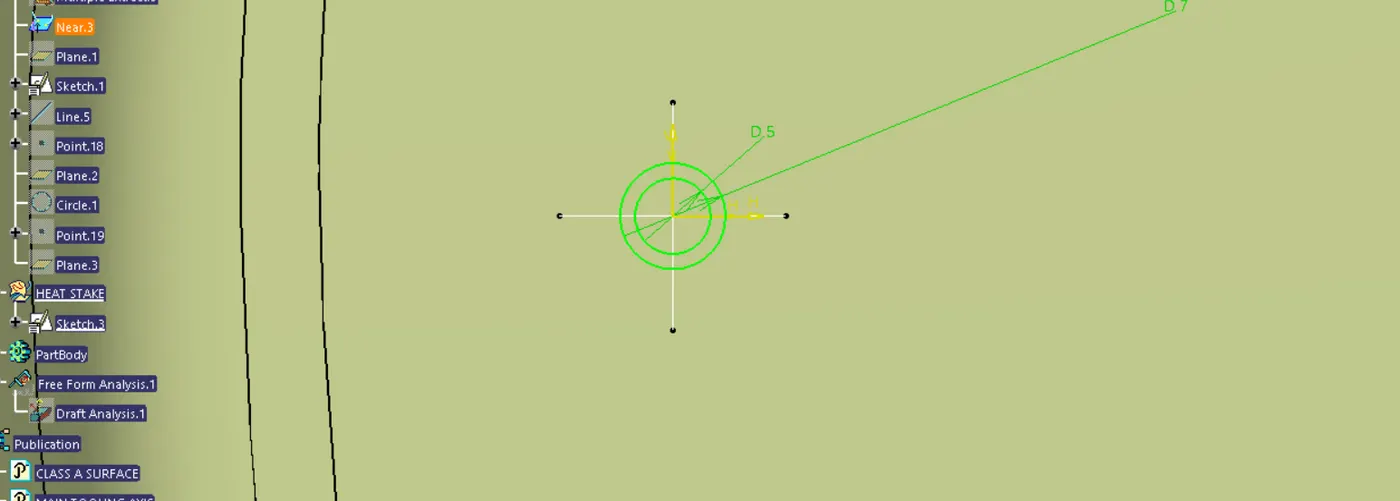
Completed it by checking for any undercuts by doing the Draft analysis and we got an all green body.