Week 10 - Challenge 3 - Door Trim Lower with Engineering Features
Objective:
The main aim of this challenge is to create a solid body of Lower Door Trim by using part design and generative shape design workbench in CATIA V5. This is created with the help of closed surface and to create Heat stakes and locators considering the design rules.
Overview:
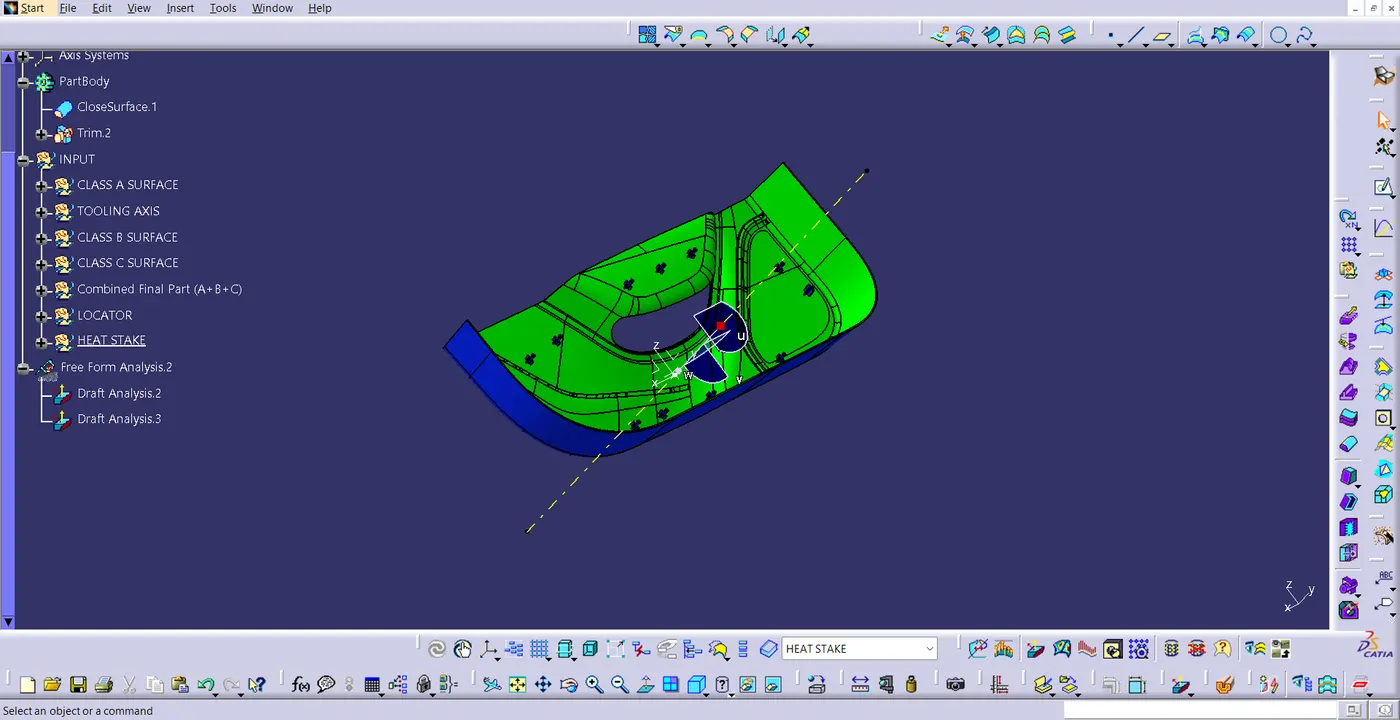
To begin with this, a tooling axis is created for the Class A Surface, meeting the requirement of draft angle. After that, I created the offset of Class A Surface in the inner direction to the thickness of 2.5mm. Next, I saw some patches in the created offset. The main reason for the patches is fillet on the Class A Surface. Once the patches are cleared, I joined them to create Class B Surface. Then, sweep the boundary of the Class A surface, so that, i can create Class C surface. After Class C Surface is made, Join all the three classes to create a closed part. Then, In Part design workbench, closed surface command is used to create solid part. Now, after creating this, Locator and Heat Stakes are made. Finally, I performed draft analysis to check whether all the surface are drafted properly or not.
Class A Surface:
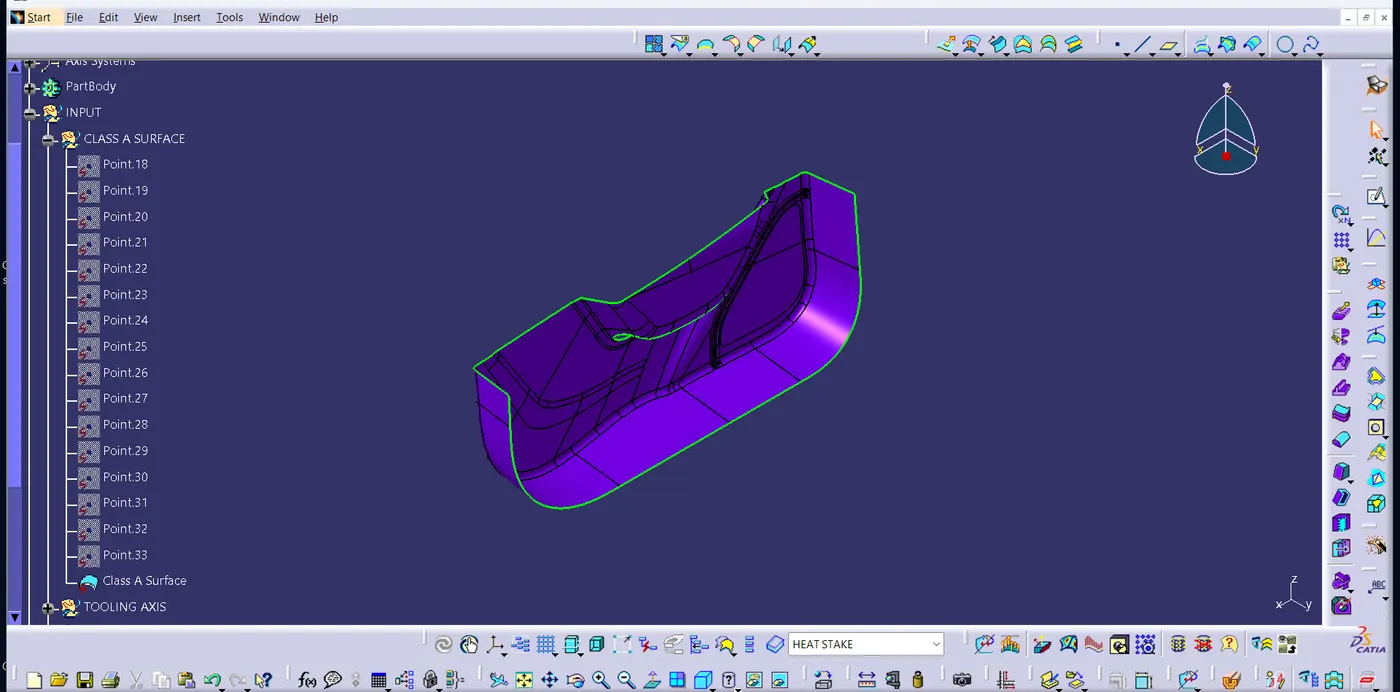
The image given below the draft analysis of Class A Surface.
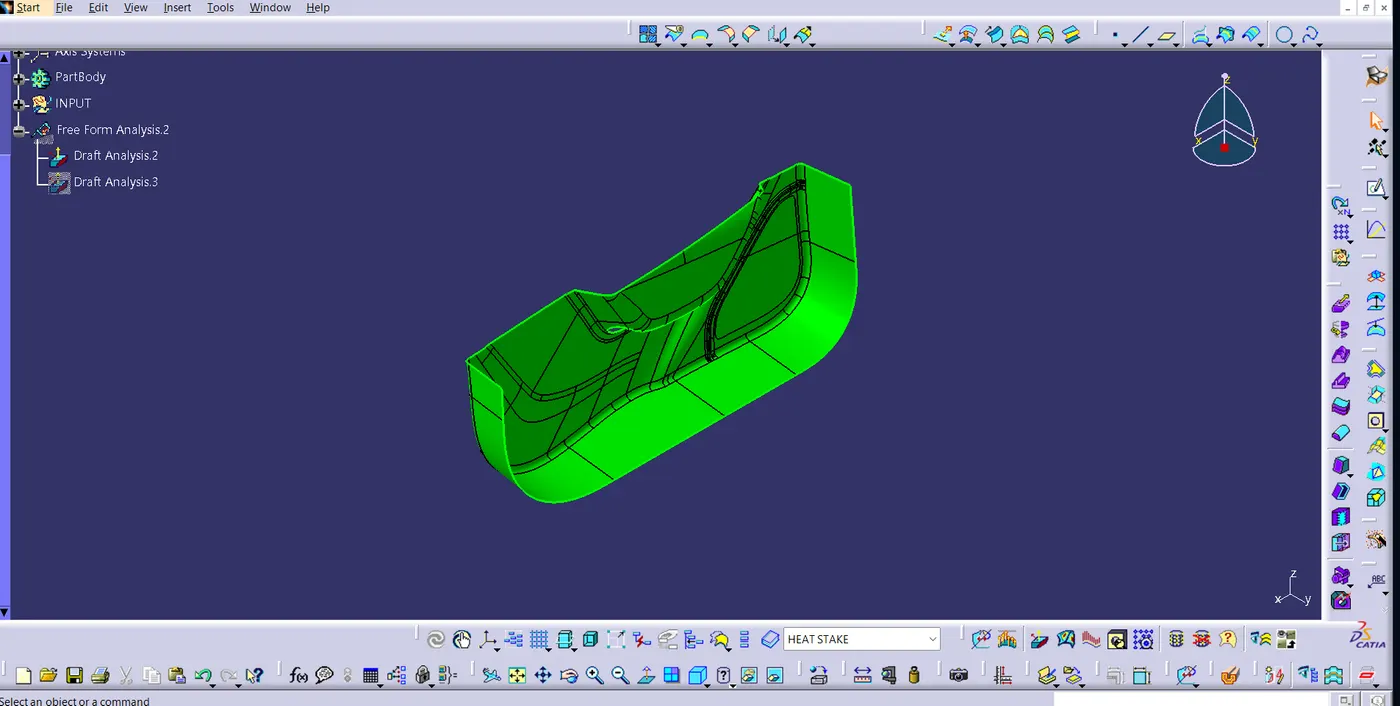
Class B Surface:
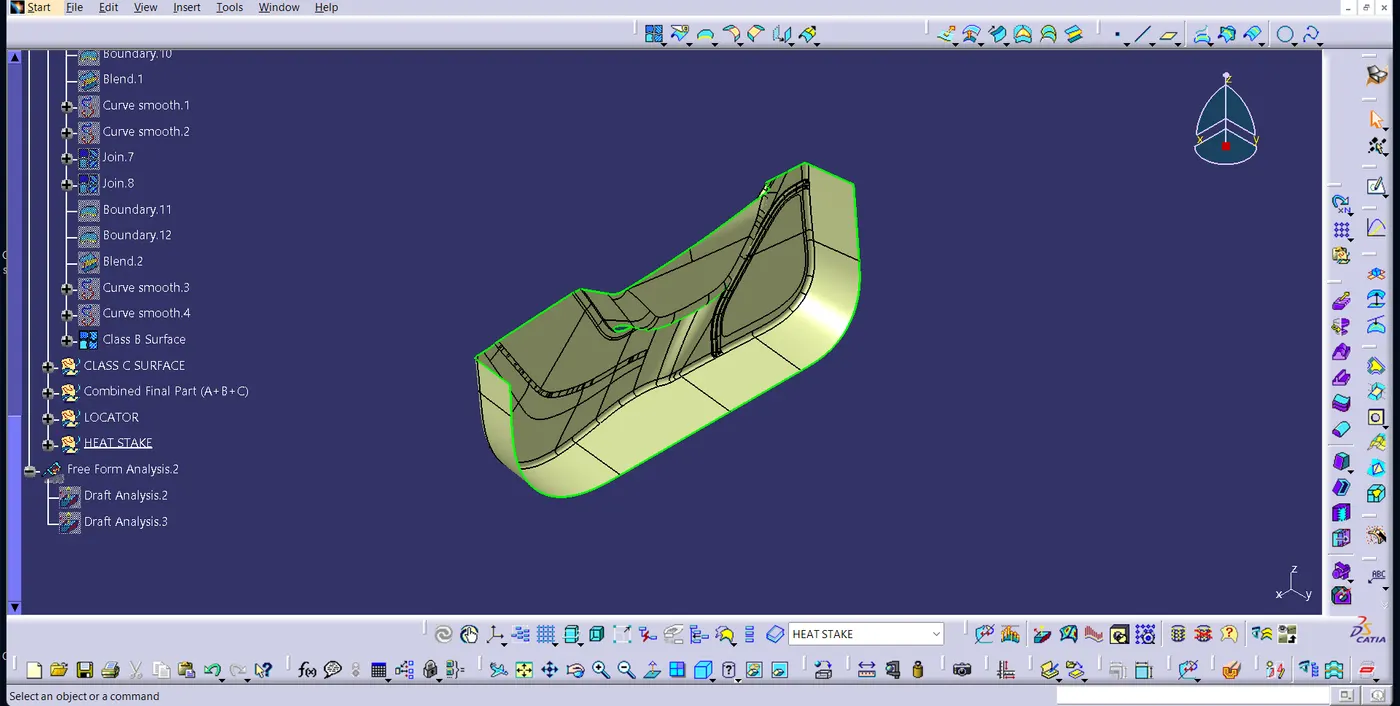
This image given above is the B surface after the patches are cleared.
Class C Surface:
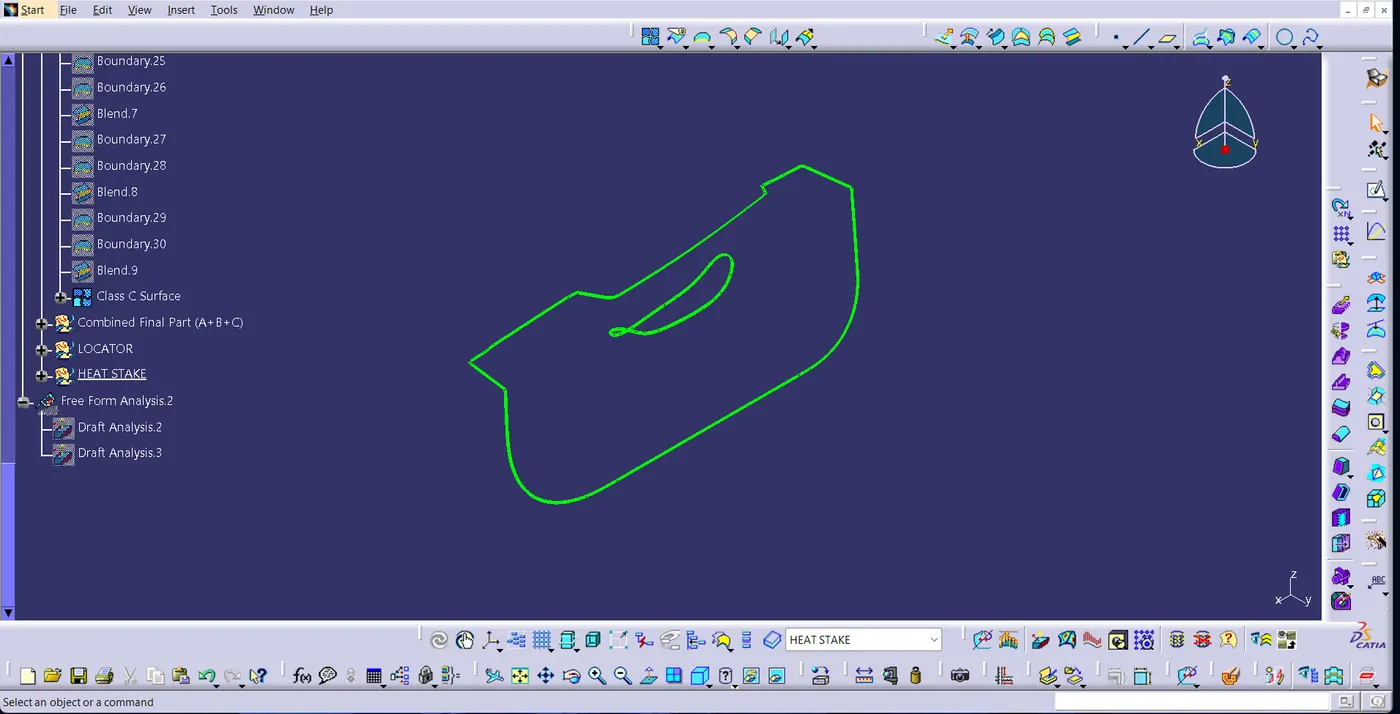
Final Combined Part
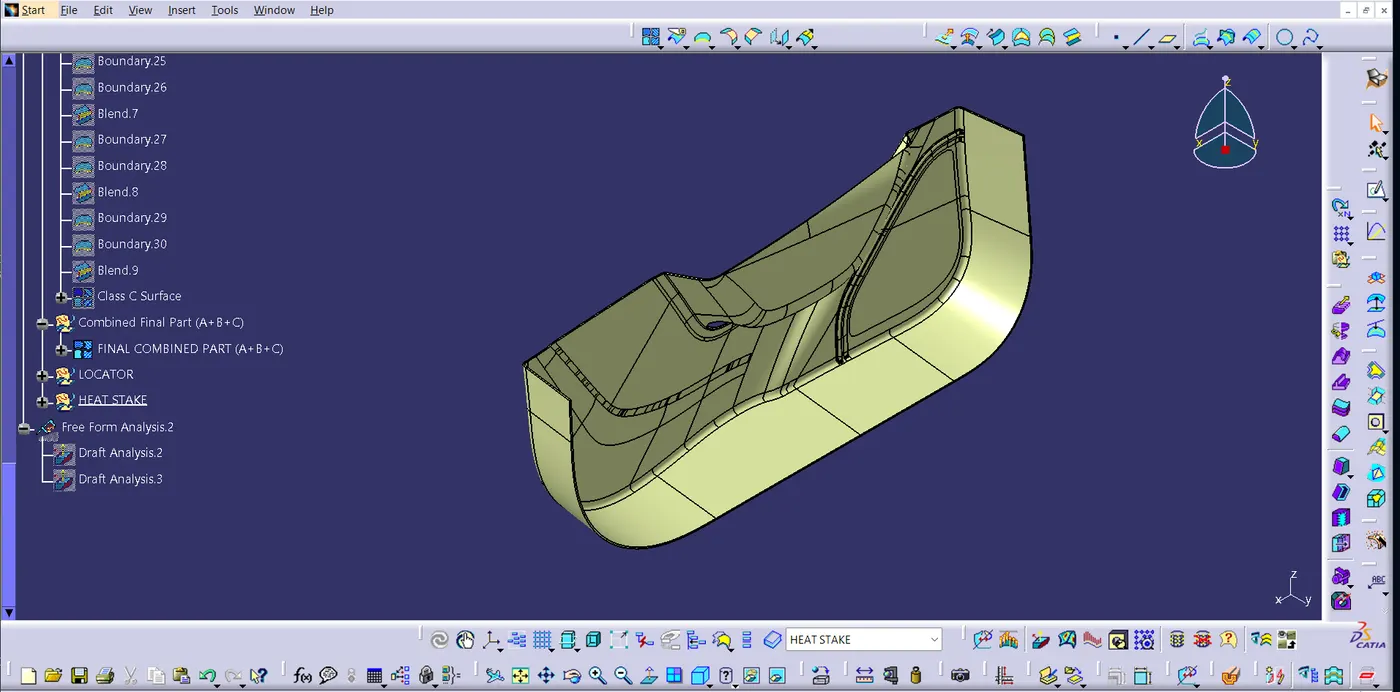
This the image of joined closed part (joining A+B+C).
Final Door Trim with Locators and Heat Stakes:
Isometric view:
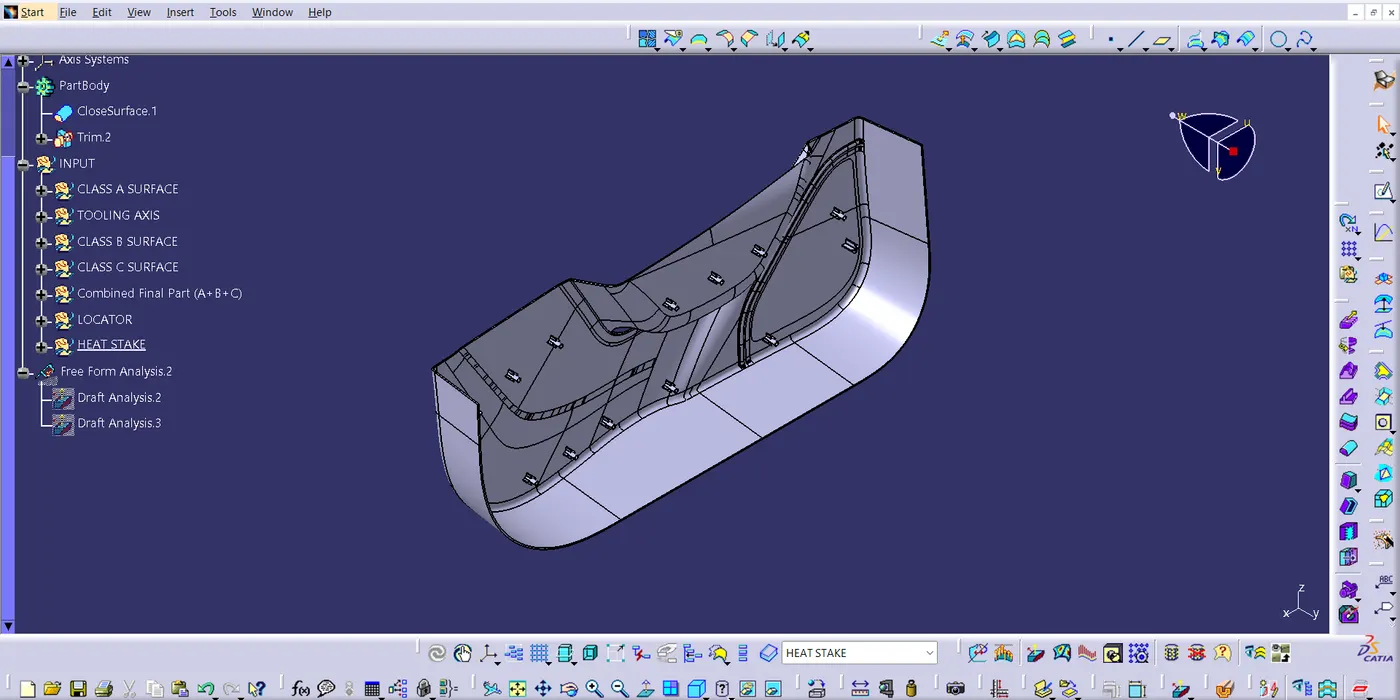
Front View:
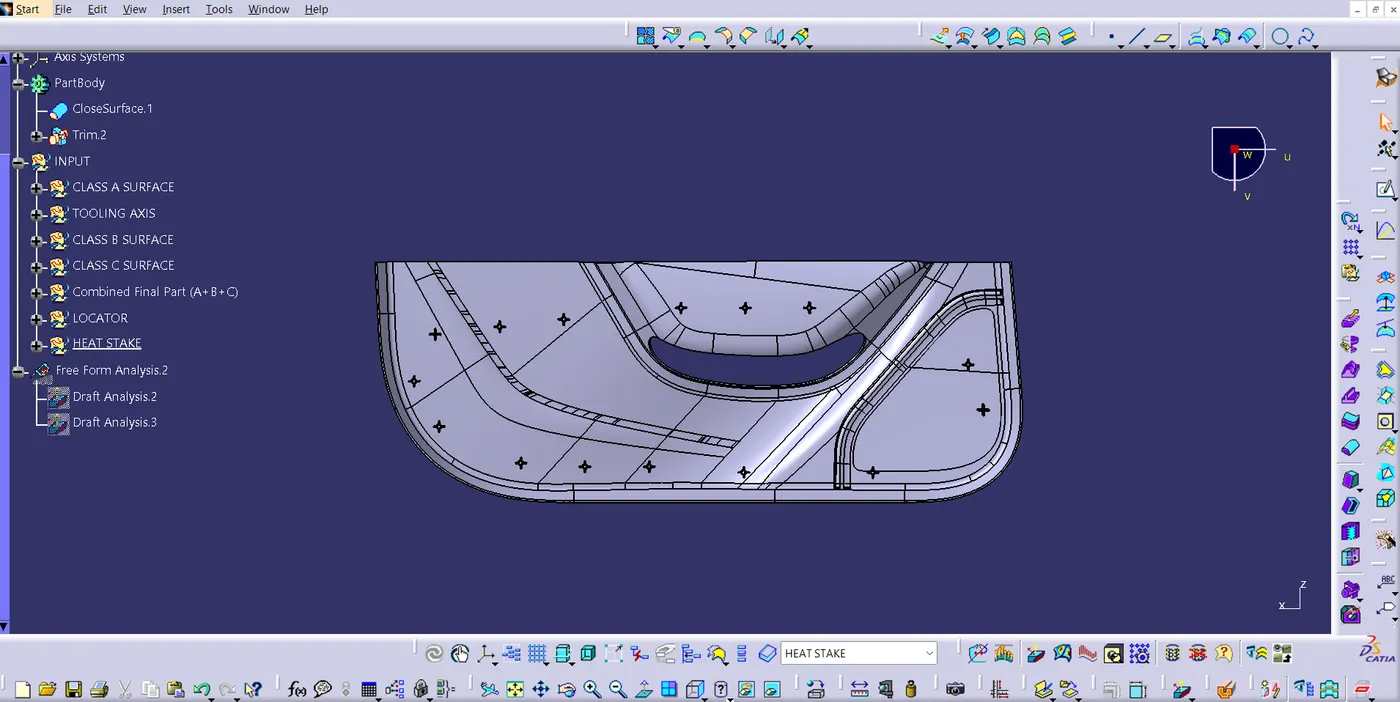
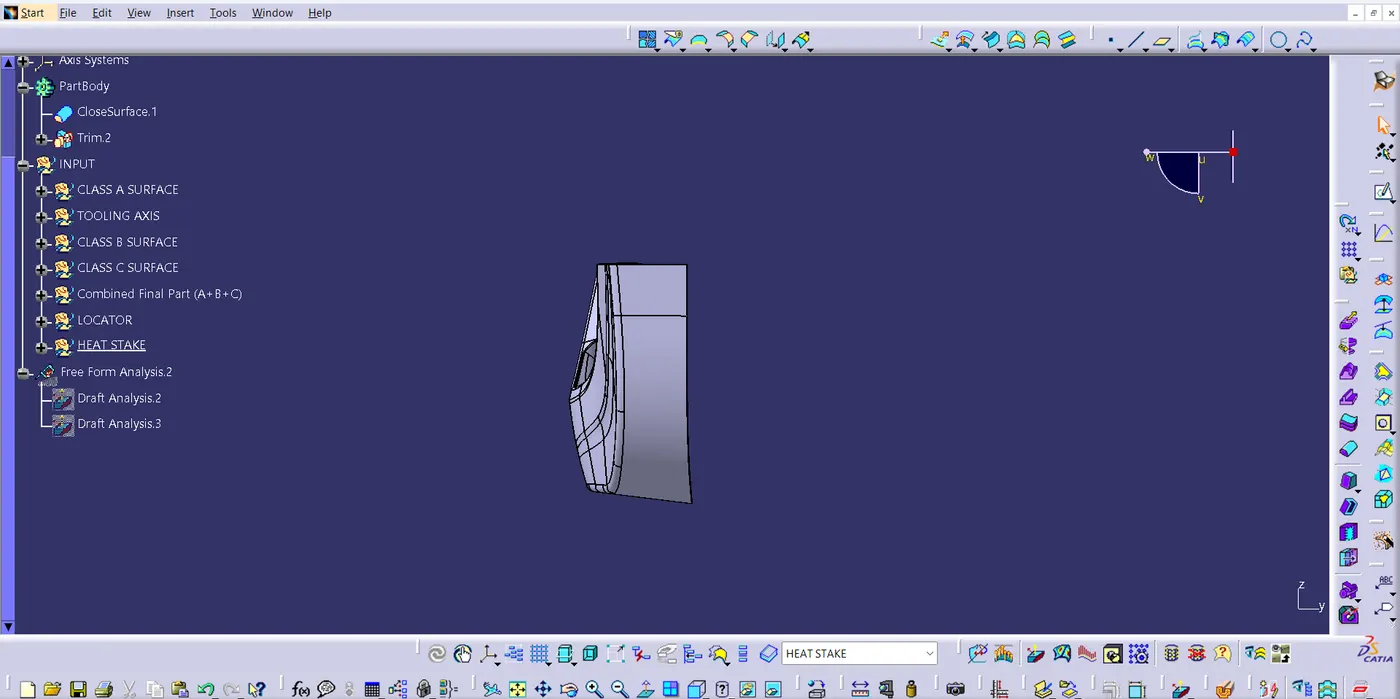
Left Side View:
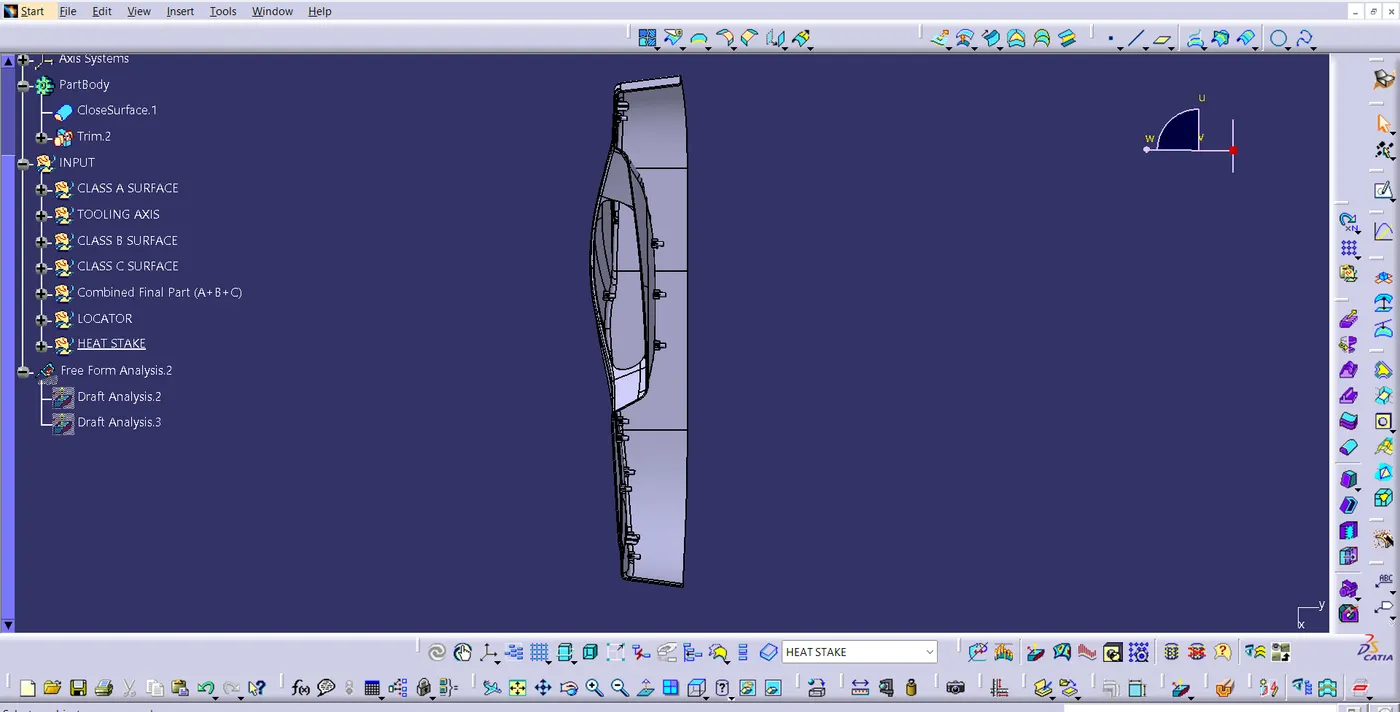
Top View:
Draft anlaysis:
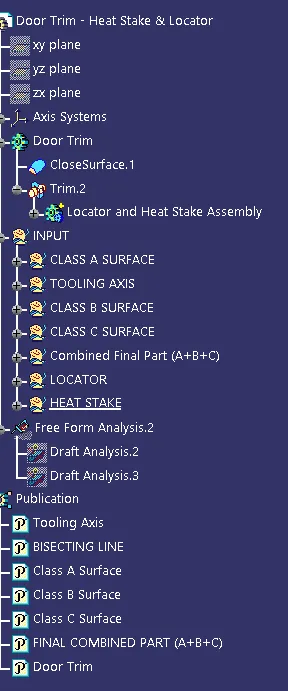
Tree Structure: