Week 10 Challenge
1. Based on the analysis design RC column and beam.
AIM: To design RC columns and beams based on analysis.
TOOLS USED : Frame, structure window, Analysis(static check),1st order linear, interactive design.
PROCEDURE :
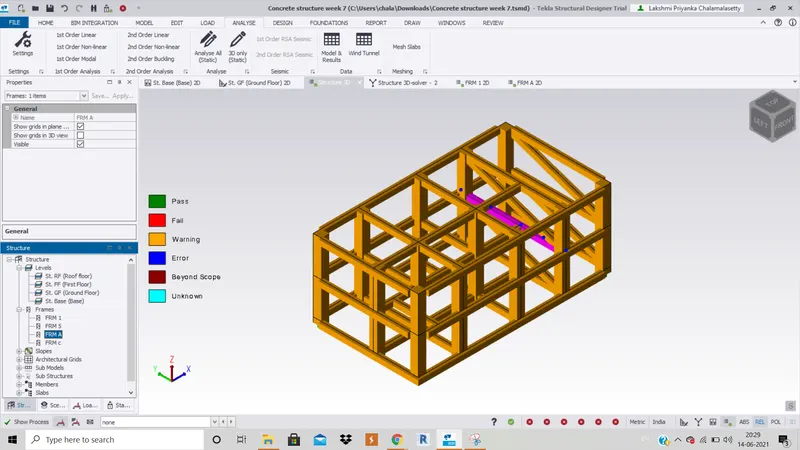
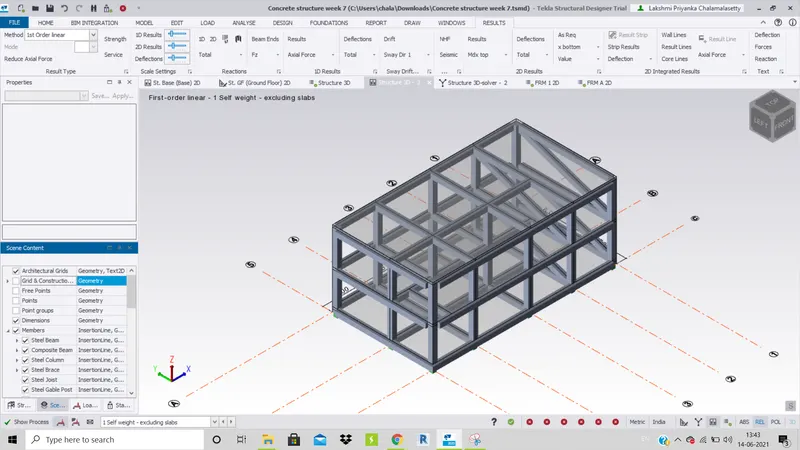
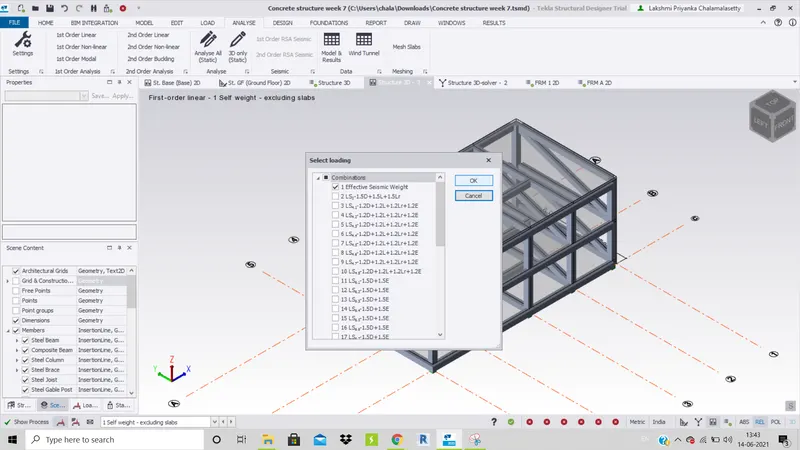
1. Open the previously created file in TSD and and perform 1st order linear analysis.
2. Open any frame(frame 1 is opened here).
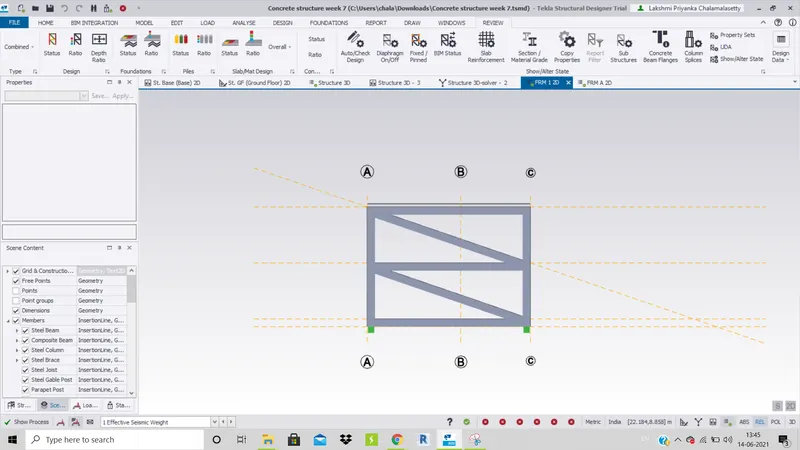
3. Select one of the beams or columns right click and click on Interactive Design and see if the beam or column passes i.e., all the beams have tick mark.Perform analysis(static) before doing this.
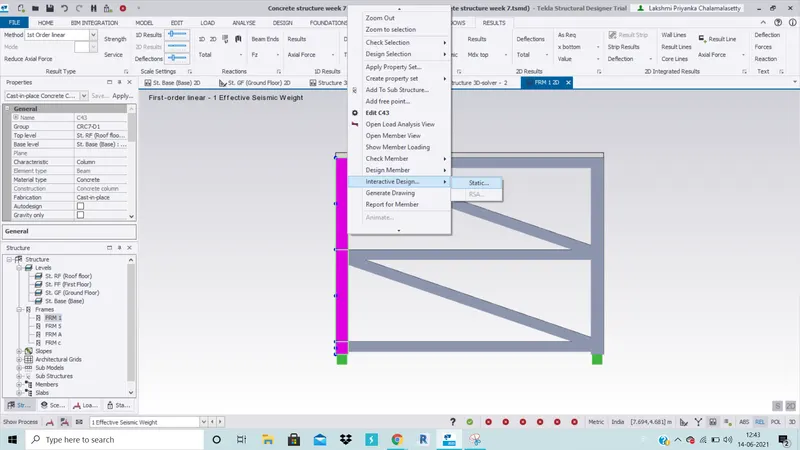
4. If the member fails, observe the problem and solve it accordingly.
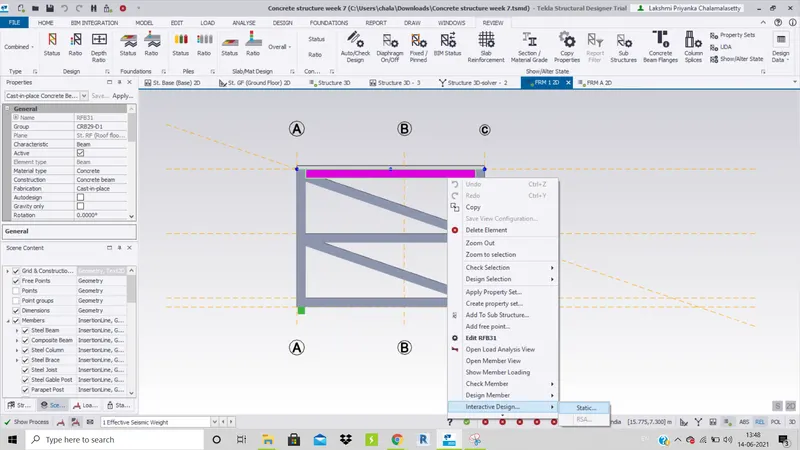
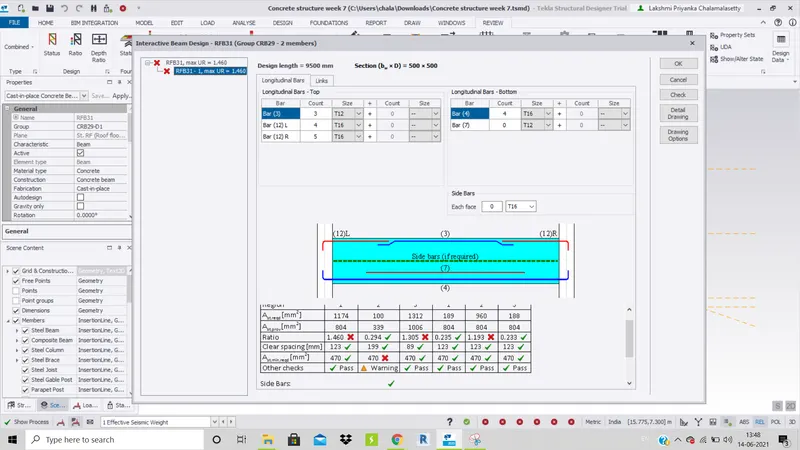
5. Here the issue which i got is solved by increasing number of bars and size of bars in the longitudinal bars.
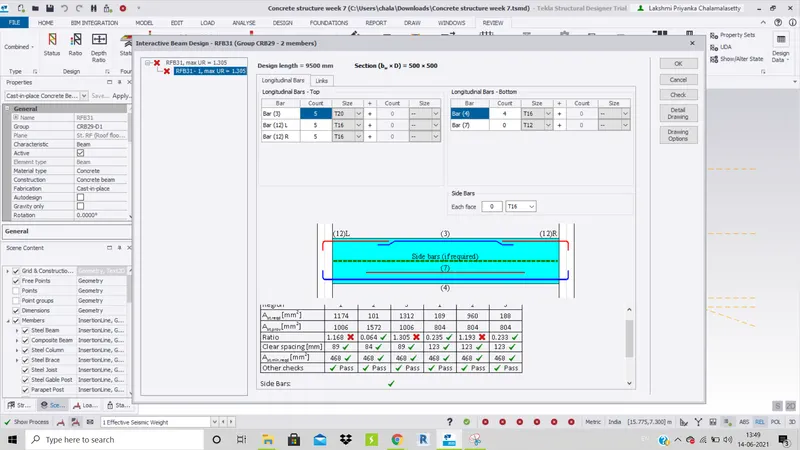
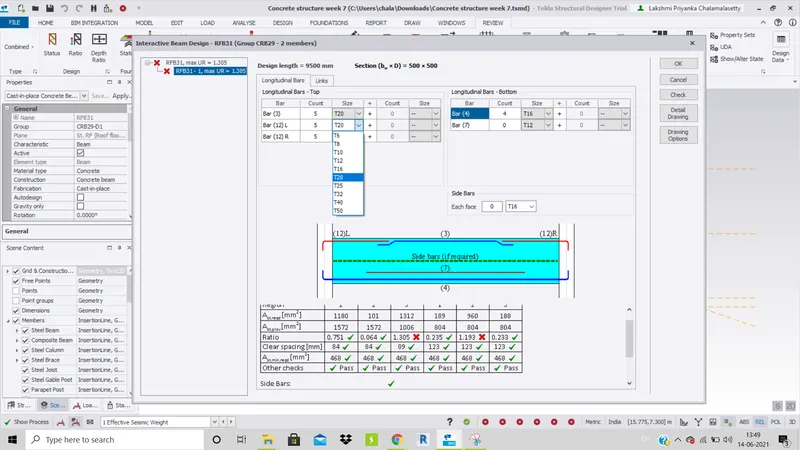
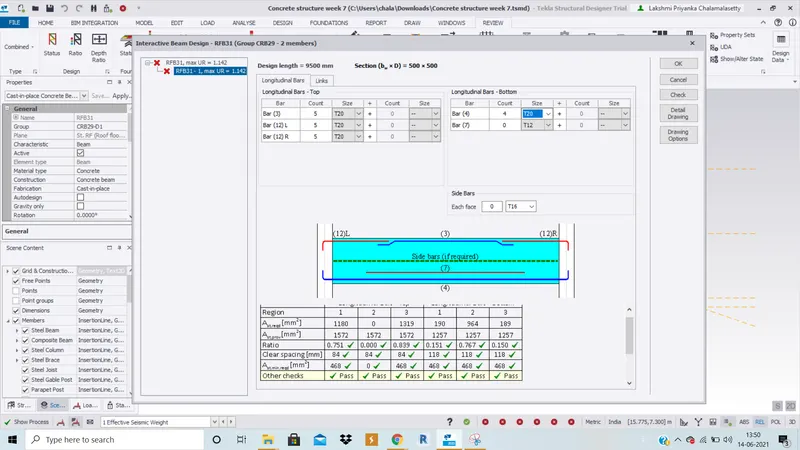
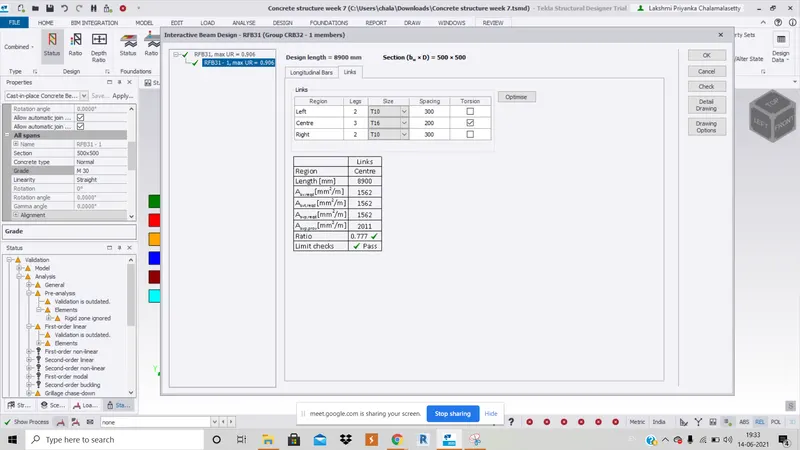
6. For error in links tab, change the number of legs and size of members and click ok. The number of legs for left,centre and right was found to be 2,3 and 2 and spacings were found to be 300,200 and 300 for a correct beam. Hence we copy the correct member details to failure member details to correct the wrong members and click ok.
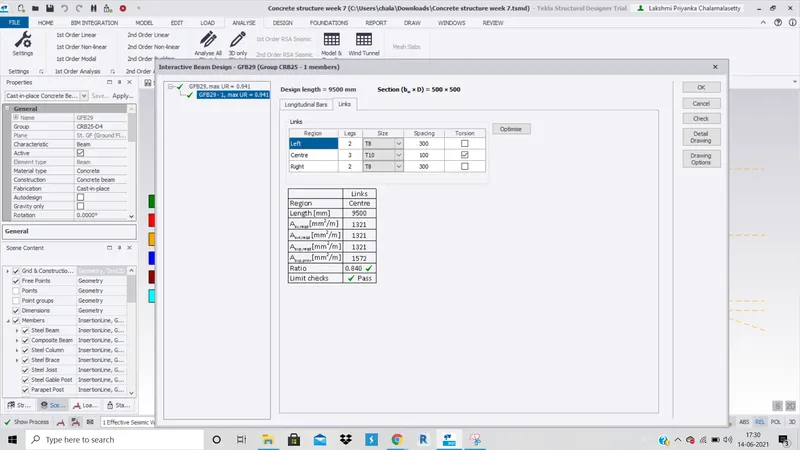
7. Continue to do the same process for all the beams and columns until the whole structure's members are passed.
8. Check the view of 3D structure if the members are passed or not.If there are red colour beams in structure it means they have to be verified and corrected.
RESULT : The whole structure is designed as per the analysis result.