Week 10 - Challenge 2- Attachment Feature Creation (Dog House)
Given A-Surface
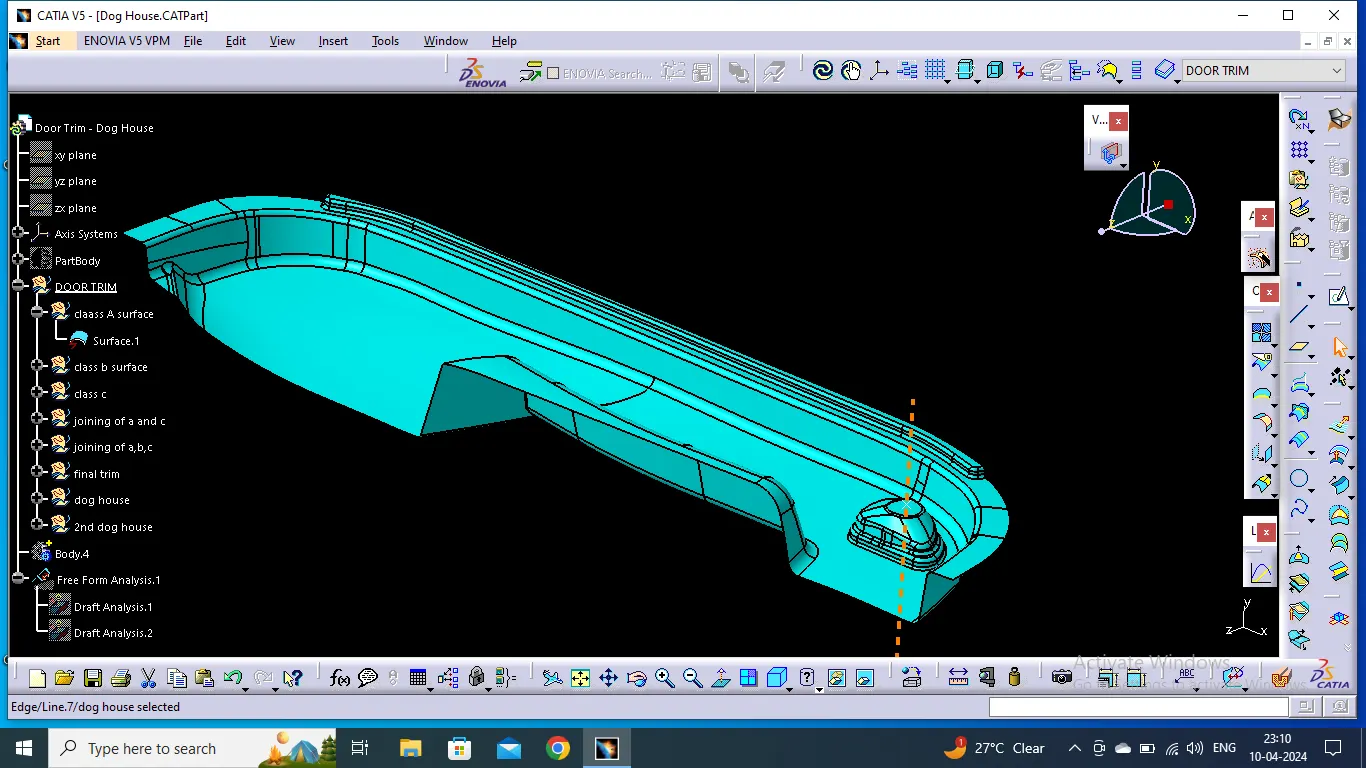
Tooling Axis Creation
To create Tooling Axis we took center of the circle to create a line from the bulging on the surface.
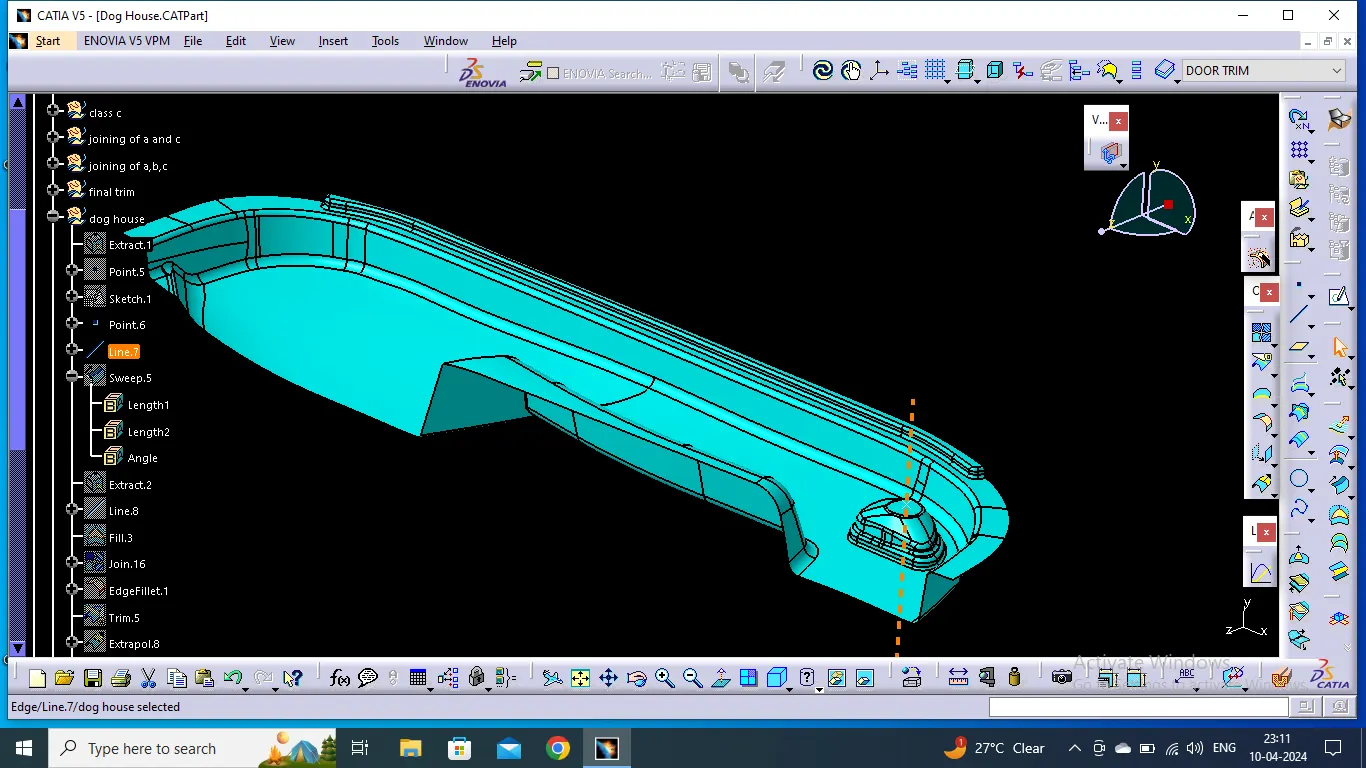
B-Surface Creation
To Create B-Surface :
- As per the given thickness, the A-surface was Offseted in the direction of tooling axis using offset command.
- If there was still some pathes left out , it was rectified by using multiple extract, splines and fill commands.
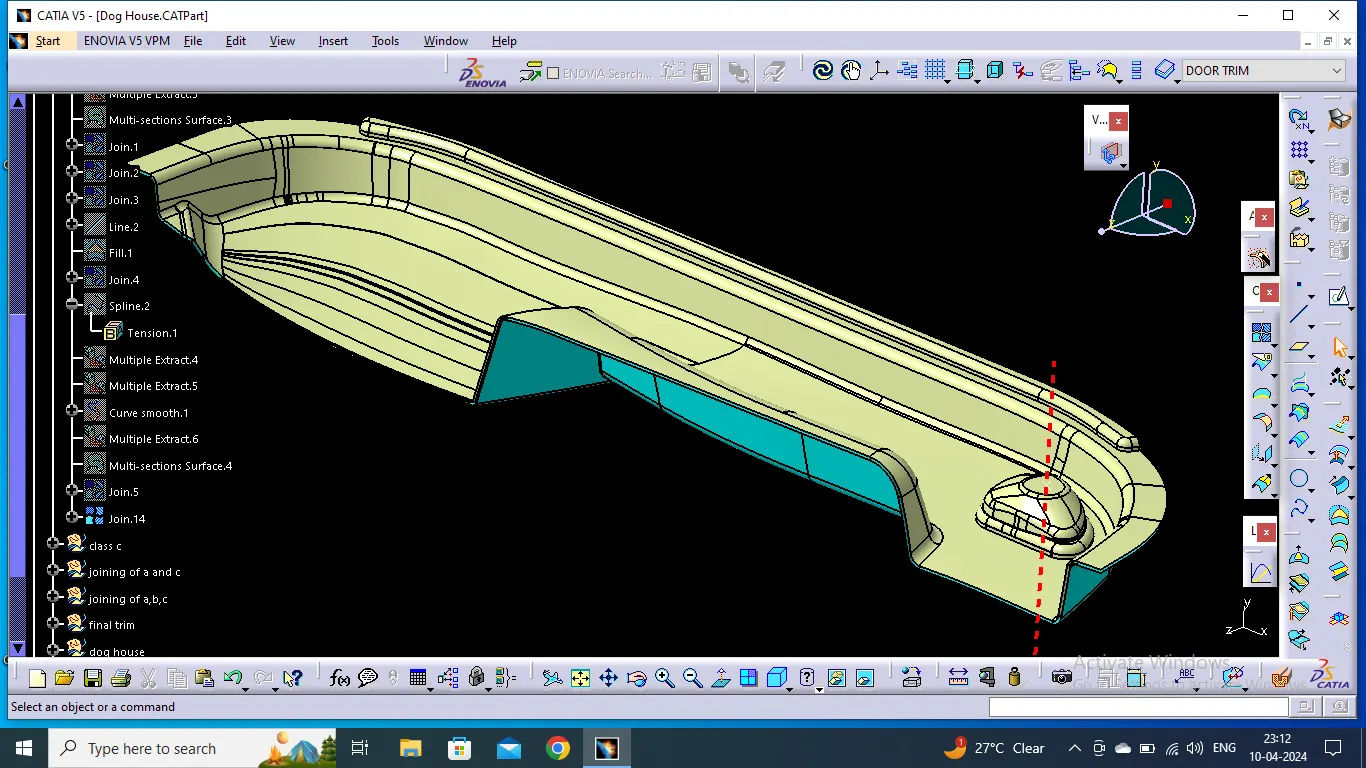
C-Surface Creation
To create a C-Surface:
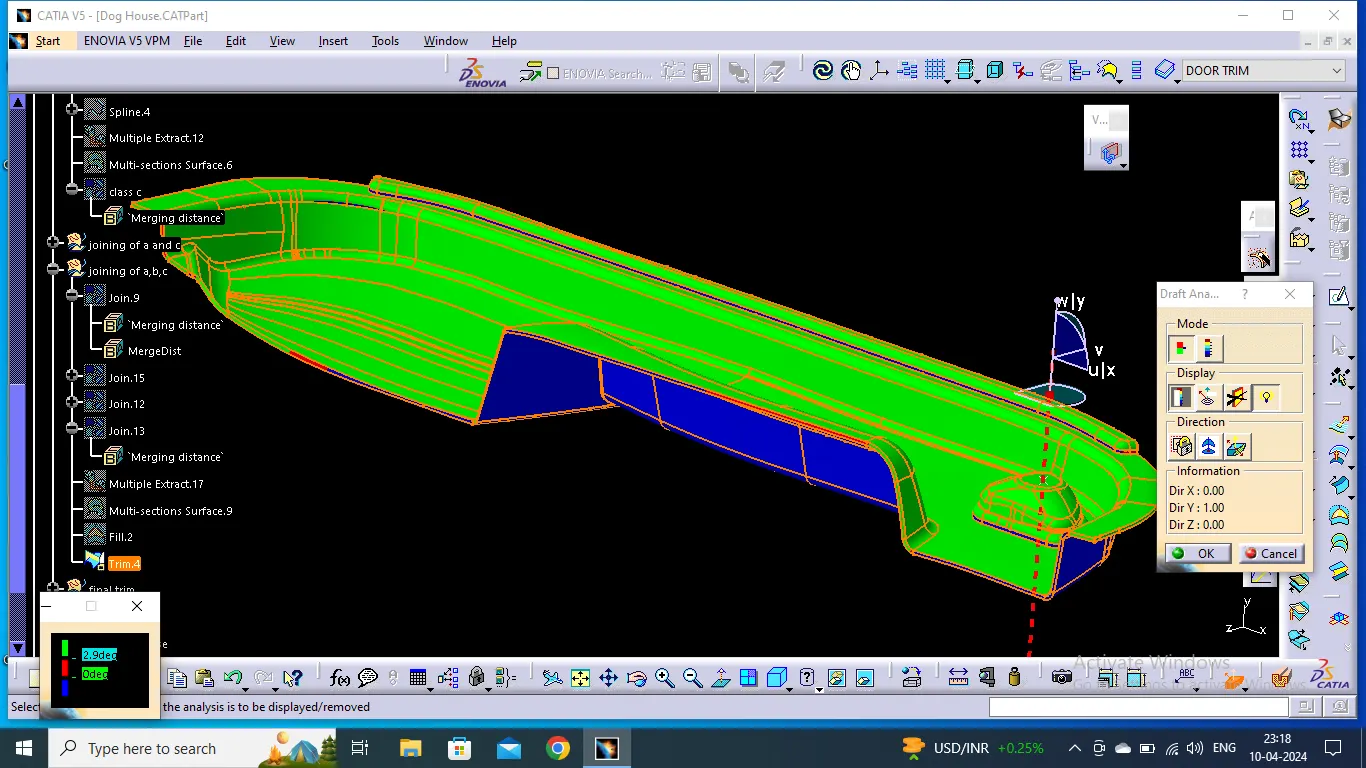
- Use of boundary command to extarct the boundary curves from A-surface to sweep in the parallel or perpendicular direction of tooling axis incluidng the draft angle (3 degrees ), if possible .
- If not possible anywhere, we tried to make out c-surface using multiple extarct and spilne command.
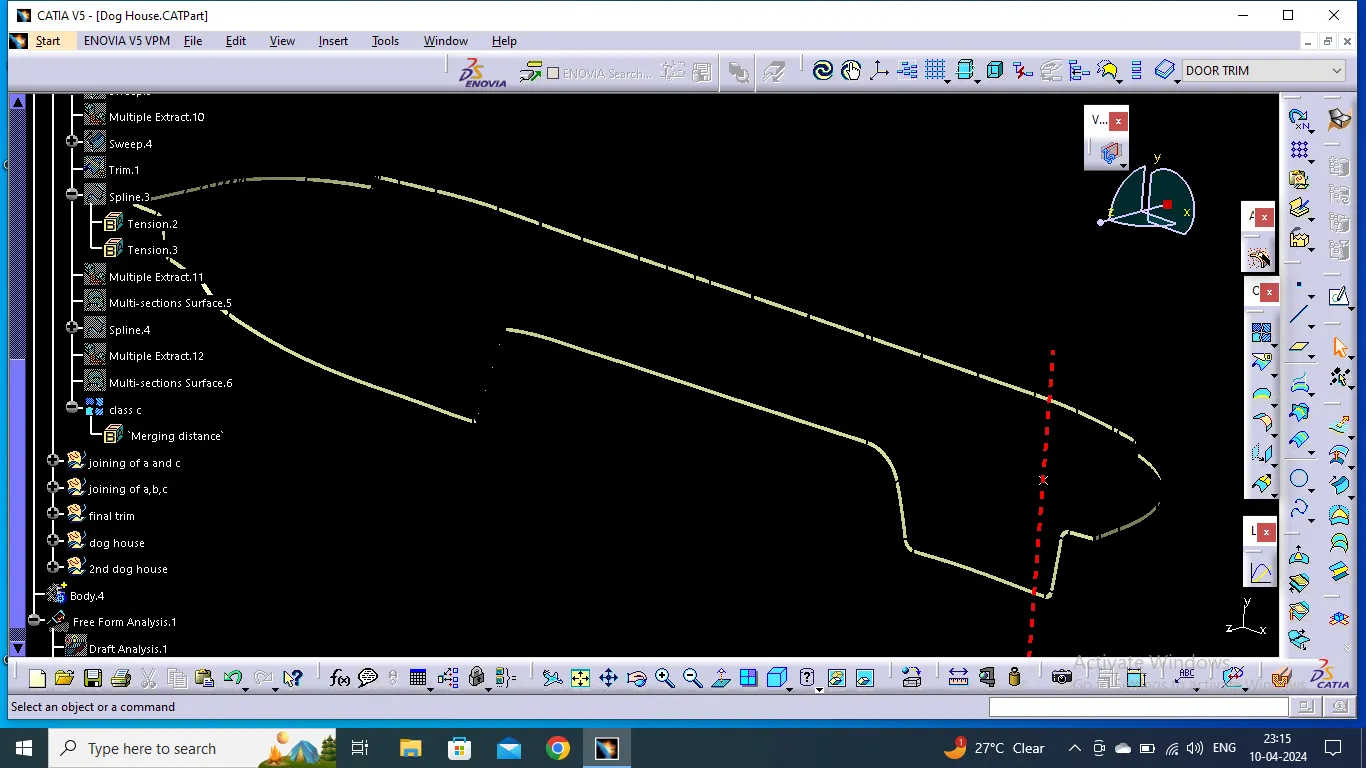
A-C Surface creation
When the C-Surface was created , we joined the A and C Surface using the join command.
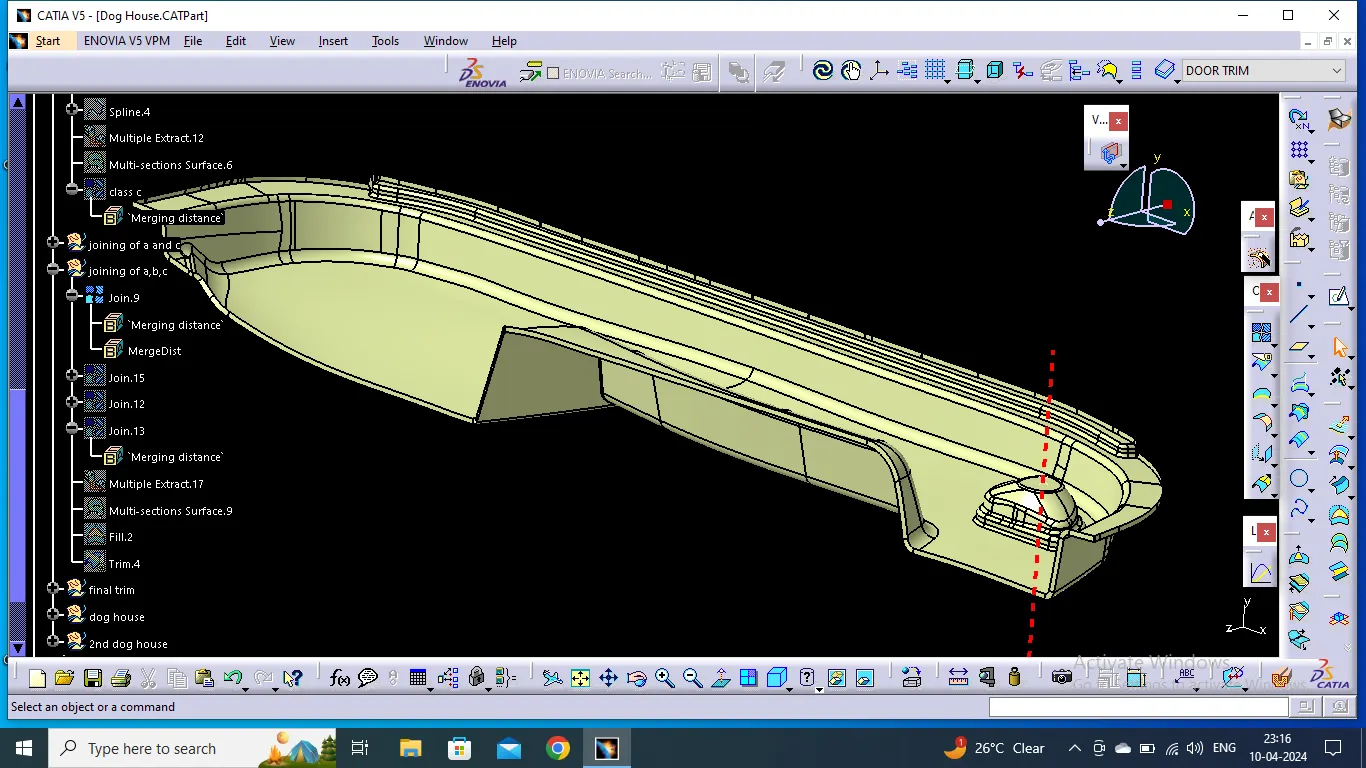
Close Surface Creation
Once A-C Surafce is created the B-Surface needs to get trimmed off using trim command to get Close -surface.
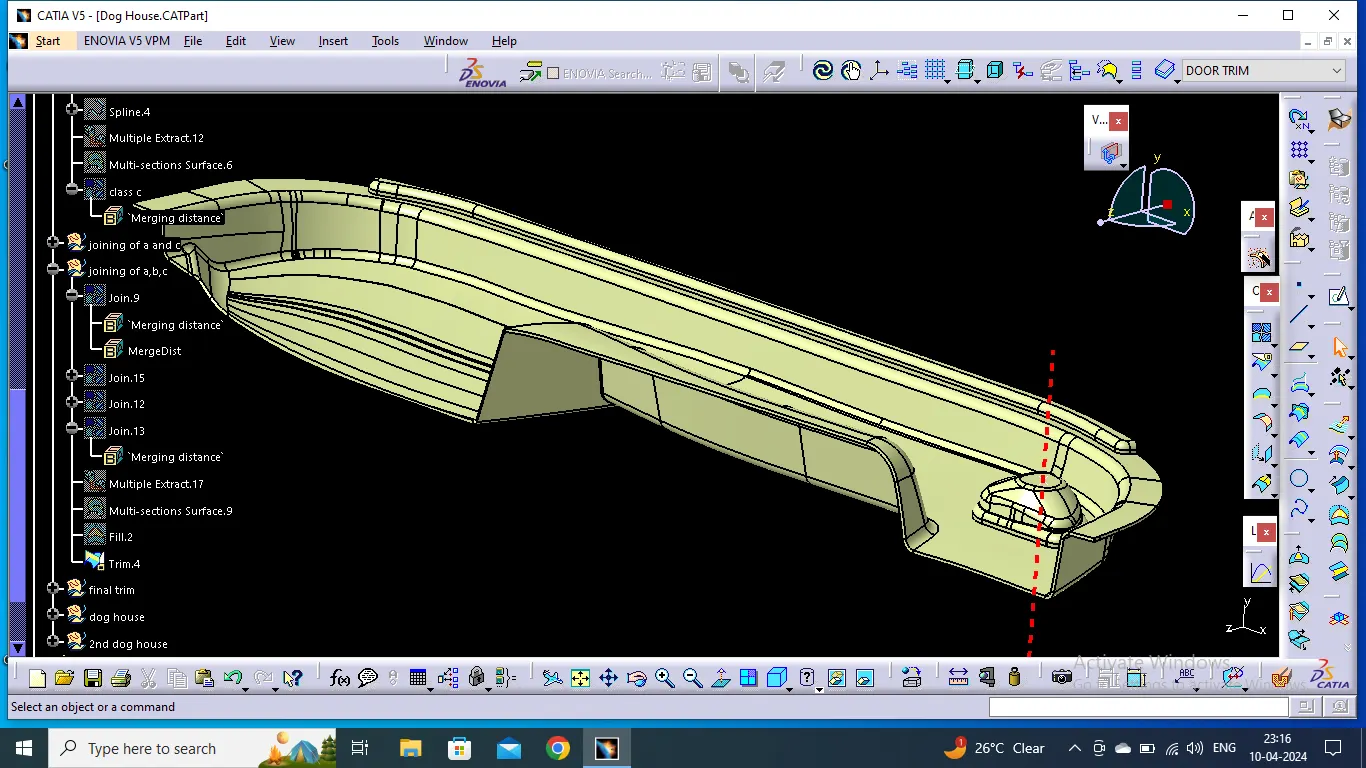
Draft Analysis on Close Surface .
Convert the Close surface into part body using close surface command in part modelling module.
Then Dog House was Designed as per the tutorial video guidelines at specified points.
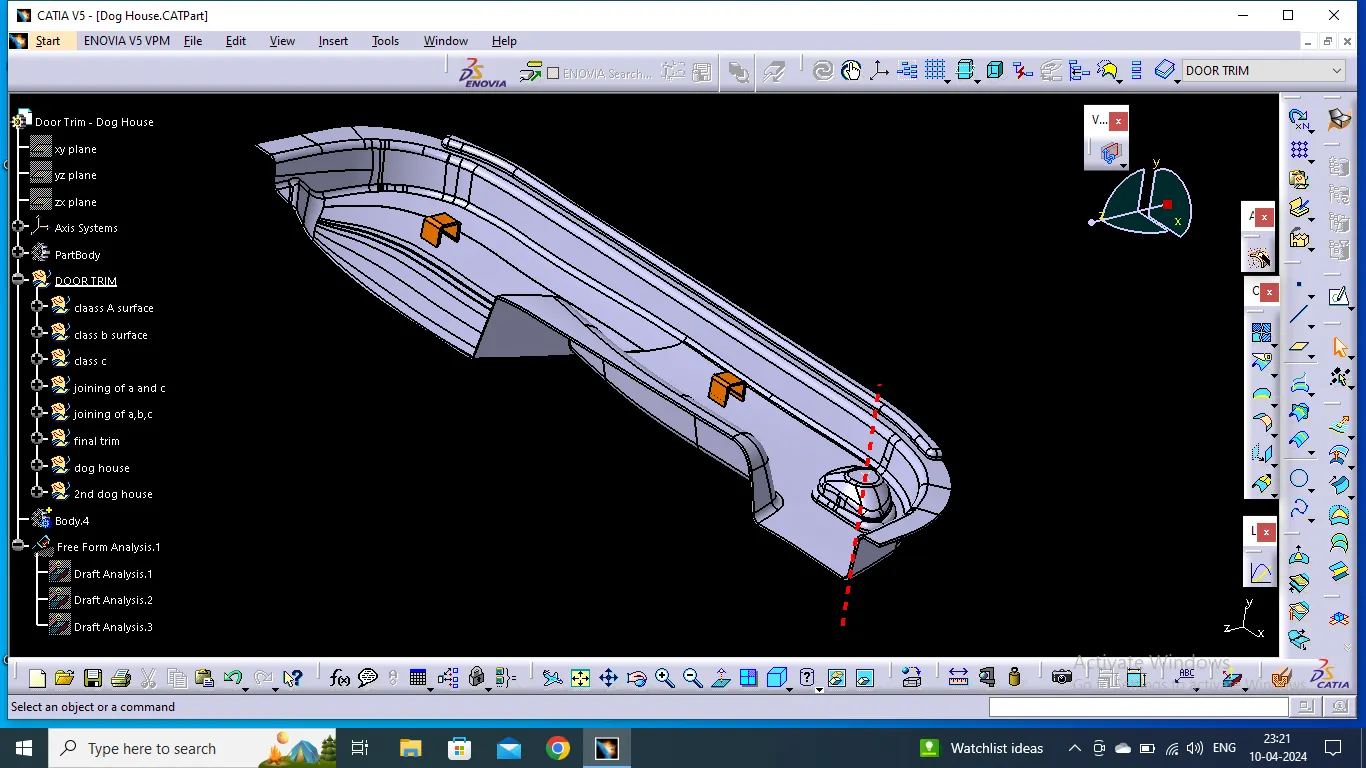
Draft Analysis with Dog House
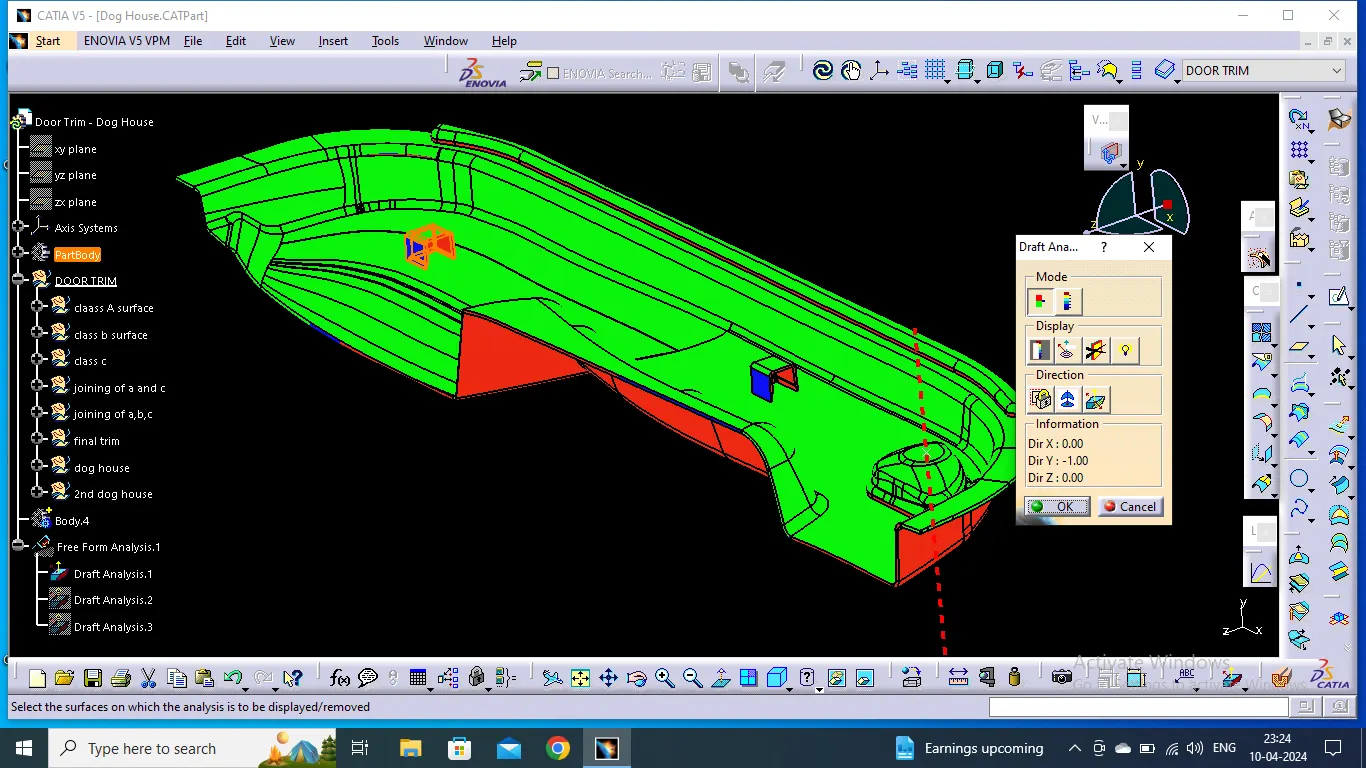
CAT Part file with screenshots have been attached inside the zip file below.